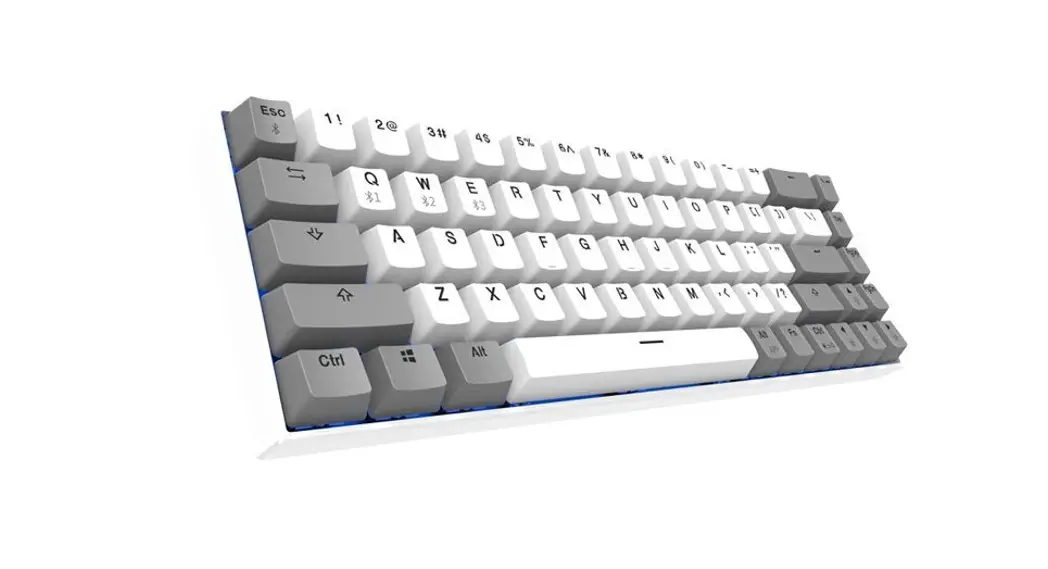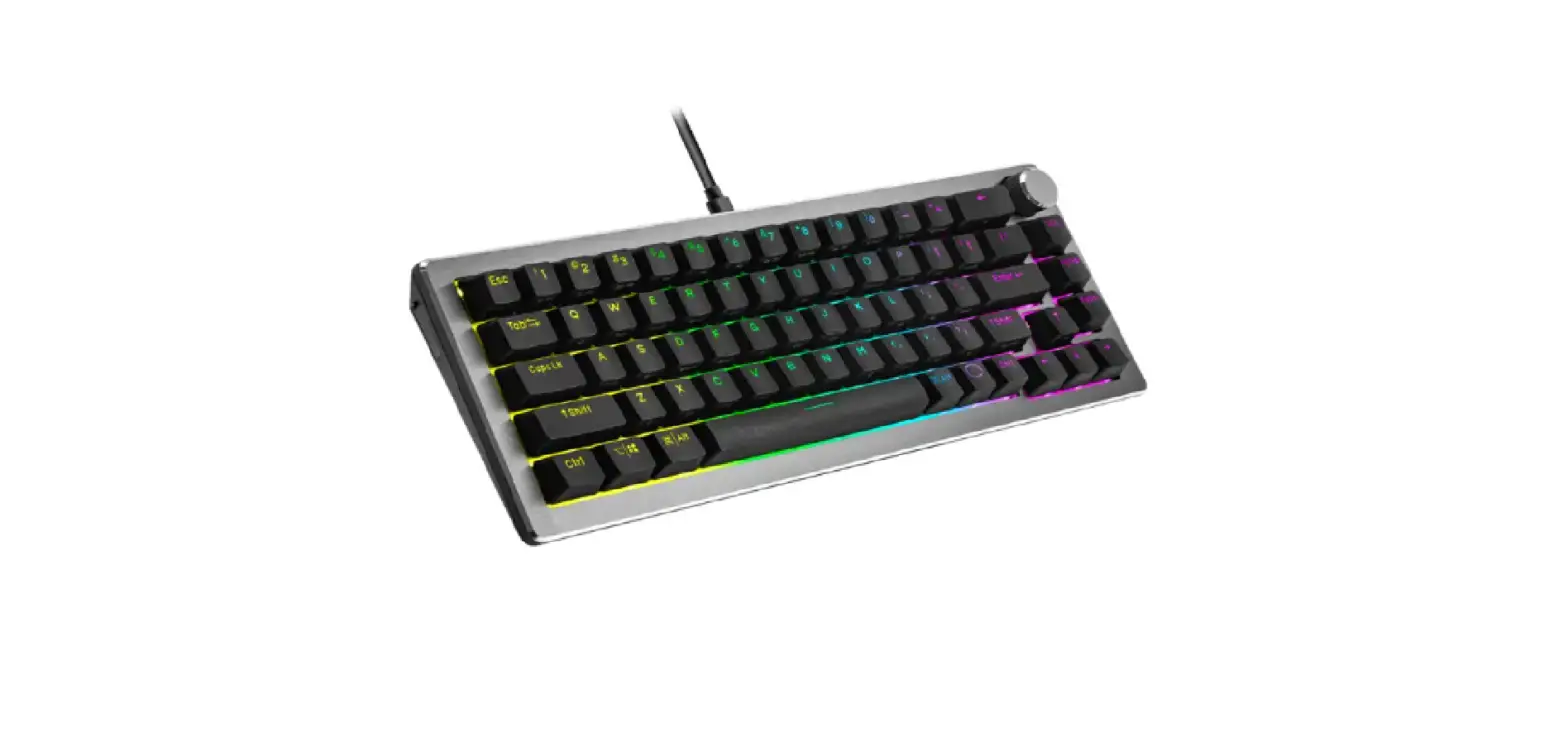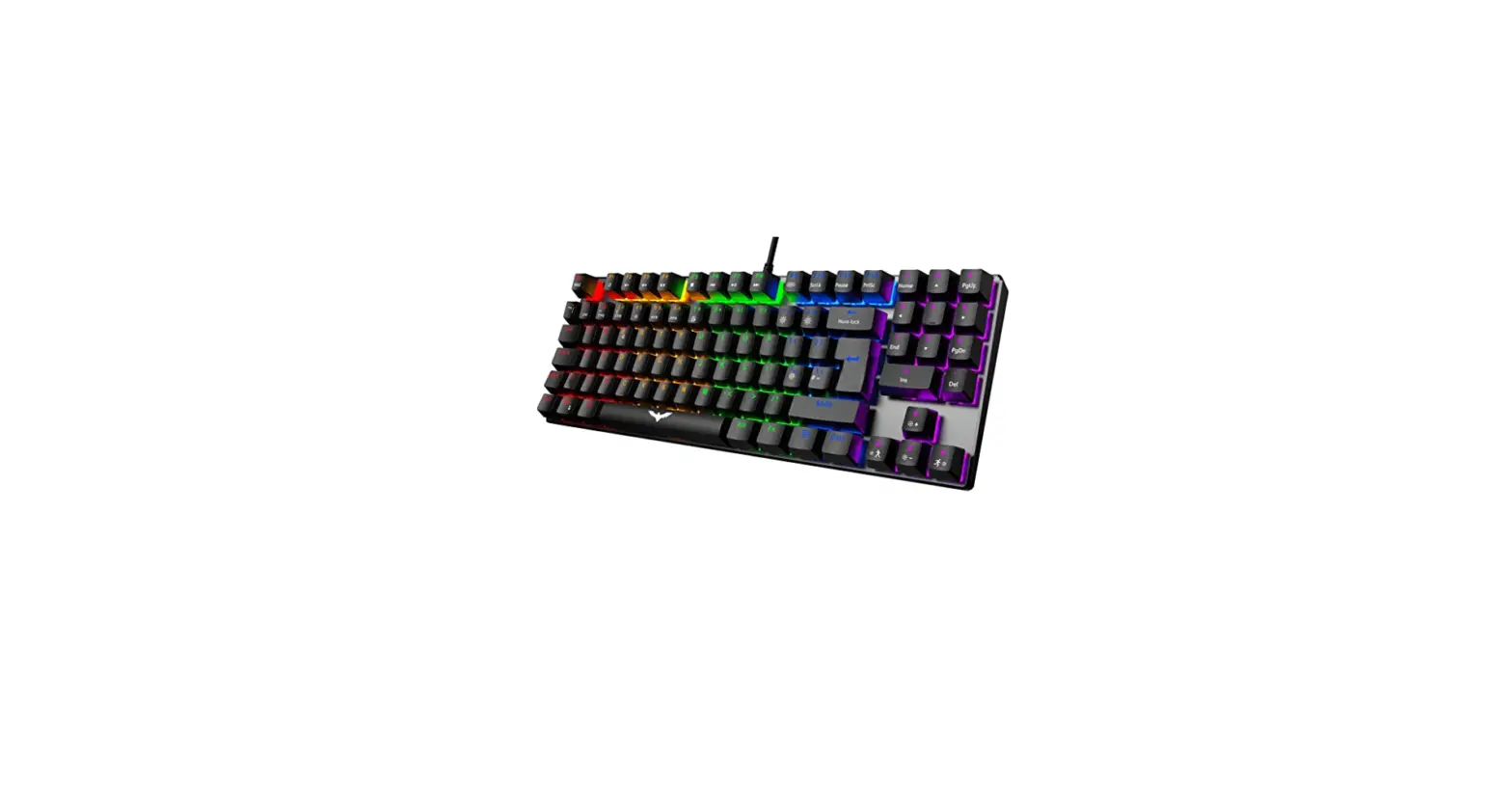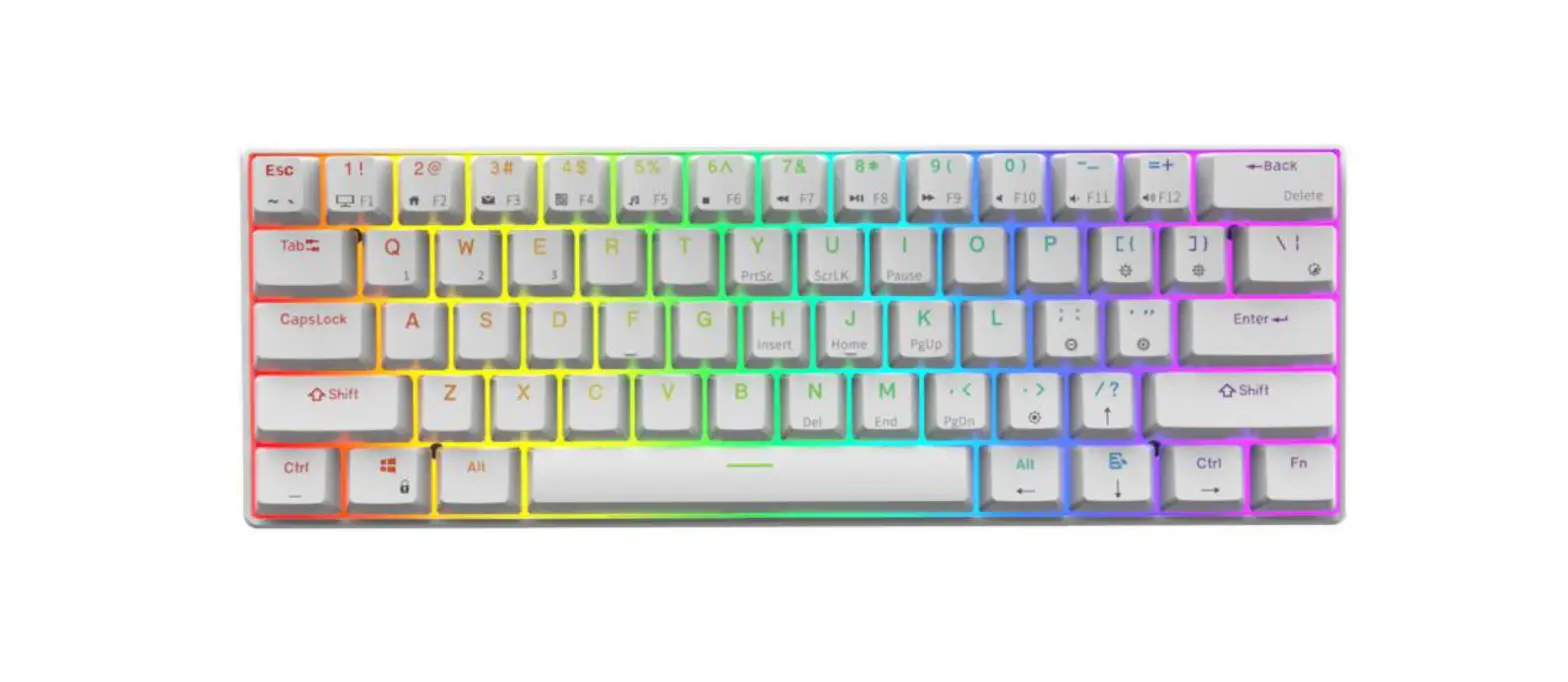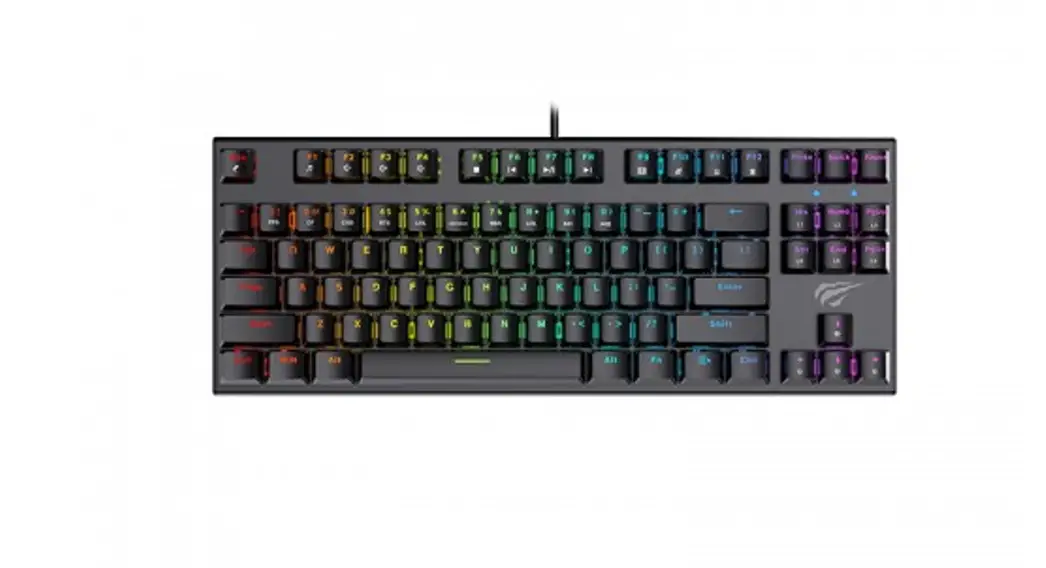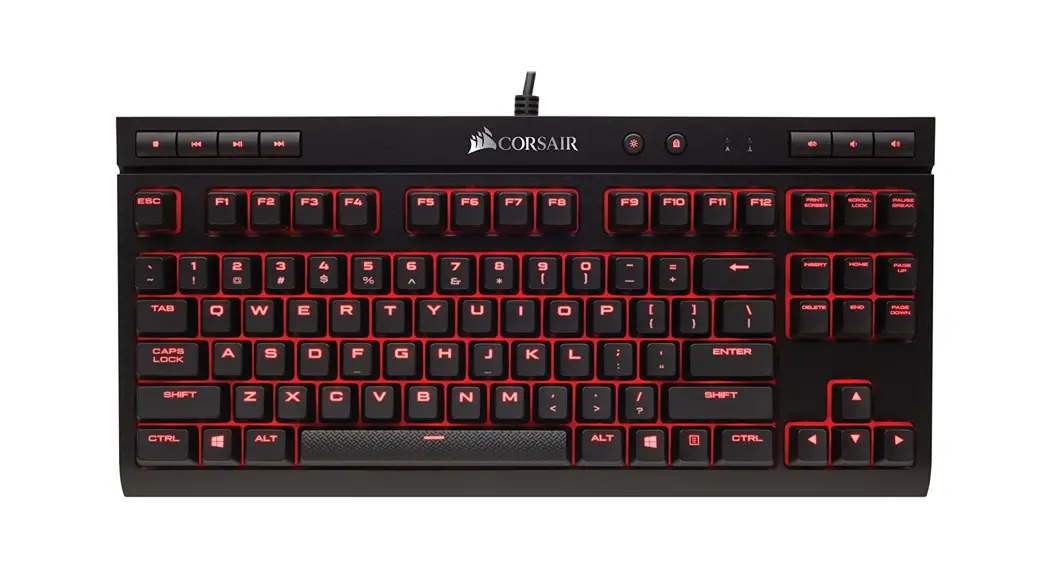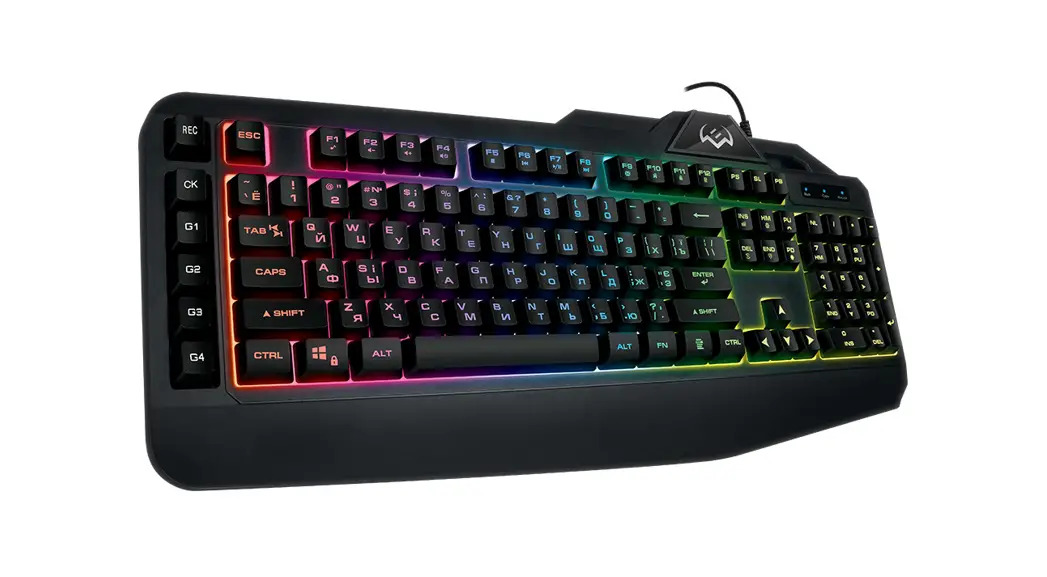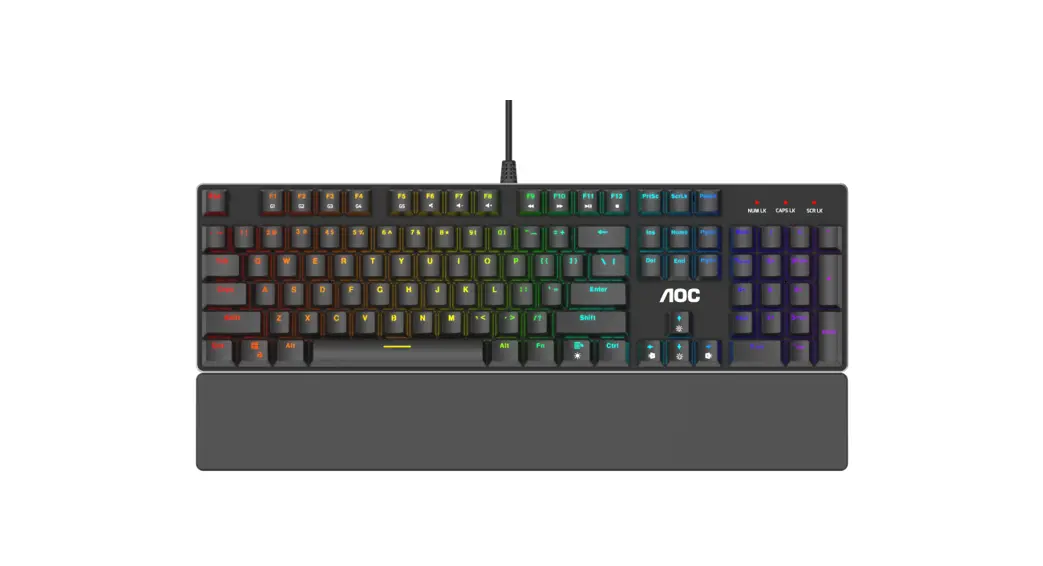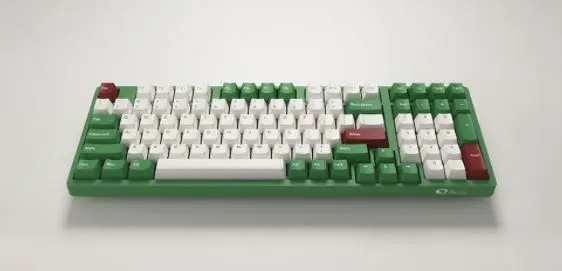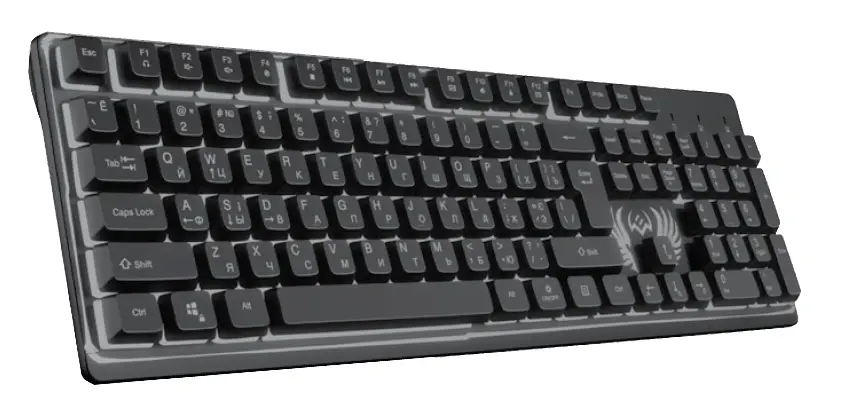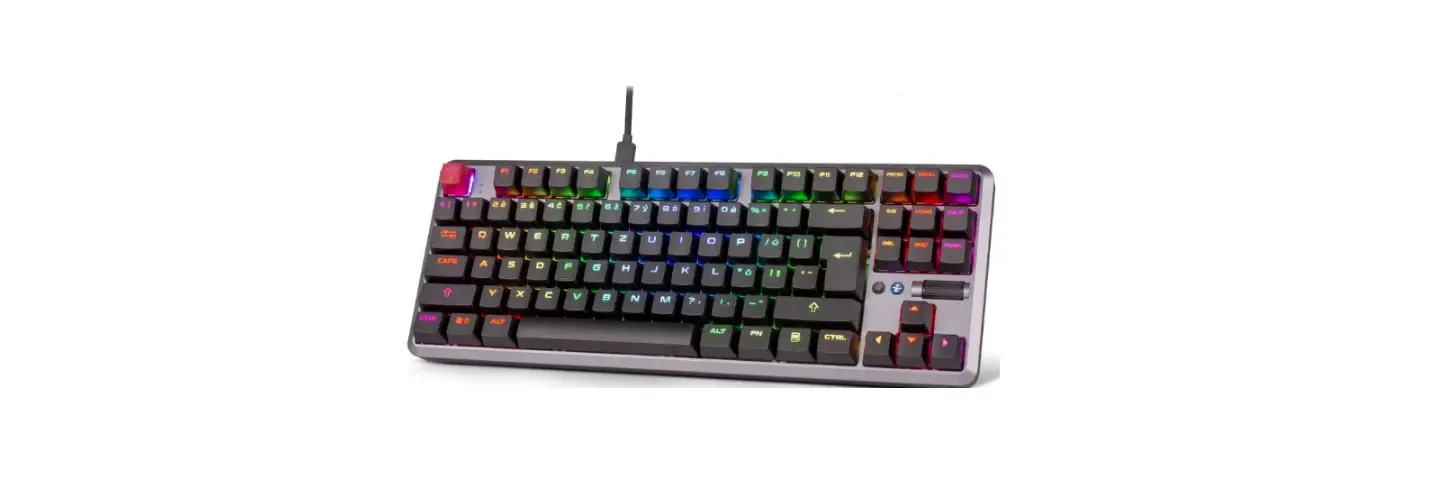


KR1 Gaming Mechanical Keyboard
System Requirements:
WINXPNVIN7/WIN8/WIN10/WIN11
User Manual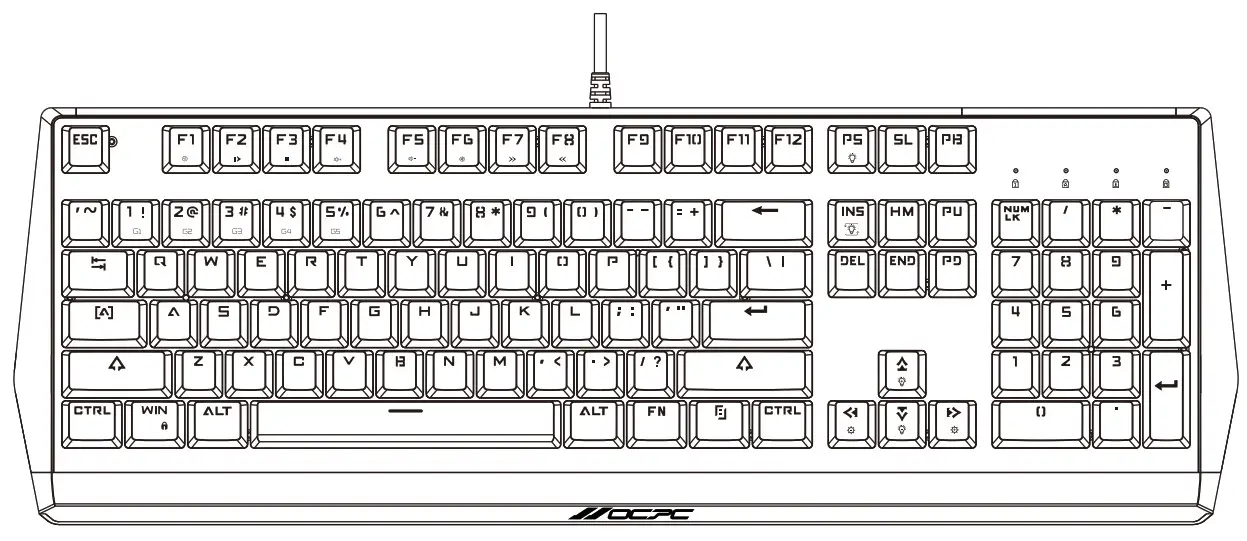
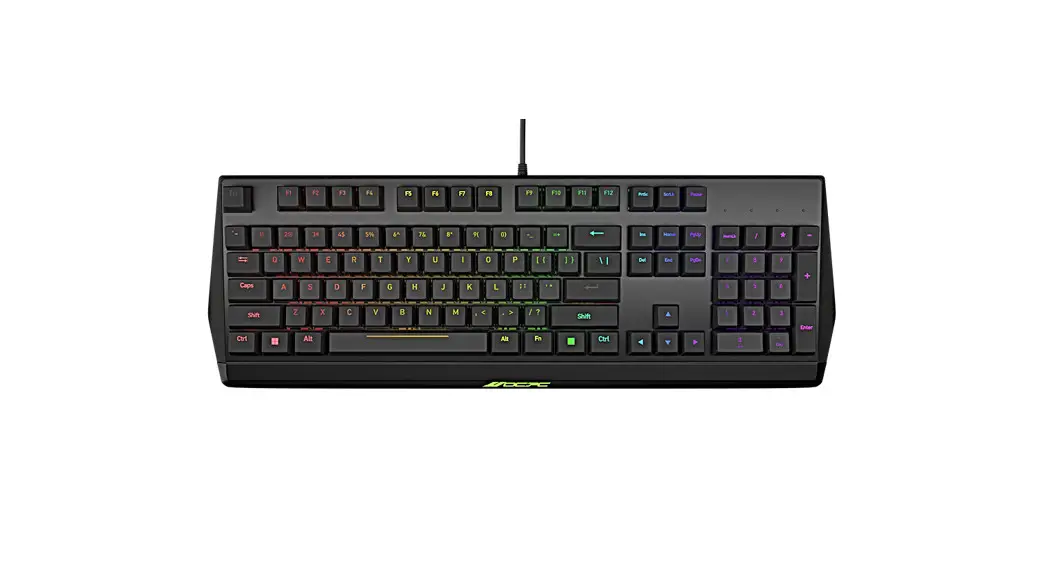
KR1 Gaming Mechanical Keyboard
Key life: 50 million times
Working voltage: +5V±5%
Maximum current used: 300mA
Weight: 922g ± 20g
Size: 463.27(L)xl 57.51(W)x36.26(H)mm
MAIN FUNCTIONS AND FEATURES
Standard version: The FN1 to 5 keys are lit for fixed game user mode keys.
Supports common game mode key backlighting and custom recording key backlighting.
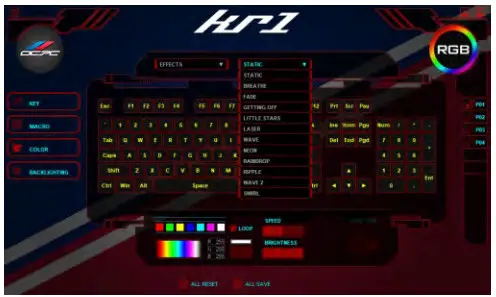
Supports 12 stunning LED lighting effects.
Supports N-key rollover
Supports WIN Lock function
Supports the FN+ESC reset function to revert to the “Star Dot” default lighting settings.
Supports the FN+SL front off/off back light function
Supports the FN+PS custom recording feature
12 LIGHTING EFFECTS MODE SWITCHES
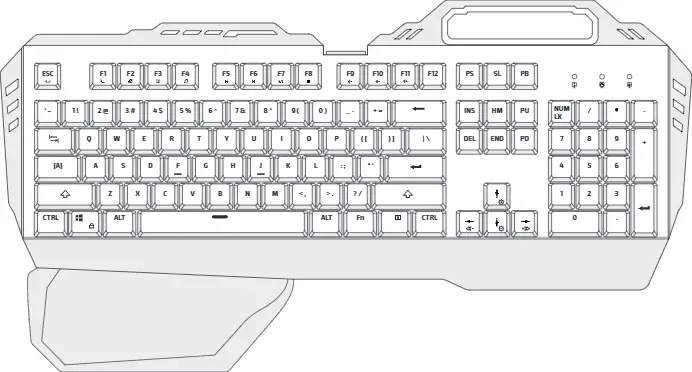
| FN+INS | Lighting Modes |
| FN+DEL | Color / Speed Control |
| FN+ -/1 | Speed of Flashing (5 levels} |
| FN+ ↑/↓ | Brightness (5 levels) |
| FN+ ←/→ | Wave Direction |
[STATIC]
[BREATH]
[FADE]
[GETTING OFF]
[LITTLE STARS]
[LASER]
[WAVE]
[NEON]
[RAINDROP]
[RIPPLE]
[WAVE 2]
[SWIRL]
FN+(1-5) FACTORY DEFAULT GAME MODE
FN+1 = Game Mode 1 (FPS first-person shooter) -ASDW ↑↓←→ ESC on
FN+2 = Game Mode 2 (CF Cross Fire) -F1-F3 1-5 QWERASDGB Space Left Ctrl Left Alt Left Shift Tab HM END PU PD on
FN+3 = Game Mode 3 (COD Call of Duty)-QWERTASDFGCV 1-7 Left Ctrl Left Shift bright
FN+4 = Game Mode 4 (LOL League of Legends) – QWERASDF 1-7 bright
FN+5 = Game Mode 5 (QQrace Racing)-WRASD Left Ctrl Left Alt Left Shift ↑↓←→ Bright
The above light graphics can be entered directly by key combination in any function mode.
FUNCTIONS KEY SHORTCUT
| FN+PS | Recording Mode 1-5 |
| FN+ HM | 4x Modes: Running Horse, Neon, Static, Breathing |
| FN+ END | 7x Independent Color |
| FN+ PU | 5x Level Brightness |
| FN+ PD | 5x Level Speed Cycle |
| FN+ PB | Lighting Effect Direction |
| FN+APP | Marquee Stop/Start |
OTHERS
| FN+F1 | Player |
| FN+F2 | Volume Down – |
| FN+F3 | Volume Up + |
| FN+F4 | Mute |
| FN+F5 | Stop |
| FN+F6 | Previous Song |
| FN+F7 | Pause / Play |
| FN+F8 | Next Song |
| FN+F9 | |
| FN+F10 | URL |
| FN+F11 | Computer |
| FN+F12 | Calculator |
The keyboard does not work and troubleshooting
- Check whether the USB cable i s properly connected t o the computer.
- Try to connect the keyboard t o another USB port of the computer.
- Try to restart the computer.
- If it still does not work, try to connect the keyboard to another computer.
DEVELOPED BY
OCPC GAMING USA, INC.
www.ocrceamine.com