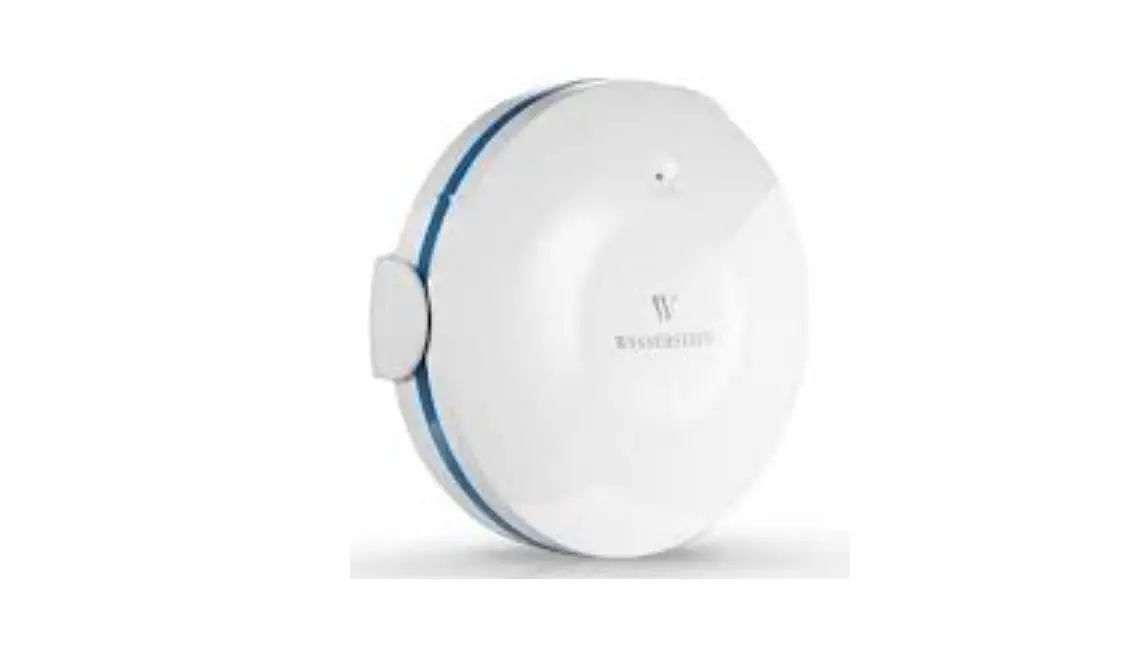
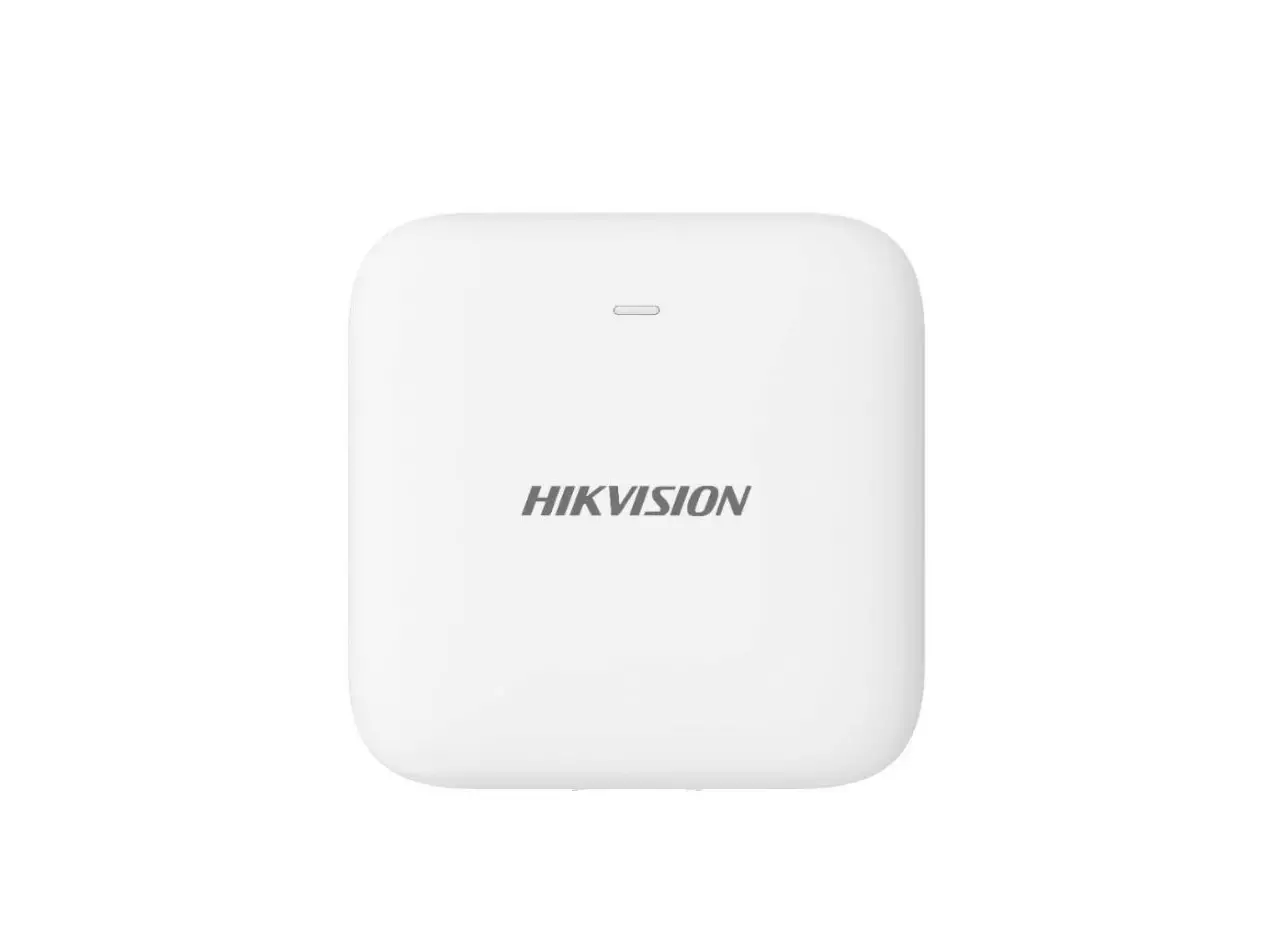
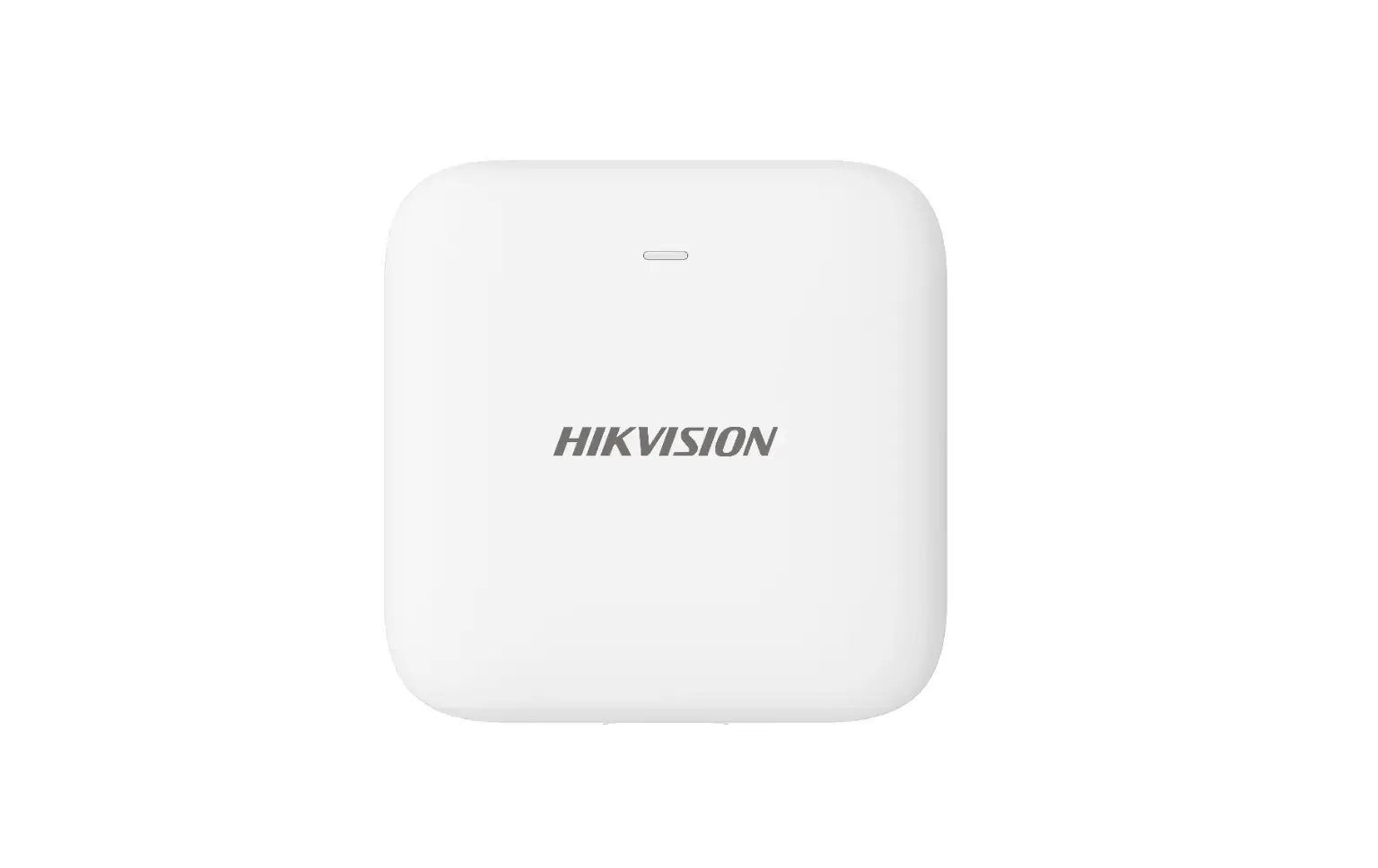
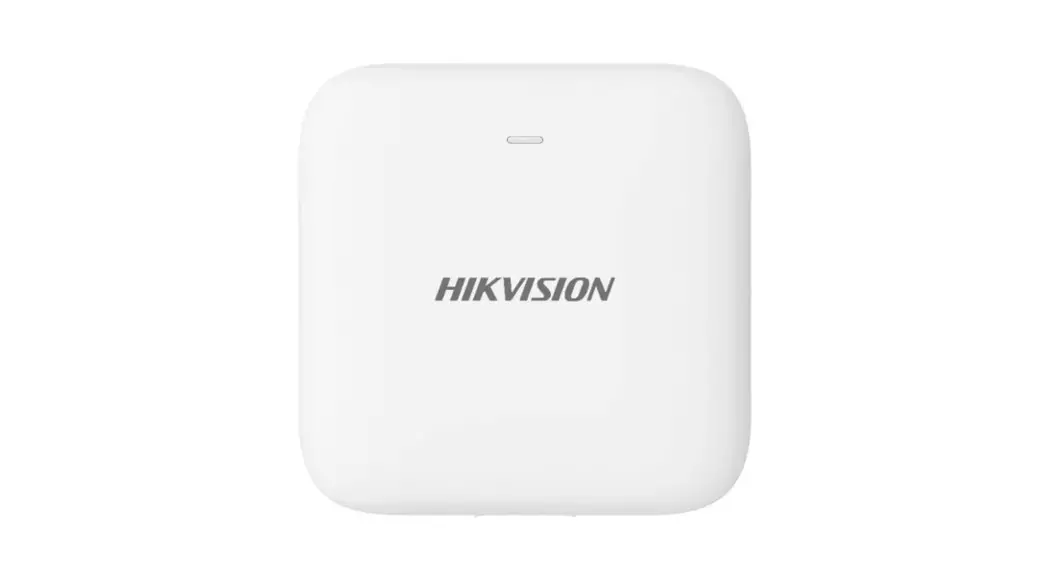
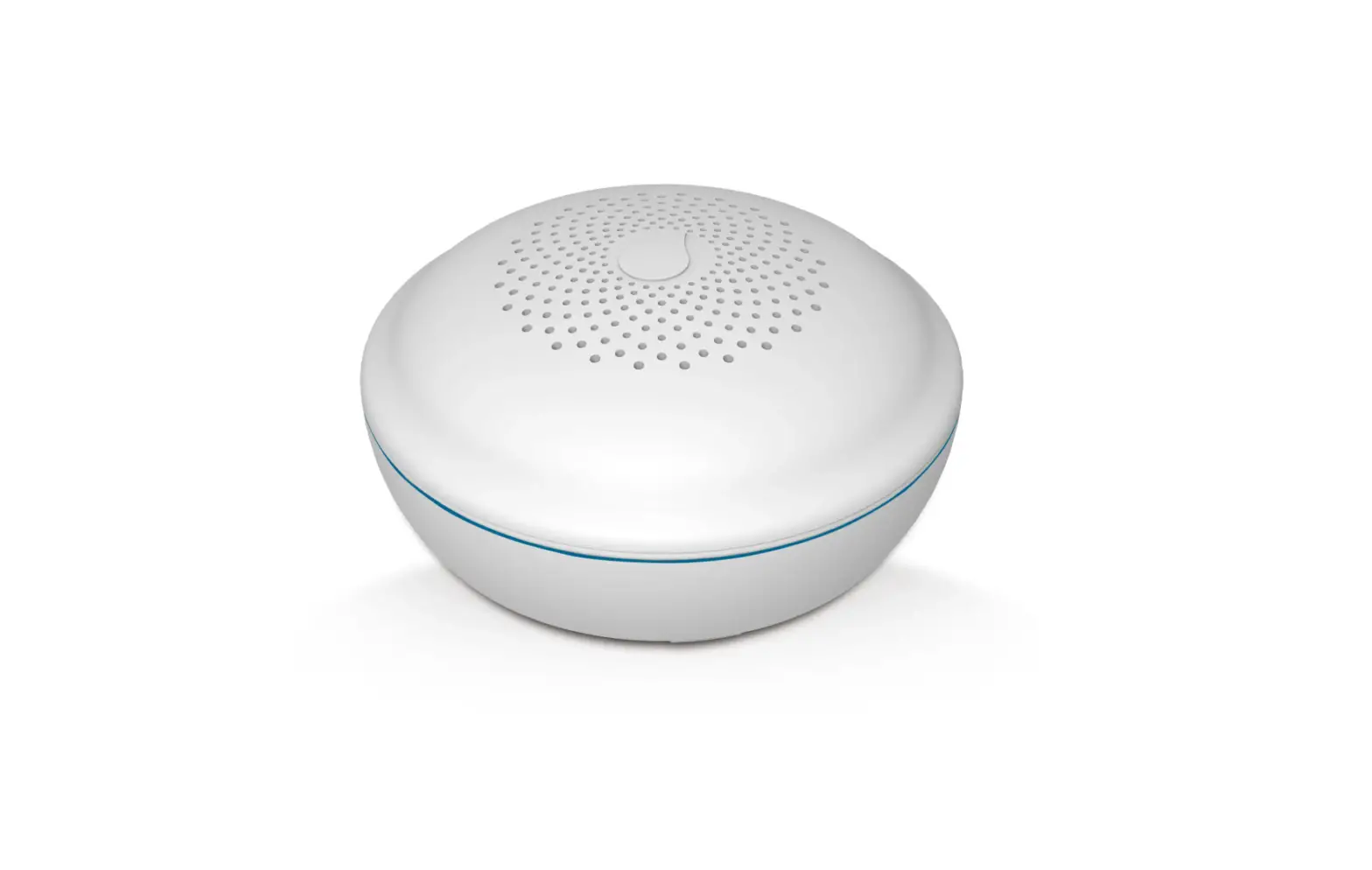
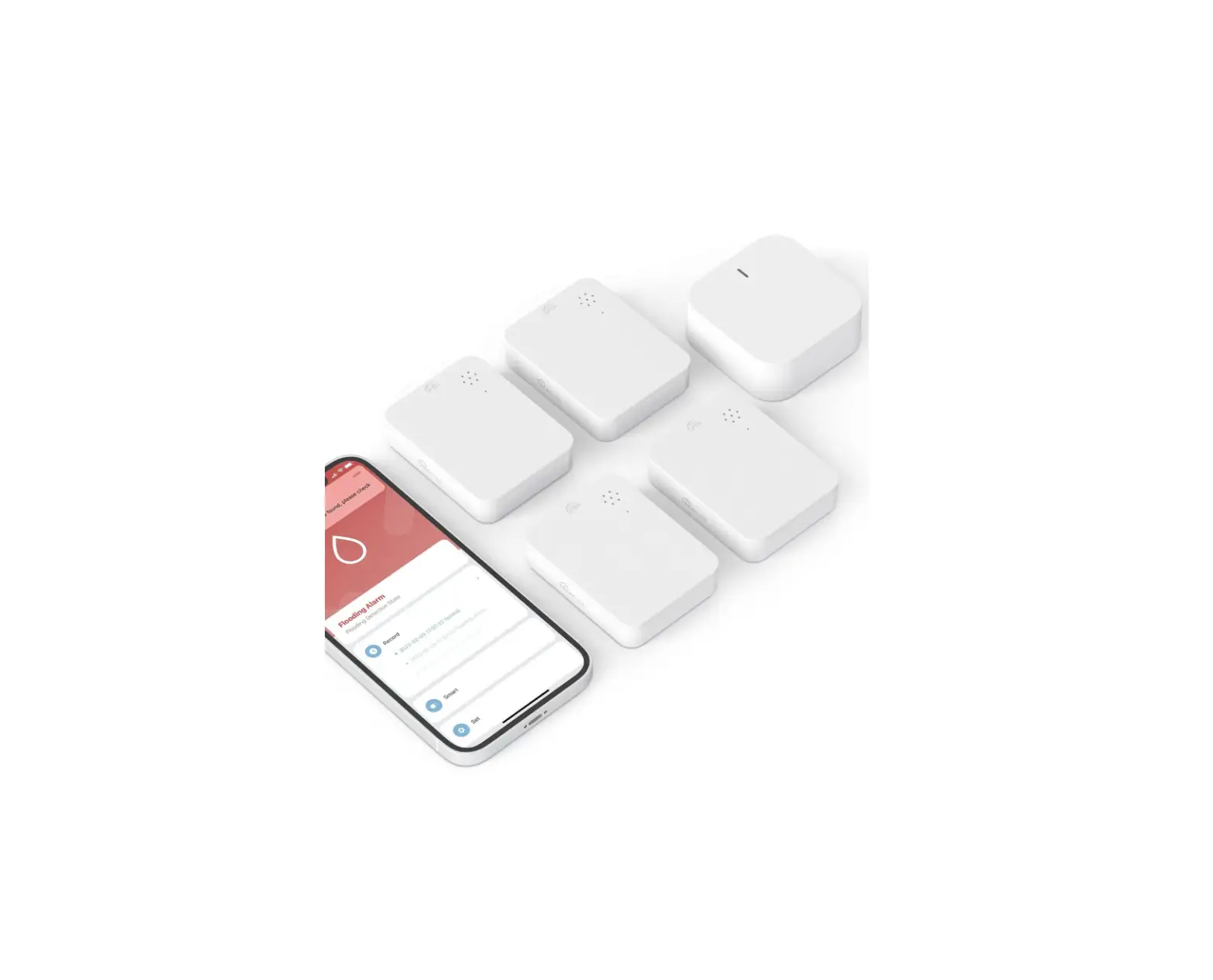
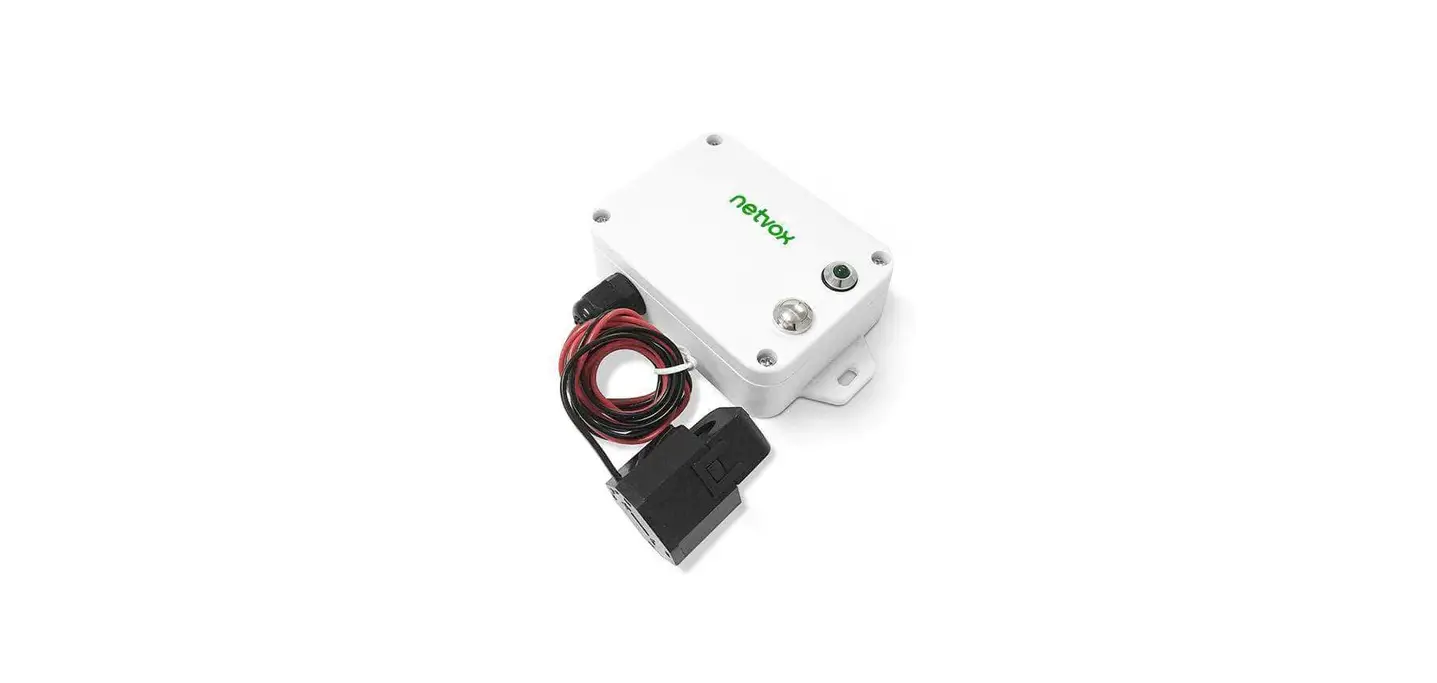
GLD2100 WiFi Water Leak Detector
GLD2100 Wi-Fi Water Leak Detector User Guide WELCOME
Congratulations on your purchase of the GLD2100 Wi-Fi water leak
detector. This sensor is designed to keep a watchful eye on your
home or business, providing you with alert notifications at the
first sign of water leaks. By detecting leaks early, this device
can help prevent a minor issue from turning into a major flood.
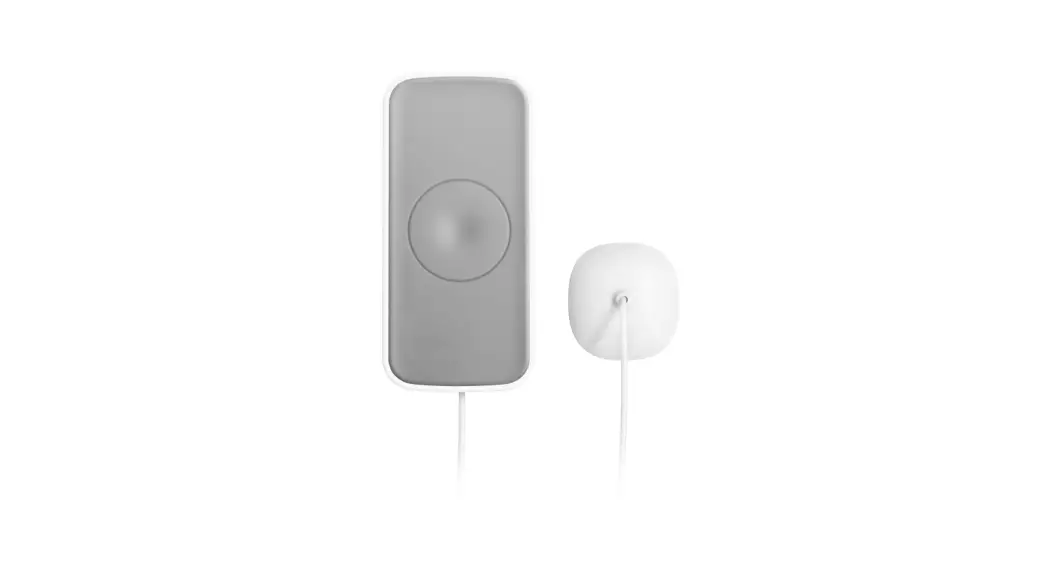
Additionally, it is equipped with a float switch to sense the level
of liquid. IN THE BOX – Wi-Fi water leak detector – LR03 AAA
Battery x2 – Sensing Disc x1 – Double-sided adhesive tape – User
guide – Optional: Liquid Level Sensor (float switch) SPECIFICATIONS
– Power Supply: DC 3V (LR03 AAA Battery x2) – Standby Current:
[specification missing] PRODUCT USAGE INSTRUCTIONS: 1. Unboxing: –
Open the packaging and take out all the contents. – Ensure that all
the items mentioned in the “In the Box” section are present. 2.
Battery Installation: – Locate the battery compartment on the water
leak detector. – Insert two LR03 AAA batteries into the
compartment, observing the correct polarity (+/-). – Close the
battery compartment securely. 3. Placement: – Choose a suitable
location for the water leak detector. It should be placed near
potential water sources or areas prone to leaks, such as under
sinks, near water heaters, or close to washing machines. – Ensure
that the detector is positioned in a way that allows it to easily
detect any water leaks. 4. Sensing Disc Installation: – Peel off
the protective backing from the sensing disc. – Attach the sensing
disc to the bottom of the water leak detector. – Press firmly to
ensure a secure attachment. 5. Connection to Wi-Fi: – Download and
install the companion app for the water leak detector on your
smartphone or tablet. – Follow the app’s instructions to connect
the detector to your home or business Wi-Fi network. – Make sure
the Wi-Fi signal is strong and stable in the area where you plan to
install the detector. 6. Testing and Calibration: – After the Wi-Fi
connection is established, conduct a test to ensure proper
functionality. – Pour a small amount of water onto the sensing disc
or place the detector in a container of water. – Check if the
detector sends an alert notification to your smartphone or tablet.
– If necessary, refer to the user guide for instructions on
calibrating the sensor. 7. Optional Liquid Level Sensor (Float
Switch) Installation: – If you have purchased the optional liquid
level sensor (float switch), follow the provided instructions to
install it. – The float switch enhances the detector’s ability to
sense the level of liquid and provides additional protection
against flooding. 8. Maintenance and Troubleshooting: – Regularly
check the battery level and replace the batteries as needed. –
Clean the sensing disc periodically to ensure optimal performance.
– If you encounter any issues or require further assistance, refer
to the user guide or contact our customer support. Note: It is
important to read and fully understand the user guide before using
the GLD2100 Wi-Fi water leak detector.
GLD2100 Wi-Fi Water Leak Detector
User Guide
WELCOME
Congratulations on your purchase of this Wi-Fi water leak detector. This sensor keeps an eye on your home or business, sending you alert notification at the first sign of water leaks, which can help stop a leak before it becomes a flood. It is also equipped a float switch to sense the level of liquid.
IN THE BOX
Wi-Fi water leak detector LR03 AAA Battery x2 Sensing Disc x1 Double-sides adhesive tap User guide Optional. Liquid Level Sensor (float switch)
SPECIFICATIONS
Power Supply: DC 3V (LR03 AAA Battery x2) Standby Current: <40uA Alarm Current: <100mA Wi-Fi Frequency: 2.4GHz Wi-Fi: IEEE802.11b/g/n Low Battery Alarm: 2.4V Operation Temperature: -10~55
AT A GLANCE
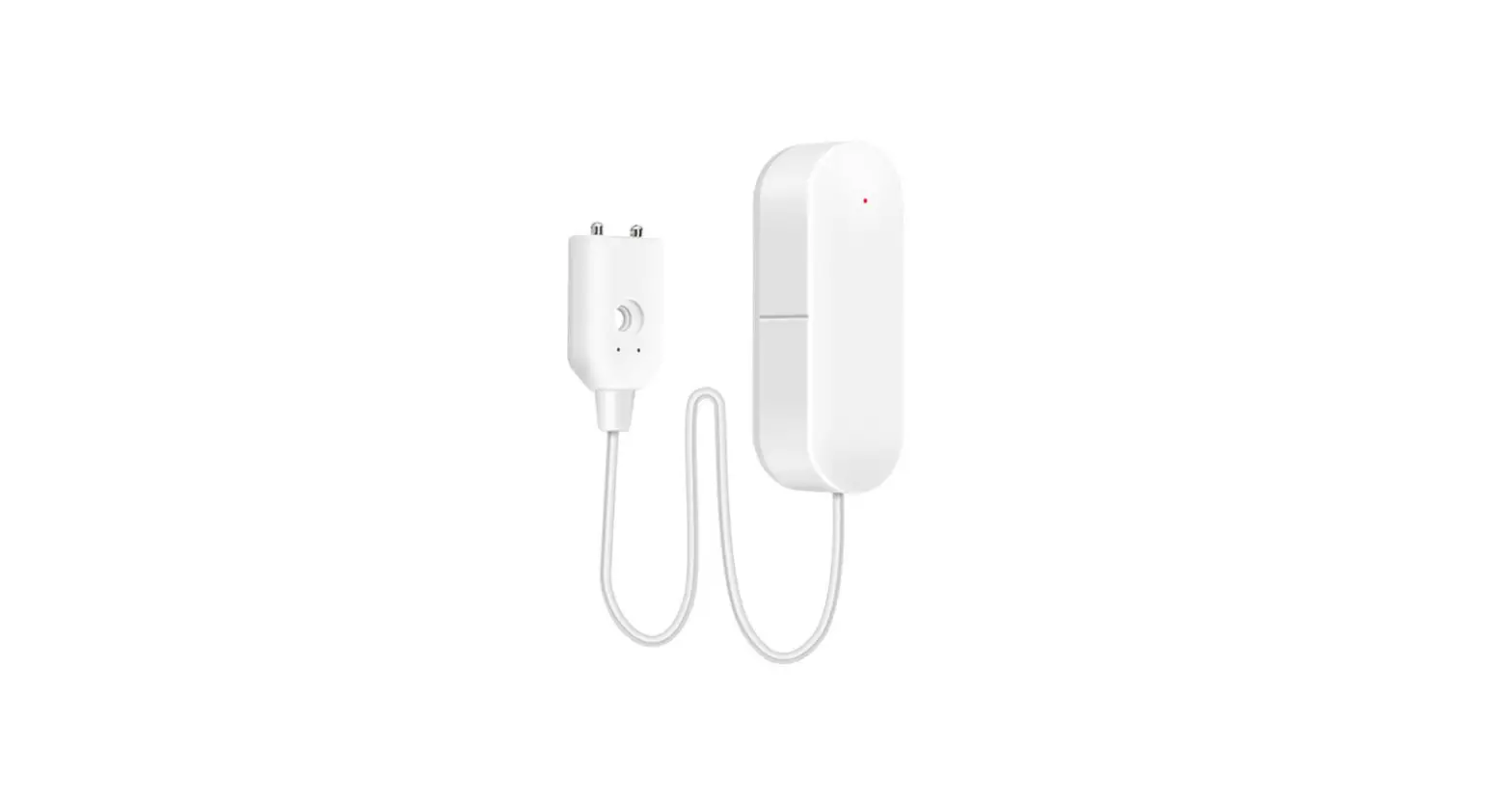
1.Buzzer 2.Indicator 3.Test/Mute/Volume button 4.Battery receptacle 5.Mounting bracket (rear cover) 6.Leak/Liquid level sensor Port x2 7.Water leakage rope
Indicator
What You See What It Means
Blinking
Wi-Fi connection configuration in EZ
blue quickly mode
Blinking blue Wi-Fi connection configuration in AP
slowly
mode
Blinking red
Alarming in case of water leaking
Flashes red Low battery once per 60s
Install APP
Scan this QR code or search “Smart Life” in the APP market to get the app and install it. For new users using the APP for the first time, please follow the app instructions to complete user registration.
HOW TO CONNECT TO WI-FI With EZ Mode (Default).
STEP 1. Power your sensor, press and hold the button until the indicator blinks blue quickly (0.25s on and 0.25s off), then it is ready to be connected. STEP 2. On App home page, tap “+” icon, select Sensors from Add Manually, then select Flood Detector(Wi-Fi) from devices list. STEP 3. Choose your local 2.4GHz Wi-Fi ( NOT 5GHz) and input password,then choose EZ Mode (default) in the top right corner, then follow on-screen instructions in the app to complete the connection. IMPORTANT: Please turn to AP Mode to connect again if the connection fails in EZ Mode.
Or with AP Mode.
STEP 1. One more time, press and hold the button until the indicator blinks blue slowly (1s on and 1s off), then it is ready to be connected using AP mode. STEP 2. Do the same step 2 in EZ mode, then in the top right corner, choose AP Mode, then follow on-screen instructions in the app to complete the connection.
Home Page
Notification Setting
Lower battery. Turn on/off notification push for low battery. Leak alarm. Turn on/off notification push for water leak.
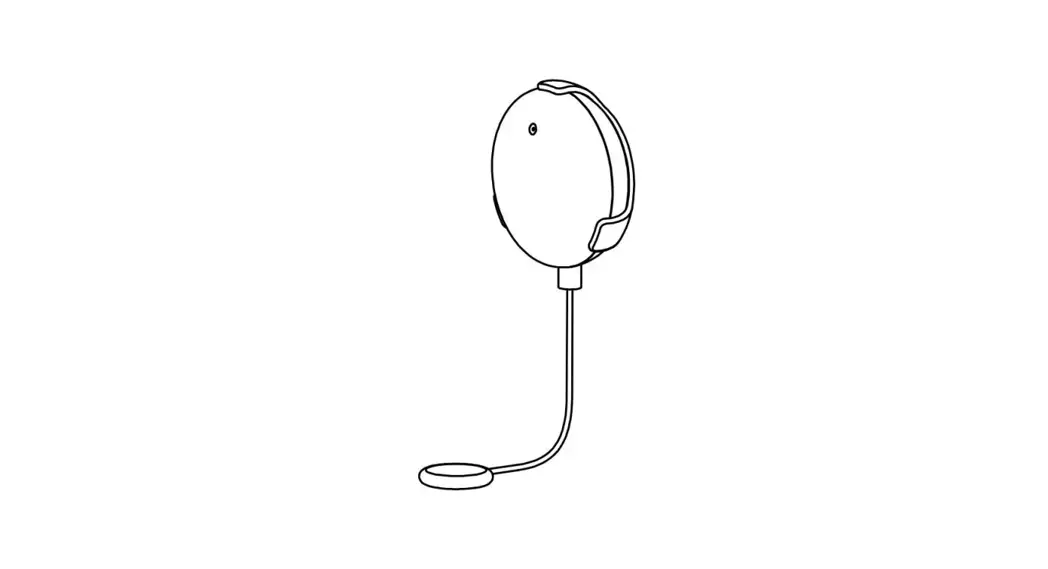
PLACEMENT The water leakage induction rope is installed or placed flat at the lowest place or under the water leakage point to be monitored, and the water leakage induction rope is close to the place where water leakage is likely to occur. Install the water alarm on the wall with double-sided tape..
Water leakage sensor rope detects water leakage
ADJUST ALARM VOLUME
Double click the button within 0.5s to adjust alarm volume cycling through HIGH-MEDIUM-LOW-MUTE, and default volume is high.
While the sensor is set in NOT MUTE mode, it sounds continous beep alarm and the indicator flashes red quickly in case of water leaking, and flashes only in MUTE mode.
TEST/MUTE SENSOR
Without alarm, click the button to test buzzer(only in NOT MUTE mode) and indicator for 1s. In case of alarm, click the button to hush the alarm.
REPLACE THE BATTERY
While the sensor is low battery, the indicator may flash and beep once per minute and a low battery notification is pushed to you, indicating that it needs to replace the battery soon
FCC Warnning: This equipment has been tested and found to comply with the limits for a Class B digital device, pursuant to part 15 of the FCC Rules. These limits are designed to provide reasonable protection againstharmful interference in a residential installation. This equipment generates, uses and can radiateradio frequency energy and, if not installed and used in accordance with the instructions, maycause harmful interference to radio communications. However, there is no guarantee thatinterference will not occur in a particular installation. If this equipment does cause harmfulinterference to radio or television reception, which can be determined by turning the equipmentoff and on, the user is encouraged to try to correct the interference by one or more of thefollowing measures: · Reorient or relocate the receiving antenna. · Increase the separation between the equipment and receiver. · Connect the equipment into an outlet on a circuit different from that to which the receiver is connected. · Consult the dealer or an experienced radio/TV technician for help.
Caution: Any changes or modifications to this device not explicitly approved by manufacturer could void your authority to operate this equipment.
This device complies with part 15 of the FCC Rules. Operation is subject to the following two conditions: (1)This device may not cause harmful interference, and (2) this device must accept any interference received, including interference that may cause undesired operation.
This equipment complies with FCC radiation exposure limits set forth for an uncontrolled environment. This equipment should be installed and operated with minimum distance 20cm between the radiator and your body.