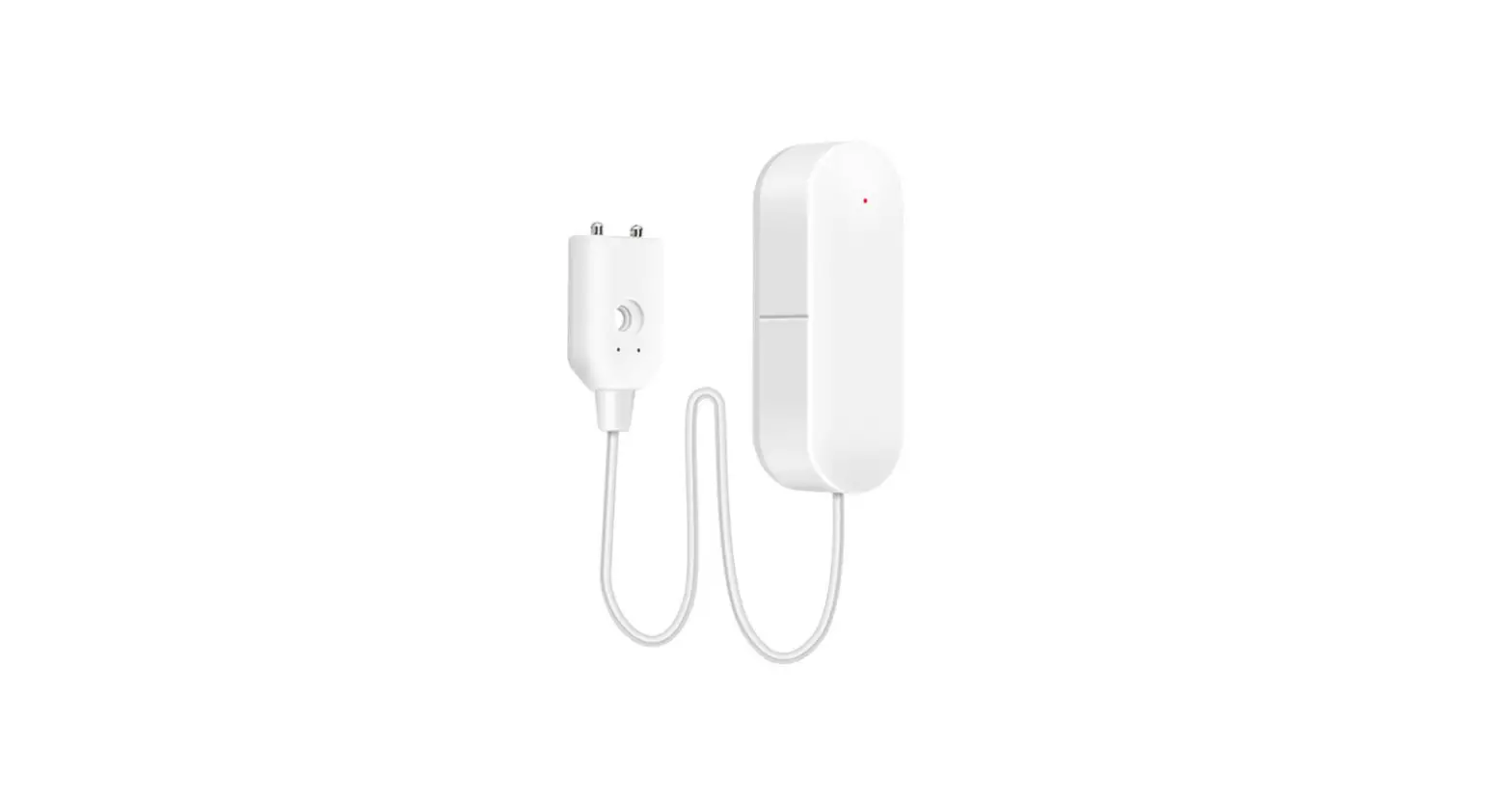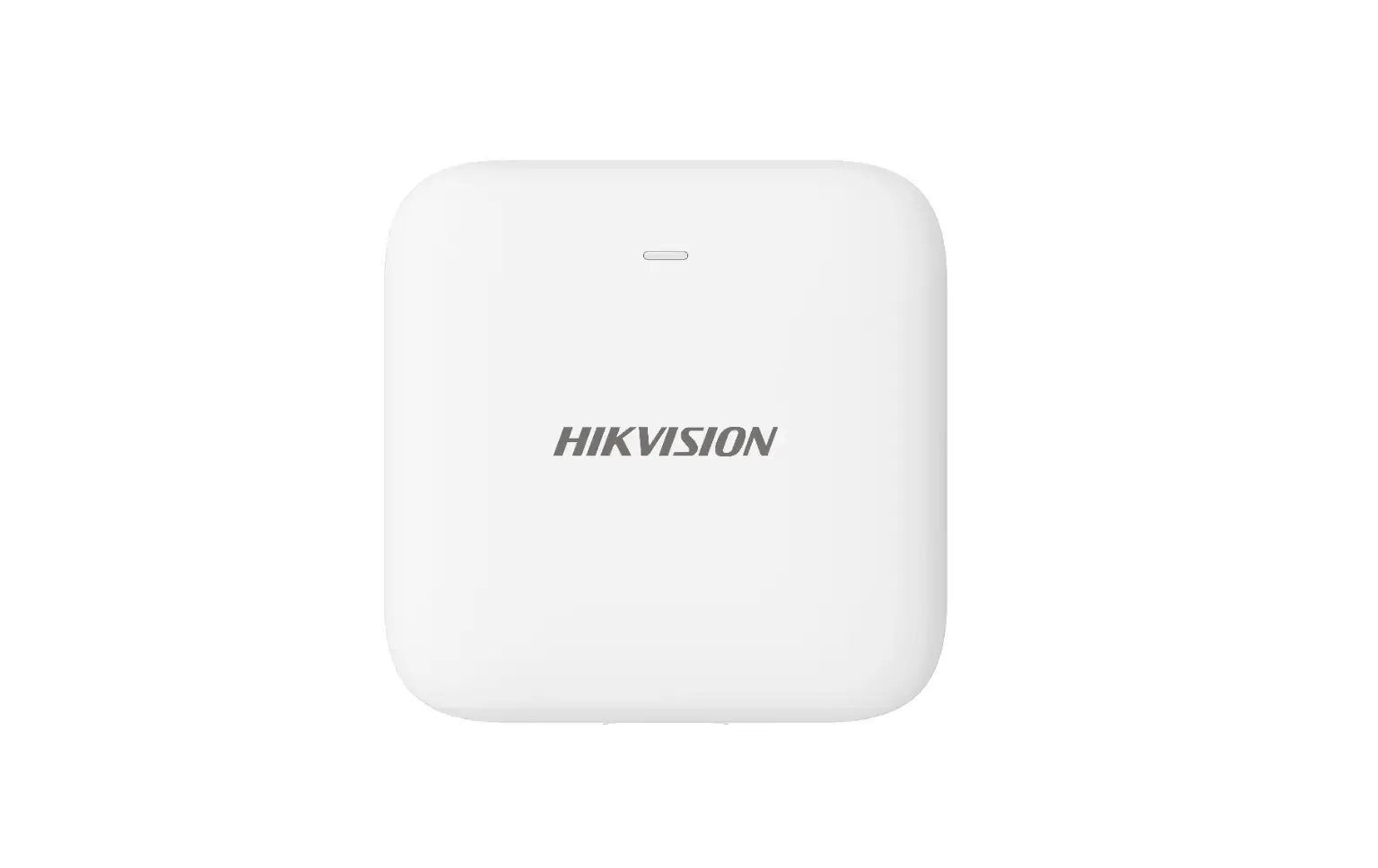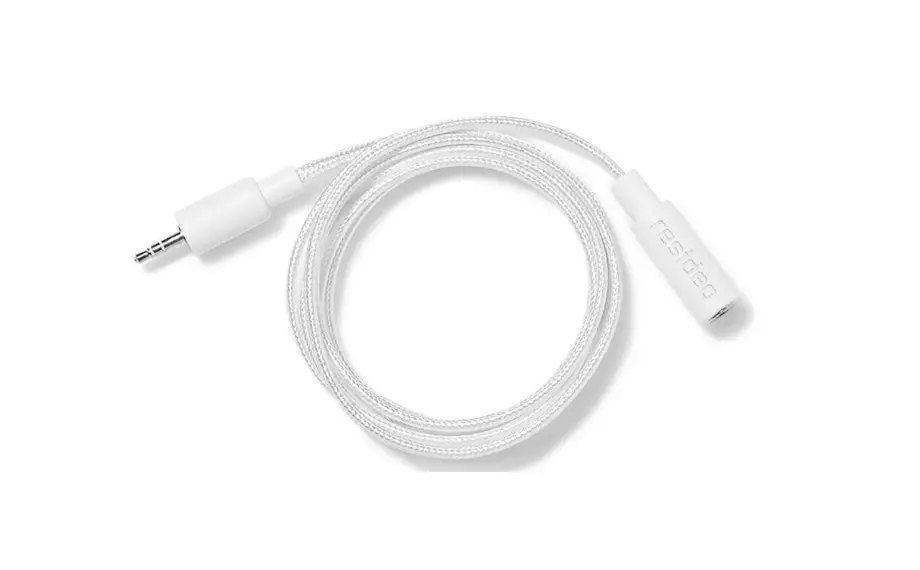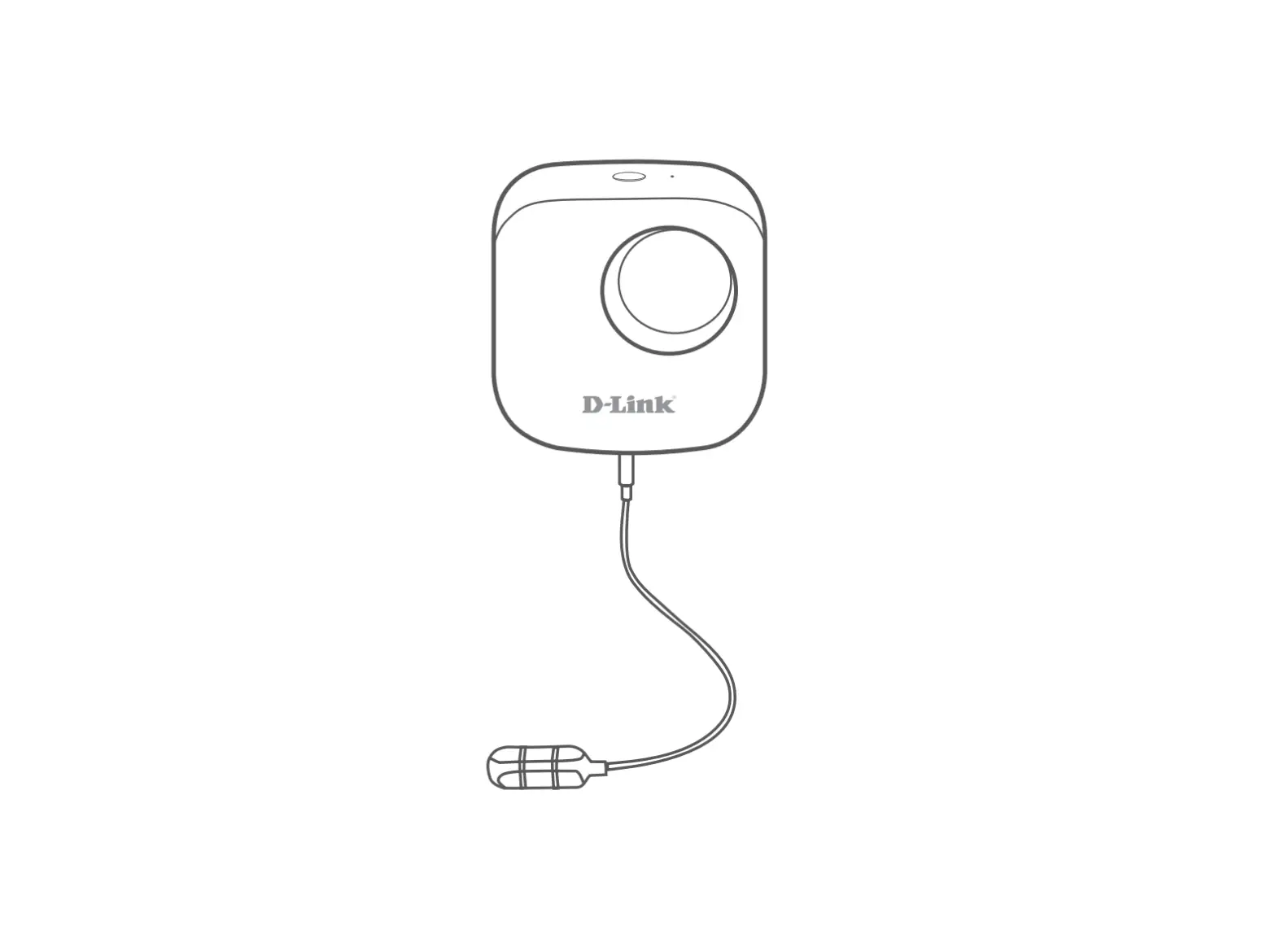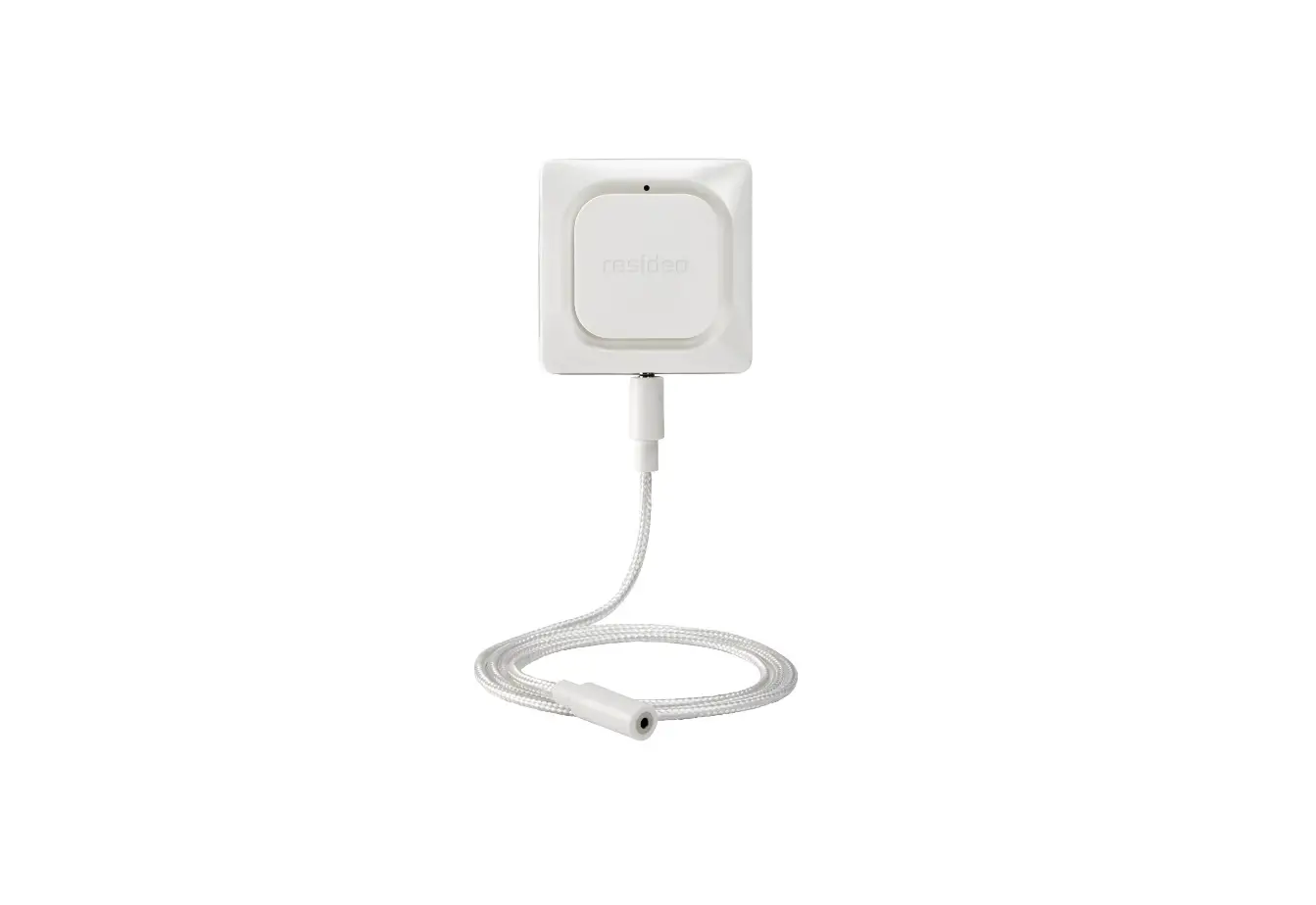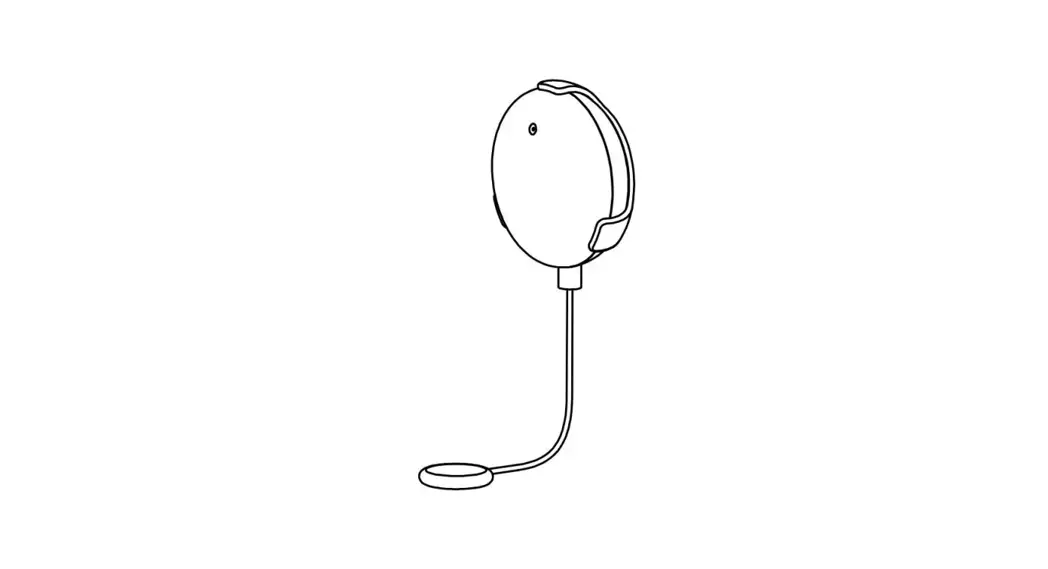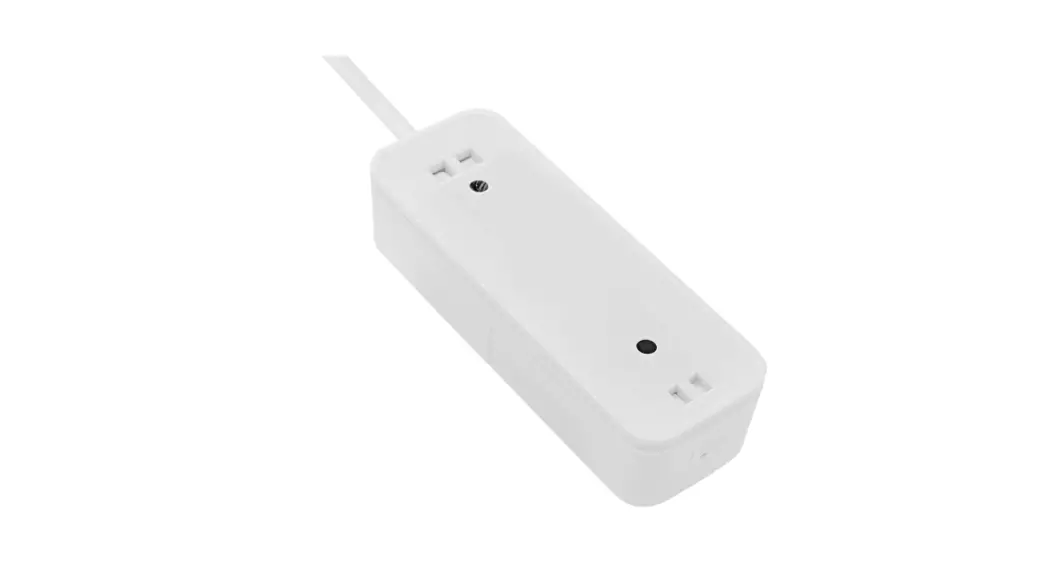
 an13600-01 Wi-Fi Water Leakage Detector
User Manual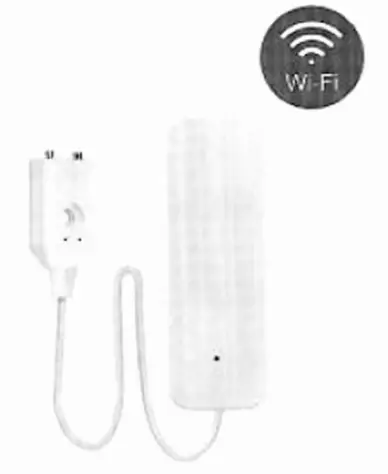
Please read this manual carefully before use and keep it for future reference.
Specifications:
- Input voltage: DC3V LRO3
- Static current: 5uA
- Alarm current: f:150mA
- Low-Voltage indication: 52.4V
- WIFI: 802.11 b/g/n
- Installation: Wall-mounted
- Detection: Water-sensor detector
- Working Temperature: -10 C – +50 C
- Working Humidity: 95%R1-4
How to use:
- Push the mounting bracket upward and take out

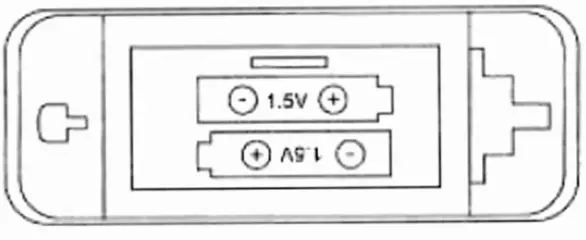
- Put the battery into the battery bin and place it according to the graphics in the battery bin. After two batteries are loaded. the indicator lights are always on and then off.

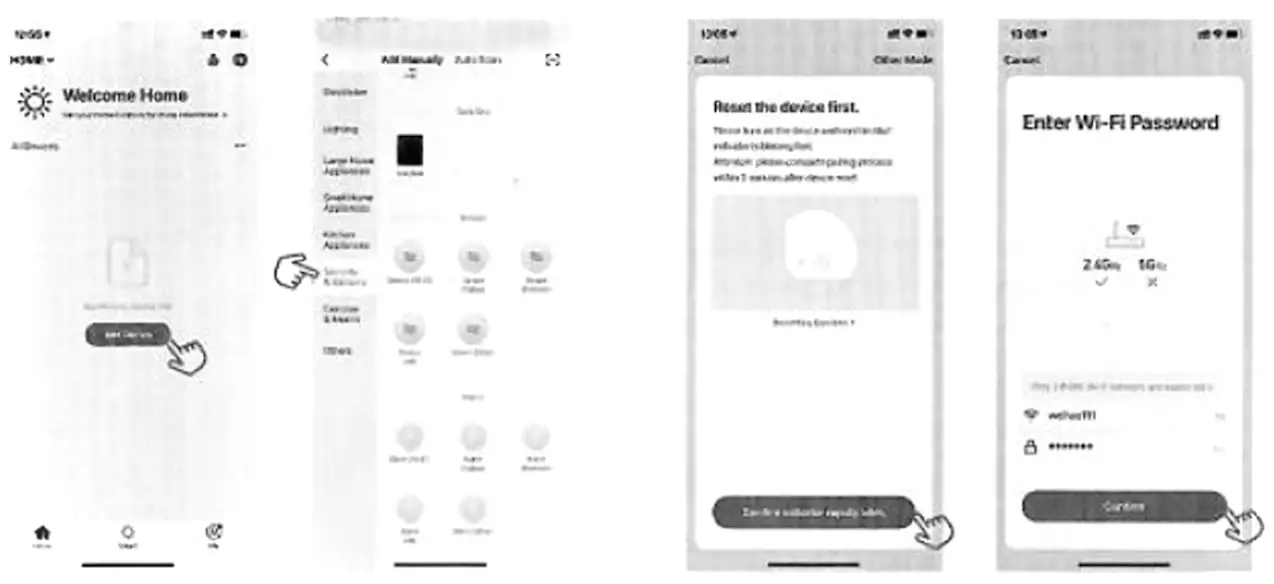
- Download Smart Life APP in-app store or google the bracket, then insert the battery. play store. or scan the following OR code
 http://e.tuya.com/smartlife
 - Register with mobile phone number, click ‘Home’ interlace ‘+’ or click ‘Add Devices’ in the middle blank.
Select the Security & Sensors and click on the Sensor (Wi-F1). - With the card pick-up pin in the accessory package, hold the reset key for more than 5 seconds, and the indicator flashes into tho automatic network connection mode.

- Enter the WiFi Password according to the prompt and click to confirm.
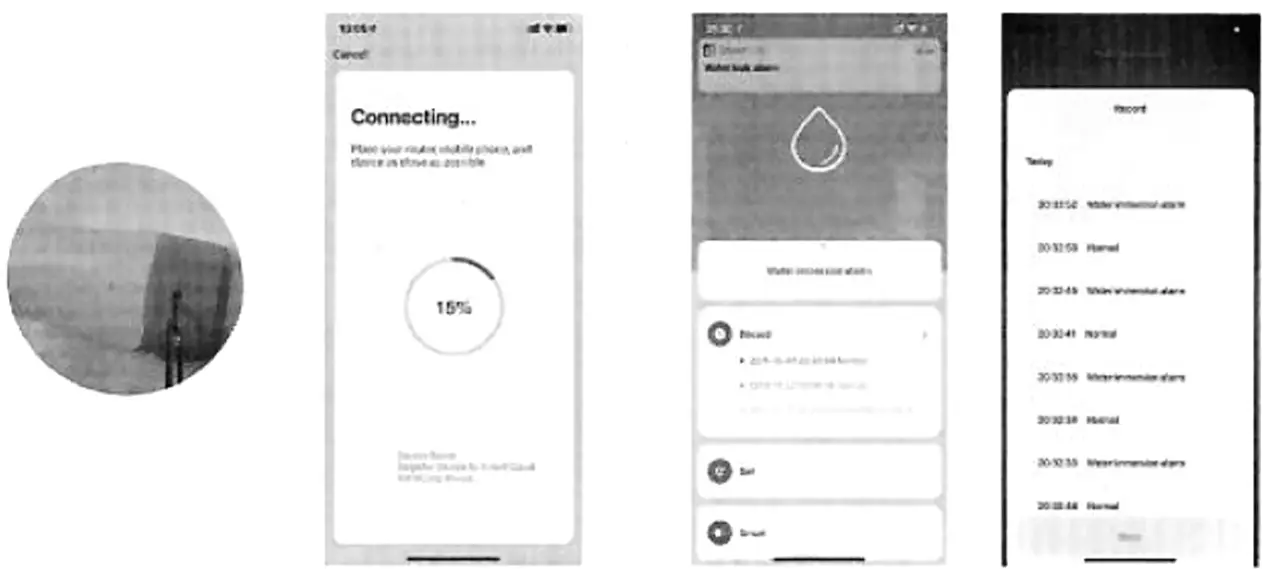
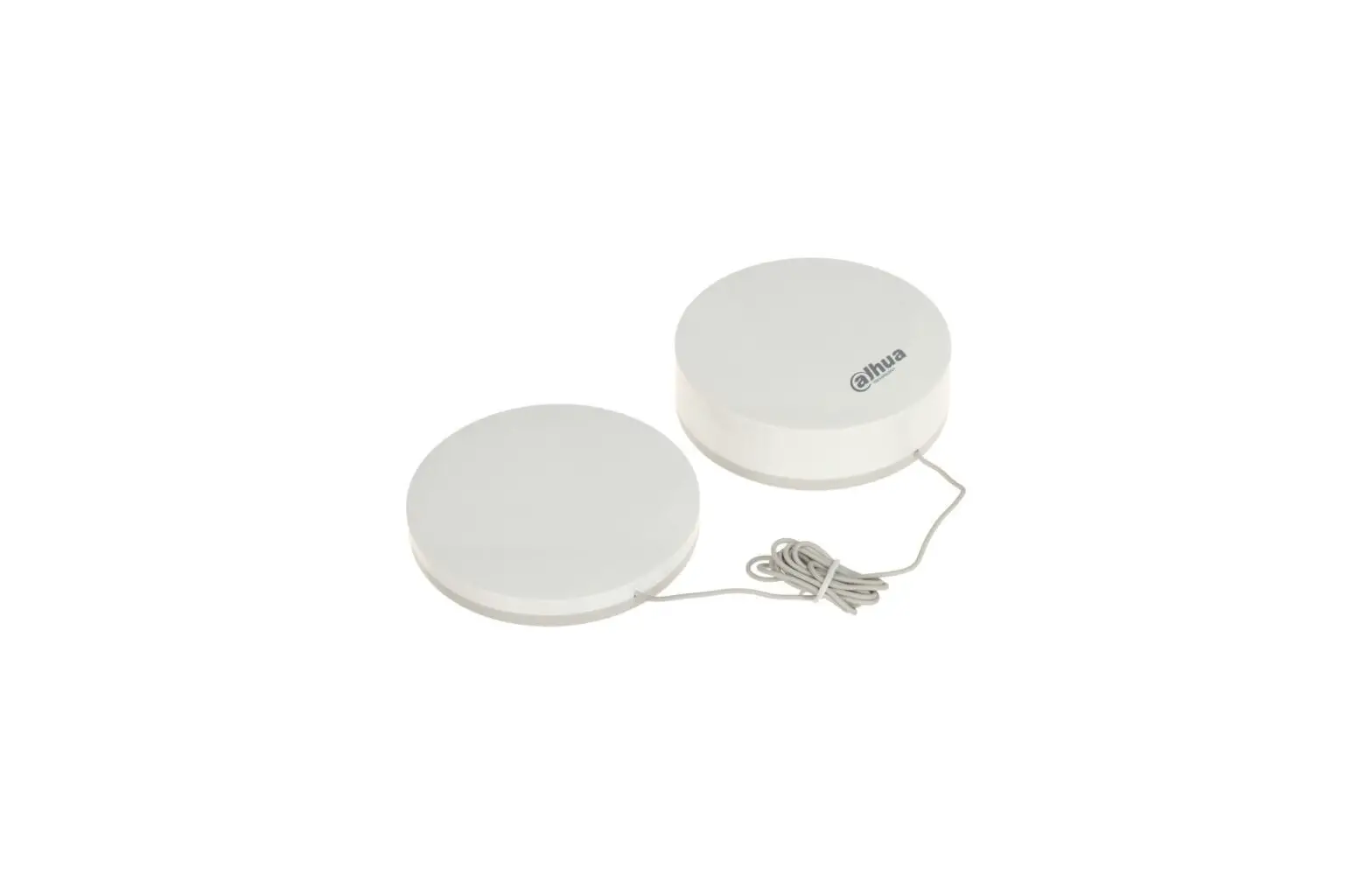
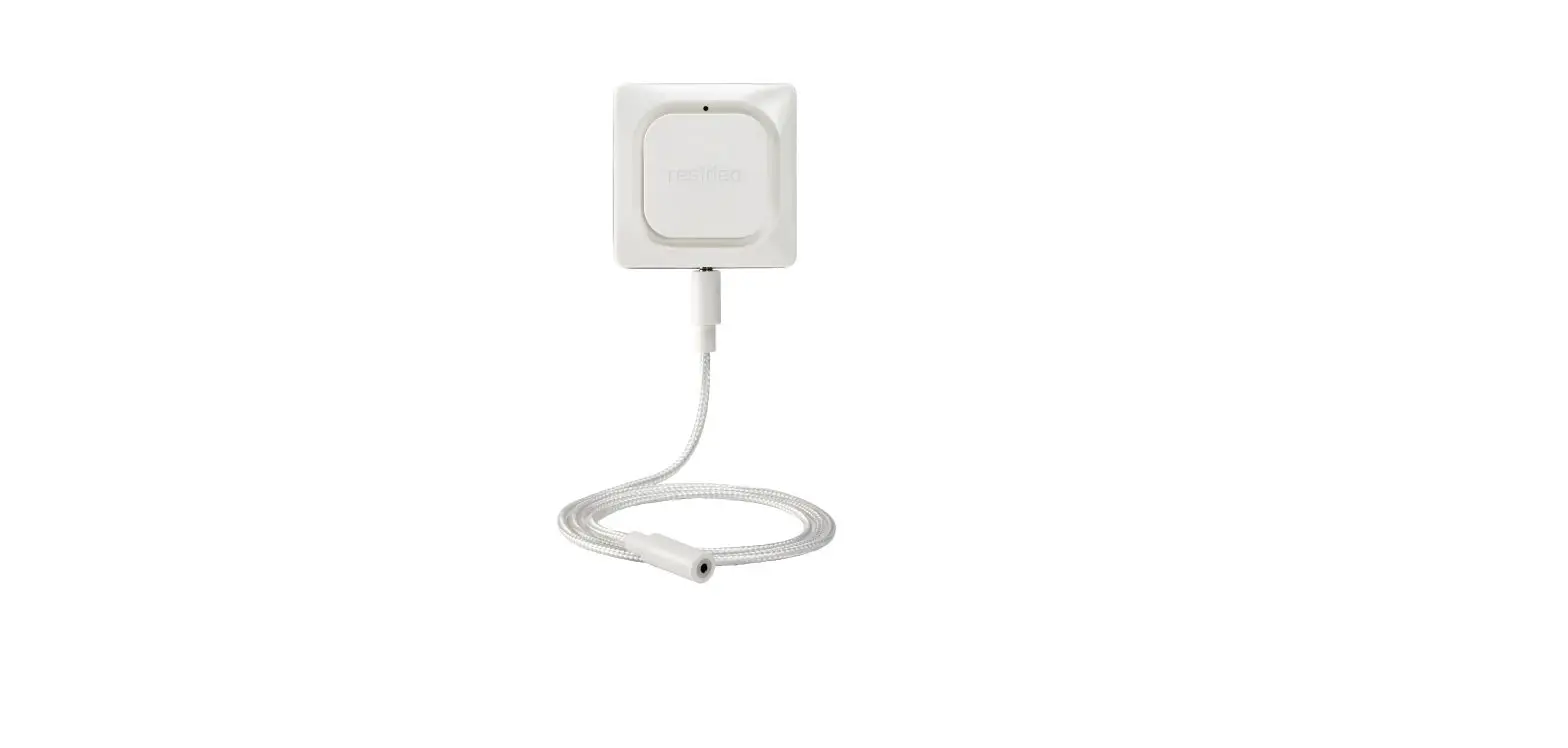
- Network pairing successfully. click the Water-Drop button and enter the interface. Put the probe into water, Water leakage logo will show: Water is water, APP will remind you the Water leak alarm: Take it out, APP will remind you the Water leak normal.