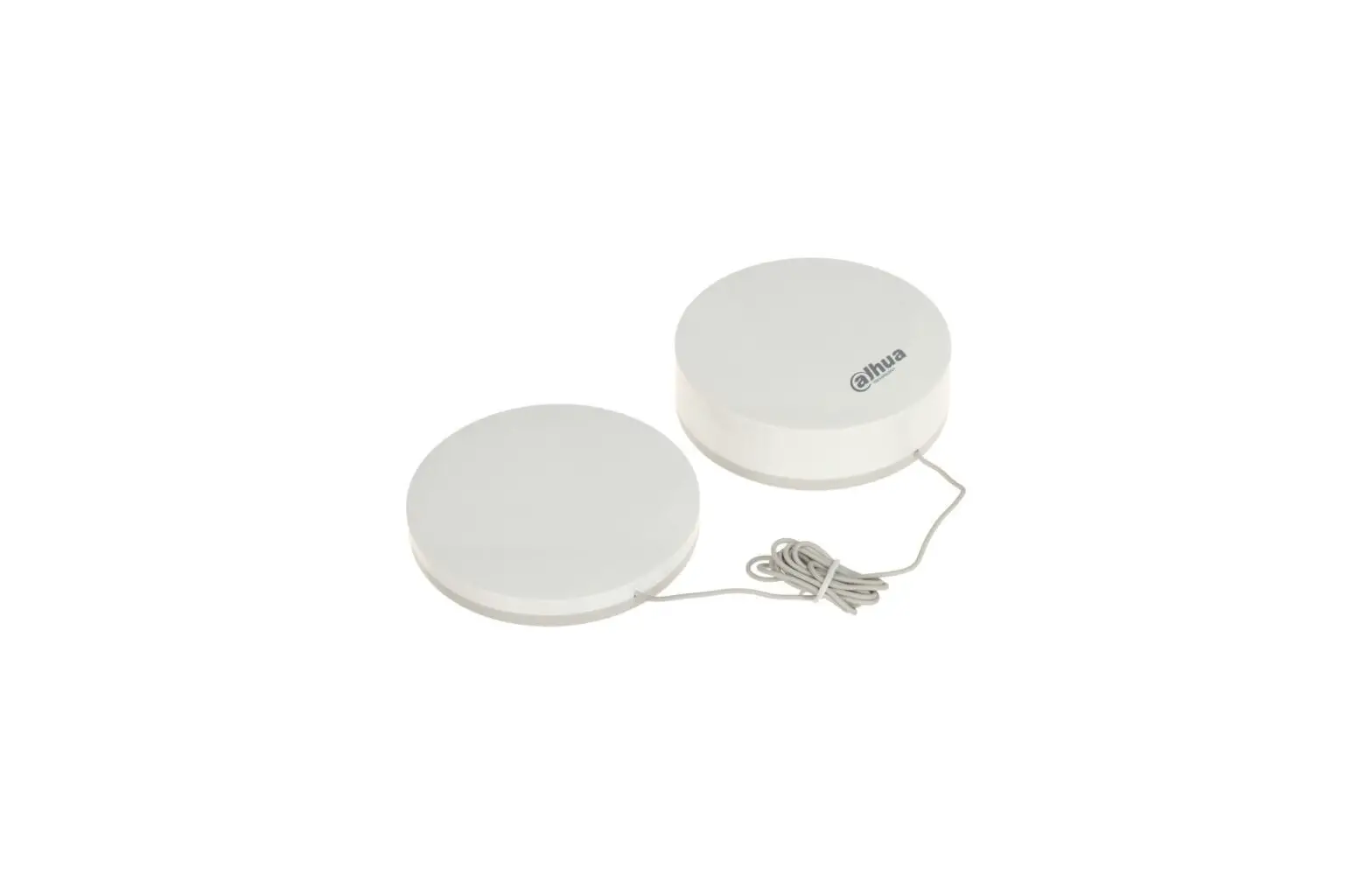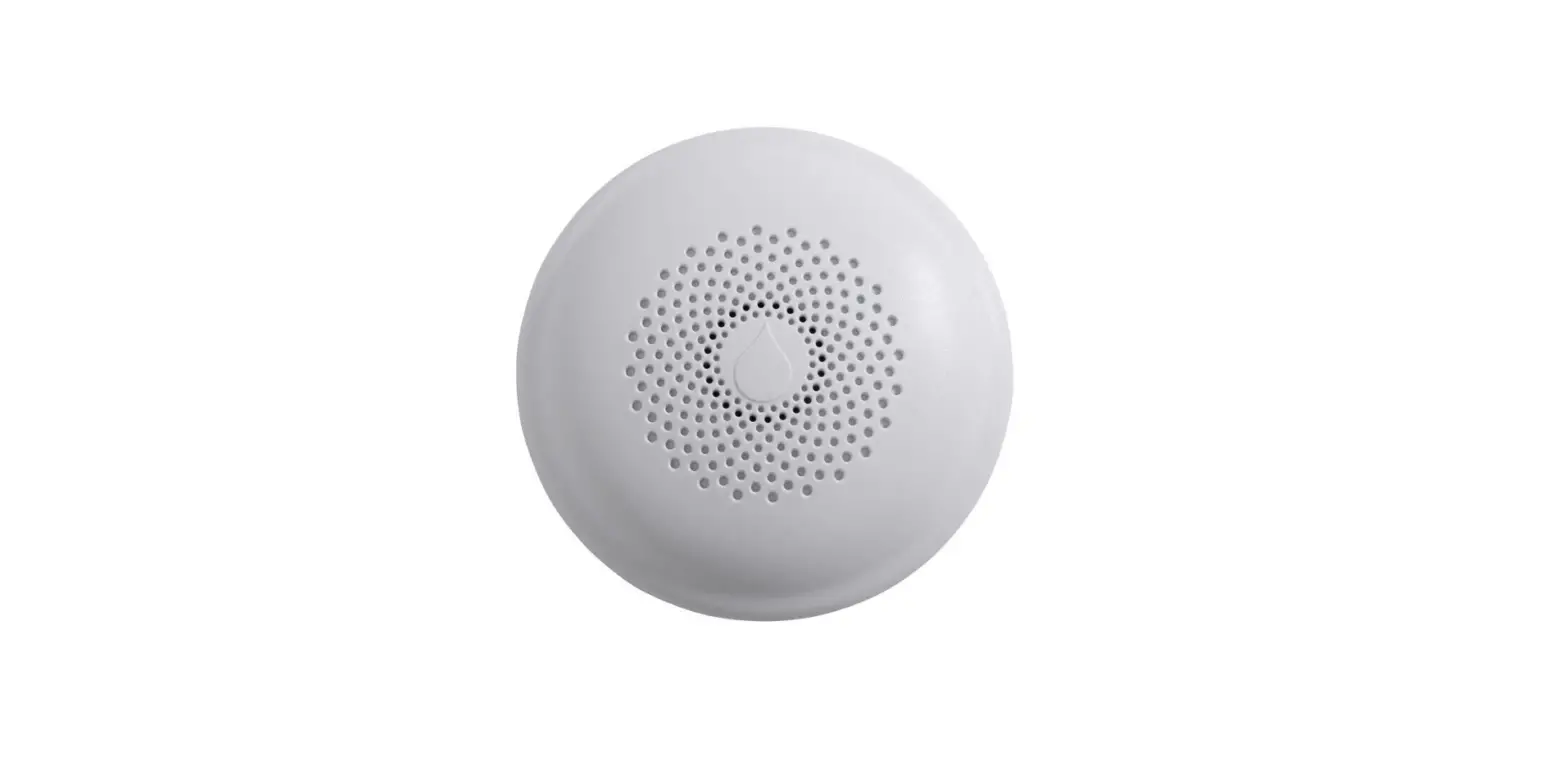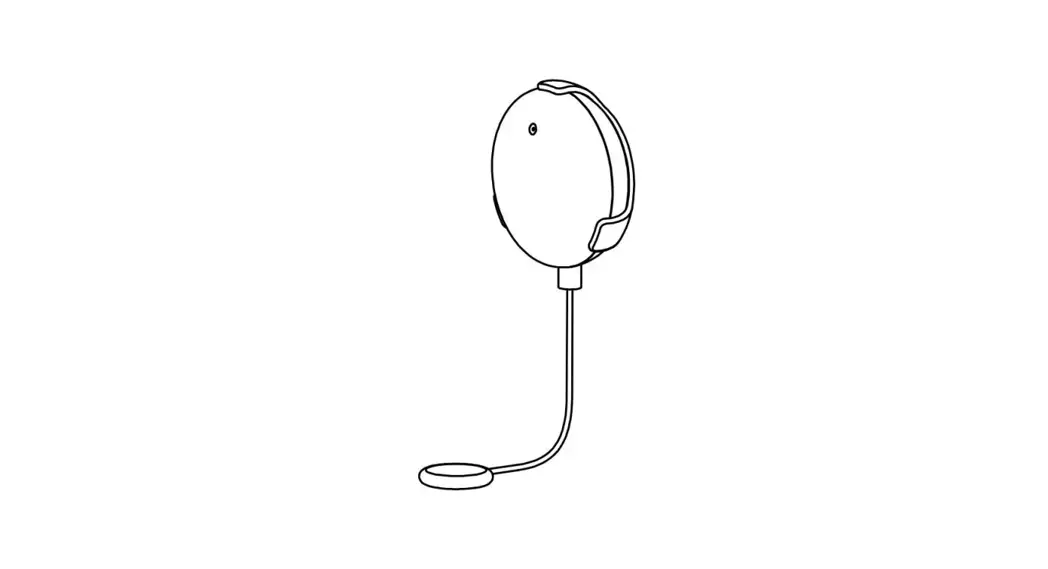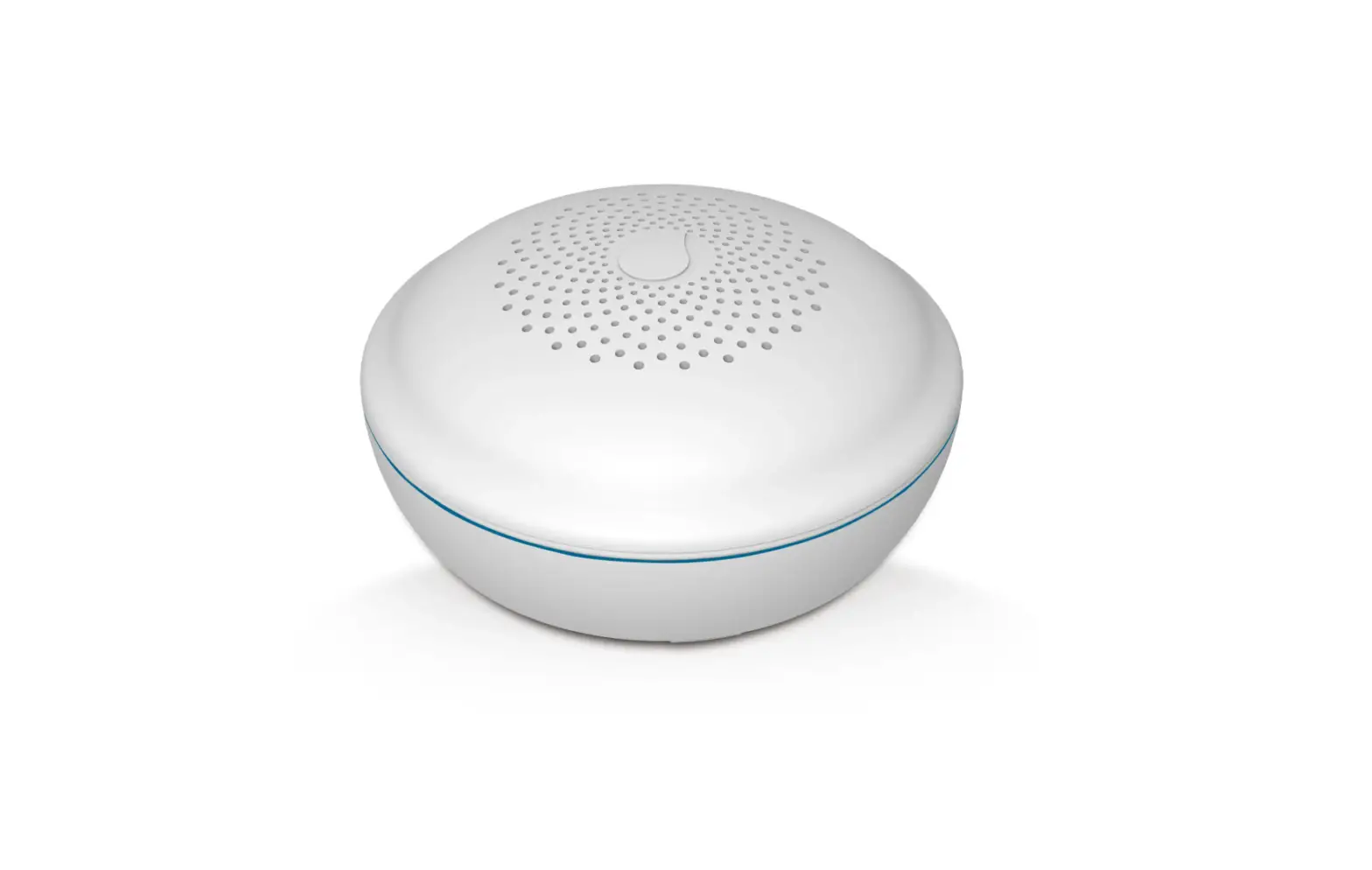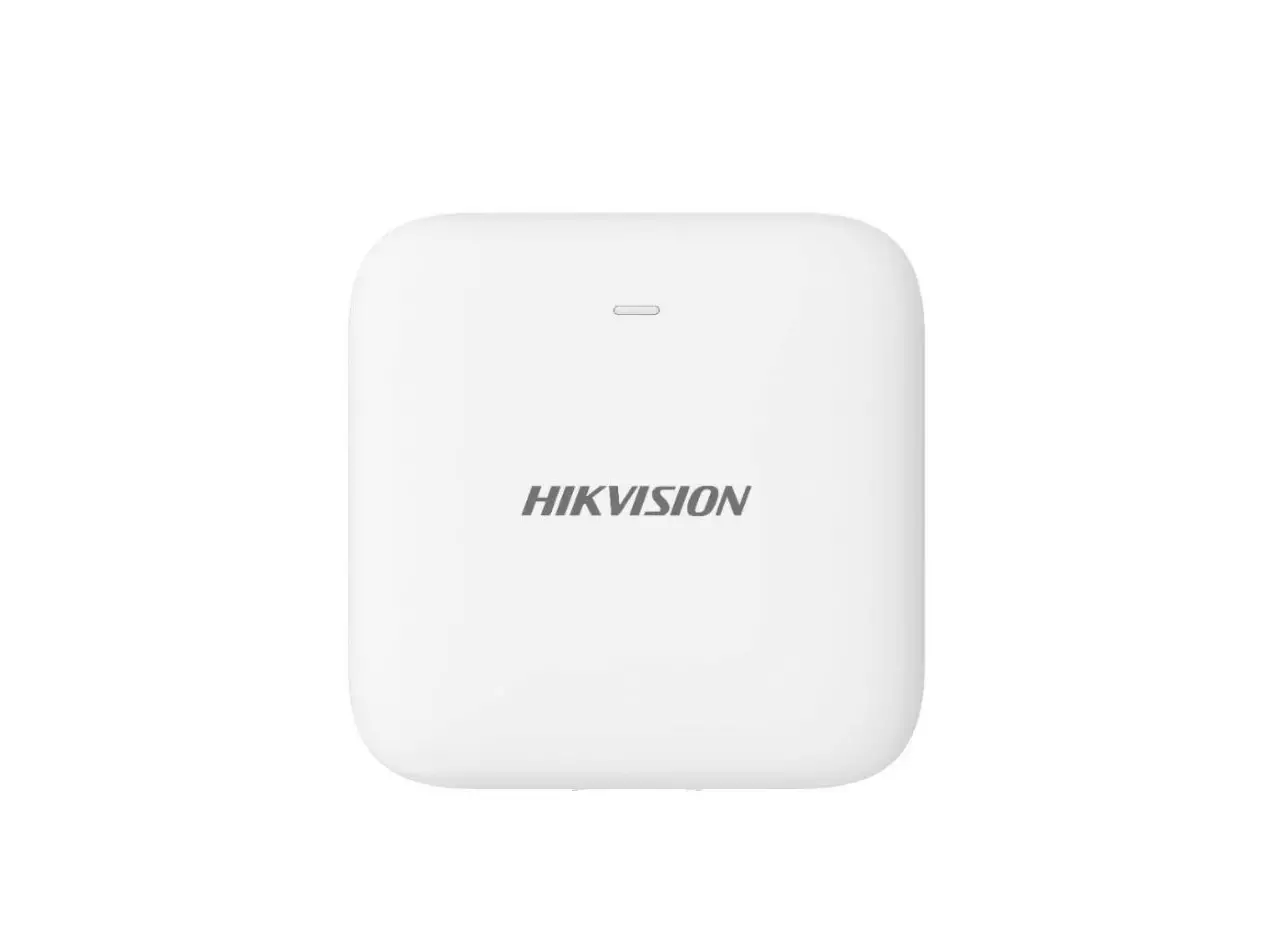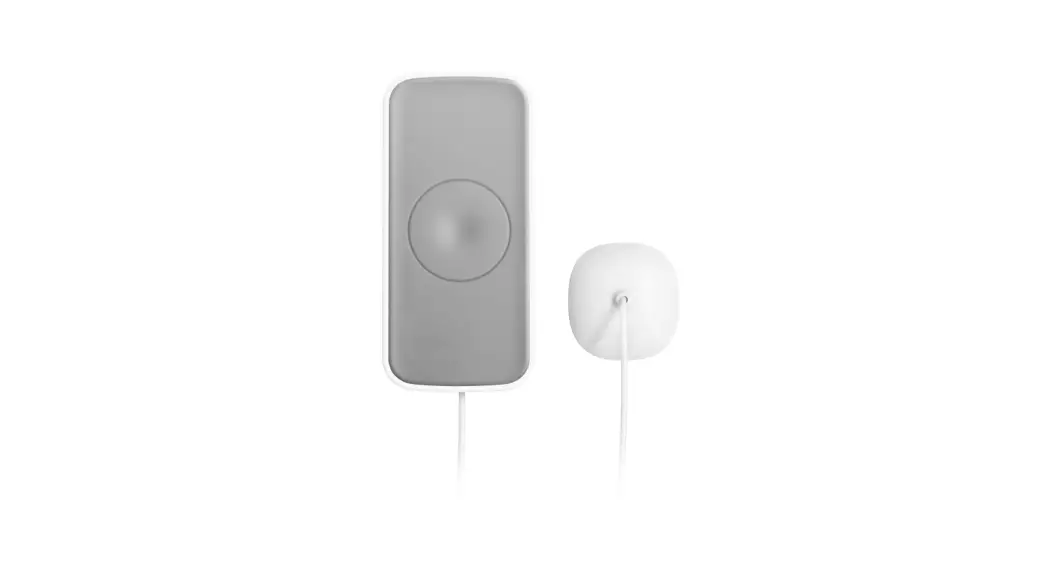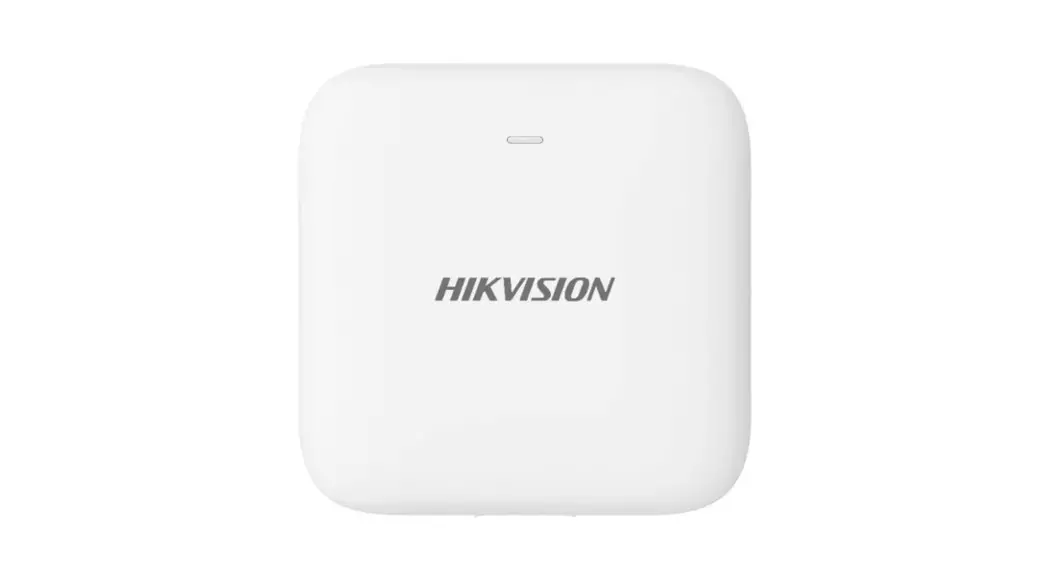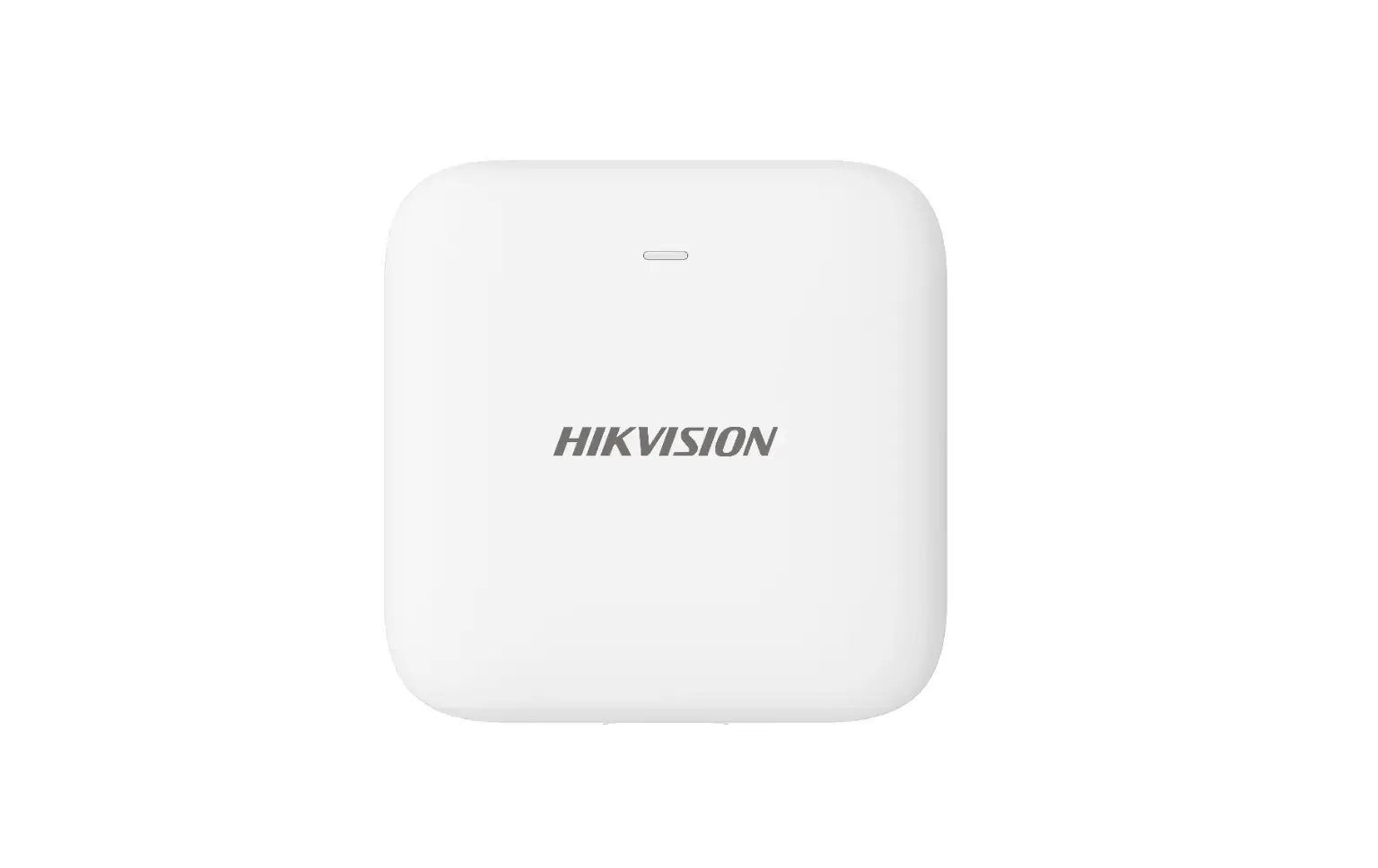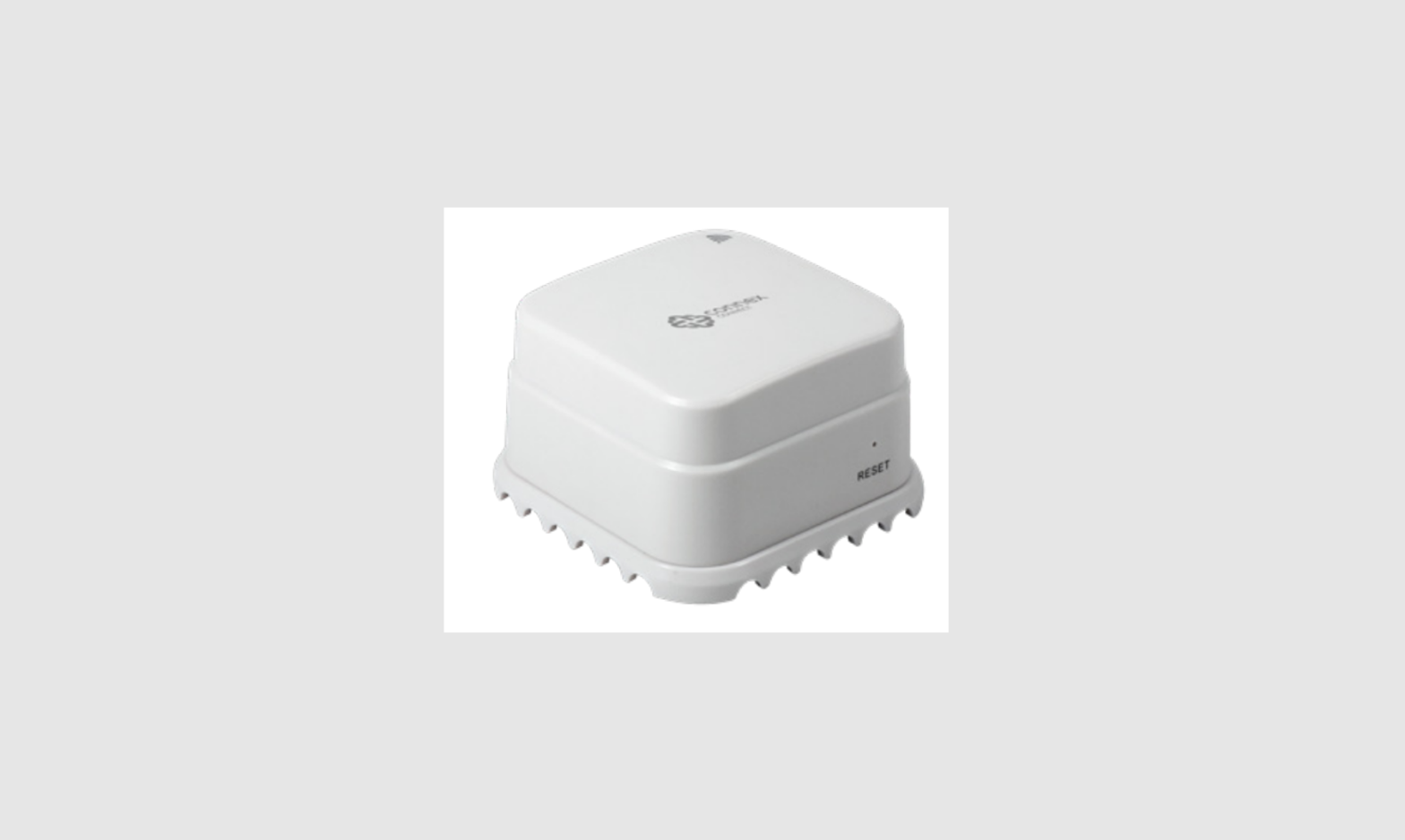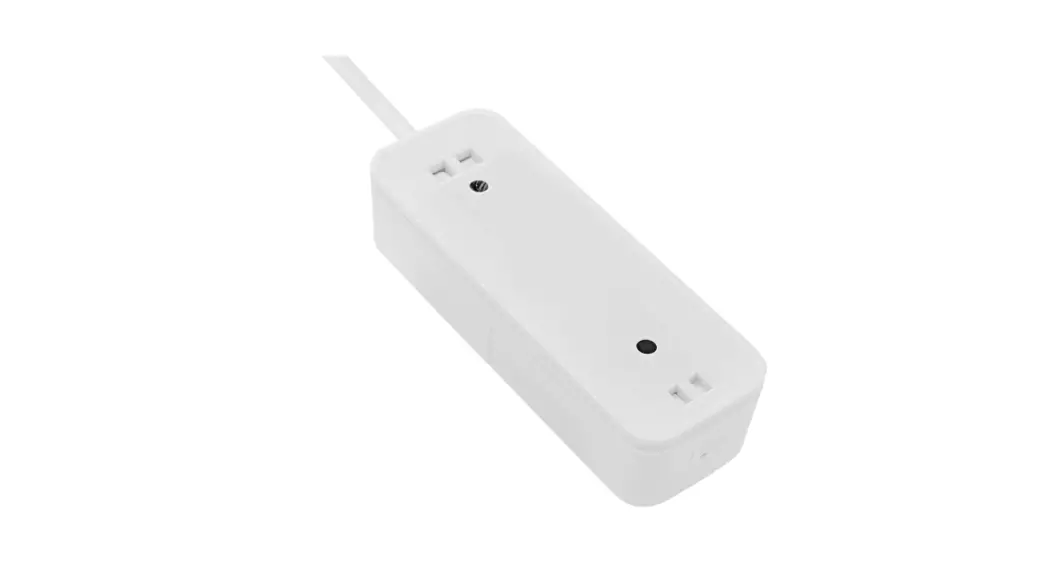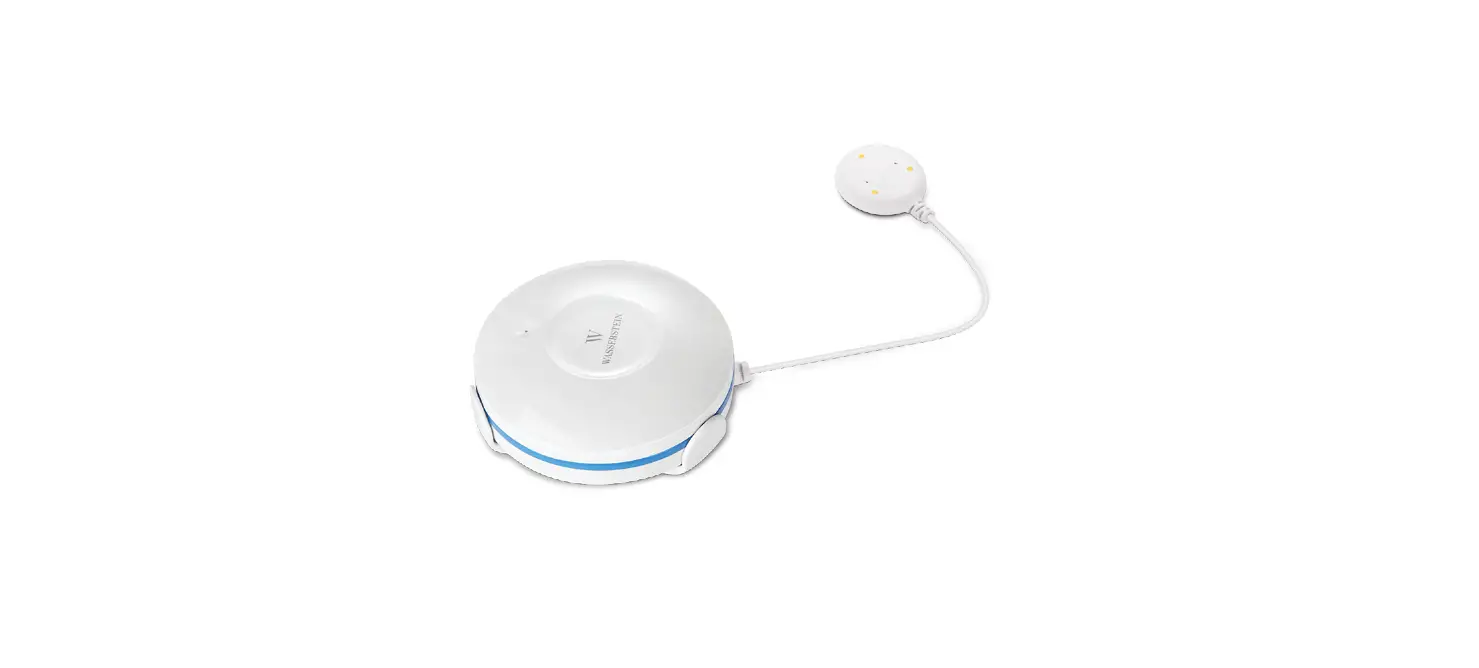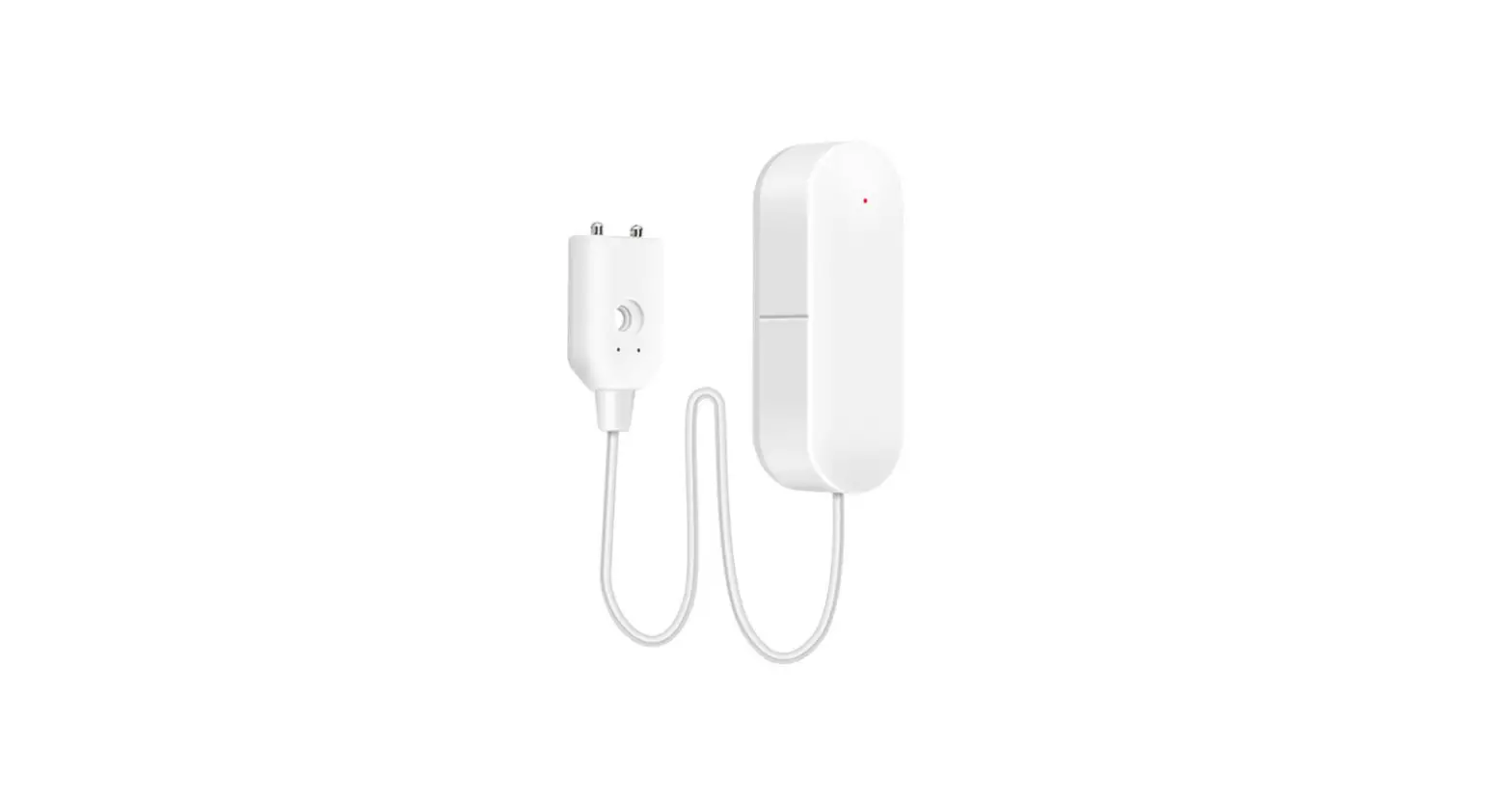
 Wi-Fi Water Leak Detector Alarm
Operation Instructions
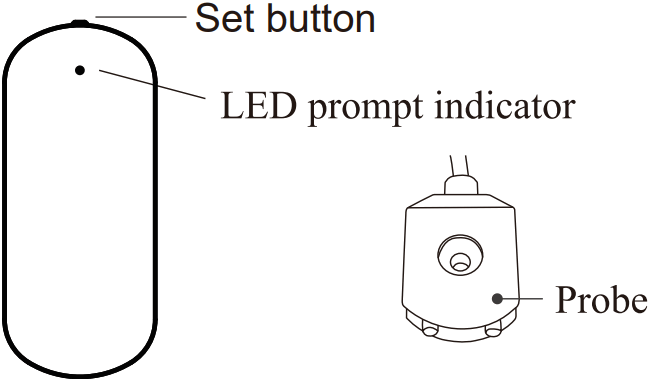
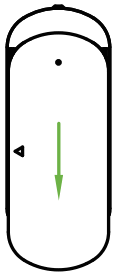
Appearance Introduction
Installation
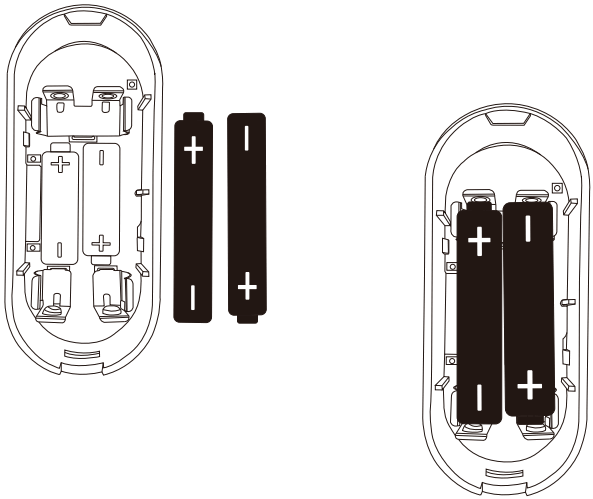
- A way for battery installation
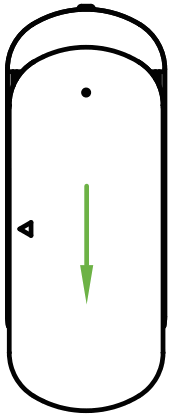
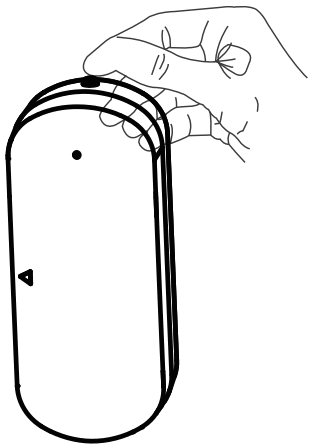
- Slide off the battery cover

- Place two pcs AAA batteries properly

- Slide off the battery cover
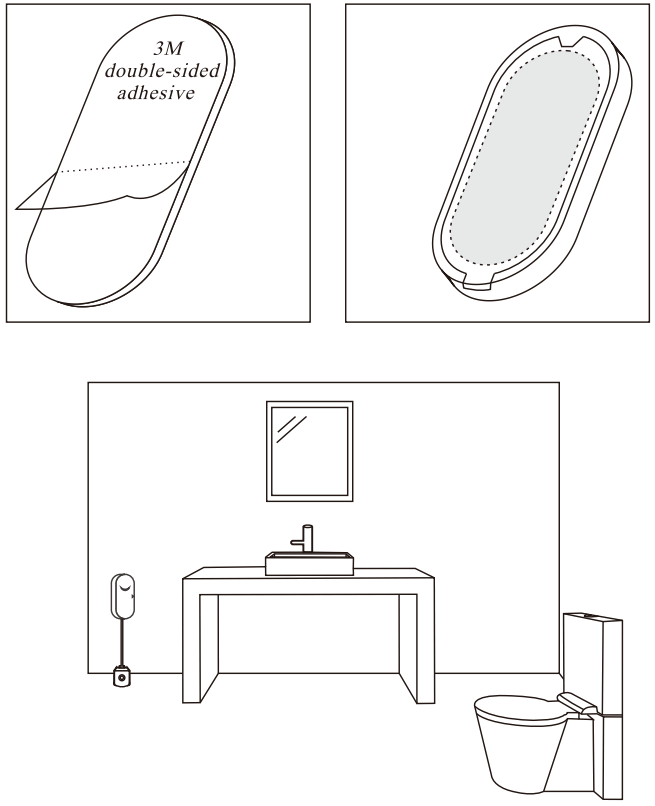
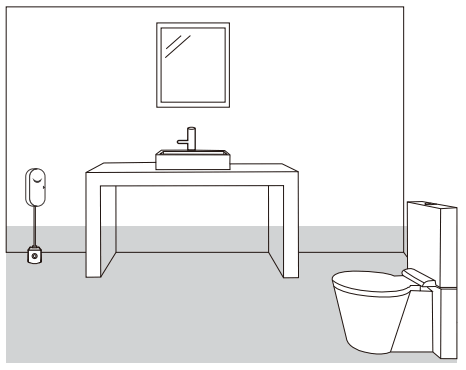
- Install with double-sided tape
- Stick the double-sided tape on the back of the alarm
- Tear off the other side of the protection paper, and paste the alarm to the installation position.

Tuya Smart
- Download APP
 Tuya Smart
https://smartapp.tuya.com/tuyasmart Smart Life
https://smartapp.tuya.com/smartlife➢ Scan the QR code to download the APP.
➢ IOS: Download the “Tuya Smart” or “Smart Life” at APP Store
➢ Android: Download the “Tuya Smart” or “Smart Life” at Google Play - Register/login to Tuya Smart

- Network with mobile phone (two methods)
 Tuya Smart
 Smart Life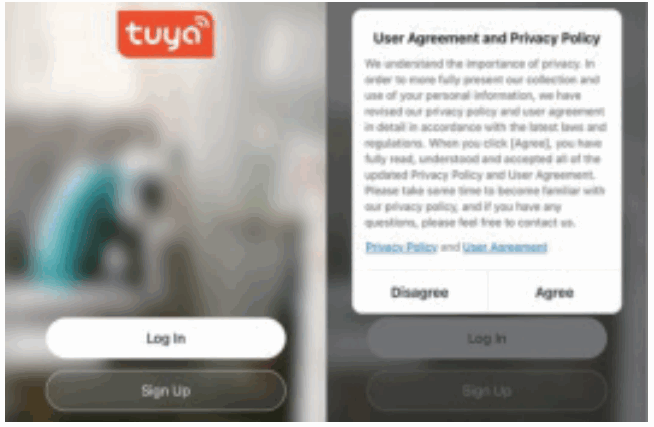
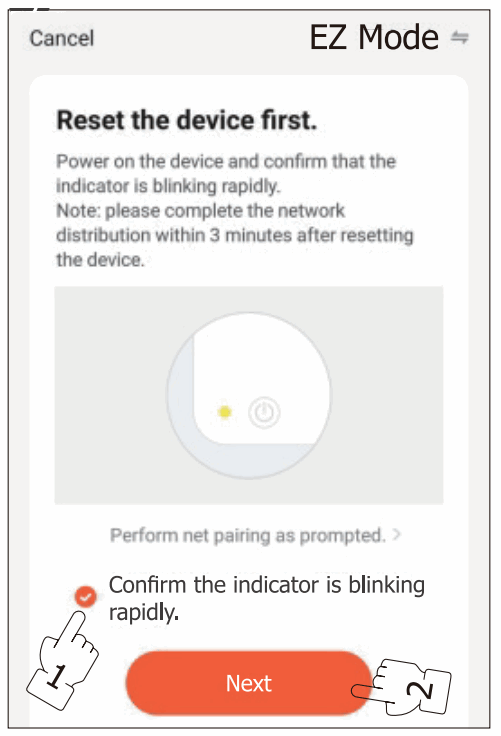
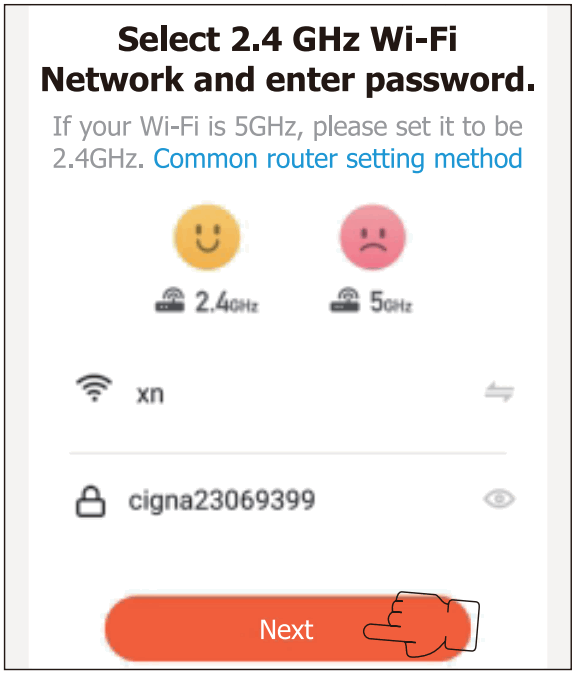
Method 1: Wi-Fi Quick Connect
1 | 4. Set button ➢ Press the set button once to activate the device; |
2 | 5 |
3 |
|
| |
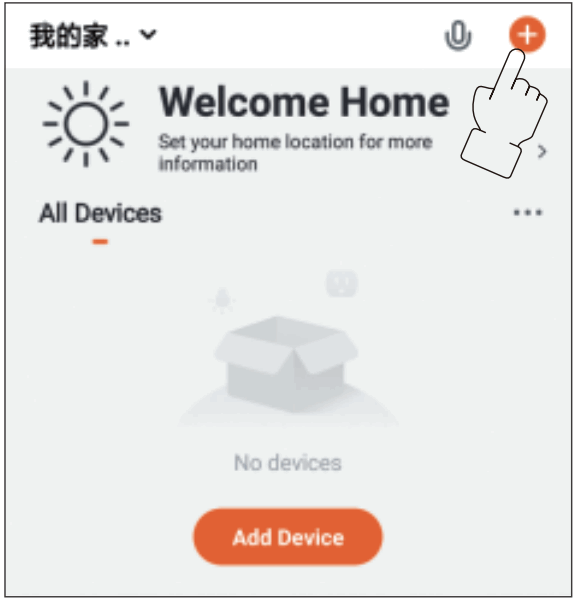
 Observe whether the LED light 0 flashes quickly, if it is not flashing quickly, please press and hold again for 5 seconds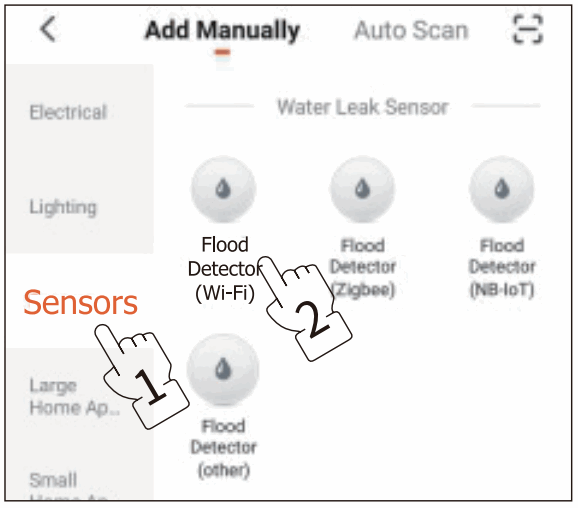
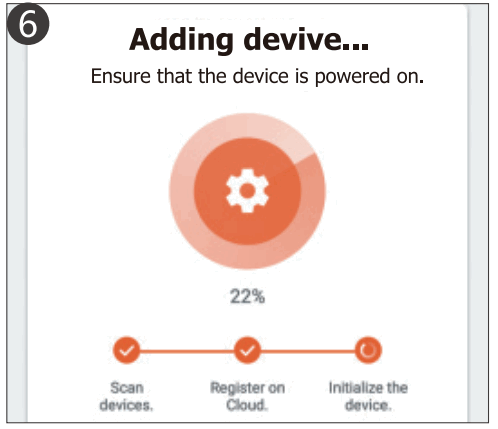
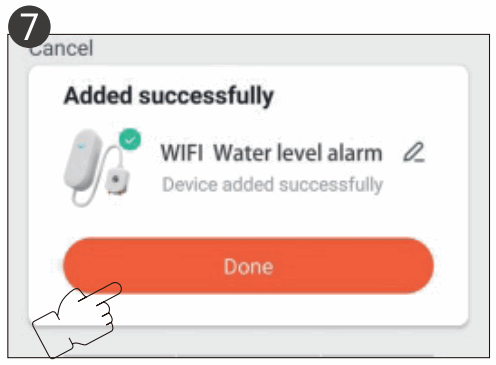
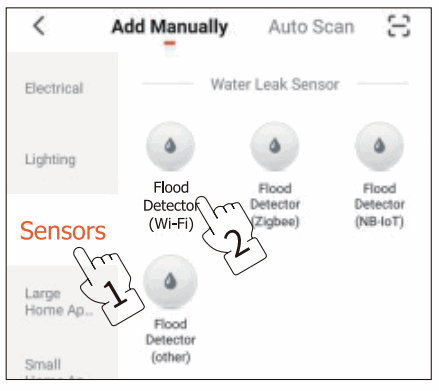
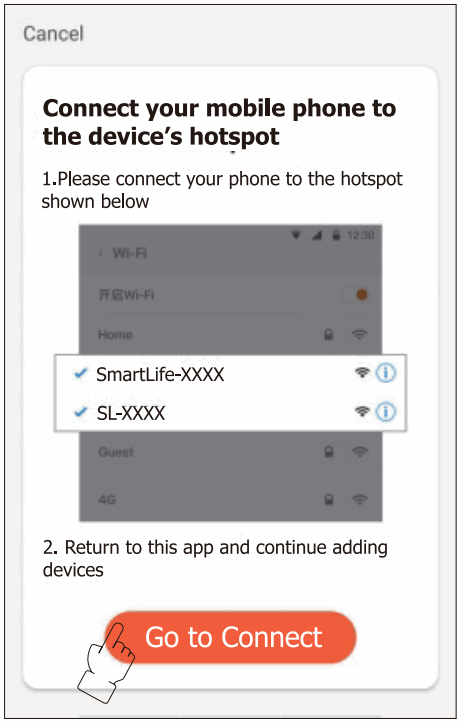
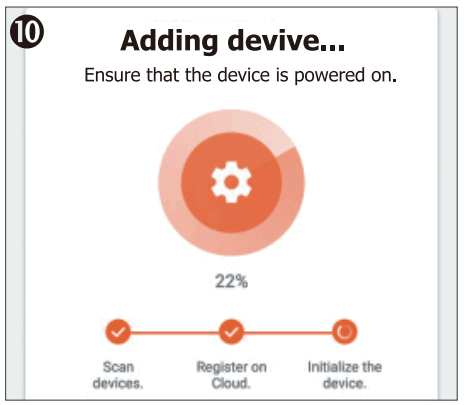
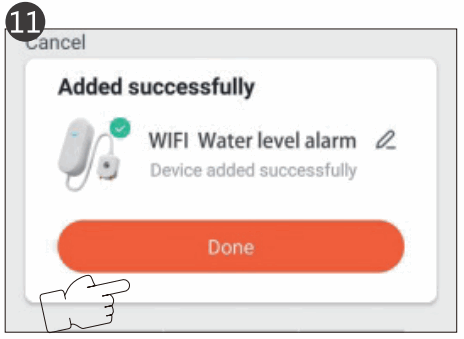
Method 2:
Hotspot distribution network
1 | 6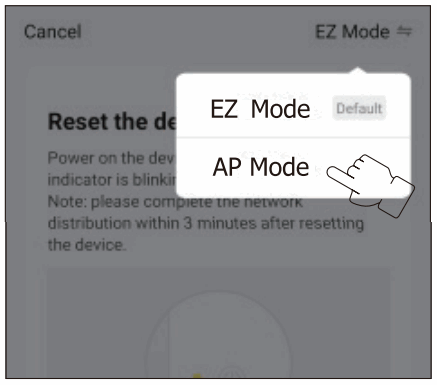 |
2 | 7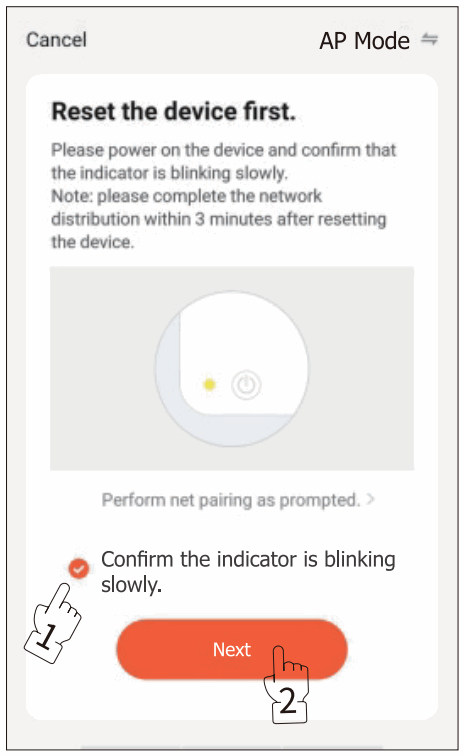 |
3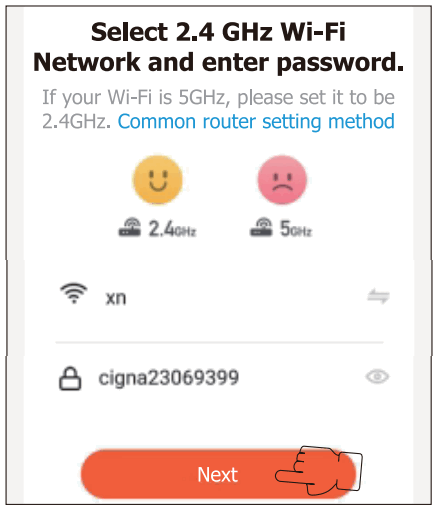 | 8 |
4 | 9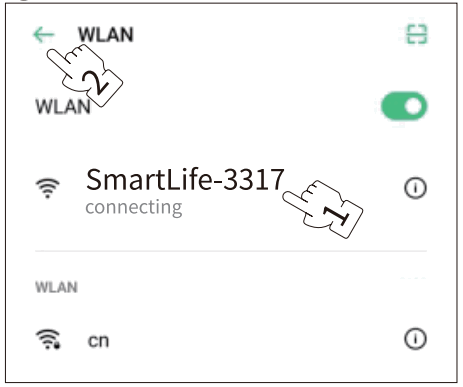 |
5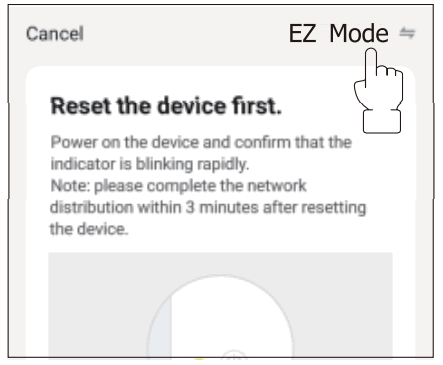 |
|
11 | |
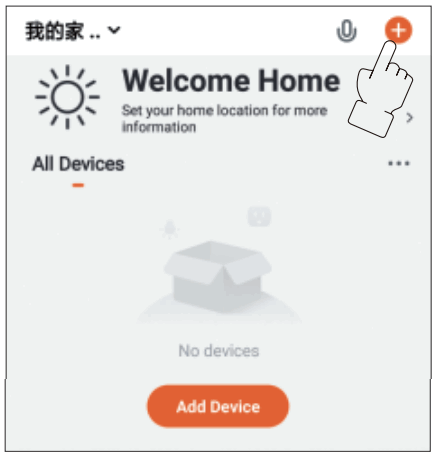
Maintenance
- Replace the batteries Battery lower power warning: When the battery power is lower than 20%, the APP will warn that the battery needs to be replaced.
- Slide off the battery cover

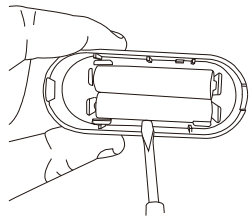
- Use a screwdriver to take out the battery from the side

- Slide off the battery cover
Testing the emitter
Specifications
Working voltage: DC3V (LRO3AAA*2)
Static current: 30uA
Transmitting current: 35mA
Working environment: -10°C – +513°C
WiFi: IEEE 802 11 b 2.4GHz
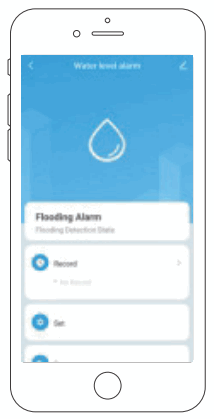
Alarm output: Low battery warning, water level alarm
FCC Warning:
This equipment has been tested and found to comply with the limits for a Class B digital device, pursuant to part 15 of the FCC Rules. These limits are designed to provide reasonable protection against harmful interference in a residential installation. This equipment generates, uses, and can radiate radio frequency energy and, if not installed and used in accordance with the instructions, may cause harmful interference to radio communications. However, there is no guarantee that interference will not occur in a particular installation. If this equipment does cause harmful interference to radio or television reception, which can be determined by turning the equipment off and on, the user is encouraged to try to correct the interference by one or more of the following measures:
- Reorient or relocate the receiving antenna.
- Increase the separation between the equipment and receiver.
- Connect the equipment into an outlet on a circuit different from that to which the receiver is connected.
- Consult the dealer or an experienced radio/TV technician for help.
Caution: Any changes or modifications to this device not explicitly approved by the manufacturer could void your authority to operate this equipment.
This device complies with part 15 of the FCC Rules. Operation is subject to the following two conditions:
- This device may not cause harmful interference, and
- this device must accept any interference received, including interference that may cause undesired operation.
This equipment complies with FCC radiation exposure limits set forth for an uncontrolled environment. This equipment should be installed and operated with a minimum distance of 20cm between the radiator and your body.