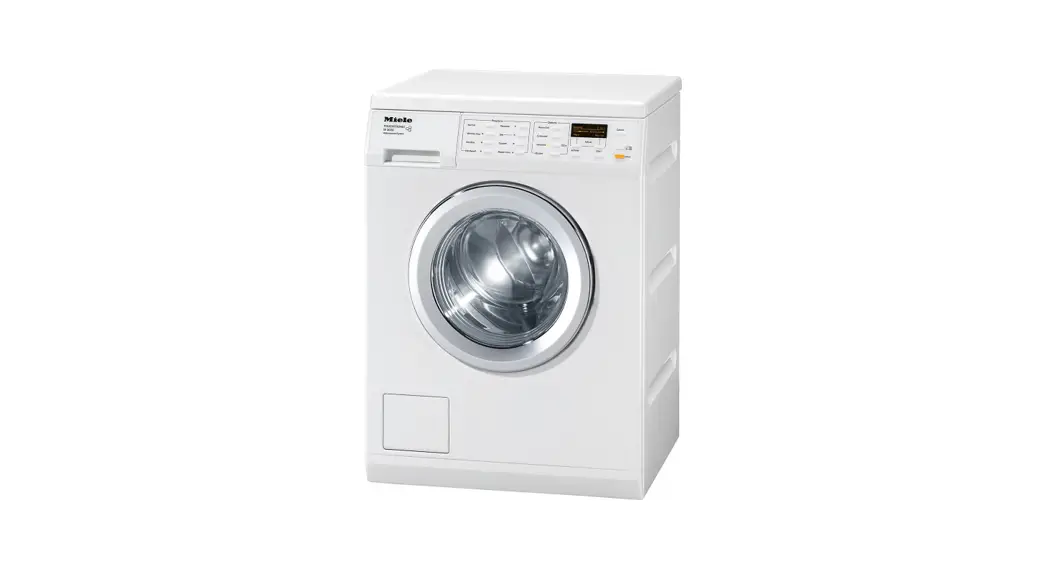
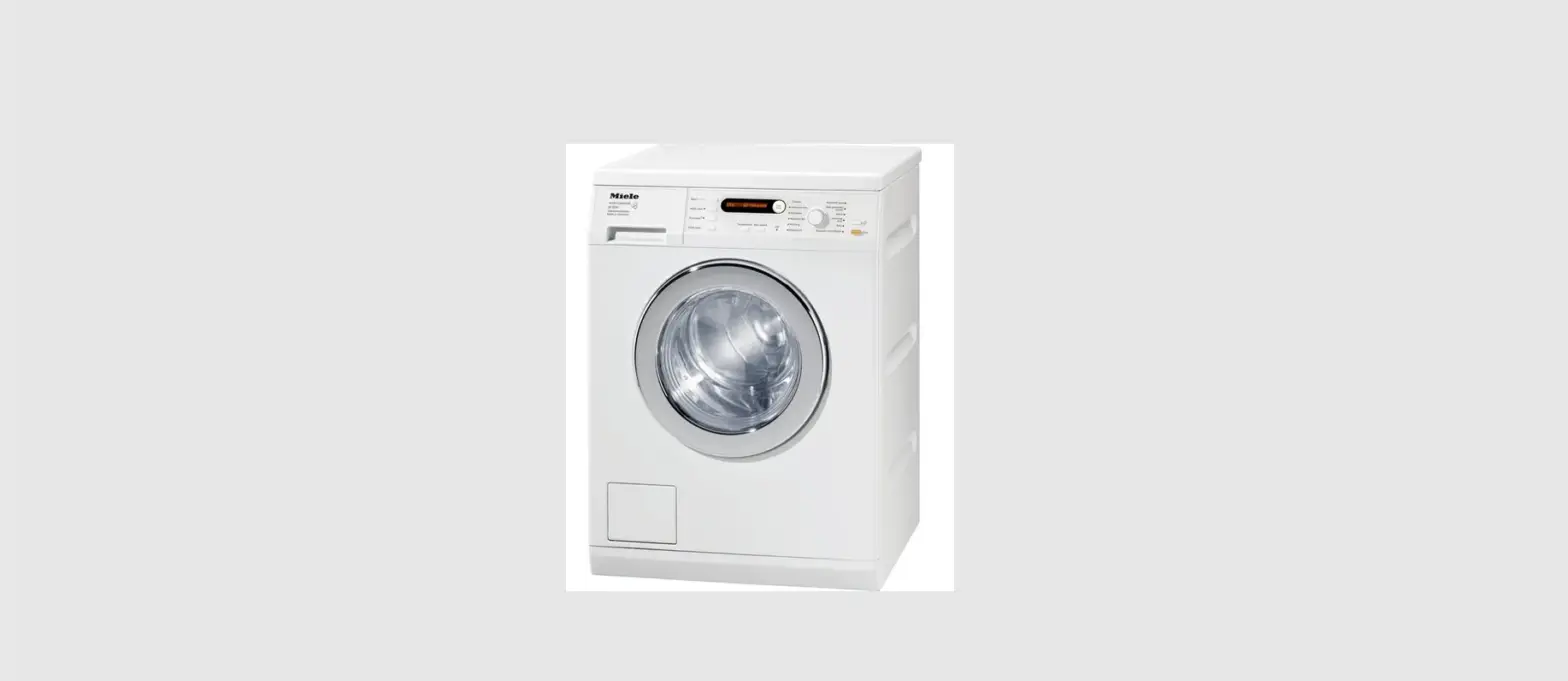
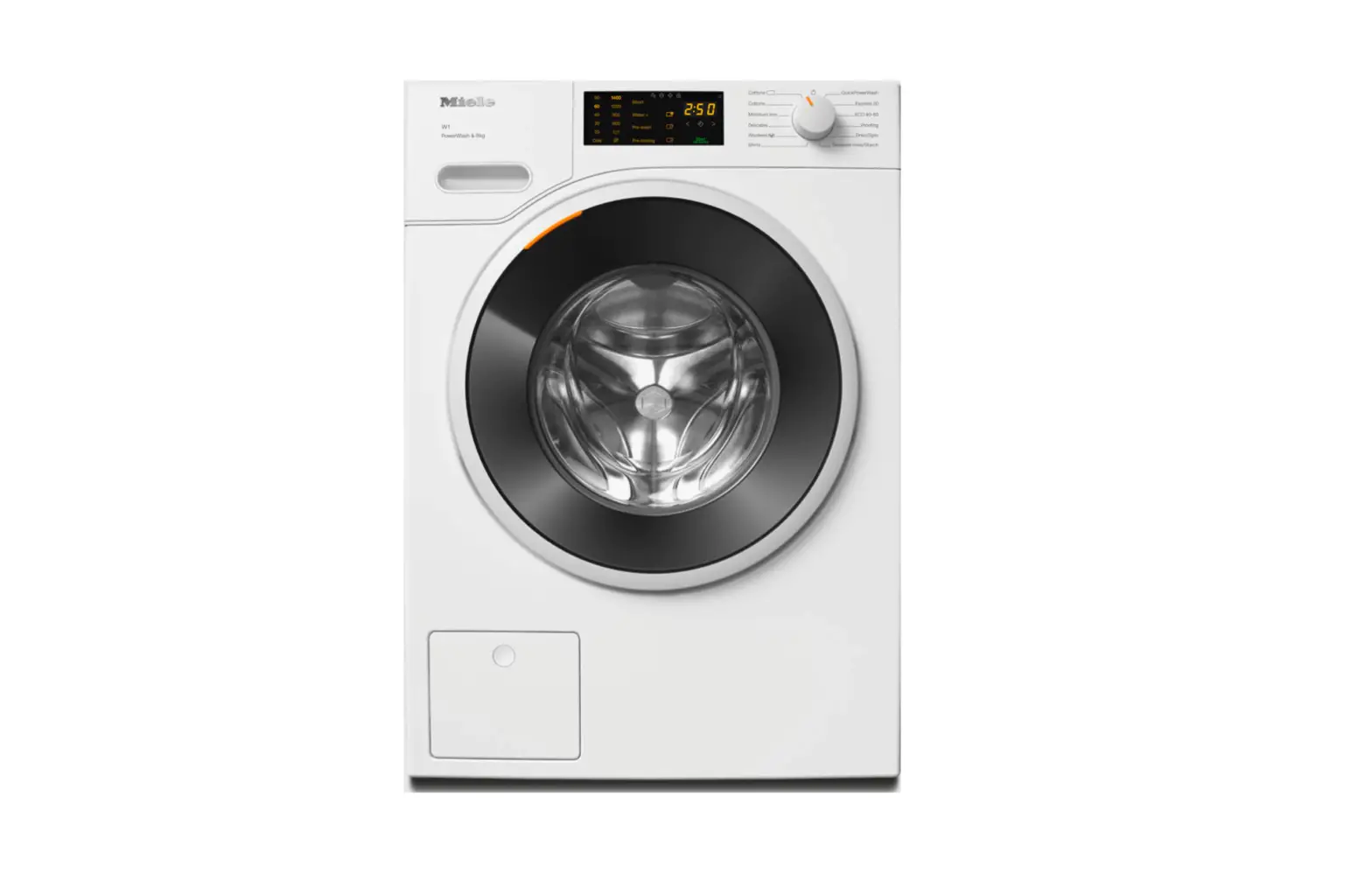
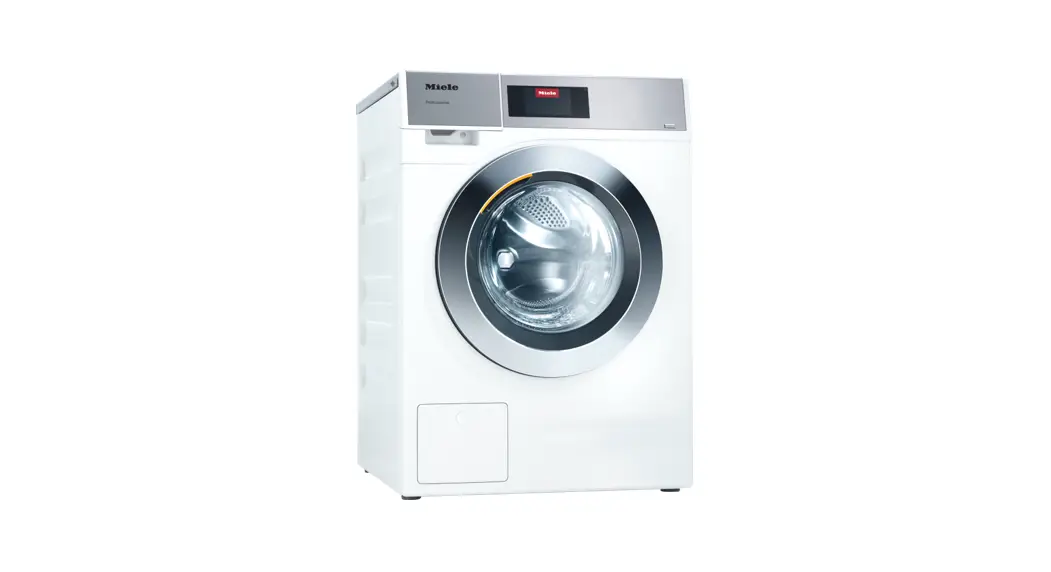
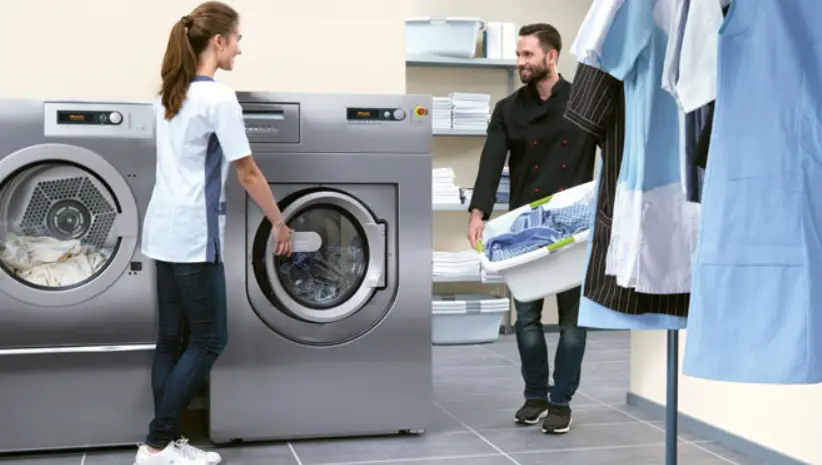
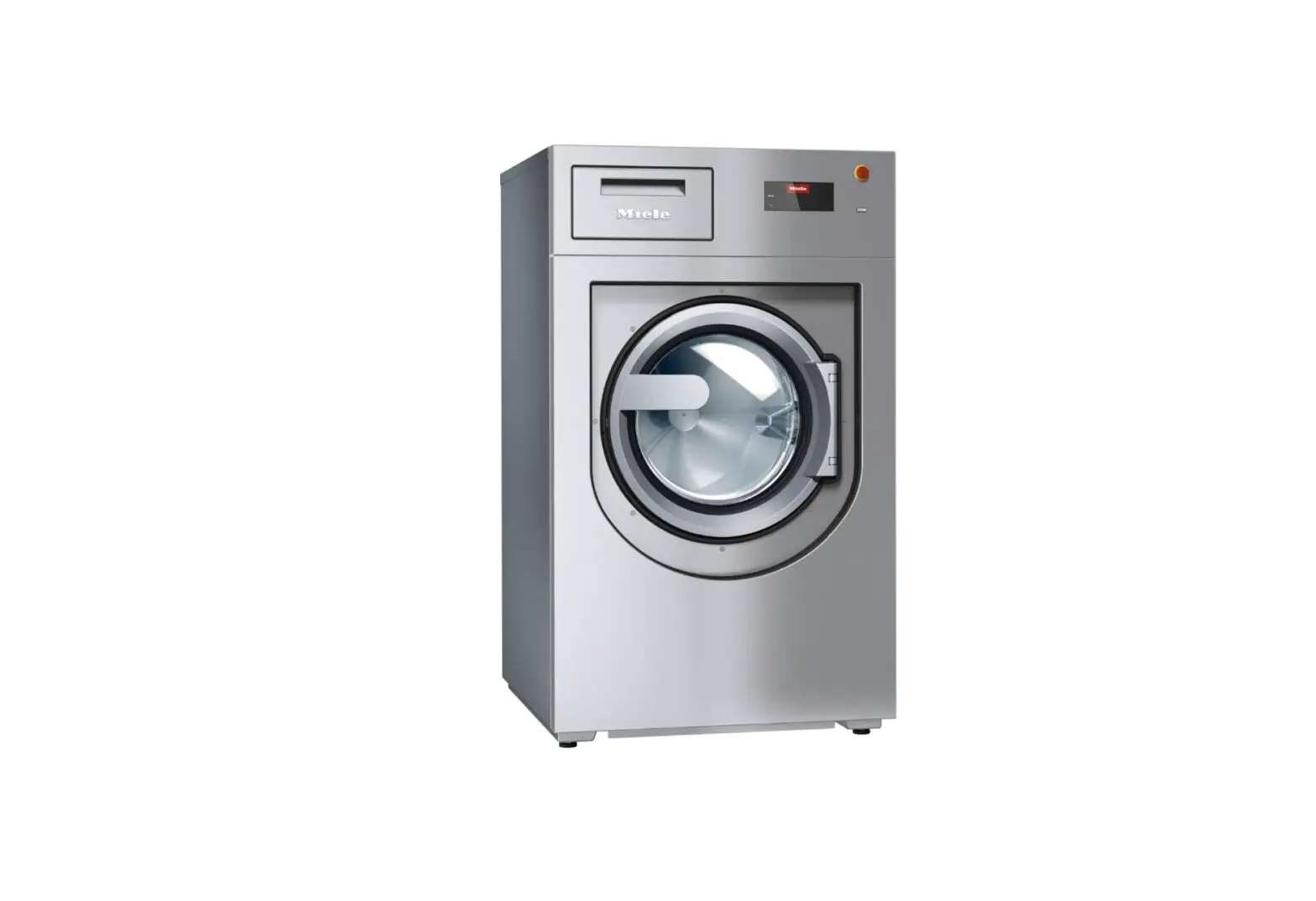
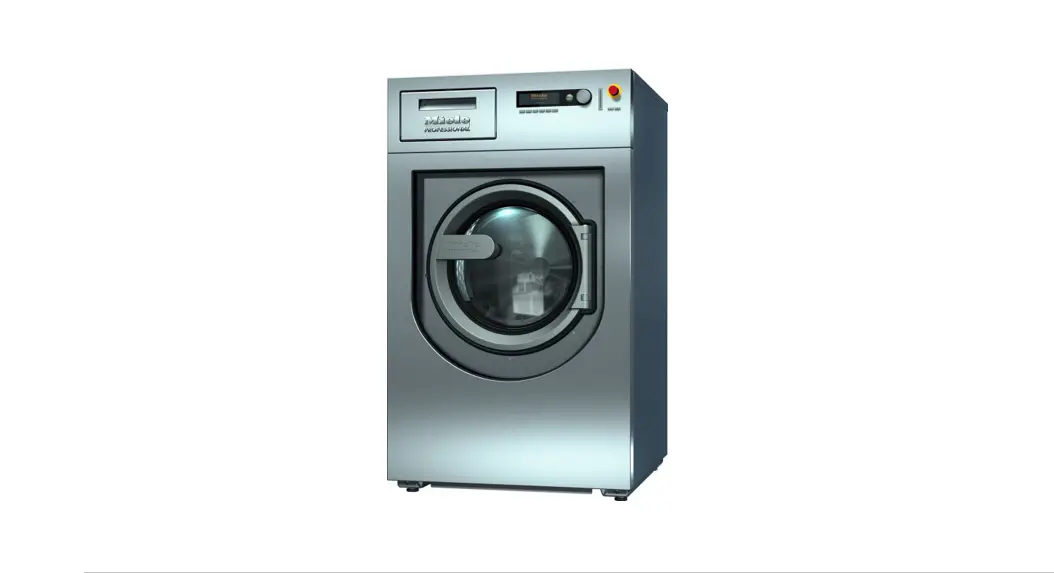
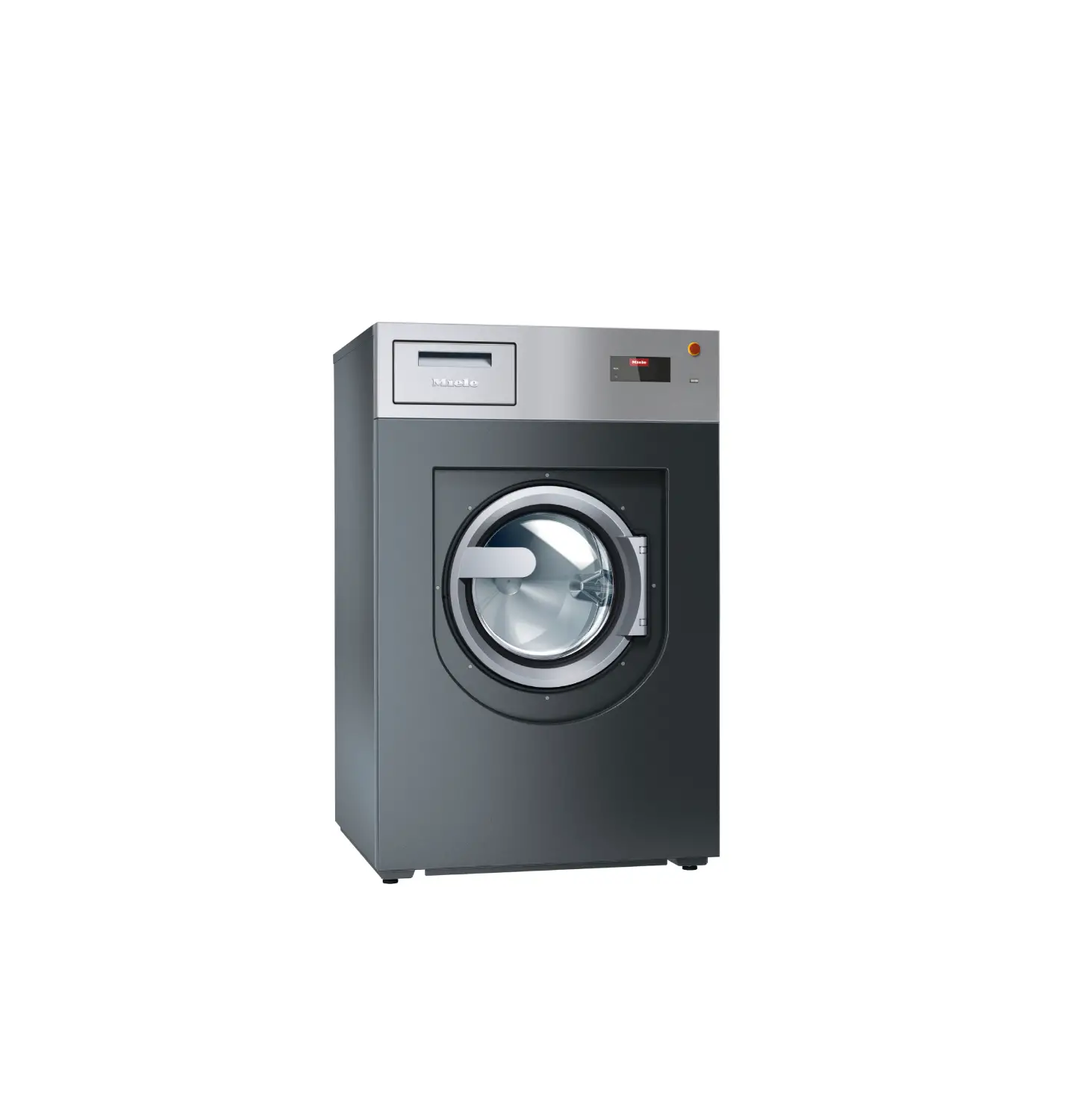
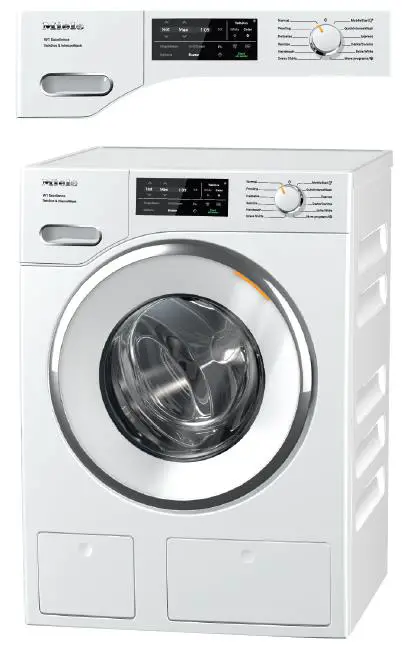
PW 6241 Commercial Washing Machine
Product Information: Commercial Washing Machine PW 6241 PW
6321
The Commercial Washing Machine PW 6241 PW 6321 is a high-quality
appliance designed for commercial use. It is important to read and
understand the operating and installation instructions before using
the machine to ensure safety and proper functionality.
The machine is designed for use in Australia and New Zealand
(en-AU, NZ) and complies with the necessary safety standards. It
operates at a voltage of up to 1000 volts and requires proper
earthing and equipotential bonding for safe usage.
It is essential to follow the warning and safety instructions
provided in the manual to avoid accidents or damage to the
appliance. These instructions cover various aspects such as hot
surfaces, voltage precautions, and installation guidelines.
Using genuine Miele spare parts and accessories is recommended
to ensure optimal performance and maintain the warranty.
Non-compliance with the safety instructions may result in damage
for which Miele cannot be held liable.
When disposing of the old washing machine, it is important to
ensure that the door locks are made unusable to prevent accidents
involving children. The manual also includes guidelines for proper
disposal of the appliance at local community waste
collection/recycling centers.
The machine is designed with energy-saving features. Loading the
maximum dry load for each program ensures efficient energy and
water consumption. It is also recommended to follow the detergent
manufacturer’s instructions and adjust the amount of detergent for
smaller loads. Selecting the highest possible spin speed for the
wash program can save energy when using a tumble dryer for
subsequent drying.
Product Usage Instructions:
- Before using the Commercial Washing Machine PW 6241 PW 6321,
read and understand the operating and installation instructions
provided in the manual. - Ensure proper earthing and equipotential bonding as per the
guidelines. - Only use genuine Miele spare parts and accessories with the
machine to maintain warranty and performance. - When disposing of the old washing machine, make sure the door
locks are made unusable to prevent accidents involving children.
Follow the guidelines for proper disposal at local community waste
collection/recycling centers. - To save energy and water, load the maximum dry load recommended
for each program. - Follow the detergent manufacturer’s instructions and avoid
exceeding the recommended amount of detergent. Adjust the detergent
amount for smaller loads. - Select the highest possible spin speed for the wash program to
save energy when using a tumble dryer for subsequent drying.
For a detailed guide to the different parts of the machine,
refer to the illustrations provided in the manual. The control
panel, detergent dispenser drawer, door handle, drum door, service
panel, and plinth panel are important components of the
appliance.
Operating and installation Instructions Commercial Washing Machine PW 6241 PW 6321
To avoid the risk of accidents or damage to the appliance, it is essential to read these instructions before it is installed and used for the first time.
en-AU, NZ
M.-Nr. 12 124 000
Contents
Warning and Safety instructions………………………………………………………………………… 4 Explanation of the safety instructions and warnings on the machine…………………………. 4 Correct application……………………………………………………………………………………………… 5 Preventing problems …………………………………………………………………………………………… 6 Technical safety………………………………………………………………………………………………….. 8 Correct use………………………………………………………………………………………………………… 10 Chlorine and component damage…………………………………………………………………………. 12 Accessories ……………………………………………………………………………………………………….. 13 Disposing of your old appliance……………………………………………………………………………. 13 Caring for the environment ……………………………………………………………………………….. 14 Guide to the machine ………………………………………………………………………………………… 16 Guide to the appliance ………………………………………………………………………………………… 16 Control panel ……………………………………………………………………………………………………… 17 Function buttons ………………………………………………………………………………………………… 18 Programme card for the operator………………………………………………………………………….. 19 Washing……………………………………………………………………………………………………………. 20 Using for the first time …………………………………………………………………………………………. 20 Preparing the laundry ………………………………………………………………………………………….. 20
Emptying pockets …………………………………………………………………………………………… 20 Max. load……………………………………………………………………………………………………….. 21 Washing with dispenser drawer ……………………………………………………………………………. 22 Adding detergent using the detergent dispensing drawer. ……………………………………. 22 Bleaching agent………………………………………………………………………………………………. 22 Dyes, dye removers and descaling agents …………………………………………………………. 23 Detergent dispensing ………………………………………………………………………………………. 23 Dispensing quantity…………………………………………………………………………………………. 23 Water hardness levels ……………………………………………………………………………………… 24 Selecting a programme ……………………………………………………………………………………….. 25 Selecting the Pre-wash, Starch stop or Without spin additional functions………………….. 25 Changes before starting the programme ……………………………………………………………….. 26 Load size ……………………………………………………………………………………………………….. 26 Temperature …………………………………………………………………………………………………… 26 Spin speed …………………………………………………………………………………………………….. 26 Maximum spin speeds …………………………………………………………………………………….. 26 Starting a programme ……………………………………………………………………………………… 26 Opening the drum door after the programme has finished ……………………………………. 28 Procedure in the event of a programme interruption during operation ……………………. 29 Washing by card operation………………………………………………………………………………… 30 Washing by card operation ………………………………………………………………………………….. 30 Laundry load operation ……………………………………………………………………………………….. 31 Additional functions ………………………………………………………………………………………….. 32 Temporarily changing the language ………………………………………………………………………. 32 Start time…………………………………………………………………………………………………………… 33 Cancelling the start time ………………………………………………………………………………….. 33 With Pre-wash ……………………………………………………………………………………………………. 34 Without spin ………………………………………………………………………………………………………. 35 Programme stop…………………………………………………………………………………………………. 35 Programme cancellation………………………………………………………………………………………. 36
2
Contents
Cancelling a locked programme……………………………………………………………………………. 36 Skipping a programme ………………………………………………………………………………………… 37 Optional modules (depending on country)………………………………………………………….. 38 Liquid dispensing ………………………………………………………………………………………………. 38 Deselecting dispensing ……………………………………………………………………………………….. 39 Amount to be dispensed ……………………………………………………………………………………… 39 Commissioning the dispenser pumps……………………………………………………………………. 39 Dispenser calibration…………………………………………………………………………………………… 40 Cleaning and maintenance of the dispensing system………………………………………………. 41 Peak load cut-out ……………………………………………………………………………………………….. 41 Communication module ………………………………………………………………………………………. 42 Operating data……………………………………………………………………………………………………. 42 Total data…………………………………………………………………………………………………………… 44 Programme data…………………………………………………………………………………………………. 45 Delete data ………………………………………………………………………………………………………… 47 Weighing system/Weighing plinth …………………………………………………………………………. 48
Resetting the load display to zero ……………………………………………………………………… 48 Problem solving guide ………………………………………………………………………………………. 49 The drum door cannot be opened. ……………………………………………………………………….. 49 The safety catch of the door handle is disengaged …………………………………………………. 49 Power failure during the washing process, emergency release of the door ………………… 50
In the event of a brief power failure:…………………………………………………………………… 50 Possible causes of increased foam formation ………………………………………………………… 52 Service interval and DGUV display ……………………………………………………………………….. 53 After sales service ………………………………………………………………………………………………. 56 Cleaning and care …………………………………………………………………………………………….. 57 Build-up of rust…………………………………………………………………………………………………… 57 Cleaning the detergent drawers, detergent compartments and siphons…………………….. 58 Drum shaft bearings ……………………………………………………………………………………………. 60 Downtimes ………………………………………………………………………………………………………… 60 Meaning of the symbols on the data plate………………………………………………………….. 61 Sound emissions ………………………………………………………………………………………………… 61 Installation………………………………………………………………………………………………………… 62 Transport safety devices ……………………………………………………………………………………… 62 Water connection ……………………………………………………………………………………………….. 63
Water connections ………………………………………………………………………………………….. 63 Connection to the water inlet/drainage ………………………………………………………………. 63 Connection to the cold water supply only…………………………………………………………… 64 Use of backflow prevention devices ………………………………………………………………….. 64 Dosing medium connection at the mixing box………………………………………………………… 65 Electrical connection …………………………………………………………………………………………… 67 Equipotential bonding …………………………………………………………………………………………. 67 Connecting the dispenser pumps (depending on country)……………………………………….. 68 Steam connection (depending on country) …………………………………………………………….. 68 Quick Start Guide ……………………………………………………………………………………………… 69
3
Warning and Safety instructions
Explanation of the safety instructions and warnings on the machine
Read the operating instructions Read the instructions e.g. installation instructions Warning: hot surfaces Caution: voltage up to 1000 volts Earthing Equipotential bonding
This washing machine complies with all current local and national safety requirements. However, inappropriate use can lead to personal injury and damage to property. Read the operating instructions carefully before using the washing machine. They contain important information on safety, installation, use and maintenance of the appliance. This prevents both personal injury and damage to the washing machine. In accordance with standard IEC 60335-1, Miele expressly and strongly advises that you read and follow the instructions in “Installation”, as well as in the “Warning and Safety instructions”. Miele cannot be held liable for injury or damage caused by noncompliance with these instructions. Keep these operating instructions in a safe place and pass them on to any future owner. When instructing other people how to use the washing machine, they must be made aware of these Warning and Safety instructions.
4
Warning and Safety instructions
Correct application The washing machine is only suitable for washing fabrics with a care label stating that they are suitable for machine washing. Any other applications may be dangerous. The manufacturer cannot be held liable for damage resulting from incorrect or improper use or operation of the machine. This washing machine must be used as described in these instructions and must be checked on a regular basis to make sure it is functioning correctly. Maintenance must be carried out when necessary. The washing machine is not suitable for outdoor use. Do not install your washing machine in a room where there is a risk of frost. Frozen hoses can tear or burst. The reliability of the electronic control unit may be impaired at temperatures below freezing point. The washing machine is designed for commercial use only. The machine must not be installed and operated in mobile locations (e.g. on a ship). This washing machine is only intended for items of laundry that have not been proofed with dangerous or inflammable substances. For the disinfection processes, temperatures, exposure times, liquor ratios and, if necessary, disinfectants are to be used which provide the necessary infection prophylaxis in accordance with guidelines and microbiological and hygienic findings. Disinfection programmes must not be interrupted, as this can have a limiting effect on the disinfection result. It is the operator’s responsibility to ensure that the standard of disinfection in thermal as well as chemo-thermal procedures is maintained by carrying out suitable validation tests. If special requirements are placed on the result quality of the laundry, e.g. rinsing result, particle-free, wettability and permeability to liquids, the process must be validated accordingly. The operator must ensure the reprocessing standard through regular quality controls. Gasoline, petroleum, kerosene, paraffin, or any easily flammable liquid must not be stored or used near the washing machine. Risk of fire and explosion. If the washing machine is operated in a publically accessible place, it is the operator’s responsibility to ensure suitable measures are in place to protect users from any source of risk or danger.
5
Warning and Safety instructions
This washing machine is not intended for use by persons (including children) with reduced physical, sensory or mental capabilities, or lack of experience and knowledge, unless they have been given supervision or instruction concerning its use by a person responsible for their safety. Young children must not be allowed to use this appliance. Older children may only use the appliance when its operation has been clearly explained to them and they are able to use it safely. They must be able to understand and recognise the possible dangers of misuse. Cleaning work may only be carried out by older children under the supervision of an adult. Always supervise any children in the vicinity of the washing machine. Never allow children to play with the washing machine. Uses other than those listed above are incorrect and shall release the manufacturer from liability. Preventing problems Never use solvent-based detergents, e.g. those containing benzine, in this washing machine. This may result in damage to component parts and create toxic fumes. Risk of fire and explosion! When washing with high temperatures, remember that the porthole glass becomes hot. Therefore, prevent children from touching the porthole glass during the wash process. Danger of burning! Close the drum door after each wash programme. This way you will avoid the danger of – children climbing into the washing machine or hiding things in it. – Small animals climb into the washing machine. Do not damage, remove or bypass the safety components or control elements of the washing machine. Machines with a damaged control panel or damage to wire insulation must not be used until they have been repaired. If the supply cord is damaged, it must be replaced by the manufacturer, its service agent or similar qualified person in order to avoid a hazard. The water generated during washing is suds solution and not drinking water. Drain the suds solution into an appropriate sewage system. Always make sure that the drum is stationary before reaching in to remove laundry. Reaching into a moving drum is extremely dangerous. Danger of injury!
6
Warning and Safety instructions
Be careful not to put your hands in the gap between door and frame when closing the drum door. If the dispensing drawer is open and the chute is missing, there is a risk of scalding due to splashing water. Only operate the machine with all attachments in place! It is particularly important to observe manufacturer’s instructions when using a combination of cleaning agents and special application products. Products must only be used for applications approved by the manufacturer to avoid any material damage or the occurrence of strong chemical reactions.
7
Warning and Safety instructions
Technical safety The washing machine must be installed by a Miele authorised installer. Before installing and operating the washing machine, check it for any visible exterior damage. Do not install or operate a damaged washing machine. The electrical safety of this washing machine can only be guaranteed when continuity is complete between it and an effective earthing system which complies with current local and national safety regulations. It is most important that this basic safety requirement is present and regularly tested and, where there is any doubt, the onsite wiring system should be inspected by a qualified electrician. Miele cannot be held liable for the consequences of an inadequate earthing system (e.g. electric shock). Unauthorised repairs could result in unforeseen dangers for the user, for which the manufacturer cannot accept liability. Repairs should only be carried out by a Miele approved service technician, otherwise any subsequent damage will not be covered by the warranty. Do not make any alterations to the machine, unless authorised to do so by Miele. The washing machine must be disconnected from the mains electricity supply before any maintenance, cleaning or repair work is carried out. The washing machine is only isolated from the electricity supply when – it is switched off at the wall socket and the plug is withdrawn, or – the mains fuse is disconnected, or – it is switched off at the mains circuit breaker. For further information see “Installation Electrical connection”. If the control element or the insulation of cables in the washing machine is damaged, the washing machine must not be operated before it is repaired. Only operate the washing machine when all removable outer panels are in place so that it is impossible to touch an electrical component or moving part. In the event of a fault or for cleaning and maintenance purposes, the washing machine must be isolated from the electricity supply. It is only completely isolated if: – it is switched off at the wall socket and the plug is withdrawn, or – the mains fuse is disconnected, or – it is switched off at the mains circuit breaker. For further information see “Installation Electrical connection”.
8
Warning and Safety instructions
The plug of the washing machine (if fitted) must be accessible at all times to ensure that the washing machine can be disconnected from the electricity supply at any time. The means for disconnection must be incorporated in the fixed wiring in accordance with the wiring rules (AS/NZS 3000). The washing machine may only be connected to the water supply using the new hose set supplied with the machine. Old hoses must not be re-used. Check the hoses regularly for signs of wear. Change the hoses in good time to avoid the risk of leaks and water damage. The water flow pressure must be at least 100 kPa and must not exceed 1000 kPa. Faulty components must only be replaced by genuine Miele original spare parts. Miele can only guarantee the safety standards of the machine when Miele replacement parts are used. If leakages occur, remedy their cause before operating the washing machine again. Immediately disconnect the washing machine from the electricity supply when leaking occurs. In case of malfunctions of the steam heater, temperatures in the area of the drum door, the front of the detergent dispensing drawer and the inside of the drum (especially the drum edge) may be elevated. There is a risk of minor burns. This only applies to appliances with steam heating. Please observe the instructions in “Installation”. If the washing machine is hard wired, provision must be made on site to switch off all poles from the electricity supply. The disconnection switch must be located in the immediate area around the washing machine, and must always be visible, accessible and easily reachable. If the machine’s mains connection cable has been damaged, it must be replaced by the manufacturer or a qualified specialist. If maintenance or replacement of parts is carried out on the machine, the power supply must be disconnected. If it is intended that the mains plug be removed from the socket, the operator must be able to clearly monitor from any access point that the mains plug is still removed.
9
Warning and Safety instructions
Correct use The maximum dry laundry weight is 24 kg for PW 6241 and 32 kg for PW 6321. See the “Programme chart” for the maximum recommended loads for individual programmes. Before using the machine for the first time, ensure that the transit bars have been removed (see “Installation – Removing the transit bars”). During spinning, transit bars which are still in place can cause damage to both the machine and adjacent furniture or appliances. Never try to open the drum door of the washing machine using force. The drum door can only be opened if appropriate information is shown in the display. When washing with high temperatures, remember that the porthole glass and the drum door become hot. Therefore, prevent children from touching the porthole glass and the drum door during washing. Close the drum door after each wash programme. This way you will avoid the danger of – children climbing into the washing machine or hiding things in it. – Small animals climb into the washing machine. Always close the drum door carefully. There is a risk of crushing and cutting on the hinges of the drum door. It must be possible to open the drum door completely. The opening range of the drum door must not be obstructed by doors or structural conditions. Always make sure that the drum is stationary before reaching in to remove laundry. There is a considerable risk of injury when touching a drum that is still rotating. The procedures and machines listed here are not medical devices. Observe the programme descriptions and procedural notes in the programme chart. Disinfection of the laundry only takes place in the programmes with a disinfection stage. All other programmes do not have a disinfection stage (see programme chart – “Hygiene”). If laundry that has not been disinfected is transferred to the “clean” side of the washing machine, germ transfer or contamination can occur. The transfer of nondisinfected linen to the “clean” side is the sole responsibility of the operator. This washing machine may only be operated without supervision if there is a floor drain (gully) in the direct vicinity of the washing machine.
10
Warning and Safety instructions
Disinfectants and detergents often contain chlorine-containing compounds. If chlorine-containing agents dry on stainless steel surfaces, the resulting chlorides can attack the stainless steel and cause rust. You can protect your washing machine from rust damage by using chlorine-free agents to wash, disinfect and clean the stainless steel surface. If in doubt, have the manufacturer confirm that the product is safe. If agents containing chlorine get onto the stainless steel surface, the stainless steel surface must be washed off immediately with water. Then dry the stainless steel surface with a cloth. It is particularly important to observe the manufacturer’s instructions when using a combination of cleaning agents and special application products. Products must only be used for applications approved by the manufacturer to avoid any material damage or the occurrence of strong chemical reactions. Confirmation must be sought from the detergent manufacturer that using the agent in the washing machine will not cause damage. If the correct amount of detergent is dispensed, the washing machine should not need to be descaled. If, however, you do wish to descale your washing machine, only use proprietary non-corrosive descaling agents and strictly observe the instructions on the packaging. Special descaling agent is available from Miele. Strictly observe the instructions for the descaling agent. Turn off the tap if the machine is to be left for any length of time (e.g. while on holiday), especially if there is no floor drain (gully) in the immediate vicinity. Take care to ensure that foreign objects (e.g. nails, pins, coins, paper clips) do not find their way into the machine with the laundry. These may damage components of the machine (e.g. suds container, drum). Damaged components can, in turn, result in damage to the laundry. Fabrics that have been pre-treated in solvent-based cleaning agents must be thoroughly rinsed in clean water before being placed in the machine. Note that solvent residues may only be discharged into waste water in compliance with local legislation. Never use solvent based cleaning agents, e.g. those containing benzine, in this washing machine. This may result in damage to component parts and create toxic fumes. Risk of fire and explosion! Do not store chemicals (liquid detergents, additives) on the machine lid. They may cause discolouration or lacquer damage. Accidently spilled chemicals should be removed from the surface immediately with a wet cloth. A vent outlet is situated at the rear of the machine. It should never be closed or covered. Observe the minimum distance in the installation plan.
11
Warning and Safety instructions
The application-technical recommendation of chemical washing additives does not mean that the appliance manufacturer is responsible for the effects of these addtives on the wash load and the washing machine. Note that product changes not disclosed by the manufacturer of these aids may affect the quality of the washing result. Only use dyes, dye removers, and descaling agents suitable for use in a washing machine. The manufacturer’s instructions on the packaging must be observed. Dye removers contain sulphur compounds which can cause damage such as corrosion. Dye removers must not be used in the washing machine. Check the washing result for laundry soiled with biological oils or greases. Inadequately washed laundry can cause spontaneous combustion during the drying process. Use special detergents or wash programmes for such laundry. Do not use a pressure washer or hose to clean the washing machine. Chlorine and component damage Frequent use of chlorine products increases the risk of damage to components. The use of substances containing chlorine, such as sodium hypochlorite and chlorine bleach in powder form, can however result in damage to the protective layer of stainless steel and corrosion on components. Therefore, refrain from using agents containing chlorine. Use oxygen-based bleaching agents instead. If, however, chlorine bleaching agents are used, an anti-chlorine treatment must always be carried out. Otherwise, the washing machine components and the load may suffer lasting and irreparable damage. Anti-chlorine treatment must be carried out immediately after chlorine bleach has been used. Hydrogen peroxide and oxygenbased detergents and bleaching agents are suitable for anti-chlorine treatment. The suds must not be drained in between. Treatments with thiosulphates can result in gypsum-like deposits, particularly in combination with hard water. This gypsum can build up in the washing machine or cause incrustations on the laundry. Treatment with hydrogen peroxide is recommended over treatment with thiosulphates because hydrogen peroxide neutralises chlorine. The exact dispensing quantities and the treatment temperatures required must be set and tested on site in accordance with the dispensing recommendations of the detergent and additive manufacturers. The laundry must also be tested to check whether it contains any active chlorine residues.
12
Warning and Safety instructions
Accessories Only use genuine Miele spare parts and accessories with this machine. Using spare parts or accessories from other manufacturers will invalidate the warranty, and Miele cannot accept liability.
Miele cannot be held liable for damage caused by non-compliance with these Warning and Safety instructions. Disposing of your old appliance Ensure that the door locks are unusable when disposing or scrapping old washing machines. This way you will prevent the risk of playing children accidentally locking themselves in and endangering their lives.
13
Caring for the environment
Disposal of the packing material
The packaging is designed to protect the washing machine from damage during transportation. The packaging materials used are selected from materials which are environmentally friendly for disposal and should be recycled. Recycling the packaging reduces the use of raw materials in the manufacturing process and also reduces the amount of waste in landfill sites. Ensure that any plastic wrappings, bags etc. are disposed of safely and kept out of the reach of babies and young children. Danger of suffocation!
Disposing of your old appliance
Electrical and electronic appliances often contain valuable materials. They also contain specific materials, compounds and components, which were essential for their correct function and safety. These could be hazardous to human health and to the environment if disposed of with your domestic waste or if handled incorrectly. Please do not, therefore, dispose of your old appliance with your household waste.
Please dispose of it at your local community waste collection / recycling centre for electrical and electronic appliances. You are also responsible for deleting any personal data that may be stored on the appliance prior to disposal. Please ensure that your old appliance poses no risk to children while being stored prior to disposal.
14
Caring for the environment
Energy saving tips
Energy and water consumption
– To get the most out of your machine, load the maximum dry load for the programme you are using. The most efficient use of energy and water is achieved when a full load is washed.
Detergent
– Do not exceed the amounts of detergent recommended by the manufacturer on the packaging.
– Reduce the amount of detergent for smaller loads.
When drying with Selecting the highest possible spin speed for the wash programme
a tumble dryer
will save energy when drying in a tumble dryer afterwards.
15
Guide to the machine
Guide to the appliance
a Emergency stop button Pressing the red button switches off the machine.
b Control panel c Detergent dispenser drawer
The flap can be opened by pulling the handle. d Door handle
The door handle is equipped with an anti-snap mechanism to ensure the safety function of the door lock. e Drum door Pull the door handle to open the drum door. Never use force to open the drum door. f Service panel g Plinth panel
16
Control panel
Guide to the machine
a Display
1
Cottons hygiene
90 °C
2
Cottons universal
60 °C
3
Cottons intensive
60 °C
When the machine is switched on the welcome screen will appear briefly, followed by
the programme list. The last started programme is highlighted.
b Function buttons The six buttons underneath the display are the function buttons. These buttons can be allocated specific functions depending on the status of the machine. These functions appear in the display above the buttons and are highlighted when selected. By reprogramming “Direct button allocation”, the first six programmes in the programme list can be selected using buttons 16.
c Start button The ring light flashes when a selected programme can be started. The selected programme starts when the start button is pressed. After a programme has started, the display content can be shown again by pressing this button.
d PC optical interface Using PC software, data can be transmitted to and from the controls to a PC. The connection is made via the optical interface on the control panel.
e Rotary selector Turning the outer ring allows changes to be made to the display selection and input fields and also confirms these changes.
f Card reader When a card is inserted, the wash programmes on the card can be used. Insert the card in the direction of the arrow.
g I Mains On switch Switch on machine
h 0 Mains off switch Switch off machine
i Emergency stop switch Actuation only in case of danger. Press the red button to switch off the machine. When the hazard has been removed, the switch is released by turning it clockwise. When the “START” button is pressed again, the interrupted programme continues.
17
Guide to the machine
Function buttons
When pressed, the function is activated and when pressed again, it is deselected. Stop/Finish The right-hand function button is used as the finish button after a programme has started. Pressing the button stops the selected programme or finishes a stopped programme. + Block+ The corresponding programme block (e.g. Pre-wash) is added to the programme. Starch stop Press this button if the laundry is to be starched. Without spin If you do not want a spin cycle after the final rinse, press this button. Settings Another language can be temporarily selected by pressing this button. Start date and time When this button is pressed before starting the programme, information about selecting a start time will appear in the display.
Information Programme information appears in the display when this button is pressed. Water drainage Manual control See programming instructions Change order The current programme can be skipped or programme blocks can be repeated. Back Return to previous display page. / Information on next/previous line Save See programming instructions Programme locked If a programme is locked, after 1 minute it can no longer be stopped and cancelled with the finish button. Programme unlocked Dispensing Dispensing switched off Operating data Resetting to 0 (taring) If the load display does not show “00.0” with an empty drum, this can be rectified by pressing this button. Data transfer
18
Guide to the machine
Programme card for the operator
There are no programmes on this card ex-works. Please refer to the programming instructions for information on how data is transferred from the controls to the card. If a card with saved programmes is placed in the card reader before the programme is started, the controls no longer access the internal programme memory. The content of the card is read and displayed in the display as a programme list with the indication Card operation.
The card can hold a maximum of 30 programmes consisting of 6 blocks each. The back of the card can be labelled.
19
Washing
Using for the first time
The machine must be commissioned by a Miele service technician or a technician authorised by Miele.
Open the on-site shut-off valves for water and/or steam. Switch on the (on-site) main switch. Switch the machine on with the I “Mains on” button.
M
PROFESSIONAL
PW 6xx1 Welcome
The welcome screen will appear in the display,
1
Cottons hygiene
90 °C
2
Cottons universal
60 °C
3
Cottons intensive
60 °C
followed by the programme list (the last started programme is
highlighted).
Turn the rotary control to select a programme and press the “START” button to start it immediately.
Preparing the laundry
Emptying pockets
Empty all pockets. Damage due to foreign objects. Nails, coins, paper clips, and so on can cause damage to garments and components in the machine. Check the laundry before washing and remove any foreign objects.
20
Max. load
Washing
(dry laundry)
1 Cottons 90 °C 2 Cottons 60 °C 3 Cottons 60 °C intensive 4 Cottons 30 °C 5 Cottons 30 °C intensive 6 Cottons Eco short 7 Minimum iron 60 °C 8 Minimum iron 60 °C intensive 9 Minimum iron 30 °C 10 Minimum iron 30 °C intensive 11 Delicates 12 Woollens 30 °C 13 Woollens handwash 30 °C
PW 6241 max. 24 kg
max. 12 kg max. 9.6 kg
PW 6321 max. 32 kg
max. 16 kg max. 12.8 kg
Maximum load weights of other programmes are specified in the programme chart. – Load the laundry. – Close the drum door using the door handle; do not slam it slut.
Make sure that no items are caught between the drum door and the opening.
21
Washing
Washing with dispenser drawer
Adding detergent using the detergent dispensing drawer.
For standard wash programmes, add the detergent for the main wash to the compartment and, if desired, add detergent for a pre-wash to the compartment. Add fabric softener to the front of the compartment.
Add any other liquid agents to the back of the compartment (if this has been programmed).
Do not fill the compartments above the level marker with liquid agents. Otherwise they will run straight through the siphon into the suds container. 22
Bleaching agent
Washing
Only use bleach on fabrics with the symbol on the wash care label.
Liquid bleaching agents must only be dispensed through the designated dispensing compartment. Only then can it be guaranteed that the agent will be dispensed automatically during the 2nd rinse. Liquid bleaching agents should only be used on coloured textiles which have a wash care label stating that they are colour-fast and suitable for bleaching.
Frequent use of chlorine products increases the risk of damage to components.
Dyes, dye removers and descaling agents Detergent dispensing
Dispensing quantity
Proprietary dyes, dye removers and descaling agents may only be used in this machine if the manufacturer expressly states that they are suitable for use in a washing machine. The manufacturer’s instructions on the packaging must be observed.
Avoid dispensing more than the required amount as this can cause excessive foaming. – Only use low foaming detergents. – Dispense according to the detergent manufacturer’s
recommendations. The amount to dispense will depend on: – the amount of laundry – the water hardness – the degree of soiling of the laundry
Please dispense according to water hardness levels and follow the detergent manufacturer’s instructions.
23
Washing
Water hardness levels
Water hardness range I II III IV
Water properties
Soft Medium
Hard Very hard
Hardness in mmol/l 0 – 1.3 1.3 – 2.5 2.5 – 3.8
above 3.8
German scale °d
0 – 7 7 – 14 14 – 21 above 21
Check with your local water supplier if you do not know the water hardness level in your area.
24
Washing
Selecting a programme
– Turn the rotary selector to select a programme (e.g. Cottons programme 1).
The following (for example) will appear in the display:
18 Separate drain
1 Cottons hygiene
2 Cottons universal
90 °C 60 °C
Selecting the Pre-wash, Starch stop or Without spin additional functions
Confirm the selected programme by pressing the inner button on the rotary selector.
The following (for example) will appear in the display:
1 Cottons hygiene
24,0 / 24,0 kg
90°C Main wash
Rinses
1100 rpm
+
If required, add the “Pre-wash” programme block by pressing the + “Block+” function button.
When the + “Block+” function button is pressed, the following appears in the display:
1 Cottons hygiene
24,0 / 24,0 kg
40°C Pre-wash
90°C Main wash
1100 rpm
+
The “+” field is highlighted in the display.
The function can be deselected by pressing the button again.
Press the “Starch stop” button if the laundry is to be starched. Press the “Without spin” button if a final spin is not required after the final rinse.
If you do not want to make any further changes to the programme:
Press the “START” button to start the wash programme.
25
Washing
Load size Temperature Spin speed Maximum spin speeds
Changes before starting the programme
Changes can be made before the start of the programme, e.g. load, temperature or spin speed:
The load size can be entered manually before the start of the programme.
1 Cottons hygiene
10,0 24,0 kg
40°C Pre-wash
90°C Main wash
+
Turn the rotary selector to select the “Load size” entry field and press the rotary selector to confirm the selection.
Turn the rotary selector to change the load size and press the rotary selector to confirm the set value.
Before the programme starts, the temperature can be set in 1 °increments from cold 15 °C to the max. 95 °C. Turn the rotary selector to select the “Temperature” field (e.g. 40 °C
for the pre-wash) and press the rotary selector to confirm the selection.
1 Cottons hygiene
10,0 / 24,0 kg
40°C Pre-wash
90°C Main wash
+
Change the temperature by turning the rotary selector and confirm the set value by pressing the rotary selector.
in 25 rpm increments from 0, 300 up to a maximum of 1100 rpm (PW 6241) or 1000 rpm (PW 6321). Turn the rotary selector to select the “Spin speed” field (1000 rpm
for the final spin) and press the rotary selector to confirm the selection.
1 Cottons hygiene
10,0 / 24,0 kg
90°C Main wash
Rinses
1000 rpm
+
Turn the rotary selector to change the spin speed and press the rotary selector to confirm the setting.
PW 6241 1100 rpm
PW 6321 1000 rpm
Press the “START” button to start the wash programme.
26
Starting a programme
Washing
Press the “START” button. The wash programme will start. After the programme has started, the programme sequence is shown in the display.
1 Cottons hygiene
40°C Pre-wash
20 °C
Main wash
Finish at 12:35
+
In the second line of the display, in this case Pre-wash, the current suds temperature is shown.
1 Cottons hygiene
90°C Main wash
60 °C
Rinse 1
Cold Finish at 12:35
+
If the Pre-wash programme block is finished, the Main wash programme block will appear in the second line of the display with the current suds temperature. The next programme block, in this case Rinses 1, is shown below.
Useful tip: The “Programme finished” display on the right shows the time that the programme will finish.
1 Cottons hygiene
90°C Main wash
60 °C
Rinse 1
Cold Finish at 12:35
+
Press the “Information” button.
Further information will appear in the display. For example:
1 Cottons hygiene
Start date and time
10.07.2020
Start time:
09:47
Time after start
0h 23 min
Time left
0h 11 min
Time after start
0h 23 min
Time left
: 0h 11 min
Repeat
: No
Area 3
: Rinse
27
Washing
Block 2
:
2nd rinse
Programme step :
Wash time 1
Actual level
:
22 mm
Required le:vel
60 mm
Actual tempera:ture
35 °C
Rqrd.
:
60 °C
temperature
1
Cottons hygiene
rpm:
40 rpm
Rhythm : 12 / 3
Press the “Back” button. The display will automatically revert to the programme sequence.
Opening the drum door after the programme has finished
At the end of the programme, when the drum has stopped rotating and no water is left in the machine, the following (for example) appears in the display:
1 Cottons hygiene
Programme finished
The door can be opened
At the same time, a buzzer sounds for 5 seconds at the end of the programme.
Pull the handle to open the drum door. Pull the door handle to open the drum door.
Never use force to open the door! If the drum door cannot be opened, press against the drum door and then pull the door handle again.
Remove the laundry.
28
Washing
Procedure in the event of a programme interruption during operation
If the programme is interrupted when there is water remaining in the machine or during a spin cycle, the following (for example) will appear in the display:
1 Cottons hygiene Programme finished. Water in the drum.
or
1 Cottons hygiene Programme finished. Drum still rotating.
The door is locked. Do not attempt to open it using force.
Press the “Water drainage” function button or select the “Separate spin” programme and press the “START” button.
Open the door at the end of the programme. If no further wash programmes are planned: Switch off the machine with the 0 “Mains off” button. Switch off at the on-site mains electricity switch. Close the on-site supply valves for water and steam, depending on
heating type.
29
Washing by card operation
Washing by card operation
Cards with at least one programme are intended for a particular type of machine. Blank cards can be used in any machine. Switch on the machine with the I “Mains on” button. The welcome screen will appear in the display.
Insert the card. The programmes on the card will appear in the display.
Card operation
17 Masks
45 °C
18 Minimum iron
60 °C
Select a programme by turning the rotary selector. Press the rotary selector to select the programme.
Press the rotary selector to select the highlighted programme.
Press the “START” button.
The programme will start running.
After the “START” button has been pressed, the card can be removed from the card reader. The programme will be deleted at the end of the programme.
Do not insert any objects other than the card into the card slot.
If the card is inserted into the slot the wrong way, the following message will appear in the display:
30
Washing by card operation
Card fault
Card incorrectly inserted in card reader.
Insert the card into the card reader correctly. If the card is not suitable for this model of machine, the following message will appear in the display:
Card contents Programmes on the card are only suitable for machine type ??.
Insert a suitable card for the model of machine.
Laundry load operation
Laundry loads that require a special wash programme are assigned a programme card containing only the programme designed for the specific laundry load. In the Supervisor level, the laundry load operation can be activated via the Card access menu option. When the Card access menu option is activated, the controls will only accept cards that contain a laundry load programme. The programmes saved on the machine can no longer be accessed.
31
Additional functions
Temporarily changing the language
The display language can be changed temporarily via the flag symbol before starting the programme.
The language selected is reset 5 minutes after the end of the programme when the door is opened.
1
Cottons hygiene
90 °C
2
Cottons universal
60°C
3
Cottons intensive
60 °C
Press the button.
The following display content is shown:
Settings Main menu
Back Language
Supervisor level
Confirm the Language menu option by pressing the rotary selector.
Settings Language
dansk english (GB)
english
To select the desired language, turn the rotary selector.
The selected language is highlighted.
Press the rotary selector to confirm the new display language. The display is shown in the newly selected language.
32
Additional functions
Start time
A later wash start time can be allocated to a programme using the “Start time” button.
Setting a start time Select the programme required. When a programme has been selected, the following (for example) appears in the display:
1
Cottons hygiene
10,0 / 16,0 kg
90 °C Main wash
Rinses
1000 rpm
+
Press the “Start time” button.
The following (for example) will appear in the display:
1 Cottons hygiene
10,0 / 16,0 kg
Start time 16 : 10
Start date: 2.4.2020
After selection press the start button.
The current time and date always appear. The entry field for hours is highlighted.
Select the hour by pressing the rotary selector. Turn the rotary selector to change the hour and confirm by pressing the rotary selector.
Turn the rotary selector to select the “Minutes” field and confirm. Turn to change the minutes and press to confirm.
Turn the rotary selector to select and confirm the “Start date day” input field. Turn to change the day and press to confirm.
Change the month and year if required. After setting the desired start date, press the “START” button. The
programme is started at the set time. The display shows the current time and date and the start time.
Cancelling the start time
1
Cottons hygiene
10,0 / 16,0 kg
90 °C Main wash
16 : 15 -2.4.2010
Start:
6 :00 -3.4.2020
+
If the drum door is opened again, the “START” button must be pressed again.
Press the “Start date and time” button or the “Back” button. The changes will not be saved.
33
Additional functions
With Pre-wash
For heavily soiled laundry, a Pre-wash can be added before the programme start in the standard programmes 1 to 10. Press the + “Block+” button. The following will appear in the display:
Filling via the dispenser compartment
1
Cottons hygiene
14,0 / 16,0 kg
40 °C Pre-wash
Main wash
+
The “+” field is highlighted in the display.
Useful tip: The function can be deselected by pressing the + “Block+” button again.
Starching can be selected in all standard programmes (except Extra Spin and Extra Drain) before the start of the programme by pressing the “Starch stop” button. The field will be highlighted in the display. The function can be deselected by pressing the button again.
1 Cottons hygiene Prog. stopped. Starch stop pressed.
The door can be opened
If the programme step “Starch stop” is reached, Prog. stopped. Starch stop pressed. flashes in the display. Prepare the starch according to the manufacturer’s instructions and add to the inflowing water via the front dispenser compartment. If necessary, dilute the starch with water. The wash time will automatically be increased by 4 minutes. The programme is continued by pressing the “START” button.
Adding directly to the drum
When the “Starch stop” programme stage is reached, open the drum door and add the starch prepared according to the manufacturer’s instructions. Close the drum door The following message will appear in the display again:
1
Cottons hygiene
Prog. stopped. Starch stop pressed.
The door can be opened
Press the “START” button and the programme continues.
34
Additional functions
Without spin
“Without spin” can be selected in all standard programmes (except Extra spin) before the programme start. Press the “Without spin” button. The field will be highlighted in the display. Useful tip: The function can be deselected by pressing the button again.
1
Cottons hygiene
Prog. stopped. Without spin pressed.
When the “Without spin” programme stage is reached, Prog. stopped. Without spin pressed. will flash in the display.
End the programme without a spin cycle and with Water in the machine by pressing the “Stop/Finish” button.
Useful tip: The programme can be continued with a spin cycle by pressing the “START” button.
Programme stop
To stop the programme: Press the “Stop/Finish” button to stop the programme. The programme is stopped.
1
Cottons hygiene
Programme stop
Useful tip: The programme can be continued by pressing the “START” button.
35
Additional functions
Programme cancellation
The programme can be cancelled as follows: Press the “Stop/Finish” button twice in succession. The programme is cancelled. If the programme is interrupted when there is water remaining in the machine or during a spin, the following will appear in the display:
1
Cottons hygiene
Programme stopped. Water in the machine.
or
1
Cottons hygiene
Programme stopped. Drum rotating.
Useful tip: To open the door, select the “Water drainage” button or select the “Separate spin” programme and press “START”.
Cancelling a locked programme
It is not possible to stop or cancel a locked programme.
1
Cottons hygiene
90 °C Main wash
Locked
Finish at 12:35
The display will show the locked state if an attempt is made to cancel the programme by pressing the “Stop/Finish” button.
Press the “Unlock” button and enter the password.
When the password is entered, the following appears in the display:
Unlock programme?
Press the “Save” button.
The normal display content will appear and the programme can now be cancelled.
36
Additional functions
1
Cottons hygiene
90 °C Main wash
Rinse 1
60 °C
Finish at 12:35
Skipping a programme
The current programme can be shortened (skipped) or programme blocks can be repeated. Press the “Stop/Finish” button. The programme is stopped.
1
Cottons hygiene
Programme stop
Press the “Change order” button.
The current area, block or stage appears in the display.
Useful tip: See “Programme structure” for more information.
Change order
-> Cottons hygiene
Area 21:
Main wash
Area 2
Main wash
Block 1:
Main wash
Programme step Wash time 2
Turn the rotary selector to highlight Section and press to confirm. Select and confirm sections: 1 Pre-wash, 2 Main wash, or 3 Rinse.
Turn the rotary selector to highlight Block and press to confirm. Select and confirm blocks: 110 Pre-wash, 110 Main wash, or 1 10 Rinse.
Turn the rotary selector to highlight Stage and press to confirm. Select and confirm the required programme stage.
By pressing the “Save” button and then “START”, skipping is carried out.
Useful tip: Pressing the “Back” button will skip to the programme stop and the Change order will not be carried out.
37
Optional modules (depending on country)
Liquid dispensing
A
B
acb
d
e
A Dispenser pump B Siphon a Hose connection (suction side) b Hose connection (pressure side) c Leakage outlet d Suction inlet opening e Level sensor for level indicator. When the dispenser container is
empty, the pump and the machine switch themselves off.
Dispensing system fault
Fill dispenser ??. Press the start button.
At the same time, the washing machine signals a lack of liquid dispensing agent. After filling the dispensing container, the programme can be continued by pressing the “START” button.
38
Optional modules (depending on country)
Deselecting dispensing
Liquid dispensing can be switched off manually before the programme starts.
1
Whites
90 °C
2
Cottons
60 °C
3
Cottons Intensive
60 °C
Switch liquid dispensing off manually using the “Dispensing off” function button.
After the programme has started, no detergent will be dispensed via the dispenser pumps and the following message (for example) will be displayed:
1
Cottons hygiene
10,0 / 10,0 kg
90 °C Main wash
Rinses
1000 rpm
+
Amount to be dispensed
Please follow the detergent manufacturer’s instructions.
Danger of injury! Strong chemical reactions and material damage. It is particularly important to observe manufacturer’s instructions when using a combination of cleaning agents and special application products. Products must only be used for applications approved by the manufacturer to avoid any material damage or the occurrence of strong chemical reactions. Confirmation must be sought from the detergent manufacturer that using the agent in the washing machine will not cause damage.
Useful tip: Correct dosage also depends on the viscosity of the liquid agent. It should therefore be allowed to settle to room temperature before being used.
Commissioning the dispenser pumps
Before the liquid dispenser pumps can be used, the liquid detergent must be drawn into the system and the amount to be dispensed set.
39
Optional modules (depending on country)
To go directly to Dispenser calibration when the machine is switched off:
Dispenser calibration
Dispenser calibration is used to measure the throughput of the individual dispenser pumps.
Press and hold multifunction button 2 and switch the machine on with “Mains on”.
Dispenser calibration
Main menu
Dispenser pump 1
Dispenser pump 2
Options:
– Dispenser pump 1 to 13 Select a dispenser pump.
When a dispenser pump is selected, the following will appear in the display:
Dispenser calibration
Dispenser pump 1
V: 100 ml
t: 0 s
P: No
0/1
Useful tip: The dispensing amount can be set from 0 to 9999 ml in 1 ml increments.
Press the 0/1 multifunction button.
The dispensing hose will fill up.
Stop the process by pressing the 0/1 button.
Run the hose of the dispenser pump upwards into a measuring vessel.
Hold the entire measuring vessel above the dispenser pump while doing this.
Irritant detergents! Skin and eye irritation. Avoid contact with skin and eyes, wear protective clothing.
Return to the main menu by pressing “Back”.
Dispenser calibration
Main menu
Dispenser pump 1
Dispenser pump 2
Select a dispenser pump.
40
Optional modules (depending on country)
Dispenser calibration
Dispenser pump 1
V: 100 ml
t: 0 s
P: No
0/1
Press the 0/1 multifunction button.
Stop the pump by pressing the 0/1 button, or the pump will stop automatically after 60 seconds.
Measure the amount dispensed into the measuring vessel.
Dispenser calibration
Dispenser pump 1
V: 100 ml
t:30 s
P: 200,0 ml /min
0/1
Enter the amount measured in the V: field.
The throughput P is calculated in ml/min by the controls.
Press the “Save” button. The measured value is assigned to the pump.
Reattach the hose.
Cleaning and maintenance of the dispensing system
Rinse the dispensing system through with warm water every 2 weeks, or before shutting the dispenser pumps down for any length of time, to avoid the system getting clogged up and corroded. Also rinse out the siphons with water. Put the siphons in a container of warm water (40-50 °C). Use dispenser calibration to activate each pump until the
dispensing system is rinsed through. Check the connection points, hoses, dispensing sockets and
washers for leaks.
Peak load cut-out
When the peak-load function is activated, the heating is deactivated and the programme stopped. Activate the peak-load function. The following message appears in the display:
1
Cottons
Prog. stopped. Peak load cut-out.
Programme will continue automatically.
41
Optional modules (depending on country)
The programme is resumed automatically when the peak-load function finishes.
Communication module
The machine can be connected to a PC (personal computer) using the communication module. The slot for the module is located on the back of the machine. An Editor programme is available for this from Miele.
Operating data
The module Operating data can be used to read or delete Operating data before a programme start or after programme end by pressing the “Operating data” button.
1
Cottons hygiene
90 °C
2
Cottons
60 °C
3
Cottons Intensive
60 °C
Press the “Operating data” button.
When the button is pressed, the following appears in the display:
Operating data module
Total data
Programme data
You have the following options:
– Total data Data from all programmes is collected and added together in Total data.
– Programme data Programme data is data which is recorded during the course of a programme.
– Delete data – Module (delete total data and programme data) – Total data (only delete total data) – Programme data (delete Programme data only) Useful tip: The function can be deselected by pressing the “Operating data” button again.
If the data storage capacity in the Operating data module is full, a message appears when the “START” button is pressed to inform you that Operating data will be overwritten.
42
Optional modules (depending on country)
Useful tip: If the “Back” button is pressed or if the “START” button is not pressed within 30 seconds, the programme will not start and the display appears as before programme start.
43
Optional modules (depending on country)
Total data
Operating data module
Total data
Programme data
Select the Total data menu option.
After selecting Total data, the following appears in the display (for example):
Operating data module
Total data
Total time power on
: 200.987 h
Operating hours
: 123456 h
Further options:
– Total time power on: 200,987 h – Operating hours: 123,456 h – Duration heating active: 73,456 h – Duration drive motor active: 93,456 h – Programme starts: 23,456 – Programme stops: 567 – Programme cancellations: 67 – Water volume: 1,234,567 l – Load: 1,234,567 kg – Liquid agent: 2345 l – Energy: 12,345,678 kWh
44
Optional modules (depending on country)
Programme data
Operating data module
Programme data
Delete data
Select the Programme data menu option.
After selecting Programme data, the following appears in the display (for example):
Operating data module
Programme data
1
Cottons hygiene
2
Cottons
90 °C
60 °C
Select the relevant programme from the programme list and confirm your selection by pressing the rotary selector.
A list of all programme starts of “Programme 1” will then appear with the date and start time.
Programme data 1 Cottons hygiene
Date : 21.05.2020 Start time: 11:30
Date : 21.05.2020 Start time: 12:30
Select the desired programme start from the list of all programme starts of “Programme 1” and confirm the selection by pressing the rotary selector.
Programme data 1 Cottons hygiene
Date : 21.05.2020
Name : Müller
Further options:
– Town: Lehrte – Serial number: 12345678 – Machine type: PW 6321 – Load: 13 kg – + button: pressed – Starch stop button: pressed – Without spin button: not pressed – Programme start: 11:30 – Programme finished: 12:05 – Total operating time: 0 h 35 min
45
Optional modules (depending on country)
– Electrical energy: 12.5 kWh – Gas energy: 0 kWh – Steam energy: 0 kWh – Total volume of water: 140 l – Max. water temperature: 95 °C – Max. drain temperature: 45 °C – Programme change: 2 (after selecting and pressing the rotary
selector, only the last 3 stops and 3 starts are displayed). – Programme fault: none (only the last 3 faults are saved.) – Area 1: Pre-wash (after selecting and pressing the selector dial, the
section and the block can both be changed.) – Block 1: Pre-wash – Operating time: 6 min – Water volume: 20 l – Dispensing phase 1: amount ml (after selecting and pressing the
selector dial, the 6 dispensations are displayed.) – Max. temperature: 12 °C – Holding time: 6 min – Dispensing phase 2: No
46
Optional modules (depending on country)
Delete data
Operating data module Programme data
Delete data
Select the Delete data menu option.
After selecting Delete data, the following appears in the display:
Operating data module
Delete data
Module Total data
: 21.02.2020 : 12.07.2020
The menu item Module deletes the Total data and the Programme data from the Operating data. The menu item Total data only deletes the Total data from the Operating data. The menu item Programme data only deletes the Programme data from the Operating data.
Select one of the menu options by turning the rotary selector and confirm the selection by pressing the rotary selector.
A prompt to enter a password then appears.
Password: ABCDEFGHIJKLMNOPQRSTUVWXYZ
0123456789
Enter the password or insert the card for Supervisor level.
The menu option is accessed and an additional security question appears.
Delete operating data?
Press the “Save” button.
The data is deleted.
47
Optional modules (depending on country)
Weighing system/Weighing plinth
If the machine is equipped with a weighing plinth, the laundry load weight is displayed in 0.2 kg increments during loading. The maximum load weight for the selected programme is displayed beside it.
Resetting the load display to zero
Do not place items on the machine. Do not lean against the machine. This can influence the result of the measurement.
If the load display is not set to “0.0” when the drum is empty, set the indicator to 0 by pressing the button.
1
Cottons hygiene
00,0 / 16,0 kg
60 °C Main wash
Rinses
+
->I<-
If after resetting to 0 (taring), you remove an overlooked item from the drum, the following will appear in the display:
1
Cottons hygiene
–,- / 16,0 kg
60 °C Main wash
Rinses
+
->I<-
Reset the display to 0 using the button.
Useful tip: If the machine is overloaded, for example when laundry is wet, it will operate in accordance with the nominal load after the programme starts. This value is also saved in the operating data module. At the end of the programme when the drum has stopped rotating, the residual moisture in the laundry is shown in the display.
1
Whites
Programme
Residual
Tenhde door can be opened moisture
60 %
48
Problem solving guide
The drum door cannot be opened.
Press against the door handle, switch the machine off and on and then pull the door handle again.
The safety catch of the door handle is disengaged
The door handle has stopped working. It is no longer possible to open or close the drum door. The disengagement of the safety catch is intended to prevent damage to the door handle and lock in case of forced opening of the drum door.
Press firmly against the door handle until the safety catch audibly engages.
The drum door can be opened again (provided there is no water in the machine) or closed.
49
Problem solving guide
In the event of a brief power failure:
Power failure during the washing process, emergency release of the door
The programme stops in the last position reached and the following message appears in the display once the power supply has been restored:
Power cut Programme stopped. Press the start button.
Press the “START” button and the programme will continue.
50
Problem solving guide
In the event of a prolonged power failure
Switch the machine off. Switch off at the on-site mains electricity switch. Close the supply valves for water or steam, depending on heating
type. To remove the laundry, first the drain valve must be opened manually and then the drum door manually unlocked.
1
Insert a screwdriver through the eyelet on the front of the machine.
Open the drain valve by pulling the eyelet. Keep pressing the eyelet until the suds have drained away
completely. The suds will drain away. The emergency drain closes automatically when the screwdriver is withdrawn. Then tighten the bleed screw again and check for leaks (open the
water shut-off valve).
51
Problem solving guide
First insert the screwdriver into the opening next to the door lock, push it in and hold it. Press against the door handle with your right hand and then pull the door handle to open the drum door. Never use force to open the drum door.
Remove the laundry.
Possible causes of increased foam formation
Detergent type Only use detergent formulated for use in commercial washing
machines. Domestic laundry detergent is not suitable. Overdosing of detergent Dispense detergent following the instructions on the packaging and
in accordance with local water hardness levels. Detergent creates too much foam Use a lower foaming detergent or contact your detergent
application specialist. Very soft water In areas with hardness level 1 dispense less detergent in
accordance with the detergent manufacturer’s instructions. Soiling level of the laundry For lightly soiled laundry, dispense less detergent in accordance
with the detergent manufacturer’s instructions. Residues, e.g. detergent left on laundry Run an additional pre-wash without detergent and without selecting
a temperature. Laundry which has been pre-treated before washing must be thoroughly rinsed before running a wash programme. Small loads Reduce the amount of detergent dispensed according to the size of the load. Drum speed too high during washing (Profitronic controls) Reduce the drum speed and wash rhythm.
Stretching of large items during spinning
Large items (e.g. tablecloths) can get stretched during spinning. This can largely be prevented by reprogramming. Please contact Miele Professional Service.
52
Problem solving guide
Service interval and DGUV display
If the following message appears in the machine display after “Mains on”, either a service or the annual DGUV check must be carried out.
Service interval 1
Call the Service Department.
DGUV test
Call the Service Department.
The display will go out after 5 seconds Repairs to electrical or steam heated machines must only be undertaken by a suitably qualified service technician to ensure safety. Unauthorised or incorrect repairs could cause personal injury or damage to the appliance.
Malfunctions occurring before or after the start of a programme will be shown in the display.
The display remains dark. There is no power to the machine. Check the plug, main switch and (on-site) fuses.
Power cut Programme stopped. Press the start button.
When the power has been restored, press “START”. Useful tip: This fault message can mean: the motor thermo-switch of the drive motor has been triggered. Allow the motor to cool down.
Water inlet fault Call the Service Department if restart does not work.
Check the water tap and press the “START” button.
53
Problem solving guide
Door lock fault Call the Service Department if restart does not work.
Press firmly against the door handle until the lock audibly engages and press the “START” button.
Heating system fault Programme stopped. Press start. Programme will continue without heat.
Press the “START” button to continue the programme without heating.
Useful tip: Disinfection programmes will be cancelled if this fault message appears.
Call Miele Professional Service.
Drive motor fault
Programme stopped. Press start. Motor overheating.
Allow the motor to cool down.
Imbalance fault Call the Service Department if restart does not work.
Too large an imbalance. The imbalance switch has been triggered.
Switch the machine off and back on again and press “START”.
Drain valve fault Call the Service Department if restart does not work.
Check the on-site drain system and press “START”.
A defective drain valve must only be repaired by Miele Professional Service.
Dispensing system fault Fill dispenser ??. Press the start button.
Change the dispenser container.
54
Problem solving guide
Card fault Card incorrectly inserted in card reader.
Insert the card into the card reader correctly.
55
Problem solving guide
After sales service
Contact Miele Professional Service in the case of any faults. When contacting the Miele Professional Service Department, please quote the model, serial number and material number of your machine. This information can be found on the data plate. The data plate is visible above the porthole glass when the drum door is open, or on the back of the machine at the top. Please also pass on the fault message appearing in the machine display to the Miele Professional Service Department. Use only genuine Miele original spare parts. The Miele Professional Service Department will also require model, serial number (SN) and material number (Mat.-nr.) when ordering.
56
Cleaning and care
Carry out cleaning and maintenance of the machine after use if possible. Do not use a pressure washer or hose to clean the machine.
Clean the machine casing, control panel and plastic parts with a mild, non-abrasive detergent or with a soft damp cloth only. Wipe dry with a soft cloth. Scouring agents will scratch the surface.
Clean stainless steel casing with a proprietary stainless steel cleaner.
Remove any deposits from the door seal with a damp cloth. Penetration of cleaning agents into electrical components.
When disinfecting the surfaces, use a damp cloth only to clean the front and around the door lock. Do not spray any liquids.
Useful tip: Heavy deposits of dust around the fan housing should be removed with a vacuum cleaner. The fan housing is located on the back of the machine.
Build-up of rust
The drum is manufactured from rust-free stainless steel. Water or foreign objects containing ferrous substances (e.g. paper clips, metal buttons or metal splinters) which are placed in the machine with the laundry can cause a build-up of rust in the drum. Clean the drum regularly in this case and if rust occurs, remove it immediately with a proprietary stainless steel conditioner. Check the door seals for ferrous residues and clean thoroughly as described above. This must be carried out regularly.
57
Cleaning and care
Cleaning the detergent drawers, detergent compartments and siphons
Clean the detergent drawer and the detergent compartments thoroughly with hot water as required to remove detergent residues and incrustations.
If the machine is not going to be used for a longer time, leave the flap of the detergent drawer open.
Also clean the siphons in the detergent compartments.
Remove the siphon. Clean the siphon with hot water and reinsert it.
58
Cleaning and care
Cleaning the drip channel and siphon
Open the flap on the detergent drawer to an angle of 45° and lift out the flap of the detergent drawer upwards on the right side.
If the drip channel and its drain connector are blocked, then these should be cleaned. Check the grille of the suds container ventilation on the back of the
machine for soiling from time to time and clean if necessary.
The filters in the water inlet valves (1) and the inlet hoses (2) must be checked for soiling from time to time and cleaned if necessary. 59
Cleaning and care
Drum shaft bearings
Once the service interval has been reached, the following message appears in the display:
Lubricate drum bearings Call the Service Department.
Press to remove this message. It appears after switching on the machine until the service technician has performed this work.
Disconnect the machine from the mains electrical supply.
Lubricate the drum shaft bearings after approx. 1000 operating hours via grease nipples with Arcanol L 100 grease.
Downtimes
If the machine is to be shut down for an extended period (4 weeks or more), grease the drum bearings in accordance with the maintenance instructions before shutting down the machine and rotate the drum a few revolutions. Repeat this drum rotation every 4 weeks to prevent bearing damage.
60
1 2 3 4 5
6 7
9 8
10
11 12 13 14
Meaning of the symbols on the data plate
15
17
16
18
19
20 21 22
23
a Model b Serial number c Item number d Material number e Voltage/Frequency f Control fuse g Drive motor h Drum data i Drum diameter/Drum depth j Spin speed k Drum capacity/Dry weight l Kinetic energy
Sound emissions
A-weighted noise power level
Washing
PW 6241
60 dB
PW 6321
60 dB
measured according to EN ISO 9614-2
m Ramp-up time n Braking time o Heater p Designation/Year of construction q Commissioning date r Electric heating s Fuse (on-site) t Indirect steam heating u Direct steam heating v Gas heating w Field for test marks/identifiers
Spinning 82 dB 80 dB
61
Installation
The washing machine must be installed by a Miele service technician or by an authorised technician.
This washing machine is only intended for items of laundry that have not been proofed with dangerous or inflammable substances. Remove packaging carefully with a suitable tool. The washing machine must be level and secured to the floor (see the installation plan provided). To avoid the risk of frost damage, the washing machine must not be located in rooms which may be subject to very low temperatures. Do not place the washing machine on carpeted floors if the carpet may block the ventilation openings on the bottom of the casing.
Transport safety devices
A
B
B
A
A
The fastening brackets “A” on the sides, 2 each on the left and right,
for the transport crate are each fastened with one hexagon head
screw and can be removed.
The transit bars “B”, 2 x at the front and 2 x at the rear, are each
secured with 3 hexagon head screws and must only be removed at
the installation site before the washing machine is commissioned.
To do this, the machine’s service panel and rear panel need to be removed. Unscrew the hexagon head screws at the bottom of the front service panel and remove the panel. Unscrew the hexagon head screws on the rear panel and remove the panel.
62
Water connections
Installation
The front plinth panel is screwed to the rear panel and the rear plinth panel is located under the machine cover, and they are both to be mounted after installation. The screws for this are in the accessory pack.
Keep the transit bars in a safe place. They need to be refitted should the machine ever need to be moved again. Transport the machine on a pallet jack inside the room. Do not move the machine until all casing parts have been installed.
Water connection
1
2
1
3 4
a Cold water b Hot water c Hard water/Cold water d Cold water for liquid dispensing
The connection to the supply line must be made via a water shut-off valve. This installation may only be carried out by an authorised installation technician in accordance with local and national regulations.
Connection to the water inlet/ drainage
See the installation plan provided. Water pressure (flow pressure) of a minimum 100 kPa (1 bar) / maximum 1000 kPa (10 bar) is required to guarantee problem-free programme operation.
63
Installation
The machine must be connected to the water supply using the inlet hoses provided.
Before attaching the inlet hoses to the machine, the filters and seals included in the accessory pack must be inserted. Hoses must be replaced with hoses tested for a burst pressure of at least 7000 kPa (70 bar) overpressure and for water temperatures of a minimum of 90 °C. This also applies for associated connection fittings. Miele original spare parts fulfil these requirements. The hot water supply must not exceed a maximum temperature of 70 °C.
Connection to the cold water supply only
– See the installation plan provided. This appliance must be connected to the water supply in strict accordance with local and national requirements (e.g. Plumbing Code of Australia (PCA)). This appliance must be installed according to AS/NZS 3500.1 and AS/NZS 3500.2. This washing machine has been supplied separately with backflow prevention devices (dual check valves).
Use of backflow prevention devices
For the water connection, the backflow prevention devices (dual check valves) must be used. The backflow prevention device to prevent backsiphoning must be installed between the tap and the water inlet hose during commissioning on all machines. The non-return valve prevents water from the water inlet hose from flowing back into the on-site drinking water supply.
64
Installation
Attach the backflow prevention device. Then screw the water intake hose onto the thread of the backflow
prevention device. Turn on the tap gradually to test for leaks. If there is a leak, the connection might not be on securely, or it may have been screwed on at an angle. Unscrew and reconnect the water correctly before tightening it.
Dosing medium connection at the mixing box
Connections 1 and 2 are provided for viscous agents. These connections are sealed and need to be drilled open using an 8 mm drill bit.
65
Installation
Care must be taken to drill through the first wall (1) only, as there is a deflecting wall (2) 10 mm behind it. If the drilled out connections are no longer required, they must be resealed. Connections 3 to 12 are provided for liquid dispensing. These connections are sealed and must be cut to suit the diameter of the hose with a suitable hacksaw. If opened connections are no longer required, they must be resealed.
66
Installation
Electrical connection
The electrical connection must only be carried out by a suitably qualified electrician in accordance with local and national regulations. When installing a residual current device (RCD), it must be Type B. The electrical components of the machines PW 6241, PW 6321 comply with AS/NZS 60335-1, AS/NZS 60335-2-7.
The connection terminals are located behind a cover. The machine is supplied ex-works for 3N AC 5060 Hz. See data plate for voltage data. If the machine is hard wired, an all-pole isolator must be installed. Switches with a minimum contact gap greater than 3 mm are suitable isolators. These include circuit breakers, fuses, and contactors. The plug connector or isolator switch should be easily accessible at all times. If the appliance is disconnected from the electricity supply, the isolator must be lockable or the point of disconnection must be monitored at all times.
Equipotential bonding
An equipotential bond with good contact connection must always be provided in accordance with all national and local regulations. The electric heater is factory set to 24 kW (PW 6241), 30 kW (PW 6321). The minimum liquor level to activate the heater is 110 mm water column. The motor is protected against overload by a motor thermo-switch. Please refer to the wiring diagram and installation plan provided. These plans are important for the electrical connection.
67
Installation
Connecting the dispenser pumps (depending on country)
Connection terminals for 4 time-controlled dispenser pumps, which can be operated without a multifunction module, are located behind the cover adjacent to the electrical connection. See enclosed wiring diagram.
Steam connection (depending on country)
The steam connection may only be carried out by a registered installation technician. See the installation plan and installation instructions provided. The steam valve and the condensate separator are available from the Miele Professional Service Department.
Once the machine has been successfully installed and connected, refit all the housing parts that were removed.
Risk of electric shock and injury from live or rotating machine parts. If the washing machine’s casing is not fully assembled, it is possible to come into contact with live or rotating machine parts. Once the washing machine has been installed, completely reassemble all the casing parts that were removed.
68
Quick Start Guide
1. Preparing the laundry
Only machine wash items which have a wash care label stating that they are suitable for machine washing or for wet cleaning. Empty all pockets.
2. Switching on the machine and loading the laundry
Switch on the washing machine with the button. Pull the door handle to open the drum door. Unfold the laundry and load loosely in the drum. Mixing both large
and small items gives better wash results and helps distribute the load evenly during spinning. Close the drum door by pressing it until the pre-latch engages.
3. Adding detergent
Three separate dispenser compartments are available for adding detergent.
Add the powder detergent for the main wash to the dispenser compartment .
If necessary, add the detergent for the pre-wash to the dispenser compartment .
If necessary, add conditioning agent (e.g. fabric softener) to the front dispenser compartment.
69
Quick Start Guide
Liquid bleaching agents must only be dispensed through the designated dispenser compartment.
4. Selecting a programme by turning the rotary selector
5. Pressing the “START” button to start the selected wash programme
If the message “Door lock fault” appears, proceed as follows:
Door lock fault Call the Service Department if restart does not work.
Press firmly against the door handle until you hear the door lock engage.
Press the “START” button.
6. The end of the programme is indicated in the display
1 Cottons hygiene Programme finished
The door can be opened
Pull the door handle to open the drum door at the end of the programme.
Remove the laundry.
7. If no further wash programmes are planned:
Leave the drum door open. Switch off the machine with the “Mains off” button.
70
Miele Australia Pty. Ltd. ACN 005 635 398 ABN 96 005 635 398 Melbourne: Level 4, 141 Camberwell Road Hawthorn East, VIC 3123 Telephone: 1300 731 411 [email protected]
www.miele.com.au/professional [email protected]
Miele New Zealand Limited IRD 98 463 631 8 College Hill Freemans Bay Auckland 1011 New Zealand Telephone: 0800 4 MIELE
(0800 464 353) www.miele.com.au/professional [email protected]
Miele Global Headquarters: Miele & Cie. KG Carl-Miele-Straße 29, 33332 Gütersloh, Germany
Alteration rights reserved / Publication date: 01.22
M.-Nr. 12 124 000 / 00
 Miele Professional - Welcome to our website