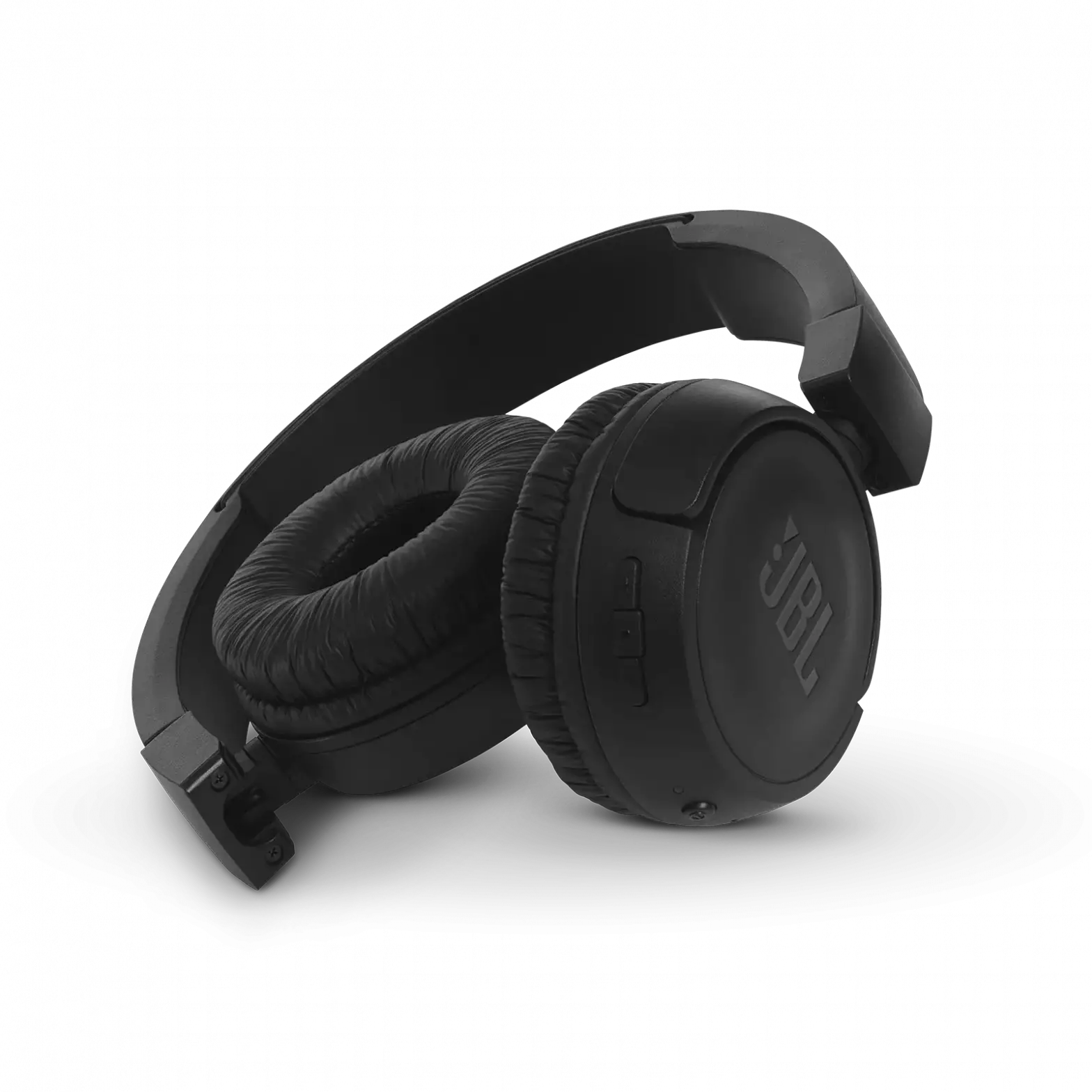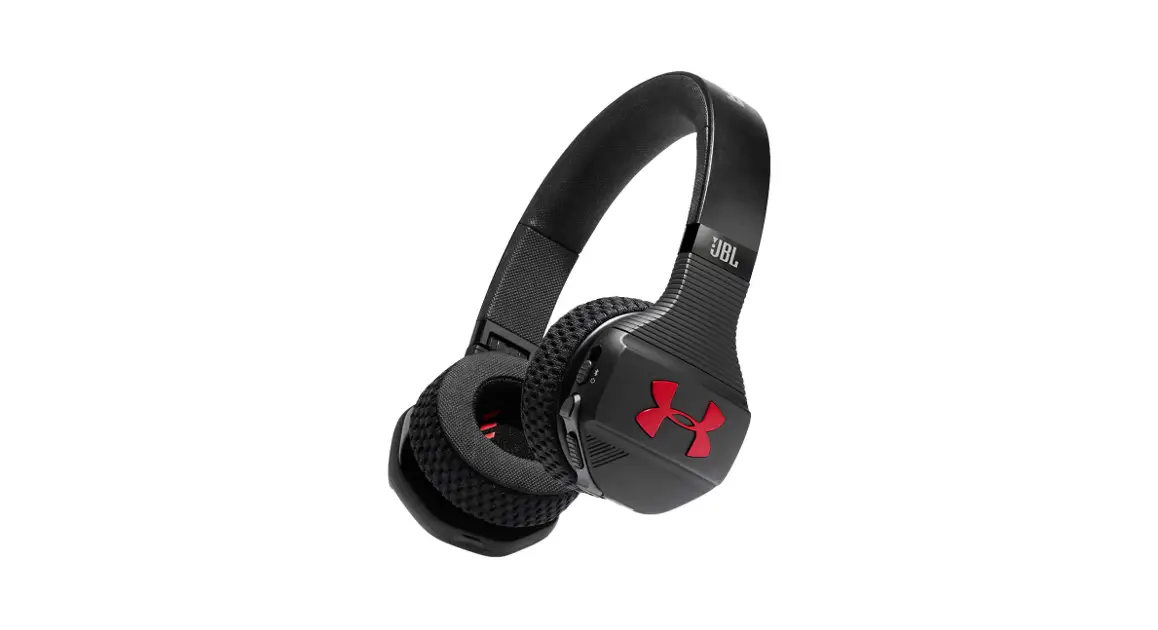


 SPORT WIRELESS TRA I N
ON-EAR SPORT HEADPHONES I CASQUE POUR LE SPORT
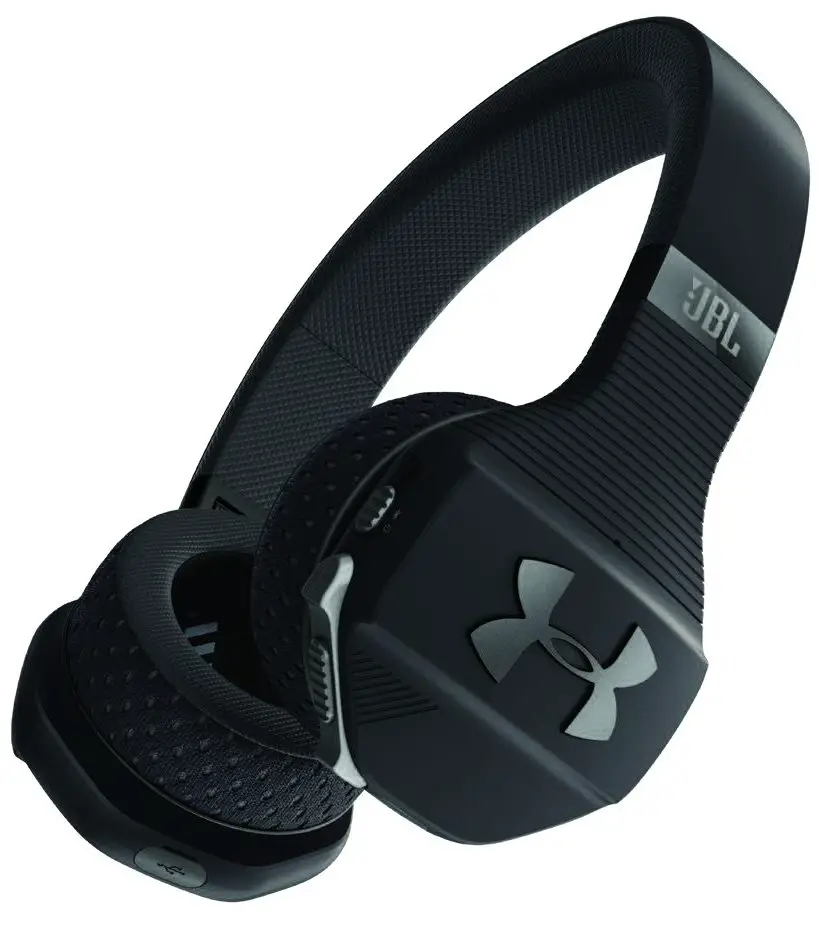
SPORT WIRELESS TRAIN
Quick Start Guide
WHAT’S IN THE BOX
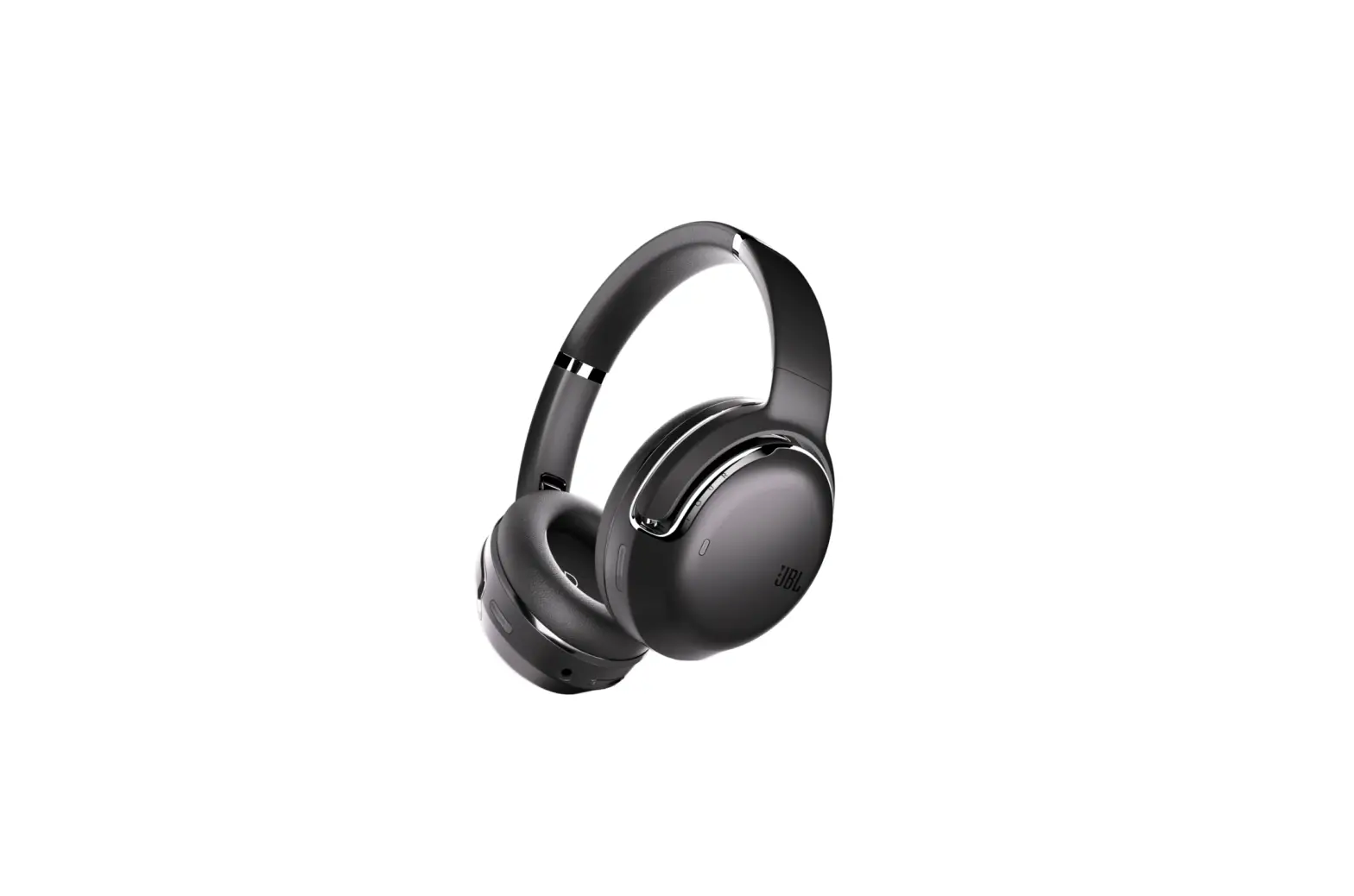
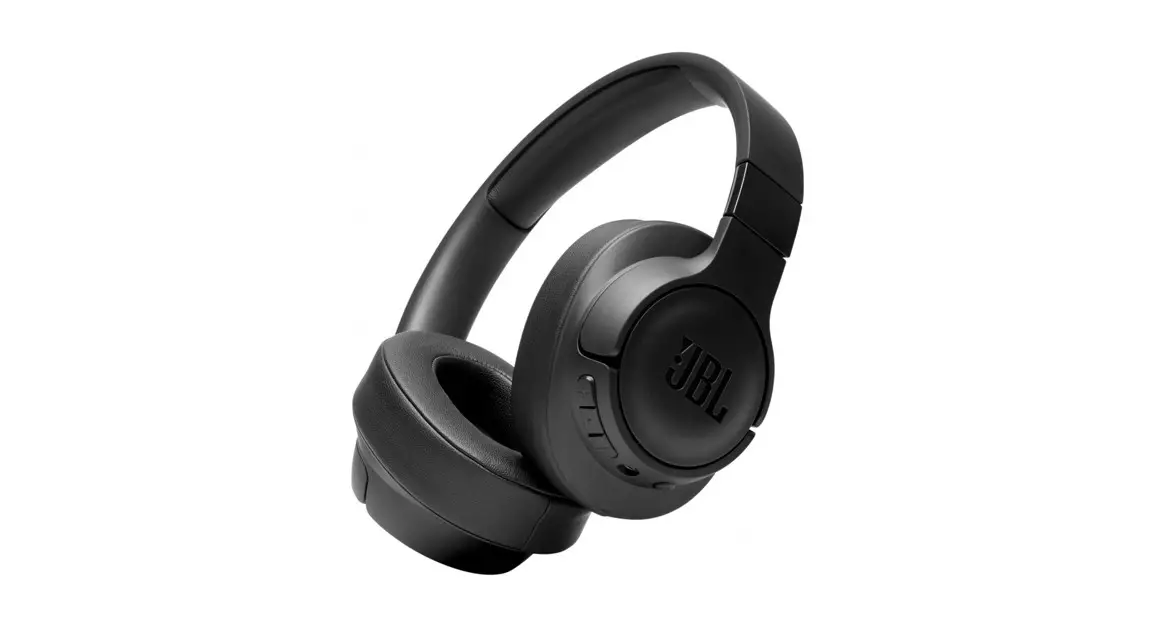
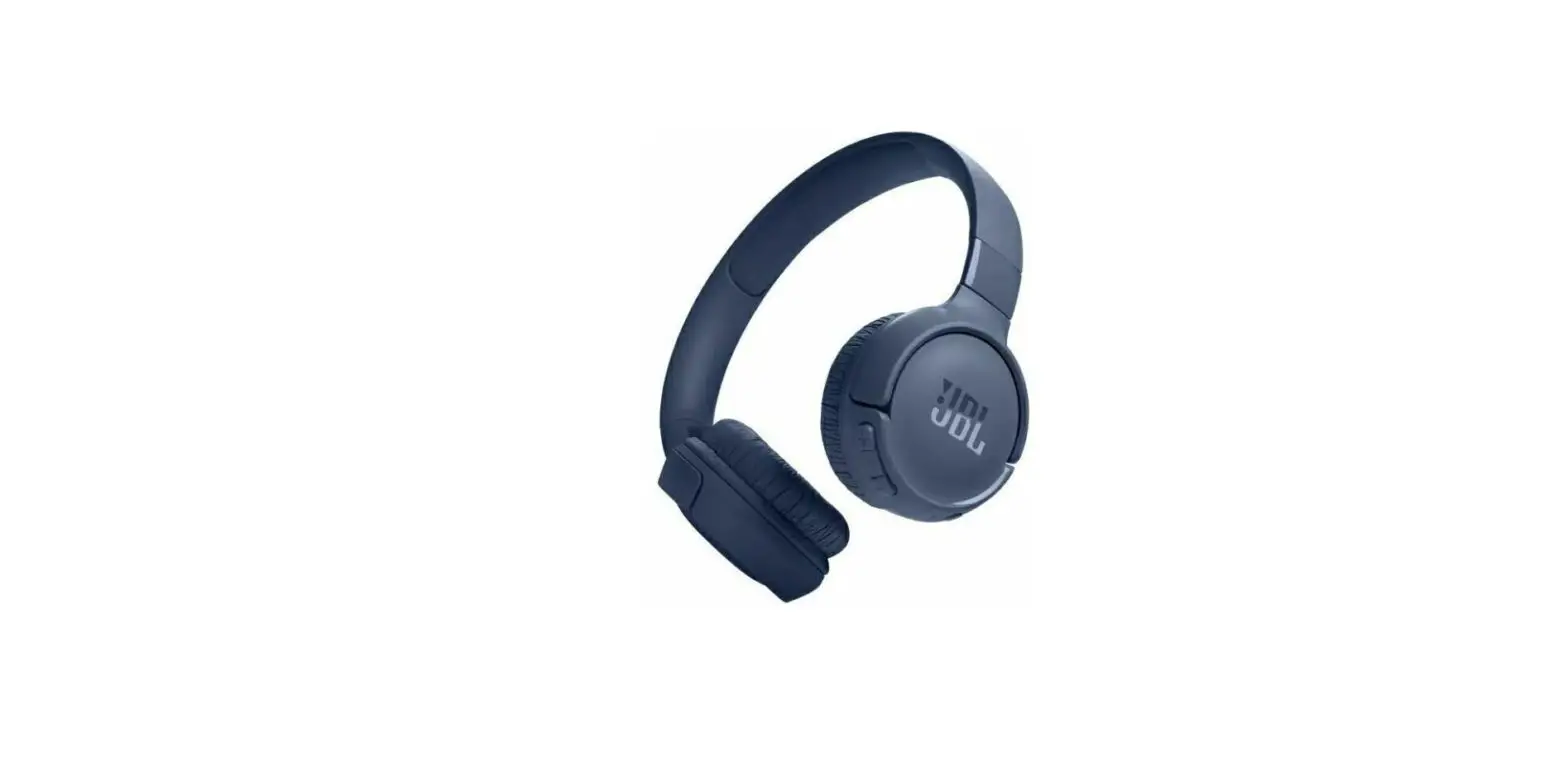
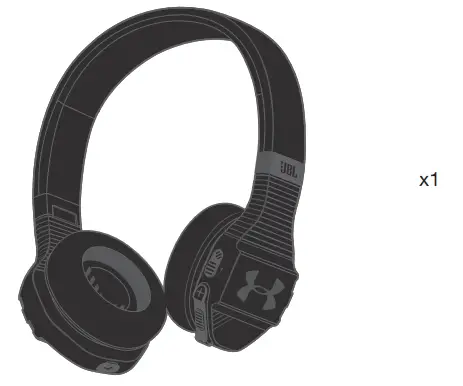
Sport Wireless Train
Charging cable

Detachable audio cable with remote

Quick Start Guide, Safety sheet, Warranty card, Warning card, and UA MapMyFitness 12-Month Premium Membership card
Carrying case
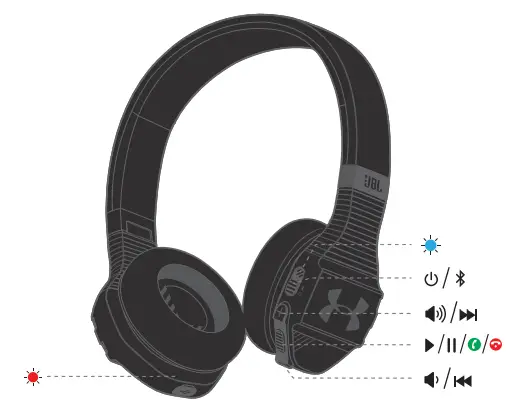
OVERVIEW
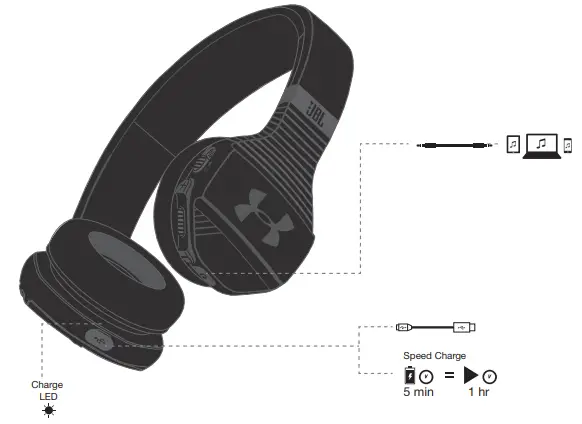
Connections
BLUETOOTH® CONNECTION
Turn on the headphone.
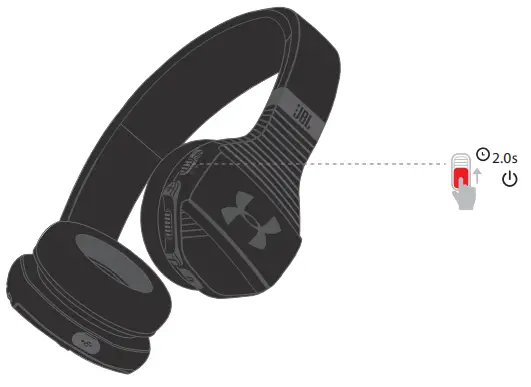
3.2. If connecting for the first time, the headphone will enter the pairing mode automatically after it is powered on.
3.3. Connect to bluetooth device.
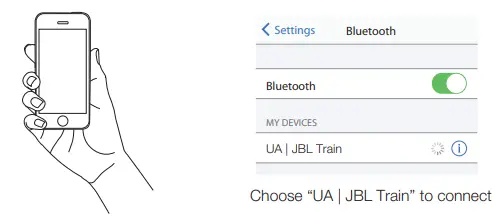
3.4 After the first time set up, your headphone will automatically reconnect if your device is nearby with Bluetooth ON.
To connect to a new device, slide and hold the Power button for 5 seconds.
CONTROLLING MUSIC
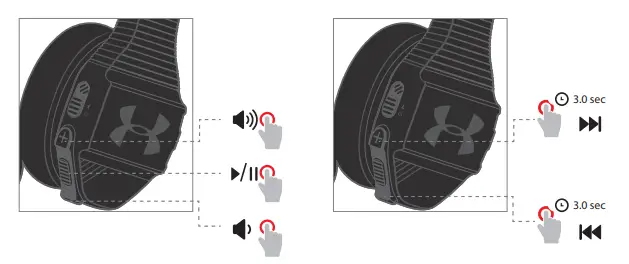
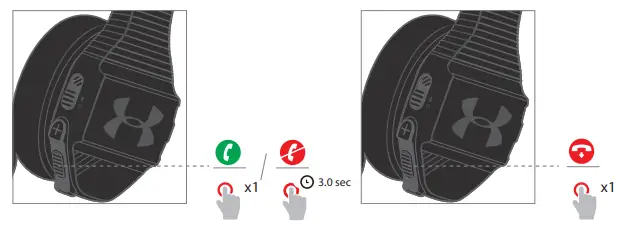
MANAGING PHONE CALLS
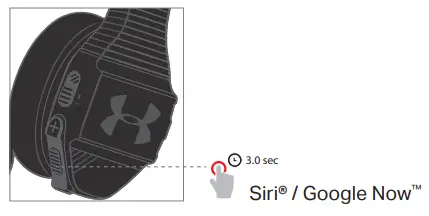
VOICE ASSISTANT
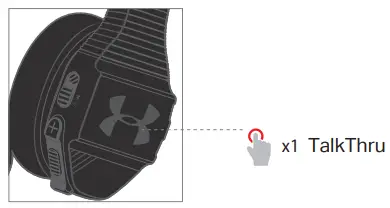
TALKTHRU
Short press once to activate TalkThru, which allows you to clearly hear others for quick conversations, without removing your headphones.
You will hear your music volume level lower when TalkThru Technology is engaged.
WIRED LISTENING MODE
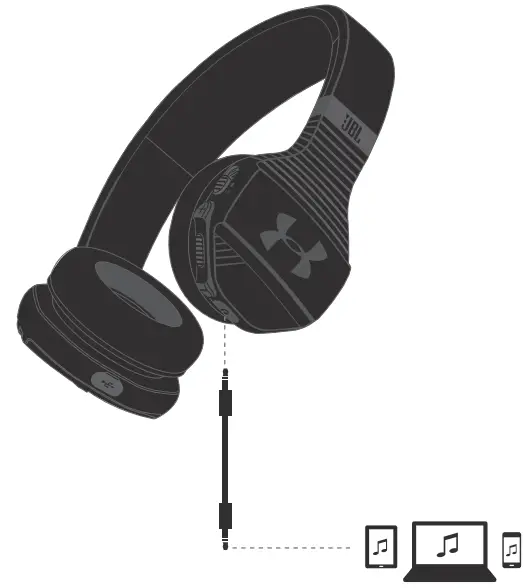
Note: TalkThru does not function when using a cable connection
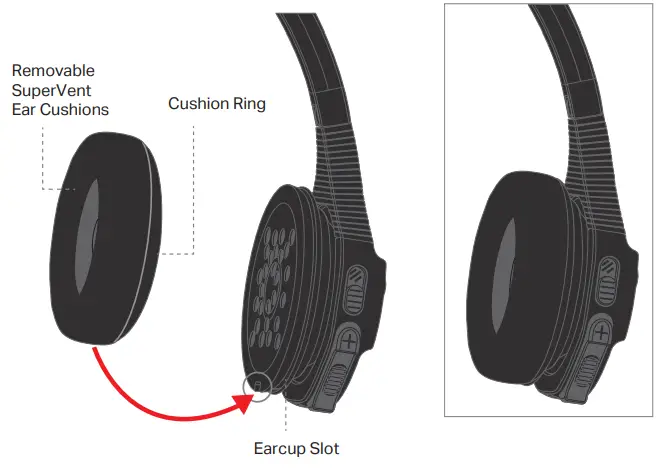
WASHABLE EAR CUSHIONS
REMOVE EAR CUSHIONS
Gently peel cushion away from earcup center.
HAND WASH ONLY
Soak in water & 2-3 drops of liquid soap for five minutes. Swish in soapy water, then swish through clean water until there are no more
soap suds.
REATTACH
Gently stretch the Cushion, inserting the Cushion Ring into the Earcup Slot, and working your way around. Rotate until the L or R indicator is in the correct position.
LED BEHAVIOR
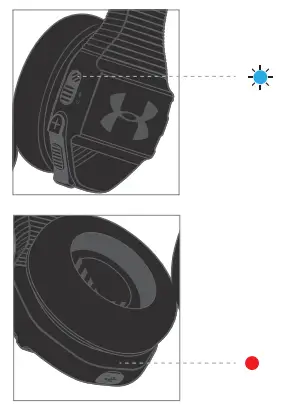
| State | LED Behaviors |
| No device connected |  |
| Pairing mode |  |
| Device connected |  |
| Charging battery |  |
| Full battery |  |

The Bluetooth ® word mark and logos are registered trademarks owned by the Bluetooth SIG, Inc., and any use of such marks by HARMAN International Industries, Incorporated is under license. Other trademarks and trade names are those of their respective owners.
 HP_UA_Sport_Wireless_Train_Core_Edition_QSG_CR_V14
SPORT WIRELESS TRA I N
 Anatel — Agência Nacional de Telecomunicações