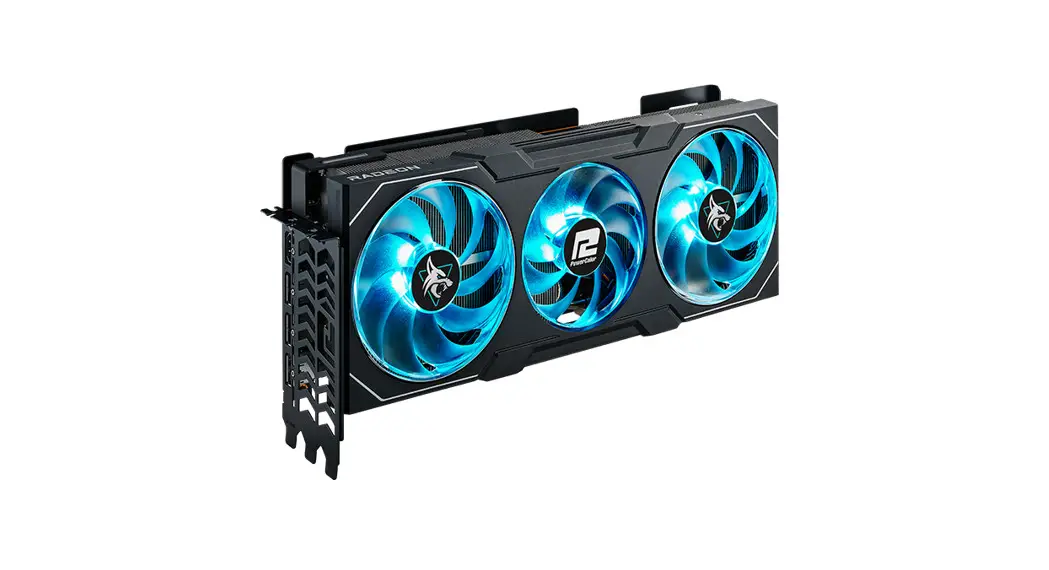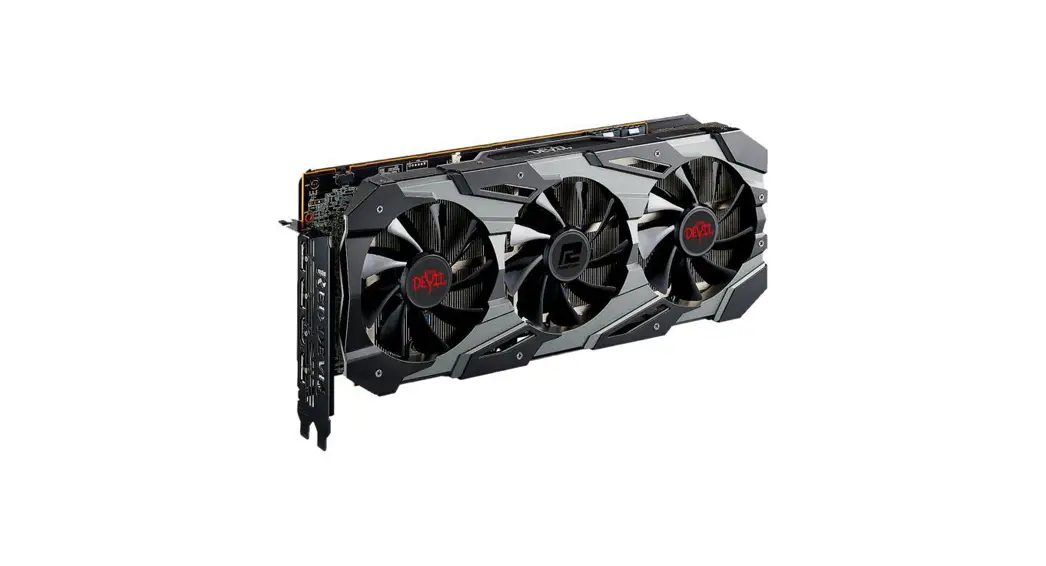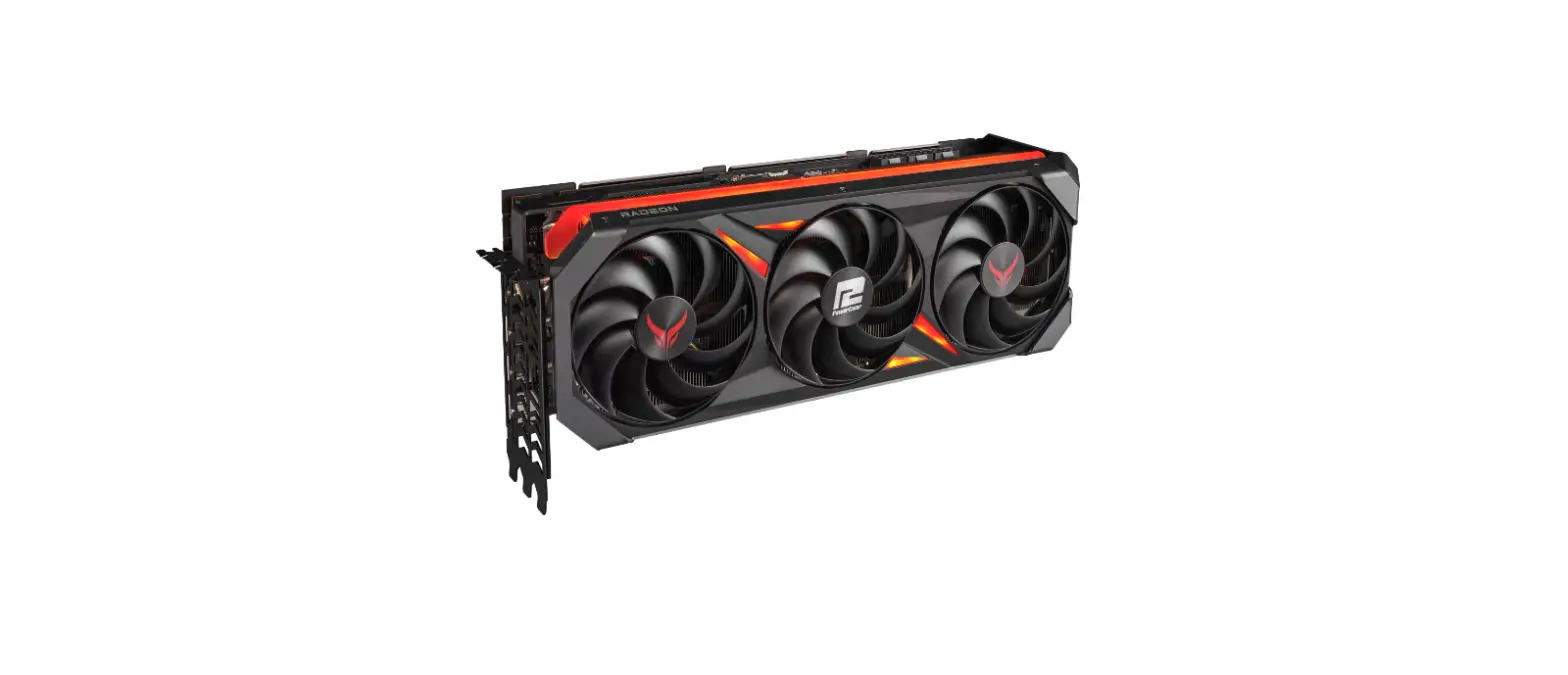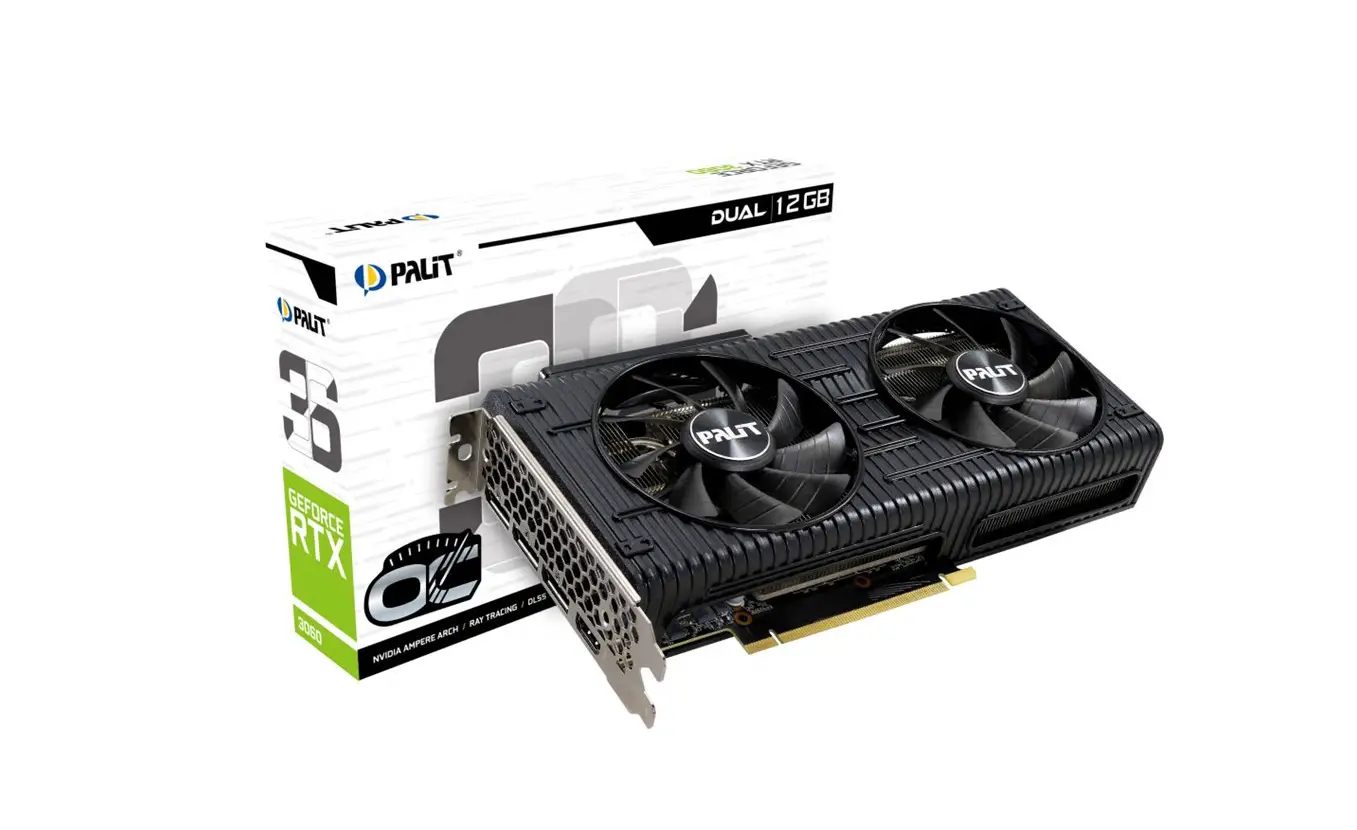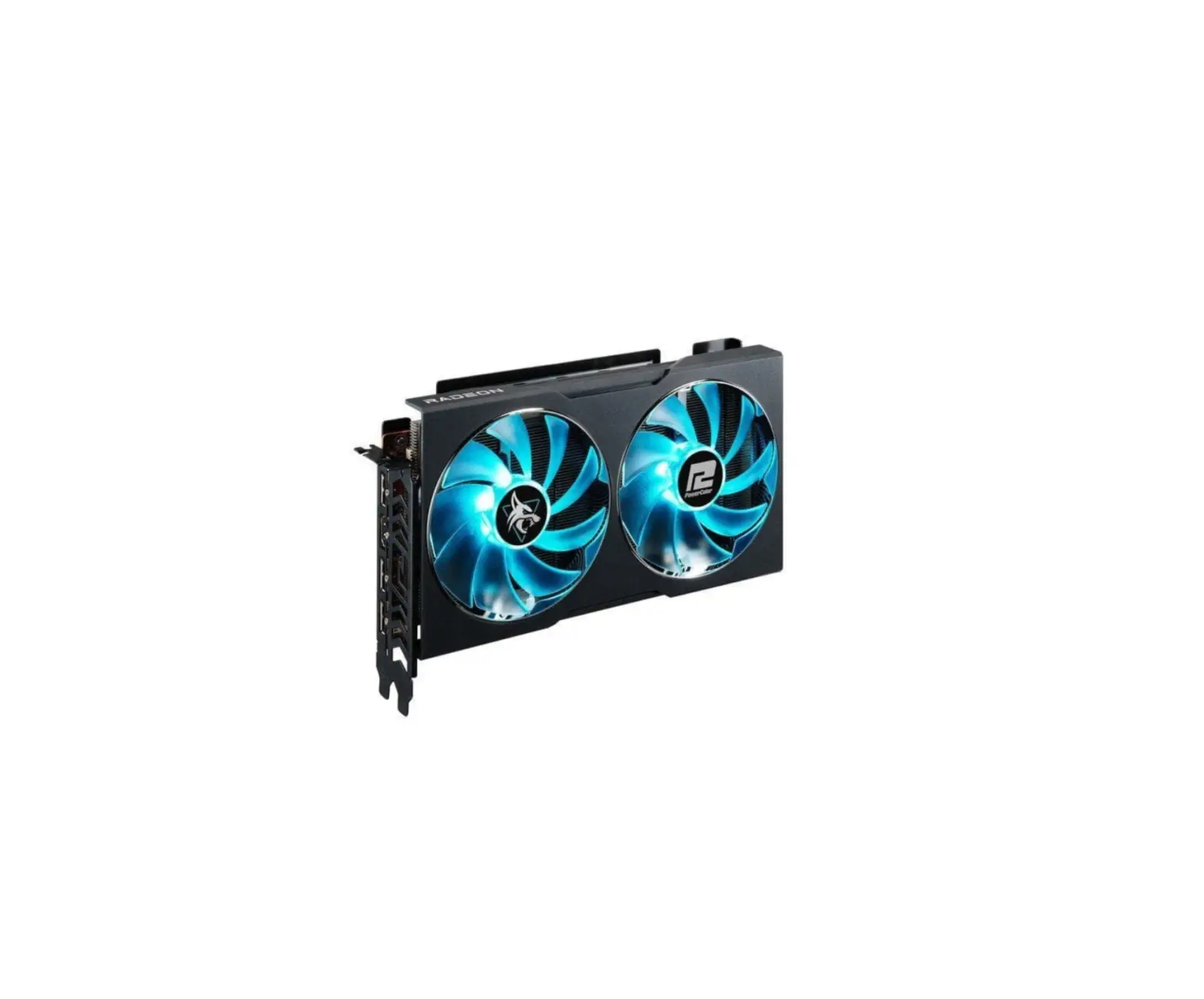
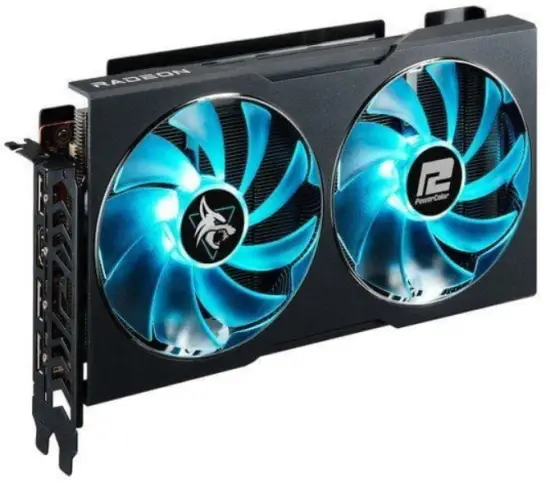
PowerColor Radeon RX 6600 Hellhound OC 8GB GDDR6
Package Contents
- Graphics Card
- User’s Manual
System Requirements
- Expansion Slot: Motherboard with one or more PCI Express x16 slot.
- Display: Monitor or other display device with compatible connectivity to the output interface of your graphics card.
- Power requirement: Power Consumption differs by model. (For additional support details, please refer to: www.powercolor.com/ to calculate your minimum system power requirement.)
- Operation System: Linux©/Windows® 10 (For additional support details, please refer to: https://www.amd.com/en/support)
Hardware Installation
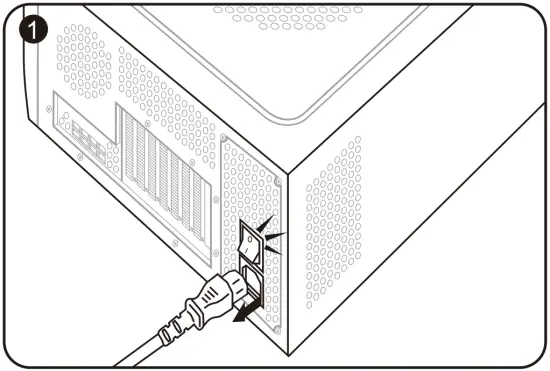
- Turn off computer, switch off the PSU, and disconnect the power cord.

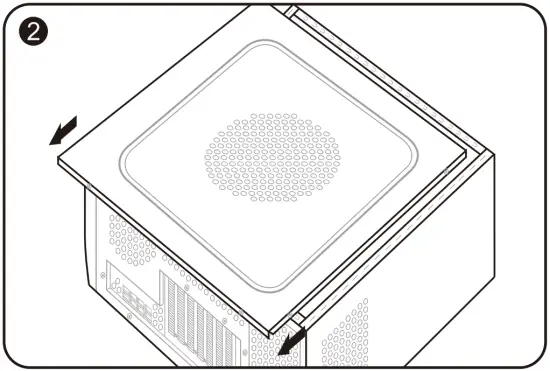
- Open the case.
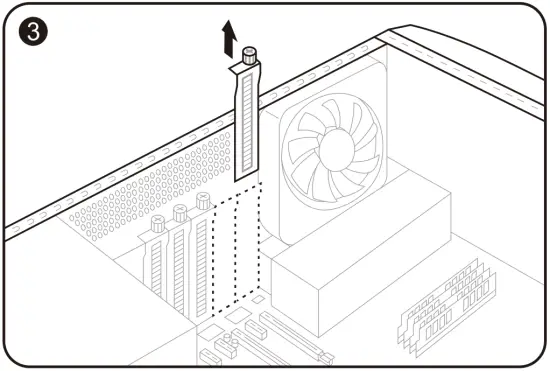
- Remove any existing graphics card (if applicable) or PCIE slot covers.
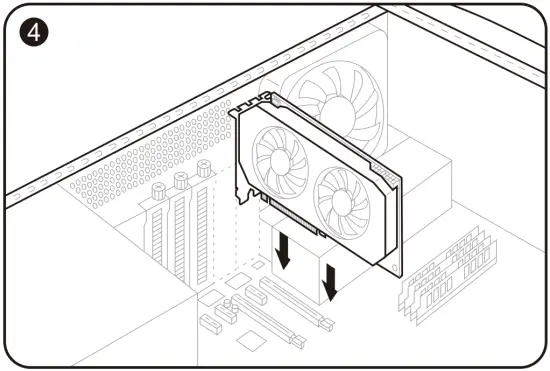
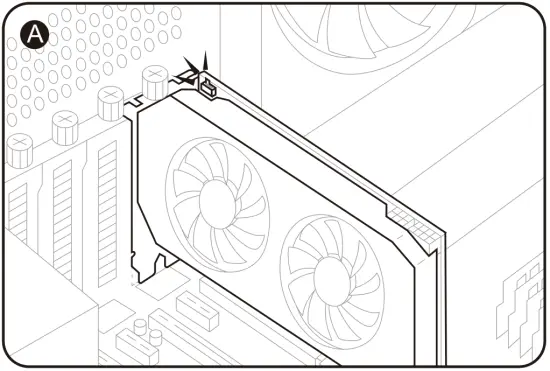
- Insert the Graphics Card into the PCIE slot.
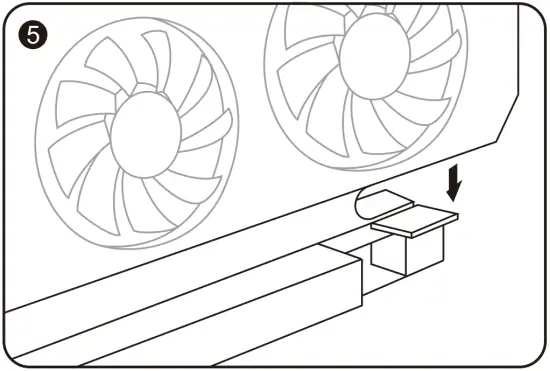
- Make sure seating is secured with the PCIE locking mechanism in place.
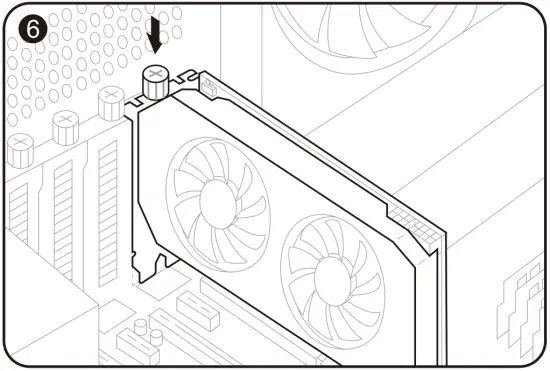
- Secure graphics card to the PCIE bracket with thumbscrew.
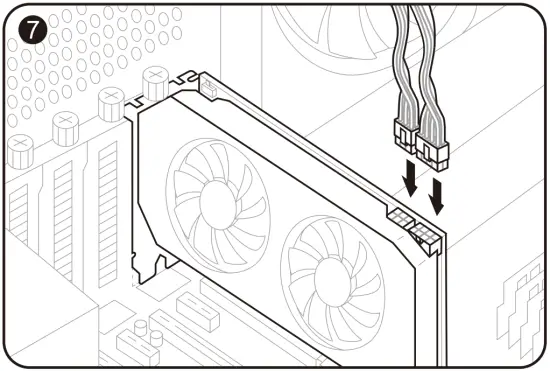
- Plug in the required external PCIE power connectors (if applicable) from the appropriate PC Power Supply Unit.
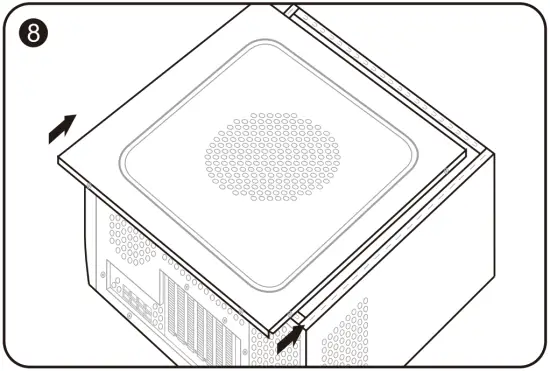
- Close the case.
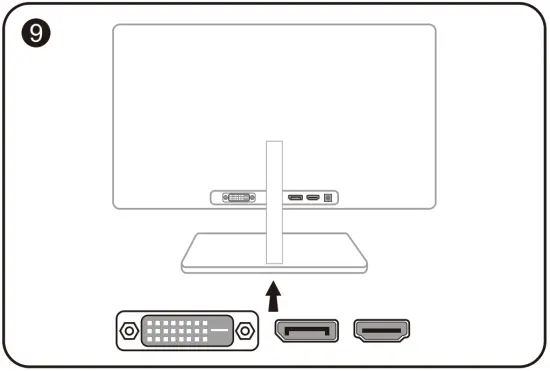
- Connect the display cable into the corresponding GPU display output port.
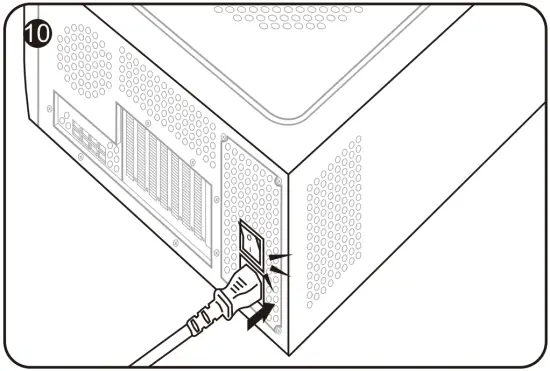
- Power on System, booting to OS. (Removing all drivers for your previous card and performing a clean install of the new drivers is recommended.)
Driver Installation
- Please download the driver.
- Install the driver based on your product.
- Execute the driver and follow the instruction.
Driver Installation Link
Driver for PowerColor
https://www.powercolor.com/downloads
Driver and Support for AMD
https://www.amd.com/en/support
Additional Support (Optional)
 If the graphics card has multiple BIOS switches, you can switch to your personal preference.
- Confirm that the computer is powered off and switch the BIOS you want.
- Reboot your PC.
(For additional support details, please refer to: https://www.powercolor.com/ for specific model support)
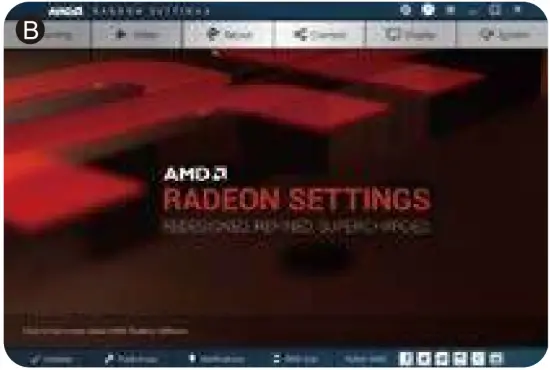
AMD Radeon Setting Software Installation
To take full advantage of the features and capabilities of your Radeon Graphics products, installing the most up-to-date Radeon Software is recommended.
- Radeon WattMan:
Take your gameplay to the next level by finetuningyour GPU voltage, engine clock, memory clock, fan speed, and temperature. - Radeon TM Relive:
Capture, stream and share your greatest moments.
(For more support, visit: https://www.amd.com/en/support/driverhelp) Requires downloading the “AMD Settings” software included when installing the driver AMD/Radeon driver.