
asa ELECTRONICS PTR425 Clock Adjustment
Clock Adjustment Instruction
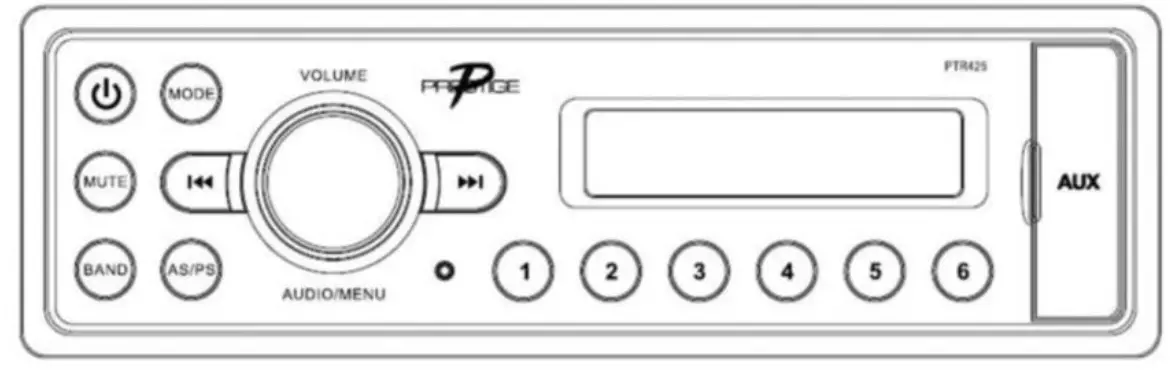
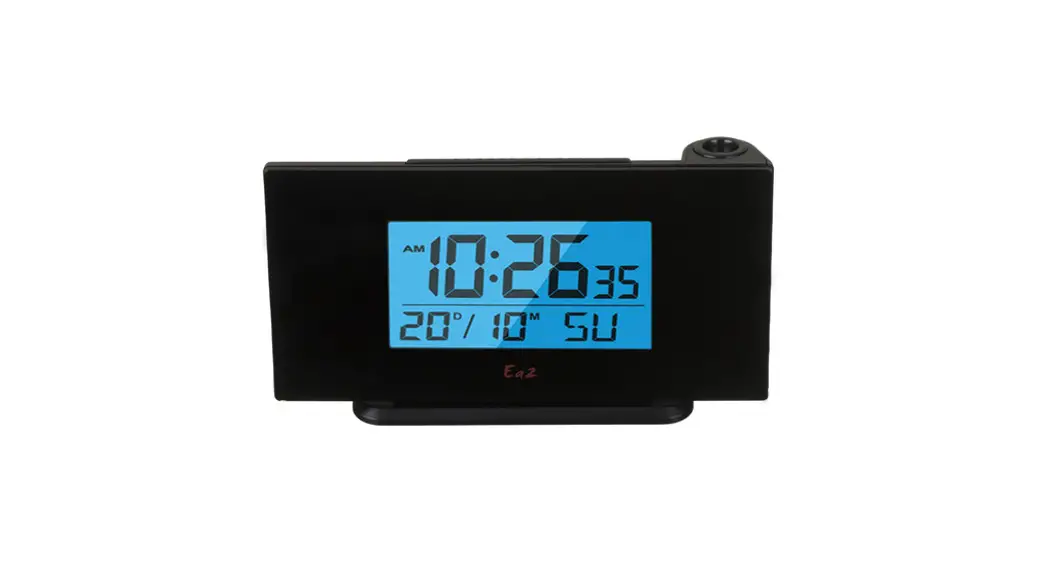
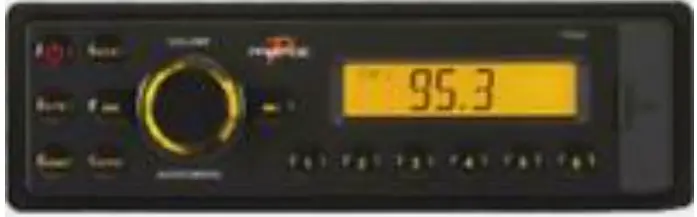
- When the unit displays the clock, press and hold the volume knob for 1.5 seconds. The clock’s hour digit will blink.
- Rotate the volume knob to adjust from 1-12. The AM/PM icon will change when passing over 12.
- Push the volume knob once, the clock’s minute digit will blink.
- Rotate the volume knob to adjust from 00-59.
- Press and hold the volume knob for 1.5 seconds to confirm the adjustment.