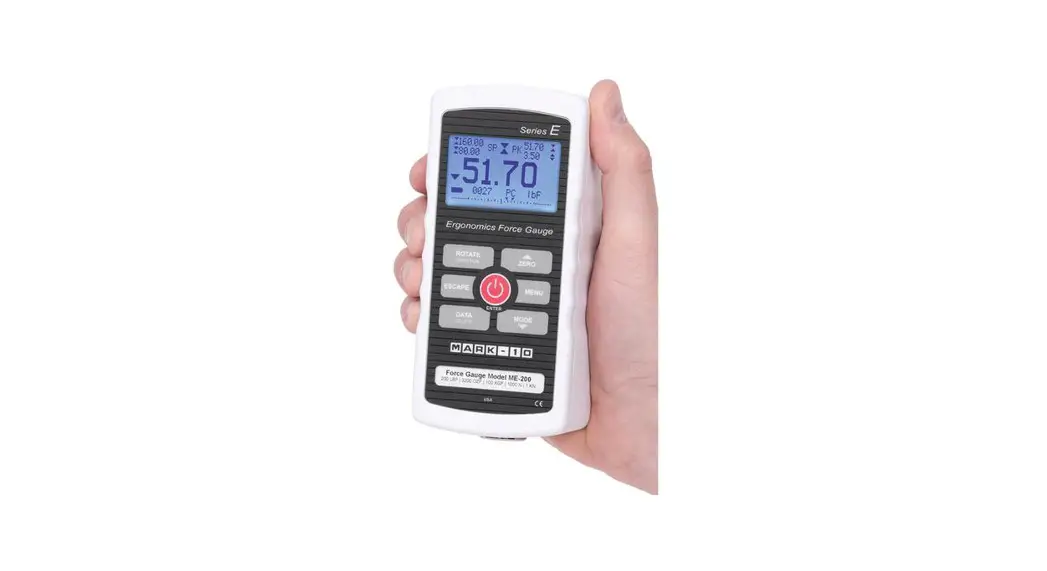
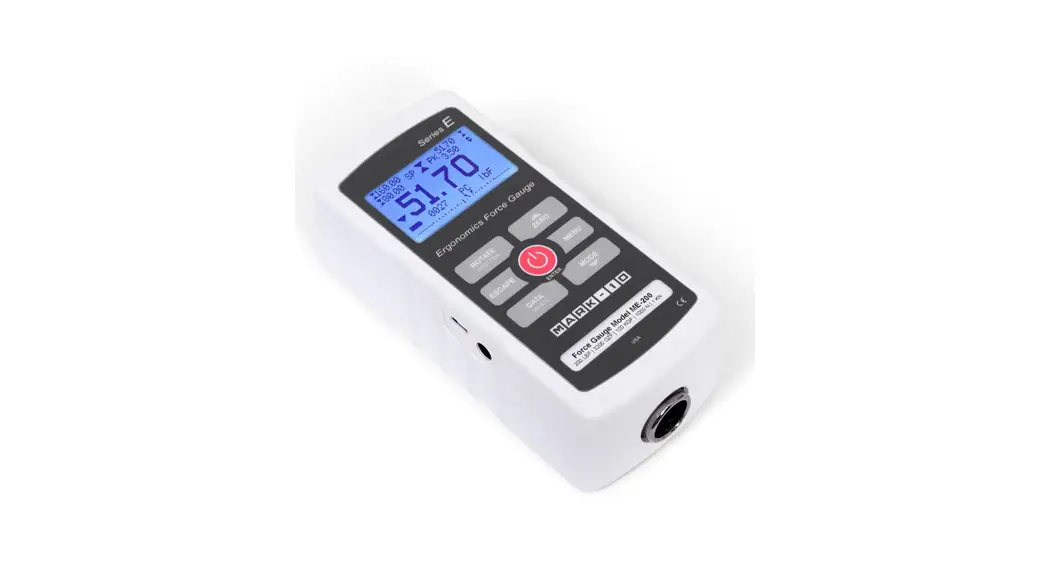
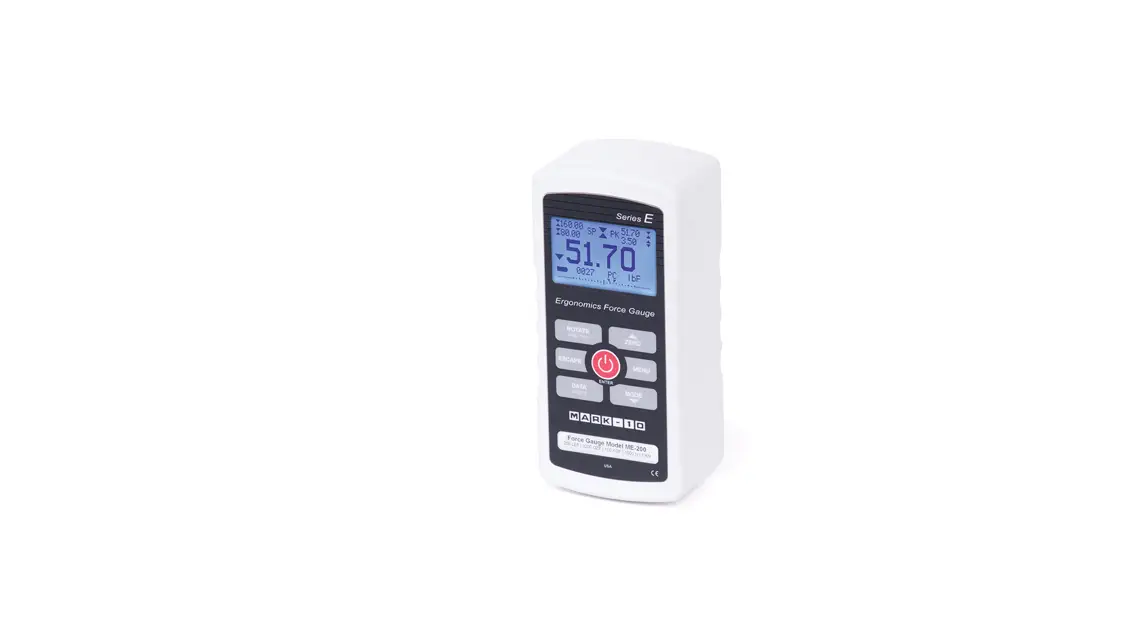
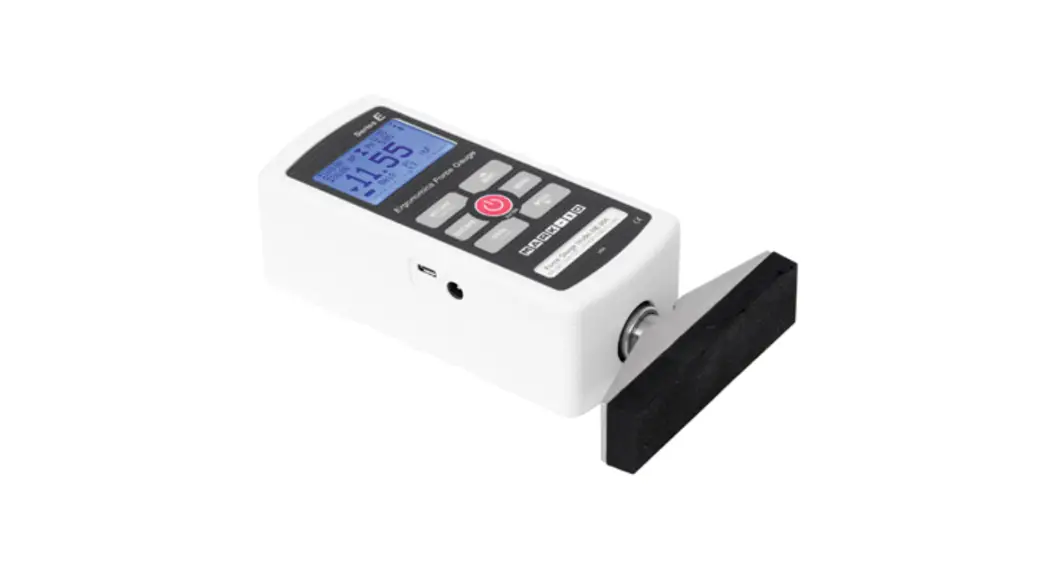
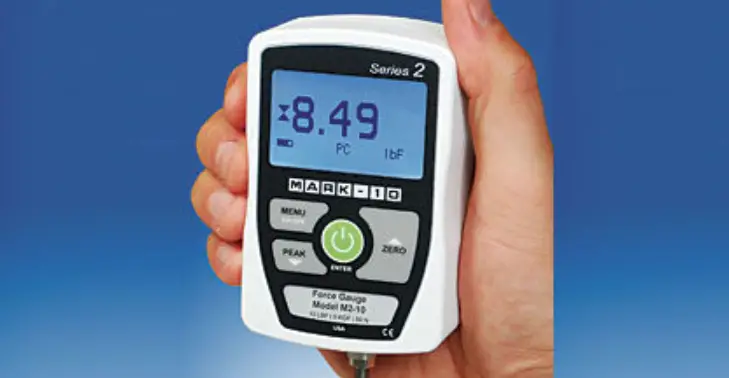
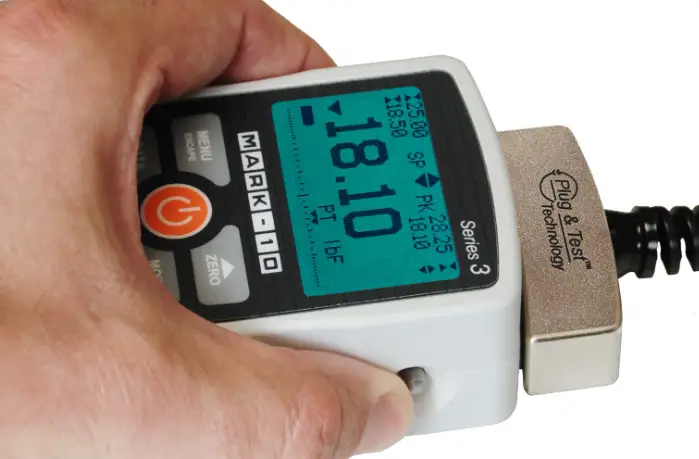
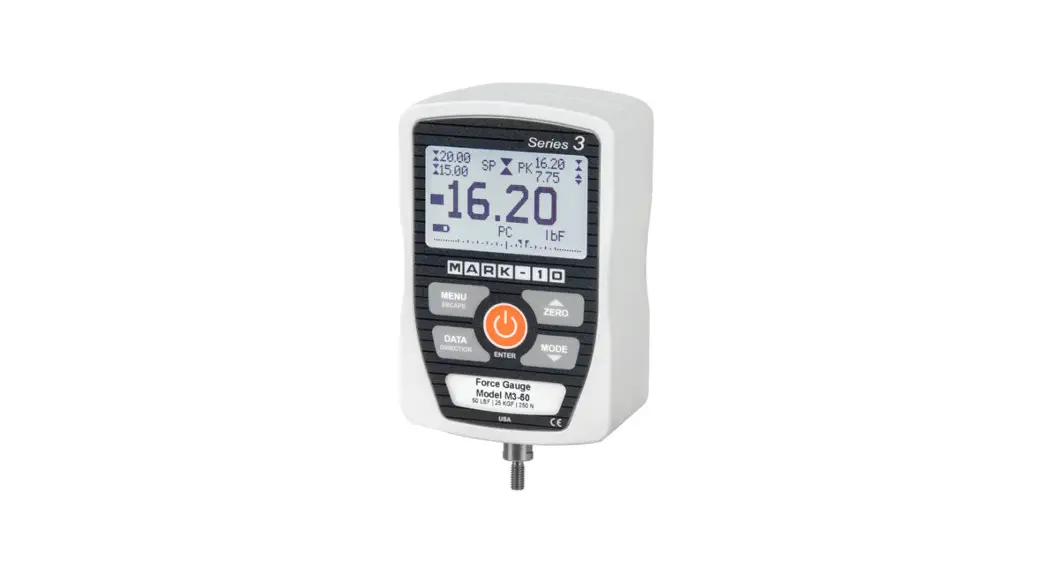
E Series Ergonomics Force Gauges
Product Information: Mark-10 Series E Ergonomics Force
Gauges
The Mark-10 Series E Ergonomics Force Gauges are a part of the
full line of force and torque measurement products offered by
Mark-10. These gauges are designed for push and pull testing
applications and come with a variety of accessories to enhance
their functionality.
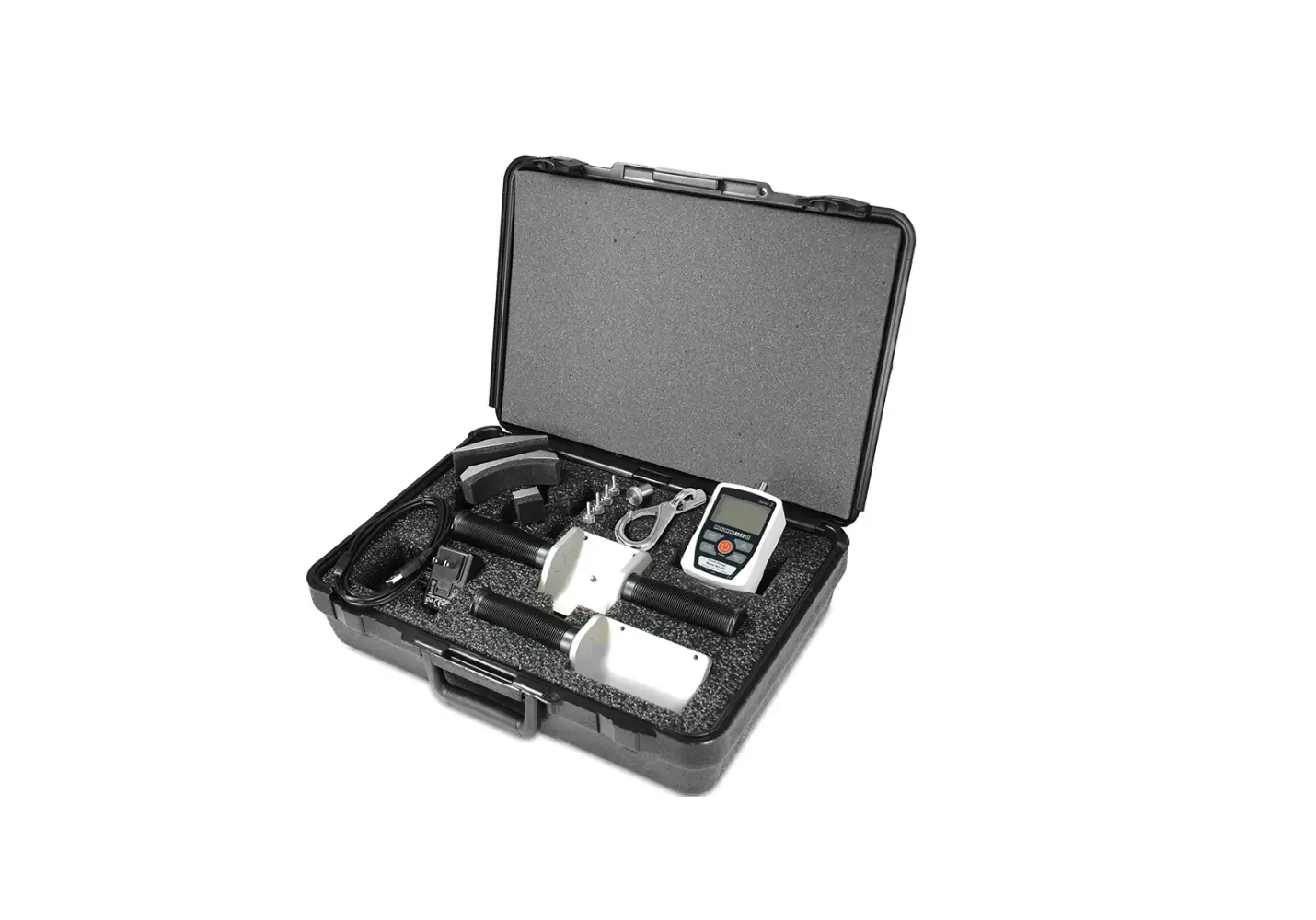
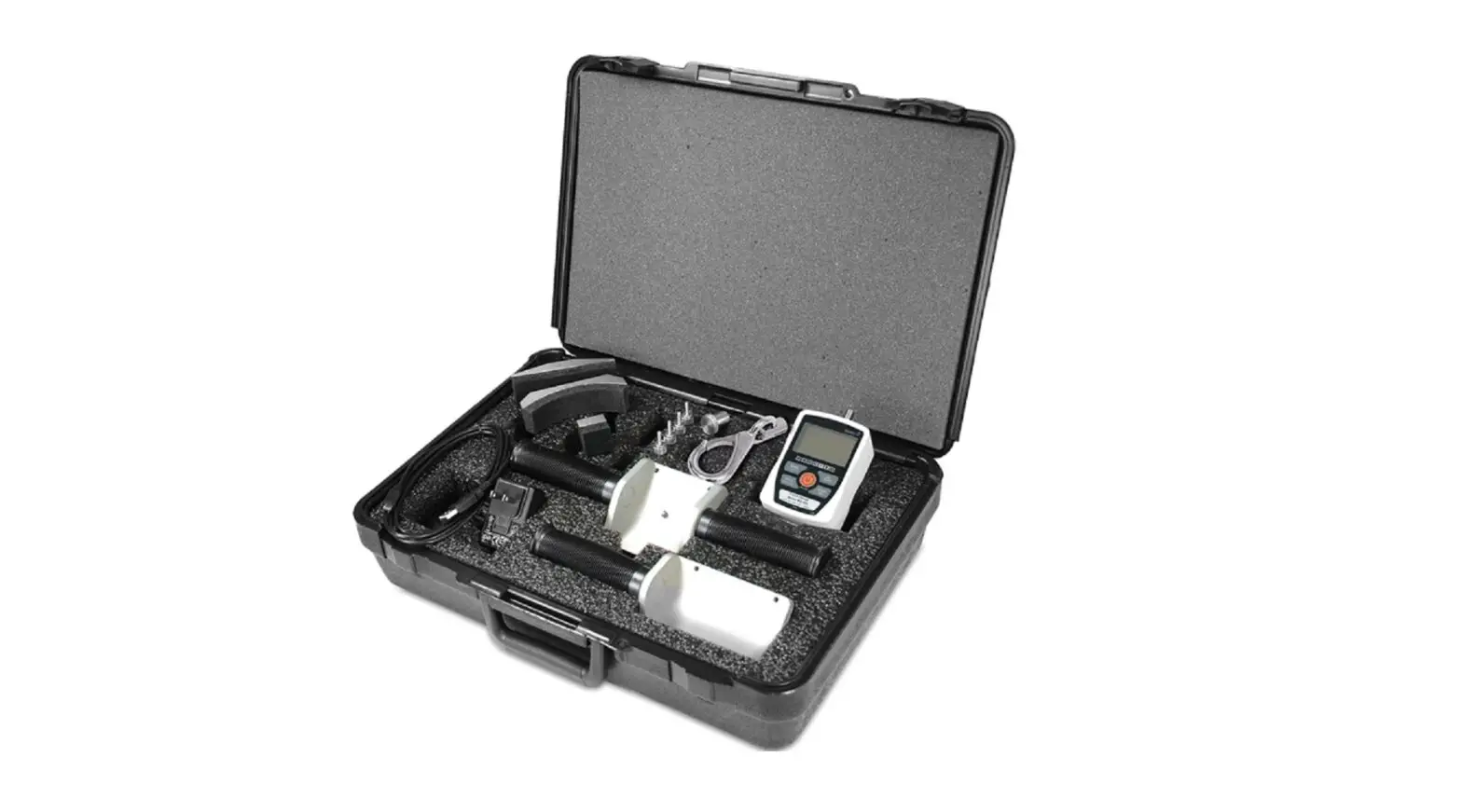
The package includes a carrying case, AC adapter with US, EU,
UK, or AUS prongs, rechargeable NiMH battery, certificate of
calibration, and a USB cable. Optional attachments are also
available for purchase.
The gauge can be powered by either the internal rechargeable
battery or an AC adapter/charger. The battery lasts approximately 7
hours with the backlight turned on and 24 hours with the backlight
turned off before recharging is necessary.
Important Safety Considerations
Force gauges are sensitive instruments that require careful
handling. It is important to review the yellow safety information
card included in the box, as well as the safety information in the
user’s guide before operating the gauge.
Product Usage Instructions
Powering On/Off
To power on the gauge, press the button. To power off, press and
hold the same button.
Installing Attachments
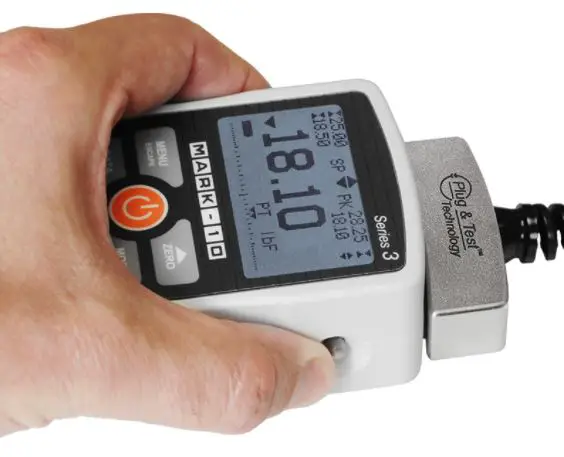
Attachments can be mounted to the gauge’s receptacle via the
Click-LockTM mechanism. Line up the attachment with the receptacle
and press in until a click occurs. The attachment can be inserted
in 90- or 180-degree orientations. To release the attachment, pull
back on the lever in the rear of the housing.
Literature & Software Downloads
User’s guides (PDF) are provided for all Mark-10 instruments,
including the Series E Ergonomics Force Gauges. The user’s guide
for this product should be located and read thoroughly before
use.
The USB driver for Mark-10 instruments and the model RSU100
RS-232 to USB converter is required for communication with a PC.
The driver can be downloaded from the Mark-10 website. The gauge is
compatible with PCs running Microsoft Windows 7 or later with a
minimum monitor resolution of 1108 x 758. A USB or RS-232C serial
port is required.
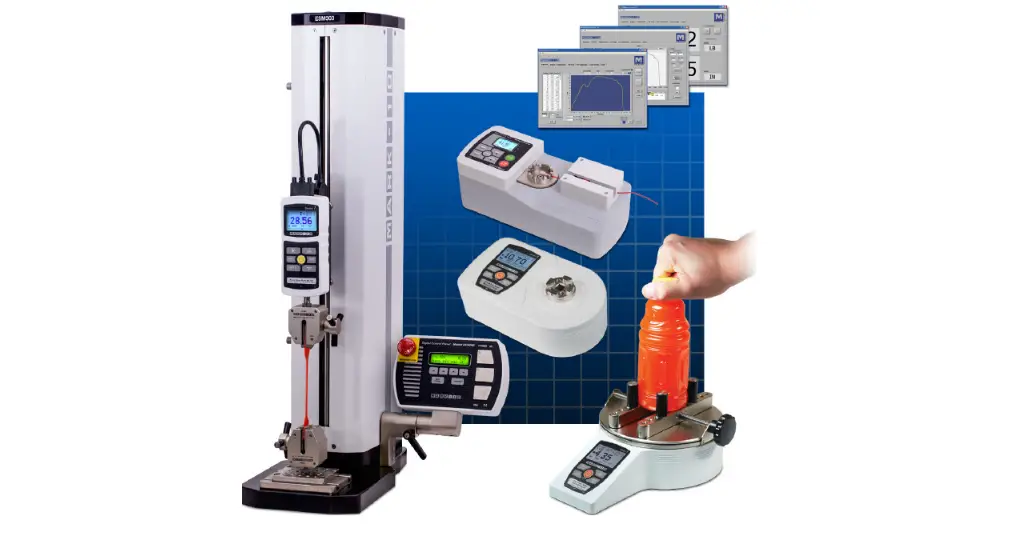
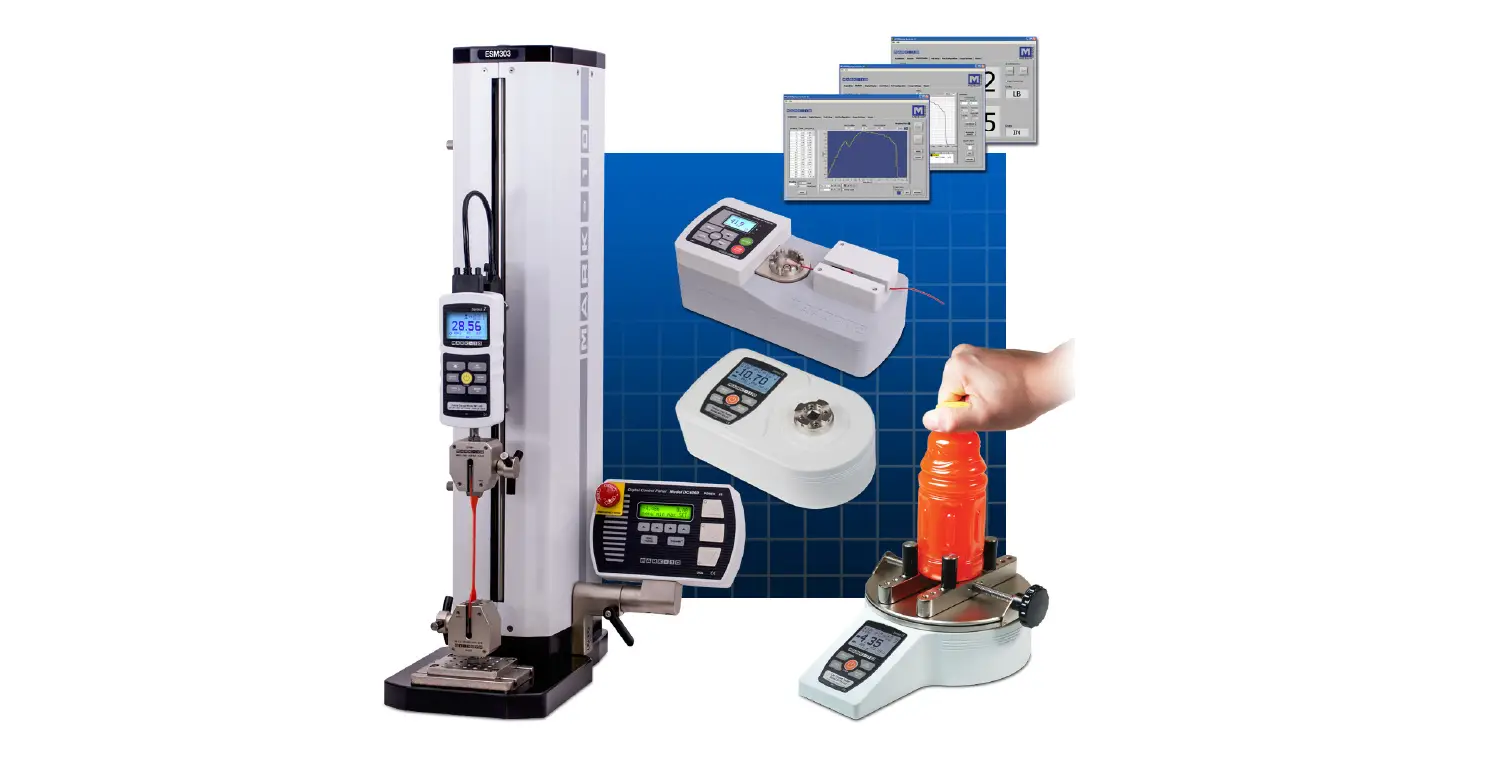
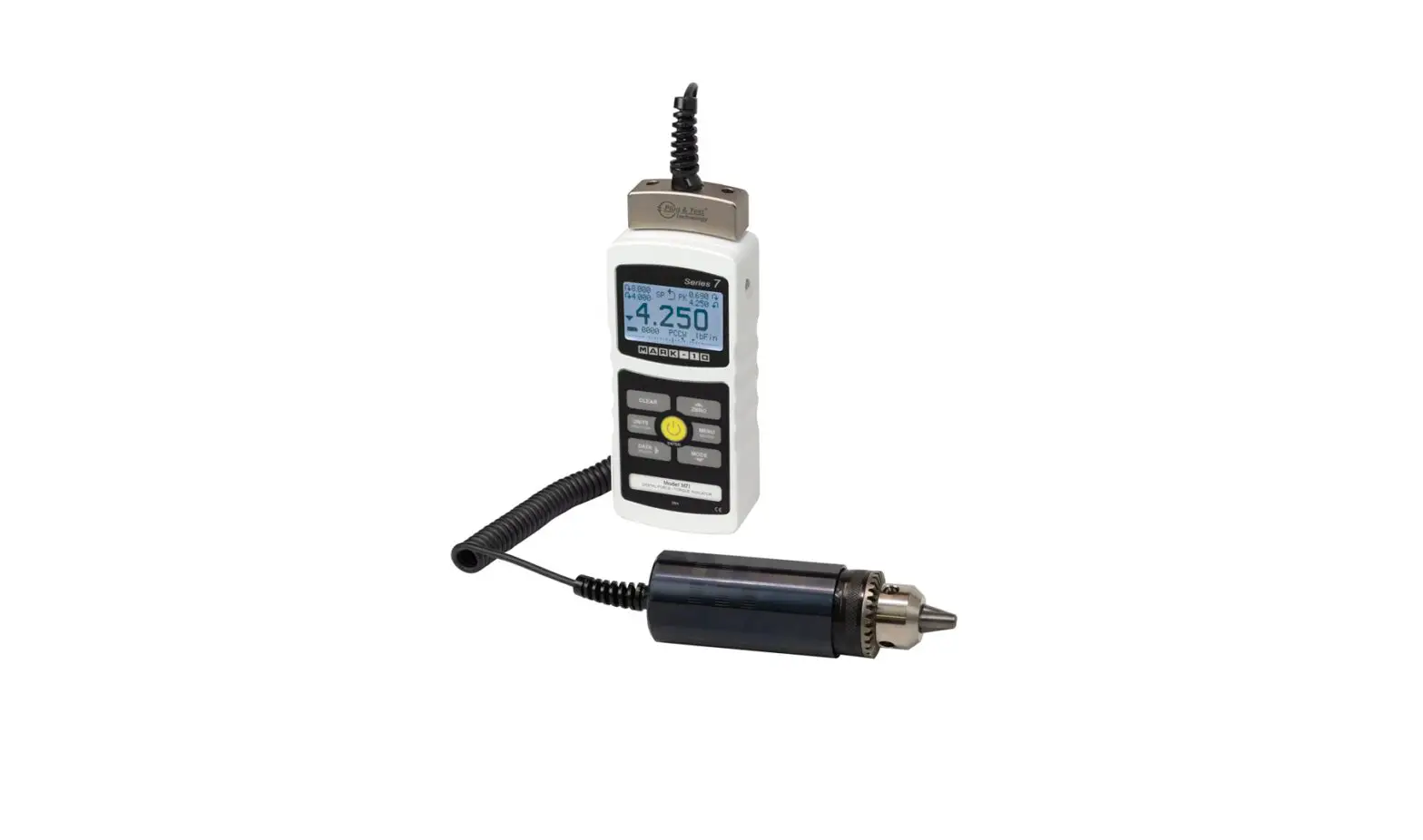
OTHER MARK-10 PRODUCTS
A full line of force and torque measurement products and related items, including force gauges, torque gauges, force and torque test stands, sensors, grips, software, and more.
Series E
ERGONOMICS FORCE GAUGES
Quick Start Guide
Force and torque measurement engineered better
Mark-10 Corporation 11 Dixon Avenue Copiague, NY 11726 888-MARK-TEN Tel: 631-842-9200 Fax: 631-842-9201 www.mark-10.com [email protected]
32-1213 1122
Series E Ergonomics Force Gauges
Thank you!
Thank you for purchasing a Mark-10 Series E Digital Force Gauge and accessories. We are confident that you will get many years of service from this product. Series E gauges may be used in a variety of push and pull testing application. Please read through this Quick Start Guide and the complete User’s Guide before using the gauge.
IMPORTANT SAFETY CONSIDERATIONS
Force gauges are sensitive instruments that must be treated with care. Please review the yellow safety information card included in the box, as well as the safety information in the User’s Guide prior to operating the gauge.
LIST OF INCLUDED ITEMS:
Qty.
Part No.
1
12-1049
1
AC1030 / AC1031 / AC1032 / AC1035
1
AC1118
1
–
1
AC1111
Carrying case
Description
AC adapter w/US, EU, UK, or AUS prong
Rechargeable NiMH battery (inside gauge)
Certificate of calibration USB cable, type micro B to A
OPTIONAL ITEMS:
A number of attachments are available, as pictured below. They may be purchased individually or as kits.
2
Quick Start Guide
POWER
Press the
button to power on the gauge. Press and hold to power off. The
gauge may be powered either by the internal rechargeable battery or an AC adapter/
charger. The battery will last approximately 7 hours with the backlight turned on,
and 24 hours with the backlight turned off before recharging is necessary.
INSTALLING ATTACHMENTS
Attachments are mounted to the gauge’s receptacle via the Click-LockTM mechanism. Line up the attachment with the receptacle, and press in until a click occurs. The attachment may be inserted in 90- or 180-degree orientations. To release the attachment, pull back on the lever in the rear of the housing, as shown at left.
LITERATURE & SOFTWARE DOWNLOADS
Download at: www.mark-10.com/downloads
1. User’s guides (PDF) Provided for all Mark-10 instruments. Locate the user’s guide for this product and read it thoroughly before use.
2. USB driver For Mark-10 instruments and the model RSU100 RS-232 to USB converter. Required for communication with a PC. Follow the installation instructions provided in the user’s guide.
3. MESUR® family of software see below.
INSTALLING MESUR® SOFTWARE
Mark-10 offers three data collection applications: MESUR® Lite Free basic data acquisition application, for data tabulation and exporting to Excel. Compatible with gauges only, not test stands.
MESUR®gauge / MESUR®gauge Plus Data tabulation, graphing, analysis, and reporting, with user-configurable start and stop triggers and other tools. Compatible with gauges and test stands for load vs. time or load vs. travel. MESUR®gauge Plus adds test stand motion control coordination. Both applications can be evaluated for 90 days.
PC requirements Compatible with PCs running Microsoft Windows 7 or later. Minimum monitor resolution is 1108 x 758. A USB or RS-232C serial port is required. If USB communication is required, install the Mark-10 USB driver.
3
 Mark-10 Force and Torque Measurement