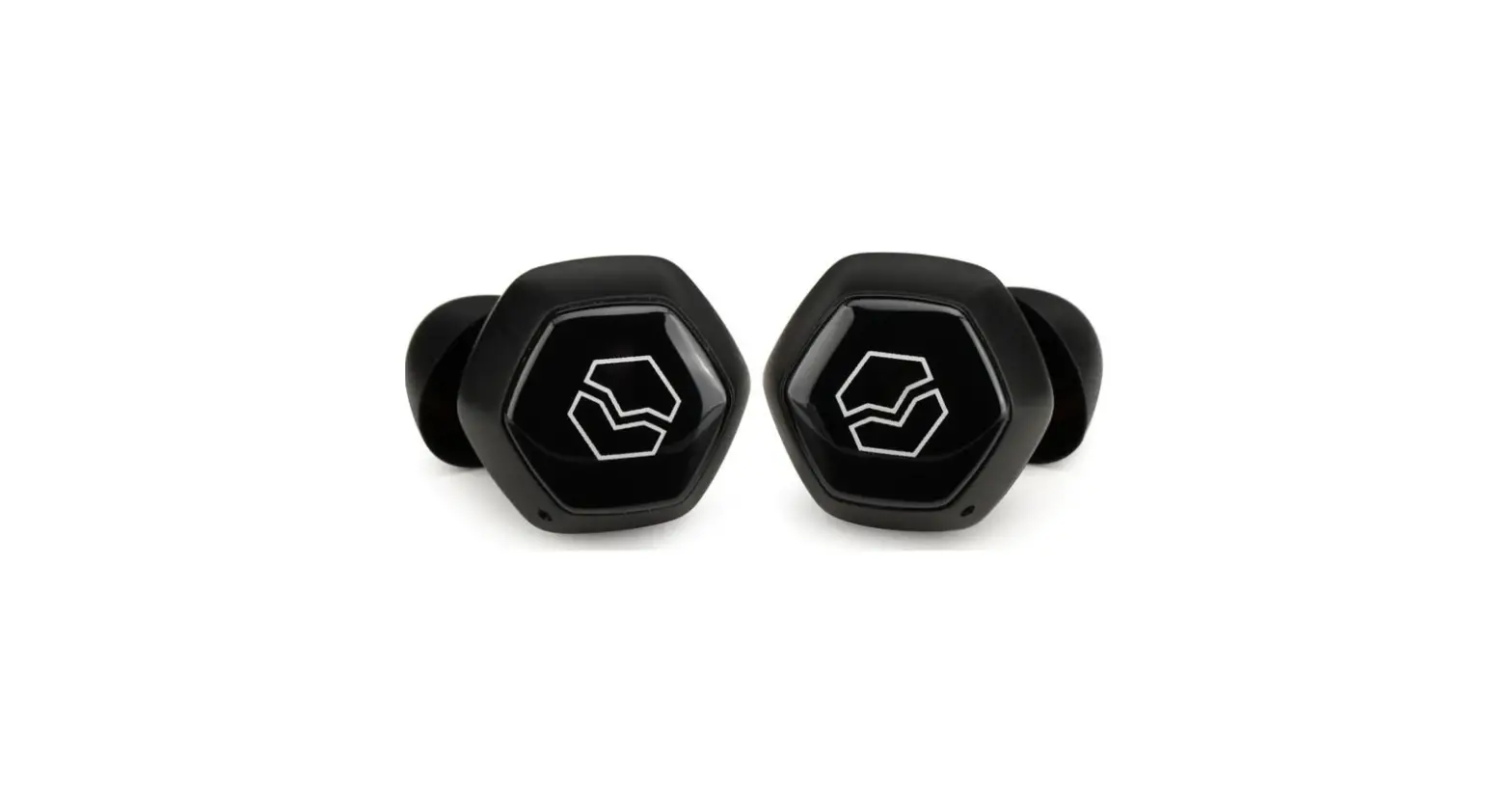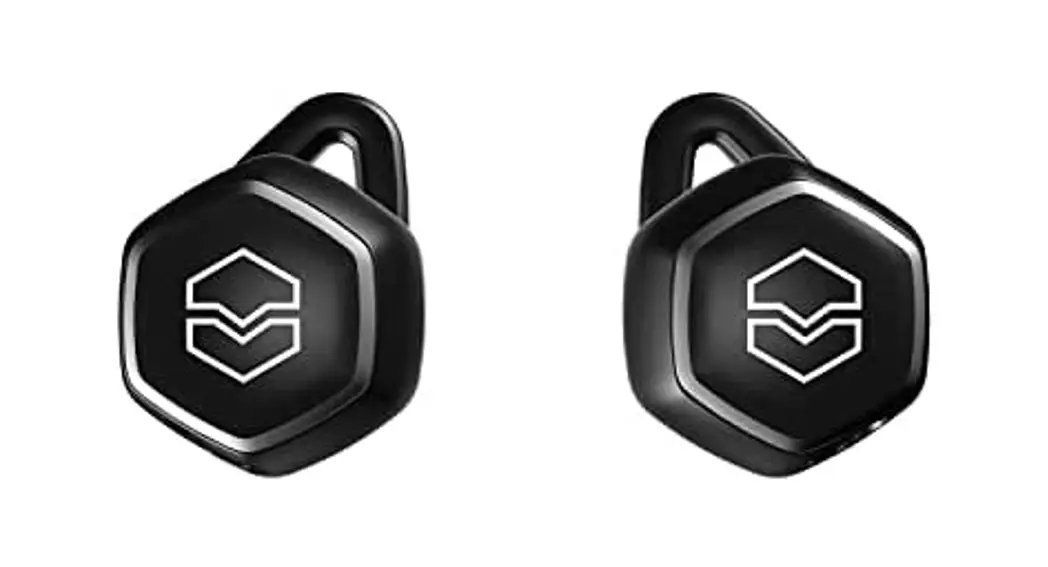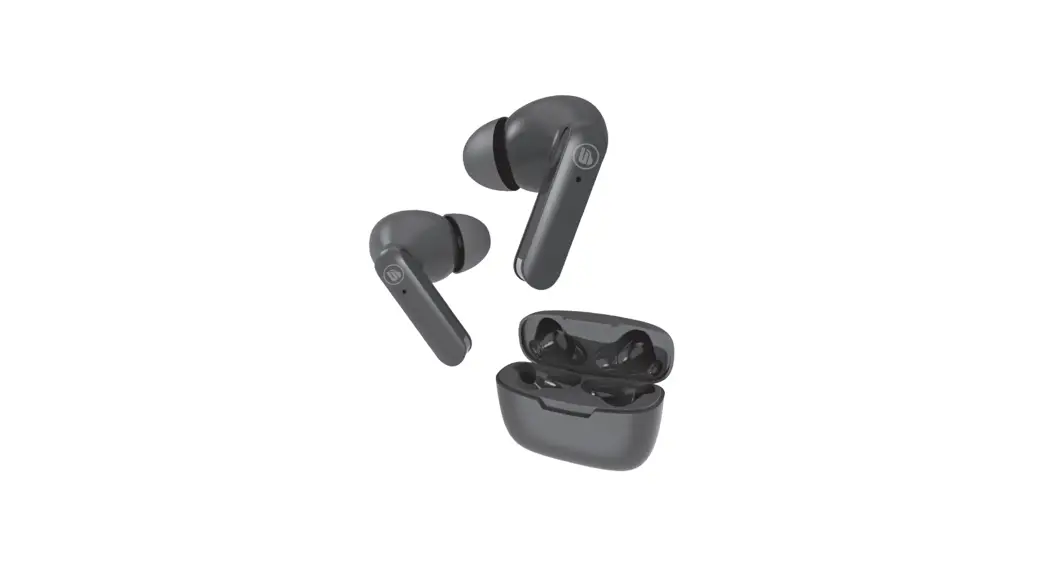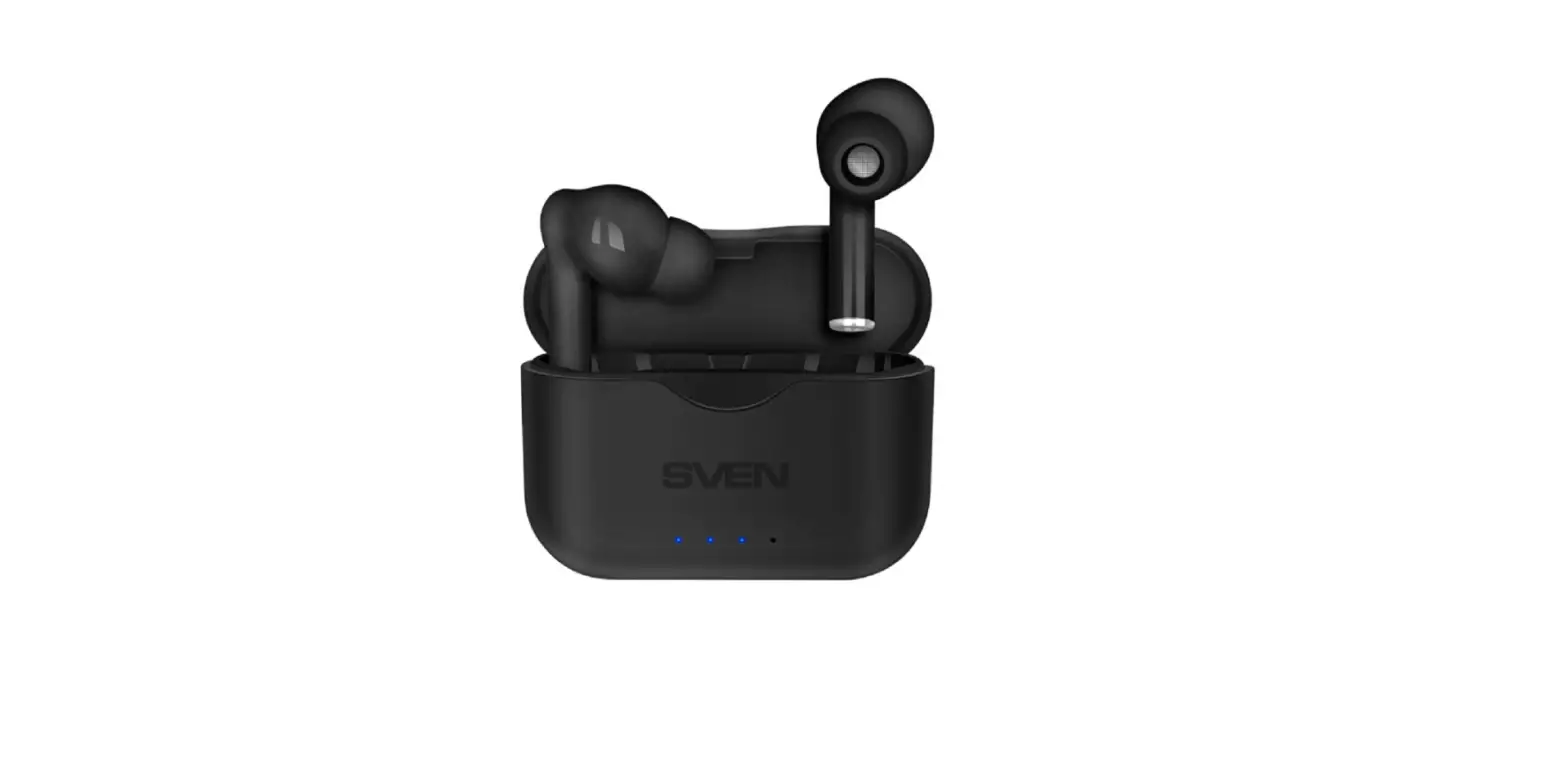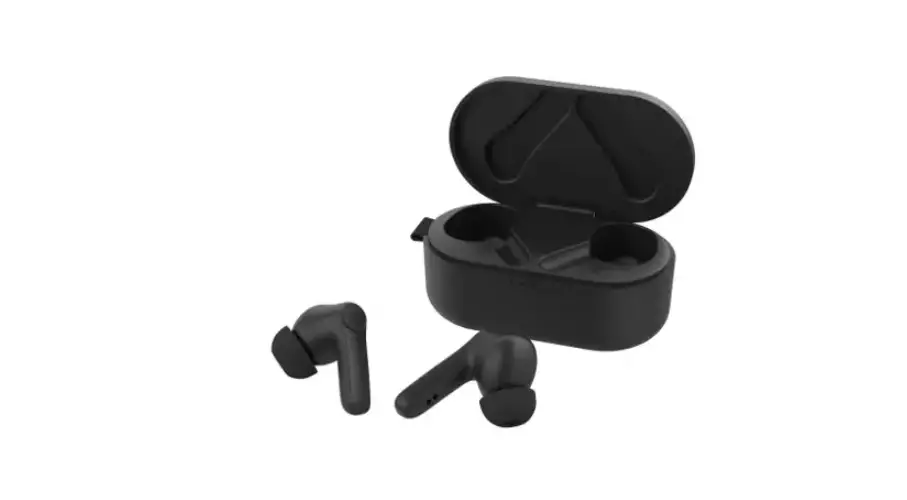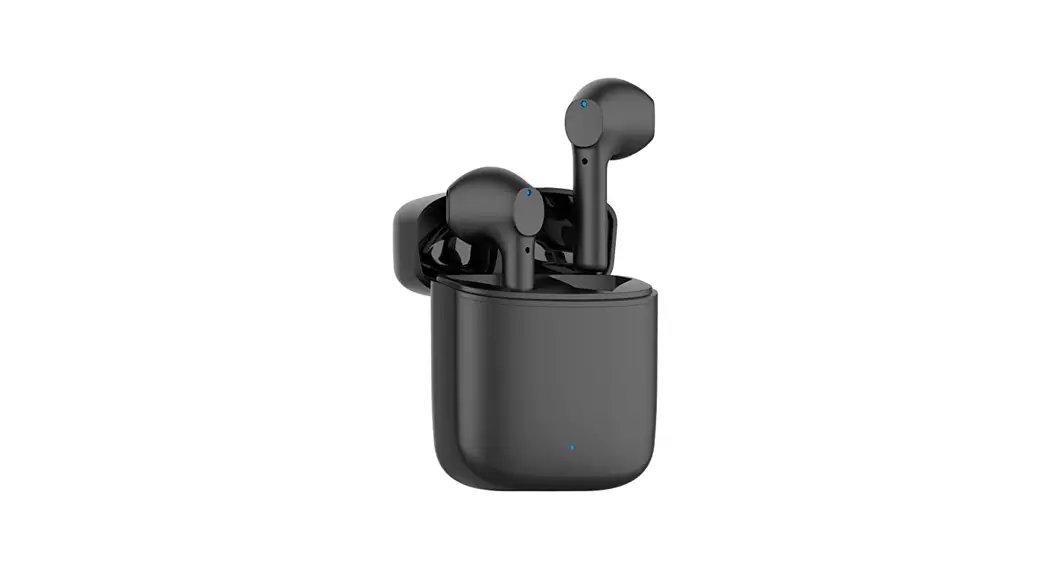
 Hexamove Lite True Wireless Earbuds
User Manual
CAUTION
If the serial number on the product, the manual cover, or the bottom of the packaging is missing or defaced, please return it to the retailer immediately.
READ ME
Before using this product, carefully read the safety and warranty information in the booklets provided. Please then keep the documents where they can be available for immediate reference. To acquire a fully printable version of the manual, please visit www.v-moda.com/manuals

ABOUT THE HEADPHONES
Welcome to V-MODA, the ultimate referral point for the music lover’s lifestyle.
We sincerely hope you enjoy our headphones, the perfect blend of timeless style, modern ergonomics, and state-of-the-art technology.
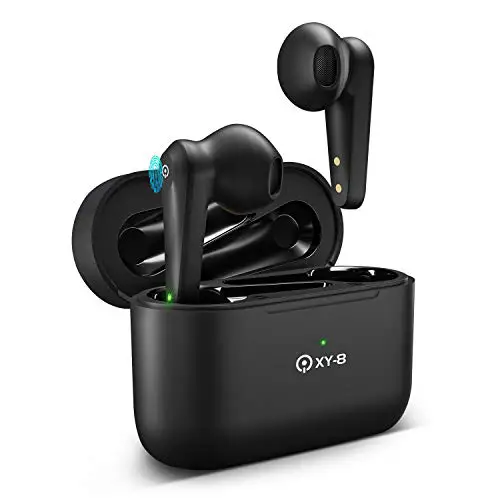
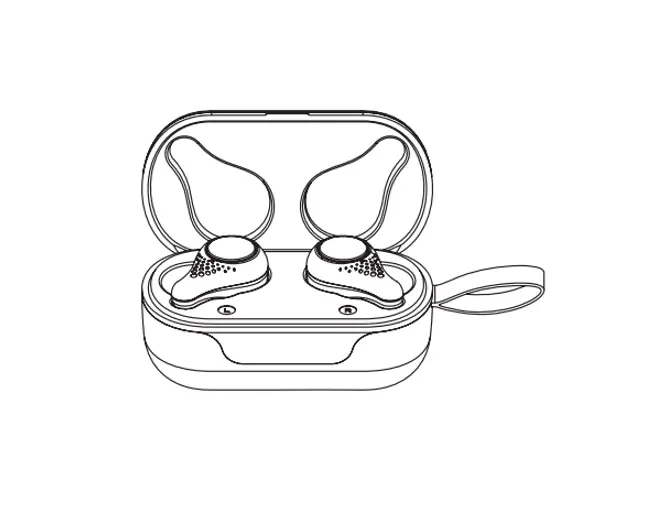
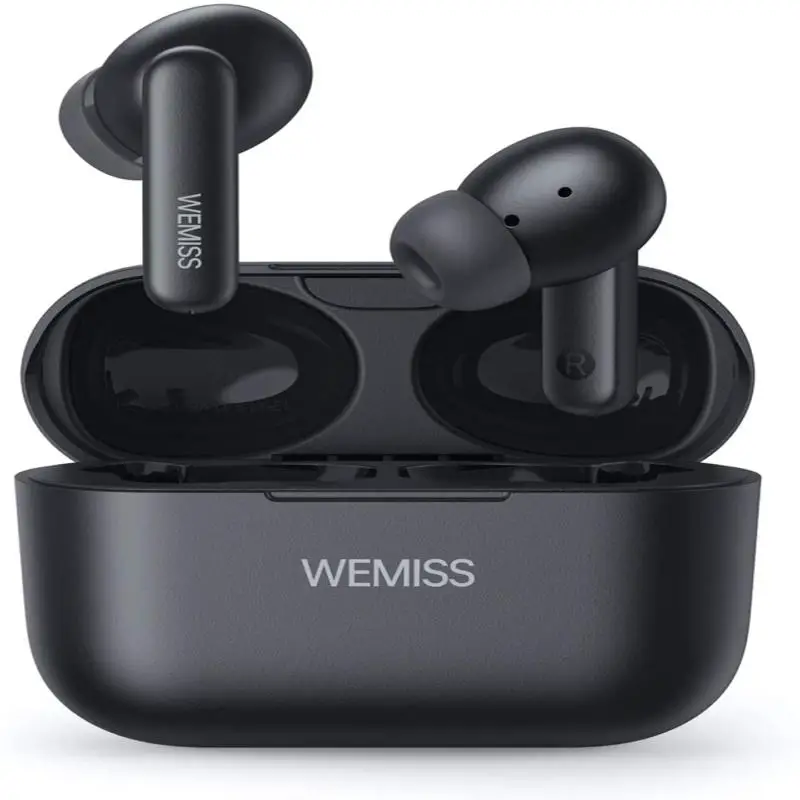
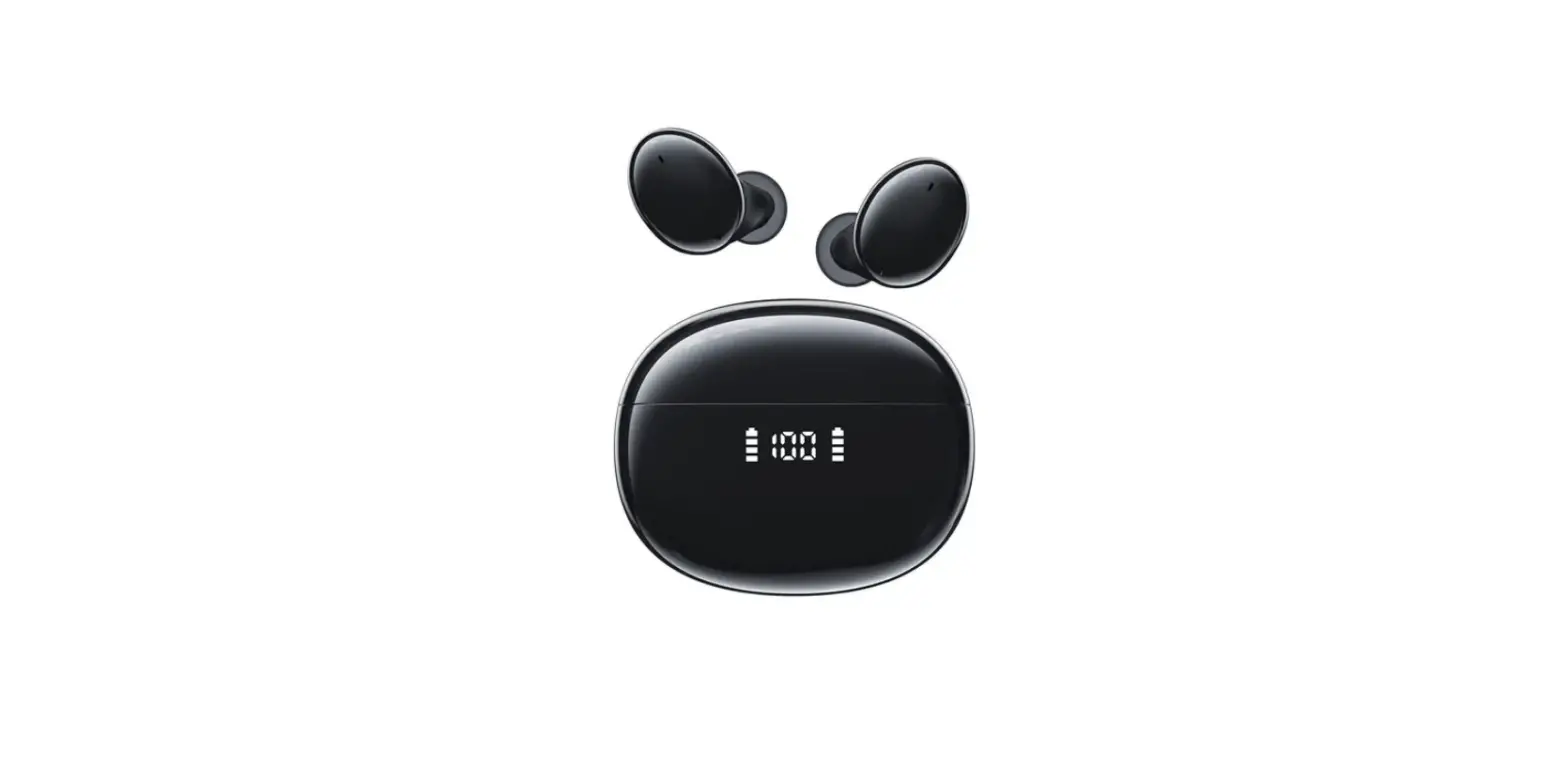
Hexamove Lite are true wireless earbuds that combine V-MODA signature sound with the freedom of limitless movement, with three stylish colors to choose from and an ergonomic design for hours on end of comfortable wear.
Enjoy 6 hours of wireless playback on a single charge and a charging carry case holding 18 hours of extra battery to keep you going all day long. The experience-informed design made for vibrant and precise sound thanks to 6mm diaphragm drivers which deliver powerful bass, vivacious mids, and pristine highs with a barely-there look and feel.
Hexamove Lite is ready for wherever life takes you, with an IPX4-rated resistance to sweat, water, and dust.
Control your audio, answer calls, and access voice assistants remotely thanks to Hexamove Lite’s intuitive touch-gyro sensors. A built-in microphone picks up your voice so you can give voice commands and take calls on the go with confidence.
PACKAGE CONTENTS
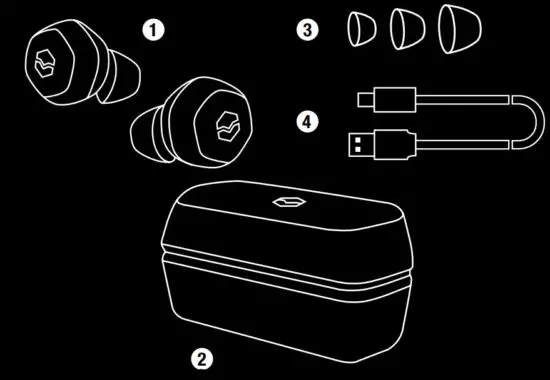
- Hexamove Lite True Wireless Earbuds
- Charging Case
- 3 Sets of BLISS Fittings (S, M, L)
- USB-C Charging Cable
WEARING YOUR EARBUDS
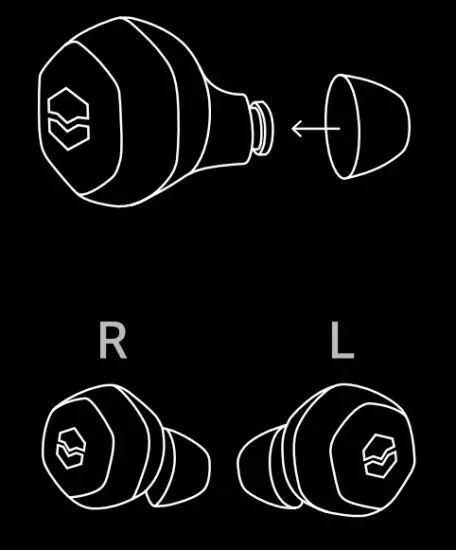
- Slide your chosen BLISS fittings onto earbuds
- Very important: Insert earbuds into the corresponding ear. “L” in the left ear, “R” in the right ear
- Verify the earbud is inserted all the way into your ear, creating a snug fit (similar to an earplug) to ensure the highest sound quality and comfort.
- If the earbud does not feel 100% comfortable and inserted into your ear, try swapping the fittings with one of the other two sizes, or add sport fins and/or ear hooks to your preference.
STORING YOUR EARBUDS
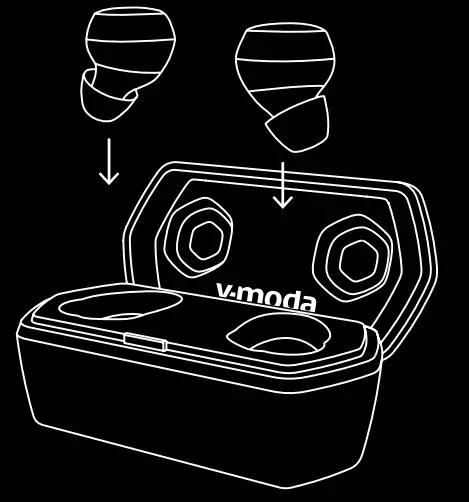
- Store earbuds in the charging case to prevent damage when you are not using or transporting them
- The earbuds automatically charge when in the charging case, so you always have the full battery life to work with
DEVICE LAYOUT
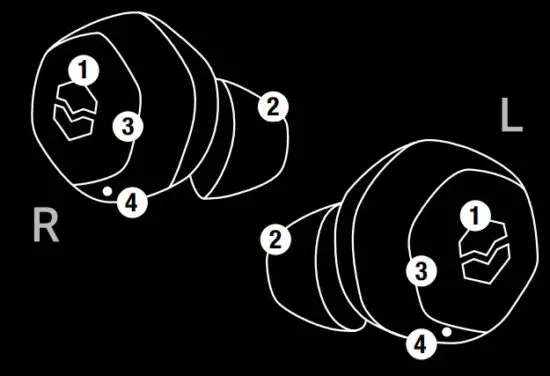
- Touch-Gyro Sensors
- BLISS Fittings
- Shields
- Microphone
GETTING STARTED
- Remove Hexamove Lite from their case to automatically turn the earbuds on; if they have not been paired with an active device previously, they will automatically enter pairing mode
- The earbuds will appear in the Bluetooth settings of your device as V-MODA HEXM LITE
- Select V-MODA HEXM LITE to complete the pairing
It is recommended to charge the battery before using your headphones for the first time.
STEP BY STEP GUIDE
- ON/OFF
a. To turn earbuds on, remove them from their case
b. To turn the earbuds off, place them in their case - AUTO-POWER OFF
a. After 10 minutes of inactivity, Hexamove Lite will automatically power off
b. To turn earbuds on after auto-powering off, tap either earbud to reactivate them - FIRST WIRELESS PAIRING
a. Remove Hexamove Lite from their case to automatically turn the earbuds on; if they have not been paired with an active device previously, they will automatically enter pairing mode
b. When “V-MODA HEXM LITE” appears in the “new Bluetooth devices” section on your phone, select it to begin pairing - CONNECTING A NEW DEVICE
a. Deactivate Bluetooth on any previously paired device
b. Remove Hexamove Lite from their case to automatically turn the earbuds on; if they have not been paired with an active device previously, they will automatically enter pairing mode
c. When “V-MODA HEXM LITE” appears in the “new Bluetooth devices” section on your phone, select it to begin pairing - CONTROLS: RIGHT TOUCH-GYRO SENSOR
 Play and pause audio / Accept or end a call
Tap once ▶▶Skip to the beginning of the next track Tap twice ◀◀Go to the beginning of the previous track Tap three times - CONTROLS: LEFT TOUCH-GYRO SENSORPlay and pause audio / Accept or end a call
Tap once  Summon or dismiss voice assistant
Tap three times - CHARGING THE EARBUDS
Insert the earbuds into the charging case to charge.Low battery and now charging Slow blinking red LED Charging complete Solid green LED - EARBUD BATTERY ALERTS
Battery Remaining Alert 30 minutes 1st Low Battery Warning Sound 10 minutes 2nd Low Battery Warning Sound 5 minutes 3rd Low Battery Warning Sound 1 minute Final Low Battery Warning Sound - CHARGING CASE LED INDICATORS
LED indicator … with earbuds in the charging case … without earbuds in the charging case Blinking red Earbuds have a low battery The case has a low battery Fading green Earbuds are now charging The case is now charging Solid green Earbuds are fully charged The case is fully charged - CHARGING THE CHARGING CASE
a. Connect the USB-C charging cable to the charging case input
b. Ensure that the USB-C cable is connected to a power source to enable chargingLow battery (0-35%) 1 green LED out of 3 Battery at 36-65% 2 green LED out of 3 66% to full Full 3 green LED c. When charging, the 3 LED lights will flash slowly
d. When the charging case is fully charged, all 3 green LEDs will illuminate
Whenever possible, use the included USB-C charging cable to charge your earbuds.
If you are having trouble charging your earbuds, please contact customer service at [email protected]. - CONNECT A REPLACEMENT EARBUD TO NEW PAIR
The earbud will automatically detect the closest earbud and pair it when a pair is removed from the charging case. - CLEAR PAIRED DEVICE HISTORY / RESET HEXAMOVE LITE
a. Insert the earbuds in the charging case
b. Close the case and press and hold the button on the bottom of the case for 10 seconds
c. When the charging case LED flashes green, remove Hexamove Lite from their case and hold them together for 3-5 seconds
d. When you hear the pairing sound, Hexamove Lite has been reset and is ready to go
 Play and pause audio / Accept or end a call
 Summon or dismiss voice assistant
SWEAT AND WEATHER RESISTANCE
Hexamove Lite is rated IPX4. This means they are sweat and weather resistant.
They are not meant to be submerged underwater.
NOTES:
- To prevent rusting, regularly clean the charging pins on the earbuds with a dry, soft cotton swab or equivalent.
- IPX4 is not a permanent condition, and resistance might decrease as a result of normal wear.
CARE AND MAINTENANCE
The headphones and charging case may require periodic cleaning.
| COMPONENT | CLEANING PROCEDURE |
| BLISS Fittings | Remove the tips from the earbuds and wash them with a mild detergent and water. Note: Make sure you thoroughly rinse and dry the tips before re-attaching them to the earbuds. |
| Earbud nozzles | Clean only with a soft, dry cotton swab or equivalent. Note: Never insert any cleaning tool into the nozzle. |
| Charging pins (on earbuds and case) | To prevent rusting, regularly clean with a soft, dry cotton swab or equivalent. |
| Charging case | Clean only with a soft, dry cotton swab or equivalent. |
TROUBLESHOOTING
If you are experiencing trouble with your headphones, please refer to the troubleshooting guidelines below. If the problem persists, please contact the V-MODA Support Team at www.v-moda.com/support or +1 888.866.3252
IT CAN NOT PAIR WITH A BLUETOOTH DEVICE
| CAUSE | SUGGESTIONS |
| The earbuds are not turned on | Remove earbuds from the case and/or tap the earbuds to activate. The earbuds’ power does not turn on when stored in charging case |
| The earbuds are not in pairing mode | Remove earbuds from the case and ensure they are not already connected to an active Bluetooth device |
| The device’s Bluetooth is not enabled | Enable Bluetooth connection on the device |
| The earbuds paired devices history is full | Perform the “Reset paired device history” procedure |
| Other | Turn headphones off and on again Try to pair it with another device to make sure that both the earbuds and your Bluetooth device is working properly |
NO AUDIO OR LOW-QUALITY AUDIO FROM THE AUDIO SOURCE
| CAUSE | SUGGESTIONS |
| The audio source is not playing any track | Make sure the audio source is playing |
| The volume on the device is muted or turned down | Make sure the volume on the device is not muted or turned down |
| The audio device or the file you are listening to has problems | Check that neither the audio device nor the audio file you are listening to have any issues |
| EQ settings in the V-MODA app are not set properly | Go to the V-MODA app and set your EQ preference in the Sound settings menu |
| Other | Reboot the source/device Turn the earbuds off and on again Reset paired devices’ history of the earbuds Try streaming from another device or select another track Move the device closer to the earbuds |
| Other | Move away from any possible interference (wireless routers, other Bluetooth devices, microwaves etc.) Close any application on your device that is not in use and disable Wi-Fi |
THE AUDIO AND VIDEO DO NOT MATCH
| CAUSE | SUGGESTIONS |
| Technological limitations on the device or the selected file | Try streaming from another device or select another track/file |
NO AUDIO OR UNEVEN SOUND FROM ONE EARBUD
| CAUSE | SUGGESTIONS |
| Faulty Bluetooth connection | Check the Bluetooth connection on the chosen device |
| One earbud is not charged | Charge the earbuds |
EARBUDS WILL NOT CHARGE
| CAUSE | SUGGESTIONS |
| The charging cable is not functioning properly | Make sure the charging cable is functioning properly or try a different one |
| The charging source is not functioning properly | Make sure the charging source is functioning properly or try a different one |
| The USB plugs are not firmly connected in their sockets | Make sure both USB plugs are firmly connected in their sockets |
| The computer you are using to charge is not turned on | Turn your computer on and make sure your computer’s USB port is activated |
EARBUDS ARE NOT RESPONDING
| CAUSE | SUGGESTIONS |
| A software error has occurred | Perform a hardware reset |
© V-MODA. All rights reserved.
V, V-MODA, and the V-MODA logo are trademarks of V-MODA.
Patents: www.roland.cm/patents.
iPhone®, iPad ®, and iPod ® are trademarks of Apple Inc.,
registered in the U.S. and other countries.
The trademark “iPhone” is used with a license from Aiphone K.K.
Android™ is a trademark of Google Inc. and is in no way affiliated with V-MODA.
Other trademarks and trade names are those of their respective owners.
V-MODA LLC
5100 S. Eastern Ave, Los Angeles, CA 90040
ISSUES WITH THE PRODUCT
For any issues relating to your V-MODA product,
please contact our Support Team directly.
VISIT
www.v-moda.com/support
EMAIL
[email protected]
CALL
+1 888.866.3252
 Moda.com - Fashion Designers, Jewelry Designers, Home Design, Vintage Fashion.
 V-MODA | Product manuals