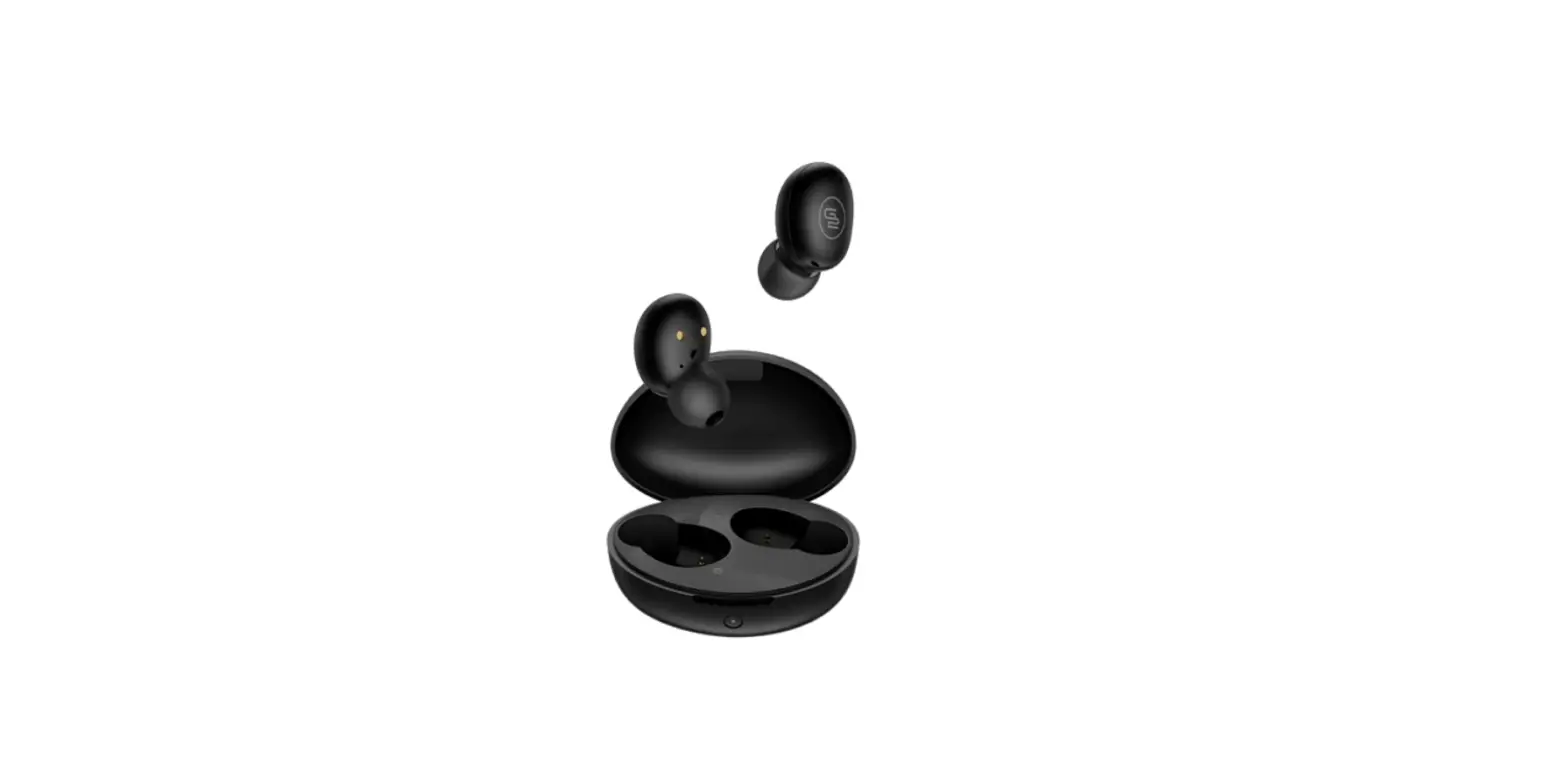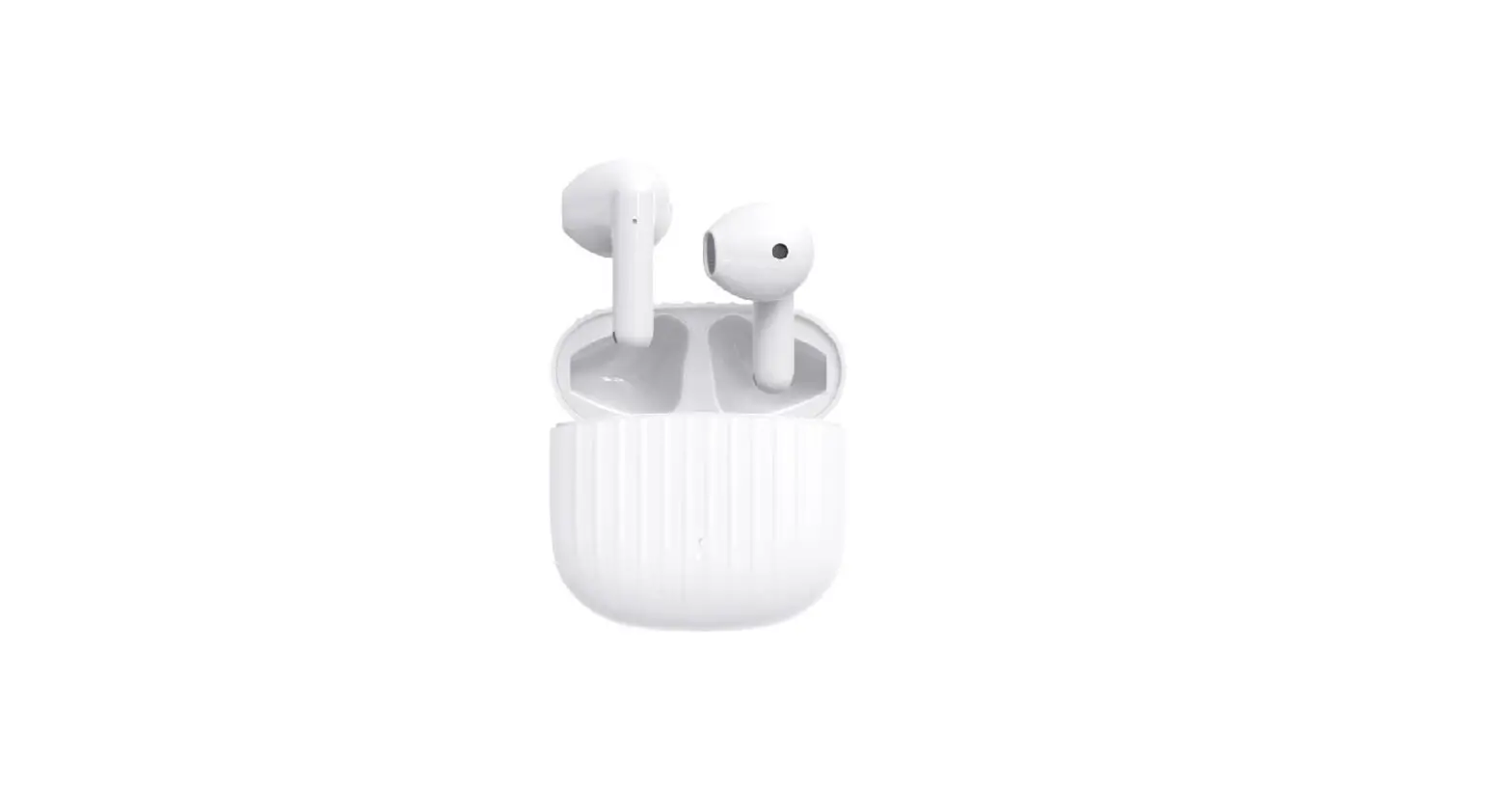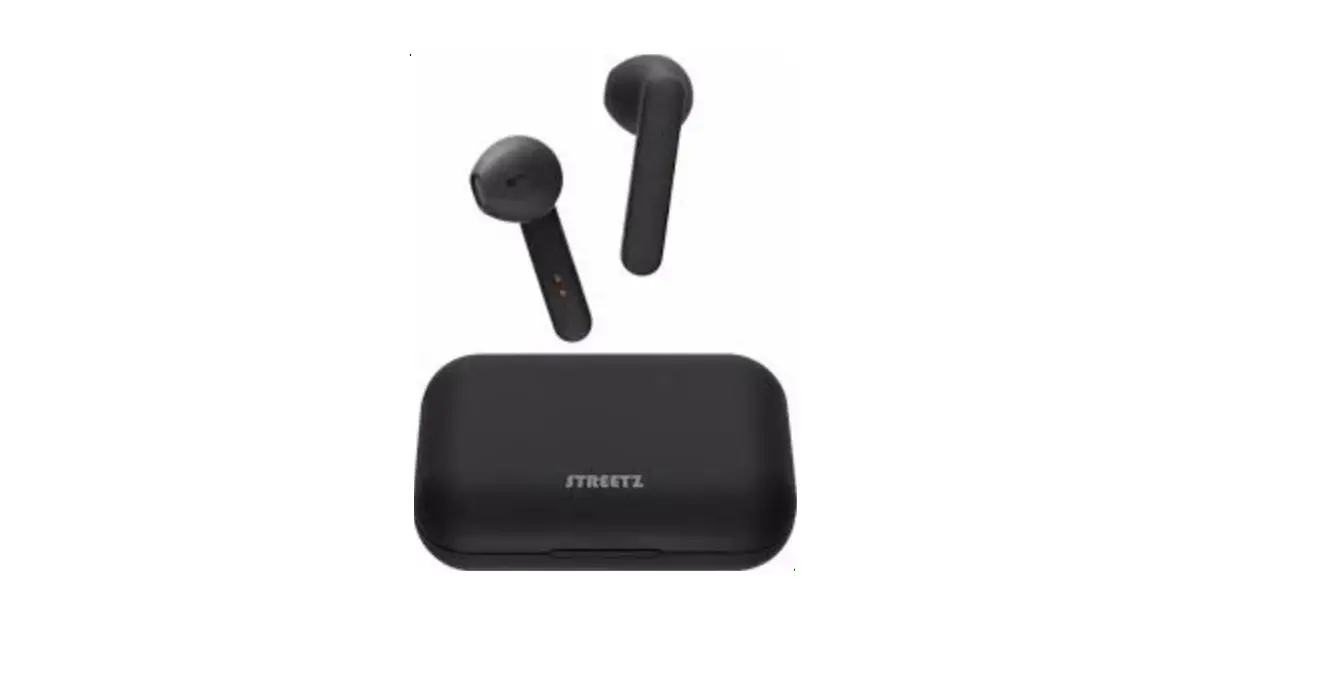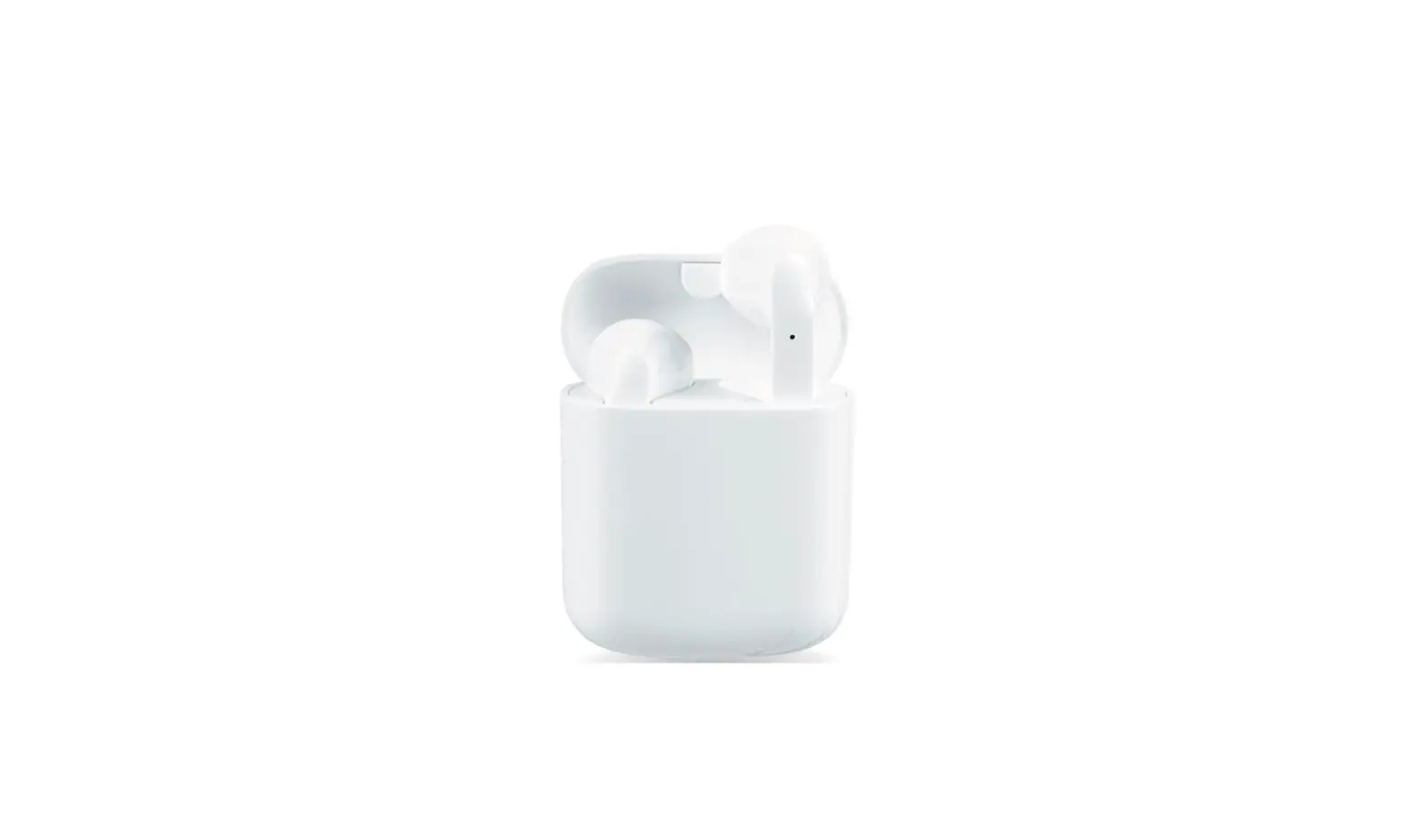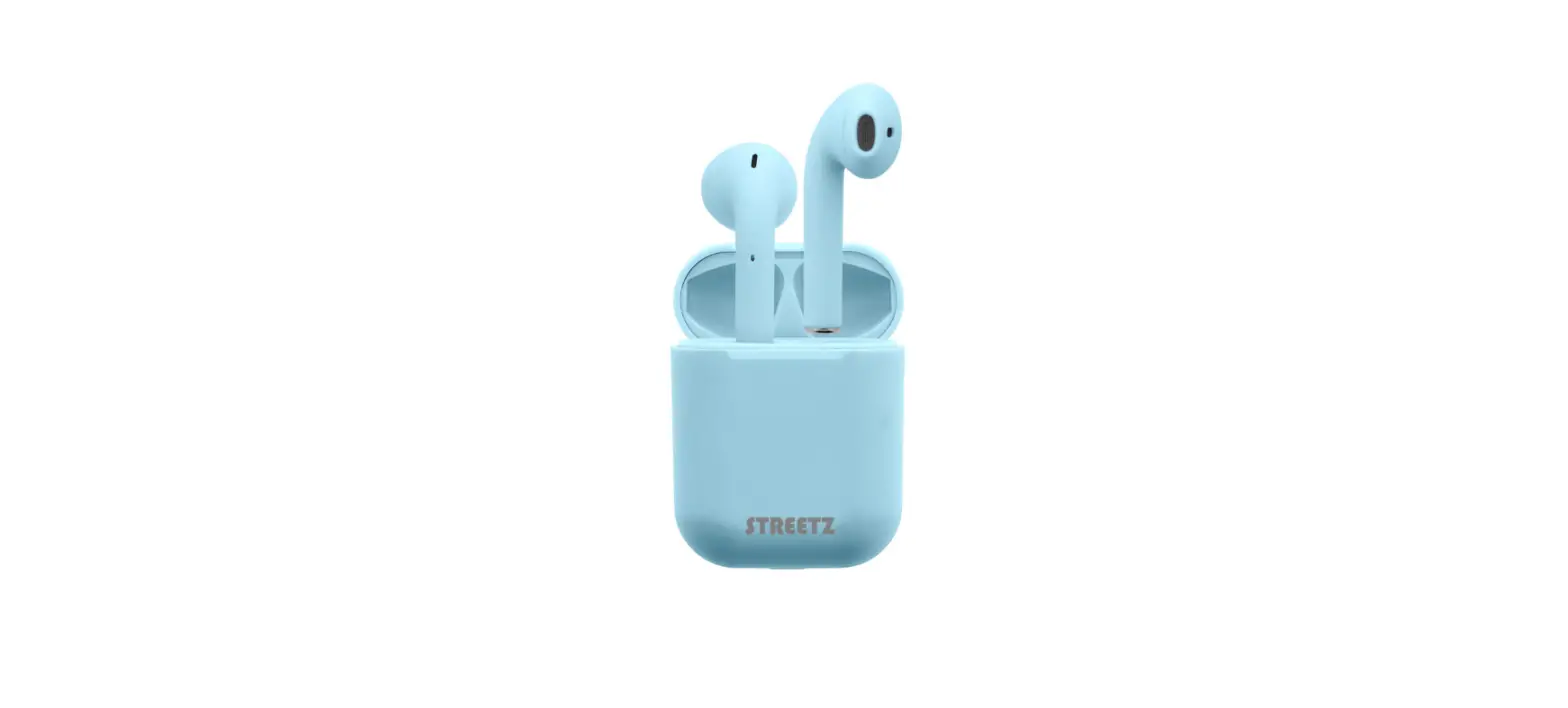

STREETZ vTWS-114 True Wireless Earbuds

INSTRUCTIONS

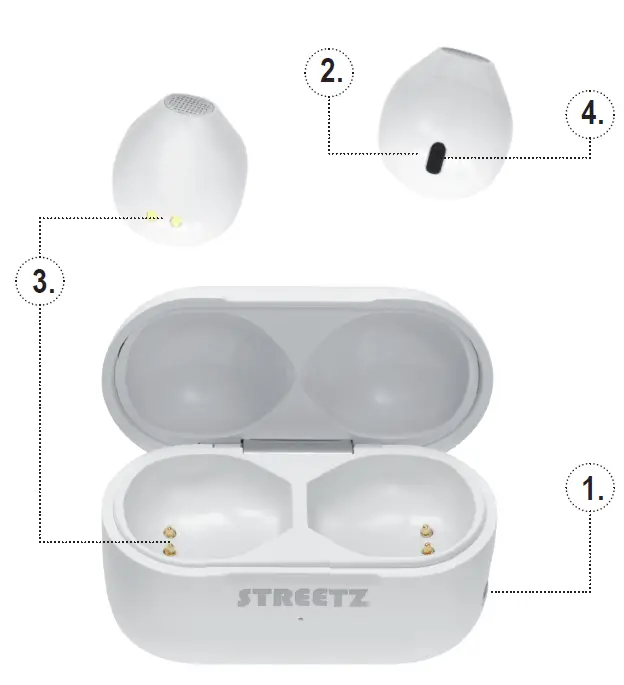
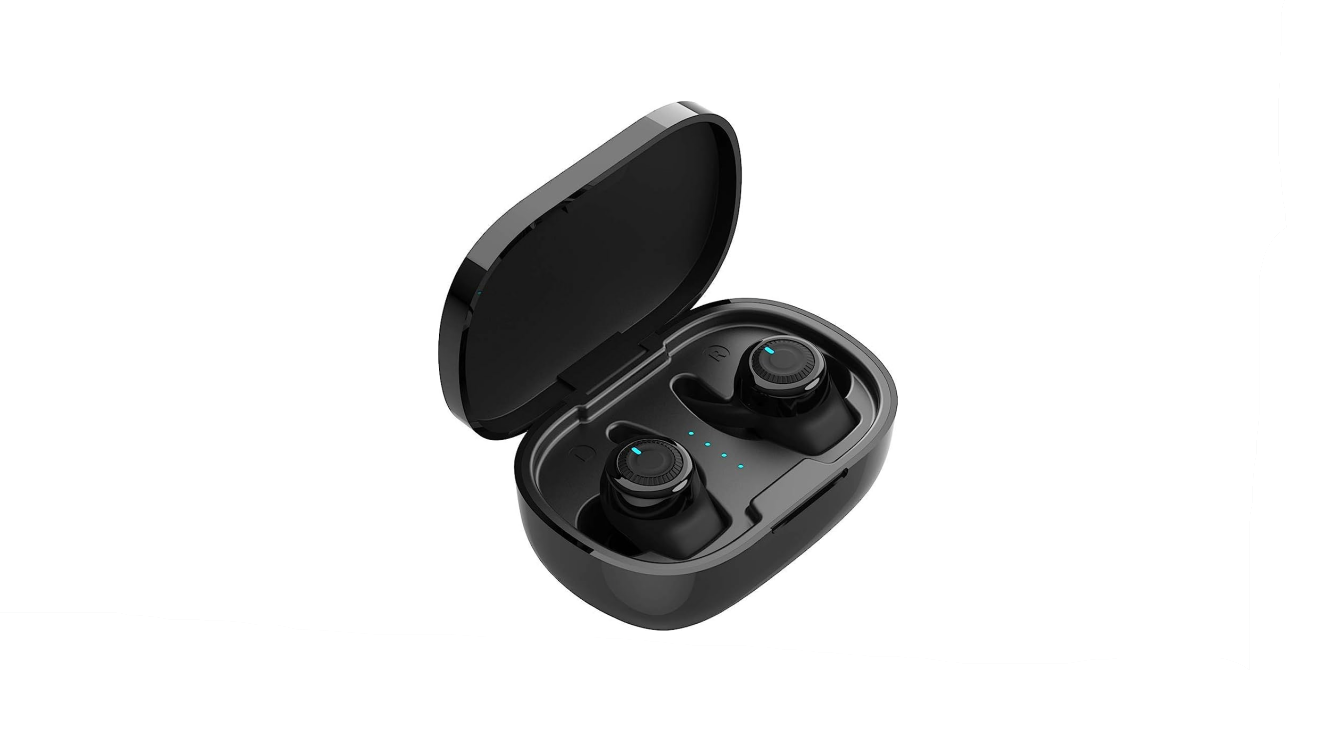
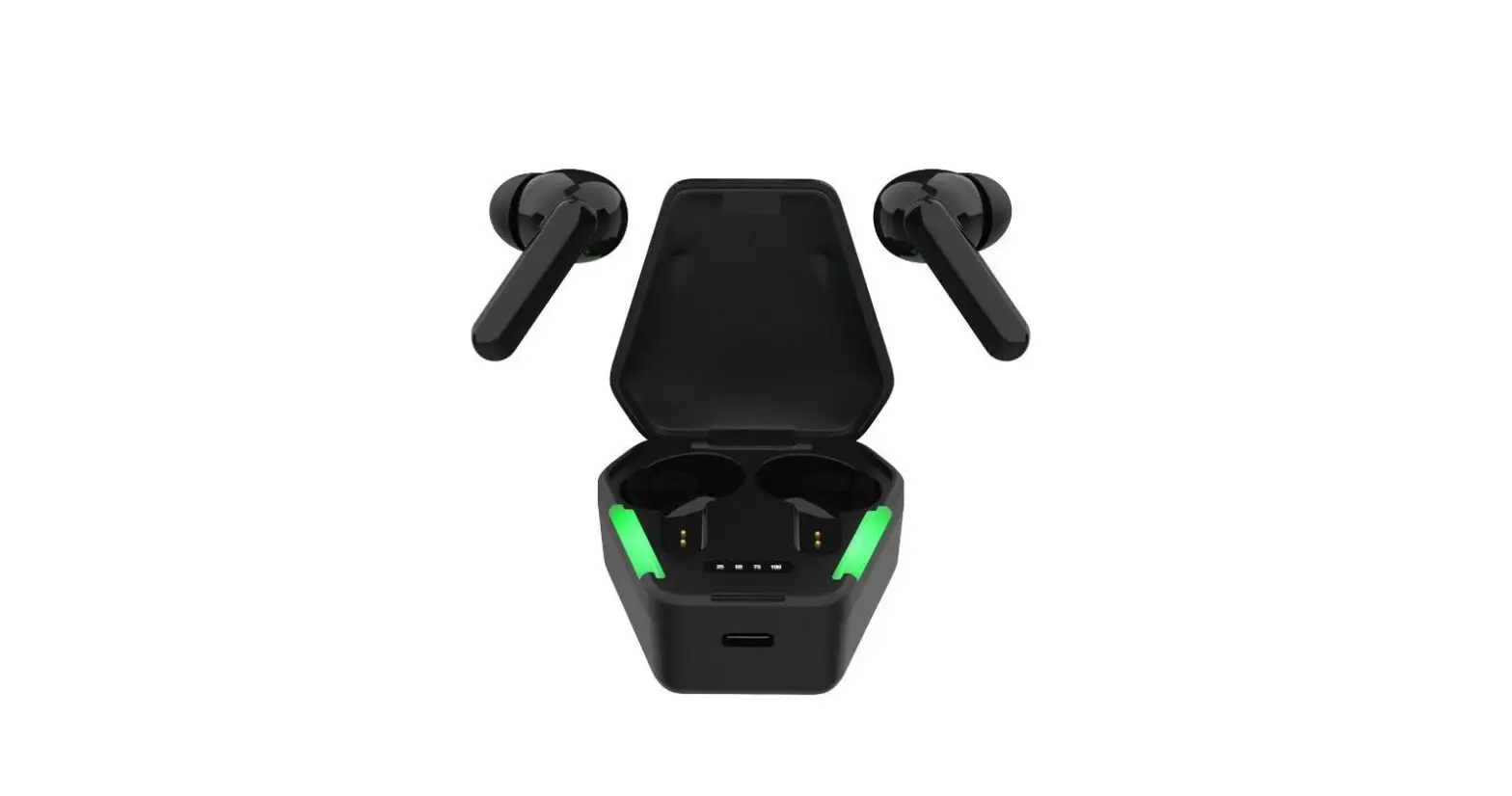
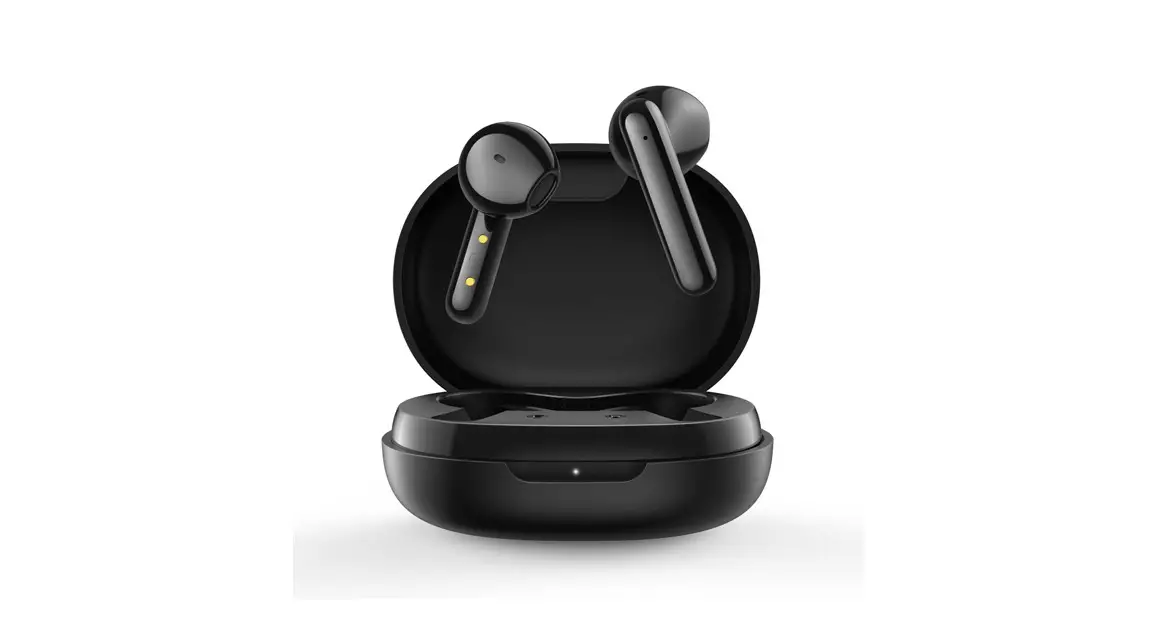
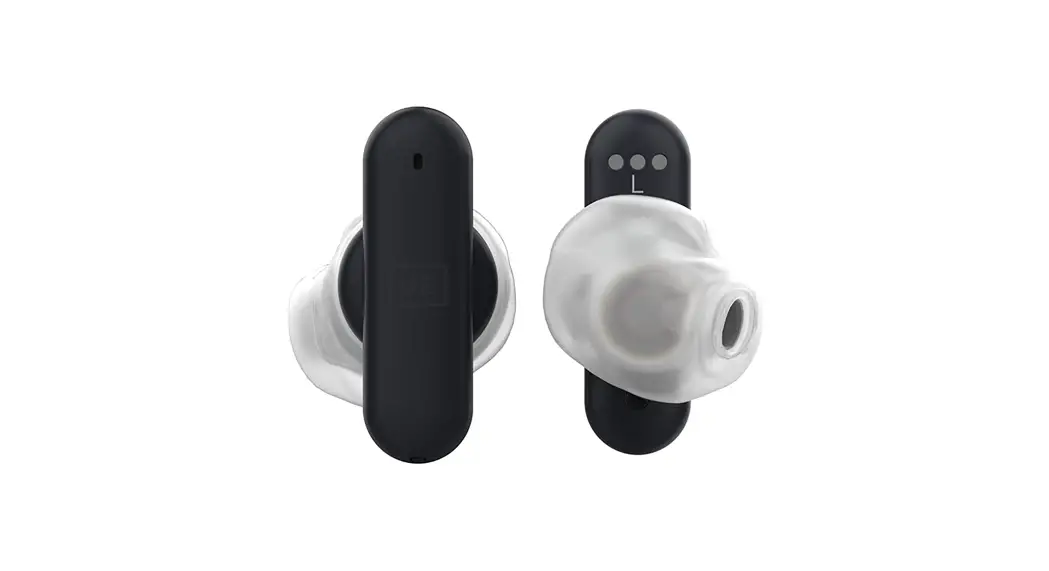
- Charging contact (USB-C)
- Touch button
On/off/previous/next/answer/hang up/volume/voice assistant - Charging contacts
- Microphone
POWER ON AND OFF
Take the earbuds out of the charging case, they will automatically power on.
Place the earbuds in the charging case to automatically power them off. Press and hold the button for 3 seconds to manually power them on or off.
CHARGING
Insert the earbuds into the charge case to charge them.
The charging contacts should be well connected.
Charge the charging case via a USB-C cable.
CONNECT
First time use: Take the earbuds out of the charging case, then put them back into the charge case. Then follow the steps for connecting:
- 1. Take out the earbuds from the case. They will power on and connect to each other.
- One of the earbuds will flash blue and red. The other earbud will flash blue.
- Connect to the earbuds from your phone/device. The LEDs turn off to confirm successful connection. Refer to your phone/device manual if needed.
USAGE
Gently put the earbuds into your ears.
For secure fit, use the included silicone sleeves. Make sure the microphone is in the big opening of the sleeves.
Answer and hang up a phone call
Press the button to answer or hang up a phone call. Press and hold for 1 second to reject a call.
Play/Pause
Short press the button to play/pause.
Next song
Press the button 2 times on the right earbud for next song.
Previous song
Press the button 2 times on the left earbud for previous song.
Volume
Press the button 3 times on the left earbud to increase volume.
Press the button 3 times on the right earbud to decrease volume.
Or adjust the volume from your connected device (eg. phone).
Voice assistant
Press the button on either earbud 4 times to activate voice assistant. Works for Google assistant and Siri.
Safety instructions
- Never disassemble or modify the product to avoid damage to the product and to avoid danger.
- Do not store in extreme temperatures (below 0°C or over 45°C).
- Do not use harsh chemicals or strong detergents when you clean this product.
- Keep dry.
- To avoid hearing damage, make sure that the volume is set to low before connecting. Gradually turn up the volume until you reach a comfortable listening level.