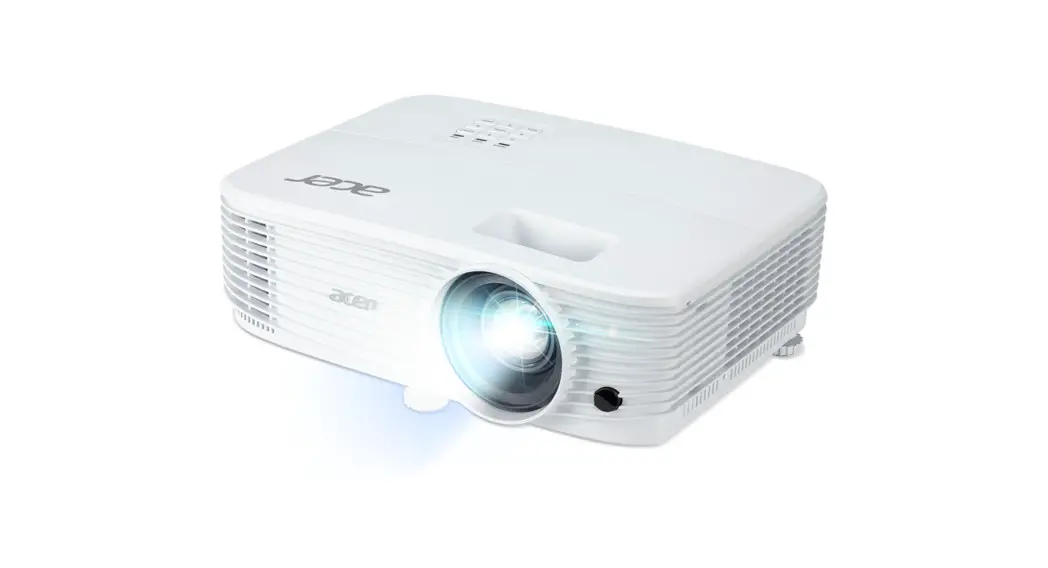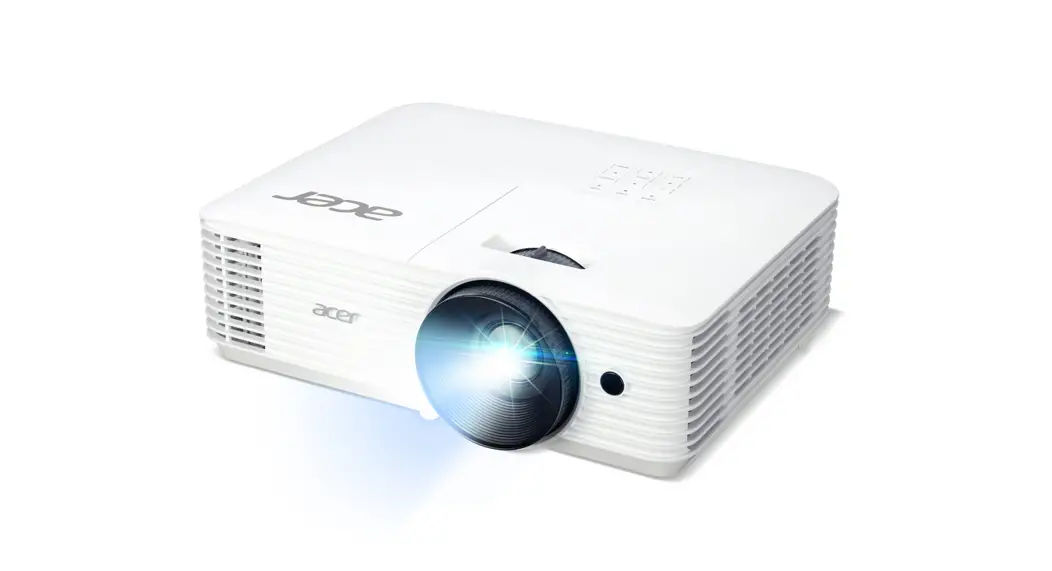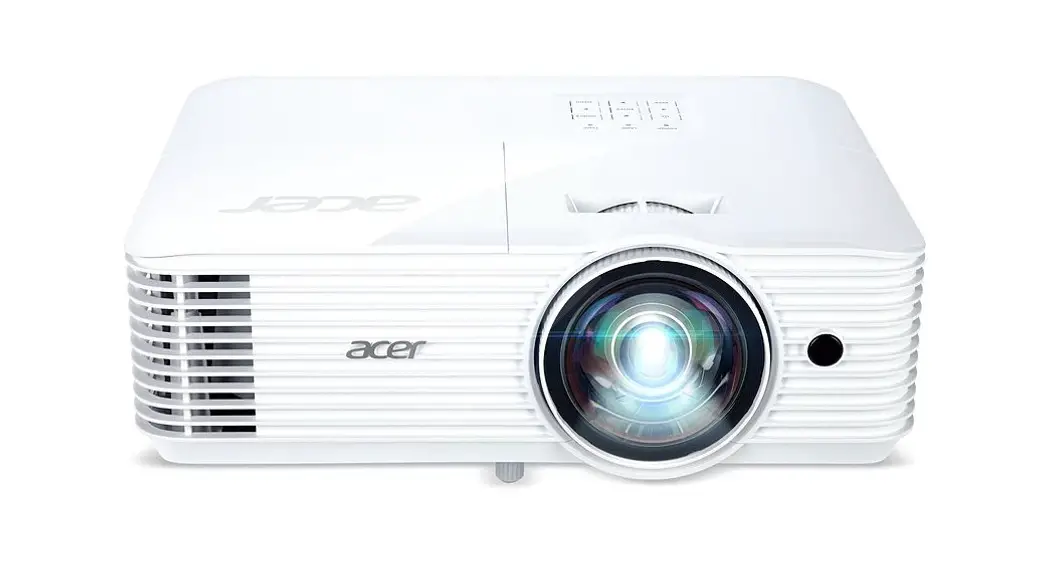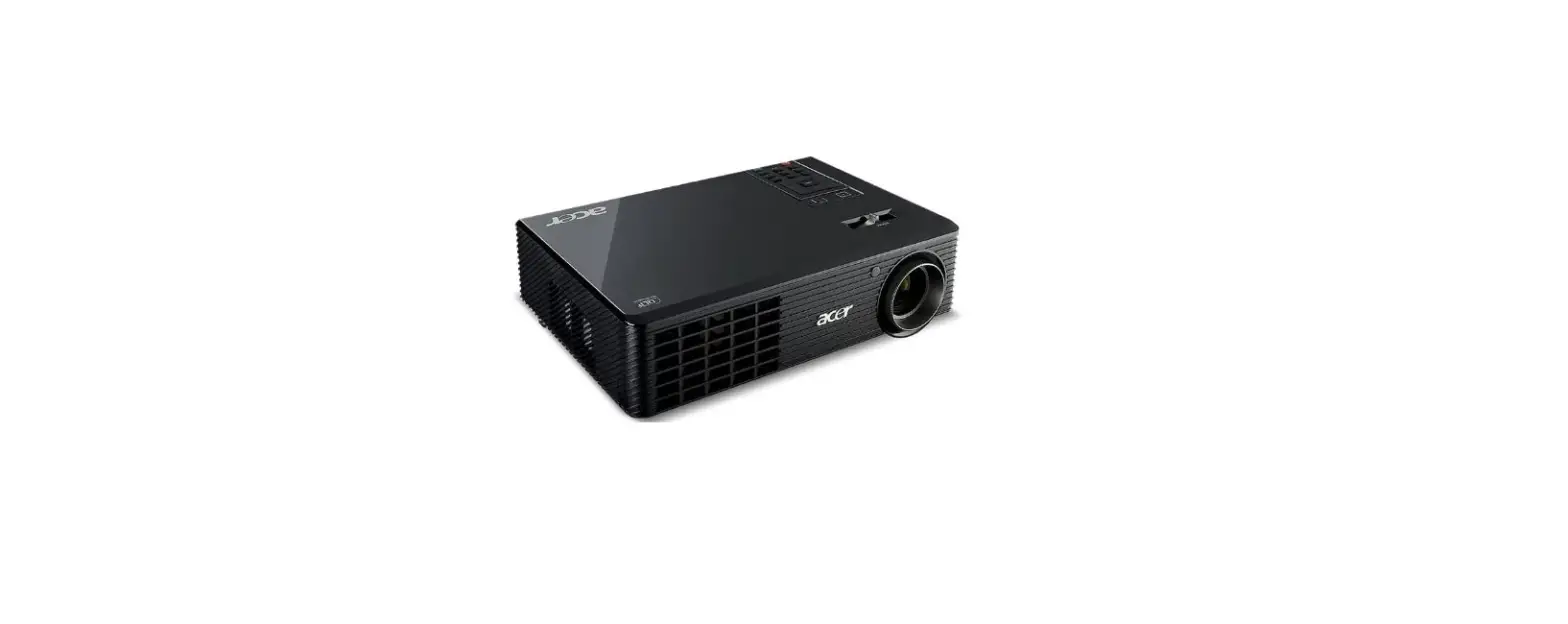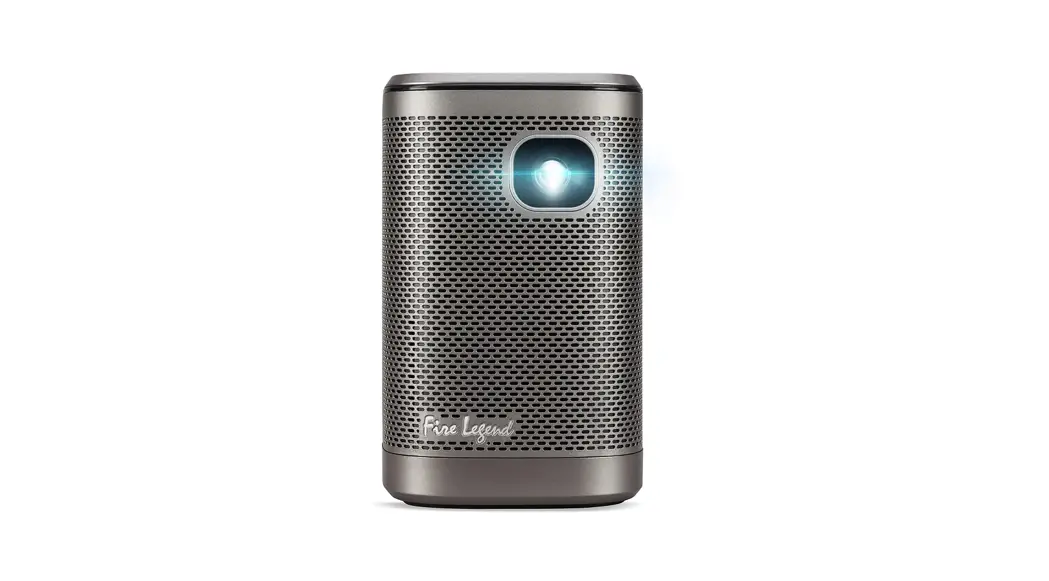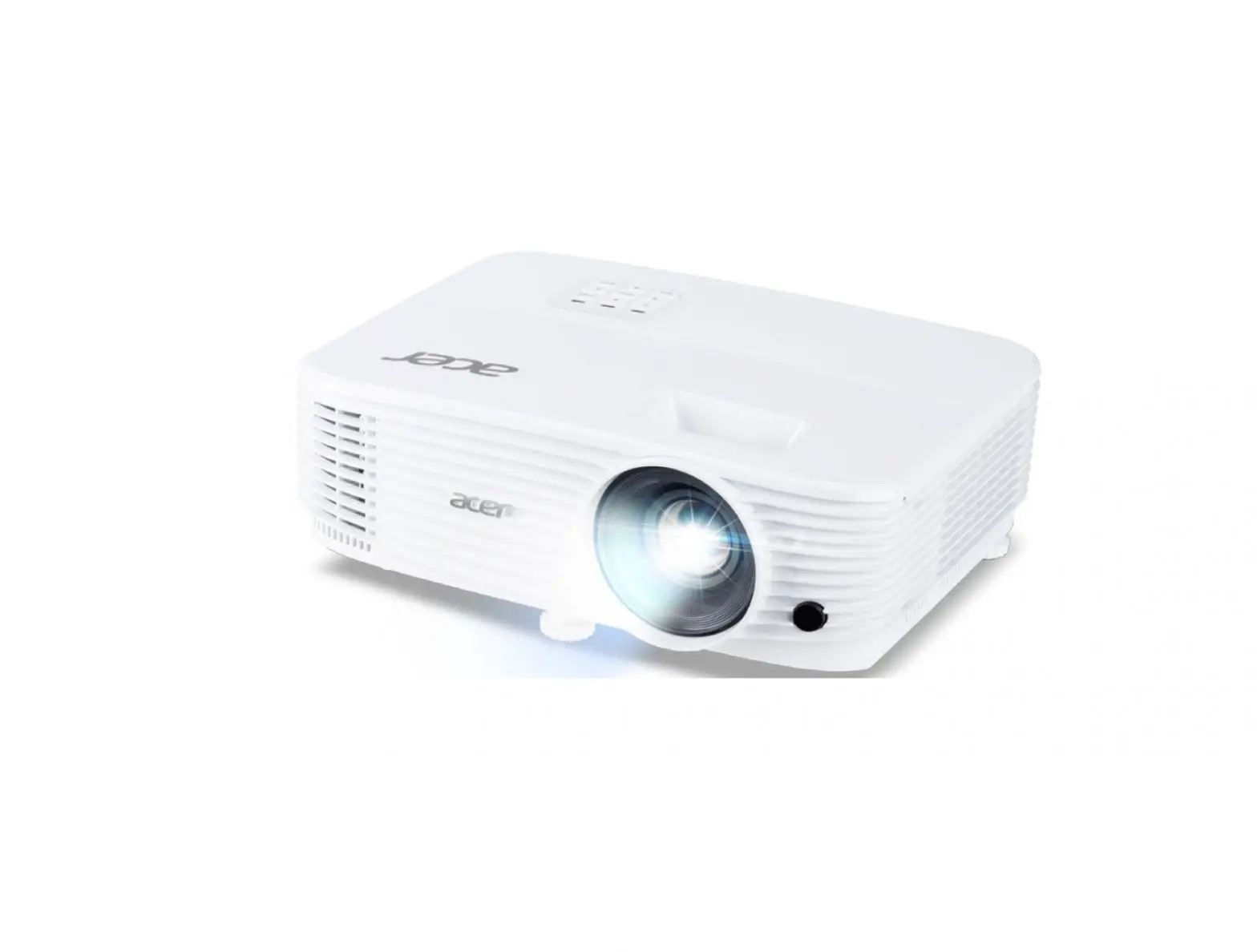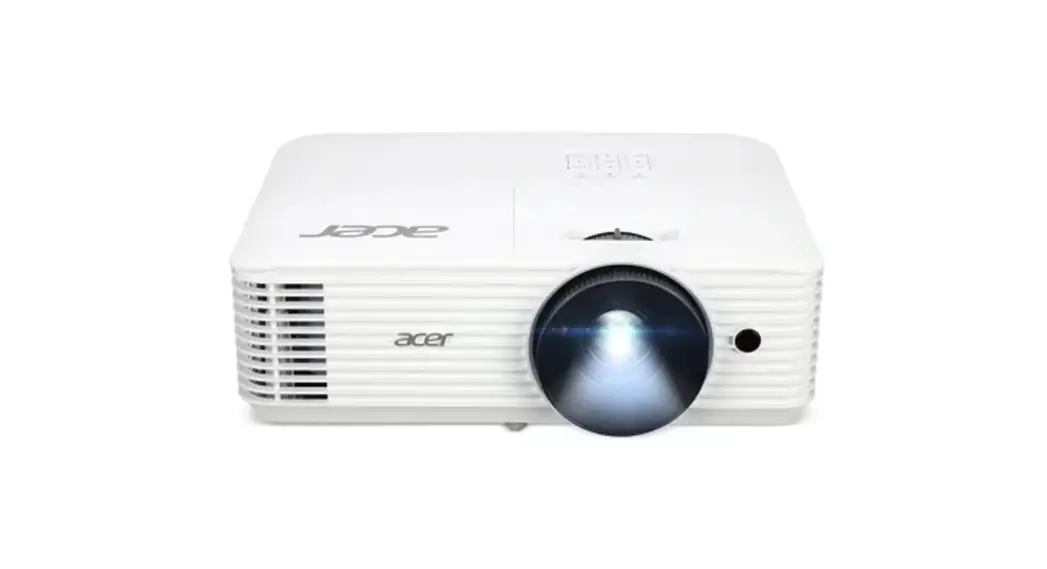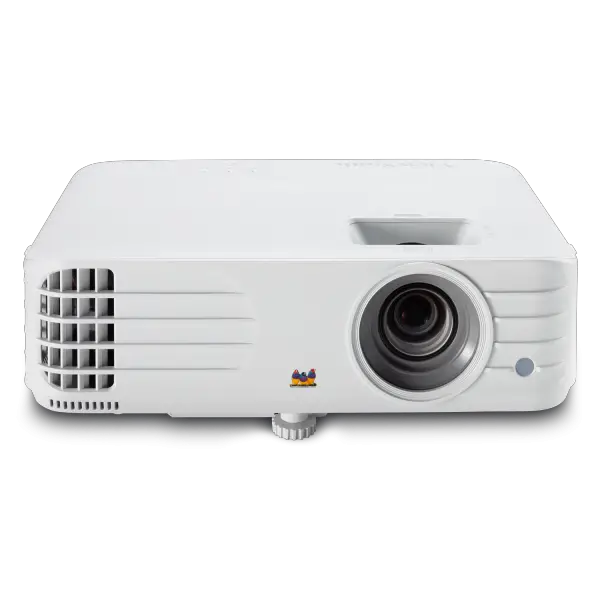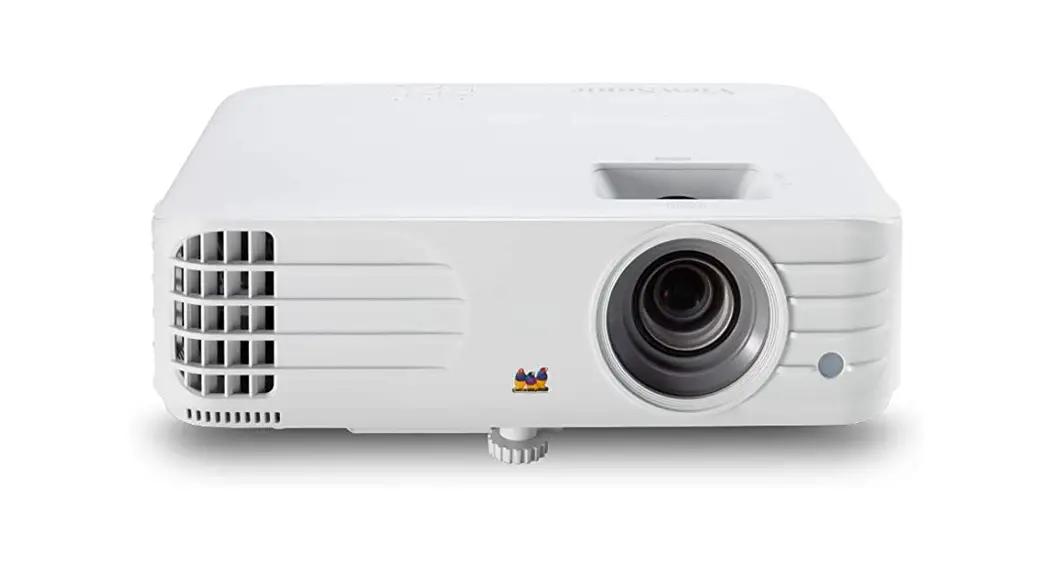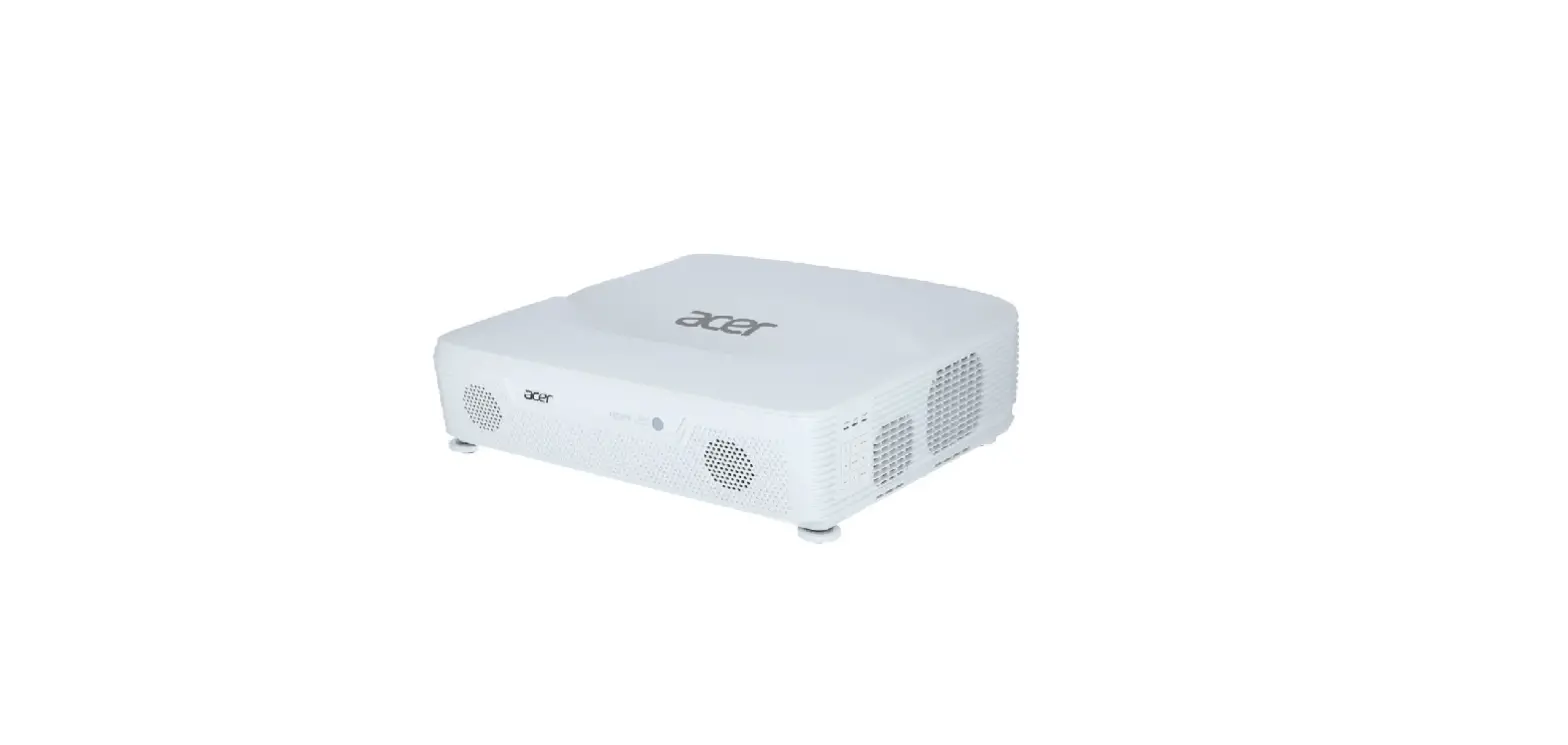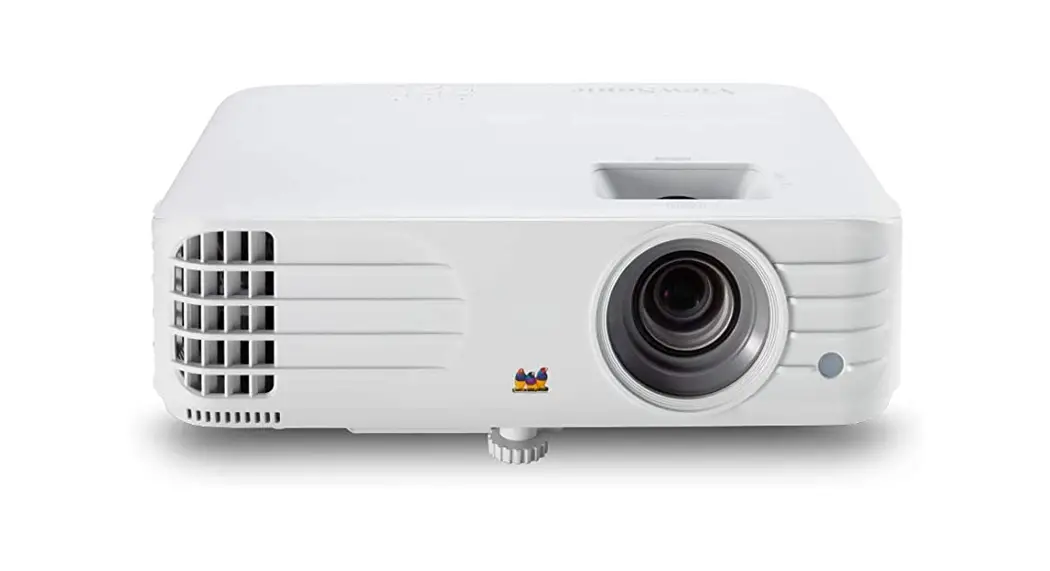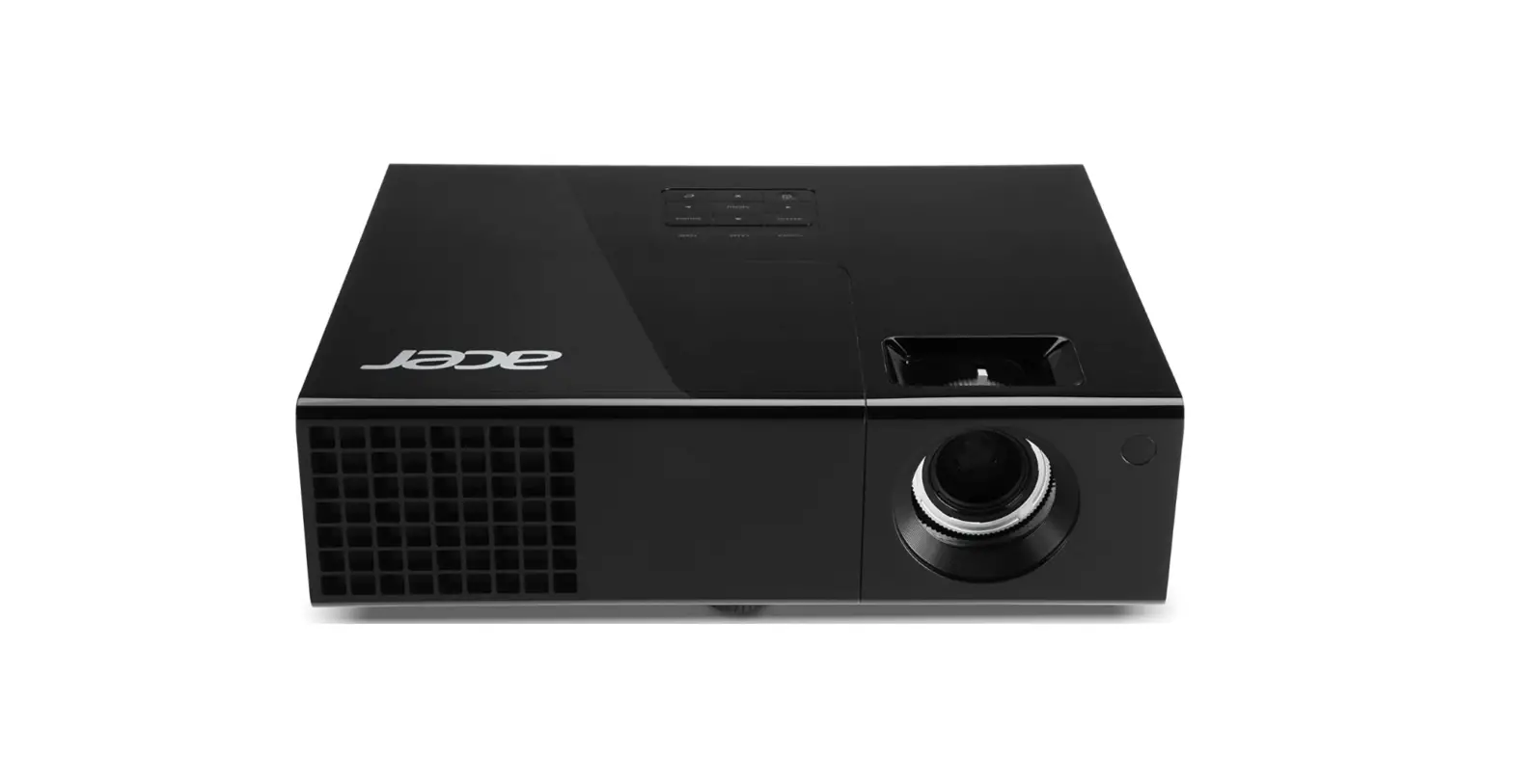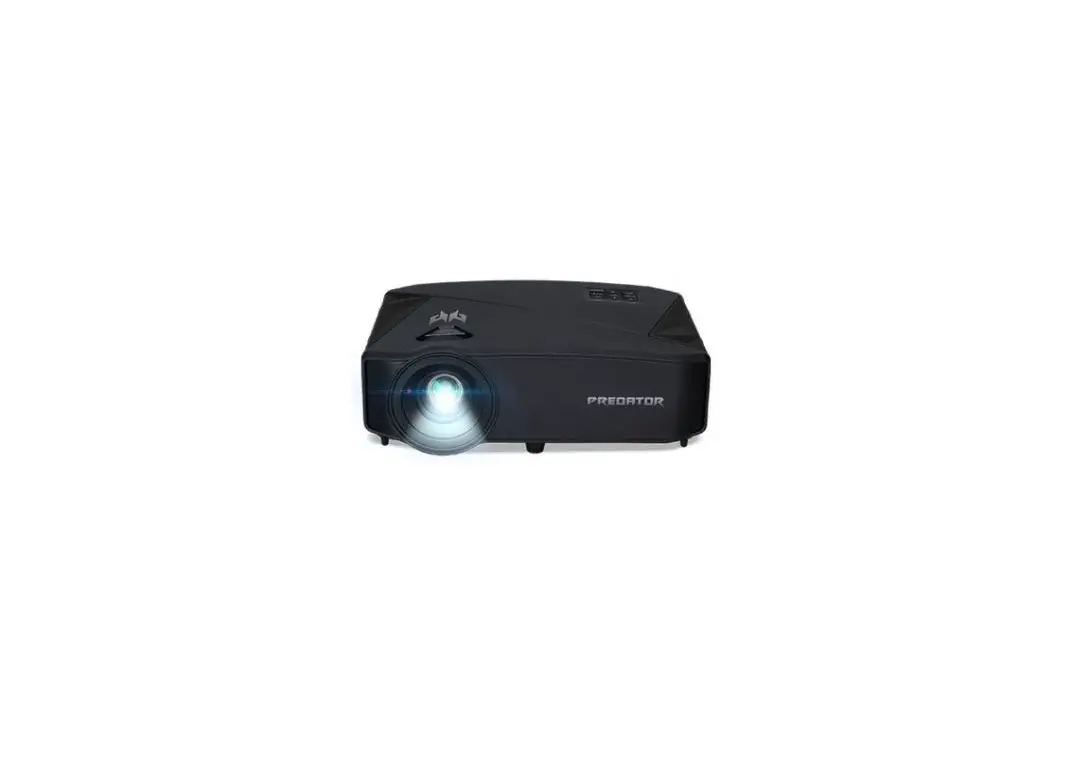

acer GD711 QSG DLP Projector
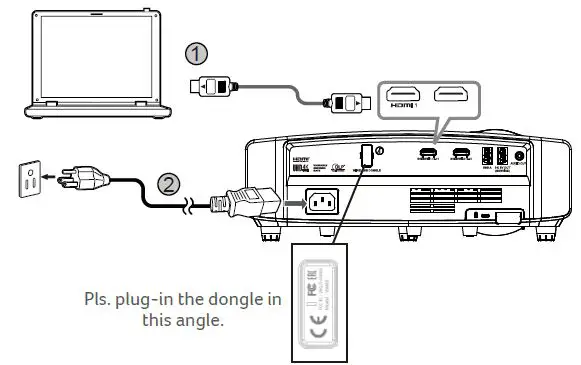
Connecting to a Computer
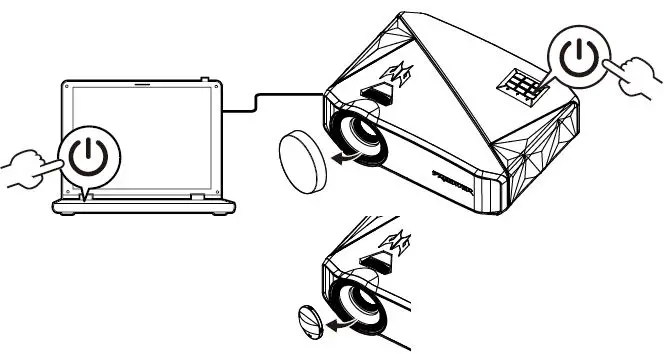
Powering On the Projector
Note: The Wi-Fi dongle cannot be removed after plugged-in.
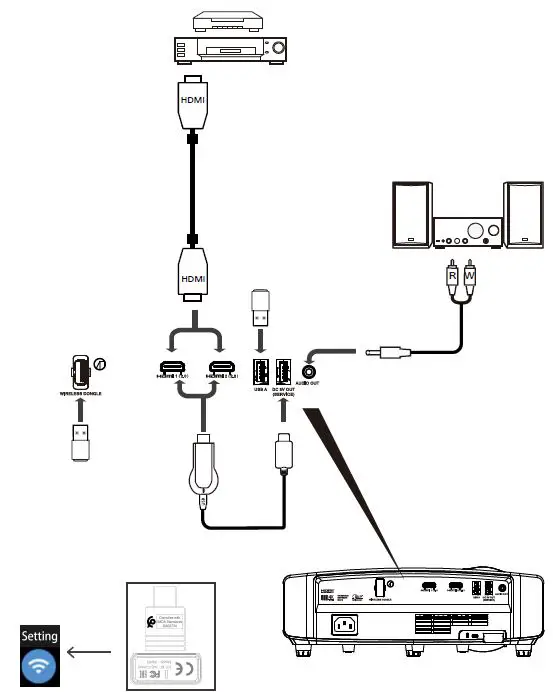
Pls. do not plug out UWA5 dongle after plug-in.
Note: Connector interface is subject to model’s specifications
Adjust the image
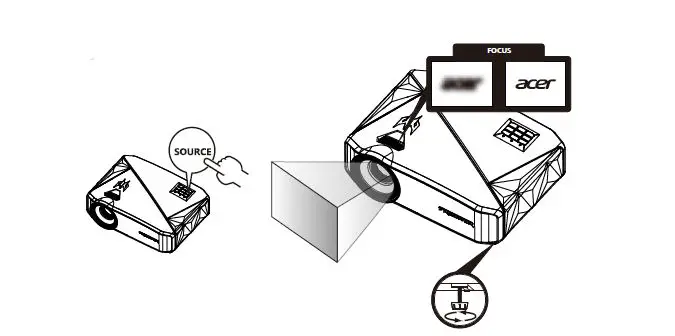
To clean the lens, the projector must be under the cooled condition (shutdown state) for at least 30 minutes before performing the cleaning. In addition, specialized cleaning agent must be used. For details, please refer to relevant information in the user manual.
 Download Acer Support Drivers and Manuals | Acer United States