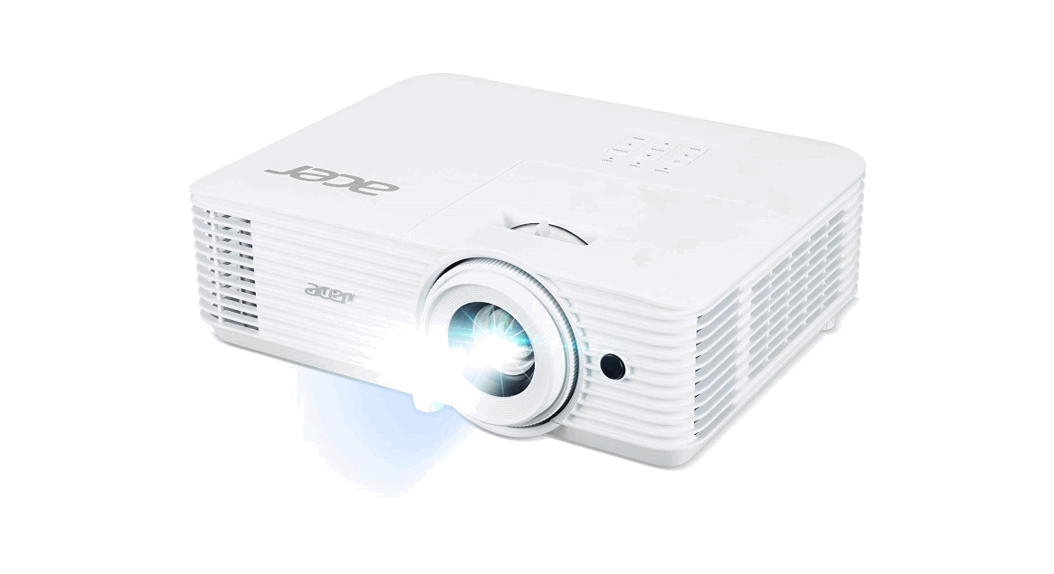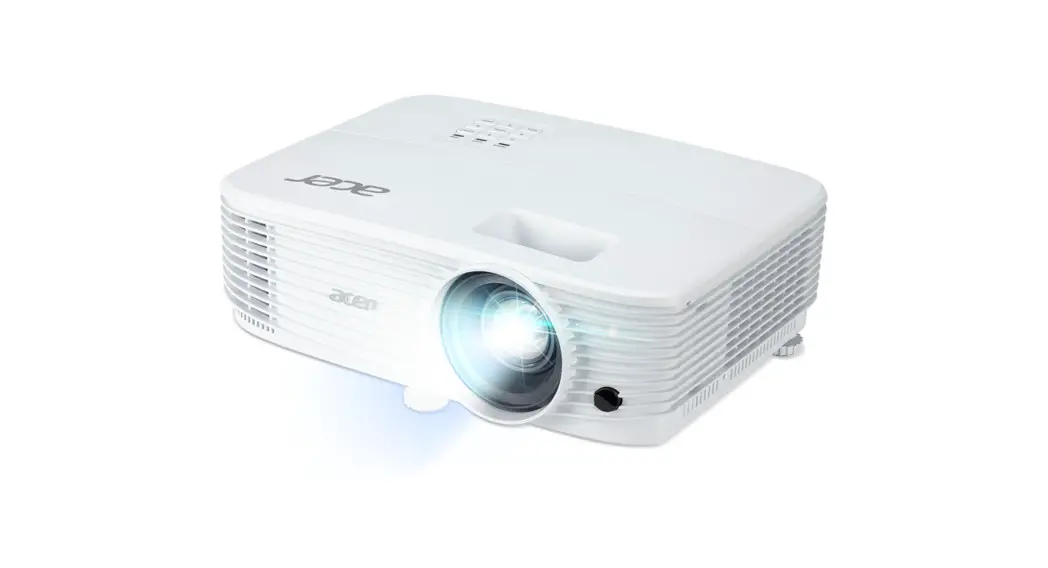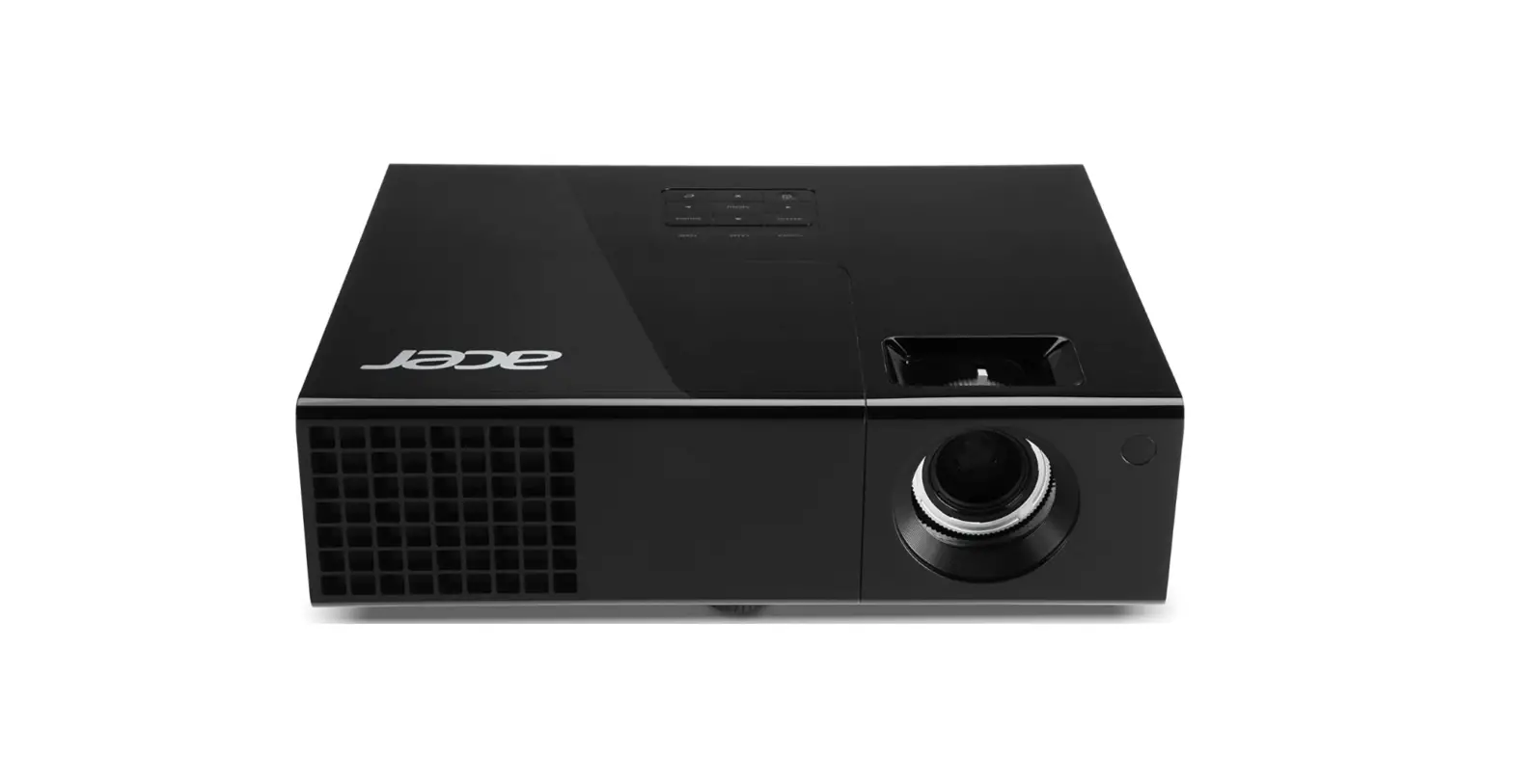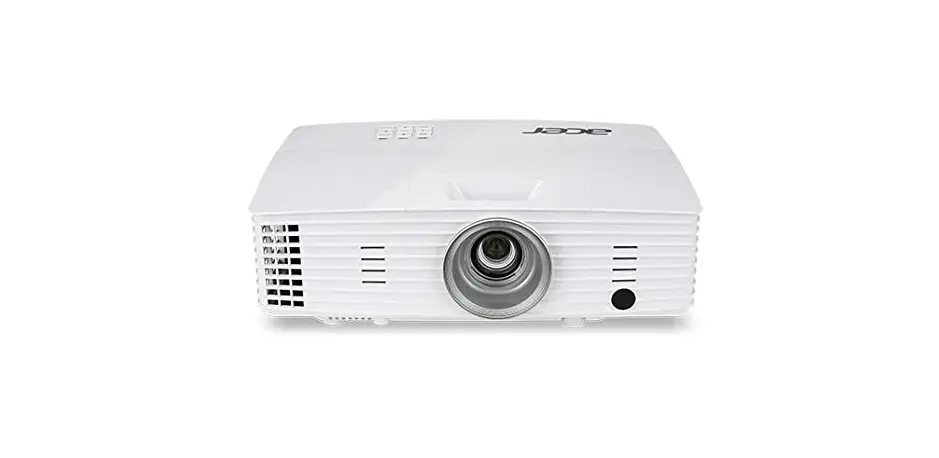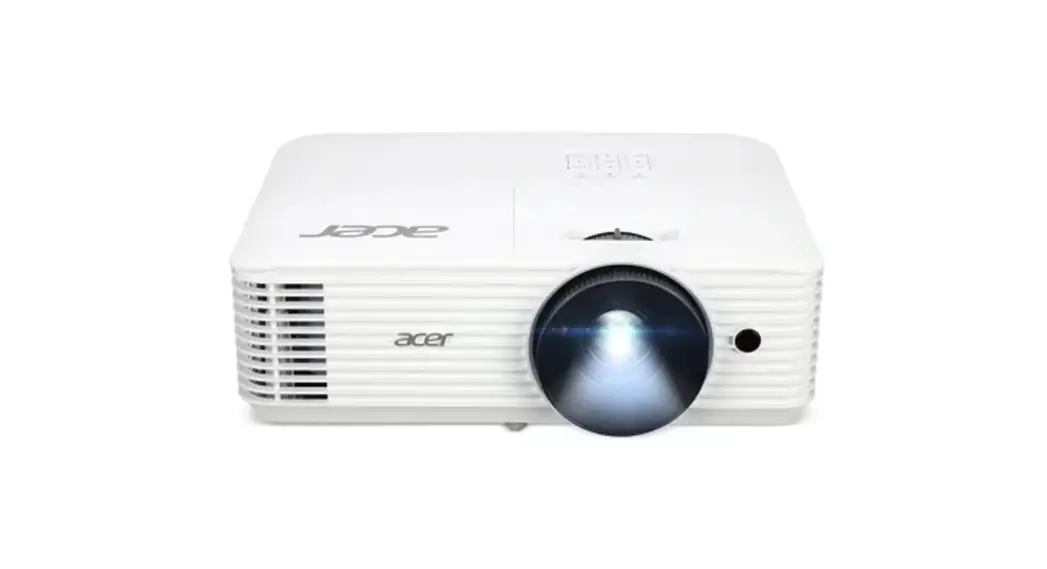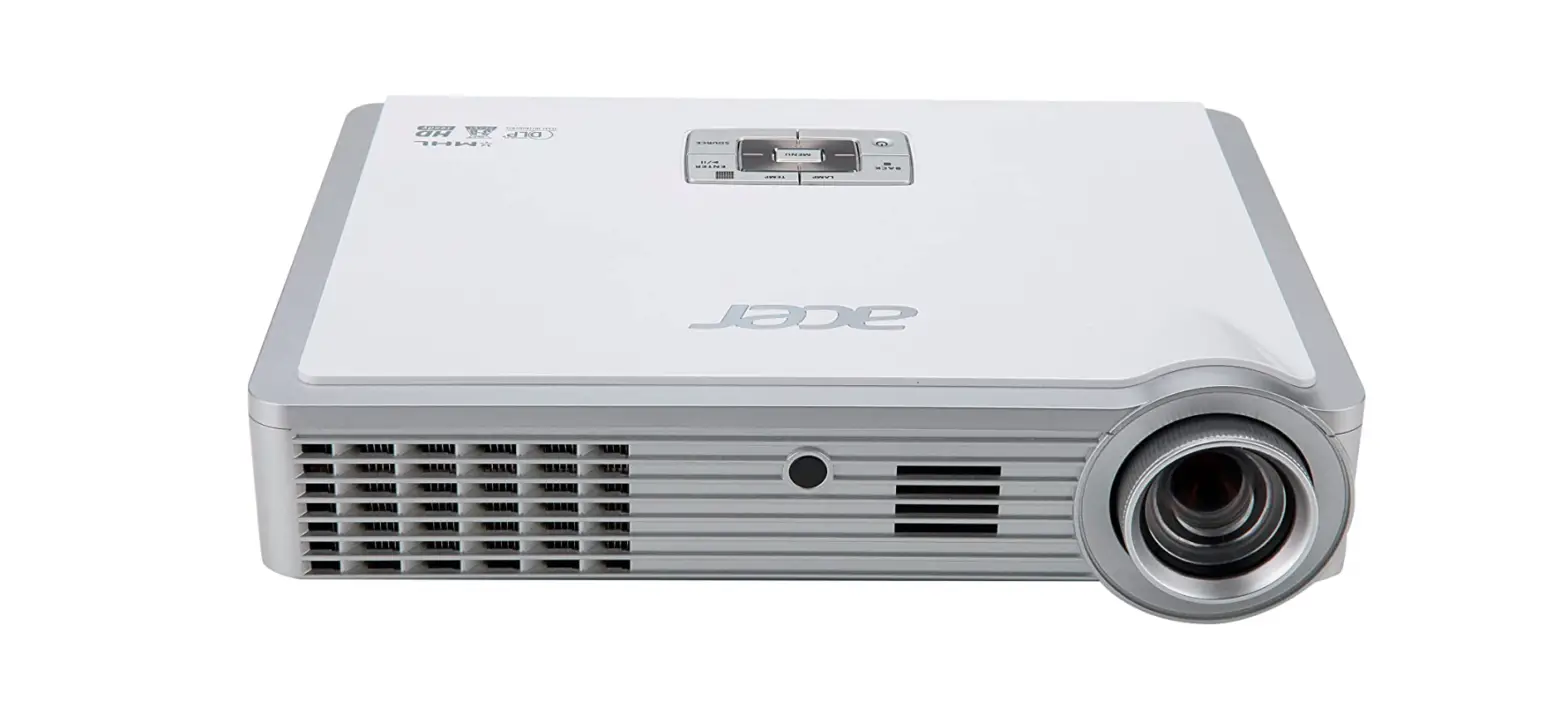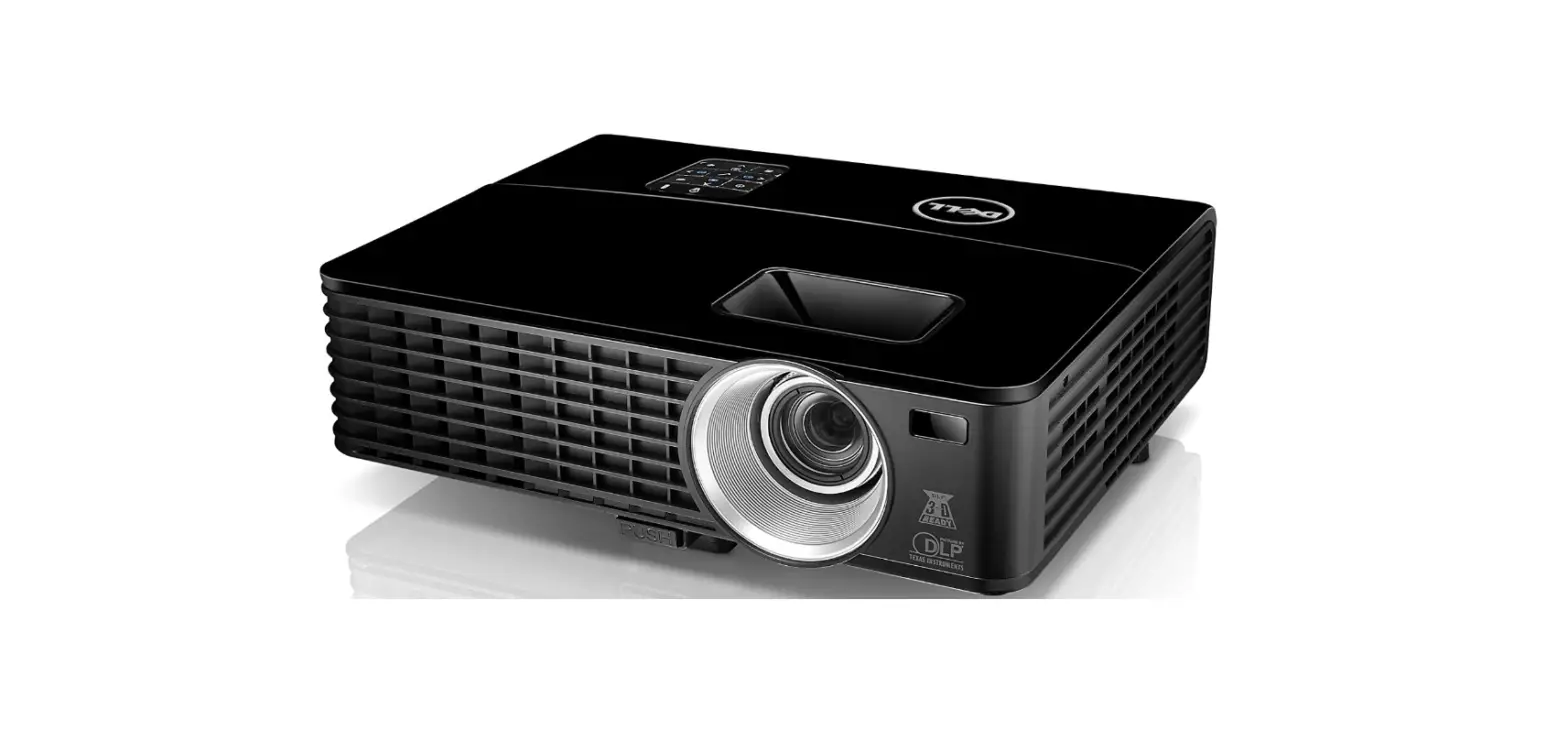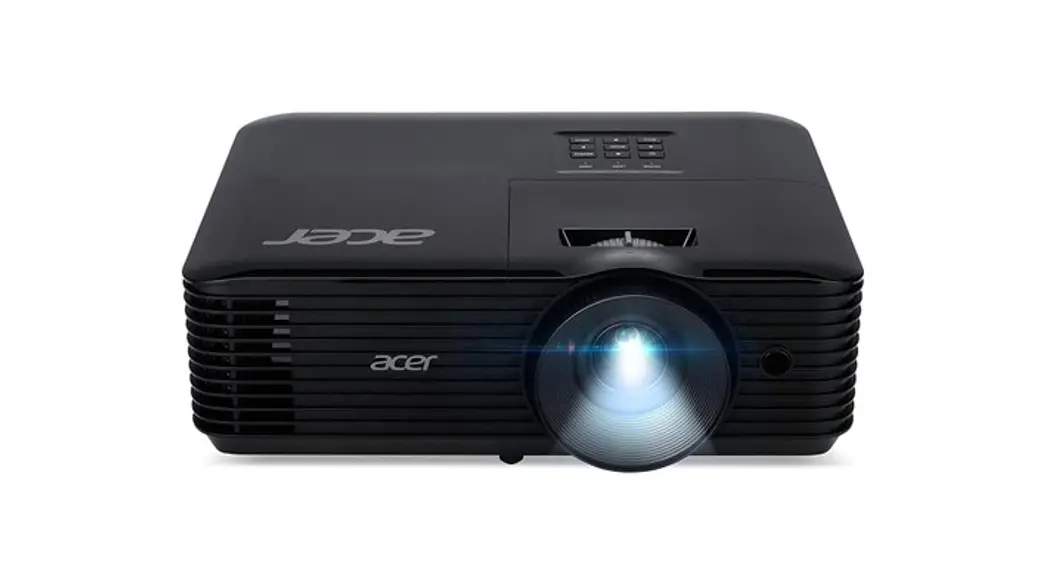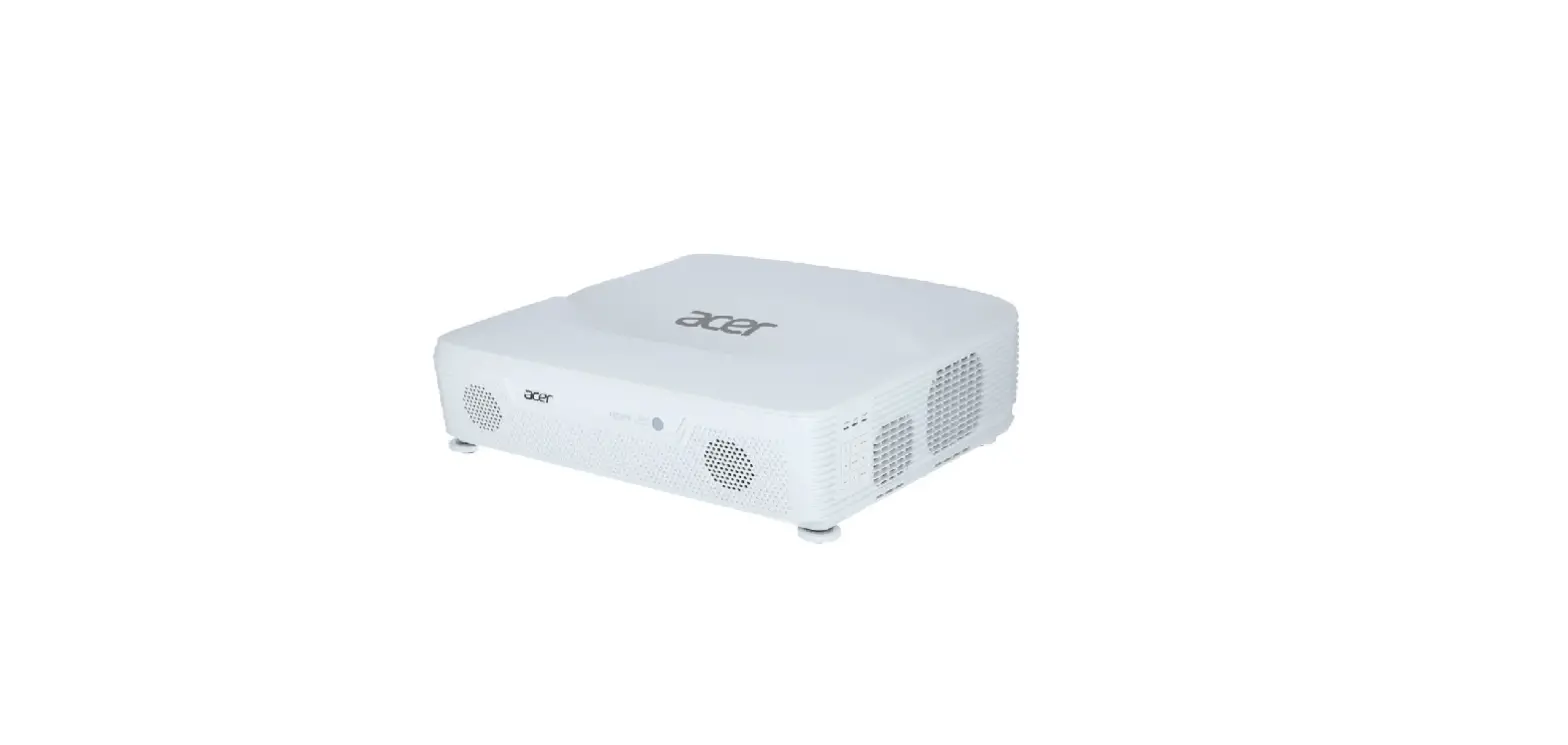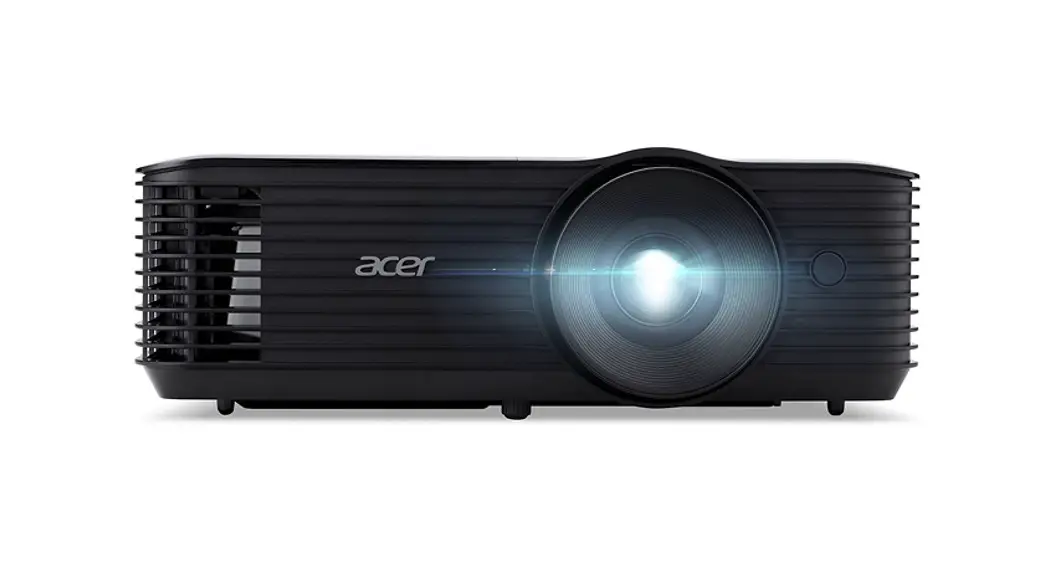
 X1529KI DLP Projector
User Guide
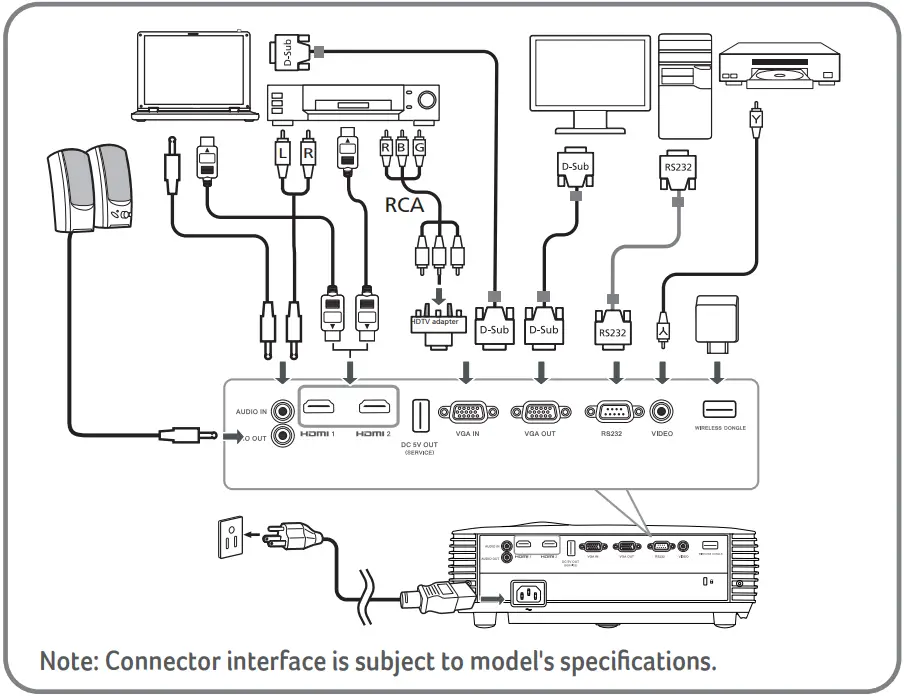
Connecting to a Computer
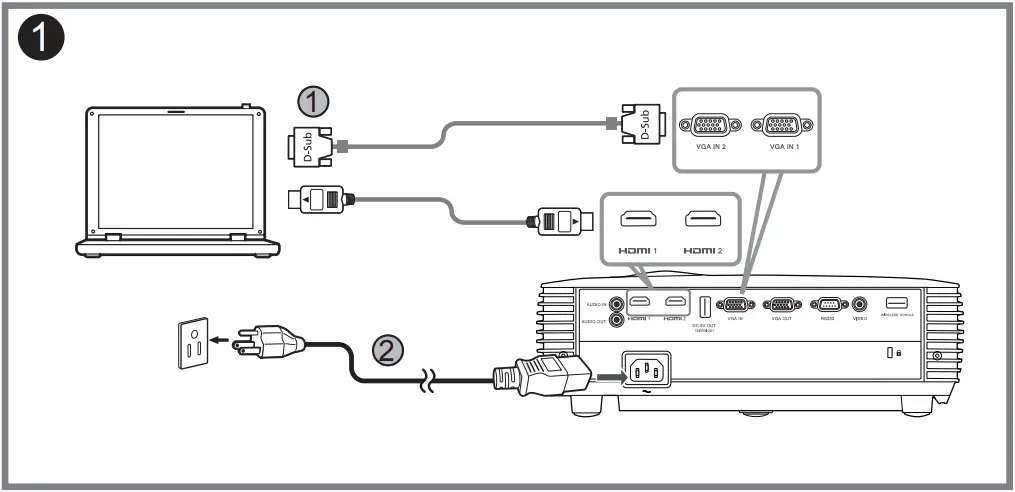
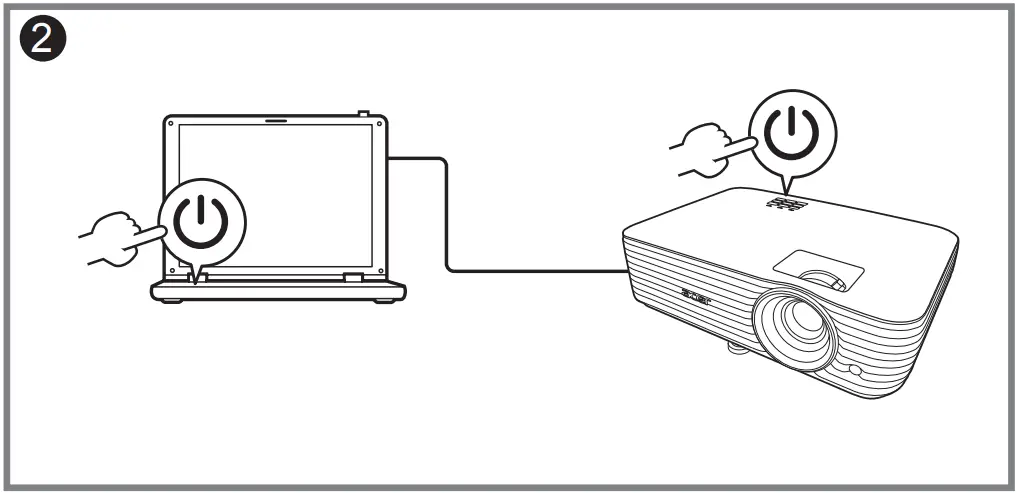
Powering On the Projector
Warning: Do not wipe the lens. Clean the lens under professional guidance after the projector is shut down and cooled off.
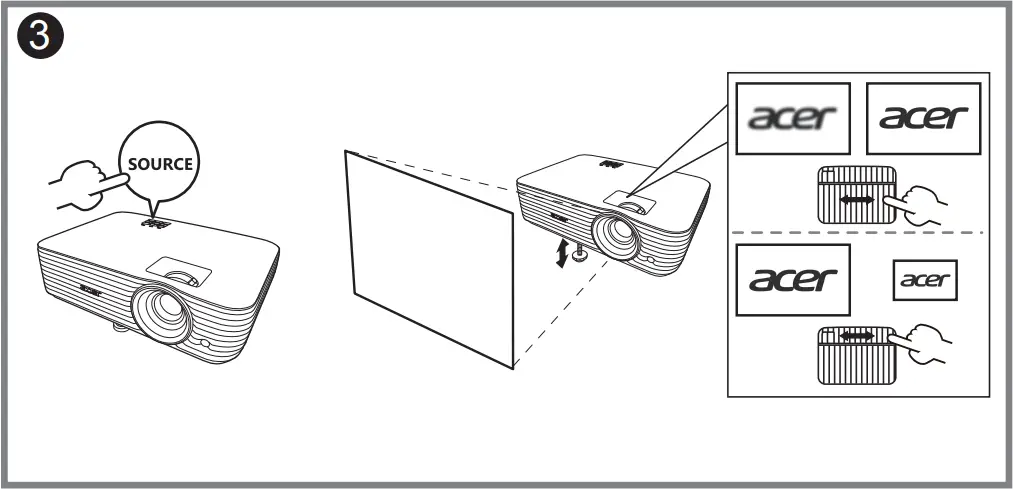
Adjusting the Image
 http://go.acer.com/?id=84759
http://go.acer.com/?id=17883
Barcode
MC.JUS11.002
P/N: 4J.5EN01.002 
 Download Acer Support Drivers and Manuals | Acer United States