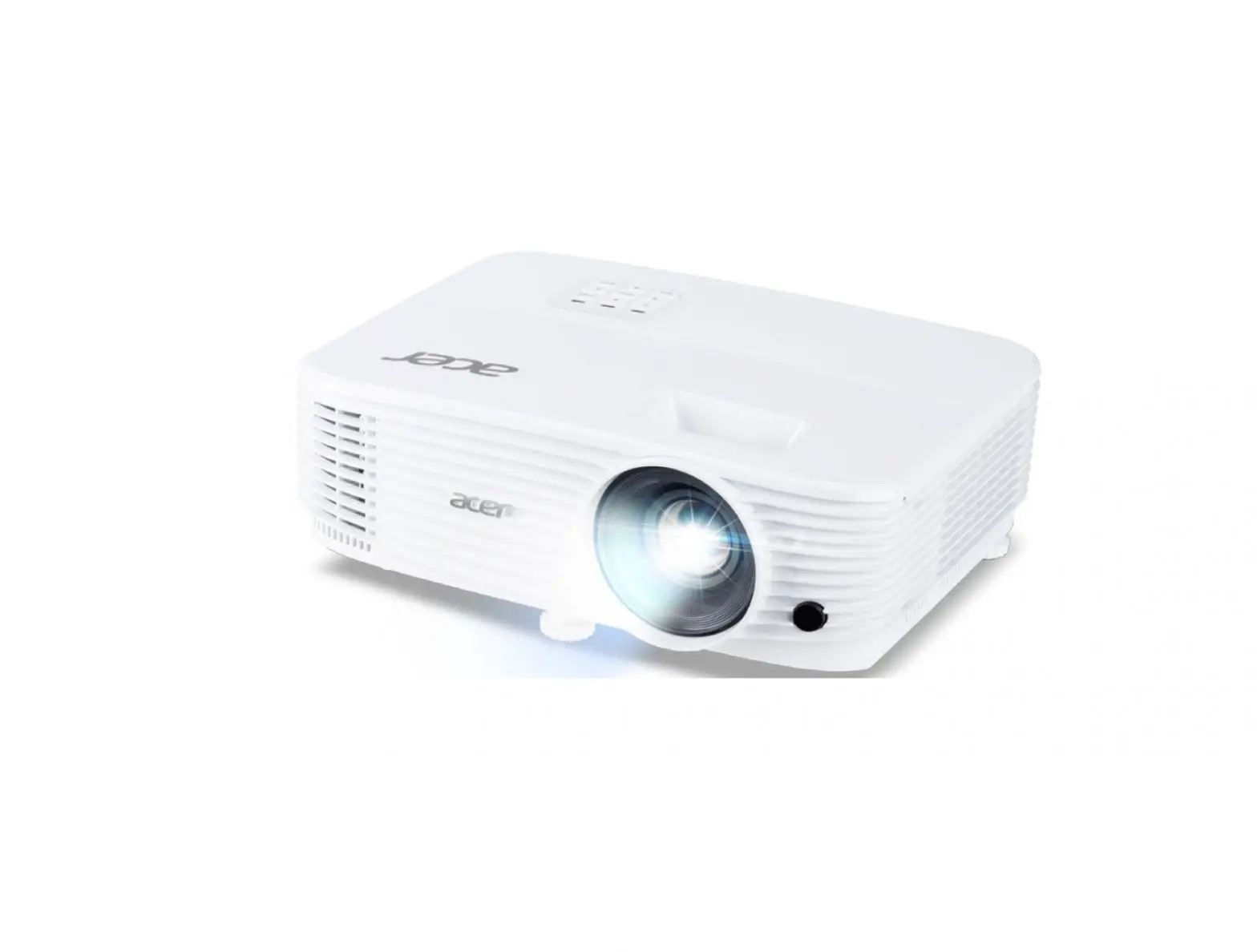
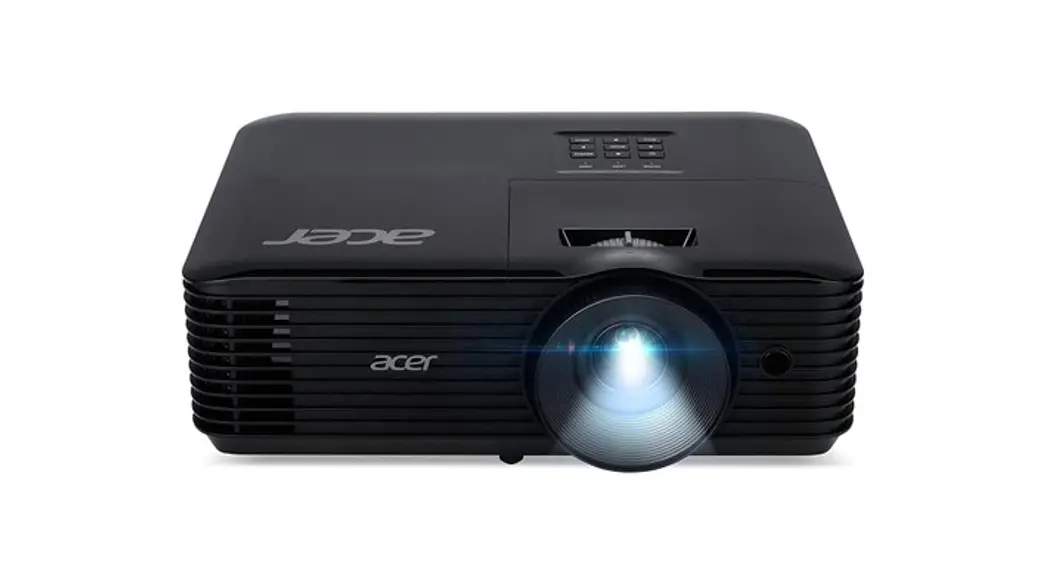
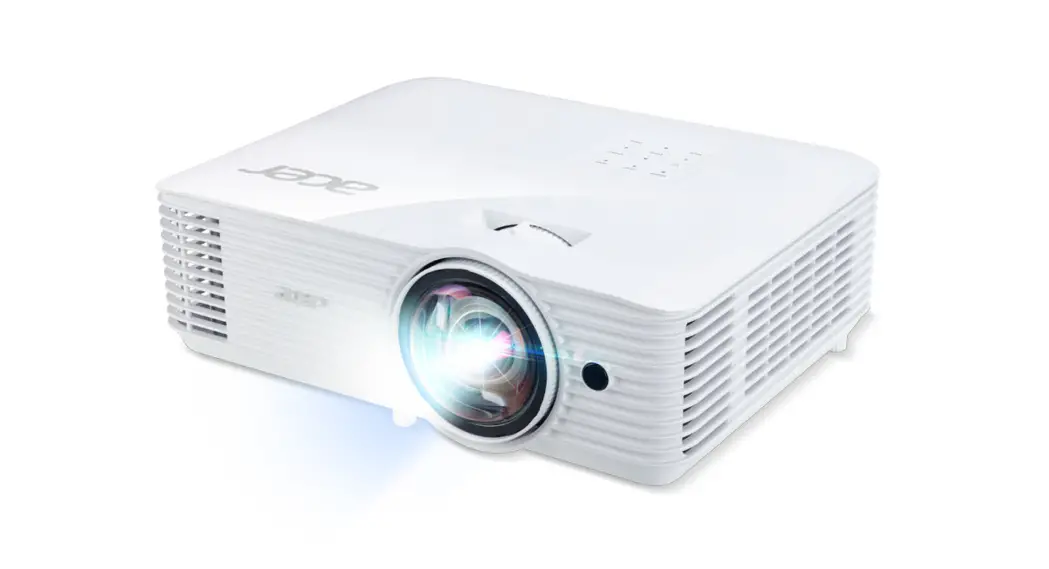
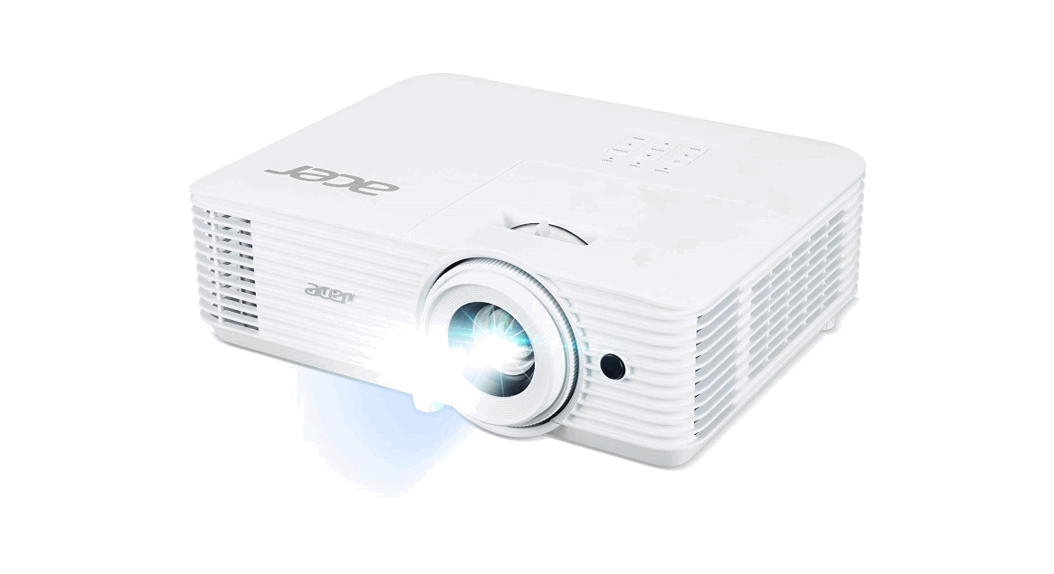
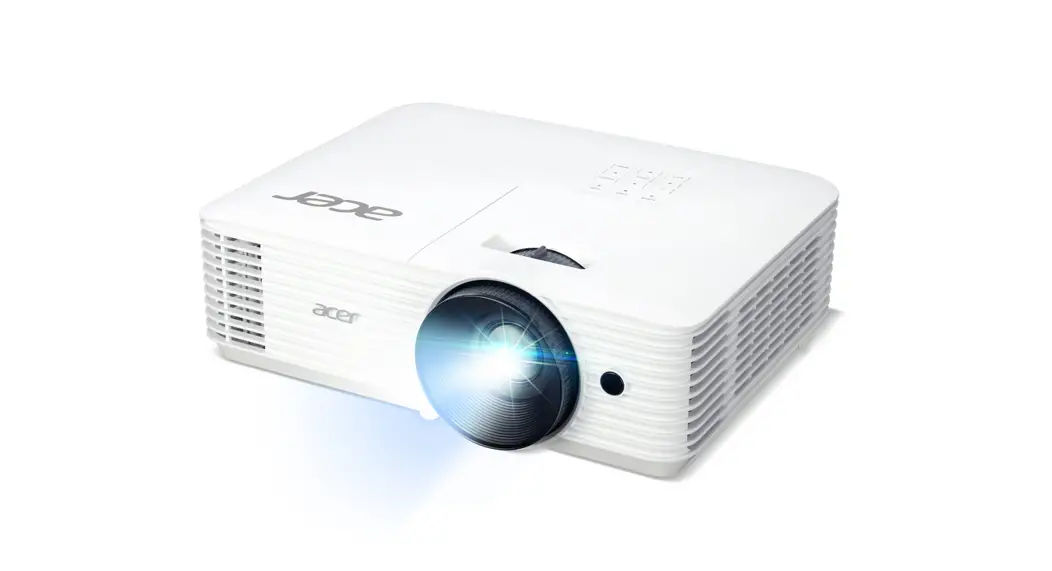
 Quick Start Guide
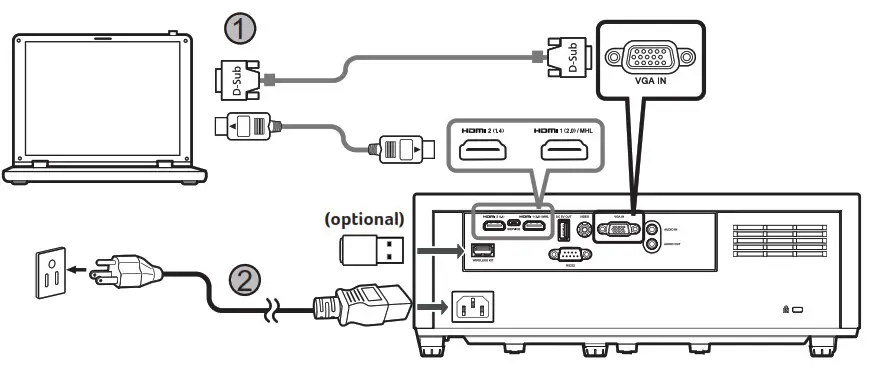
1. Connecting to a Computer
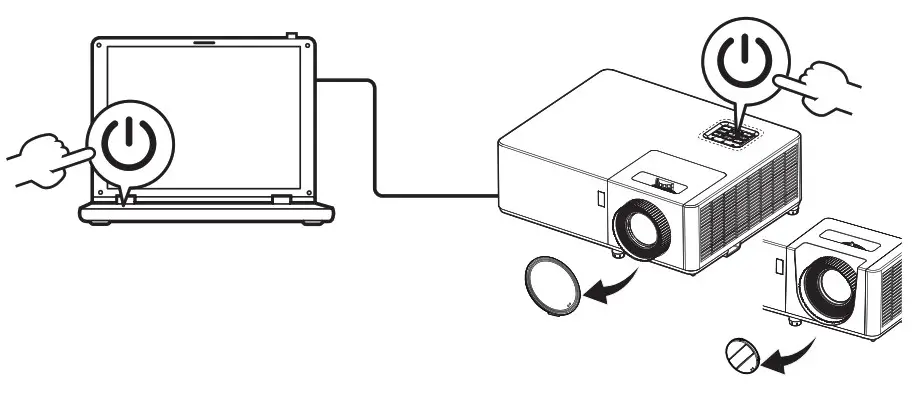
2. Powering On the Projector
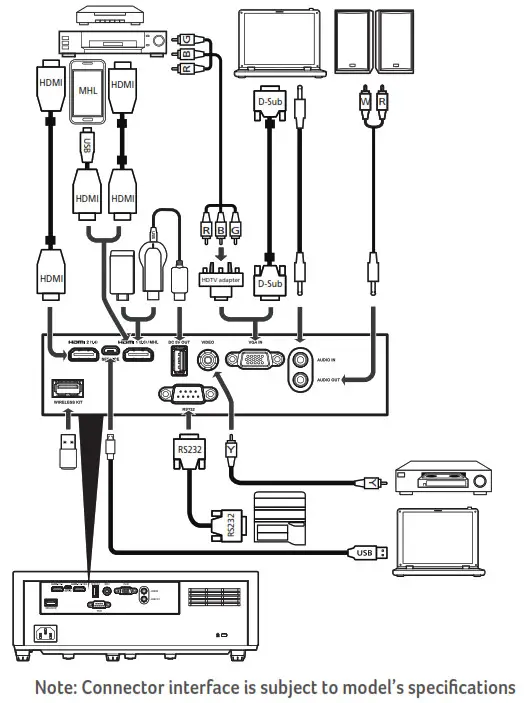
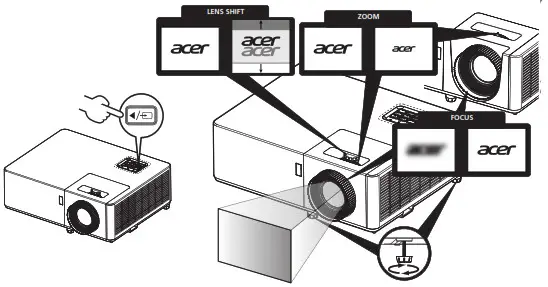
3.Adjust the image

 http://go.acer.com/?id=84759
36.7G802H001-A
P/N: MC.JRU11.003


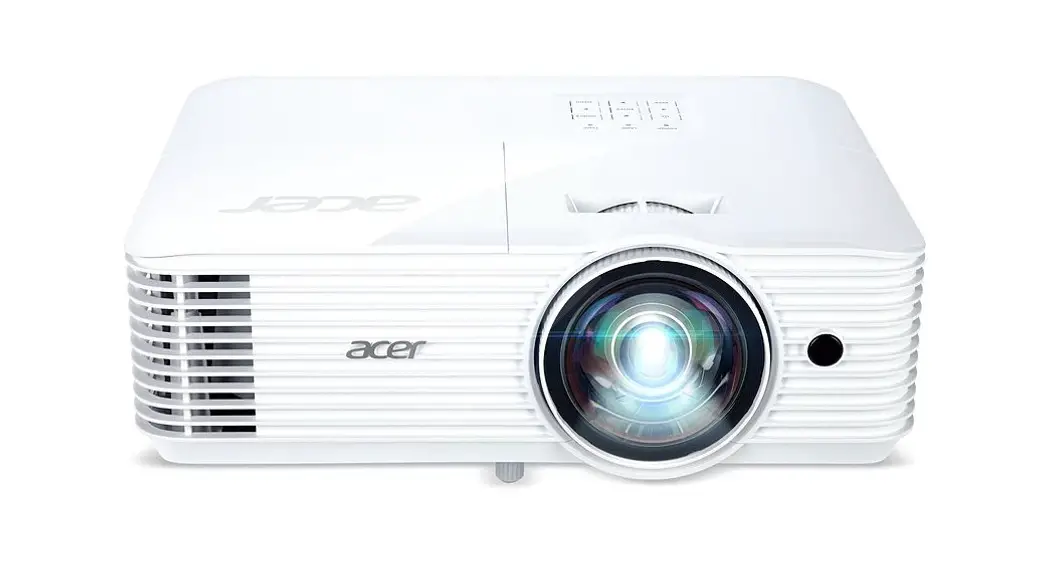
Quick Start Guide
1. Connecting to a Computer
2. Powering On the Projector
3.Adjust the image
36.7G802H001-A
P/N: MC.JRU11.003
Download manual
Here you can download full pdf version of manual, it may contain additional safety instructions, warranty information, FCC rules, etc.
 Download Acer Support Drivers and Manuals | Acer United States