 Verdugo Series
User Manual NBP-5
NBP-5
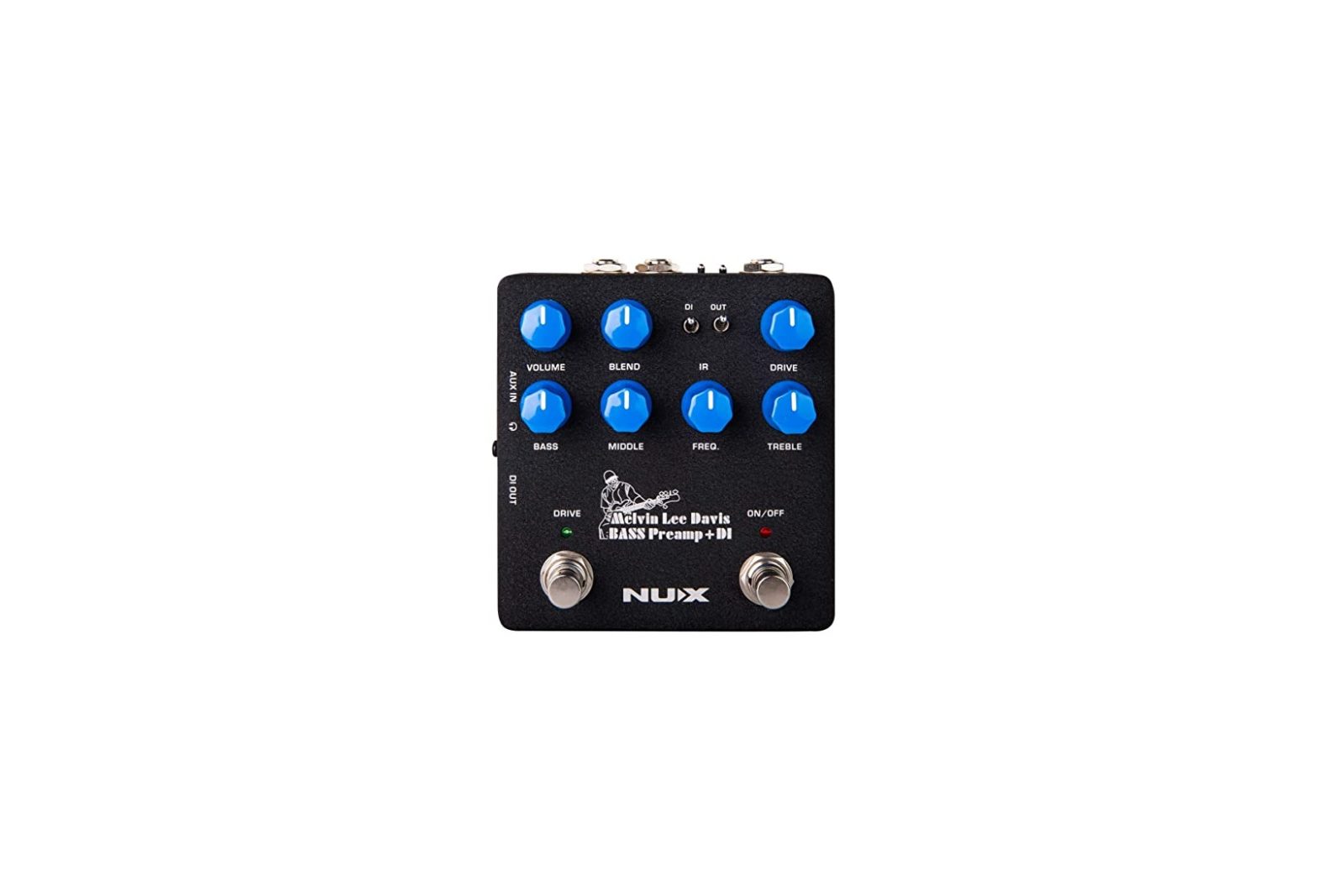
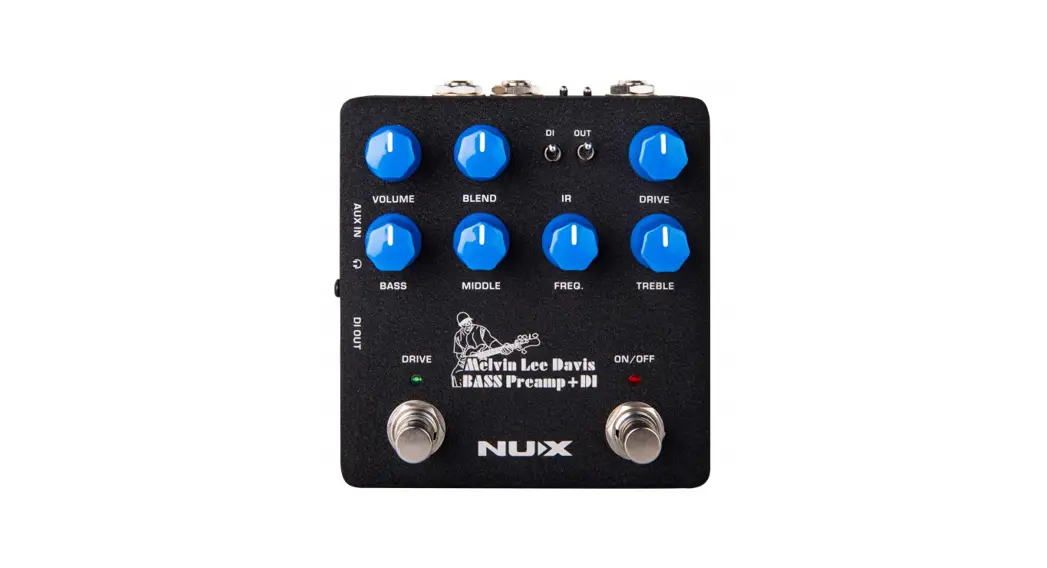
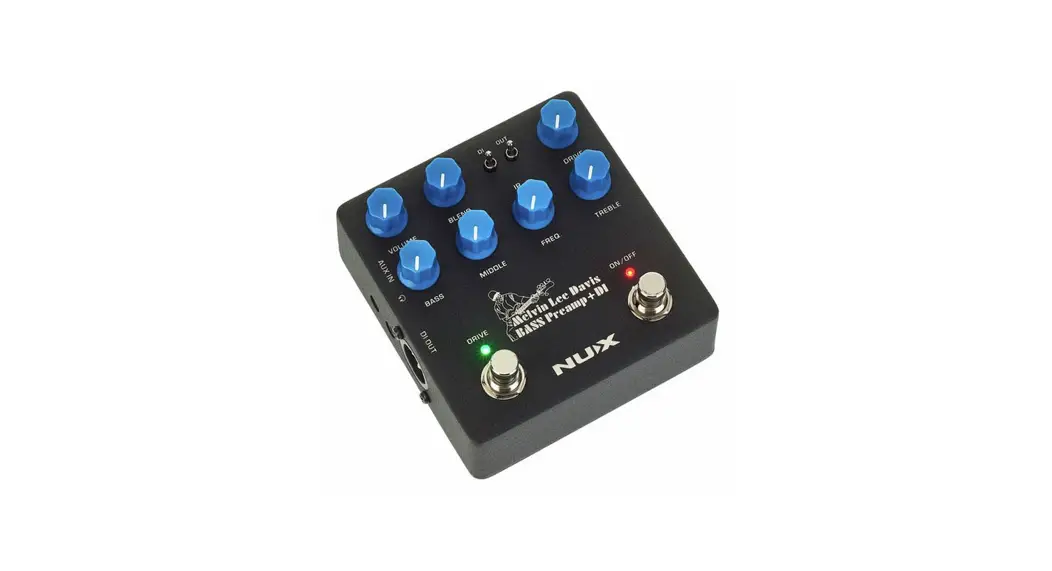
NBP-5 Melvin Lee Davis Bass Preamp + DI Pedal
Copyright
WARNING!-IMPORTANT SAFETY INSTRUCTIONS BEFORE CONNECTING, READ THE INSTRUCTIONS
WARNING: To reduce the risk of fire or electric shock, do not expose this appliance to rain or moisture.
CAUTION: To reduce the risk of fire or electric shock, do not remove screws. No user-serviceable parts inside. Refer servicing to qualified service personnel.
CAUTION: This equipment has been tested and found to comply with the limits for a Class B digital device pursuant to Part 15 of FCC Rules. Operation is subject to the following two conditions: (1) This device may not cause harmful interference, and (2) this device must accept any interference received, including interference that may cause undesired operation. The lightning symbol within a triangle means “electrical caution!” It indicates the presence of information about operating voltage and potential risks of electrical shock.
 The exclamation point within a triangle means “caution!” Please read the information next to all caution signs.
- Use only the supplied power supply or power cord. If you are not sure of the type of power available, consult your dealer.
- Do not place near heat sources, such as radiators, heat registers, or appliances that produce heat.
- Guard against objects or liquids entering the enclosure.
- Do not attempt to service this product yourself, as opening or removing covers may expose you to dangerous voltage points or other risks. Refer all servicing to qualified service personnel.
- Servicing is required when the apparatus has been damaged in any way, such as when _ the power supply cord or plug is damaged, liquid has been spilled or objects have fallen into the apparatus, the apparatus has been exposed to rain or moisture, does not operate normally or has been dropped.
- The power supply cord should be unplugged when the unit is to be unused for long periods of time.
- Protect the power cord from being walked on or pinched particularly at plugs, convenience receptacles and at the point where they exit from the apparatus.
- Prolonged listening at high volume levels may cause irreparable hearing loss and/or damage. Always be sure to practice “safe listening”.
Follow all instructions and heed all warnings
KEEP THESE INSTRUCTIONS!
Overview
Melvin Lee Davis Bass Preamp & DI
We collaborated with American bass player (also vocalist, keyboard player, TV composer, and engineer) Melvin Lee Davis to create MLD Bass Preamp & DI. It has tons of functions based on Melvin Lee’s musical experience, and offers the best sound shaping controls such as 3- band EQ with middle-frequency selection, drive with blend control, speaker cabinet simulation (Impulse Response file loader) and built-in noise gate with decay and threshold controls.
Audio Streaming and Recording
MLD Bass Preamp + DI can also be used as an audio interface. You can download and install the free NUX ASIO Driver, connect the pedal to your computer via USB, and use the headphone output on the pedal for monitoring, then it can send the bass guitar audio signal for recording. Simply you don’t have to use any other output on the pedal or computer.
NBP-5 Edit Software
You can control the pedal with the software and also load/change Impulse Response files.
Visit nuxefx.com and download the software for free.
Features:
- 3-band EQ with Middle-frequency selector
- Drive with blend control
- Built-in noise gate impulse
- Response loader, speaker cabinet simulation
- Versatile input and output options
- Firmware updates, software control, audio stream
Control Panel
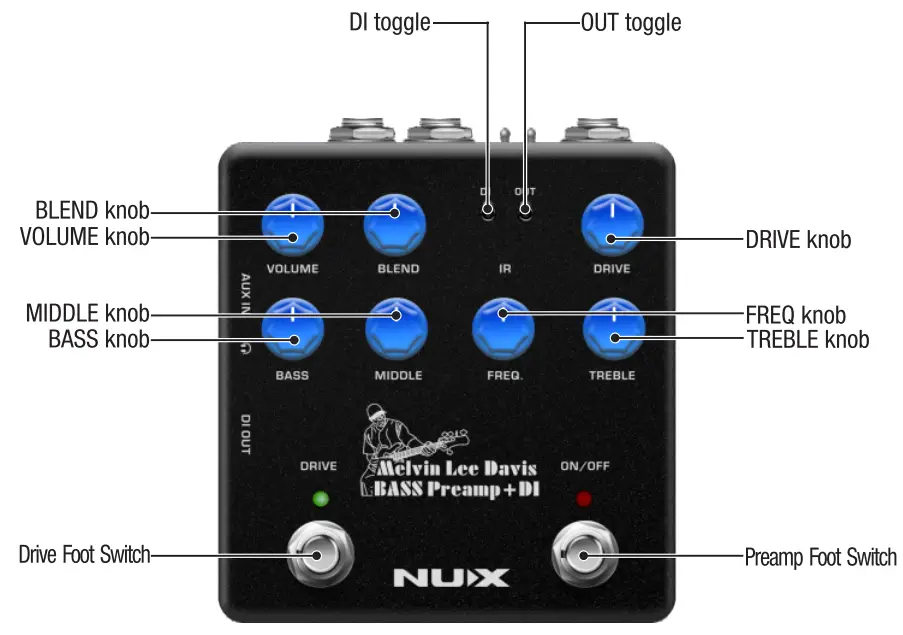
Control Panel
VOLUME knob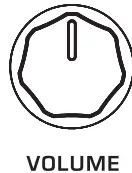
Adjusts the output volume.
BLEND knob 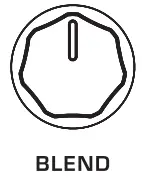
Adjusts overdrive signal mix wIth the dry signal between 50% and 100%.
DRIVE knob
Adjusts the overdrive level (canbe activated with DRIVE footswitch).
BASS knob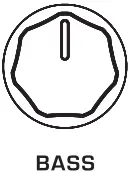
Adjusts the low-frequency level.
MIDDLE knob 
Adjusts the selected middle frequency level.
FREQ knob 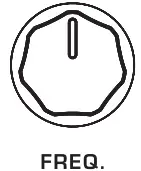
Middle frequency selector. You can choose from low mid 160Hz to high mid 1kHz.
According to amp models, the EQ range and response are different.
TREBLE knob
Adjusts the high-frequency level.
DI toggle
Activates the Impulse Response speaker cabinet simulation for DI out and the headphone out.
OUT toggle
 Activates the Impulse Response speaker cabinet simulation for main output.
Preamp Foot Switch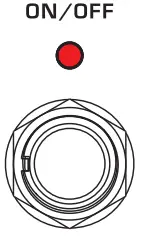
Engages/disengages the preamp.
Drive Foot Switch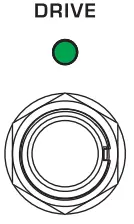
Engages/disengages the overdrive.
Noise Gate: Push and hold the Drive footswitch for 1.5 seconds, and the green LED light will start to blink. Now you can control the noise gate Decay by the Blend knob, and Gate Threshold by the Drive knob. When you turn the Threshold to 0, the noise gate will be OFF.
Decay: Adjusts the speed of the noise gate.
Threshold: Adjusts the gate level.
Hold the Drive footswitch for 1.5 seconds again to go back to use the pedal. Green LED will stop blinking.
1/0 Jacks
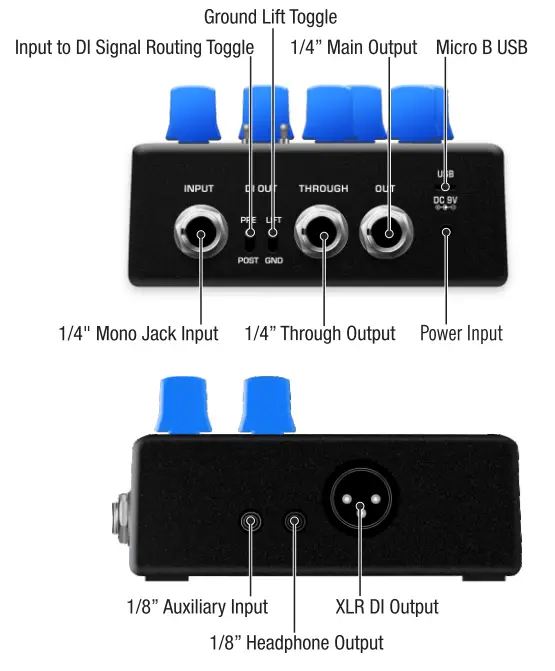
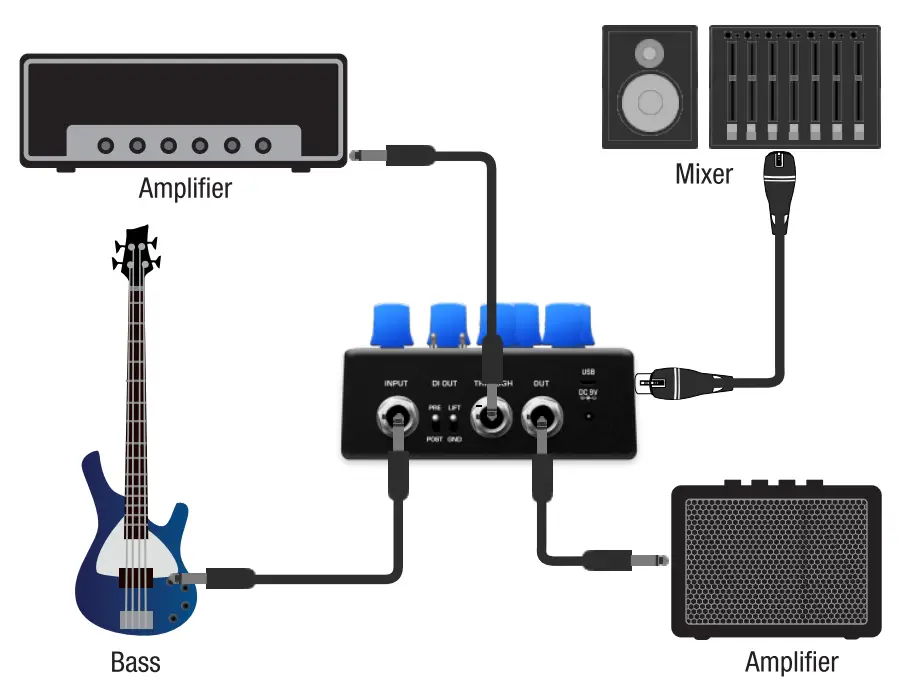
1/4″ Mono Jack Input 
Instrumen input.
Input to DI Signal Routing Toggle 
PRE – When set to the PRE position, the signal will be routed directly from Input to DI Output.
POST – When set to POST position, the signal flows to DI Output and will be processed by the Drive and the Preamp sections.
Note: The position of this toggle switch won’t have any impact on the speaker cabinet simulation that is controlled separately by the DI toggle.
Ground Lift Toggle 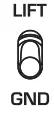
If you meet ground loop noise issues, it helps you to eliminate the humming noise.
1/4″ Through Output 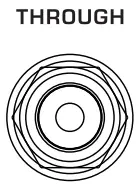
Dry signal output. If you prefer to use the preamp o n your amplifier, please connect via this jack to bypass the pedal’s preamp. Speaker cabinet simulation is always.
1/4″ Main Output 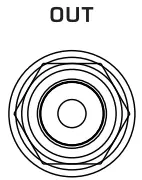
The main output. You can get the sound from the preamp/drive section. Speaker cabinet simulation can be activated/ deactivated.
Micro B USB
You can connect to the computer for updates, software control and audio streaming.
Power Input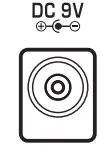
Negative tip power cable input 9V.
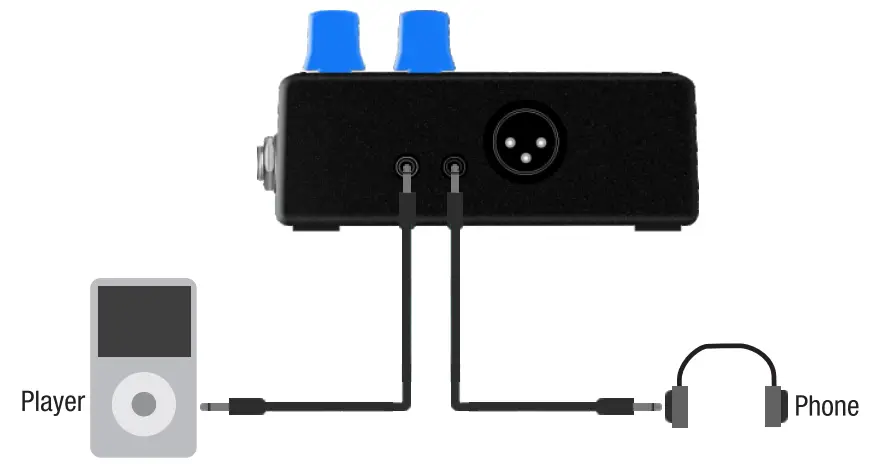
1/8” Auxiliary Input 
You can connect a music player to play along with the music.
1/8” Headphone Output
For silent practicin for monitoring.
XLR DI Output 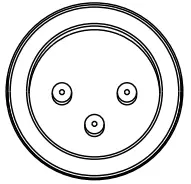
Balanced output jack. Connect it to your mixer or PA system.
You can use the PRE/POST toggle and the DI toggle to determine the signal type.
Note: This pedal doesn’t support 48V phantom power. Please turn off the phantom power on your device before connecting this pedal.
Connecting Audio Equipment

Specifications
- Sampling Frequency: 48kHz
- A / D Converter: 32bit
- Signal Processing: 32bit
- Frequency Response Range: 20Hz ~ 20kHz
- Noise Level: -93dBu (A-Weighted)
- Dynamic Range: 100dB
- EQ:
MLD – Bass +12dB @ 40Hz
Middle +17dB @ 160Hz ~ 1kHz
Treble +12dB @ 8 k H z
AGL – Bass +18dB @ 40Hz
Middle +17dB @ 180Hz ~ 1kHz
Treble +18dB @ 4kHz - Current Draw: <150mA
- Power Supply: 9V DC, Negative Tip (Optional ACD-O06A Adaptor)
- Dimensions: 105mm(L) x 115mm(W) x 58mm(H)
- Weight: 460g
Accessories: User manual
*Specifications and features are subject to change without notice.
 www.nuxefx.com
Made in China