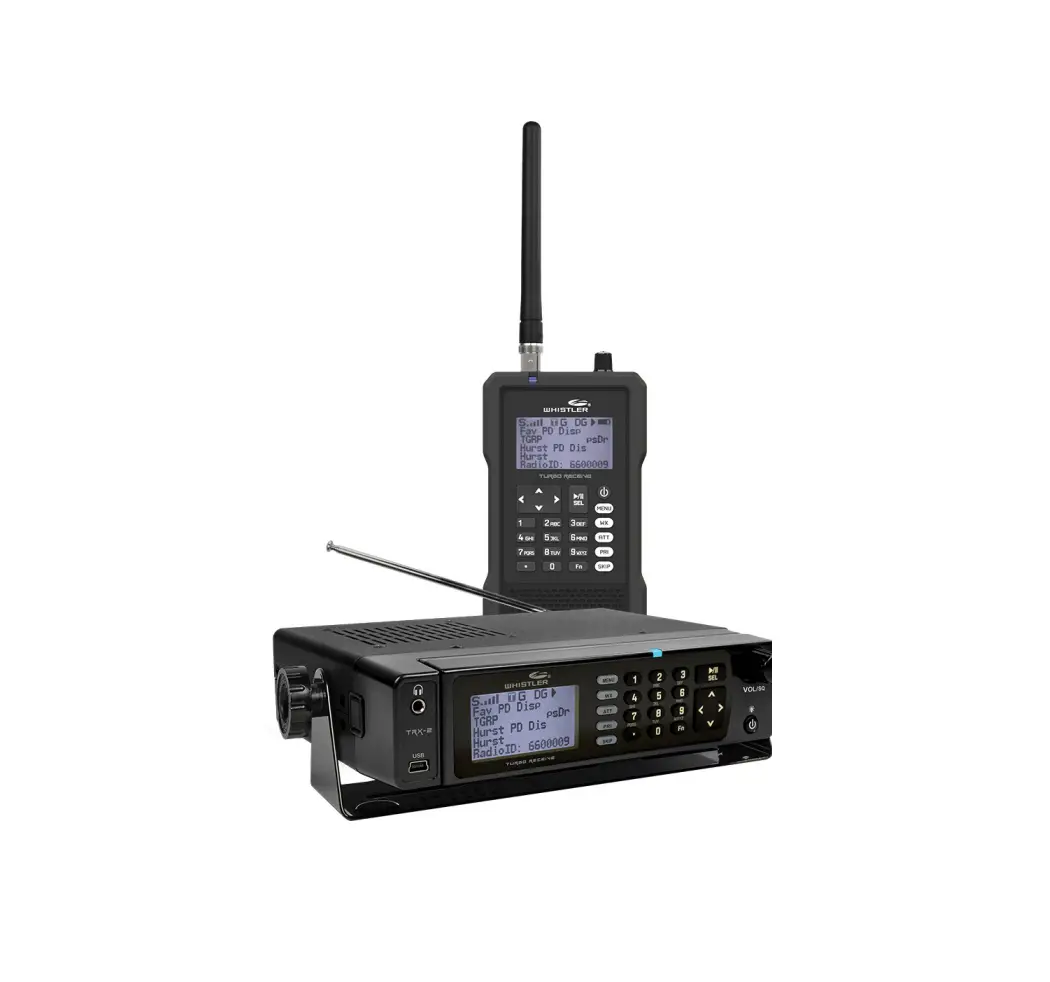
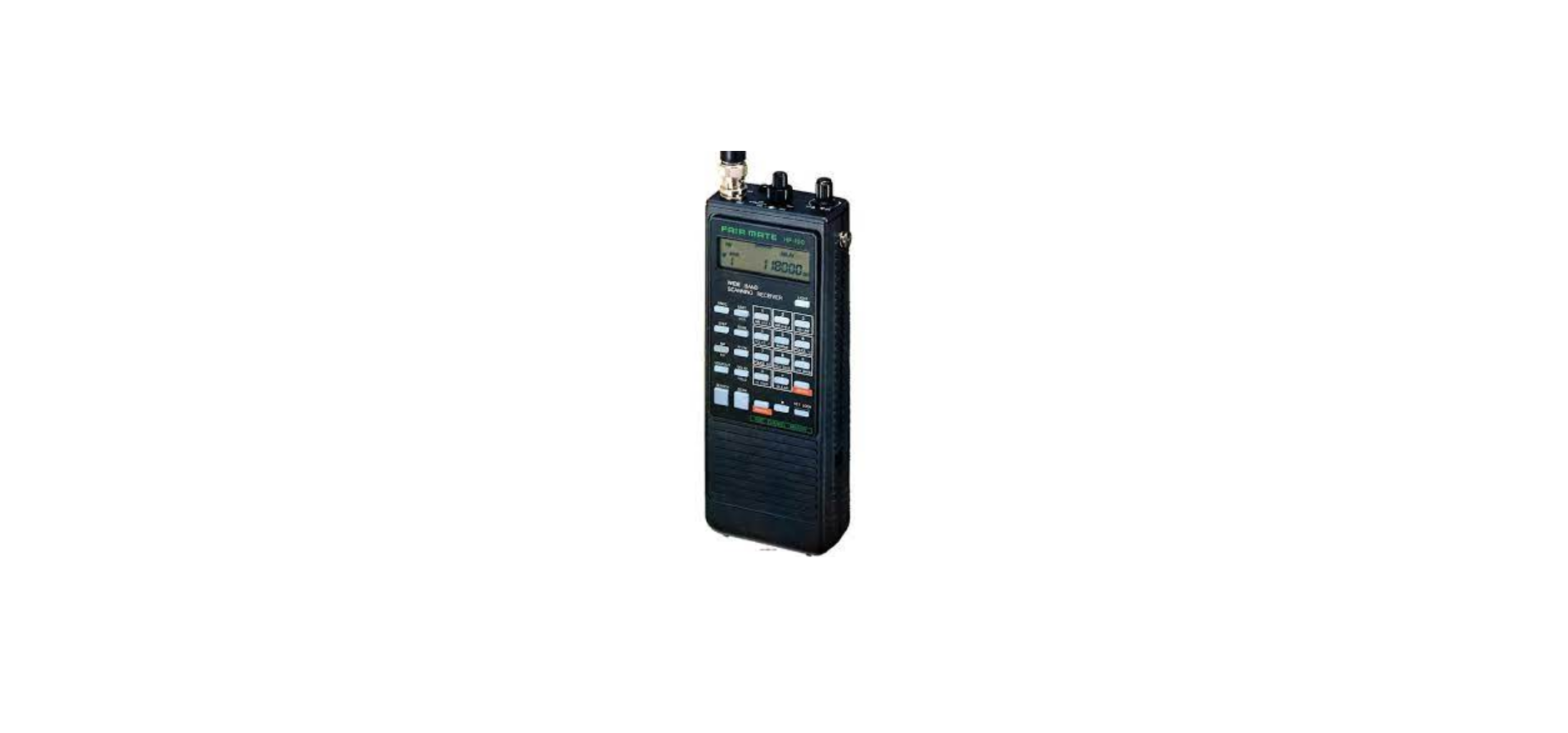
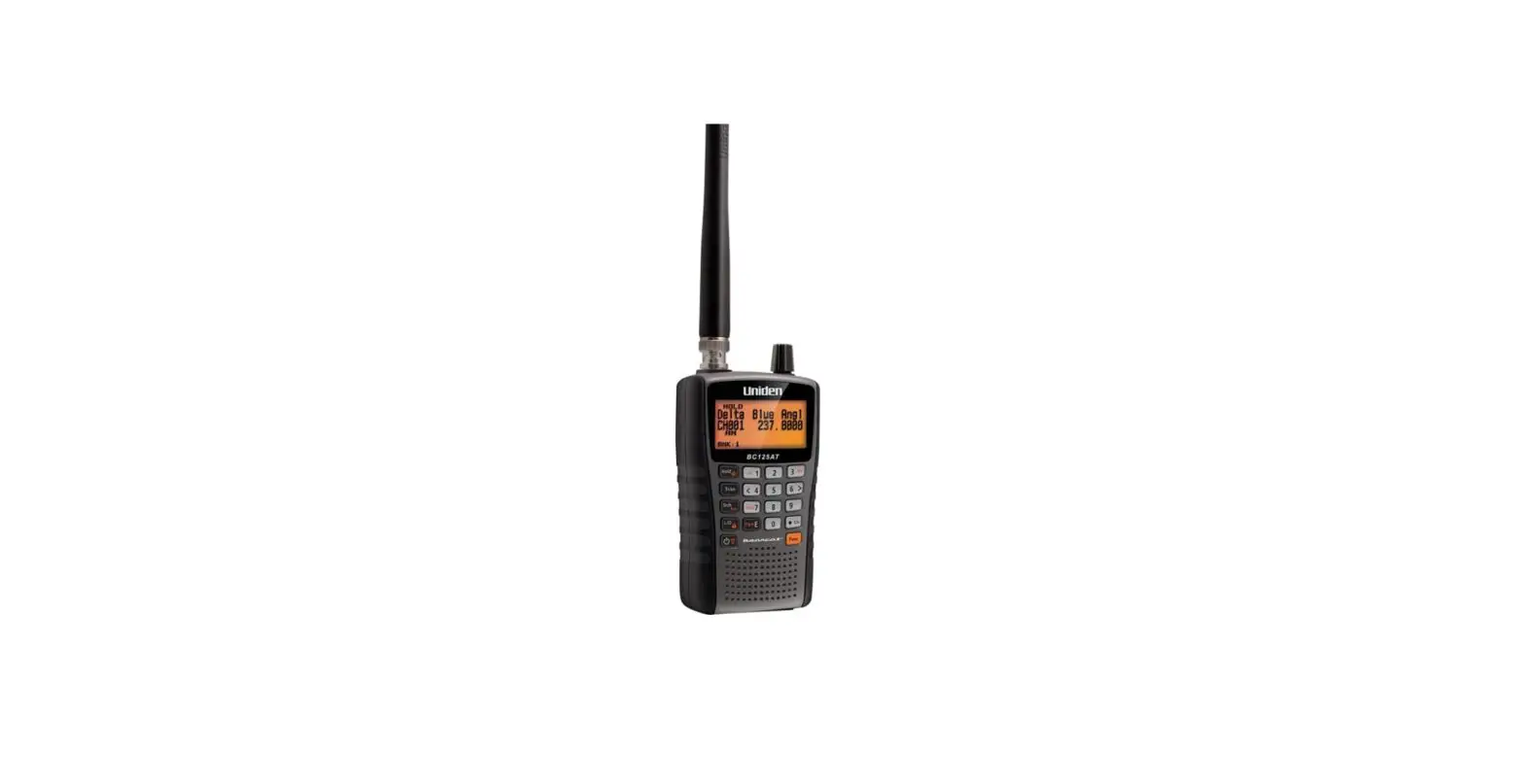
WS1010 Handheld Radio Scanner
Product Information
The WS1010 is a handheld radio scanner with 400 channels. It
comes with a rechargeable battery holder, an alkaline battery
holder, a scanner antenna, an AC adapter, and a belt clip.
Product Usage Instructions
- Installing Batteries:
- Slide open the battery compartment.
- Place the battery holder into the battery compartment. Make
sure it fits in the correct orientation and do not force it. - Replace the cover.
- Connecting the Antenna:
- Align the antenna slots with the tabs on the antenna jack.
- Press the antenna over the jack and turn the base of the
antenna clockwise to secure it.
- Programming Frequencies:
- Preset the squelch between the 10 and 12 o’clock position.
- Press the PGM button to enter the program mode.
- Enter the channel number (1-400) where you want to store a
frequency and press PGM again. - Use the number keys and the period (.) key to enter the
frequency. - Press ENT to store the frequency into the channel.
- Press PGM to move to the next channel.
- Press SCAN to begin scanning.
For more detailed instructions, please refer to the User Guide
provided with the product.
If you need additional help, you can visit our FAQs on our
website at www.whistlergroup.com.
WS1010
Quick Start Guide
HANDHELD RADIO SCANNER
400 Channels
START HERE!
Package Contents:
1
INSTALL BATTERIES
Rechargeable Battery Holder
Alkaline Battery Holder
1. Slide open the battery compartment.
2. Place 4 AA batteries into the correct battery holder matching polarity symbols (+ / ): · Black Alkaline (non-rechargeable) · Yellow Rechargeable Ni-MH or Ni-Cd
3. Place the battery holder into the battery compartment. The battery holder fits only one way. Do not force it.
4. Replace the cover.
2
CONNECT ANTENNA
1. Align the antenna slots with the tabs on the antenna jack.
2. Press the antenna over the jack and turn the base of the antenna clockwise.
Scanner
Antenna AC Adapter
3
Rechargeable Battery Holder
Battery Holder
Belt Clip
See the User Guide for complete instructions
Still need help?
visit our FAQs on our website at www.whistlergroup.com
PROGRAM FREQUENCIES
Find Frequencies:
Go to www.radioreference.com/db/browse. Select your state/country and county/region to locate a list of frequencies in your area.
Program Frequencies:
1. Preset squelch between 10 and 12 o’clock position 2. Press PGM to enter the program mode. Enter the
channel number (1-400) where you want to store a frequency, then press PGM again. 3. Use the number keys and the period(.) key to enter the frequency. 4. Press ENT to store the frequency into the channel. 5. Press PGM to go to the next channel. 6. Press SCAN to begin scanning.
P/N 581000b © 2022 The Whistler Group, Inc. 09A22
 RRDB | United States
 The Whistler Group, Inc