
CEL-FI J11-900-100 Compasss XR Scanning Receiver
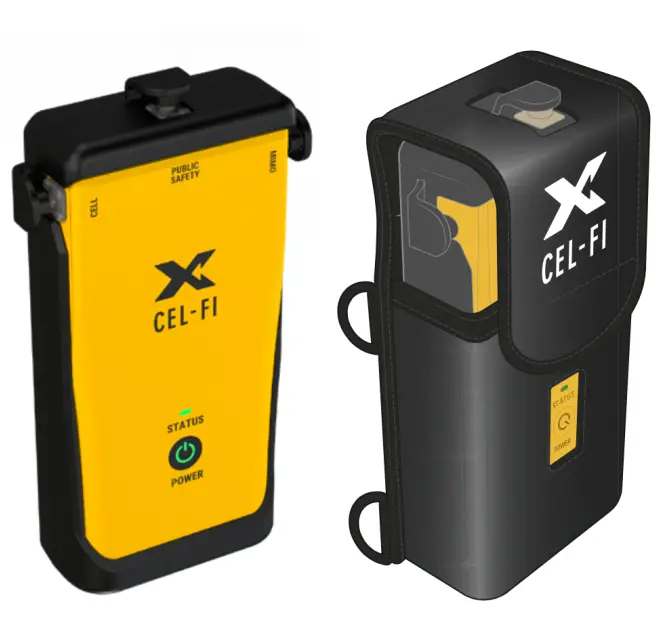
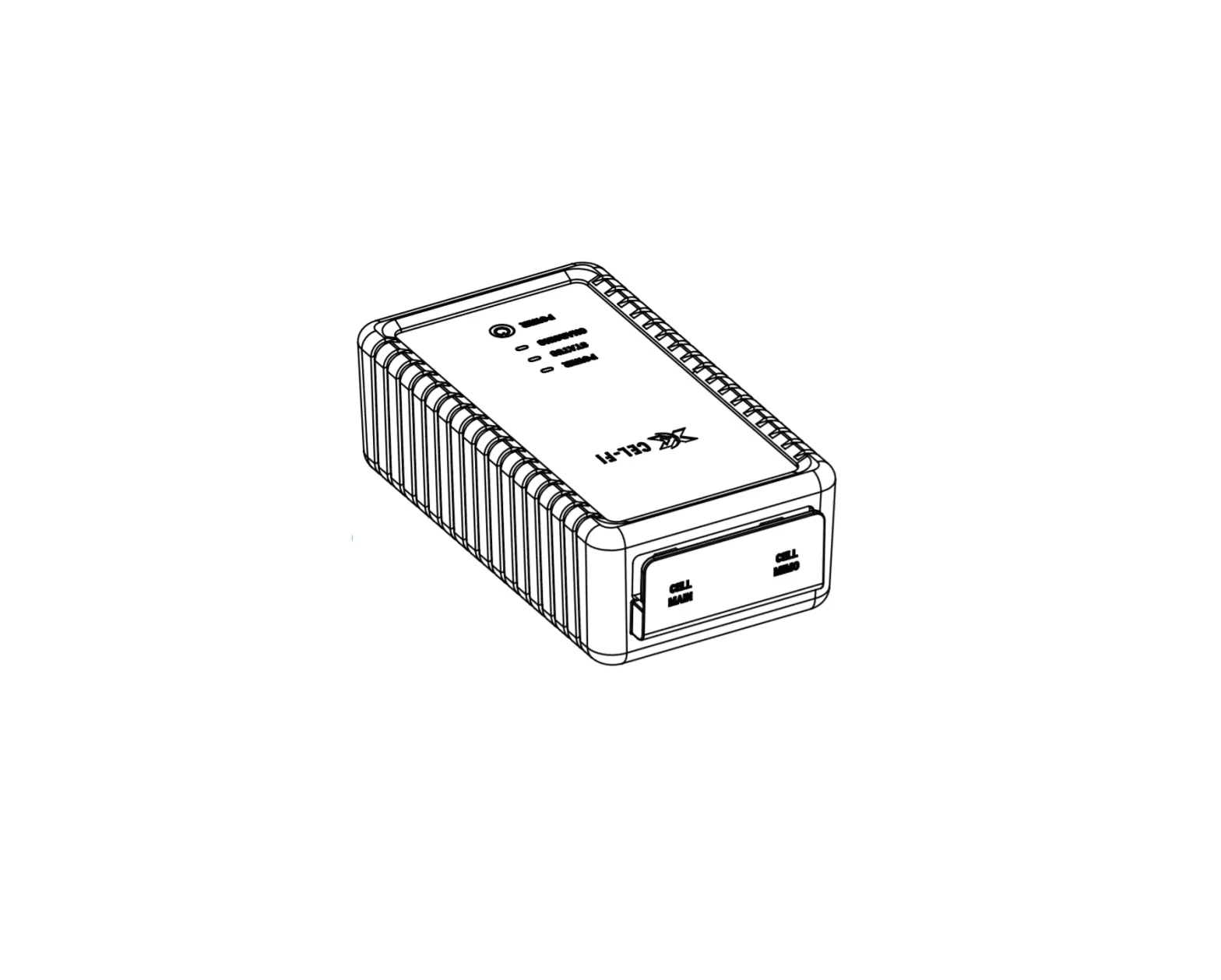
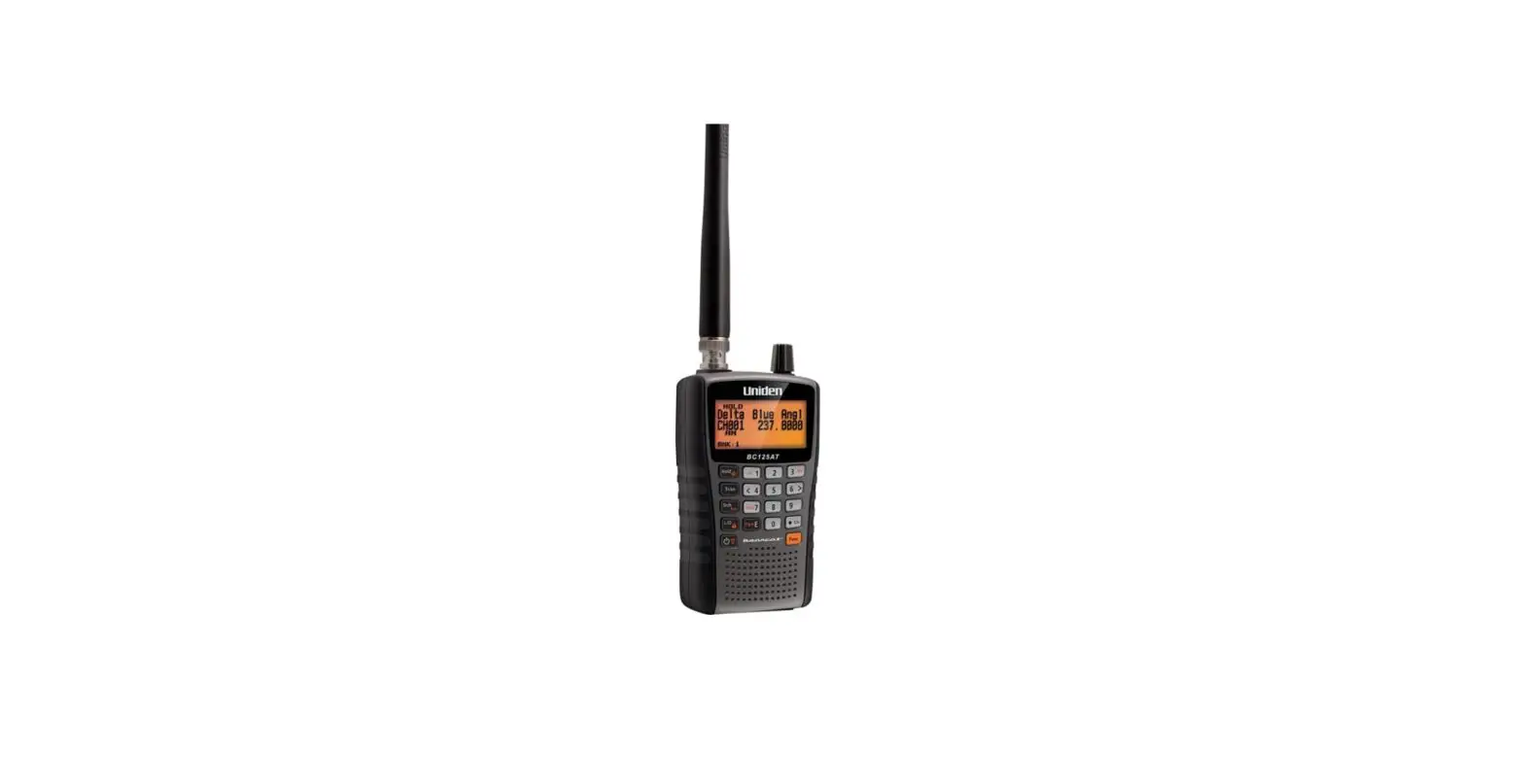
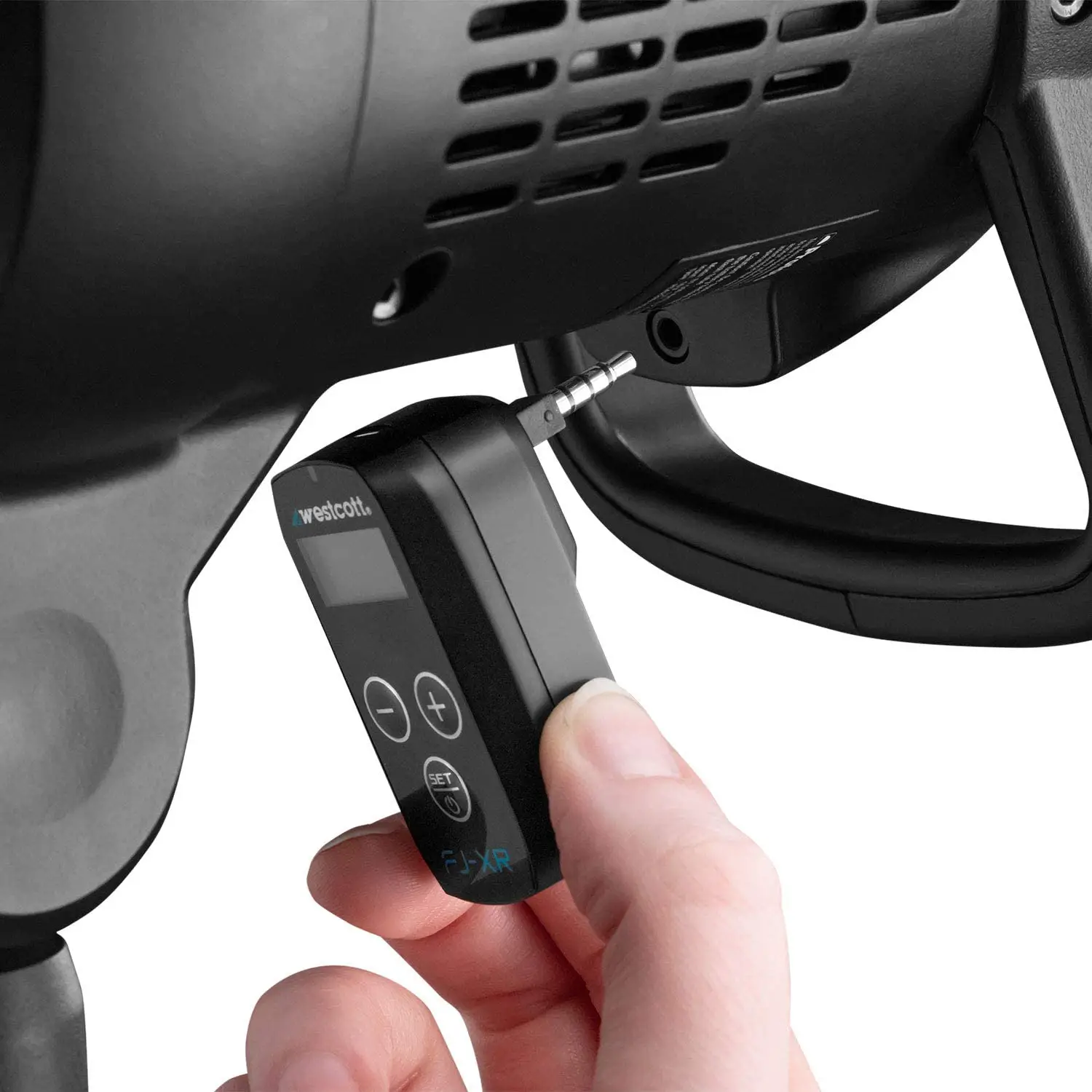
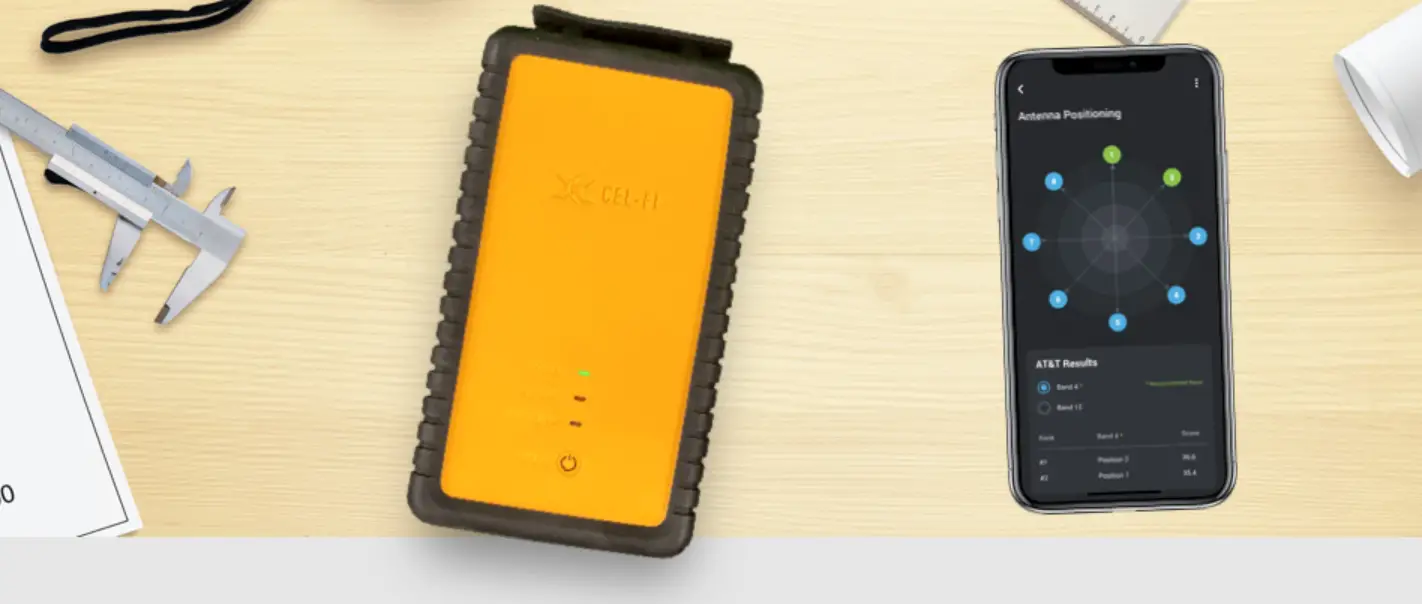
The Cel-Fi COMPASS XR scanning receiver is the complete solution to enable integrators to install and optimize Cel-Fi cellular and public safety coverage systems. A convenient tool in a lightweight and portable package, it can be used globally to deploy and verify multiple technologies, including 5G New Radio networks in sub-6 GHz spectrum, LTE, CBRS, and LMR public safety coverage.
Key Features
- Easily perform grid tests and site surveys with portable, handheld RF scanner.
- Ideal for deployment of Cel-Fi QUATRA cellular & RED public safety systems.
- Single tool for a wide variety of networks with deep
- 5G-NR/4G-LTE/CBRS/FirstNet/LMR service scanner.
- Supports operator service bands worldwide with ultra-wide frequency range of 617-5000 MHz.
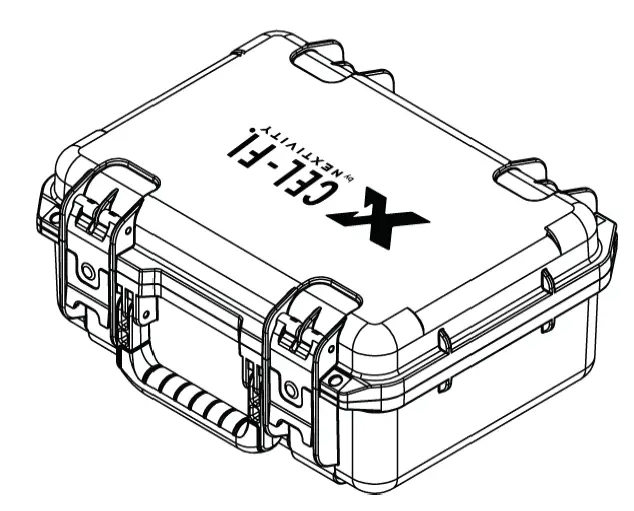
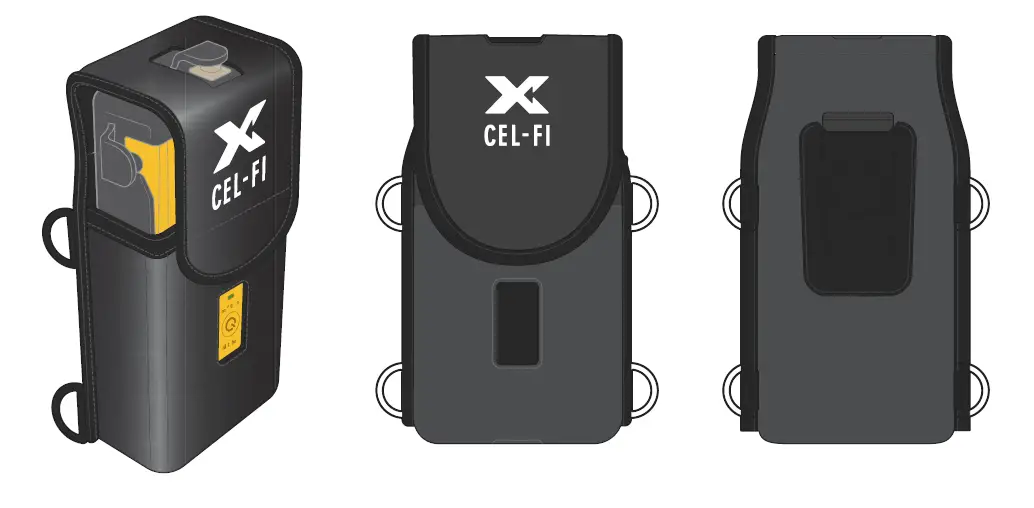
- Comes with all necessary accessories, including carrying case, hard storage case, antennas, and RF adapters.
- Protected from drop, scraps and tumbles with rugged rubberized exoskeleton that provides a comfortable grip.
- Works with Cel-Fi WAVE PRO app (iOS & Android) for all operations, including Full Signal Report export (.CSV) and more.
Hardware
| Item | Type |
| Processor | Single Board Linux Computer |
| Battery | Two rechargeable 3500 mAh, 3.7V protected 18650 cells (Included) |
| Charger | Included, with plug adapter types A, C, G & I |
| Accuracy | +/- 2dB |
| Weight (With Batteries) | 1.61 lb (730g) |
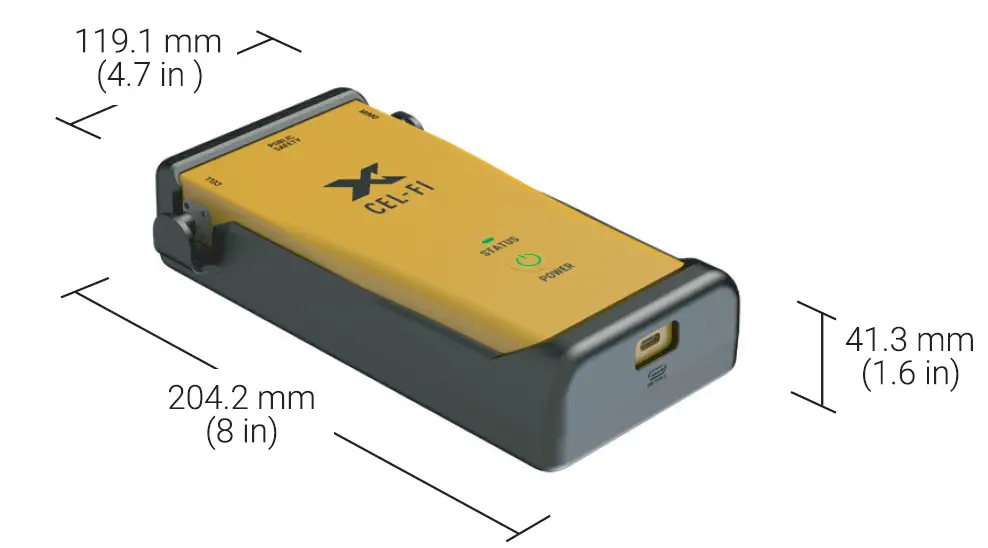
| Size (With Exoskeleton) | 4.7” W x 1.6” D x 8” H |
| Shipping Dimensions | 15.75” W x 12.75” D x 7.5” H |
 | |
Interfaces
| Item | Type |
| Charging | USB-C |
| Antenna Ports | SMA Male (Three: Main, MIMO, LMR) |
| Power Button | LED illuminated button |
| LED Indicators | Three: Power, Status and Charging |
| Bluetooth (LE Ver 4.2) | Frequency: 2402 – 2480 MHz. Power: 0 dBm. Connects to Cel-Fi WAVE PRO App for UI |
| WiFi Access Point | Software upgradeable; enabled only when a Software Upgrade is in progress, while charging. |
Band Support
| Item | Type |
| 5G NR | n1/n2/n3/n5/n7/n8/n12/n20/n25/n28/n38/n40/n41/n48/n66/n71/n77/n78/n79 |
| No. of Cells | B1/B2/B3/B4/B5/B7/B8/B12/B13/B14/B18/B19/B20/B25/B26/B28/B29/B30/B32/B66/B71 |
| Dimensions (mm) | B34/B38/B39/B40/B41/B42/B43/B48 |
| Weight (kg) | 758-775 / 851-861 MHz |
| CBRS* | 3550 – 3700 MHz |
*enabled in future software release.
Included Accessories
| Cases | |
| The COMPASS XR comes in a complete kit containing the accessories needed to connect the device to Cel-Fi equipment, from industrial QUATRA boosters to antennas. The kit also includes these two cases: | |
|
|  |
Carrying Case
| Hard Case
|
In The Box
| Item | Type |
| RF Cable | SMA Female to N-type Male (2 meter length) |
| RF Adaptors | N-type Female to N-type Female |
| N-type Female to QMA Female | |
| N-type Female to 4.3-10 Female | |
| Antennas | Three (3) 5GNR/UHF 410-5925MHz (Replacement model: Nextivity A21-ML3-600) |
| Battery Charger | 5V, 3.2A USB-C charger with 1m cable & global plug adapters |
| Item | Calibration Certificate (LMR 700/800, US only) |
| Certifications | FCC |
| CE |
User Interface
| CEL-FI WAVE PRO | ||
| The User Interface for Cel-Fi COMPASS XR is Cel-Fi WAVE PRO. This free mobile app (iOS and Android) pairs with COMPASS XR, allowing integrators to install and optimize Cel-Fi systems without the need for local internet connectivity. COMPASS XR performs a variety of installation and testing operations using WAVE PRO. Here are three examples: | ||
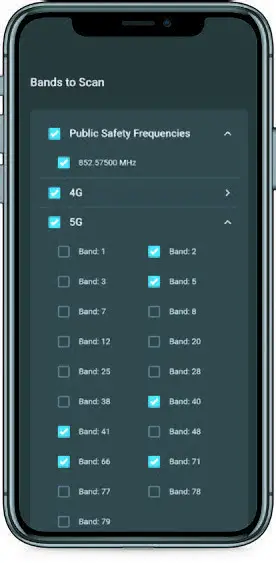 | 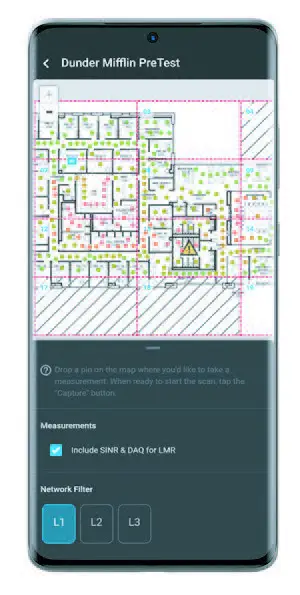 | 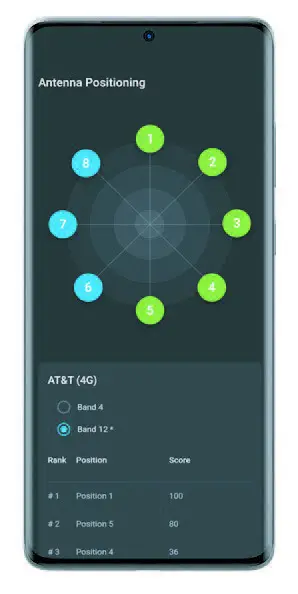 |
| Full Signal Report & Band Selection Select the technologies, bands, and frequencies needed for quick and efficient scans. COMPASS XR collects all the data needed for the selected bands and saves time by excluding unnecessary frequencies. Get the Full Signal Report at the current location, and the WAVE PRO App saves selections for quick reuse at the next site. | Grid Test Collect site survey data for public safety or cellular coverage, or even both at the same time, using WAVE PRO’s Grid Test. Whether performing an initial site survey or post-install acceptance testing, COMPASS XR works with the WAVE System to ensure a successful Cel-Fi installation. | Antenna Positioning Easily find the ideal position for your donor antenna. Connect the donor antenna to COM- PASS XR and the WAVE PRO App will guide you through the positioning process, automatically calculating the optimal direction to point the antenna per operator. |
Asia Pacific | EMEA | Americas
Copyright RF Industries Pty Ltd 2022. Subject to change without notice.
 RFI Technology Solutions