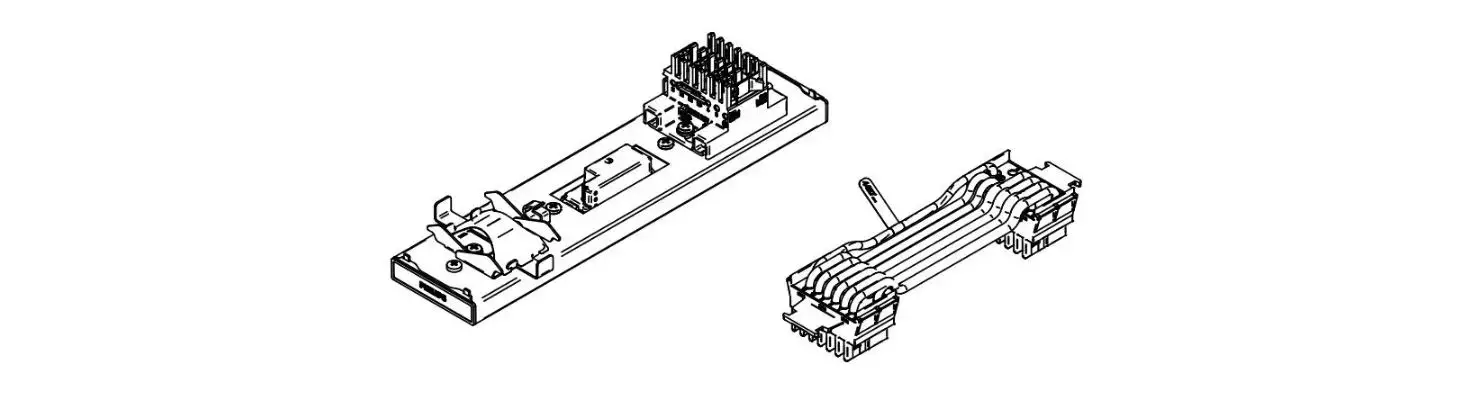
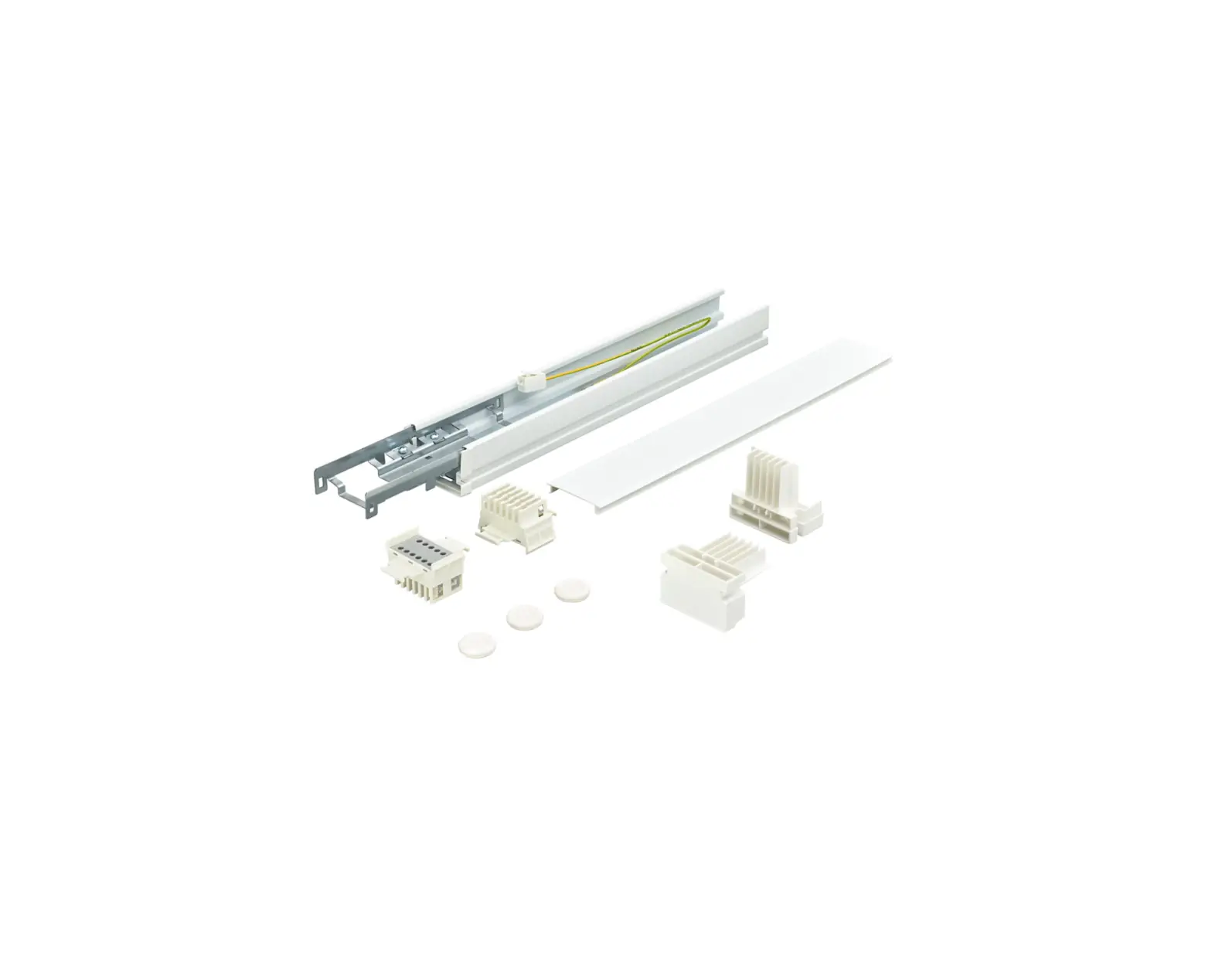
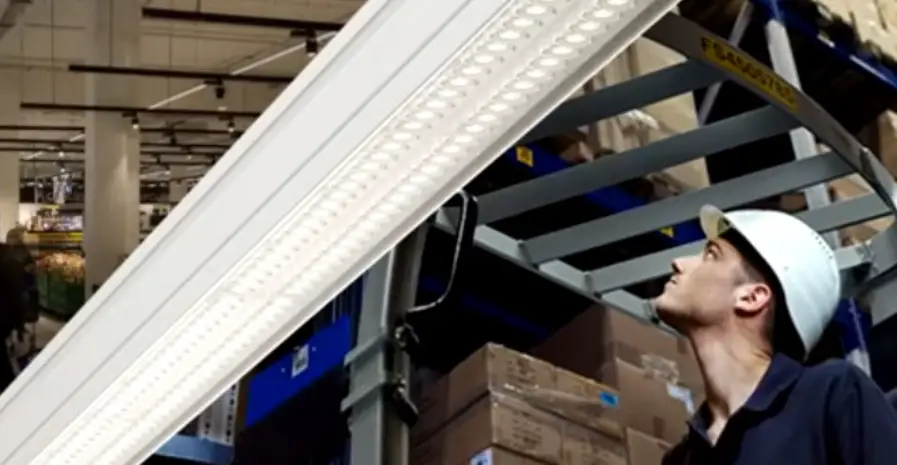
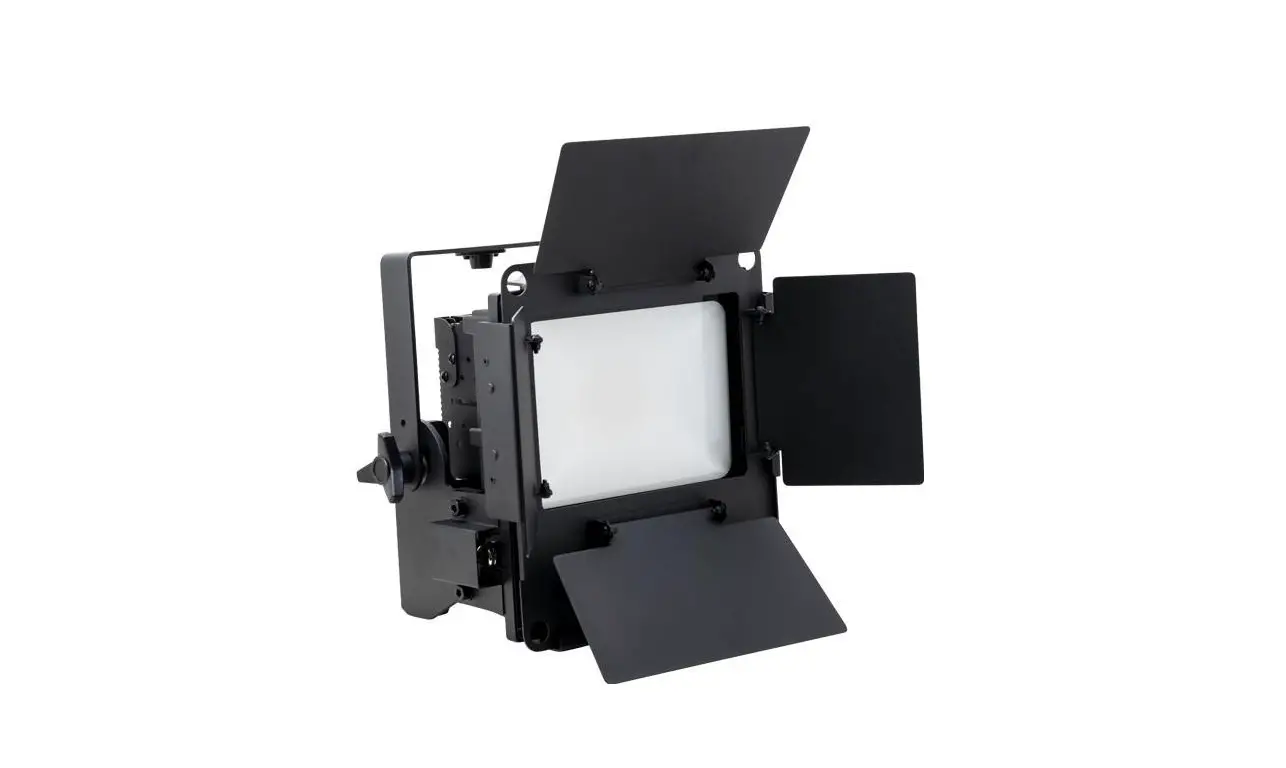
LL500E H4 Gen2 Maxos Fusion
Maxos Fusion LL500E Gen2 Product Information
- Product Name: Maxos Fusion LL500E Gen2
- Type: Indoor
- Frequency: 50Hz (220V) and 60Hz (240V)
- Light Source: LEDs
- IP Rating: IP20
- IK Rating: IK02
- Weight: 212 kg
- Dimensions: Front Side – 60; O115; Back Side – PE, N, L1, L2,
L3, 4, 5, 6, LL500E H4 Gen2 PE, SR+, SR-, 7, 8, 9, 10 - Trunk Compatibility: LL…T 7… LL…T 9… LL…T 13…
- Sensor Compatibility: For use with SR drivers. One sensor can
support a maximum of four drivers. DALI line needs to be
interrupted after max four drivers. Use the supplied T2T connector
to electrically separate a group of one sensor + four drivers with
another group along the line. - Mounting Height: Maximum height of 16m (52.5 ft)
- Max Coverage: 17.6m (57.7 ft)
- Sensor Type: PIR Occupancy Sensing
Maxos Fusion LL500E Gen2 Product Usage Instructions
- Before installing the warehouse system, ensure that you have a
lighting plan. - Do not install the warehouse system control unit close to steel
or concrete constructions. - Ensure that the view of the warehouse system sensor is not
blocked. - Mount the Maxos Fusion LL500E Gen2 at a maximum height of 16m
(52.5 ft) for optimal coverage. - Connect the Maxos Fusion LL500E Gen2 to a power source of
either 220V (50Hz) or 240V (60Hz). - Use the supplied T2T connector to electrically separate a group
of one sensor + four drivers with another group along the line if
using multiple sensors and drivers. - The Maxos Fusion LL500E Gen2 is compatible with LL…T 7…
LL…T 9… LL…T 13… trunking systems. - The Maxos Fusion LL500E Gen2 is compatible with SR drivers and
can support a maximum of four drivers per sensor. The DALI line
needs to be interrupted after max four drivers. - The Maxos Fusion LL500E Gen2 uses PIR occupancy sensing for
detection.
Maxos Fusion
LL500E Gen2
indoor 50Hz 220V 60Hz 240V
LEDs
Max. 35 °C Min.
IP20
IK02
-20 °C LL500T
LL500E H4 Gen2
212
kg
0,6
97
FRONT SIDE
BACK SIDE
60
O 115
FRONT SIDE
PE N L1 L2 L3 4
5
6
LL500E H4 Gen2 PE
SR+ SR-
BACK SIDE
7
8
9
10
Trunk Compatibility 11 LL…T 7… LL…T 9… LL…T 13…
– for use with SR drivers – one sensor can support Max 4 drivers. DALI line needs to be interrupted after max 4 drivers – use the supplied T2T connector to electrically separate group of 1 sensor + 4 drivers with another group along the line
rail standard T2T connector supplied T2T connector
sensor panel
1
2
1
!
2
1
1
442710472830
2023-03-07 © Signify Holding All rights reserved
1/2
Printed in Poland Data subject to change without notice Keep for future reference: www.philips.com/lighting
Position m (ft) Mounting Height m (ft) Max. height: 16m (52.5 ft)
!
GREY BROWN OR BLUE
20 (65.6)
15 (49.2)
10 (32.8)
5 (16.4)
0 (0)
-5 (-16.4)
-10 (-32.8)
-15 (-49.2)
Top view
-20 (-65.6)
-15 -10 -5
0
5
10 15 20
(-49.2) (-32.8) (-16.4) (0) (16.4) (32.8) (49.2) (65.6)
Position m (ft)
0
Side view
(0)
2 (6.6)
4 (13.1)
6 (19.7)
8 (26.2)
10 (32.8)
12 (39.4)
14 (45.9)
16 (52.5)
-20 -15 -10 -5 (-65.6) (-49.2)(-32.8) (-16.4)
0
5 10 15 20
(0) (16.4) (32.8) (49.2) (65.6)
Horizontal position m (ft)
Max. coverage: 17.6 m (57.7 ft)
PIR occupancy sensing
D Notes
The white areas are blind spots and the detection is based on the motion of the subject. An idle subject may not continue to trigger occupancy detection once the hold time expires. ·As PIR based sensing works on temperature difference between the subject and the ground level, the occupancy detection could vary due ·to clothing and size of the subject.
You must have a lighting plan, if you install the warehouse system.
Do not install the warehouse system control unit close to steel or concrete constructions.
Do not block the view of the warehouse system sensor.
2/2
 LED & Conventional lighting solutions | Philips lighting