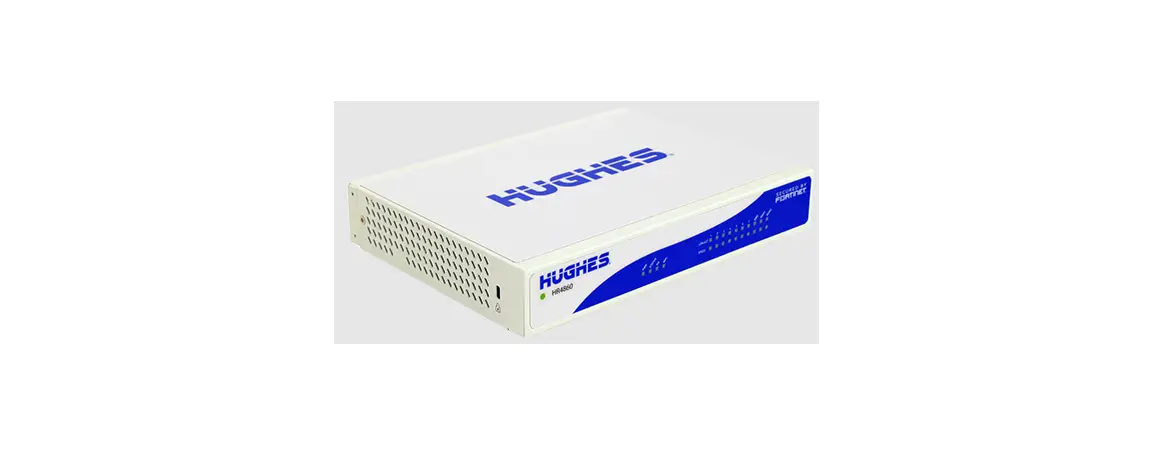

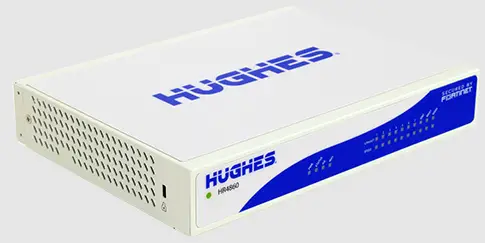
HUGHES-HR4700 Phillips 66 Verifone MNSP Setup
Phillips 66 Verifone MNSP Setup Guide
Thank you for choosing Hughes as your Managed Network Services Provider (MNSP)!
PREPARING FOR THE INSTALLATION: To complete the full cutover of your location, please contact your ASC certified POS Technician to schedule an appointment to migrate the existing POS infrastructure to the MNSP solution preparing your location for all the other Outdoor EMV requirements.
FOR ASSISTANCE: Call Hughes Phillips 66 Customer Service: 1-855-506-5290, Option 3 (Technical Support) or Option 9 (POS Tech MNSP Support)
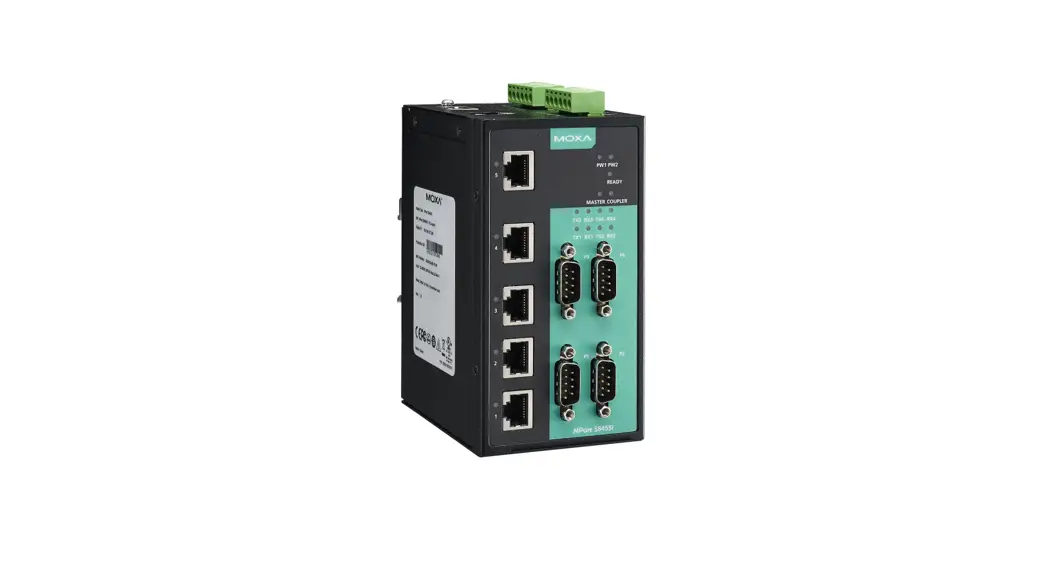
VERIFONE MNSP FORTISWITCH PORT ASSIGNMENT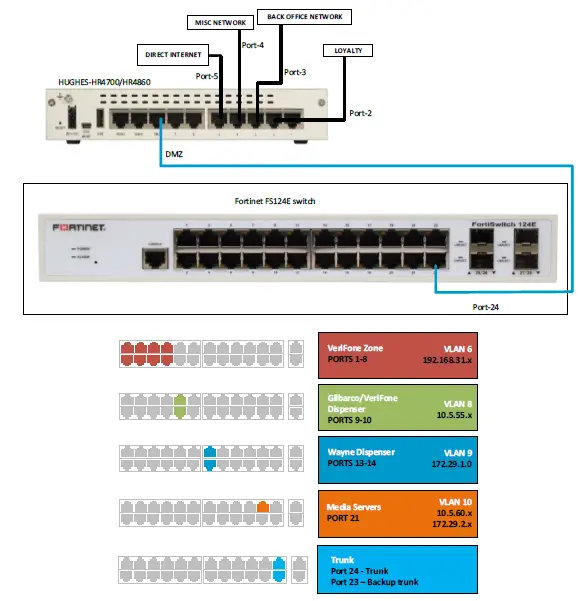
| VERIFONE PORT CONFIGURATION | ||
| Ports | Devices | Descriptions |
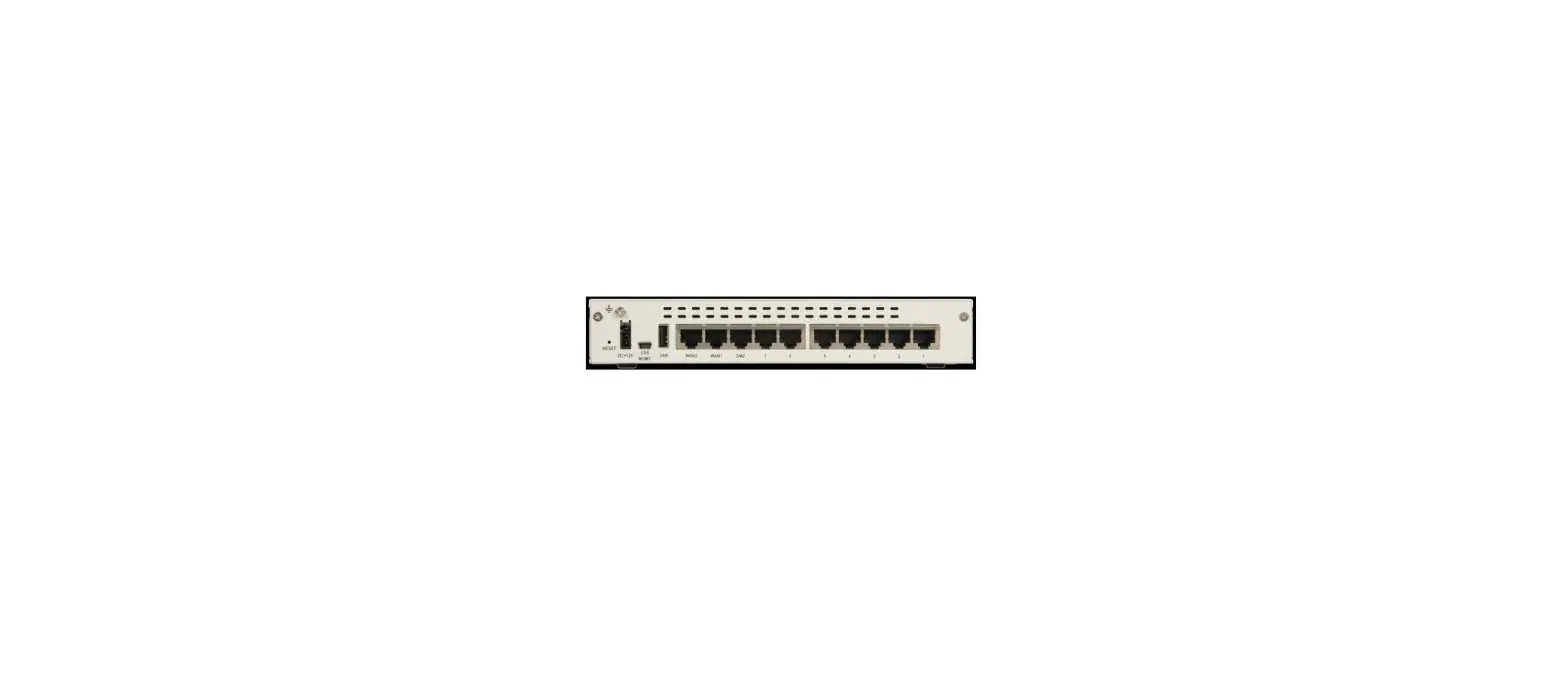
| HUGHES HR4700/HR4860- Port 1 | Default Verifone Payment (Verifone Commander Slot A) | Subnet: 10.x.x.x/24 POS IP(NIC-A): 10.x.x.16 Gateway: 10.x.x.1 Subnet mask: 255.255.255.0 |
| HUGHES HR4700/HR4860- Port 2 | Loyalty LAN | All the devices should be configured statically Subnet: 172.x.x.x/28 Default Gateway: 172.x.x.x Subnet Mask: 255.255.255.240 DNS IP: 66.82.4.8 & 66.82.2.12 |
| HUGHES HR4700/HR4860- Port 3 | Backoffice LAN | All the devices should be configured statically Subnet: 172.x.x.x/28 Default Gateway: 172.x.x.x Subnet Mask: 255.255.255.240 DNS IP: 66.82.4.8 & 66.82.2.12 |
| HUGHES HR4700/HR4860- Port 4 | Business Systems & Internet (ATG, ATM & MISC devices) | All the devices should be configured statically Subnet: 172.x.x.x/27 Default Gateway: 172.x.x.x Subnet Mask: 255.255.255.224 DNS IP: 66.82.4.8 & 66.82.2.12 |
| HUGHES HR4700/HR4860- Port 5 | DIRECT INTERNET | All the devices should be configured statically Subnet: 192.168.2.0/24 Default Gateway: 192.168.2.1 Subnet Mask: 255.255.255.0 DNS IP: 66.82.4.8 & 66.82.2.12 |
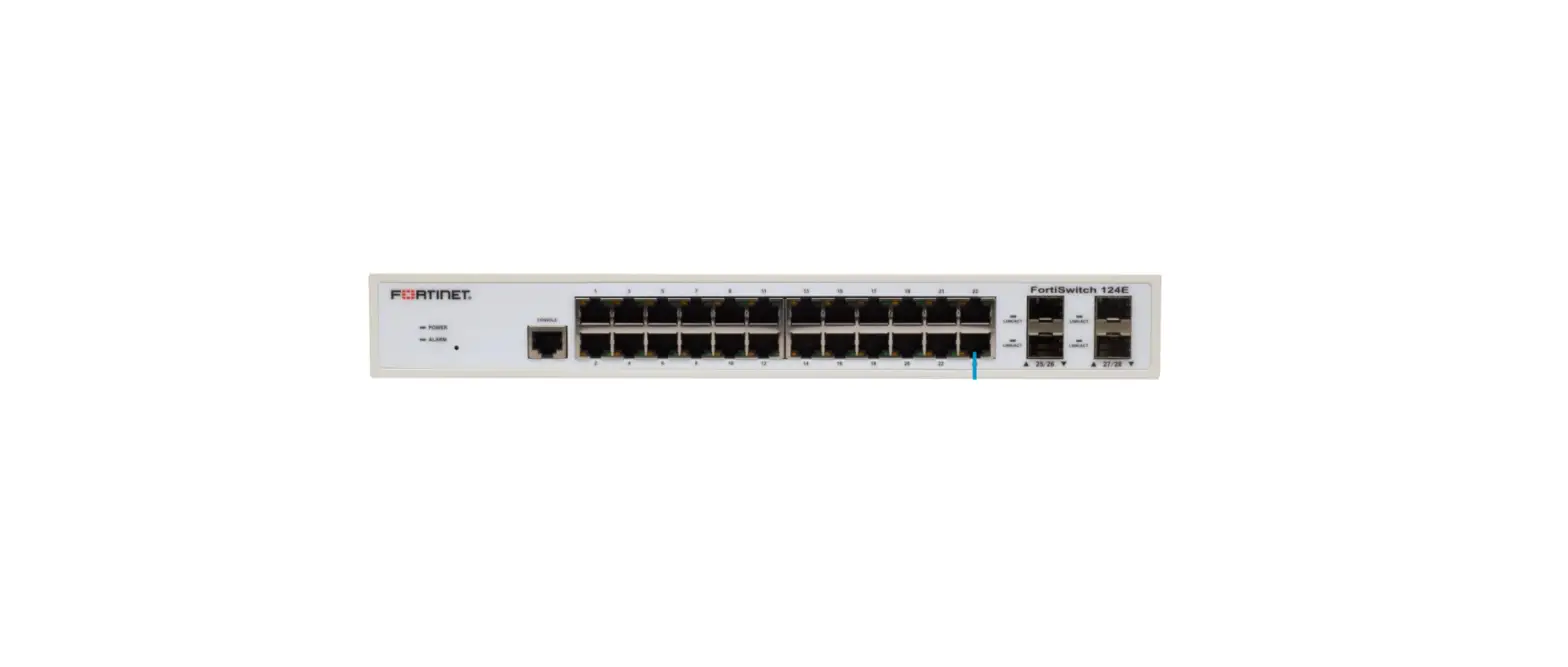
| HUGHES HR4700/HR4860- DMZ | TRUNK | Connects to Port 24 on the Hughes FortiSwitch FS124E |
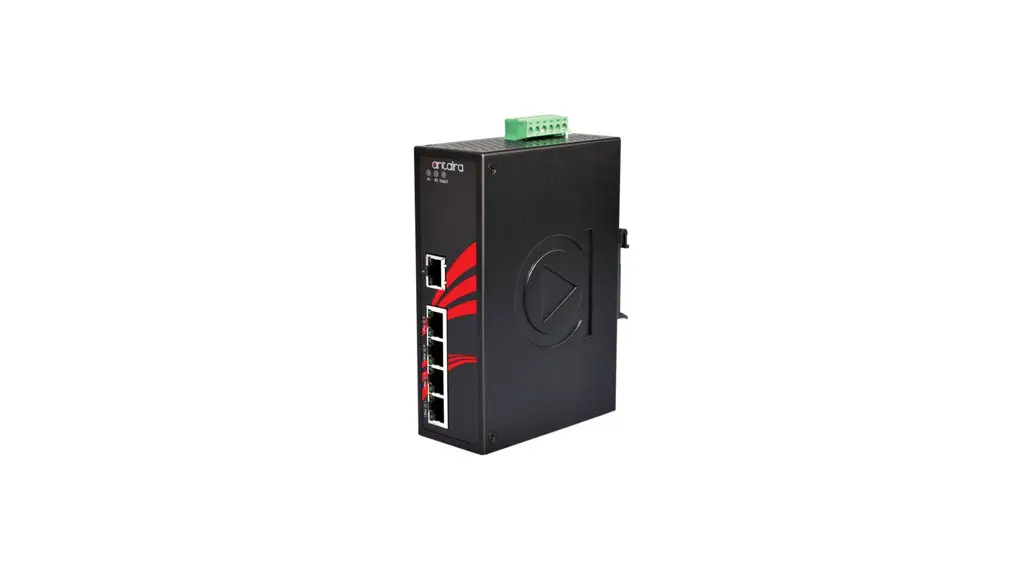
| Switch Port 1-8 (8 Ports) | Verifone Zone Wired Subnet (Verifone Commander Slot N, POS, Pin pads etc.) | All the devices should be configured statically Subnet: 192.168.31.0/24 Commander NIC N Static IP: 192.168.31.11 Default Gateway: 192.168.31.31 Subnet Mask: 255.255.255.0 DNS IP: Hughes DNS (66.82.4.8 & 66.82.4.12) |
| Switch Port 9-10 (2 Ports) | Outdoor EMV – Gilbarco Dispensers | All the devices should be configured statically Gilbarco Dispensers Subnet: 10.5.55.0/24 Static IP Range: 10.5.55.71-10.55.55.231 Default Gateway: 10.5.55.1 Subnet Mask: 255.255.255.0 DNS IP: 10.5.55.1 |
| Switch Port 13-14 (2 Ports) | Outdoor EMV – Wayne Dispensers | All the devices should be configured statically Wayne Dispensers Subnet: 172.29.1.0/24 Default Gateway: 172.29.1.1 Subnet Mask: 255.255.255.0 DNS IP: 172.29.1.1 or Hughes DNS (66.82.4.8 & 66.82.4.12) |
| Switch Port 21 | Media Server: – (Applause server/Wayne Media Gateway) | All the devices should be configured statically Applause Server Subnet: 10.5.60.0/23 Static IP: 10.5.60.66 Subnet Mask: 255.255.254.0 Default Gateway: 10.5.60.1 DNS IP: 10.5.60.1 |
| Wayne Media Subnet: 172.29.2.0/24 Wayne Media Gateway Static IP: 172.29.2.51 Subnet Mask: 255.255.255.0 Default Gateway: 172.29.2.1 DNS IP: 172.29.2.1 or Hughes DNS (66.82.4.8 & 66.82.4.12) | ||
| Switch Port 23 & 24 | TRUNK | Connects to DMZ on the Hughes HR4700/HR4860 on site |