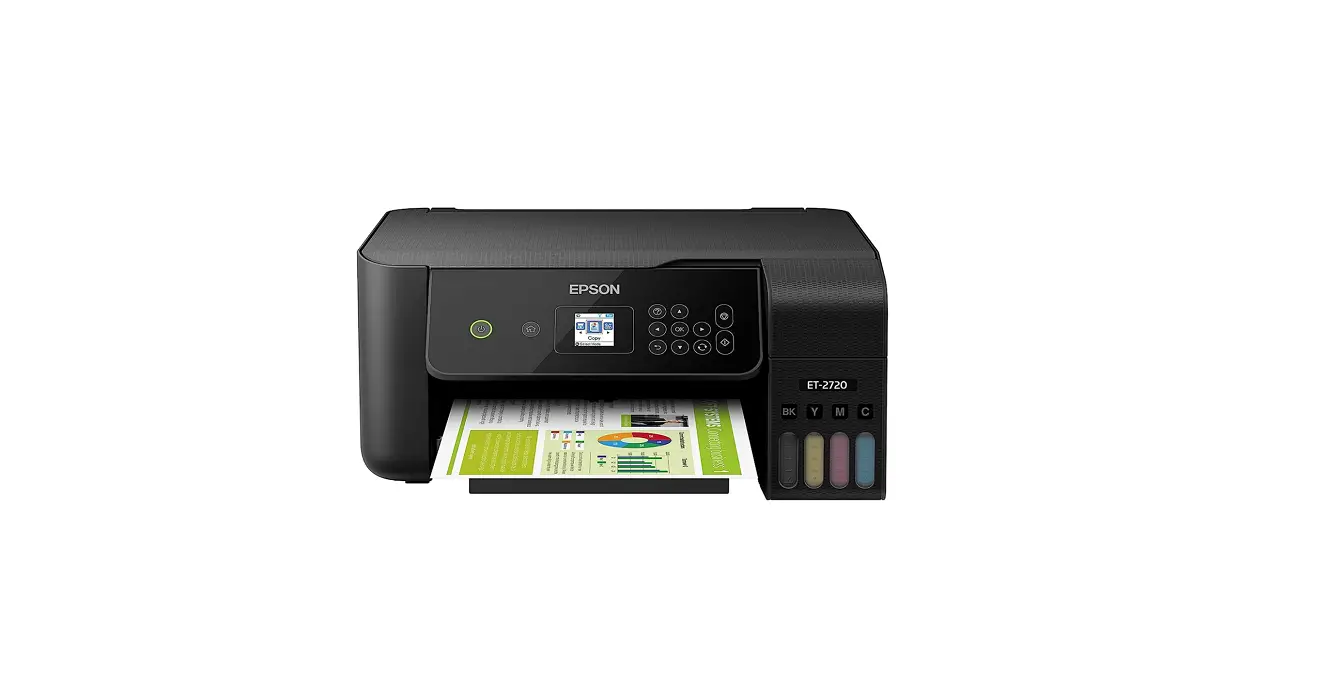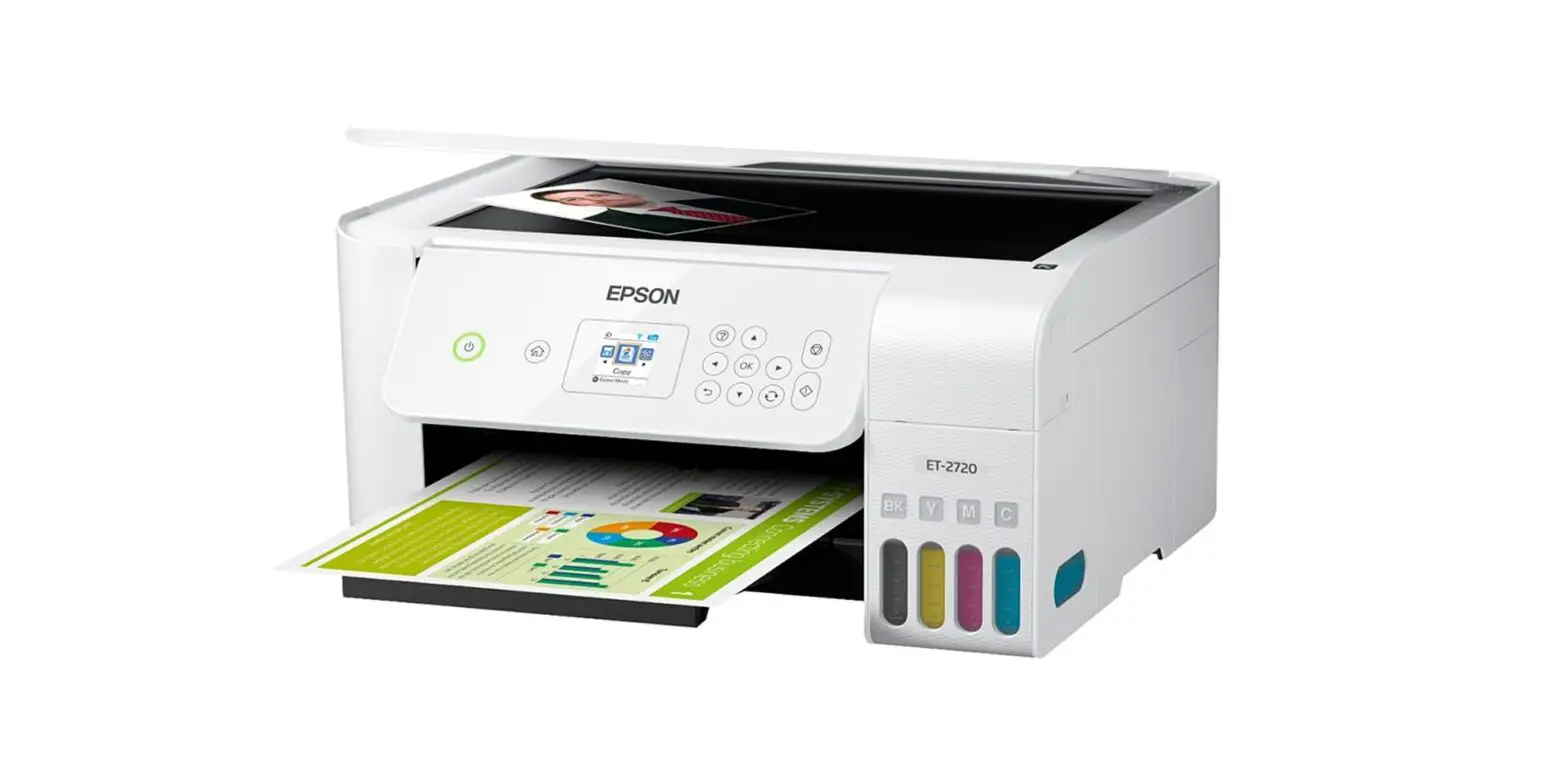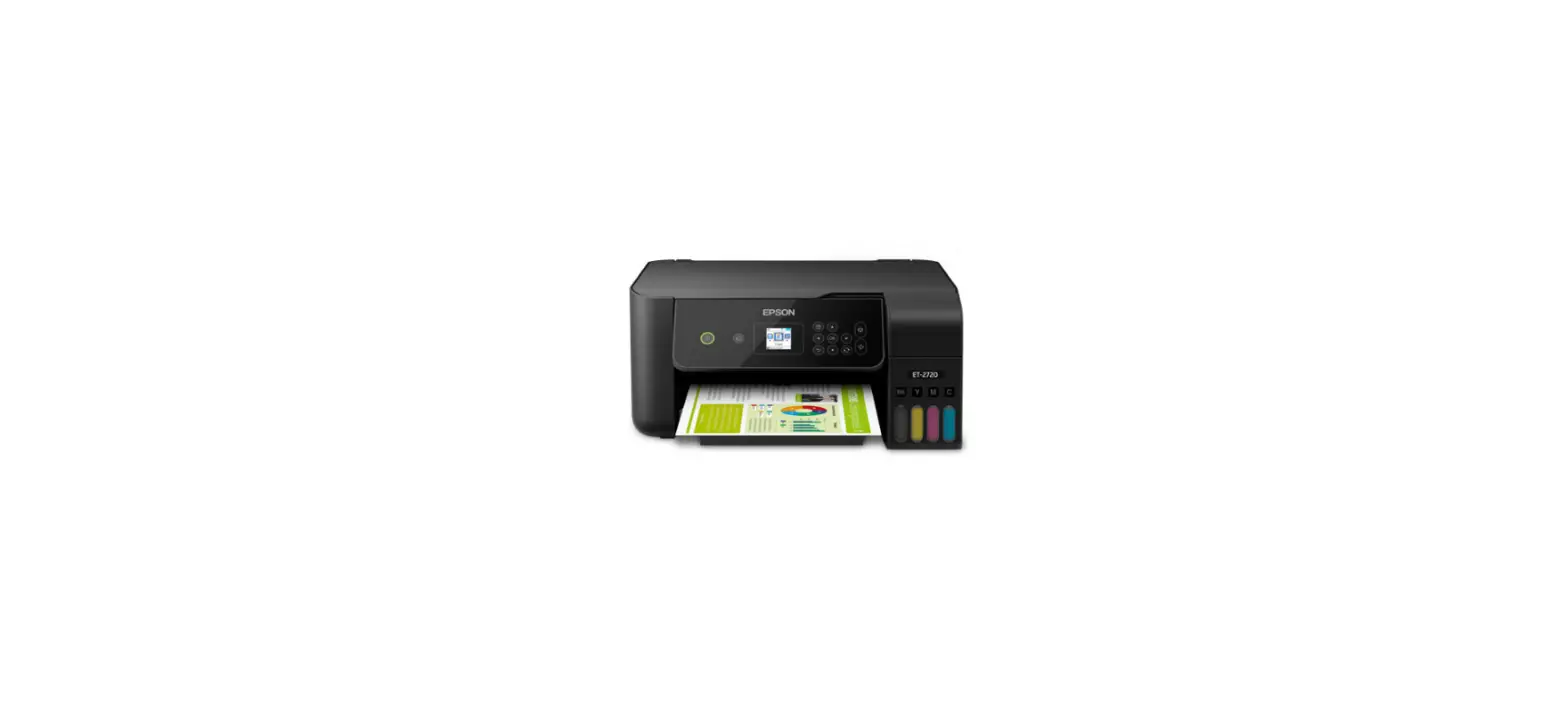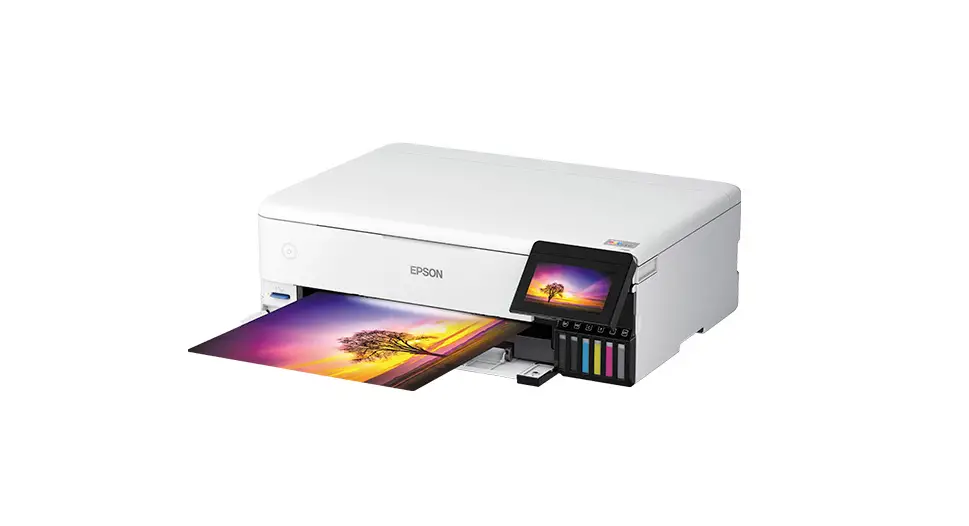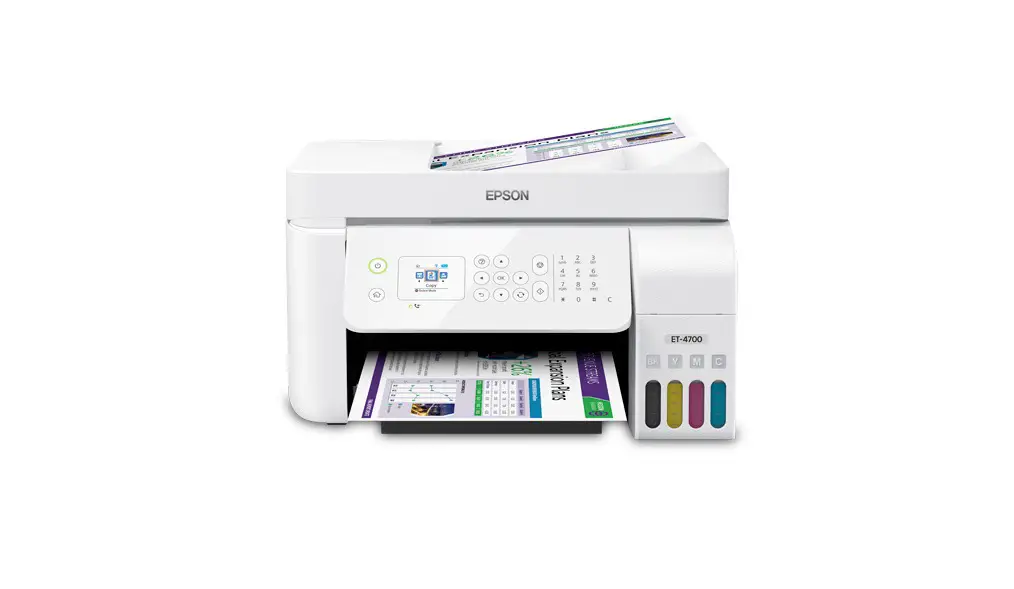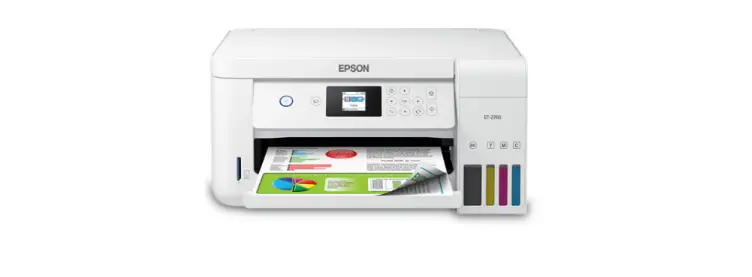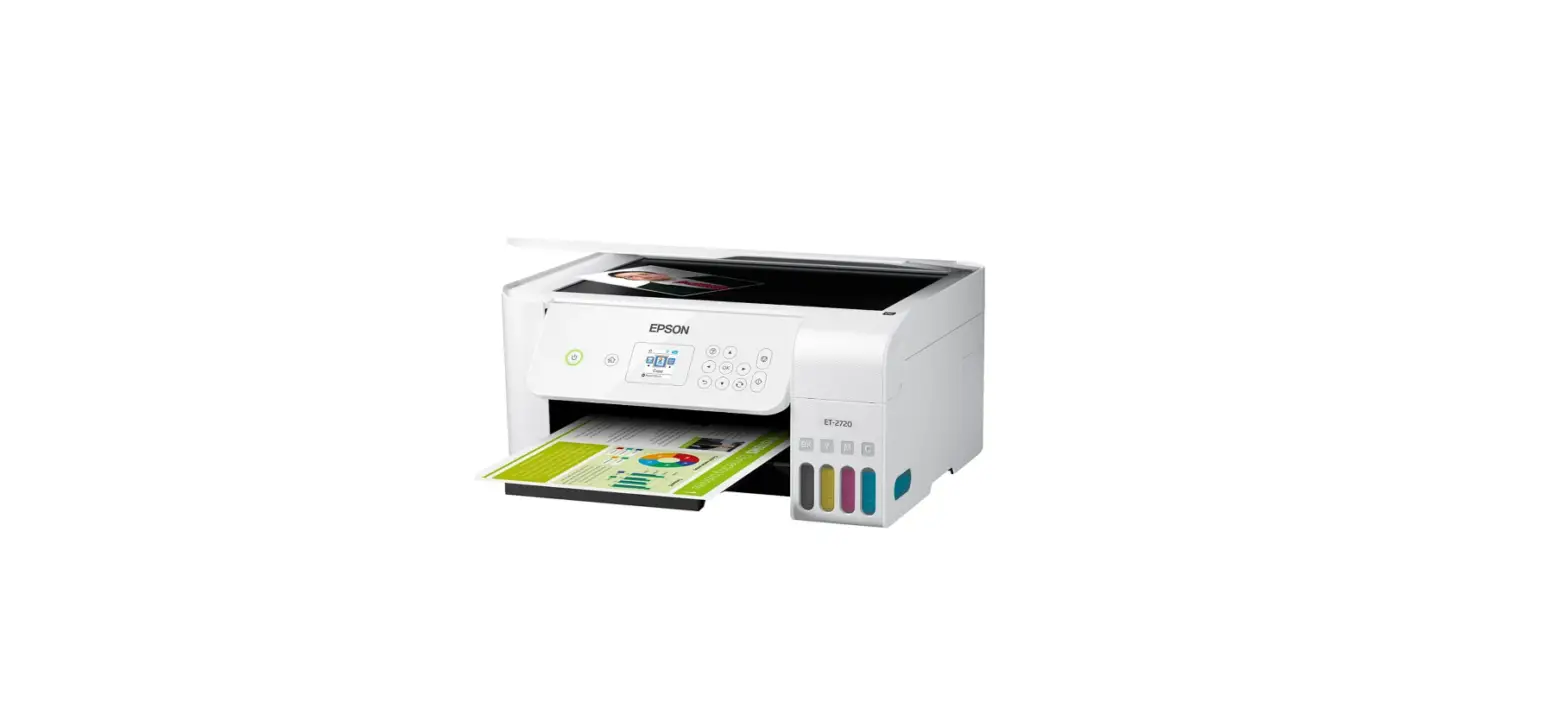

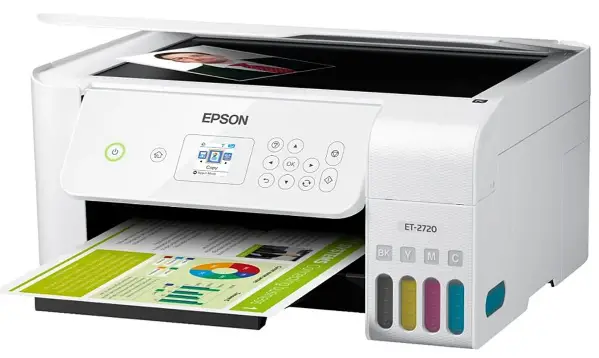
Epson ET-2720 Supertank Printer
INSTRUCTIONS
Save up to 80 percent with low-cost replacement ink bottles vs. ink cartridges1 — plus easy-to-fill, supersized ink tanks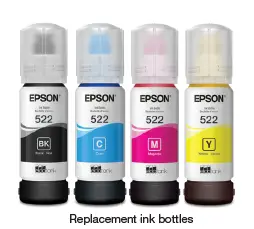
- Cartridge-Free Printing — up to 2 years of ink in the box and with each replacement ink set2
- Value and convenience — replacement ink bottle set includes enough ink to print up to 4,500 pages black/7,500 color3
- Less waste — one set of replacement bottles are equivalent to about 80 individual cartridges4
- Product protection you can count on — 2-year limited warranty with registration5
- Easy wireless — easily print from iPad®, iPhone®, Android™ tablets and smartphones6; includes Wi-Fi Direct®7 and Voice-activated printing8
- Exclusive EcoFit™ bottle design — uniquely keyed for easy filling of each color
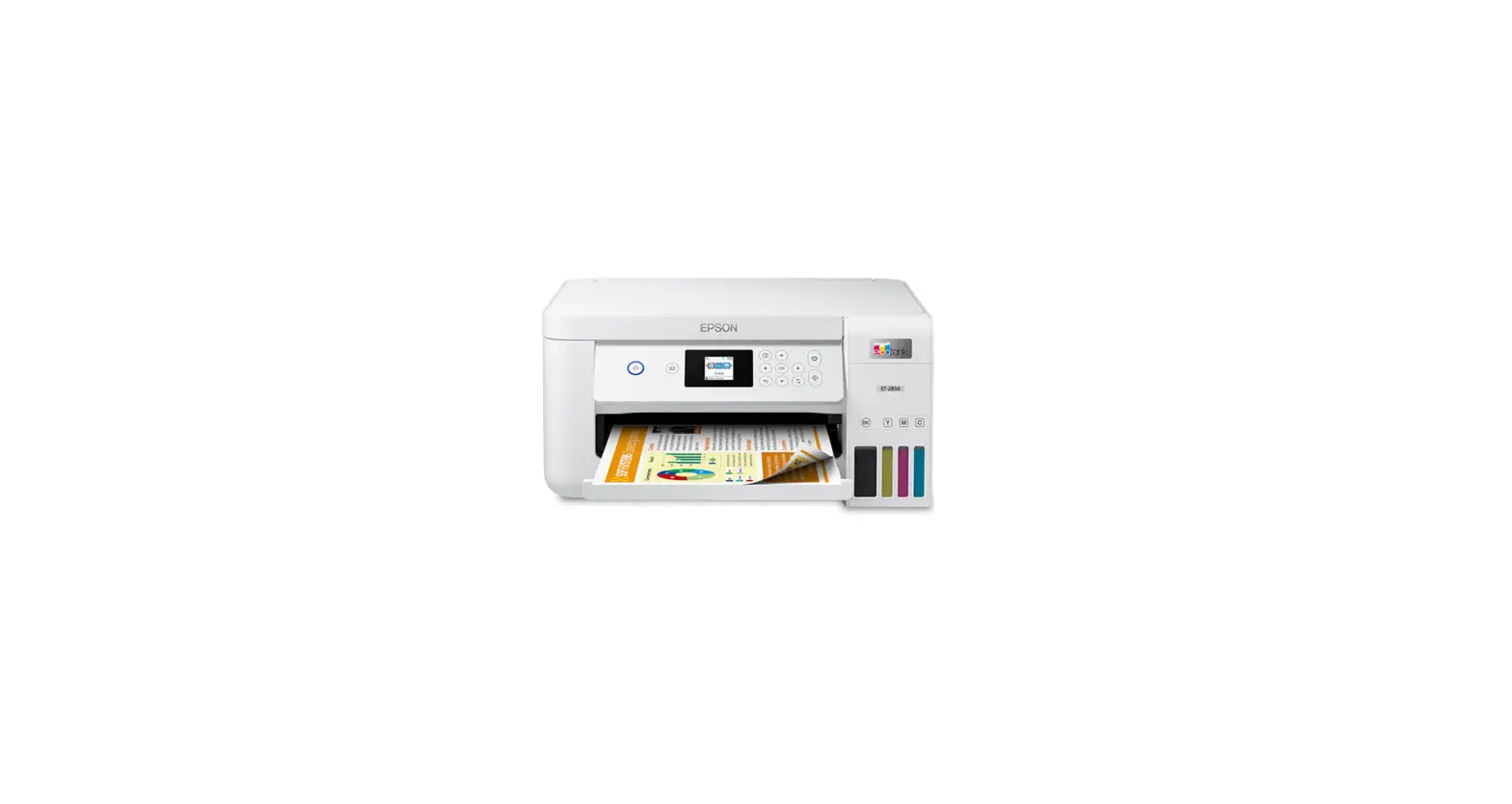
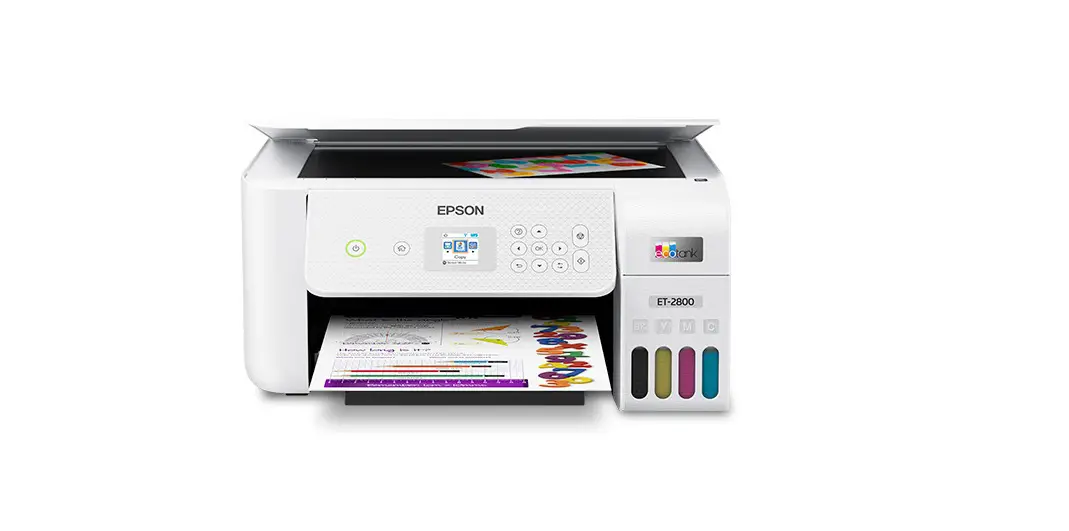
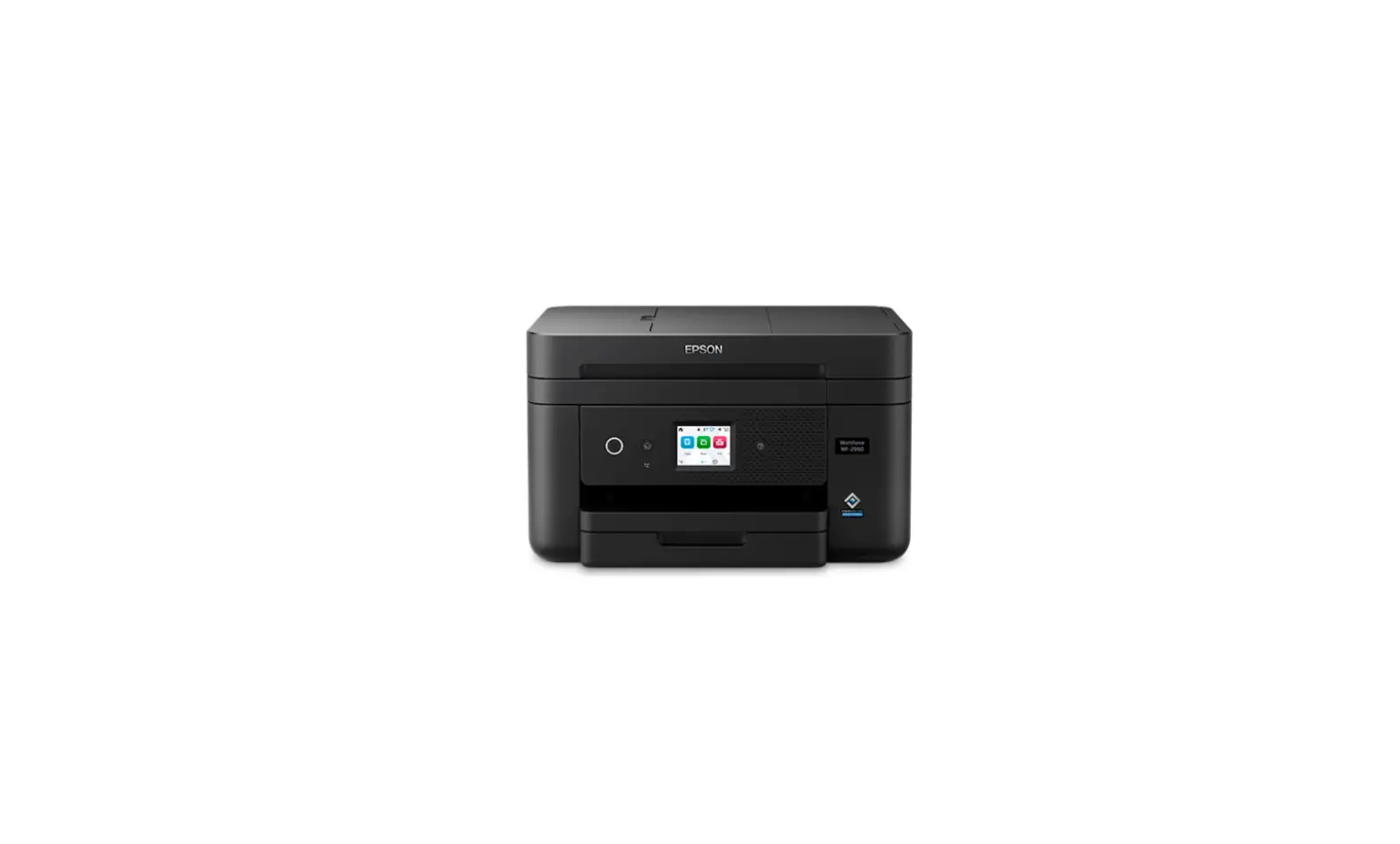
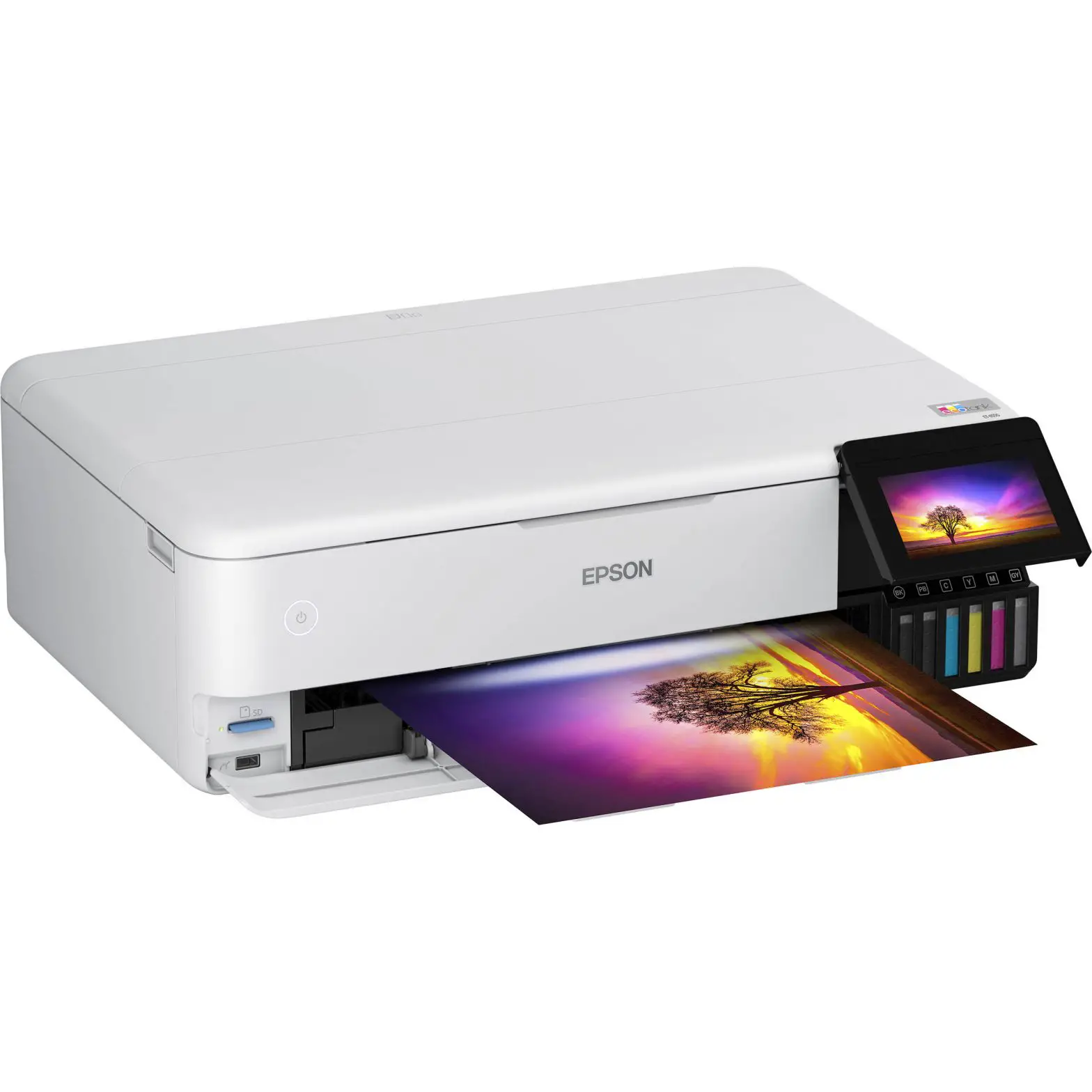
- Compact, space-saving design — integrated front-facing ink tanks; premium white finish
- Easy setup and navigation — 1.44″ color display
- Borderless photo printing — easily print borderless 4″ x 6″ photos; also features 100-sheet paper capacity
1 Saving and cost per ISO page are based on the cost of replacement ink bottles and the cost of enough standard cartridges to achieve the total page yields of the bottles using the MSRP (USD) and yields for Epson standard-capacity ink cartridges for similarly featured Epson consumer inkjet printers as of February 2019. Actual savings will vary based on print tasks, print volumes and usage conditions. | 2 Based on average monthly document print volumes of about 125 pages.
FUNCTIONS
- Printing Technology 4-color (CMYK), Printhead Type F2 Ink Cartridge
- Printer Language Epson ESC/P®-R
- Max. Print Resolution 5760 x 1440 dpi
- Print Speed† 10.0 ISO ppm (black), 5.0 ISO ppm (color)
- First Page Out 10 sec (black), 16 sec (color)
- 4″ x 6″ Borderless Photo Default 90 sec
- Min. Ink Droplet Size 3 ink droplet sizes, as small as 3 picoliters
Mobile and Voice-activated Printing8
- Epson Connect™ Solutions6 Epson iPrint™ App (iOS®, Android), Epson Remote Print
- Other Apple® AirPrint® 1.8, Google Cloud Print™ 2.0, Android printing, Mopria® Print Service
Copy
- Copy Speed†† 7.7 ISO cpm (black), 3.8 ISO cpm (color)
- Copy Modes Color, Black/White, Draft/Normal
- Copy Quantity Up to 99 from standalone
- Max. Copy Size 8.5″ x 11″
- Copy Features Reduce and Enlarge (25 – 400%)
- Copy Print Resolution 300 x 600, 720 x 720
- Copy Adjustments Density, Contrast, Color, Sharpness,
- Text Enhancement
Scan
- Scanner Type Color flatbed (CIS line sensor)
- Optical Resolution 1200 dpi
- Max. Hardware Resolution 1200 x 2400 dpi
- Max. Resolution 9600 dpi interpolated
- Scanner Bit Depth Input: 48-bit color/Output: 24-bit color
- Scan Bed Size 8.5″ x 11.7″ max.
- Scan Compatibility TWAIN, WIA, ICA
- Scan Features Scan to Computer Event Manager, Scan to Computer (WSD)
- TWAIN Reading Resolution 75~9600 dpi (1 dpi step)
- TWAIN Output Format PDF, JPEG, PNG, TIFF, Multi-TIFF, BMP (Windows®), PICT (Mac®)
Connectivity
- Standard Connectivity
- Hi-Speed USB
- Wireless 802.11 b/g/n7
- Wi-Fi Direct6
- Operating Systems
- Windows 10, Windows 8, 8.1 (32-bit, 64-bit), Windows 7 (32-bit, 64-bit), Windows Server®9 2003 SP2 or later, 2008, 2008R2, 2012, 2012R2, 2016
- Mac OS X® 10.6.8 – macOS® 10.13.x10
Paper Handling
- Max. Paper Size 8.5″ x 47.2″
- Paper Sizes 4″ x 6″, 5″ x 7″, A6, Half Letter, Letter, A4, Executive, Legal, User definable (from 2.2″ x 3.4″ to 8.5″ x 47.2″)
- Paper Types Multipurpose Plus Paper, Bright White Premium Paper, Bright White Pro Paper, Photo Paper Glossy,
- Premium Photo Paper Glossy, Ultra Premium Photo \ Paper Glossy, Premium Semi-Gloss Photo Paper, Presentation Paper Matte,
- Premium Presentation Paper Matte, Premium Presentation Paper Matte – Double-sided, Ultra
- Premium Presentation Paper Matte, Brochure and Flyer Paper Matte – Double-sided, Iron-On
- Cool Peel Transfer Paper, Photo Quality Self-Adhesive Sheets
- Envelope Types No. 10
- Max. Paper Weight
- 64-90 g/m2 (plain paper)
- 102-300 g/m2 (Premium Glossy Photo)
- Input Paper Capacity 100 sheets of plain paper, 20 sheets of photo paper
- Output Paper Capacity 30 sheets of plain paper
General
- Display 1.44″ color LCD
Temperature - Operating: 50 ° to 95 °F (10 ° to 35 °C)
- Storage: -4 ° to 104 °F (-20 ° to 40 °C)
Relative Humidity - Operating: 20 – 80%
- Storage: 5 – 85% (no condensation)
- Sound Level
- Power: 6.3 B(A)
- Pressure: 52 dB(A)
Power Requirements - Rated Voltage: AC 100 – 240 V Universal (Automatic)
- Rated Frequency: 50 – 60 Hz
- Rated Current: 0.4 – 0.2 A
Power Consumption
- Approx. 12 W ISO 24712
- (Standalone copy printing)
- Approx. 4.3 W (Ready Mode)
- Approx. 0.7 W (Sleep Mode)
- Approx. 0.2 W (Power Off Mode)
Safety Standards - UL60950-1-CAN/CSA-22.2 No. 60950
- EMC FCC Part 15 subpart B class B,
- CAN/CSA-CEI/IEC CISPR 22 class B
Weight and Dimensions (W x D x H) - Printing: 14.8″ x 22.8″ x 10.0″
- Storage: 14.8″ x 13.7″ x 7.0″
- Weight: 8.8 lb
What’s in the Box
- EcoTank ET-2720 all-in-one, manual, CD-ROM for product setup, power cord, 1x bottle 522 Black (65 mL) and 1x bottle each 522 Cyan, Magenta, Yellow (65 mL)3
- Software Included11 Epson printer drivers, EpsonScan 2
- Warranty5 2-year limited warranty in the U.S. and Canada, the second year requires product registration
- Country of Origin Philippines
Ink
- Ink Bottles
- 4 individual ink bottles (Cyan, Magenta, Yellow, and Black)
- Replacement Ink Bottles3
- 522 Black ink bottle (65 mL) yield: 4,500; 522 color (Cyan, Magenta, Yellow) ink bottle (65 mL) yield: 7,500
- Epson strongly recommends the use of genuine ink to ensure optimal print quality and performance.
Eco Features
- ENERGY STAR® qualified
- RoHS compliant
- Recyclable product12
- Epson America, Inc. is a SmartWay® Transport Partner13
Ordering Information
- EcoTank ET-2720
All images are simulated.
† Black and color print speeds are measured in accordance with ISO/IEC 24734. Actual print times will vary based on factors including system configuration, software, and page complexity. For more information, visit www.epson.com/printspeed | †† Black and color copy speeds are determined in accordance with ISO/IEC 29183. Actual copy times will vary based on factors including system configuration and page complexity. For more information, visit www.epson.com/copyspeed | 1 Savings and cost per ISO page are based on the cost of replacement ink bottles and the cost of enough standard cartridges to achieve the total page yields of the bottles using the MSRP (USD) and yields for Epson standard-capacity ink cartridges for similarly featured Epson consumer inkjet printers as of February 2019. Actual savings will vary based on print tasks, print volumes and usage conditions. | 2 Based on average monthly document print volumes of about 125 pages. | 3 Part of the ink from the included bottles is used for initial setup, yields are lower than those of replacement ink bottles.
Replacement and included ink bottle yields based on the ISO/IEC 24712 pattern with Epson’s methodology. Actual ink yields will vary considerably for reasons including images printed, print settings, temperature, and humidity. Yields may be lower when printing infrequently or predominantly with one ink color. All ink colors are used for printing and printer maintenance, and all colors must be available for printing. For more information, visit www.epson.com/inkinfo | 4 Individual cartridges estimate based on print yields of a replacement set of Black and color ink bottles as compared to Epson standard-capacity ink cartridges for similarly featured printers as of September 2018. | 5 12 months of standard limited warranty or 30,000 plain paper sheets (whichever happens first). For an additional 12-month extended service plan (total of 24 months or 30,000 plain paper sheets, whichever happens first), register your product and use Epson genuine ink bottles. See Limited Warranty for details. | 6 Most features require an Internet connection to the printer, as well as an Internet- and/or email-enabled device.
For a list of Epson Connect-enabled printers and compatible devices and apps, visit www.epson.com/connect |7 Wi-Fi CERTIFIEDTM; level of performance subject to the range of the router being used. Wi-Fi Direct may require printer software. | 8 Voice-activated printing is not available with the Epson Expression® EcoTank® ET-2500 and ET-2550 printers, and Epson printers that are 5 or more years old. See www.epson.com/voice for device compatibility. Epson Connect™ account and voice-activated account registration are required. | 9 Only printing and scanning are supported under Windows Server OS. | 10 Some applications and/or functions may not be supported under Mac OS X. | 11 Internet access is required to install OS X drivers and software. | 12 For convenient and reasonable recycling options, visit www.epson.com/recycle | 13 SmartWay is an innovative partnership of the U.S. Environmental Protection Agency that reduces greenhouse gases and other air pollutants and improves fuel efficiency.
CONTACTS
- eco.epson.com
- Epson America, Inc.
- 3840 Kilroy Airport Way, Long Beach, CA 90806
- Epson Canada Limited
- 185 Renfrew Drive, Markham, Ontario L3R 6G3
Specifications and terms are subject to change without notice. EPSON, ECO TANK and Epson ESC/P are registered trademarks, EPSON Exceed Your Vision is a registered logomark and Better Products for a Better Future, Epson Connect and Epson iPrint are trademarks of Seiko Epson Corporation. EcoFit is a trademark of Epson America, Inc. AirPrint, Apple, iPad, iPhone, Mac, macOS and OS X are trademarks of Apple Inc., registered in the U.S. and other countries. Android and Google Cloud Print are trademarks of Google LLC. Windows and Windows Server are either registered trademarks or trademarks of Microsoft Corporation in the United States and/or other countries. Wi-Fi Direct® is a registered trademark and Wi-Fi CERTIFIED™ is a trademark of Wi-Fi Alliance®. SmartWay is a registered trademark of the U.S. Environmental Protection Agency. All other product and brand names are trademarks and/or registered trademarks of their respective companies. Epson disclaims any and all rights in these marks. Copyright 2019 Epson America, Inc. Com-SS-Oct-13 CPD-57096 2/19