 Mi-Light
Subordinate New Brand
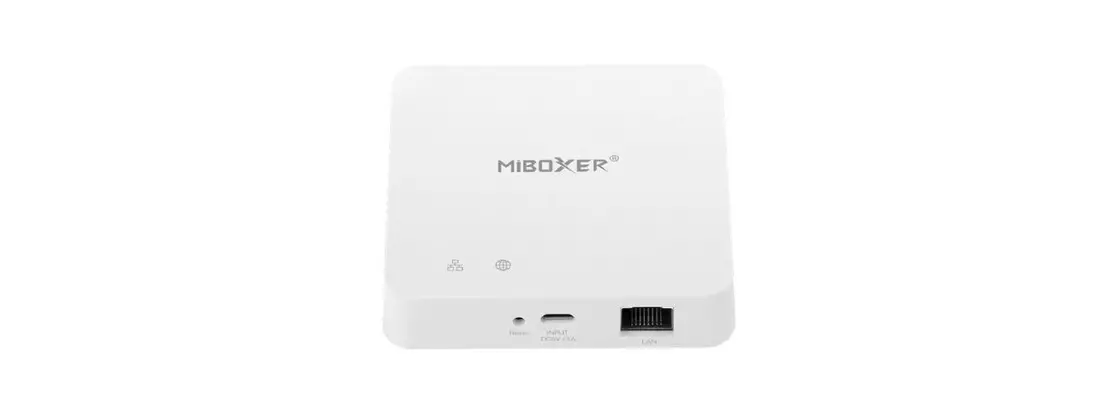
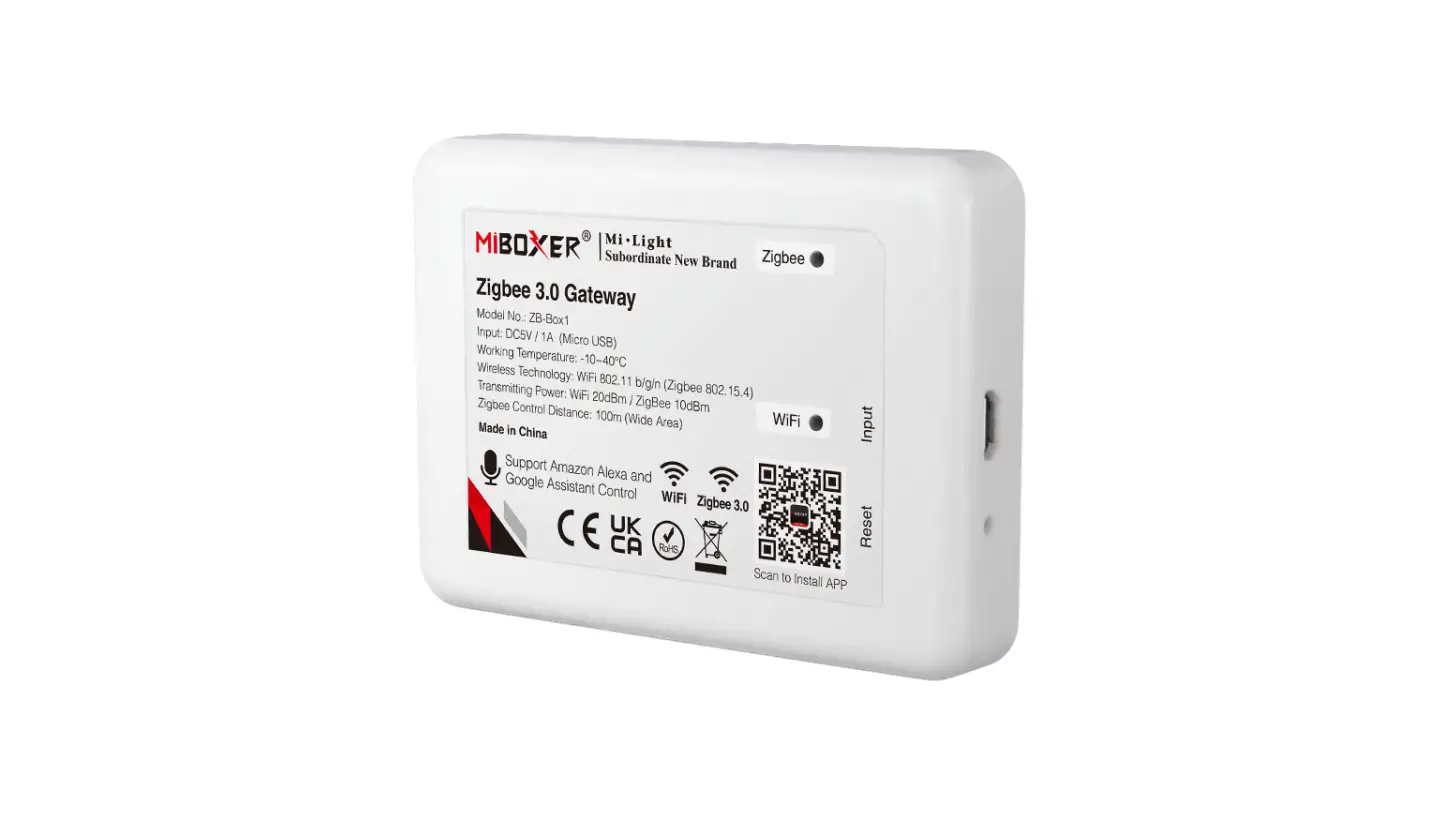
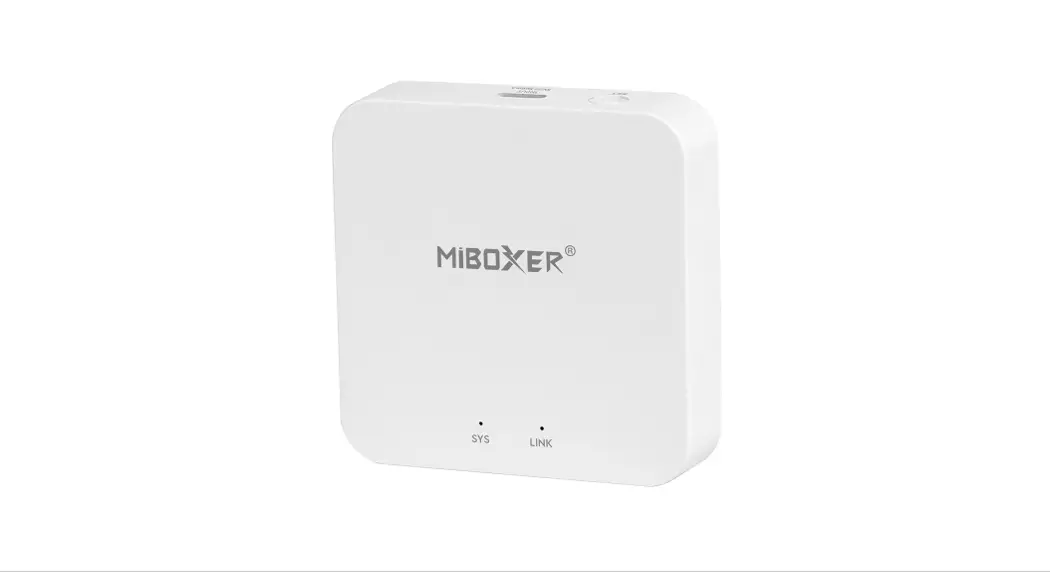
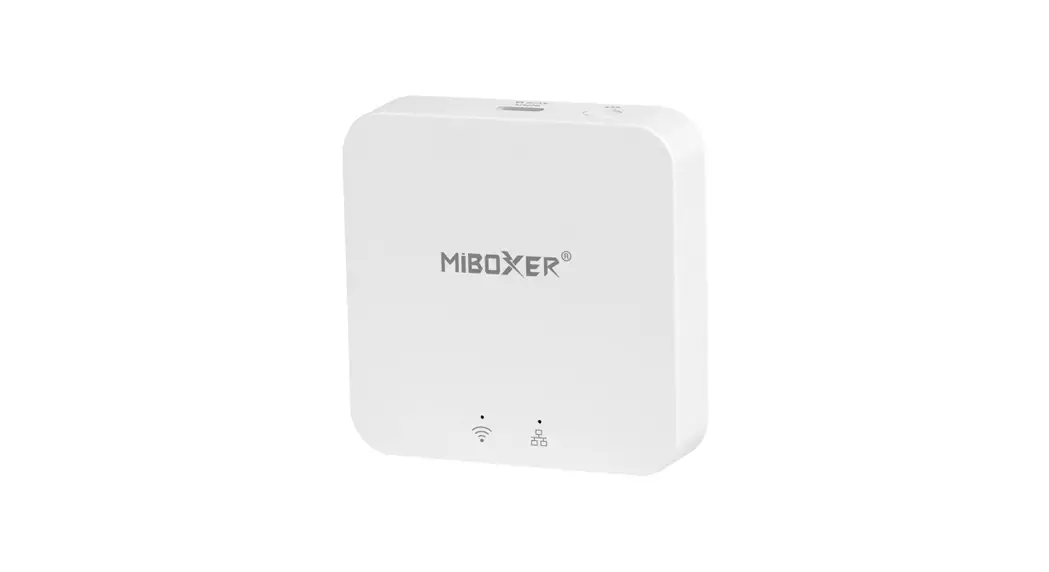
ZB-BOX3 Multi mode Gateway
Instructions
Feature
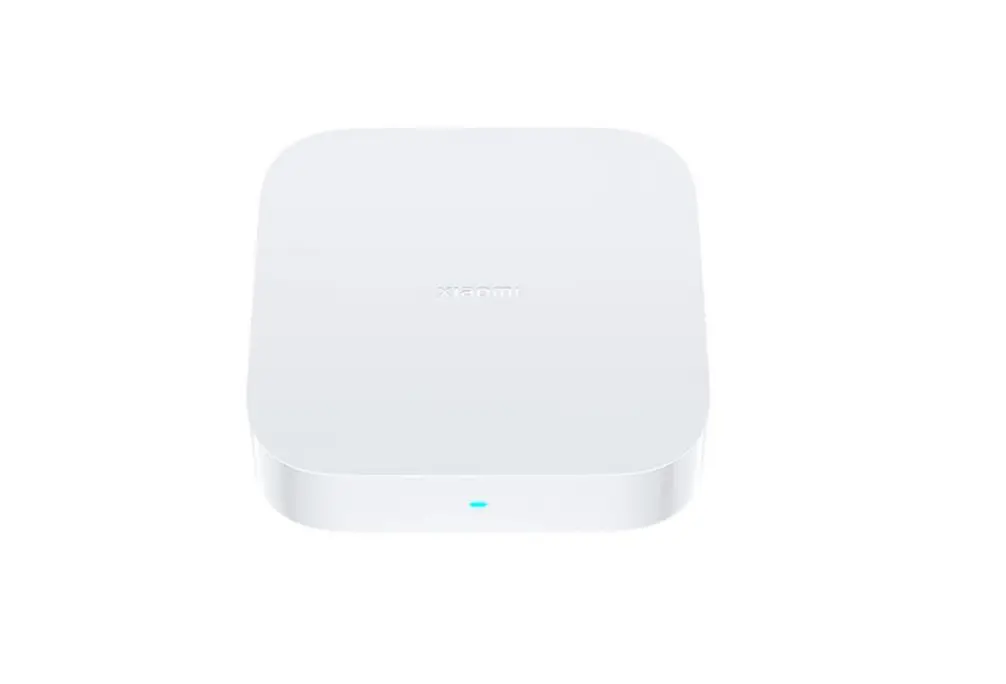
It’s super mini smart gateway with multi communication protocol. The gateway communicates with icloud and smart phone via Wi-Fi network. User can review status of connected Zigbee or BLE MESH(SIG) devices, add and reset devices, third party control and sub device group control via Tuya smart APP. It has wide application for smart life.
 | Zigbee 3.0 standard protocol |  | Smart phone APP control |
 | BLE MESH(SIG) protocol |  | Third party voice control |
 | Compatible with Zigbee 3.0 and BLE MESH(SIG) products |  | Remote control |
 | Home sharing function |  | Biorhythm control* |
 | Tap-to-run & automation |  | Music rhythm |
 | Timmer function |  | Sleep/awake plan |
 | Customized scene |  | Sub device group control |
* Biorhythm: imitate variation of natural brightness and color temperature, make us to enjoy natural lighting feature.
Parameter
Model No.: ZB-Box3
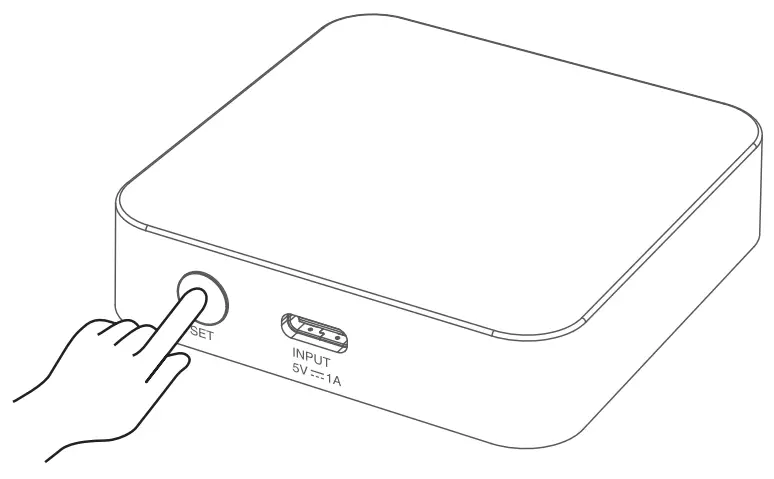
Input: 5V  1A (Type-C)
Working temperature: -10~40°C
Wireless standard: Wi-Fi IEEE 802.11b/g/n 2.4GHz, Zigbee 802.15.4, Bluetooth 5.0
Connected device(Max): Bluetooth Mesh + BLE SIG+Zigbee device (128pcs totally) only support 3pcs device for single bluetooth connection
Control distance: 30m (indoor), 100m+ (outdoor)
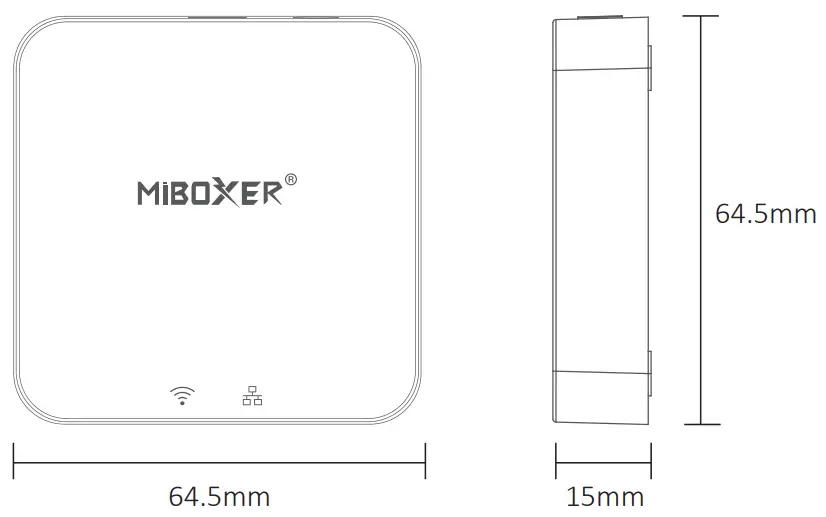
Indicator status
| Device status |  Indicator Indicator |  Indicator Indicator |
| Pairing with WiFi | Flash slowly | On |
| Connected with WiFi | On | On |
| Add zigbee device | On | Flash quickly |
| WiFi offline | Off | On |
Pairing with Network (5G router is useless)
- Download an install “Tuya Smart” APP
Search “Tuya Smart” in apple or google store, or scan QR code directly.
Please creat account if using in the first time. https://miboxer.com/light/app/tuya.html
 - Wire gateway with power source, enable smart phone to connect with WiFi.
- Standby pairing with Network
 Indicator flashes slowly (1 times within 3 seconds), please long press “SET” 5 seconds if indicator don’t flash slowly.
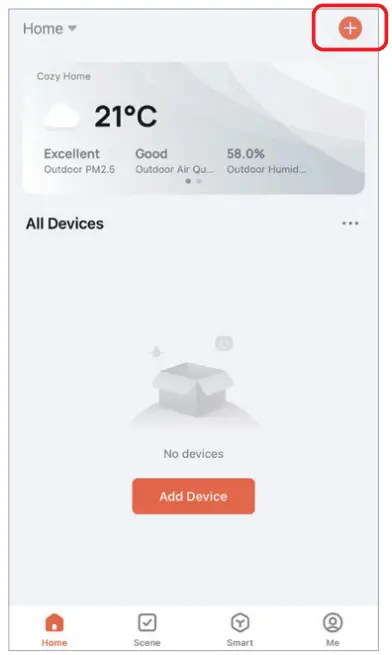
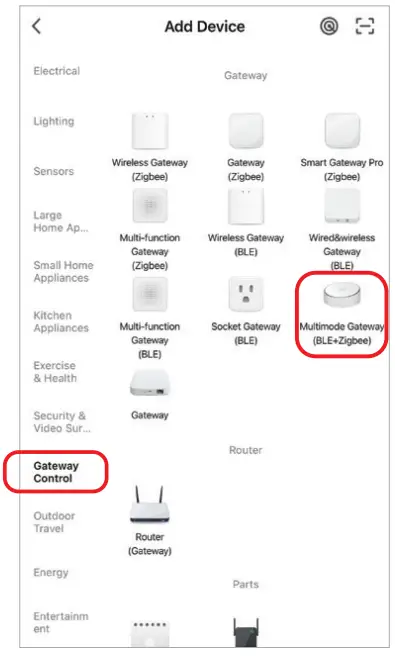
- Click “+” in APP

- Select “Gateway Control”
- Find out “Wireless Gateway (BLE)”
- Finish every step based on instruction


Add sub device
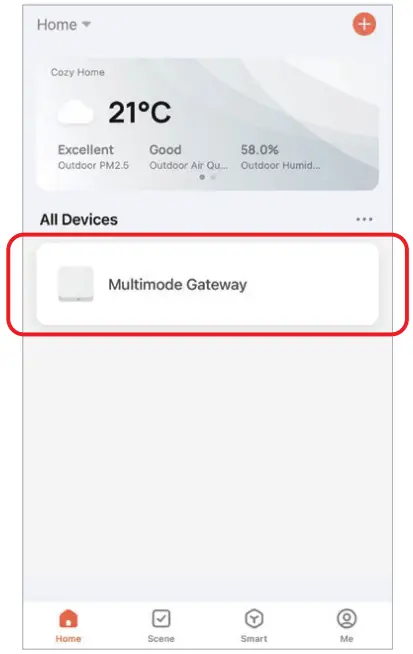
- Click connected gateway, For example, “Multi mode Gateway”

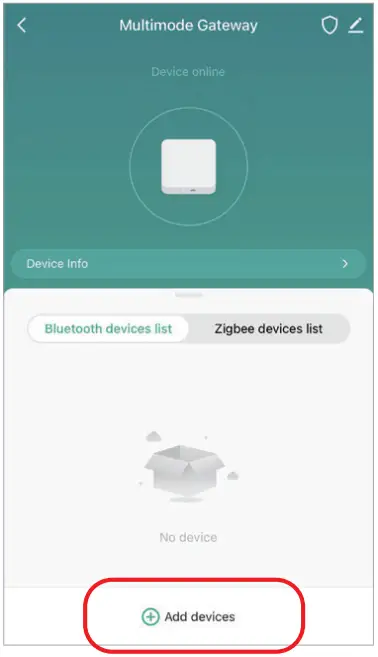
- Click “Add sub device”

- Enable lights to be standby pairing status (review instruction of lights)
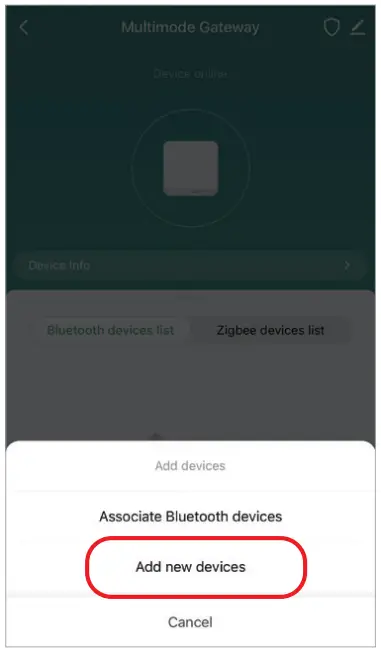
- Find out “Add new devices”

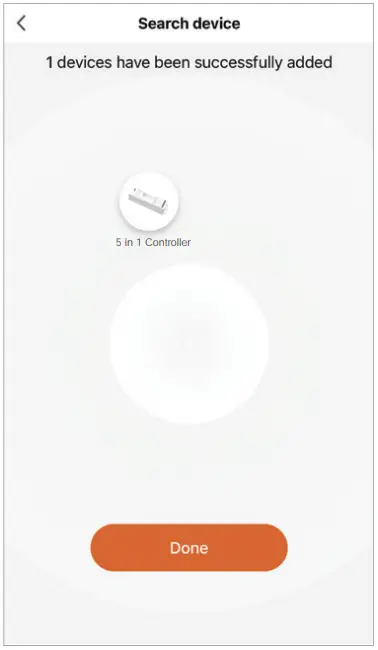
- Devices will be searched after a while (max connected 128pcs devices)

Home Sharing
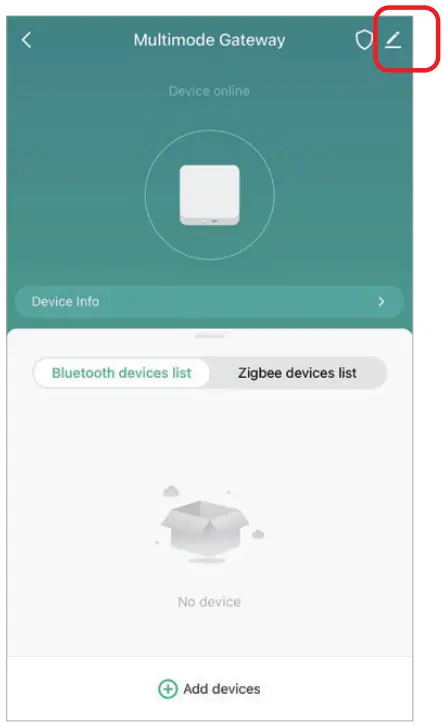
- Click
 .
.
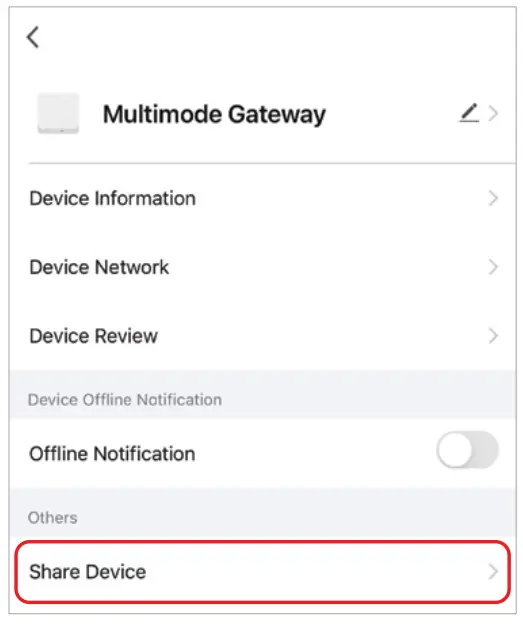
- Click “Share Device” to finish it

 .
.
Attention
- Stay away from magnetic area while doing installation, or it will affect control distance.
- Don’t install device in the place where is strong sun shine, high temperature or humidity, working temperature is -10~40°C.
- Don’t disassemble device if you are not expert, or device damaged simply.
Scan QR code or review video from following link https://miboxer.com/light/video/zigbee_bue.html
 Made in China