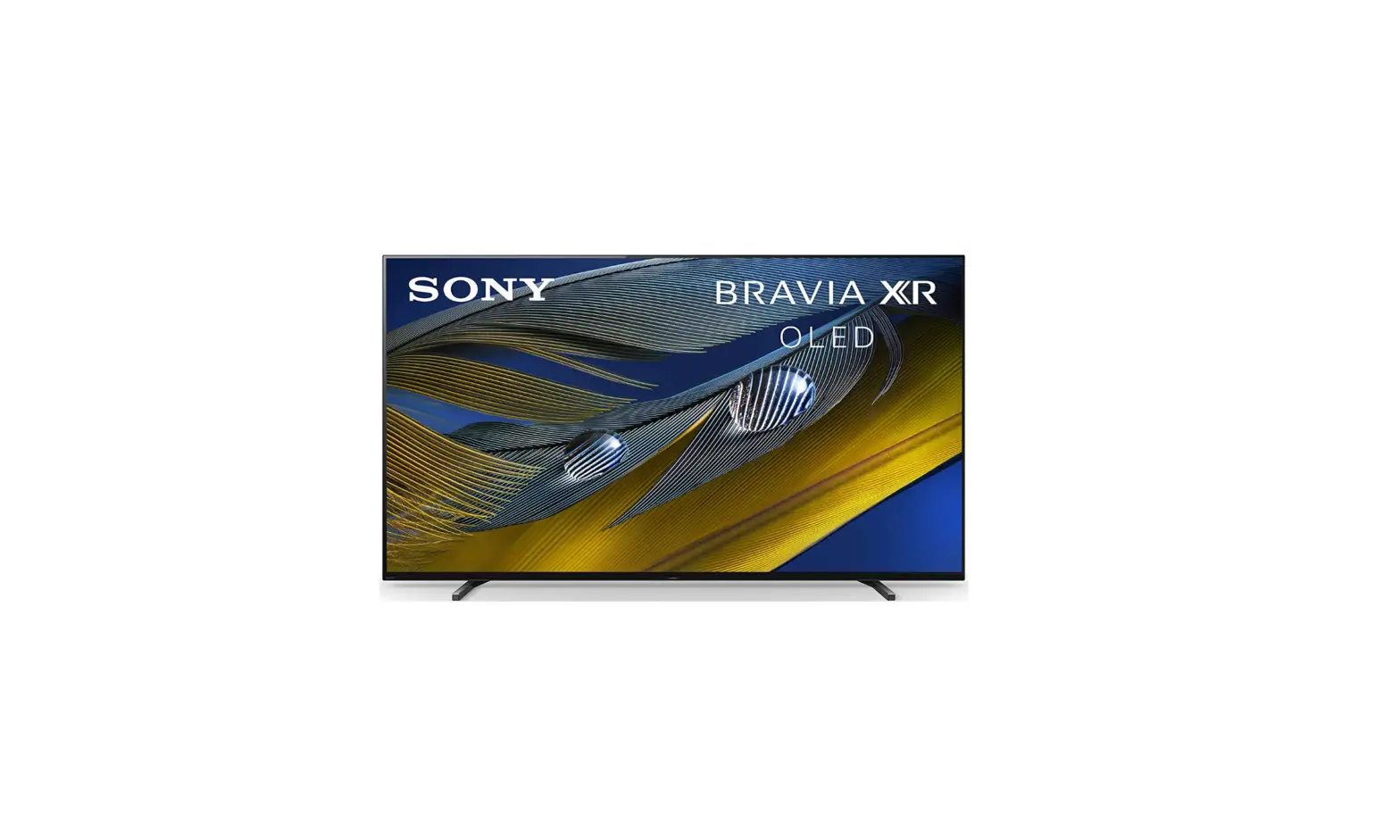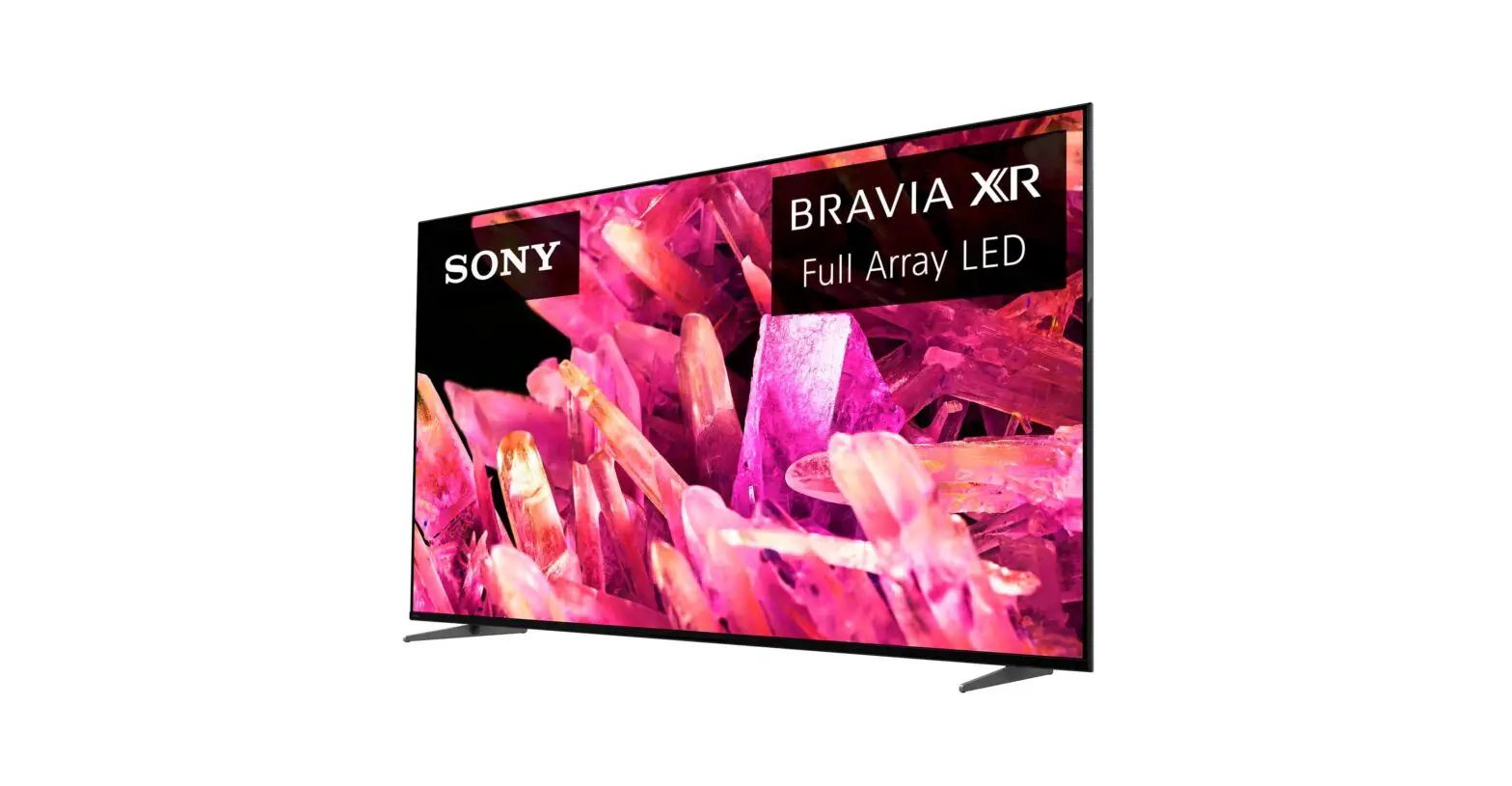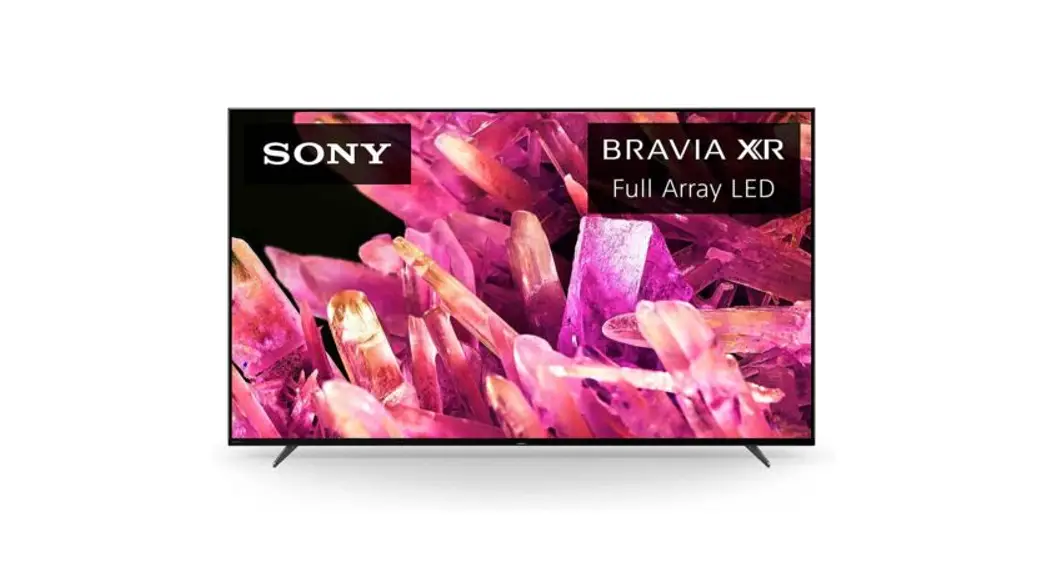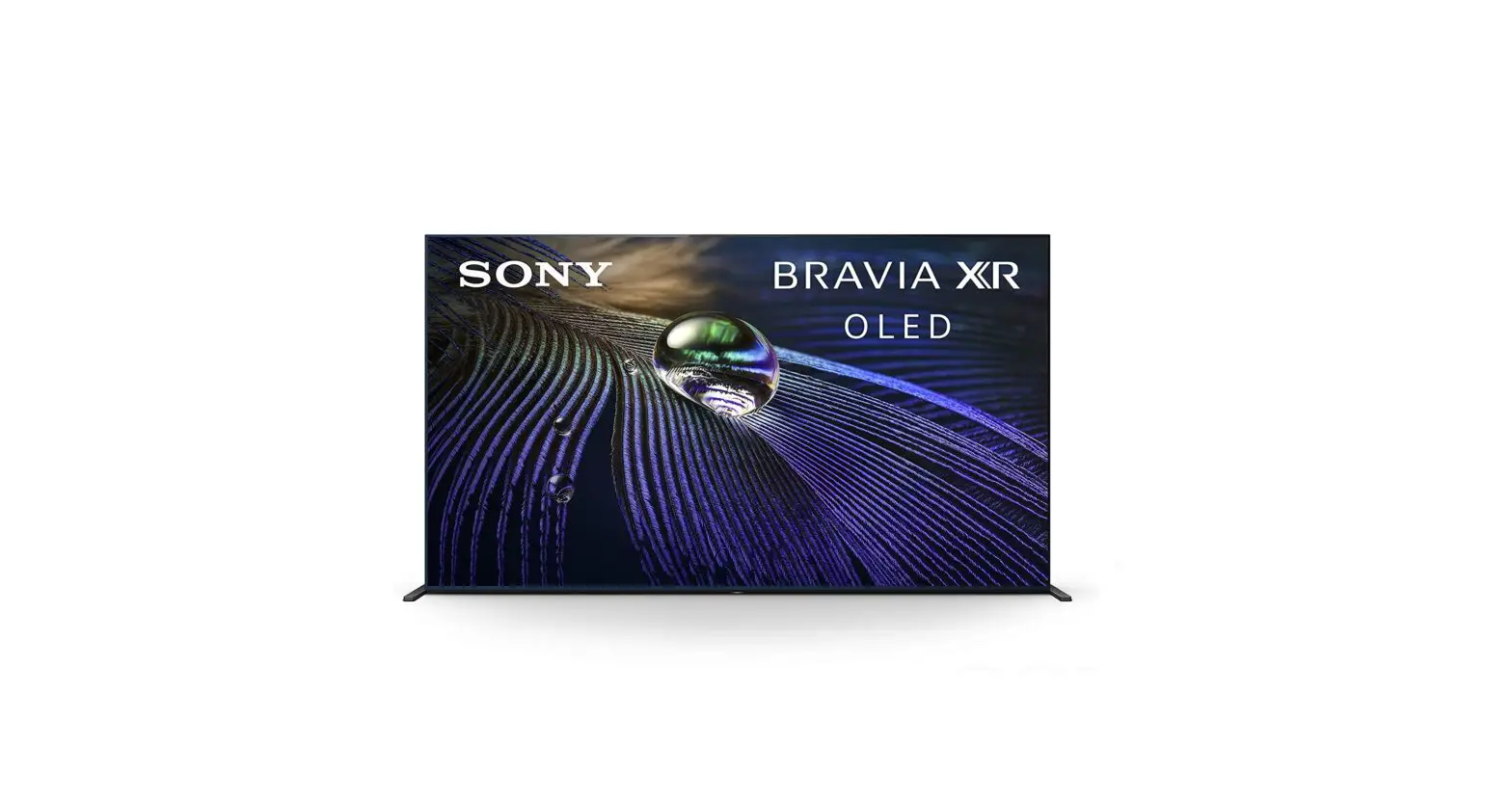

Sony XR-65A90J OLED 4K Ultra HD Smart Google TV
About Manuals
- This TV comes with the following manuals. Please retain the manuals for future reference.
- TV installation and setup.
Reference Guide (this manual) / Safety Documentation
- Safety information, remote control, troubleshooting, wall-mount installation, specification, etc.
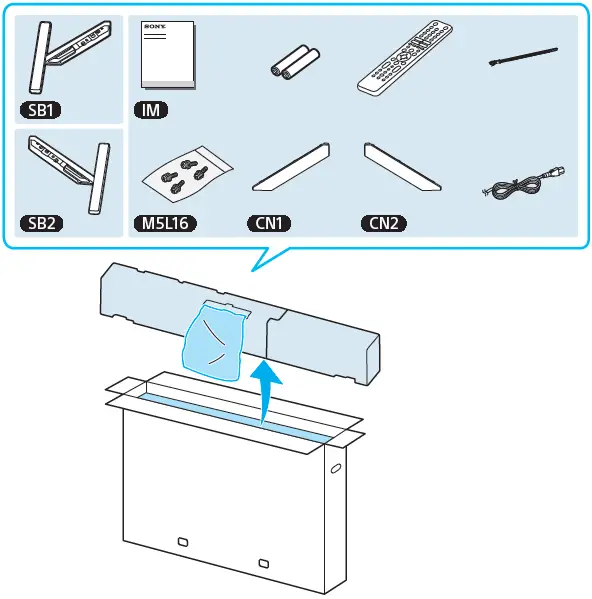
What’s included
Installation/Set-up
Install and use the TV set in accordance with the instructions below in order to avoid any risk of fire, electric shock or damage and/or injuries.
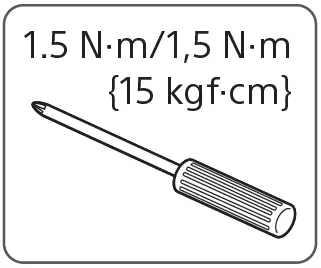
Use this size of ScrewDriver for mounting the TV
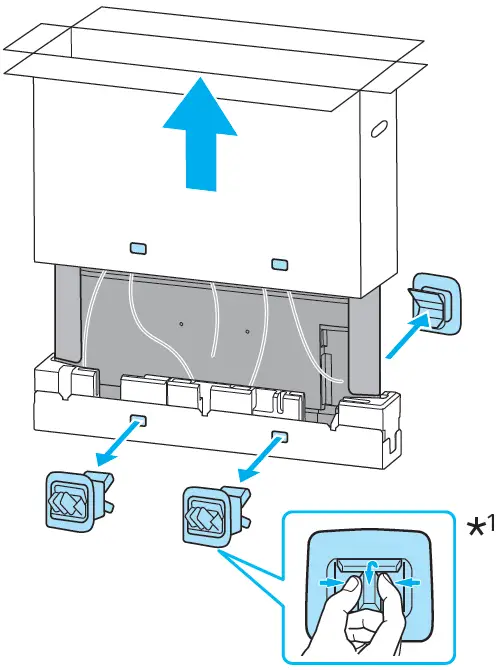
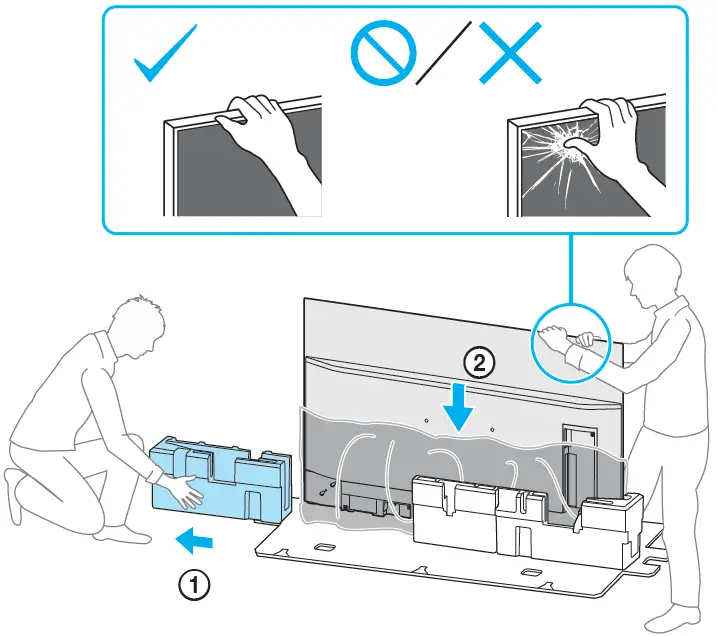
Unboxing
Warning
- Don’t grab the LCD through its screen.
- Grab the LCD with its edges carefully
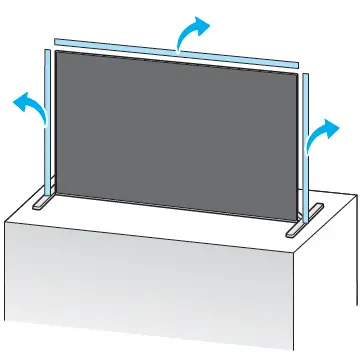
Preventing the TV from Toppling
- Secure the TV to a wall and/or Stand.
- Do not allow children to play or climb on furniture and TV sets.
- Avoid placing or hanging items on the TV.
- Never install the TV on:
- slippery, unstable, and/or uneven surfaces.
- furniture that can easily be used as steps, such as a chest of drawers.
- Install the TV where it cannot be pulled, pushed, or knocked over.
- Install the TV so that the TV’s Table-Top Stand does not protrude out from the Stand (not supplied). If the Table-Top Stand protrudes out from the Stand, it may cause the TV set to topple over, fall, and cause personal injury or damage to the TV.
- Route all AC power cords and connecting cables so that they are not accessible to curious children.
Before setting up your TV
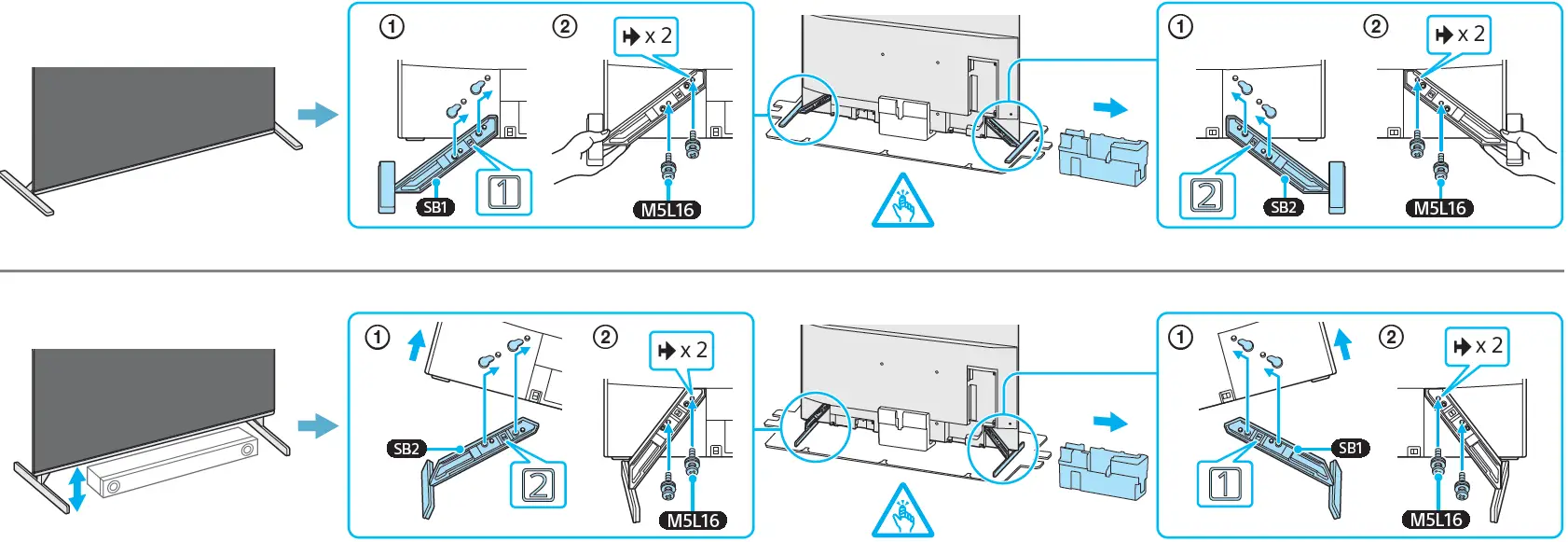
Some TV models are packaged with a detached Table-Top Stand so you can mount your TV to a wall immediately. See “Installing the TV to the Wall” if you want to mount the TV to a wall. If you are not mounting the TV to a wall, you will need to attach the Table-Top Stand (refer to the Setup Guide).
Be sure to consider the following while setting up your TV:
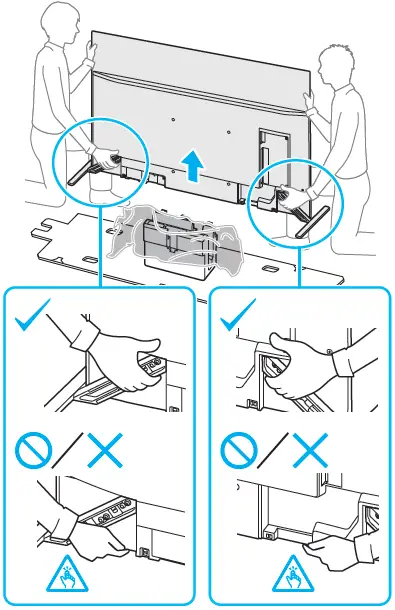
- Disconnect all cables when carrying the TV.
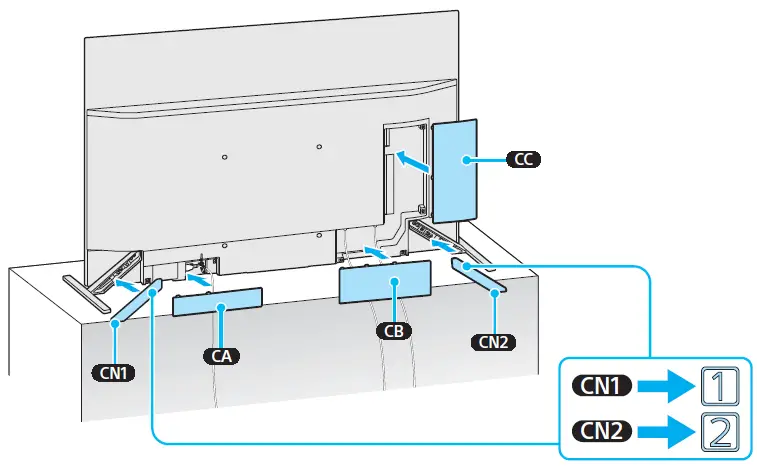
- Before transporting the TV set, remove the stand cover and terminal covers.
- Carry the TV with an adequate number of people; larger size TVs require two or more people(three or more people for XR-83A90J).
- Correct hand placement while carrying the TV is very important for safety and to avoid damage.
Recommended Measures to Secure the TV
Consider the following measures when securing your TV to a Stand (not supplied). Secure the Stand for the TV. Make sure the Stand can adequately support the weight of the TV. Use two angle braces (not supplied) to secure the Stand. For each angle, the brace uses the appropriate hardware to:
- Attach one side of the angle brace to the wall stud.
- Attach the other side to the Stand.
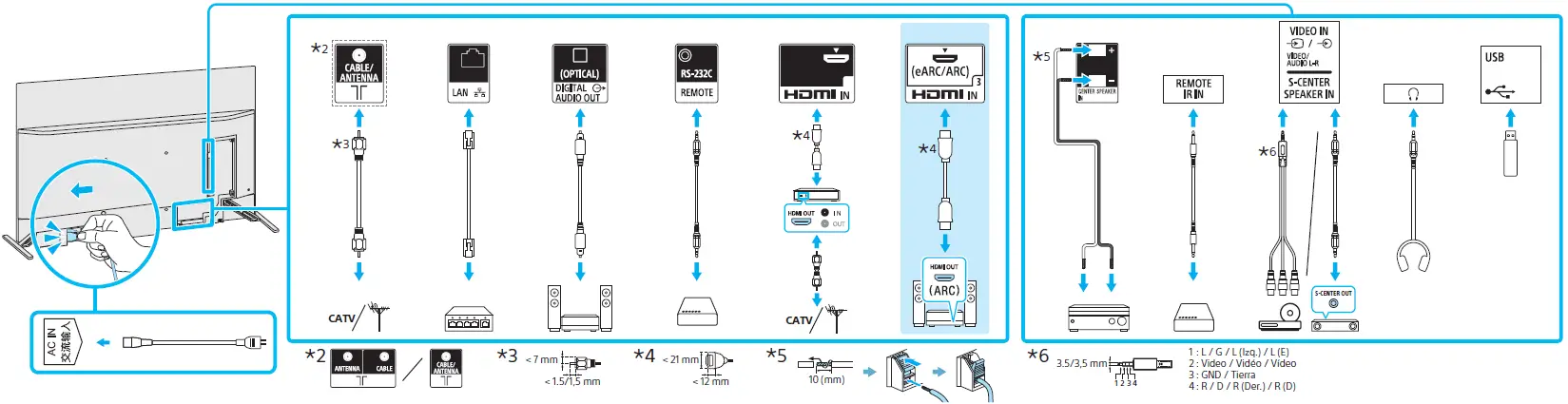
Using TV as Part of an Audio System
Note
- Before connecting cables, disconnect the AC power cord of both the TV and AV receiver.
- Refer to the instruction manual of the Audio system with the S-CENTER OUT terminal for detail.
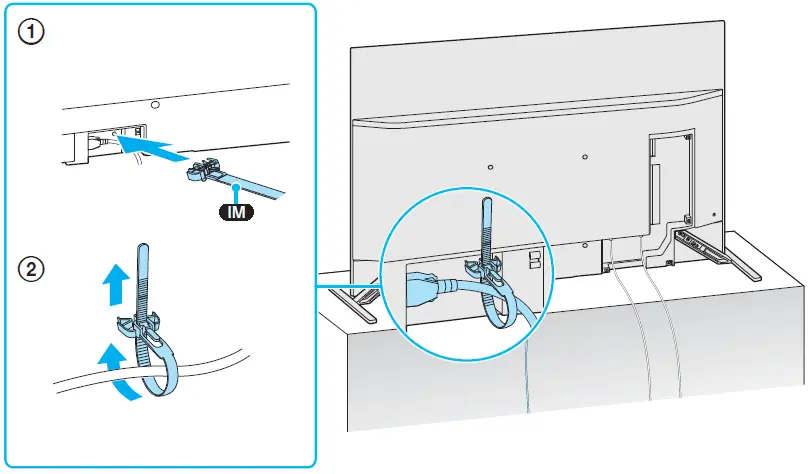
Cable assemble
CN1 & CN2
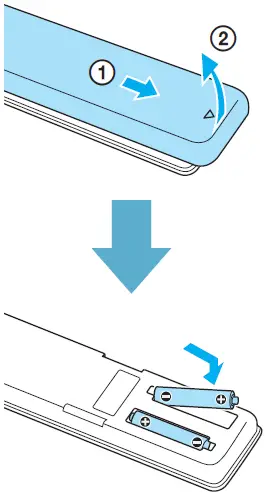
Installation of batteries
Remote Control and TV
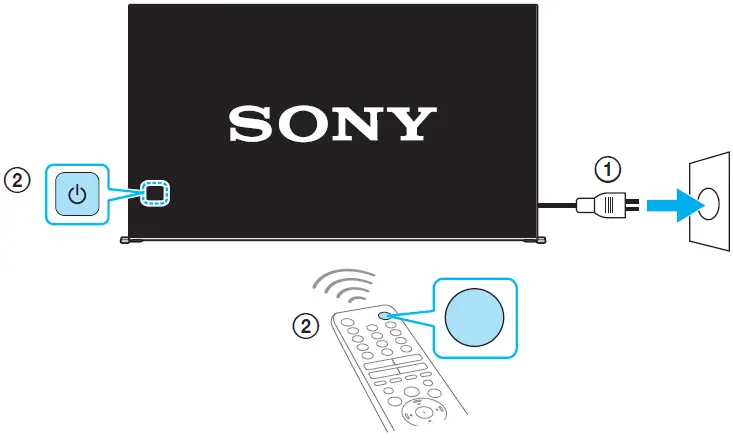
The remote control shape, layout, availability, and function of remote control buttons may vary depending on your region/country/TV model/TV settings. First power on the TV and then through the power button of the remote turn on the TV.
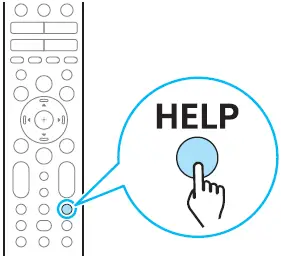
For more troubleshooting information, refer to the Help Guide.
FAQ’s
The screen size of this TV is 65 inches.
The TV has a resolution of 4K Ultra HD (3840 x 2160 pixels).
Yes, the TV supports HDR10, HLG, and Dolby Vision HDR.
The TV has a 120Hz refresh rate.
Yes, the TV has built-in speakers that provide 60 watts of total power output.
The TV uses Google TV as its operating system.
The TV measures 57 x 32 7/8 x 2 1/8 inches (without the stand) and 57 x 34 x 13 1/4 inches (with the stand).
The TV features Wi-Fi, Bluetooth, four HDMI ports, three USB ports, an Ethernet port, and a headphone jack.
Yes, the TV has built-in Google Assistant and supports Amazon Alexa and Apple HomeKit voice control.
Yes, the TV can be wall-mounted with a VESA-compatible bracket (sold separately).
Sony OLED 4K Ultra HD Smart Google TV has a refresh rate of 120Hz.
Sony OLED 4K Ultra HD Smart Google TV comes with several connectivity options, including Wi-Fi, Bluetooth, Ethernet, HDMI, USB, and audio output.
Yes, Sony OLED 4K Ultra HD Smart Google TV supports voice control through Google Assistant.
Sony OLED 4K Ultra HD Smart Google TV has a resolution of 3840 x 2160, which is also known as 4K Ultra HD.
Google TV is a smart TV platform developed by Google that allows you to access various streaming services and apps. It is available on select smart TVs, including Sony OLED 4K Ultra HD Smart Google TV.
Download this PDF Link: Sony XR-65A90J OLED 4K Ultra HD Smart Google TV Setup Guide