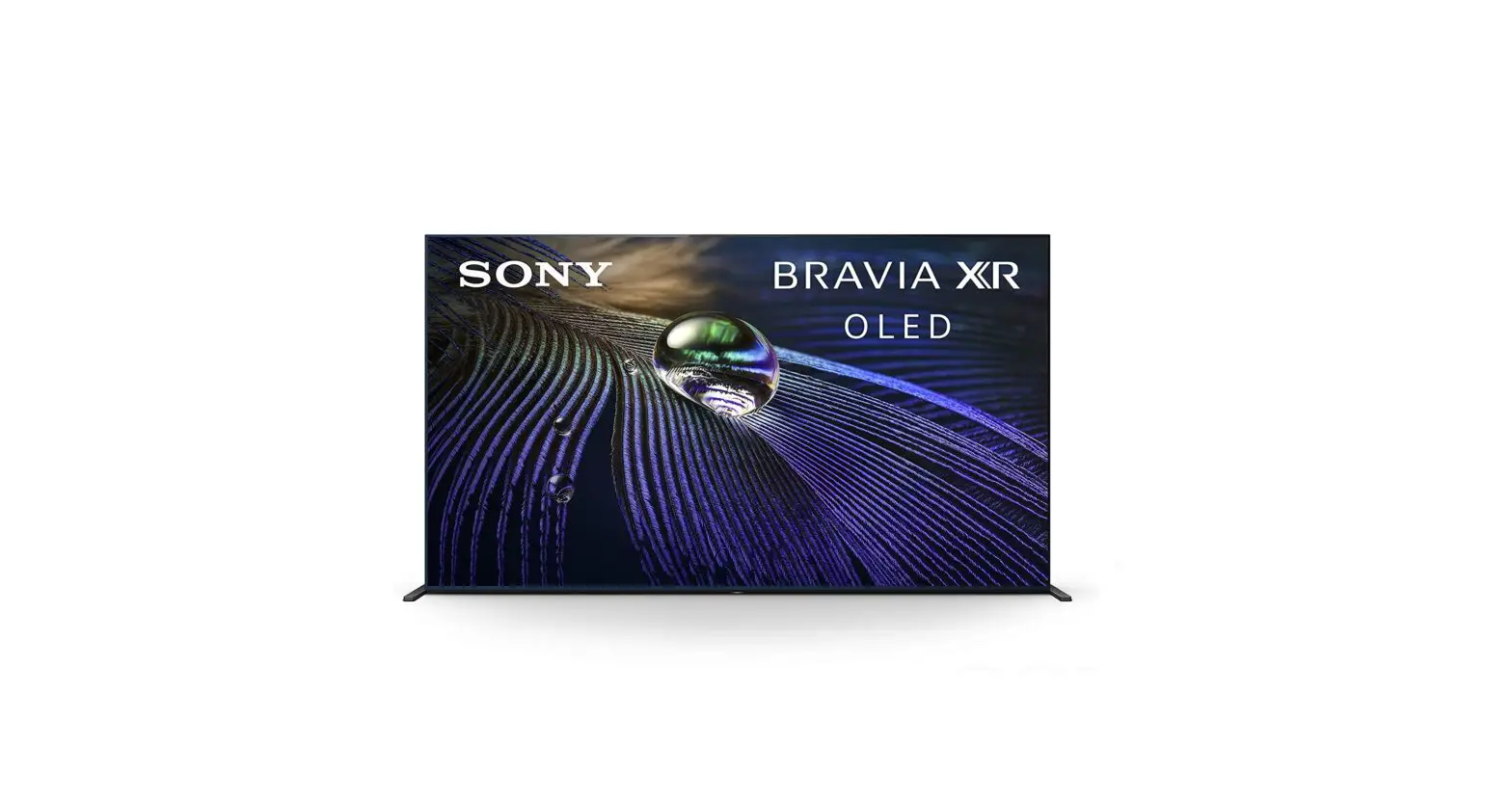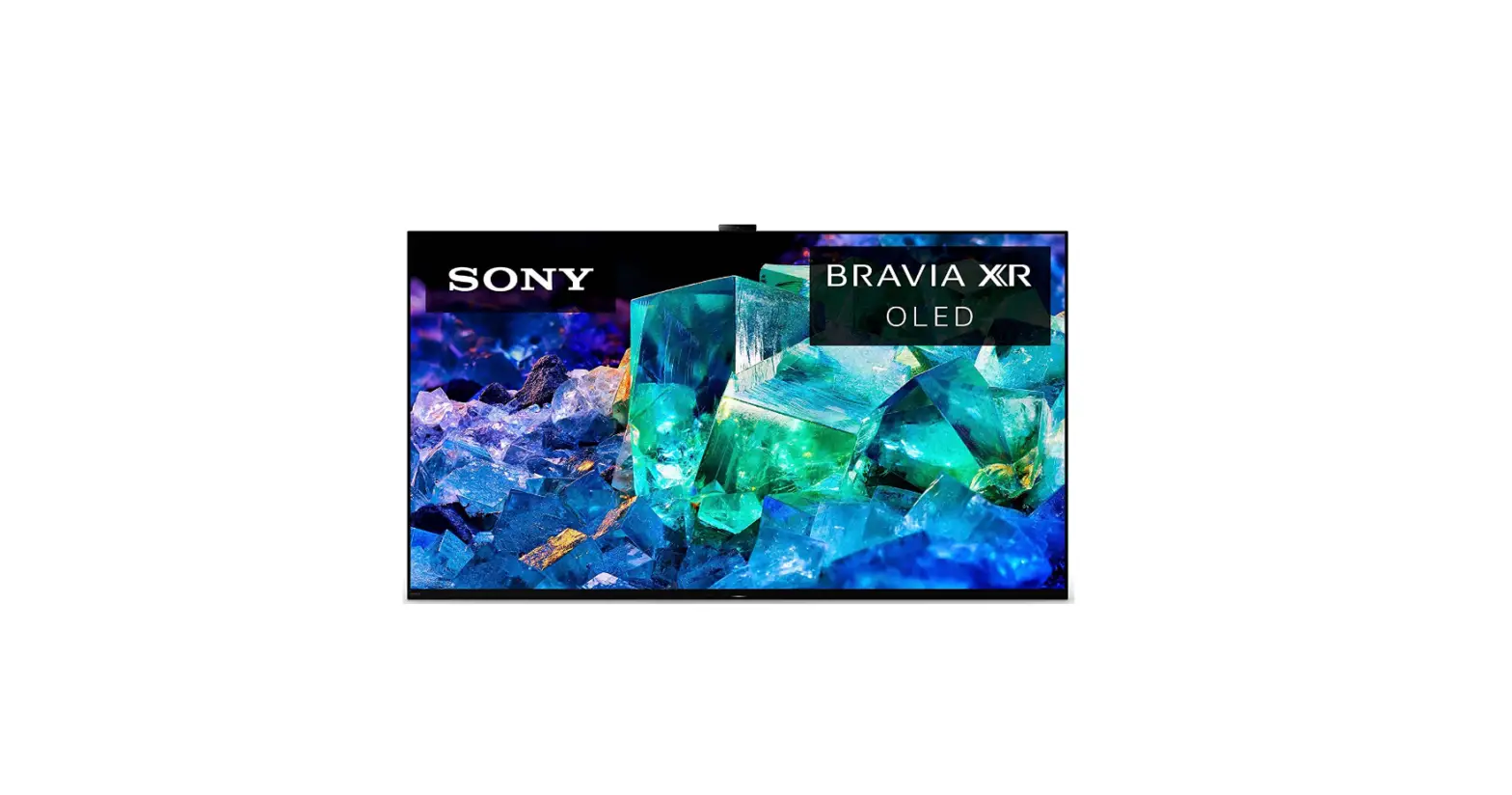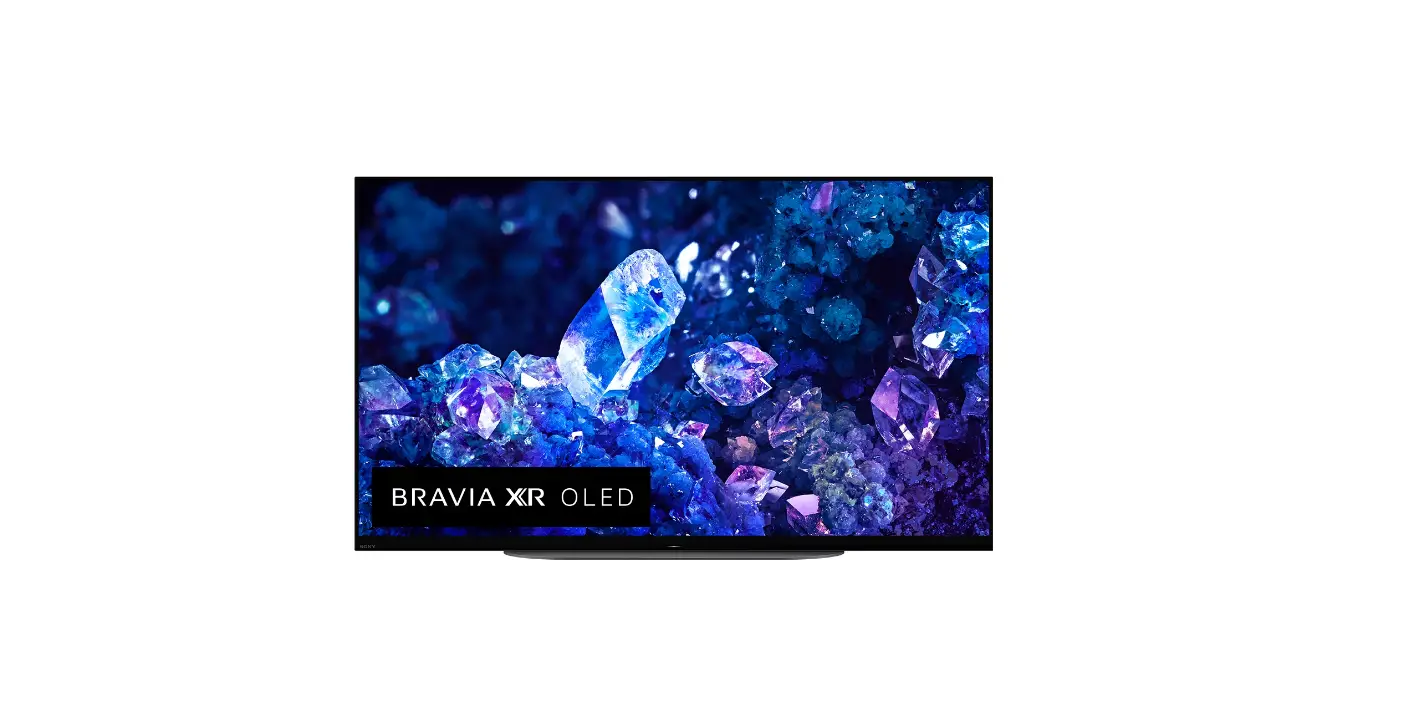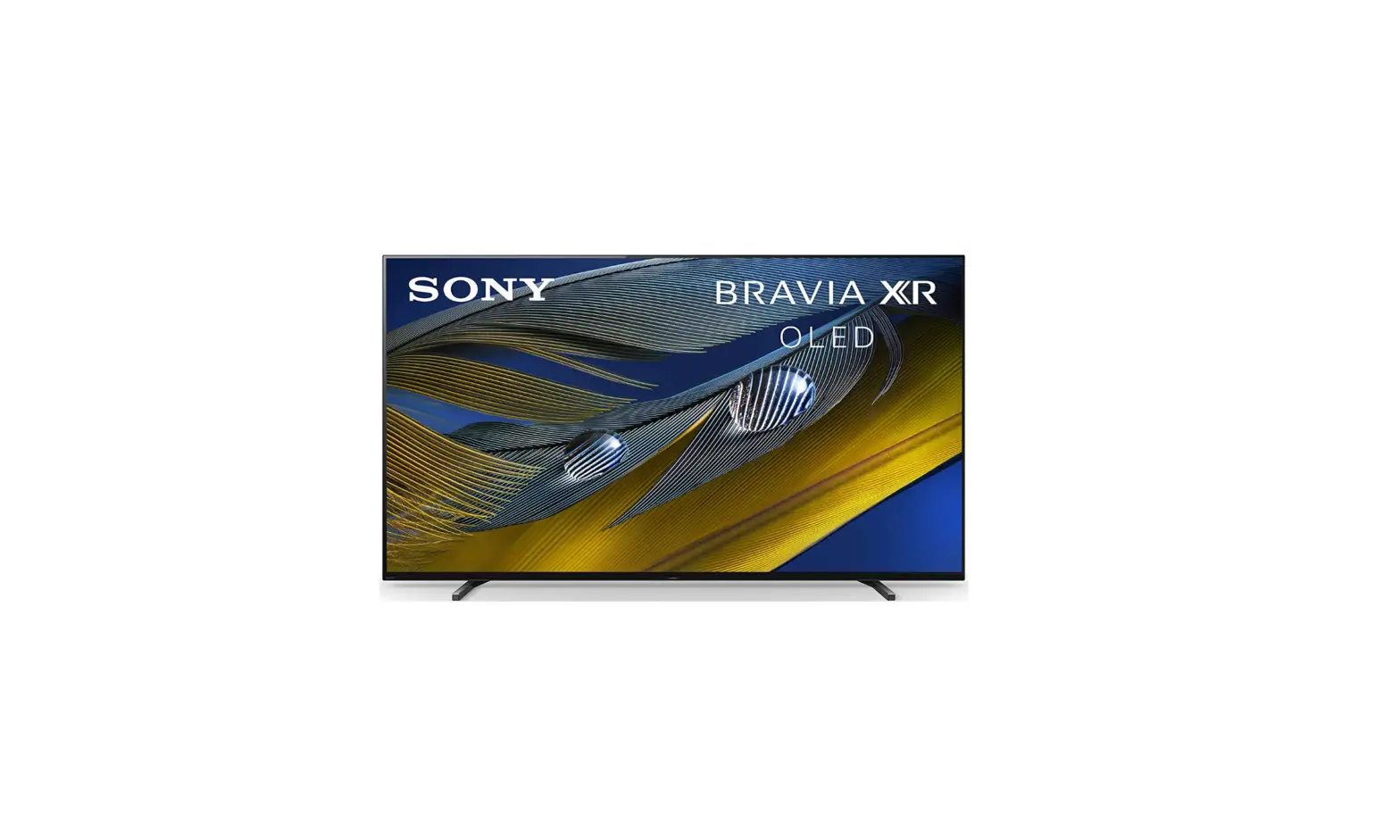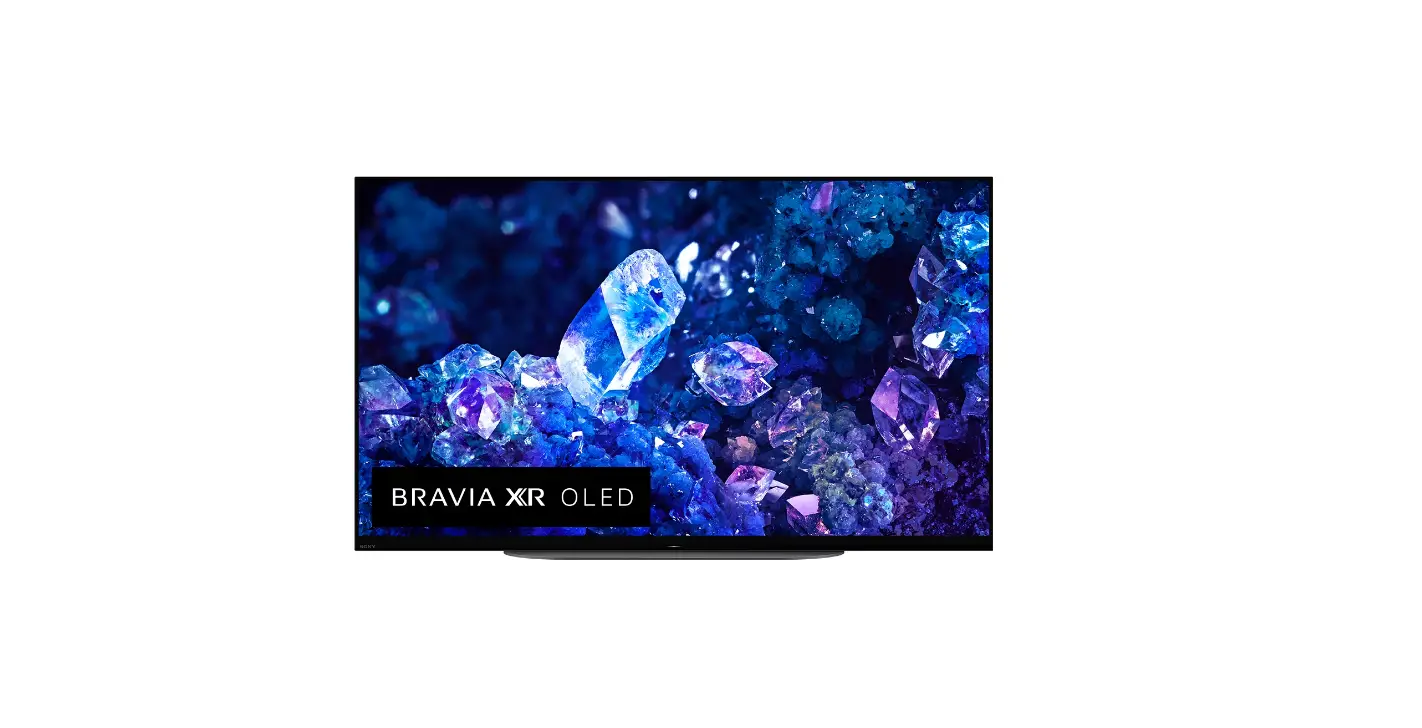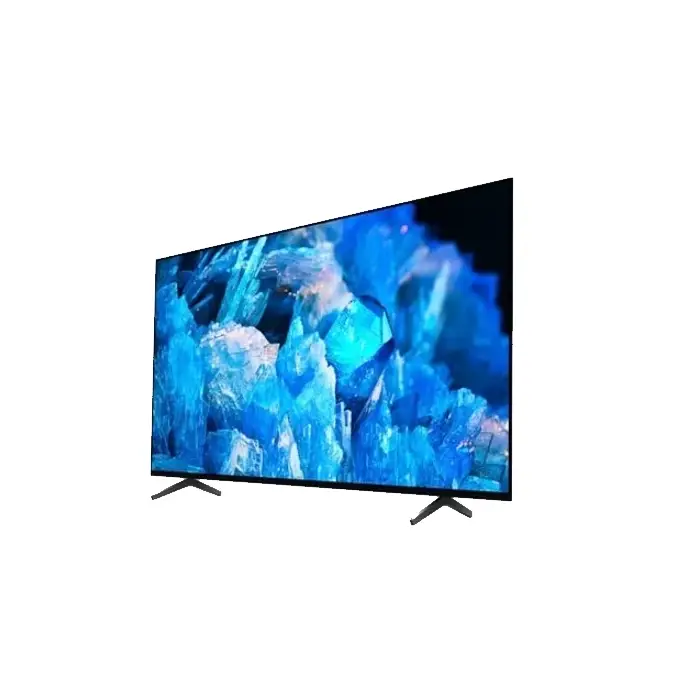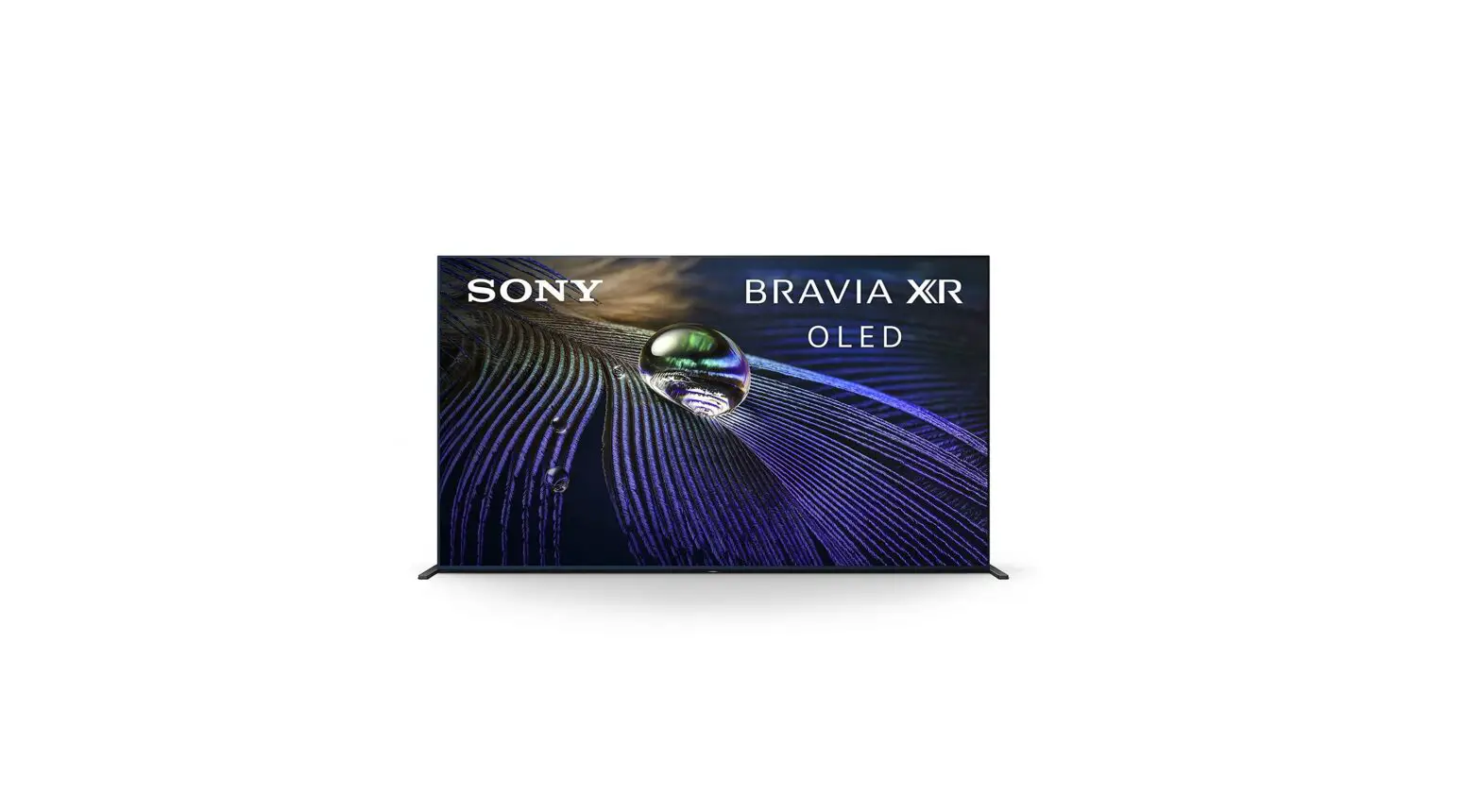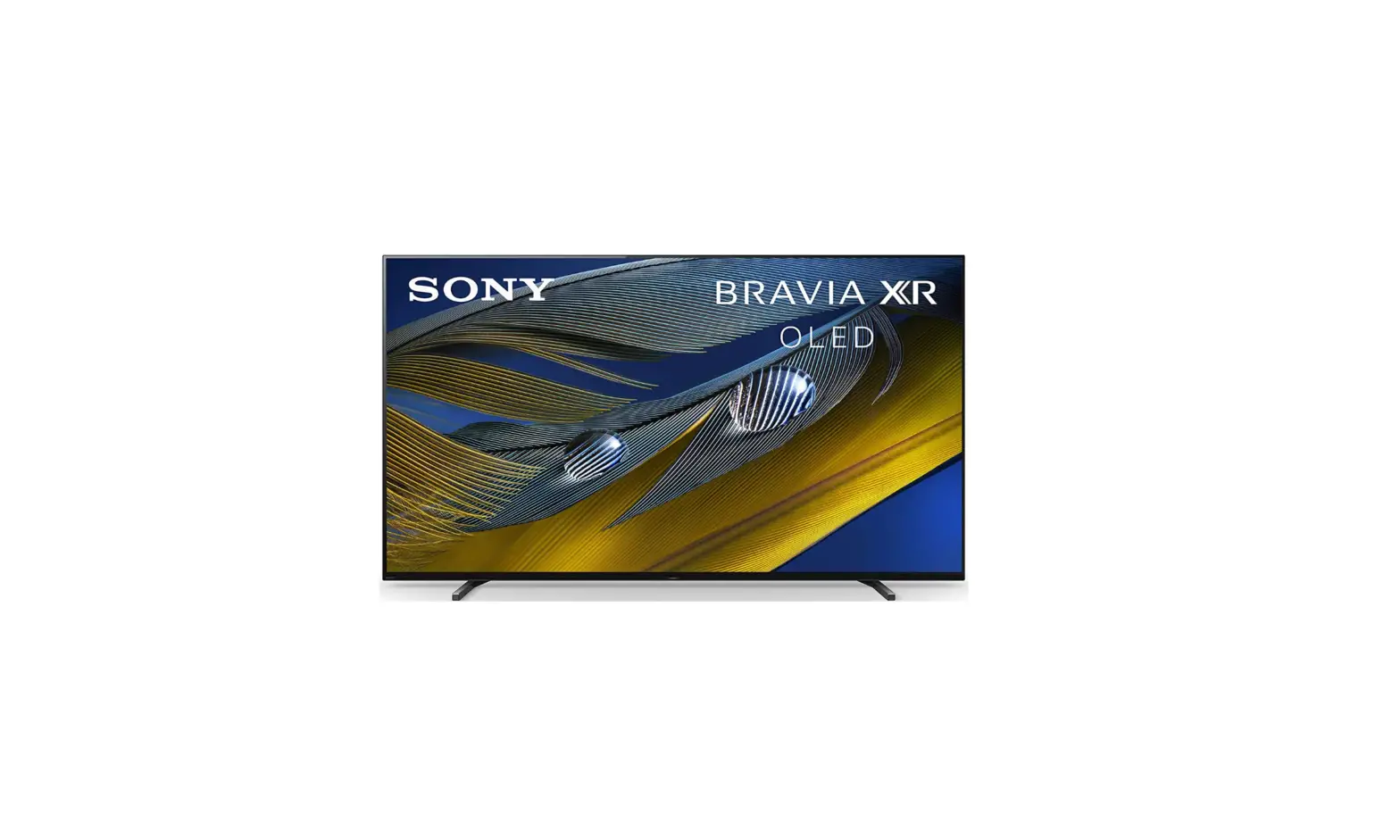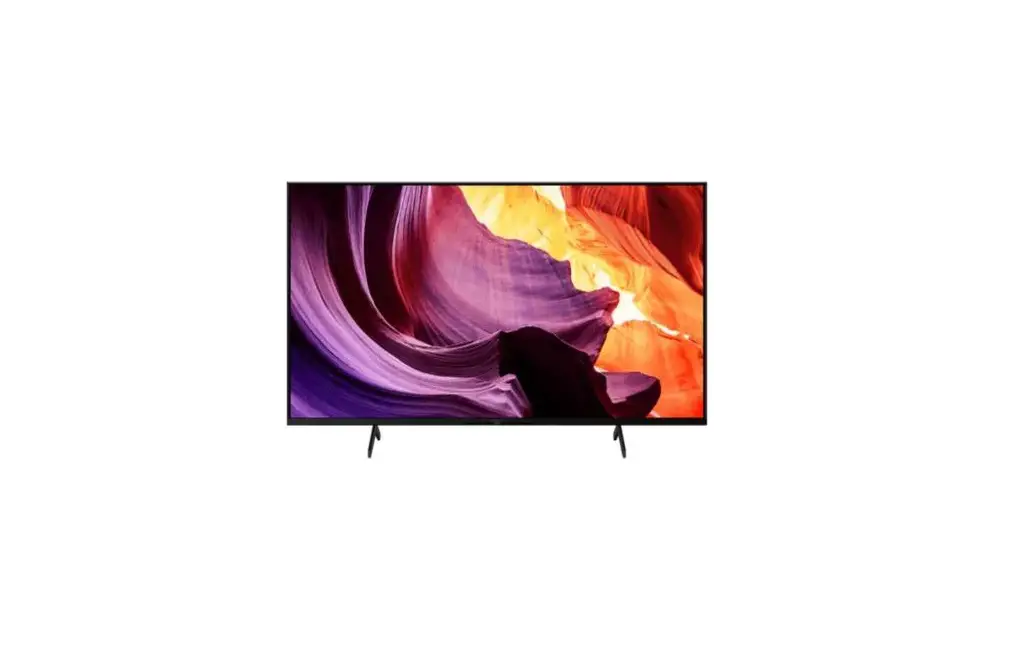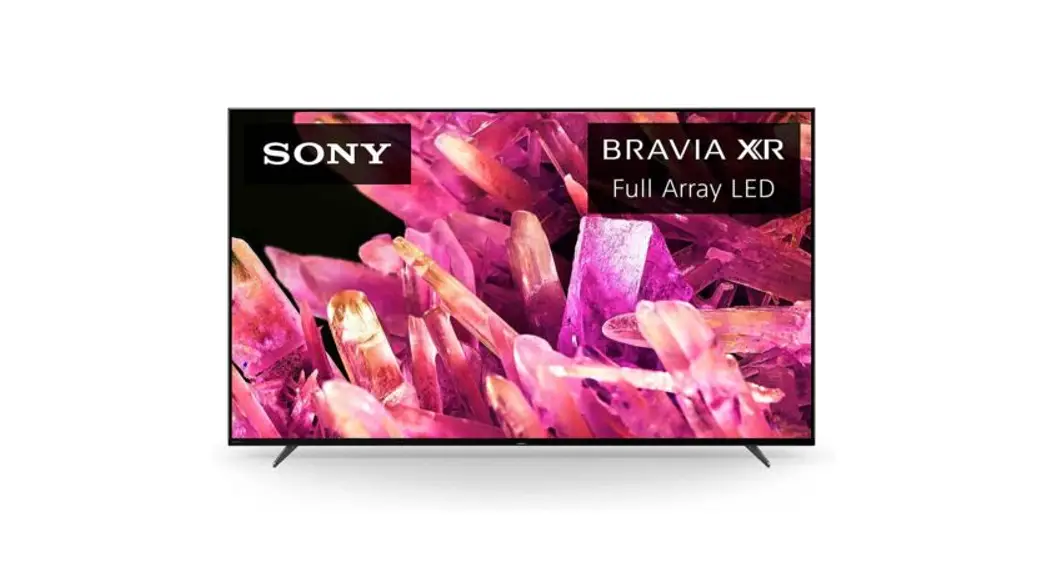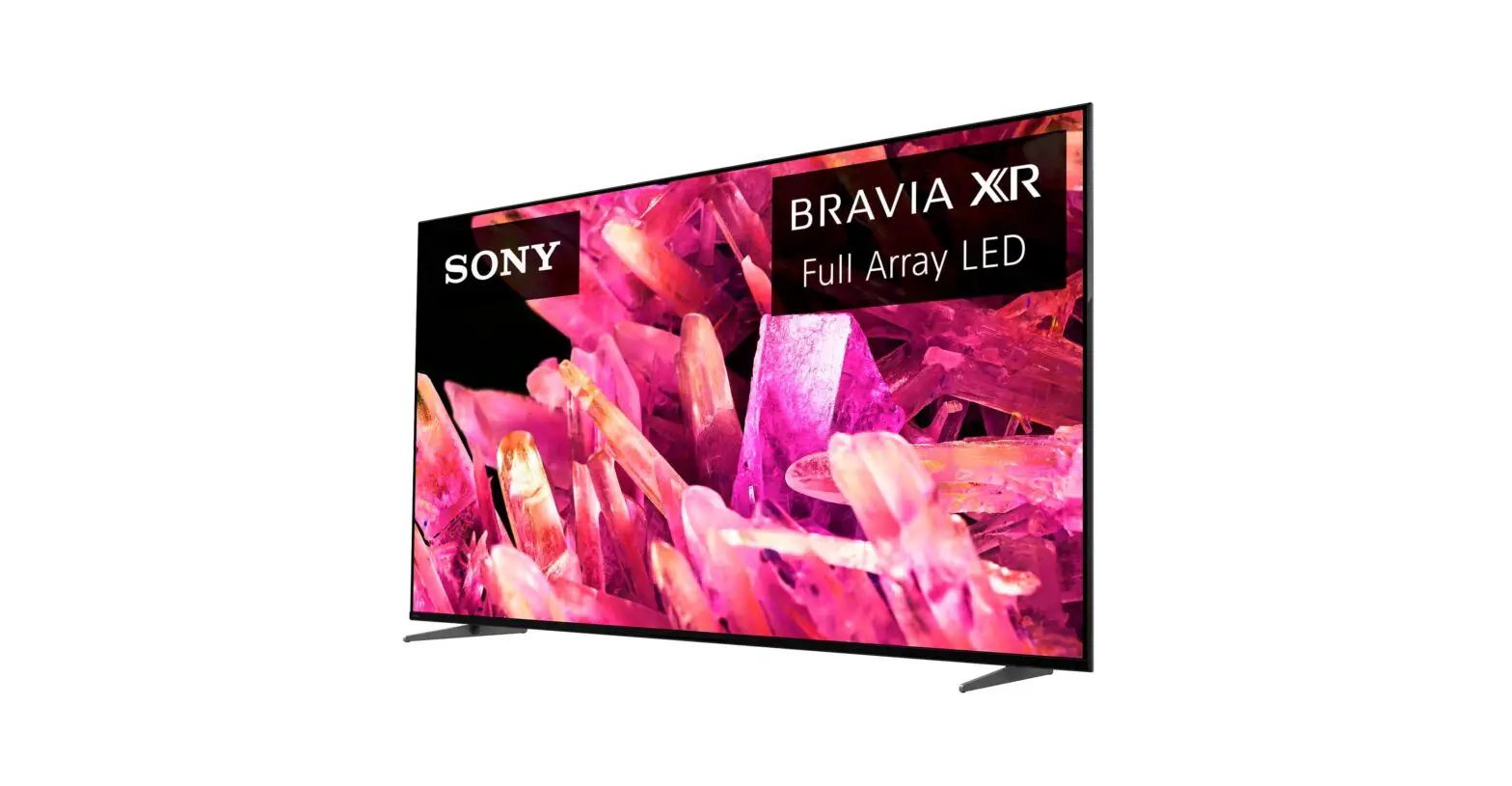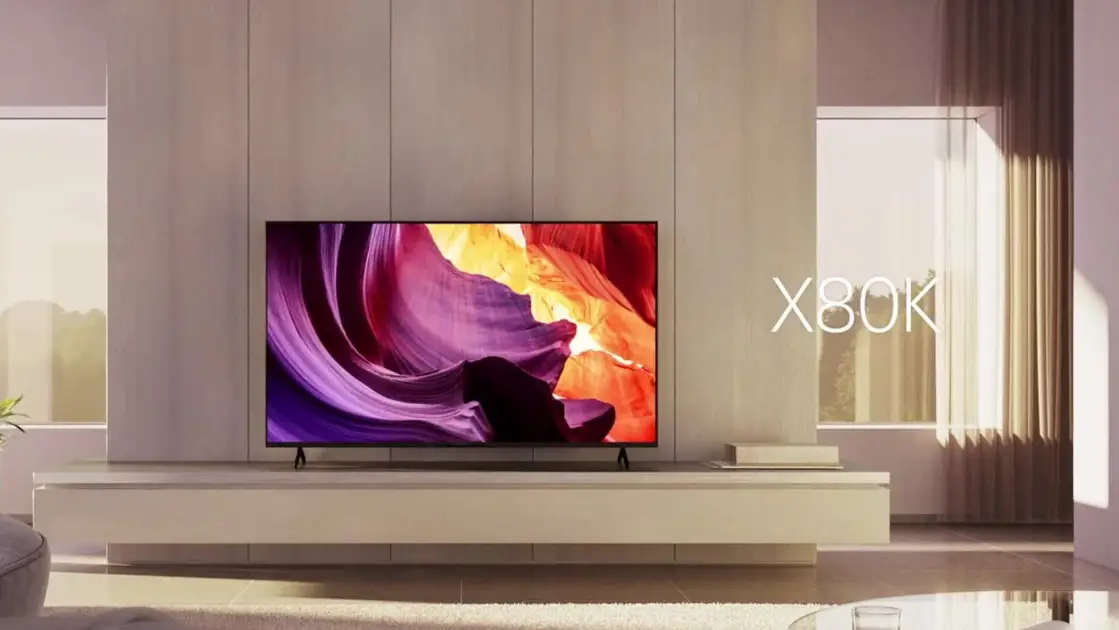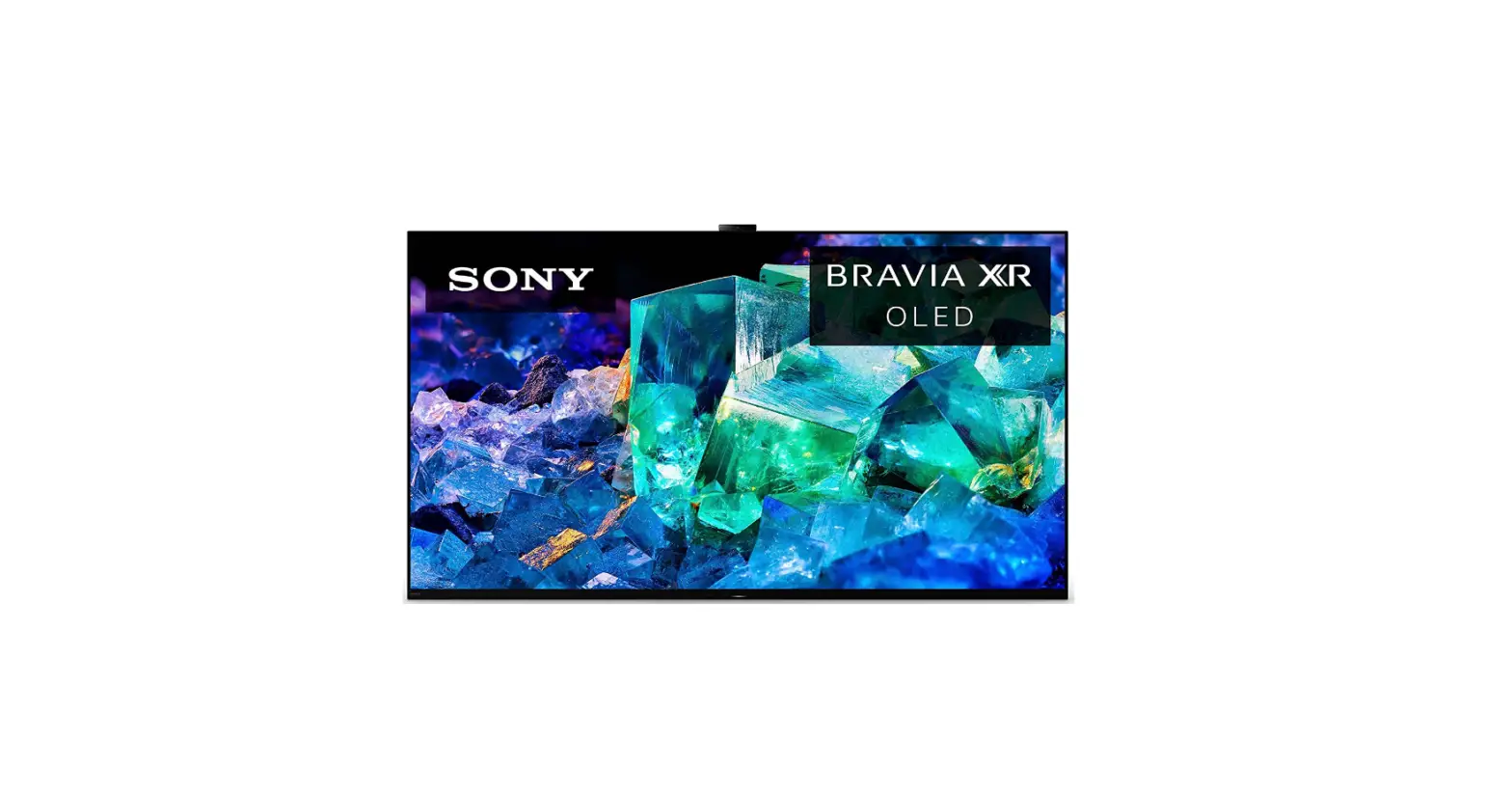

Sony XR-65A95K 4K HDR OLED Smart Google TV
Safety Instructions
Warning! TO REDUCE THE RISK OF FIRE AND ELECTRIC SHOCK, DO NOT EXPOSE THIS PRODUCT TO RAIN OR MOISTURE.
CAUTION: TO REDUCE THE RISK OF ELECTRIC SHOCK, DO NOT REMOVE COVER (OR BACK). NO USER-SERVICEABLE PARTS INSIDE. REFER TO QUALIFIED SERVICE PERSONNEL.
Danger: This symbol is intended to alert the user to the presence of uninsulated “dangerous voltage” within the product’s enclosure that may be of sufficient magnitude to constitute a risk of electric shock to persons.
- TO PREVENT THE SPREAD OF FIRE, KEEP CANDLES OR OTHER ITEMS WITH OPEN FLAMES AWAY FROM THIS PRODUCT AT ALL TIMES.
- Do not place the TV and/or remote control in the following environments:
- Keep the product away from direct sunlight.
- An area with high humidity such as a bathroom.
- Near any heat source such as stoves and other devices that produce heat.
- Near kitchen counters or humidifiers where they can easily be exposed to steam or oil.
- An area exposed to rain or wind.
- Do not expose to dripping or splashing and do not place objects filled with liquids, such as vases, cups, etc. on or over the apparatus (e.g., on shelves above the unit).
- Near flammable objects such as gasoline or candles, or expose the TV to direct air conditioning.
- Do not install in excessively dusty places. Otherwise, this may result in fire, electric shock, combustion/explosion, malfunction or product deformation.
- Take care not to touch the ventilation openings. When watching the TV for a long period, the ventilation openings may become hot.
- Protect the power cord from physical or mechanical abuse, such as being twisted, kinked, pinched, closed in a door, or walked upon. Pay particular attention to plugs, wall outlets, and the point where the cord exits the device.
- Do not move the TV whilst the Power cord is plugged in.
- Do not use a damaged or loosely fitting power cord.
- Be sure to grasp the plug when unplugging the power cord. Do not pull on the power cord to unplug the TV.
- Do not connect too many devices to the same AC power outlet as this could result in fire or electric shock.
What’s Included
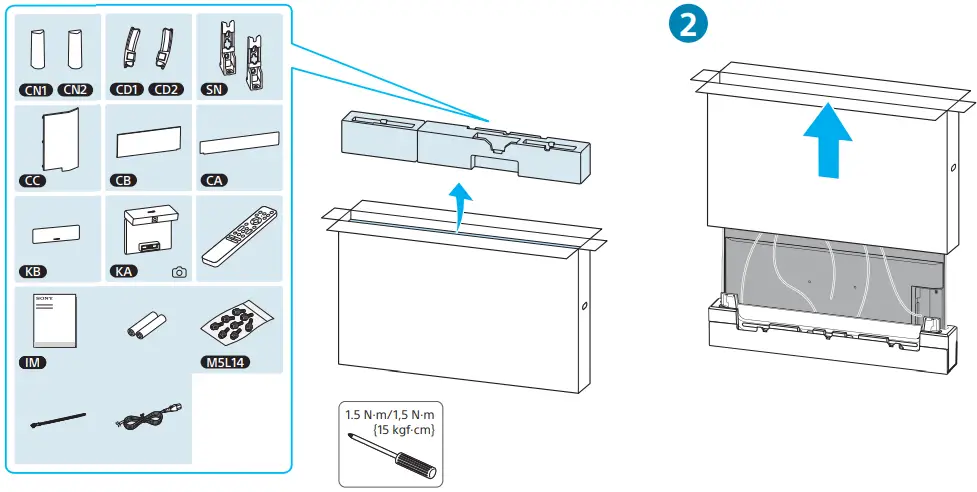
Installation/Set-up
Install and use the TV set in accordance with the instructions below in order to avoid any risk of fire, electric shock or damage and/or injuries.
Warning
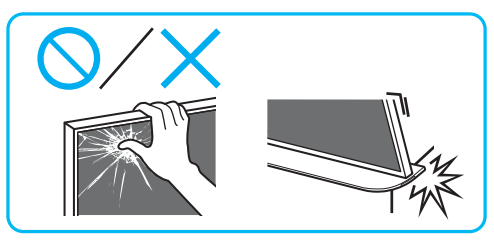
- Avoid grabbing the LCD by its screen.
- Carefully hold the LCD by its edges.
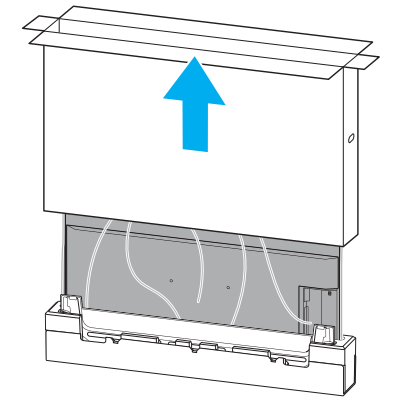
Unboxing
Preventing the TV from Toppling
- Secure the TV to a wall and/or Stand.
- Do not allow children to play or climb on furniture and TV sets.
- Avoid placing or hanging items on the TV.
- Never install the TV on:
- slippery, unstable, and/or uneven surfaces.
- furniture that can easily be used as steps, such as a chest of drawers.
- Install the TV where it cannot be pulled, pushed, or knocked over.
- Install the TV so that the TV’s Table-Top Stand does not protrude out from the Stand (not supplied). If the Table-Top Stand protrudes out from the Stand, it may cause the TV set to topple over, fall, and cause personal injury or damage to the TV.
- Route all AC power cords and connecting cables so that they are not accessible to curious children.

Before setting up your TV
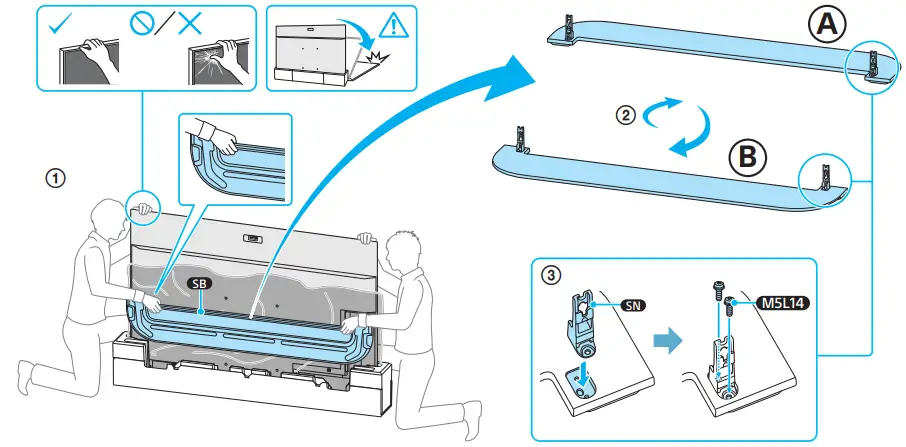
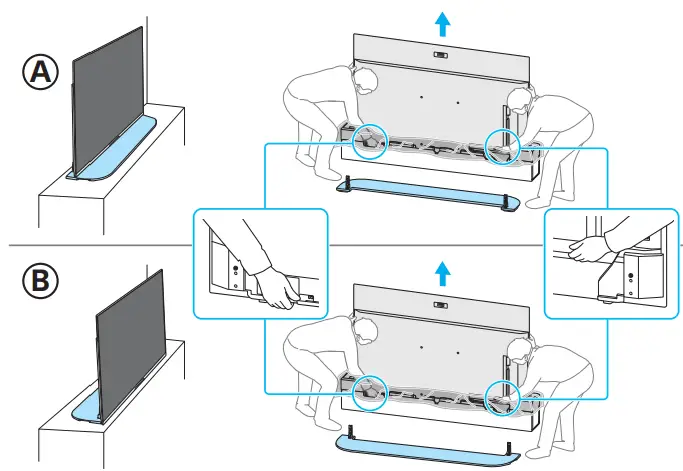
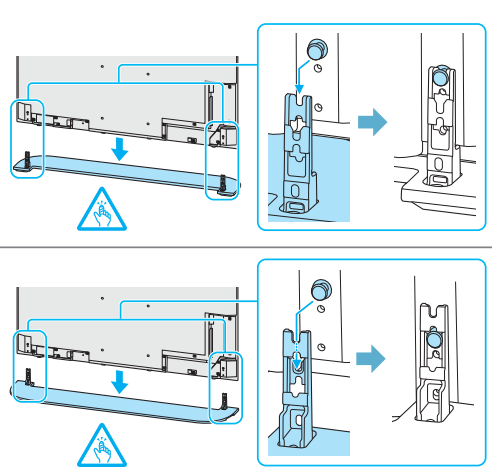
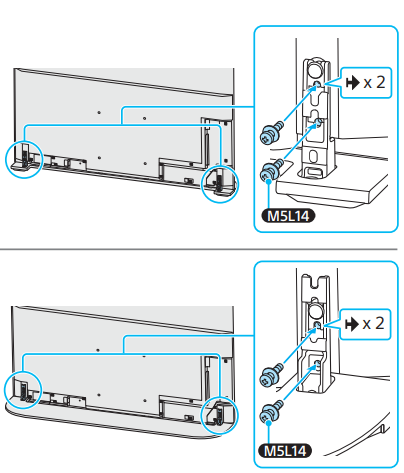
Some TV models are packaged with a detached Table-Top Stand so you can mount your TV to a wall immediately. See “Installing the TV to the Wall” if you want to mount the TV to a wall. If you are not mounting the TV to a wall, you will need to attach the Table-Top Stand (refer to the Setup Guide).
Be sure to consider the following while setting up your TV:
- Disconnect all cables when carrying the TV.
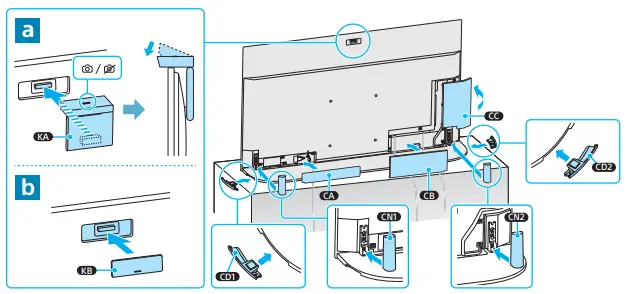
- Before transporting the TV set, remove the stand cover and terminal covers.
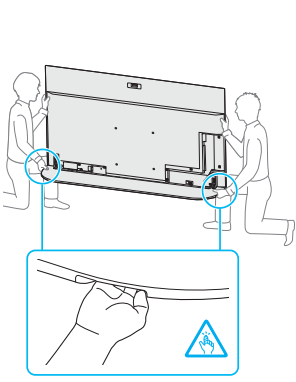
- Carry the TV with an adequate number of people; larger size TVs require two or more people(three or more people for XR-83A90J).
- Correct hand placement while carrying the TV is very important for safety and to avoid damage.


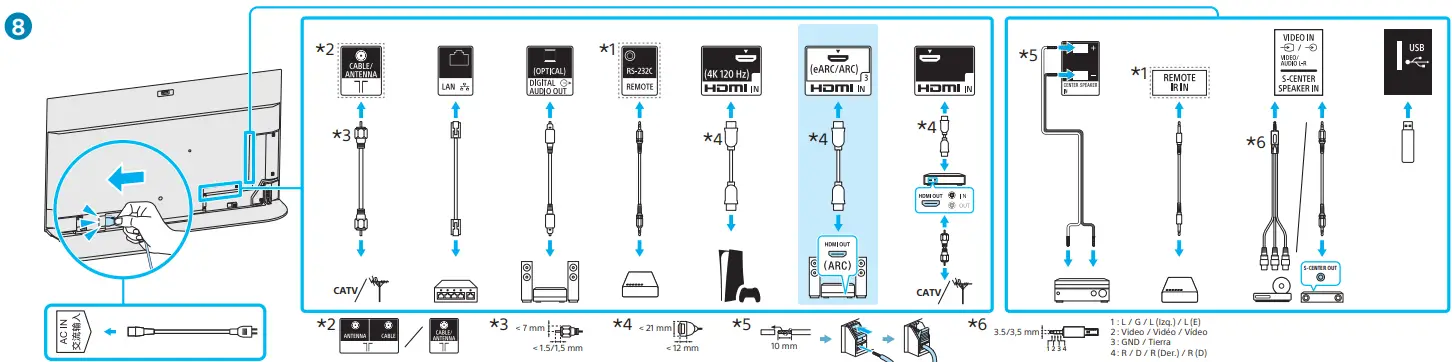
Using TV as Part of an Audio System
Note
- Before connecting cables, disconnect the AC power cord of both the TV and AV receiver.
- Refer to the instruction manual of the Audio system with the S-CENTER OUT terminal for detail.

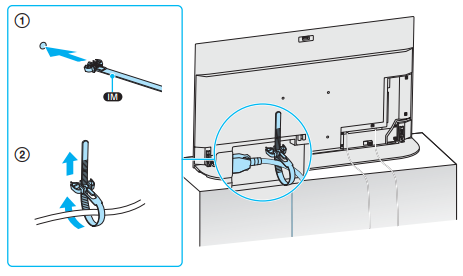
Cord Setting
Mounting Instructions
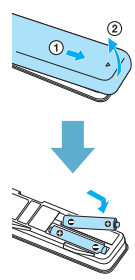
Installation of Batteries
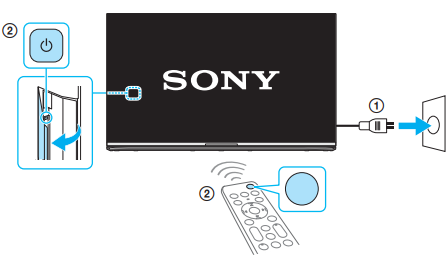
Remote Control and TV
The remote control shape, layout, availability, and function of remote control buttons may vary depending on your region/country/TV model/TV settings. First power on the TV and then through the power button of the remote turn on the TV.
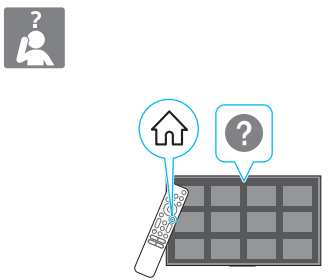
For more troubleshooting information, refer to the Help Guide.
FAQ’s
What is the screen size of the Sony XR-65A95K OLED TV?
The Sony XR-65A95K OLED TV has a screen size of 65 inches.
What is the resolution of the Sony XR-65A95K OLED TV?
The Sony XR-65A95K OLED TV has a 4K resolution, which is 3840x2160 pixels.
Does the Sony XR-65A95K OLED TV support HDR (High Dynamic Range)?
Yes, the Sony XR-65A95K OLED TV supports HDR, providing enhanced contrast and vibrant colors for a more immersive viewing experience.
Is the Sony XR-65A95K OLED TV a smart TV?
Yes, the Sony XR-65A95K OLED TV is a smart TV and runs on the Google TV platform, offering access to various streaming services and apps.
Does the Sony XR-65A95K OLED TV have built-in Wi-Fi?
Yes, the Sony XR-65A95K OLED TV has built-in Wi-Fi for seamless internet connectivity and access to online content.
What audio technology does the Sony XR-65A95K OLED TV feature?
The Sony XR-65A95K OLED TV utilizes Acoustic Surface Audio+ technology, which uses the screen itself as a speaker for immersive sound.
How many HDMI ports does the Sony XR-65A95K OLED TV have?
The Sony XR-65A95K OLED TV typically has multiple HDMI ports, allowing you to connect various devices such as gaming consoles, Blu-ray players, and set-top boxes.
Can the Sony XR-65A95K OLED TV be wall-mounted?
Yes, the Sony XR-65A95K OLED TV is VESA mount compatible, enabling you to mount it on compatible wall mounts for a sleek and space-saving installation.
What is the refresh rate of the Sony XR-65A95K OLED TV?
The Sony XR-65A95K OLED TV typically has a high refresh rate of 120Hz or even higher, ensuring smooth and fluid motion during fast-paced action scenes.
Does the Sony XR-65A95K OLED TV have a voice control feature?
Yes, the Sony XR-65A95K OLED TV supports voice control. It is equipped with Google Assistant, allowing you to control the TV and search for content using voice commands.
Does the Sony XR-65A95K OLED TV come with a stand?
Yes, the Sony XR-65A95K OLED TV typically comes with a stand for tabletop placement. The design and style of the stand may vary.
What are the dimensions of the Sony XR-65A95K OLED TV without the stand?
The exact dimensions may vary, but the Sony XR-65A95K OLED TV without the stand is generally around 57.1 inches in width, 32.8 inches in height, and a depth of 2.2 inches.
Download This PDF Link: Sony XR-65A95K OLED Google TV – Device.report