APP Operating instructions
1. Install mobile client
Please scan the corresponding two-dimensional code to the corresponding website download APP. (DH-FPV  )
)



IOS Android(Google) Android(Market)
2. Add device
Electrify the equipment, See whether the smartphone is connected to the equipment’s WIFI hotspot, If there is no connection, Please manually connect to equipment’s WIFI hotspot, No password.

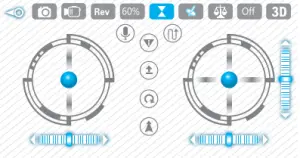
Figure 1 Figure 2
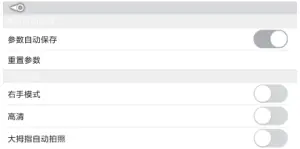
Figure 3
3. Head interface Figure 1, ,
,  ,
,  ,
,
4. Head interface Click to enter video preview interface, Figure 2
5. Function setting Click to enter the settings interface, Figure 3.
6. File review Click to review the photos and video records.
7. Operation instructions Click to enter the instructions interface, explain every button corresponding’s function- Figure 4. Figure 5. Figure 6
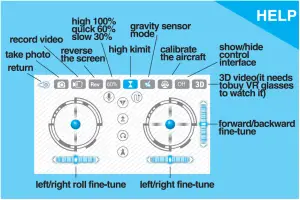
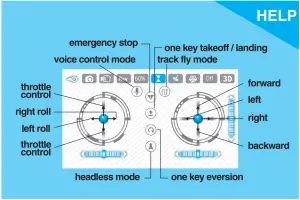
Figure 4 Figure 5
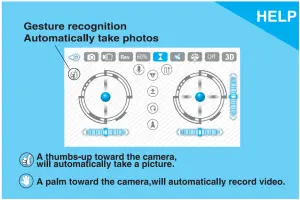
Figure 6