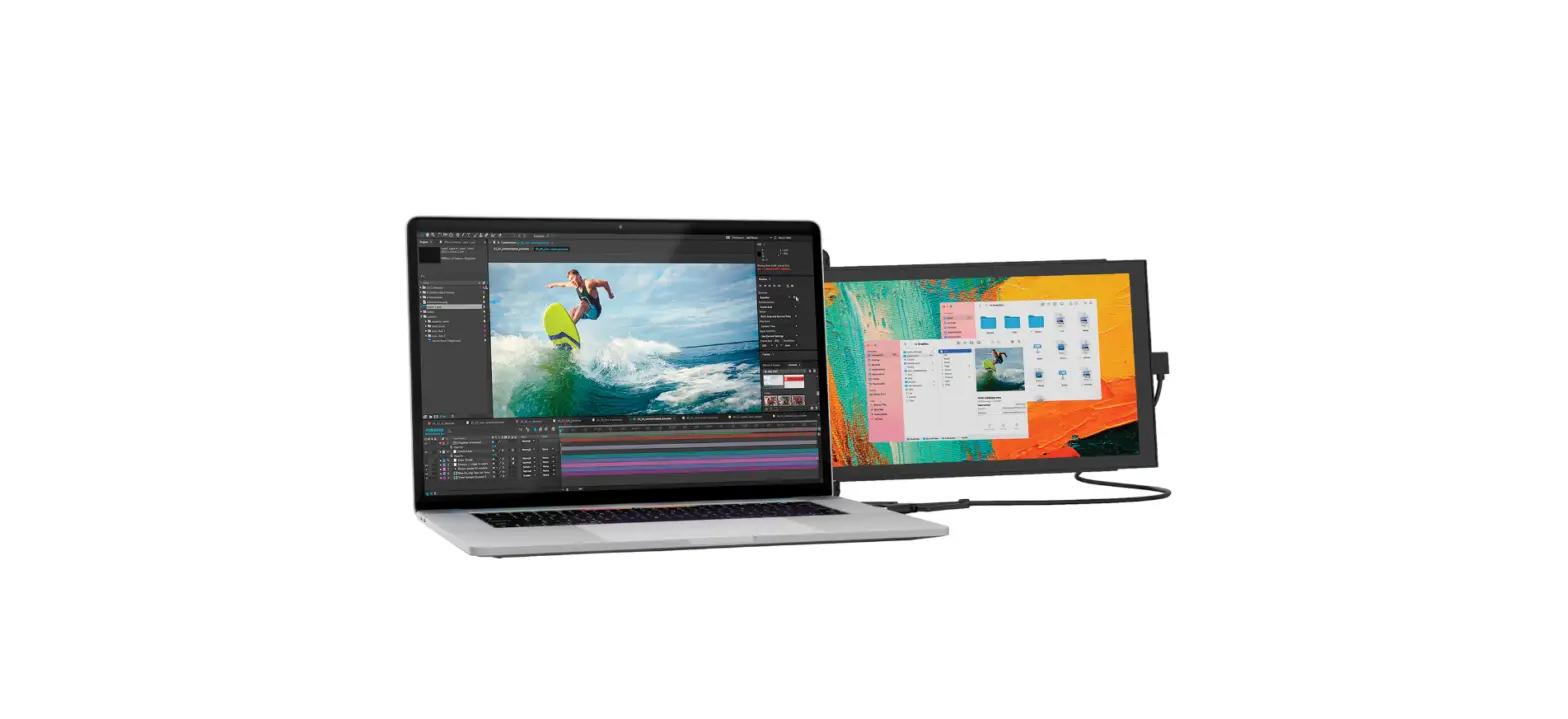

Petra Duex Plus Portable Laptop Monitor Installation Guide

Petra Duex Plus Portable Laptop Monitor Installation Guide

PETRA-logo

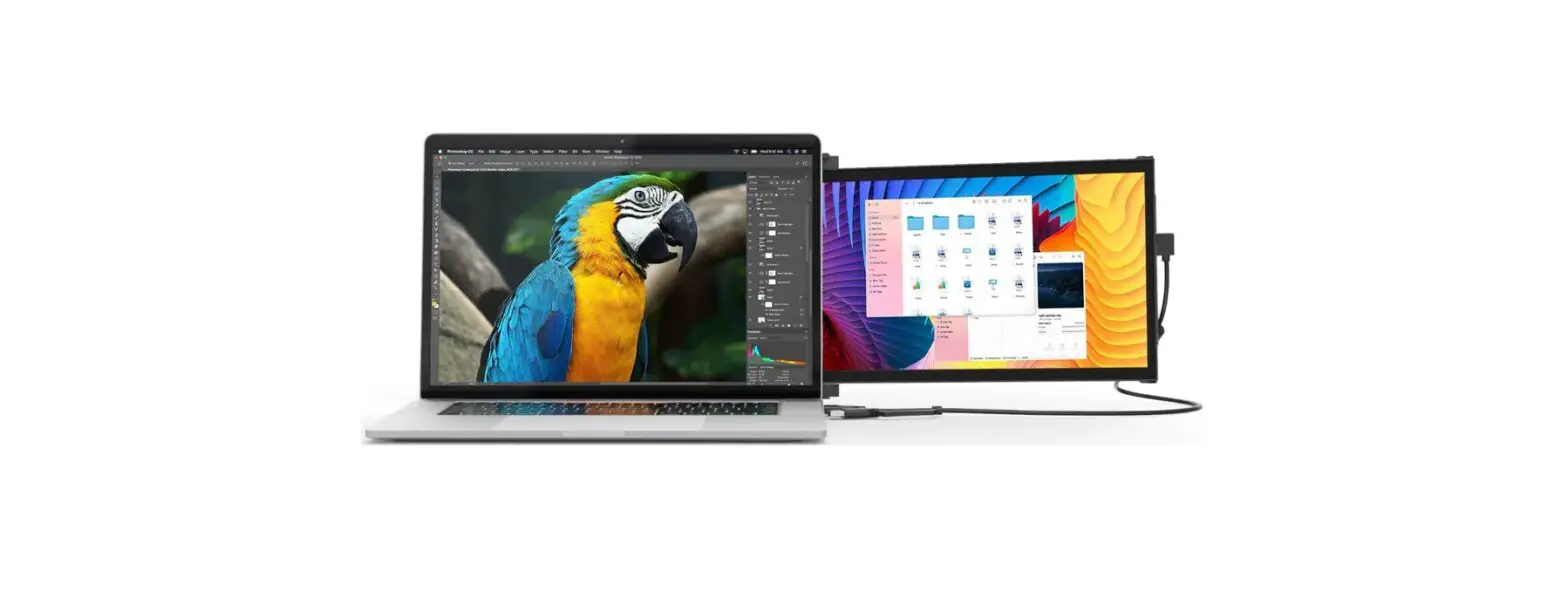
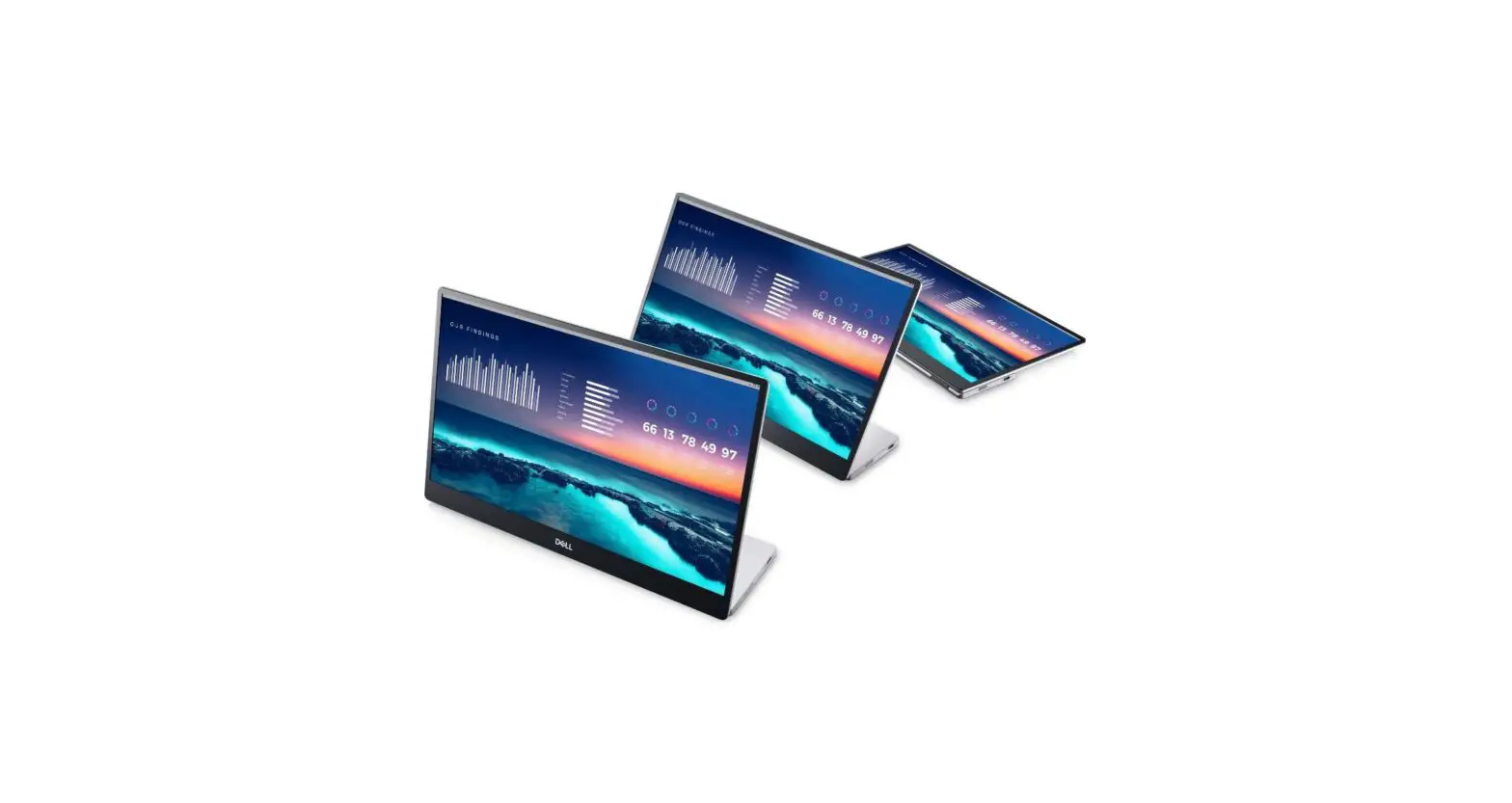
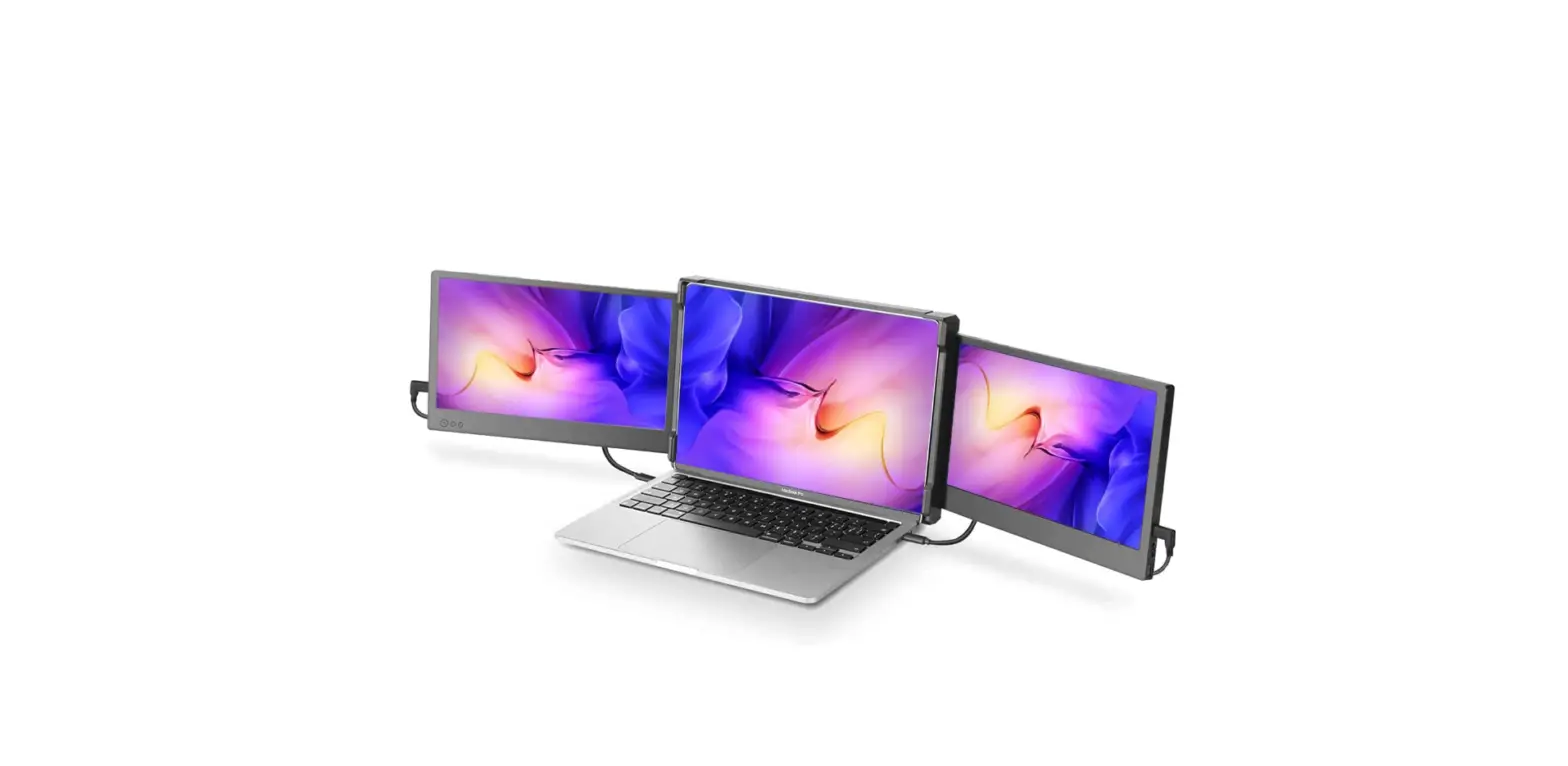
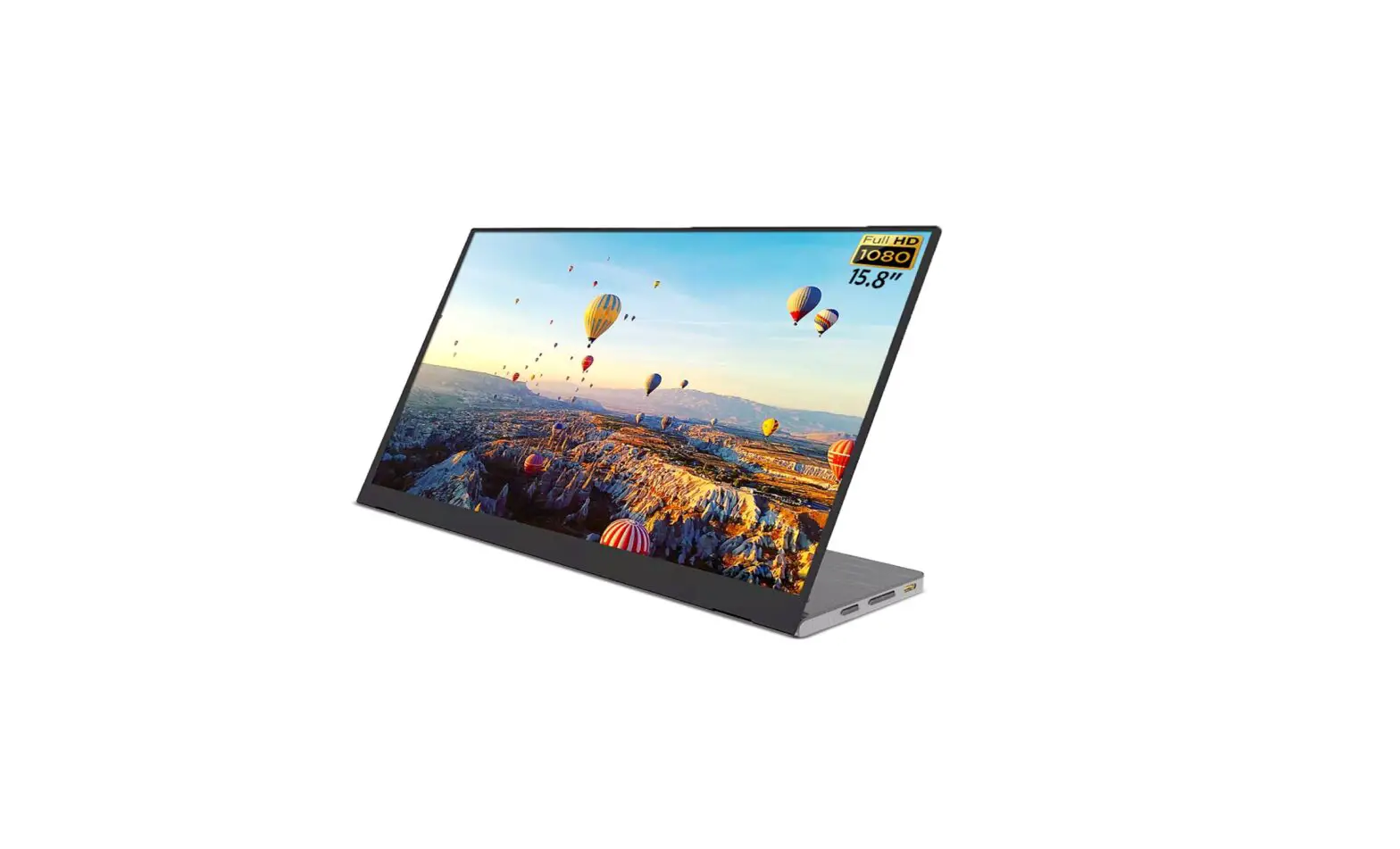
PETRA Duex Plus Portable Laptop Monitor
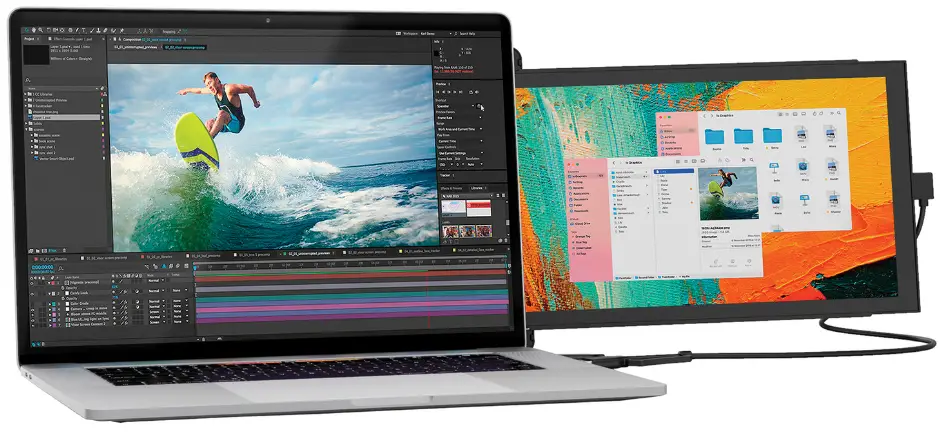
PETRA-Duex-Plus-Portable-Laptop-Monitor-product

Installation

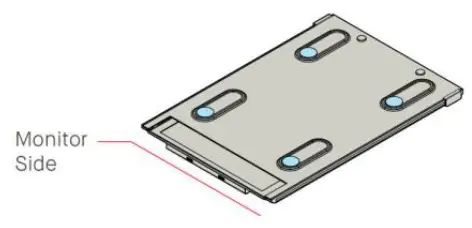
  1. Place the magnetic plates towards the monitor side and remove the adhesive stickers.PETRA-Duex-Plus-Portable-Laptop-Monitor-fig- (1)
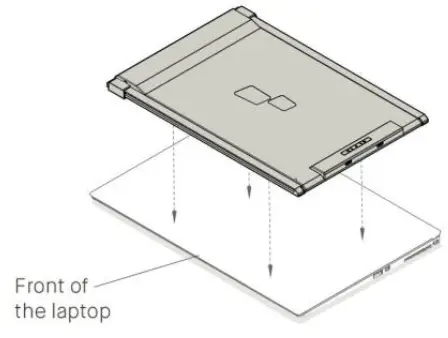
  2. Make sure that Duex Plus is centered on the back of the laptop.PETRA-Duex-Plus-Portable-Laptop-Monitor-fig- (2)
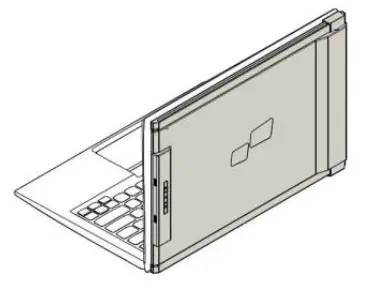
  3. Open the laptop monitor.PETRA-Duex-Plus-Portable-Laptop-Monitor-fig- (3)
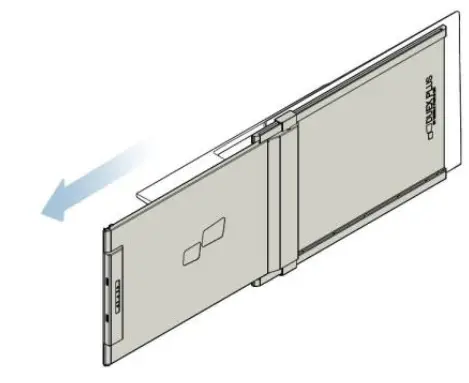
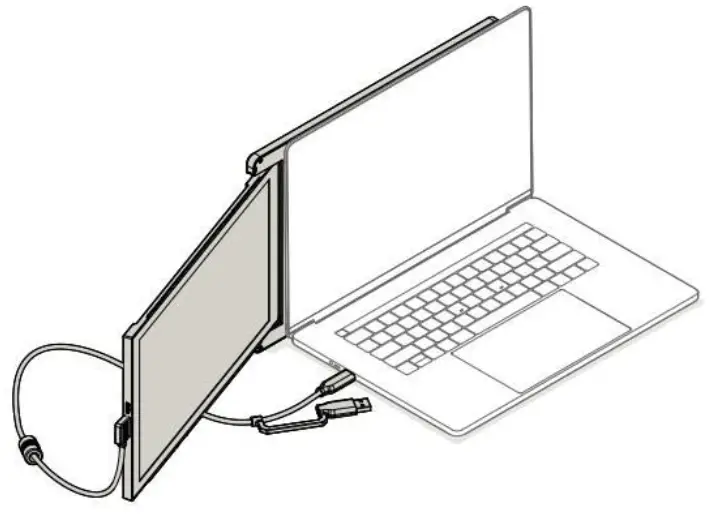
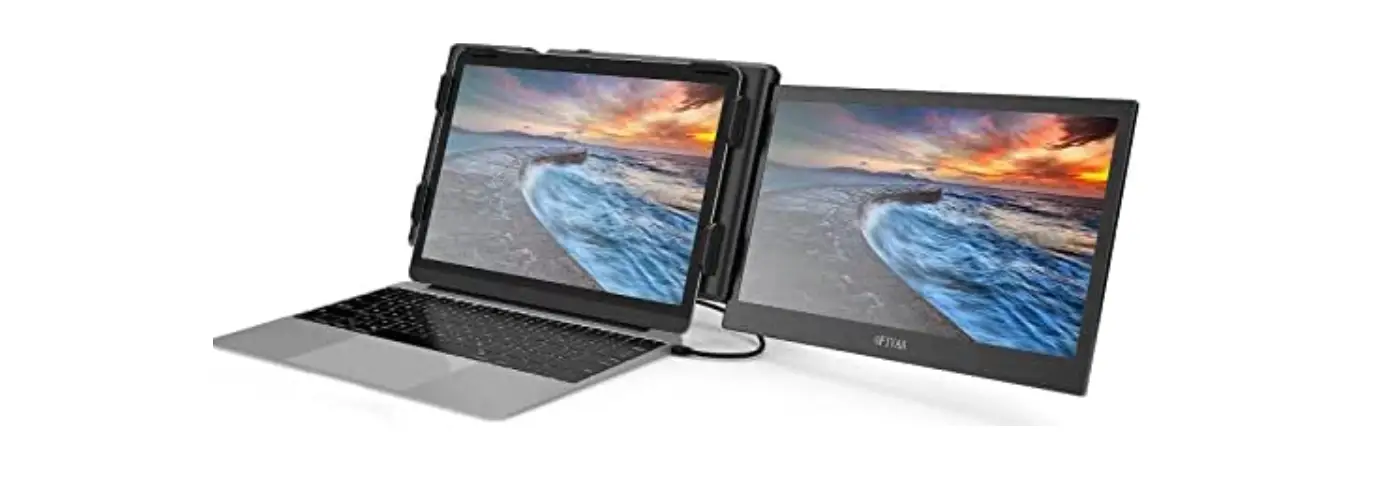
  4. Slide Duex Plus and swivel the screen. USB Cable omitted.PETRA-Duex-Plus-Portable-Laptop-Monitor-fig- (4)

Using only USB-C to C cable

PETRA-Duex-Plus-Portable-Laptop-Monitor-fig- (5)

Note: For laptop has a USB-C port with DP ALT mode.
Documents / Resouces

Download manual
Here you can download full pdf version of manual, it may contain additional safety instructions, warranty information, FCC rules, etc.


Related Manuals