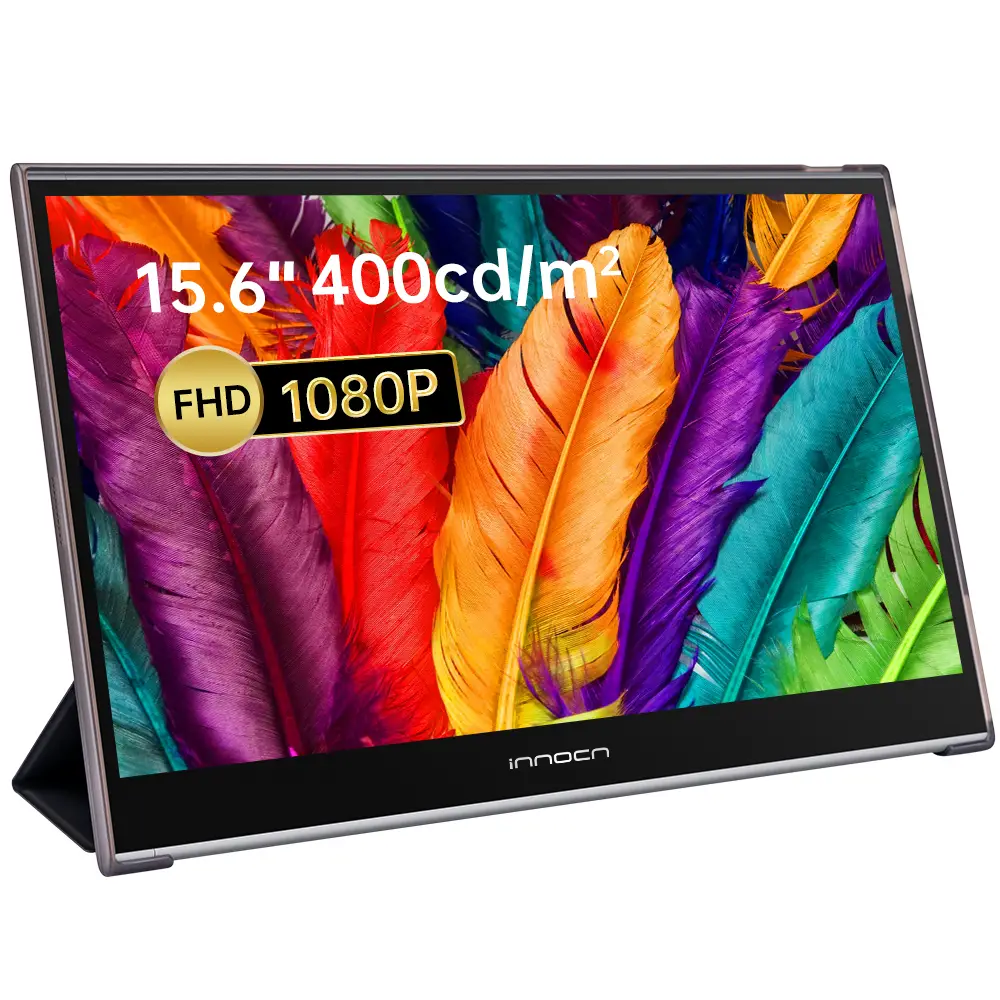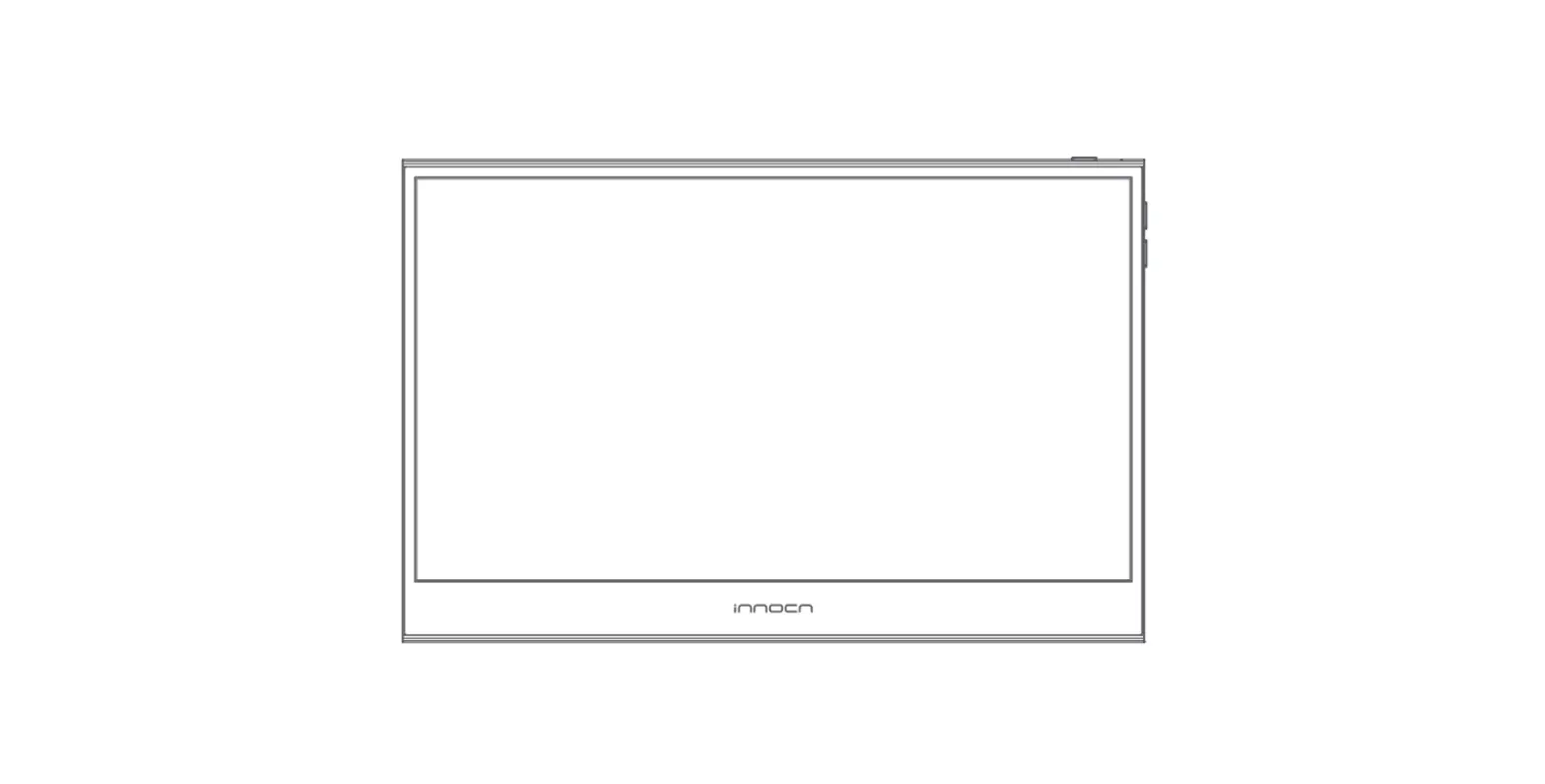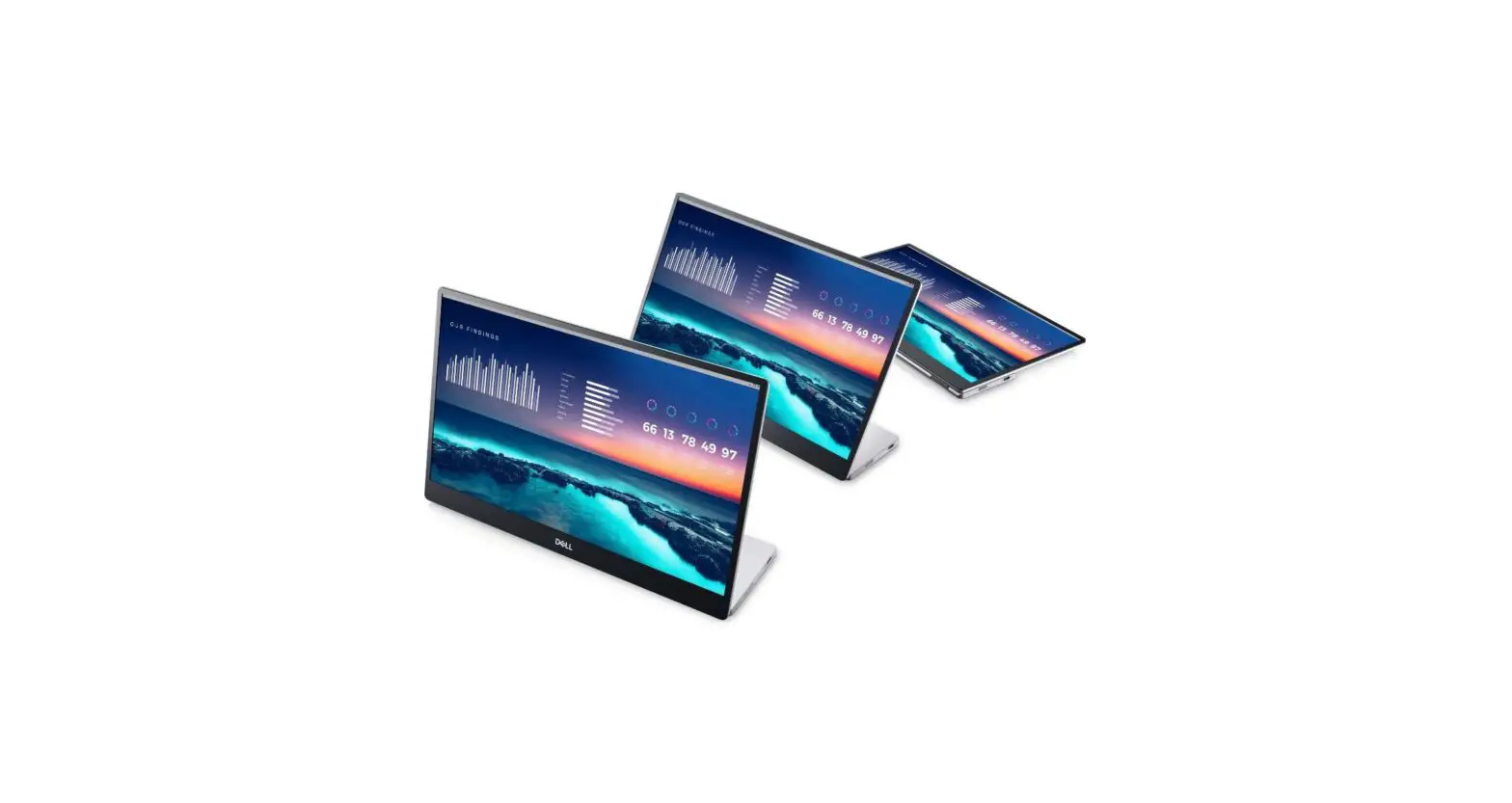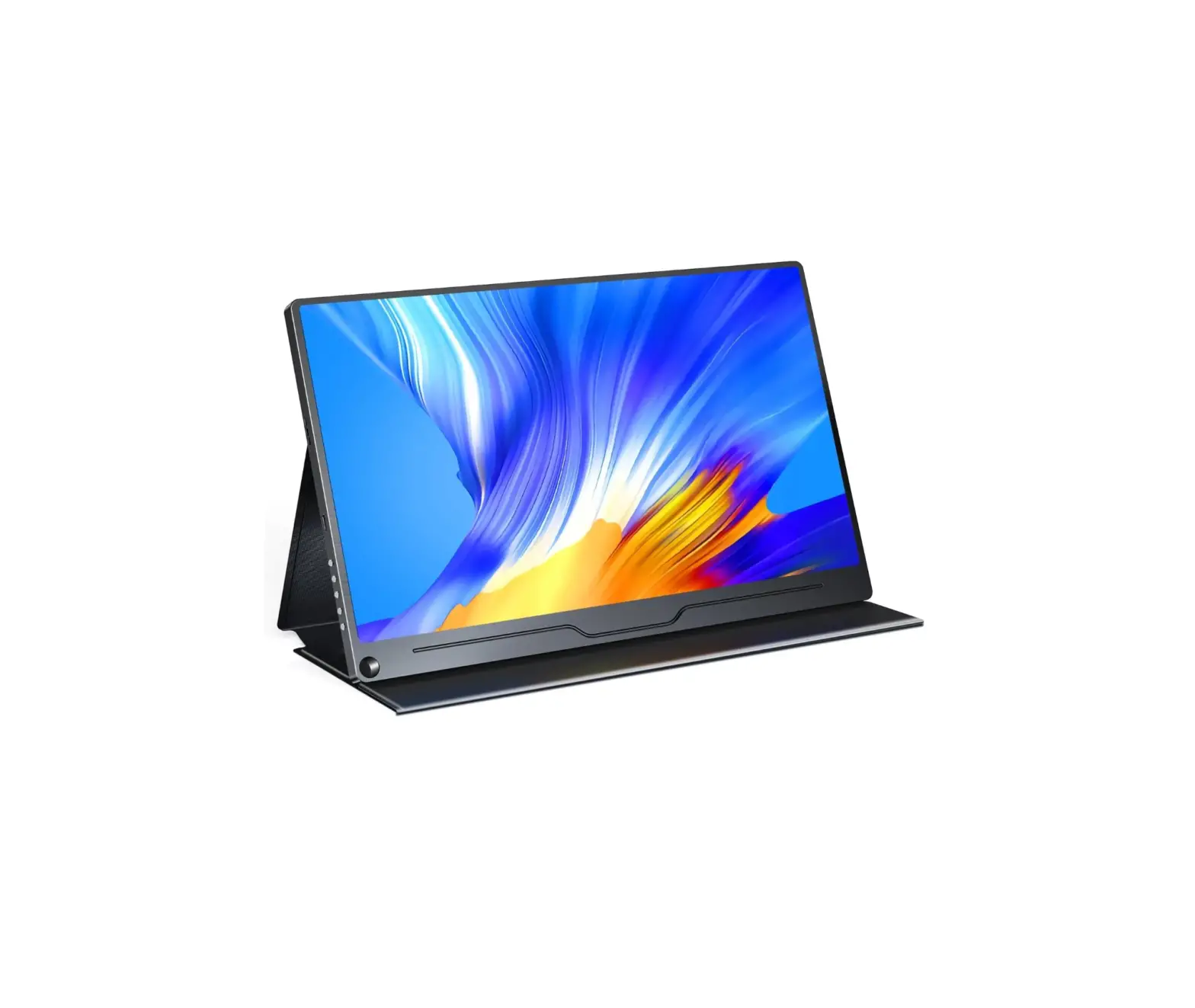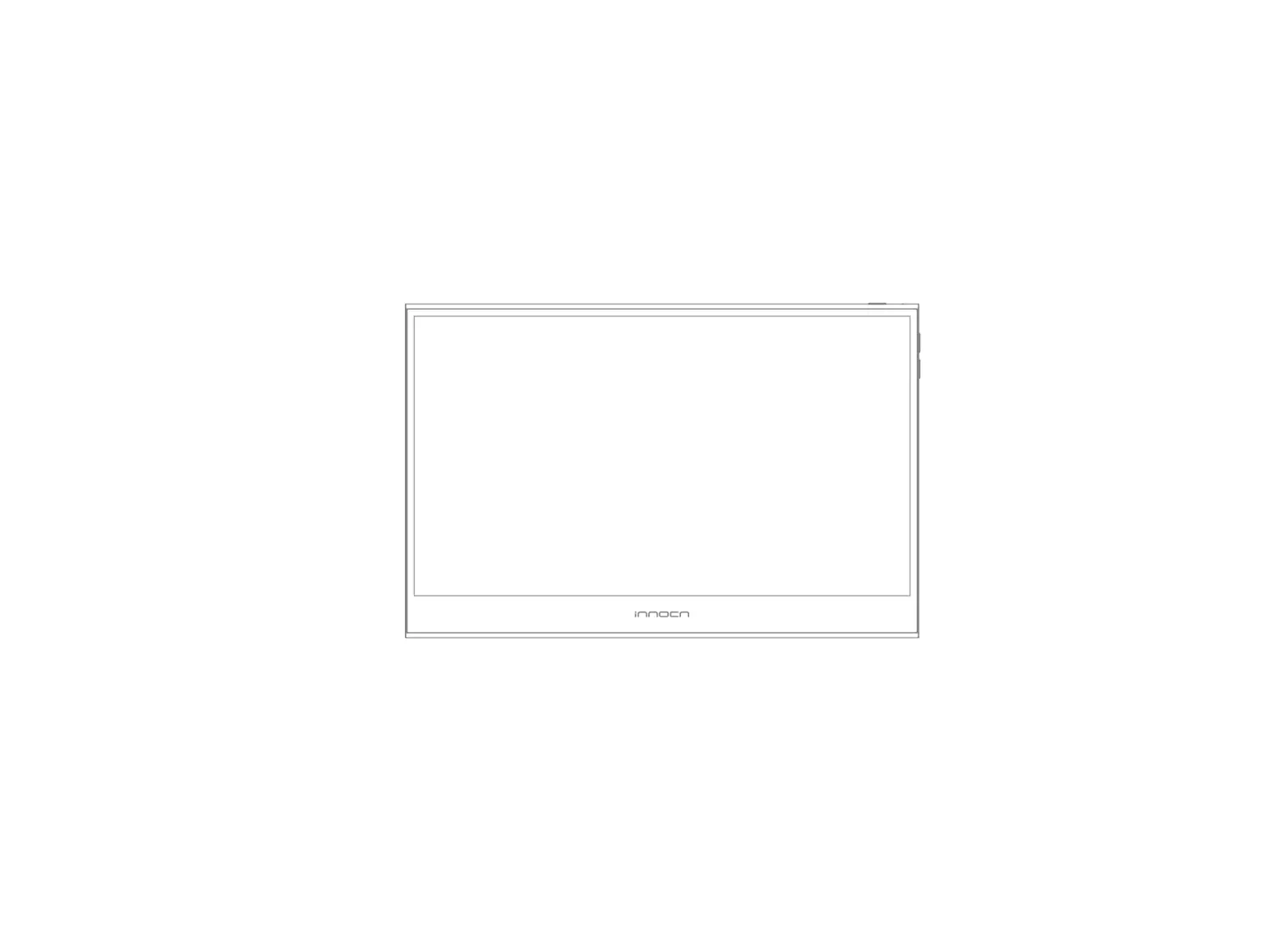
innocn PU15-PRE Portable Monitor
Thank you for choosing Innocn® ! We hope the Innocn® product you purchased will serve you well. To ensure safety and trouble-free operation of your device, please read the user guide carefully and keep it for future needs.
Please email us for customer service & technical support at  [email protected].
We recommend you go online to our homepage for the most up-to-date guidance for your product. registering Innocn membership; refering to warranty information. http://www.innocn.com
Safety Precautions
- Read all warnings and follow all instructions. Keep this user guide for later reference.
- Do not use this device near water. To reduce the risk of fire or electric shock, do not expose the device to moisture.
- Do not place the device on an uneven or unstable surface. The device may fall over resulting in an injury or malfunction.
- Avoid exposing the device to direct sunlight or other sources of sustained heat.
- Always use genuine INNOCN components to ensure safety and product performance.
- To avoid the risk of electric shock or component damage, switch off the power before connecting other components to the display.
- Disconnect the power plug from the AC outlet if the device will not be used for a long period of time.
- When connecting to a power outlet, DO NOT remove the grounding prong. Please ensure grounding prongs are NEVER REMOVED.
- Place the device in a well-ventilated area. Do not place anything on the device that prevents heat dissipation.
- The power adaptor must be replaced when using different voltage from that specified in the User Guide. For more information, please contact us.
- Do not overload power strips and extension cords. Overloading can result in fire or electric shock.
- Do not apply pressure to the LCD screen. Excessive pressure may cause permanent damage to the display.
- Plastic bags can be dangerous. Keep plastic bags away from babies and children to avoid danger of suffocation.
- Do not attempt to repair the product by yourself. Opening the back cover may expose you to high voltages, the risk of electric shock, and other hazards. If repair is required, please contact us anytime. ([email protected])
- If there are visual smoke or sparks, unplug the power cord and contact us ([email protected]). Do not try to repair the product yourself.
- To avoid risk of electric shock, do not touch the power plug and ports with wet hands.
Packaging List
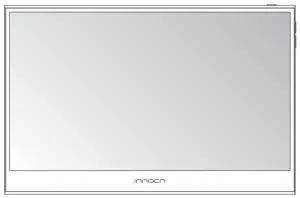 Monitor x1 Monitor x1 | 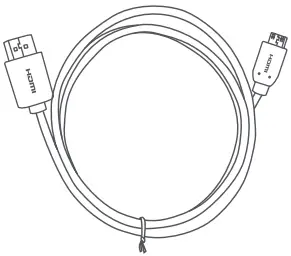 Mini HDMI cable x1 Mini HDMI cable x1 | 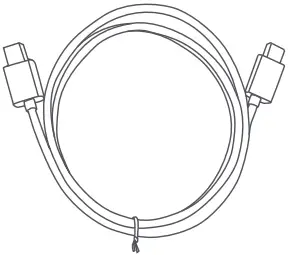 Type-C data cable x1 Type-C data cable x1 |
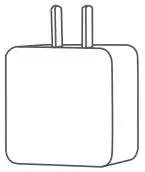 Charger x1 Charger x1 | 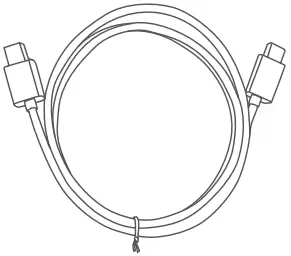 USB Type-C power cable x1 USB Type-C power cable x1 | 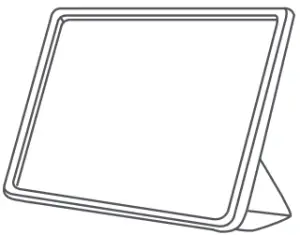 Protective sleeve x1 Protective sleeve x1 |
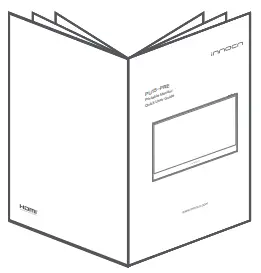 Quick Start Guide Quick Start Guide |  Warranty Card x1 Warranty Card x1 |  Lens Cloth x1 Lens Cloth x1 |
Product Instruction
Key Instruction
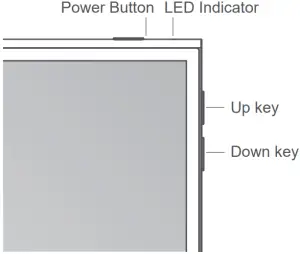
1 | Power Button: Long press the power button to turn the monitor on/off Short press the power button to open the OSD menu |
2 | LED Indicator: Blue: On Orange: Standby mode Dark: Off |
3 | Up Key: Long press the up-key to increase volume Short press the up-key to show the volume on the left |
4 | Down Key: Long press the down-key to decrease volume Short press the down-key to display the volume on the left |
Input Connector
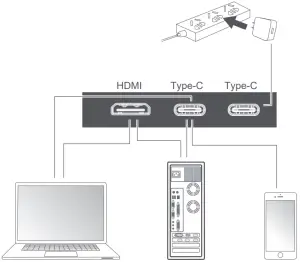
Notes:
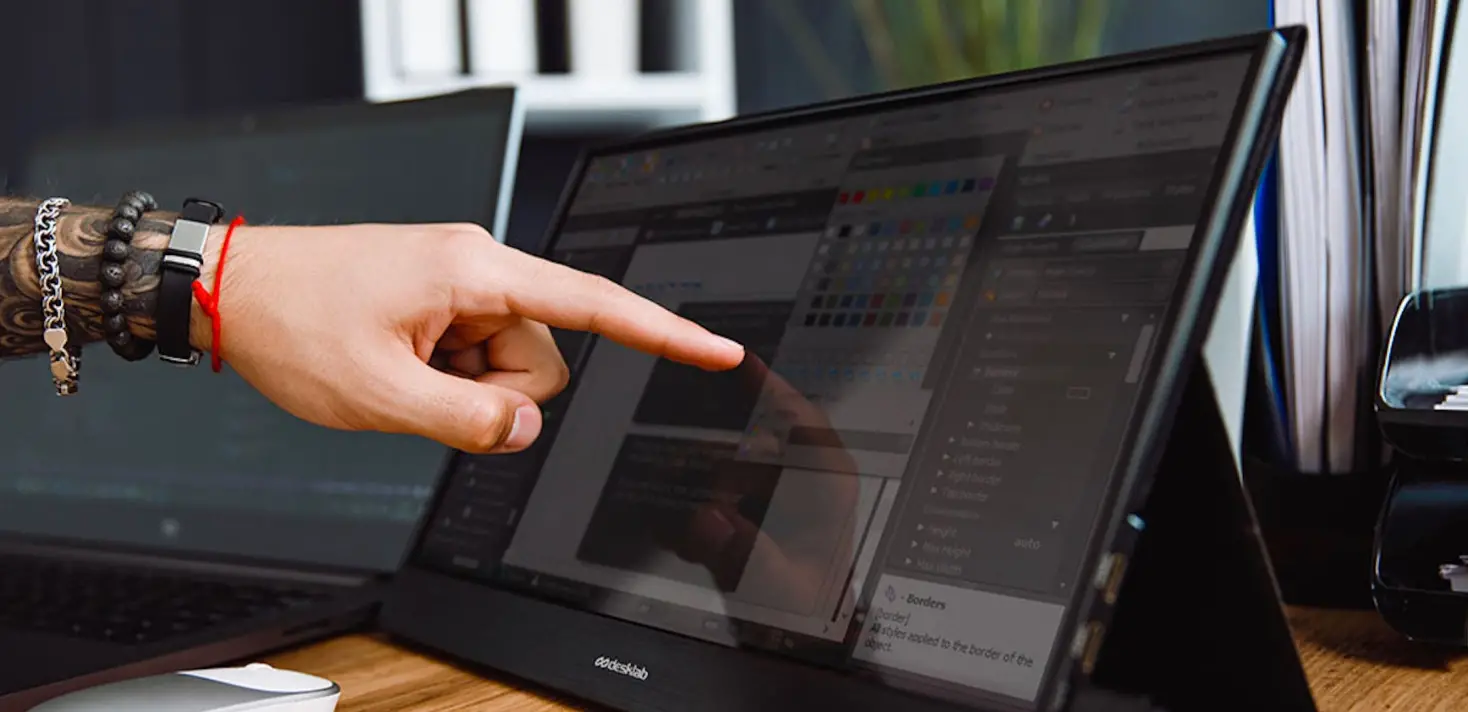
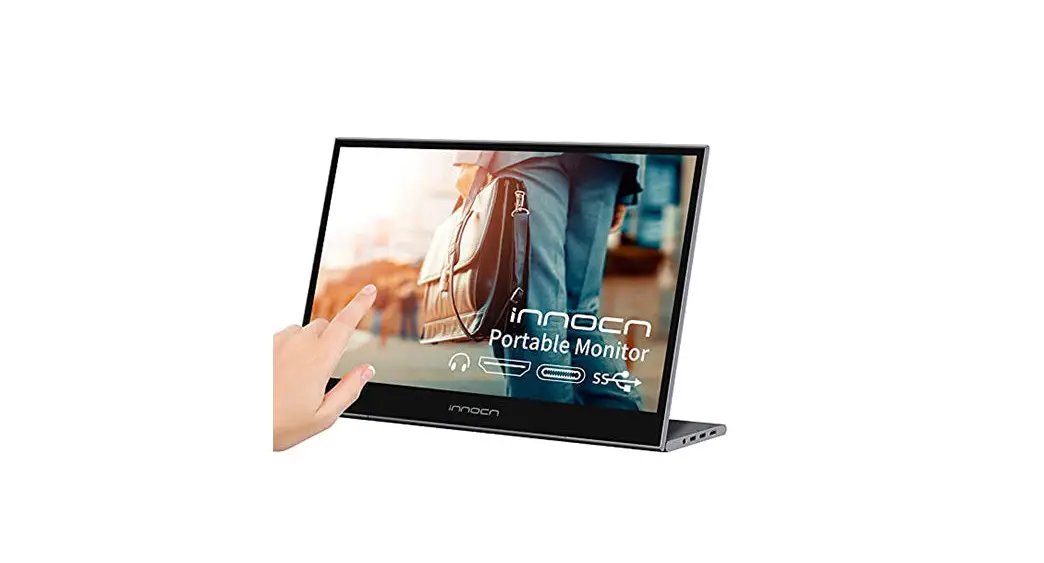
- The monitor is touchable only when the input source is from USB Type-C; for HDMI input source,you need a USB-A to USB Type-C cable(not included) to connect to use the touch function.
- Please exchange with INNOCN original new accessories if damaged.
Display the OSD menu: Short press the power button; Swipe down with 2 fingers on the left corner of monitor;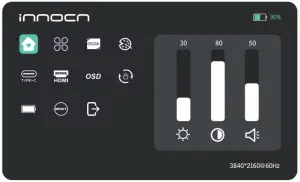
| Home |  | Adjust Brightness, Contrast ,Volume |
| Profiles |  | 7 Profiles are available |
| Color temperature |  | Under USER mode, the R G B can be adjusted |
| Color |  | Adjust the chrominance color saturation sharpness |
| TYPE-C |  | When selected, signal source is Type-C |
| HDMI |  | When selected, signal source is HDMI |
| OSD |  | When selected, adjust transparency of OSD menu |
| Gravity Sensor |  | When selected, device will automatically display vertically/horizontally |
| Battery display |  | When selected, monitor supplies power to external devices |
| Reset |  | When selected, restore factory settings |
| EXIT |  | When clicked, OSD menu disappears |
Home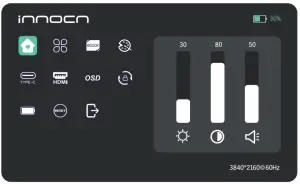
Adjust brightness,contrast, volume
Profiles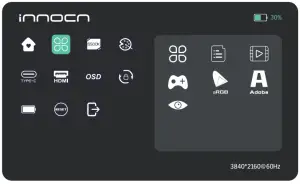
Custom Mode, Reading Mode, Movie Mode, Game Mode, sRGB Mode, Adobe Mode, Eye Protection Mode
Color temperature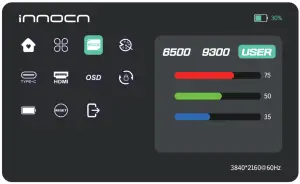
When USER is selected, R G B can be adjusted
Color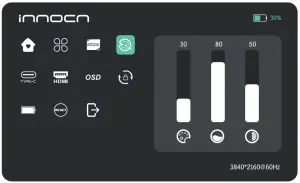
Manually adjust chrominance, color saturation and sharpness
OSD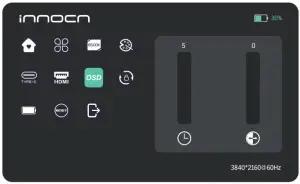
When ( )is selected, adjust OSD menu display duration
When ( )is selected, adjust OSD menu transparency
Gravity Sensor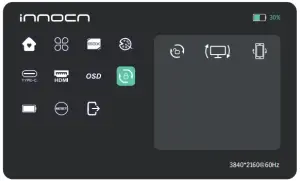
 Turn on/off auto-rotation
 PC connection flipped
 Mobile phone connection flipped
Other icons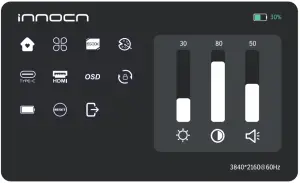
When ( ) is selected, monitor supplies power to external devices
When ( ) is selected, display restores to factory settings
When ( ) is selected, OSD menu disappears
Troubleshooting
The following table contains general information about common monitor problems you might encounter and the possible solutions.
| Common Symptoms | Possible Solutions |
| No display after turning monitor ON (screen is black but power supply lights is ON) |
|
| No display after turning monitor ON (not boot, black screen & no power lights) |
|
| Missing Pixels. LCD screen has spots |
|
| Safety Related Issues (Visible signs of smoke or sparks) |
|
| Image does not fill entire |
|
| The screen appears yellow |
|
| Control panel keys do not work |
|
| I cannot adjust the brightness/ contrast ratio/ color saturation through OSD |
|


Product Specification
| Product Name | INNOCN 15.6″ portable monitor |
| Product Model | PU15-PRE |
| Screen Size | 15.6″ |
| Screen Type | OLED |
| Resolution | 3840*2160P |
| Brightness (Typ.) | 380±20cd/㎡ |
| Touchable | Yes |
| Speaker | 2*1W |
| Refresh Rate | 60Hz |
| Color Gamut | 100% DCI-P3 |
| Display Colors | 1074M(RGB8BIT+2FRC) |
| Contrast (Typ.) | 100000:1 |
| Digital Input | Type-C*2、Mini HDMI*1 |
| Phys. Dimension | 358*233mm |
| Phys. Thickness | 6.8mm |
| Net weight | 950g |
| Voltage Rating | DC 20V 2.25A |
| Operating Temp. | 0℃ 45℃ |
Warranty Information
What is covered in your warranty?
- Warranty Period: 3 Years for product from date of purchase.
- This warranty is confined to the first purchaser of the product only.
This Warranty is not Applicable in any of the Following Cases.
- The product is not purchased from an Authorized Innocn dealer.
- The product is not used according to instructions given in the instruction manual.
- Defects caused by improper use as determined by company personnel.
- Modification or alteration of any nature is made in the electrical circuitry / or physical construction of the set.
- Installation / repair work is carried out by persons / agency other than authorized by the company.
- The original serial number is removed, obliterated or altered from the machine or cabinet.
- Accidents, Acts of God, lightning, water, fire, public disturbances, improper ventilation, voltage fluctuations or any cause beyond the control of Innocn.

The terms HDMI and HDMI High-Definition Multimedia Interface, and the HDMI Logo are trademarks or registered trademarks of HDMI Licensing Administrator, Inc. in the United States and other countries.