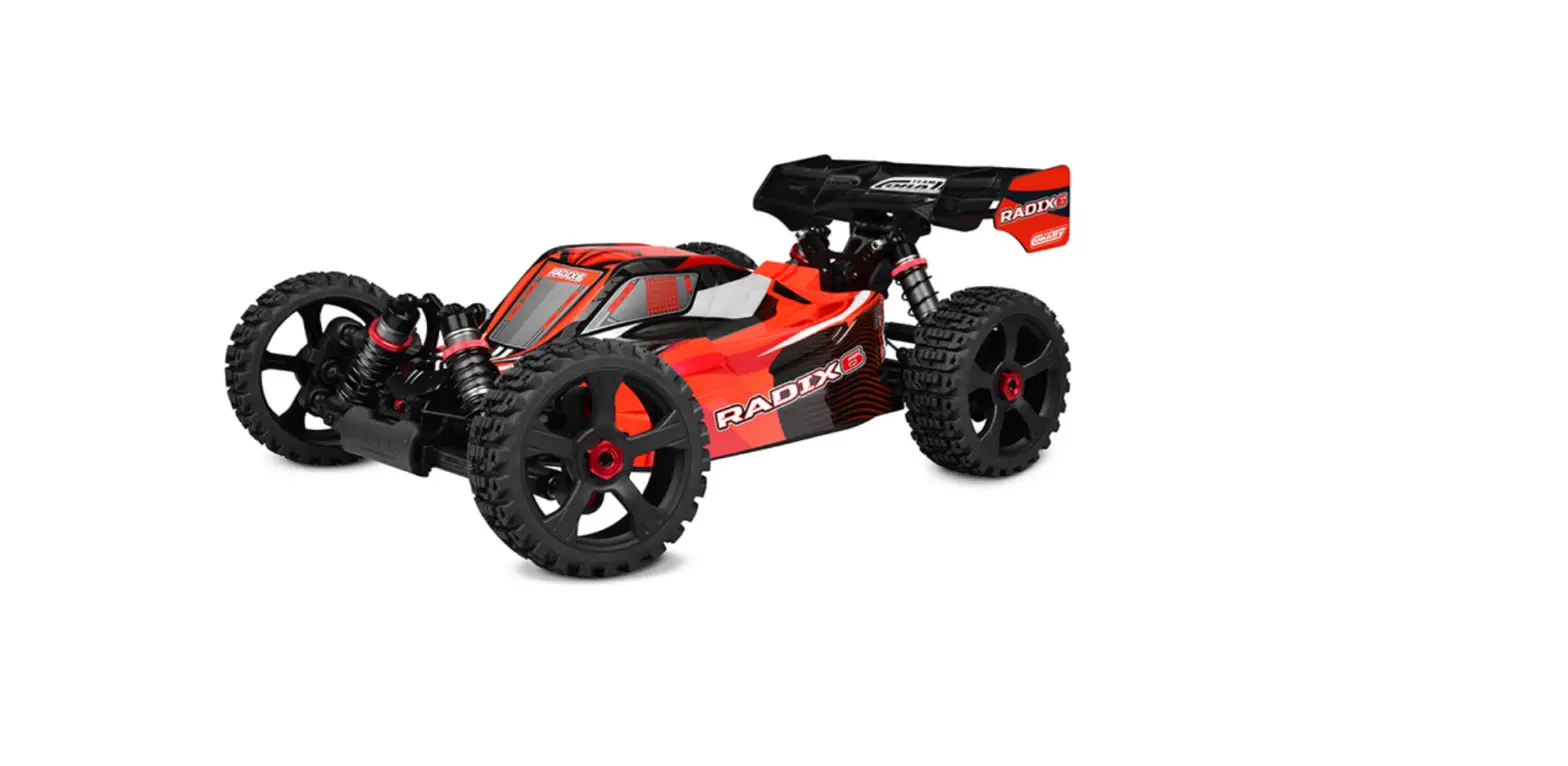
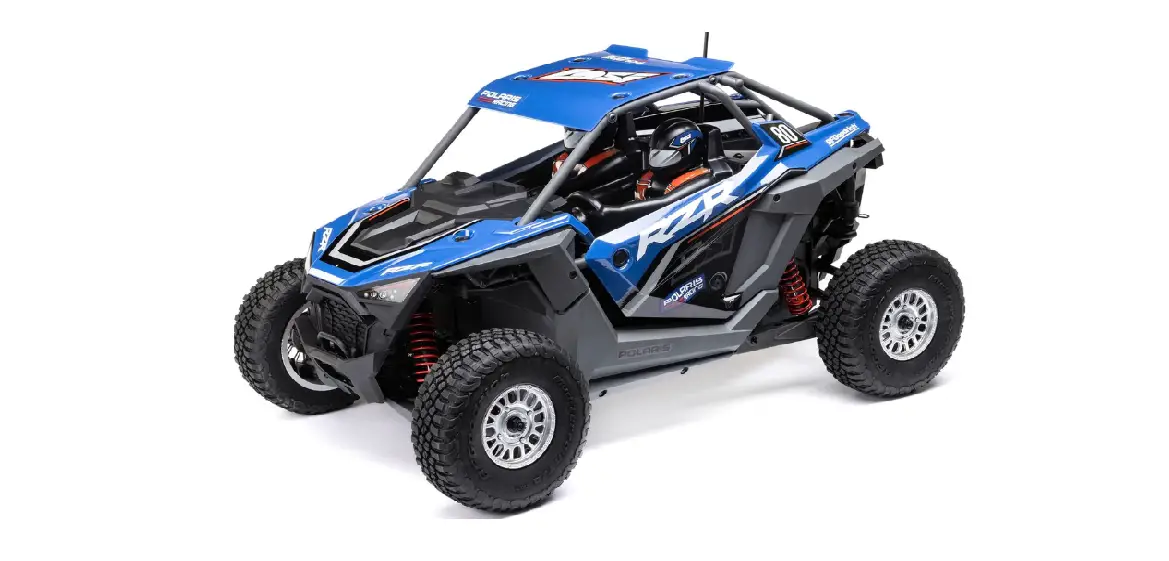
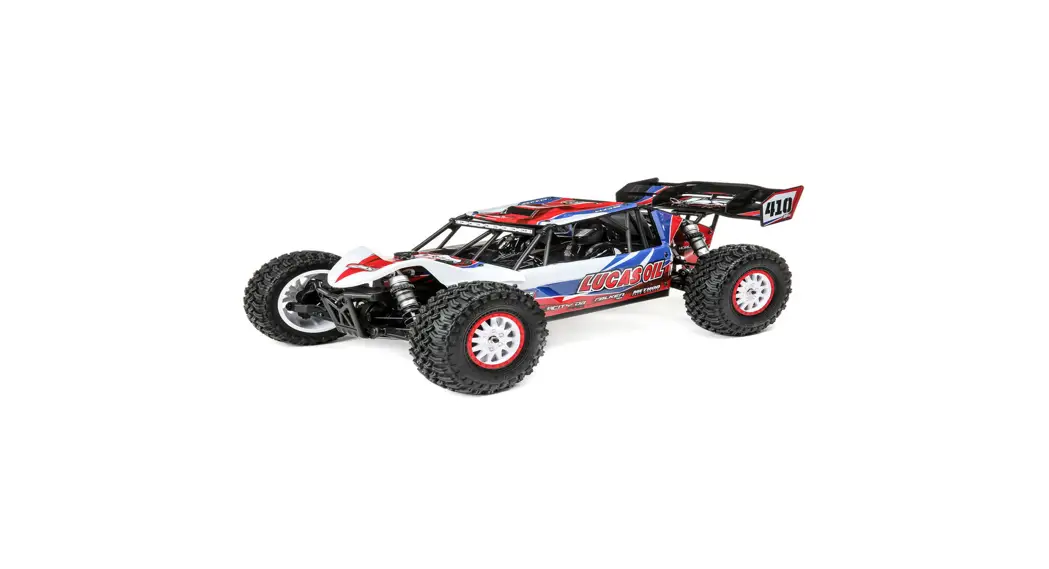
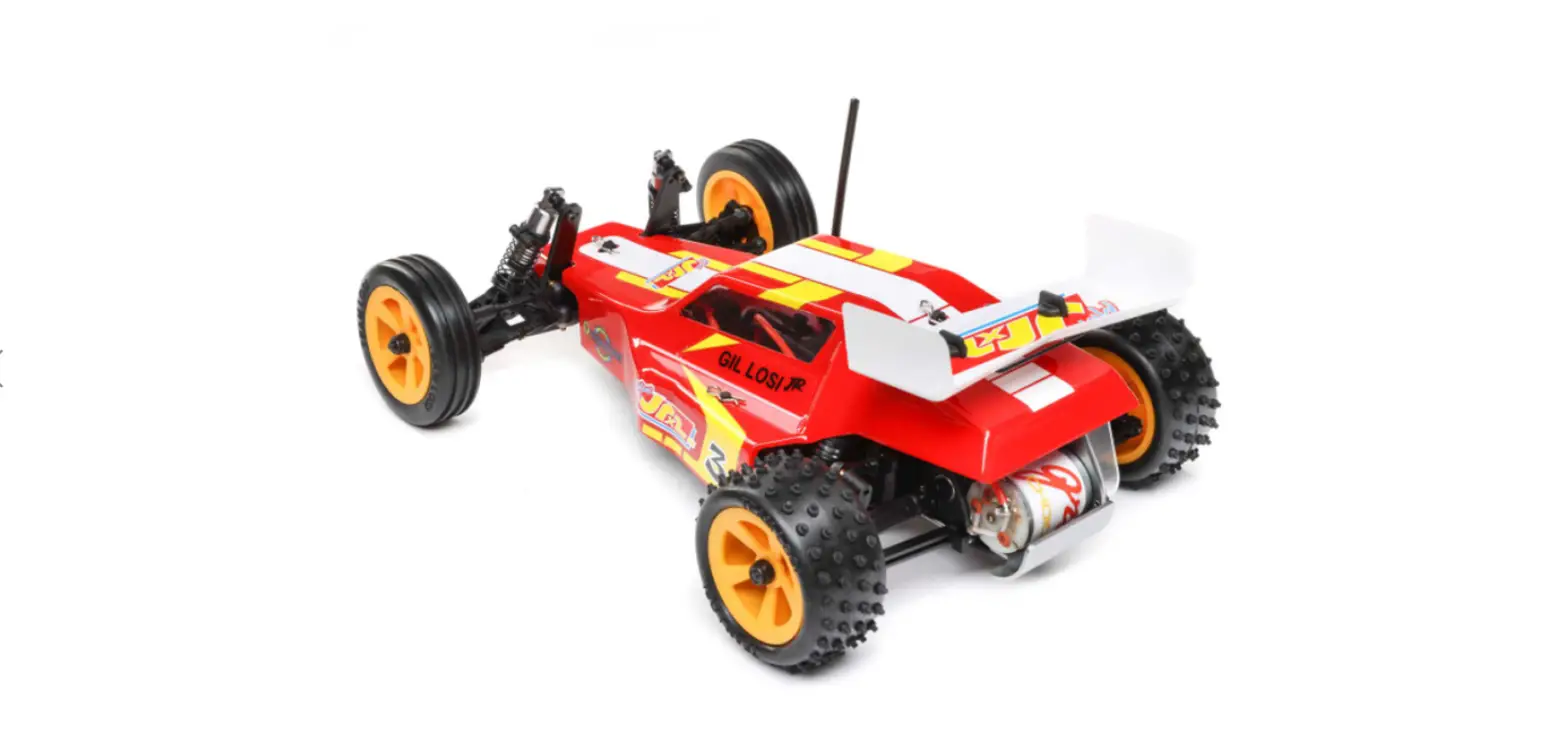
MT10 1/10 RIVAL Brushed RTR
Introduction
The Rival MT10 RTR is a remote-controlled truck that comes with
a range of features to enhance your driving experience. This user
manual provides detailed instructions on how to use and maintain
your Rival MT10 RTR.
Rival MT10 RTR Features
- Remote-controlled truck
- Comes with a 1:1 hardware foldout page to help you identify
replacement parts - Includes a range of hardware components such as button head and
flat head screws, ball bearings, set screws, shims, washers, and
nuts - Quick start guide included for easy setup
- Battery charging instructions included for safe and effective
charging
Hardware – 1:1 Scale View
The hardware components listed below are included with your
Rival MT10 RTR:
- Button Head (bhcs)
- Flat Head (fhcs)
- Ball Bearings
- 2.5x5mm (31519)
- 2.5x8mm (31448)
- 5x8x2.5mm (31400)
- 2.5x6mm (31520)
- 3x4mm (91158)
- 2.5x10mm (31350)
- 3x6mm (31541)
- 5x11x4mm (25710)
- 3x6mm (31531)
- 3x8mm (31532)
- 3x12mm (25203)
- Aluminum (8556)
- Titanium (91594)
- 10x15x4 (91563)
- 3x10mm (25211)
- Aluminum (8554)
- Titanium (91582)
- 3x14mm (89208)
- Aluminum (8567)
- Titanium (91595)
- 8x16x5 (91564)
- 3x12mm (89202)
- Titanium (91583)
- 3x18mm (89209)
- Titanium (91597)
- 3x14mm (25187)
- Titanium (91584)
- 4x10mm (81262)
- 3x16mm (89203)
- Titanium (91585)
- 3x18mm (2308)
- 3x20mm (25188)
- Titanium (91587)
- 3x22mm (25189)
- Titanium (91588)
- 3x38mm (25837)
- Set Screws
- 3x3mm (25225)
- 3x12mm (81258)
- 4x12mm (25824)
- Shims and Washers
- 5.5×0.5mm (31381)
- 5.5×1.0mm (31382)
- 5.5×2.0mm (31383)
- 3x8mm Washer (89218)
- Nuts (lock/plain)
- Plain M3 Nut (91477)
- M3 Alum. Locknut, Blue (31550)
- M3 Locknut, Black (25215)
- M4 Locknuts: Serrated Steel (Silver)(91826)
- FT Aluminum (Blue) (31551)
- Serrated Aluminum (Black) (91738)
- M5 Locknut w/Flange (25837)
- Socket Head (shcs)
- 2x10mm (25801)
- 2.5x6mm (41079)
- 5x75mm (25837)
Quick Start Guide
Note: Before using your Rival MT10 RTR, please read the
Important Safety Instructions and Warnings document included with
your vehicle.
Battery Charging and Safety
To charge your battery:
- Remove the battery from the vehicle and place it on a
fire-proof surface free from moisture and potential contact with
water or any other liquids. - Plug the USB end of the charge cable into a 5V USB port.
- Plug the battery’s 3-pin male connector into the charge cable’s
3-pin female connector. - The red LED light will remain on to indicate that the battery
is successfully charging. - The charge is complete when the red LED light goes out and the
green LED illuminates. - Unplug the battery from the charger cable and then unplug the
USB plug from USB port. - Your battery is now ready to use!
Battery Installation
To install your battery:
- Install the battery with the battery wires directed towards the
rear of the vehicle. - Secure the battery strap using two hook and loop straps.
2
:: Introduction
Thank you for purchasing this Team Associated product. This assembly manual contains instructions and tips for building and maintaining your new vehicle. Please take a moment to read through the manual and familiarize yourself with the steps. We are continually changing and improving our designs; therefore, actual parts may appear slightly different than the illustrations. New parts will be noted on supplementary sheets located in the appropriate parts bags. Check each bag for these sheets before you start to build.
:: Rival MT10 RTR Features
· 2.4GHz 2-channel radio system · High-Torque Digital Servo with spring-style servo saver · Reedy Sport 550 15T Brushed Motor · Reedy Water-resistant brushed ESC with T-plug connector and LiPo low-voltage cutoff · Three sealed gear differentials · 12mm hex wheels inspired by Method Race Wheels · Threaded Oil-filled coil over shock absorbers · 4mm heavy-duty adjustable steel turnbuckles · Durable slider type drive shafts · Factory-finished RIVAL monster truck-inspired style body · High-traction all terrain tires · Steel center drive shaft · Rugged adjustable wheelie bar · Four-wheel independent suspension · Durable, impact-absorbing front bumper
:: Table of Contents 1………………. Cover
6 – 19…………Steps 1- 41
2………………. Introduction
20……………..Tuning Tips
3……………….1:1 Hardware “Fold Out”
21…………….. Catalog
4 – 5…………. Quick Start Guide :: Notes
22……………. Back Cover
There is a 1:1 hardware foldout page in the front of the manual. To check the size of a part, line up your hardware with the correct drawing until you find the exact size. Each part in the foldout has a number assigned to it for ordering replacement parts.
!
This symbol indicates a special note or instruction in the manual.
:: Additional
Your new Rival MT10 comes assembled. The following items are needed for completion. · (4) AA batteries
Tools included: · 1.5mm, 2.0mm, 2.5mm Wrenches
:: Other Helpful Items
· Silicone Shock Fluid (Refer to catalog for complete listings) · Silicone Diff Fluid (Refer to catalog for complete listings)
· Body Scissors (AE Part # 1737)
· Reamer / Hole Punch (#1499) · Shock Pliers (#1675)
· Wire Cutters
· FT Hex/Nut Wrenches (AE Part # 1650)· Needle Nose Pliers
· Hobby Knife
· Soldering Iron
· Calipers or a Precision Ruler
· Green Slime shock lube (AE Part # 1105)
· FT Turnbuckle Wrench (#1114)
· FT Universal Tire Balancer (#1498)
Associated Electrics, Inc. 21062 Bake Pkwy.
Lake Forest, CA 92630
Customer Service Tel: 949.544.7500 Fax: 949.544.7501
http://www.RC10.com · http://twitter.com/Team_Associated · http://www.instagram.com/teamassociatedrc/ · http://www.facebook.com/TeamAssociated/
3
:: Hardware – 1:1 Scale View
Button Head (bhcs)
Flat Head (fhcs)
Ball Bearings
2.5x5mm (31519)
2.5x8mm (31448)
5x8x2.5mm (31400)
2.5x6mm (31520) 3x4mm (91158)
2.5x10mm (31350) 3x6mm (31541)
5x11x4mm (25710)
3x6mm (31531) 3x8mm (31532)
3x12mm (25203) Aluminum (8556) Titanium (91594)
10x15x4 (91563)
3x10mm (25211) Aluminum (8554) Titanium (91582)
3x14mm (89208) Aluminum (8567) Titanium (91595)
8x16x5 (91564)
3x12mm (89202) Titanium (91583)
3x18mm (89209) Titanium (91597)
3x14mm (25187) Titanium (91584)
4x10mm (81262)
3x16mm (89203) Titanium (91585)
3x18mm (2308) 3x20mm (25188) Titanium (91587) 3x22mm (25189) Titanium (91588) 3x38mm (25837)
4x10mm (89206)
4x14mm (81260)
Set Screws
3x3mm (25225) 3x12mm (81258) 4x12mm (25824)
Shims and Washers
5.5×0.5mm (31381) 5.5×1.0mm (31382) 5.5×2.0mm (31383)
3x8mm Washer (89218)
Nuts (lock/plain)
Plain M3 Nut (91477) M3 Alum. Locknut, Blue (31550)
M3 Locknut, Black (25215)
M4 Locknuts: Serrated Steel (Silver)(91826)
FT Aluminum (Blue) (31551) Serrated Aluminum (Black) (91738)
M5 Locknut w/Flange (25837)
Socket Head (shcs)
2x10mm (25801) 2.5x6mm (41079) 5x75mm (25837)
Notes:
4
:: Quick Start Guide – (cont.)
Battery Charging and Safety:
Before charging your battery for the first time, please read the document Important Safety Instructions and Warnings found in the documents bad included with your vehicle.
Charging 1. To prepare the battery for charging, remove the battery from the vehicle and place it on a fire-proof surface
[image 1] free from moisture and the potential for contact with water or any other liquids. 2. Plug the USB end of the charge cable into a 5V USB port [image 2].
Flashing red/green LED lights indicate the the charger is powered and is ready to use. 3. Plug the battery’s 3-pin male connector into the charge cable’s 3-pin female connector [image 3].
The red LED light will remain on to indicate that the battery is successfully charging. 4. The charge is complete when the red LED light goes out and the green LED illuminates. 5. Unplug the battery from the charger cable and then unplug the USB plug from USB port. 6. Your battery is now ready to use!
CAUTION! Failure to abide by the following may result in fire, property damage, and/or loss of life. · Never leave the battery unattended while charging. · Always remove the LiPo battery from the vehicle and place it on a fireproof surface while charging. · Always disconnect the battery from the charge cord, and the charge cord from the USB port, when finished charging
and when the charge cable is not in use. · Always disconnect the battery from the vehicle when you are finished driving the vehicle and whenever the vehicle is
not in use. · Always store LiPo batteries in a fireproof container when not being used. · Always use a charger specifically designed and engineered to charge LiPo batteries.
Image 1
Image 2
Image 3
Battery Installation:
1. Install the battery with the battery wires directed towards the rear of the vehicle.
2. Secure the battery strap using two hook and loop straps.
1
2
7/22
:: Quick Start Guide – (cont.) Battery Notes and Tip:
Connect the battery as shown. Disconnect the battery when not in use!
LiPo: LiPo batteries (lithium polymer) are high current rechargeable batteries. LiPo batteries offer extended run time and peak performance over NiMH batteries. They require a peak detection charger designed specifically for LiPo batteries. These batteries require special care and handling. LiPo batteries are recommended for advanced users only! ALWAYS charge a LiPo battery in LiPo mode.
Radio System Tuning and Controls:
RULE: Transmitter on First/Vehicle on Seond, Vehicle off First/ Transmitter off Last!
1. Slide the battery cover to remove cover. 2. Install alkaline or rechargeable AA size
batteries into the battery holder. 3. Slide the battery cover back into place
making sure it is completely closed and secure. 4. Turn the power ON. If the power indicator LED fails to light, check the batteries for insufficient contact or incorrect polarity.
:: Quick Start Guide – (cont.) Radio System Tuning and Controls:
DO NOT hold the trigger when turning on the radio.
Refer to Radio owners manual for more in-depth instructions on radio operation and functions.
5
On/Off Switch
Push trigger for Brake
Pull trigger for Throttle
Throttle set to Neutral!
Neutral
Adjust steering
trim so front
wheels point
straight.
Install body and body clips.
Ready to go!
6
:: Step 1
25810 Sun Gear
Shim
25810 Diff
O-Ring
25810 Diff Output
Shaft
25810 Sun Gear
Shim
25810 Diff
O-Ring
25810 Diff Output
Shaft
25810 Sun Gear
25810 Input Pin
25810 Sun Gear
25810 Input Pin
25807 Diff Case (Front/Rear)
25808 Ring Gear,
37T
Build 2 (1 front, 1 rear)
:: Step 2
25810 x4 Planetary
Gear
25810 x2 Diff Cross
Pin
25810 x4 Planetary Gear Shim
25808 Diff Gasket
91563 x2 10x15x4mm
Bearing
31350 x4 2.5x10mm
FHCS
dfilfufid
Front Diff Fluid: 60k cst #5458
Rear Diff Fluid: 3k cst #5452
:: Step 3
25812 Sun Gear
Shim
25812 Sun Gear
Shim
25807 Diff Case (Center)
25812 Diff
O-Ring
25812 Center Diff
Shaft
Build 1 (1 center)
25811 Spur Gear (54T, 32P)
91564 8x16x5mm
Bearing
25812 Center Diff
Outdrive
25812 Center Diff Sun Gear
25812 Input Pin
25812 Diff O-Ring
25812 Center Diff Sun Gear
25812 Input Pin
:: Step 4
25812 x2 Center Diff Cross Pin
25812 x4 PLanetary Gear Shim
25812 x4 Center Diff Planetary
Gear
25811 Center Diff
Gasket
7
89208 x4 3x14mm
FHCS
dfilfufid
Center Diff Fluid: 100k cst #5459
25812 Input Shaft
Spline
31448 2.5x8mm
FHCS
:: Step 5
25831 x2 E-Clip, 2.5mm 25825 Shock Piston
25826 Shock Shaft (Front – Short) (Rear – Long)
25825 Shock Body
25831 x2 Shock O-Ring 25831 Shock Seal Bushing 25825 Shock Bottom
Cap
25825 Uptravel
Spacer
25825 Shock Eyelet
25828 Pivot Ball,
Long
:: Step 6
25825 Shock Cap
25831 Shock Bladder
fsluhiodck
!
Leave a gap when installing the shock cap.
Front Shock Fluid: 40wt #5423
Rear Shock Fluid: 40wt #5423
!
Compress shock shaft half way. Let shock fluid bleed from cap,
then tighten cap.
For less rebound, compress shock shaft farther before tightening the shock cap.
For more rebound, do not compress shock shaft as far before tightening the shock cap.
!
Some residual shock fluid may appear
around the shock cap after the first few runs as a result of bleeding.
8
:: Step 7
25825 Spring Collar 25832 Shock Spring
:: Step 8
25805 Steering
Rack
25819 x2 Steering Block
Hat Bushing
25805 Bellcrank
Arm 25215 x2
M3 Locknut
25805 Servo Saver Tube
25825 Spring Cup
25805 Upper Servo Saver Arm
25805 Lower Servo Saver Arm
25805 Servo Saver
Spring
25187 x2 3x14mm
BHCS
41079 x2 2.5x6mm
SHCS
31400 x2 5x8x2.5mm
Bearing
25801 Skid Plate,
Front
2.5mm
25805 Servo Saver Spring Collar
25805 x2 2.6mm Washer
:: Step 9
25809
Outdrive
91564
Shaft
8x16x5mm
Bearing
25843 10x15x4mm
Bearing
31350 2.5x10mm
FHCS
25809 Input Pinion,
Grooved
89202 x2
3x12mm
25802
BHCS
Arm Mount
25806 Gearbox,
Front
25802 x2 Arm Mount
Insert
25203 x2 3x12mm
FHCS
81262 x2 4x10mm
FHCS
:: Step 10
25806 Gearbox
Cap
89202 x2 3x12mm
BHCS
:: Step 11
25211 x2 3x10mm
BHCS
89202 x4 3x12mm
BHCS
:: Step 12
9
25802 x2 Arm Mount
Insert
25211 x2 3x10mm
BHCS
25803 x2 Inner Hinge Pin
25802 Arm Mount
6332 Body Clip
25817 Body Post
25804 Front Arm
25819 x2 Caster Block Hat Bushing
25816 Front Shock
Tower
25817 Body Mount
25211 x2 3x10mm
BHCS
25818 Caster Block
25821 Pin Screw
25821 Slider Drive Shaft, Male
25819 x2 Hat
Bushing 25818 Steering Block
10
:: Step 13
25821 Slider Drive Shaft, Female
91563 10x15x4mm
Bearing
:: Step 14
25803 Outer Hinge
Pin
25820 2×9.8mm
Pin
25710 5x11x4mm
Bearing
25820 12mm Hex
25835 x2 Anti-Roll Bar
Eyelet
81258 3x12mm Set Screw
:: Step 15
25215 M3 Locknut
1mm
25835 Anti-Roll Bar, Front
25225 3x3mm Set Screw
25835 Anti-Roll Bar Pivot
Ball
:: Step 16
25828 x2 Pivot Ball,
Long
25824 Turnbuckle
25824 x2 Ball Cup
Steering Turnbuckle 15.50mm
25189 3x22mm
BHCS
89203 3x16mm
BHCS
Build x2 (right and left side)
:: Step 17
25828 x2 Pivot Ball,
Long
25824 Turnbuckle
25824 x2 Ball Cup
Steering Turnbuckle 22.00mm
25187 3x14mm
BHCS
Build x2 (right and left side)
:: Step 18
25815 Motor Mount
25815 Motor Mount
Nut
31519 2.5x5mm
BHCS
25815 Motor Mount Pivot Screw
25800 Spur Gear
Cover
25800 Chassis
91158 3x4mm
BHCS
11
25215 M3 Locknut
25187 3x14mm
BHCS
12
:: Step 19
25800 x2 Chassis Guard
25800 x2 Exhaust
25211 x2 3x10mm
BHCS
:: Step 20
25211 x4 3x10mm
BHCS
89207 x2 4x12mm
BHCS
25814 Drive Shaft
25800 Drive Shaft
Cover
:: Step 21
31520 x2 2.5x6mm
BHCS
25806 Gearbox,
Rear
25809 Input Pinion
91564 8x16x5mm
Bearing
25843 12x18x4mm
Bearing
89202 x2 3x12mm
BHCS
25806 Gearbox
Cap
:: Step 22
25802 x2 Arm Mount
Insert
:: Step 23
25816 Rear Shock
Tower 25211 x2 3x10mm BHCS
25802 Arm Mount
25211 3x10mm
BHCS
25802 x2 Arm Mount
Insert
25802 Arm Mount
89203 x2 3x16mm
BHCS
25817 x2 Body Post
25817 Body Mount
25187 x2 3x14mm
BHCS
6332 x2 Body Clip
:: Step 24
25821 Slider Drive Shaft, Female
25818 Rear Hub
91563 10x15x4mm
Bearing
25710 5x11x4mm
Bearing
13
25803 x2 Inner Hinge
Pin
25804 Rear Arm
25821 Slider Drive Shaft, Male
25821 Pin Screw
25820 2×9.8mm
Pin
25820 12mm Hex
14
:: Step 25
25215 M3 Locknut
25835 x2 Anti-Roll Bar
Eyelet
81258 3x12mm Set Screw
25803 Outer Hinge
Pin
:: Step 26
1mm
25225 3x3mm Set Screw
25835 Anti-Roll Bar, Rear
25835 Anti-Roll Bar Pivot
Ball
:: Step 27
25828 x2 Pivot Ball,
Long
25824 Turnbuckle
25824 x2 Ball Cup
Rear Camber Turnbuckle 26.00mm
91158 x2 3x4mm
BHCS
Build x2 (right and left side)
25215 x2 M3 Locknut
25189 3×22 BHCS
2308 3x18mm
BHCS
:: Step 28
15
89207 x2 4x12mm
BHCS
:: Step 29
31520 x2 2.5×6 BHCS 89206 x2 4x10mm BHCS
:: Step 30
25827 Pivot Ball,
Small 25188 3x20mm BHCS
25211 3x10mm
BHCS 2308 3x18mm BHCS
25801 Skid Plate
25827 Pivot Ball,
Small
25188 3x20mm
BHCS
81262 x2 4x10mm
FHCS
25211 3x10mm
BHCS
25203 x2 3x12mm
FHCS
2308 3x18mm
BHCS
25825 Shock Spacer
25801 Front Bumper
Brace
25804 Shock Guard
25804 Shock Guard
25801 Front Bumper
Mount
16
:: Step 31
25801 Front Bumper
89202 3x12mm
BHCS
89209 x2 3x18mm
FHCS
:: Step 32
25801 x2 Light Bucket Cap
25842 Front LED *Optional
25188 x2 3x20mm
BHCS
25801 x2 D Ring
89202 x2 3x12mm
BHCS
31448 x2 2.5x8mm
FHCS
:: Step 33
25837 x2 Wheelie
Bar
25837 x2 Wheelie Bar Mount
25215 M3 Locknut
25837 M5 Flanged
Lock Nut
25842 Rear LED * Optional
25837 Wheelie Bar
Spacer
25837 x2 Wheelie Bar Wheel
25837 Rear Mount
Plate
25837 5x75mm
SHCS
25801 x2 2x10mm
SHCS
31520 x2 2.5x6mm
BHCS 25837 3x38mm BHCS
:: Step 34
81260 x2 4x14mm
BHCS
2308 x2 3x18mm
BHCS
89202 x2 3x12mm
BHCS
:: Step 35
25815 Motor Mount Plate
25225 3x3mm Set Screw
Motor
31531 3x6mm
BHCS
31541 x2 3x6mm
FHCS
25800 Receiver
Box
89209 x2 3x18mm
FHCS
17
71050 x2 Hook and Loop Straps
25800 Wire Clip
25844 12T-32P
Pinion
:: Step 36
31532 x2 3x8mm
FHCS
25815 Motor Mount
Tension Spring
25188 3x20mm
BHCS
Set The Gear Mesh:
To set the gear mesh, rock the spur gear back and forth without making the pinion gear move. Exessive amounts of spur gear movement (loose gear mesh) will cause premature gear failure. If the spur gear mesh is tight, there will be no movement between the spur and pinion gears. A gear mesh that is too tight or too loose will reduce power and damage the gear teeth.
18
:: Step 37
25211 3x10mm
BHCS
25800 Spur Gear
Cover
31532 x4 3x8mm
BHCS
Servo
:: Step 38
25827 x2 Pivot Ball,
Short
25824 4x12mm Set Screw
25824 x2 Ball Cup
Servo Link Turnbuckle 0.80mm
:: Step 39
Receiver
6727 Servo Tape
31532 M3x8mm
BHCS
89202 x2 M3x12mm
bhcs
6338 Antenna
Tube, 12″
25805 Servo Arm,
25T
25225 M3x3mm Set Screw
6332 Body Clip
:: Step 40
ESC 6727 Servo Tape
:: Step 41 Install 4
Battery
!
Carefully apply ca glue (tire adhesive) to the tire bead on the side. Do one side at a time, allowing it to dry before gluing the
other side! CA glue not included!
19
25841 MT10 Tire
#1597 ca glue
25841 MT10 Insert
25841 Method Race Wheel
Build 4
6332 x4 Body Clip
91738 x2 M4 Black Nut Serrated Aluminum
25841 x2 Method Race Wheel
Cap
25840 Rival MT10 Body, Painted (Orange/Blue)
20
:: Tuning Tips
Tips for Beginners:
Before making any changes to the standard setup, make sure you can get around the track without crashing. Changes to your vehicle will not be beneficial if you can’t stay on the track. Your goal is consistent laps. Once you can get around the track consistently, start tuning your vehicle. Make only ONE adjustment at a time, testing it before making another change. If the result of your adjustment is a faster lap, mark the change on the included setup sheet (make adddtional copies of the sheet before writing on it). If your adjustment results in a slower lap, revert back to the previous setup and try another change. When you are satisfied with your vehicle, fill in the setup sheet thoroughly and file it away. Use this as a guide for future track days or conditions. Periodically check all moving suspension parts. Suspension components must be kept clean and move freely without binding to prevent poor and/or inconsistent handling.
Set The Gear Mesh:
You should be able to rock the spur gear back and forth in the teeth of the pinion gear without making the pinion gear move. If the spur gear mesh is tight, then loosen the #25188 screw and move the motor away, then try again. A gear mesh that is too tight or too loose will reduce power and damage the gear teeth.
Front Camber:
Camber describes the angle at which the tire and wheel rides when looked at from the front. Negative camber means that the tire leans inward at the top. A good starting camber setting is -1°. Positive camber, where the top of the tire is leaning out, is not recommended. Optional #1719 camber gauge can be used to more accurately set camber.
Rear Camber:
Camber describes the angle at which the tire and wheel rides when looked at from the back. Negative camber means that the tire leans inward at the top. A good starting camber setting is -1°. Adding a small amount of positive camber, where the top of the tire is leaning out, will tend to improve straight-line acceleration on loose tracks. Optional #1719 camber gauge can be used to more accurately set camber.
Front Camber Links:
Changing the length of the camber link is considered a bigger step than adjusting the ball end height on the tower. Shortening the camber link (or lowering the ball end) will give the front end less roll and quicken steering response. Lengthening the camber link (or raising the ball end) will give the front more roll and slower steering response. Longer camber links are typically used on high grip tracks and shorter links tend to work better on medium-grip loose tracks.
Rear Camber Link:
Changing the length of the camber link is considered a bigger step than adjusting the ball end height on the rear chassis brace. Shortening the camber link (or lowering the ball end) will give the rear end less roll and the car will tend to accelerate or “square up” better. Lengthening the camber link (or raising the ball end) will give the rear more roll and more cornering grip. Longer camber links are typically used on high grip tracks, while shorter links tend to work better on medium grip loose tracks. The kit setting is the best compromise of cornering grip and acceleration.
Ackermann:
Ackermann is the angle difference between the front wheels when they are turned to steer the car. For minimal tire slip, it is standard for the inside wheel to steer to a greater angle than the outside wheel. If corner entry steering is too aggressive, try increasing the Ackermann by moving the ball studs to the rearward holes. Increasing the Ackermann will increase the angle difference of the front wheels when steered, resulting in a more stable car on corner entry.
:: Optional Gear
25842 Rival MT10 LED Light Kit
1
25845 MT10 FT Shock Kit, front, aluminum 1
25846 MT10 FT Shock Kit, rear, aluminum 1
25847 MT10 FT Steel CVA Kit, front
1
25848 MT10 FT Steel CVA Kit, rear
1
:: Lubes & Adhesives / Misc.
1105 FT Green Slime Shock Lube
1
1596 FT Locking Adhesive
1
1597 FT Tire Adhesive, medium
1
6588 Black Grease – 4cc
1
6591 S.Diff Lube – 4cc
1
6636 Silicone Grease – 4cc
1
6727 Servo Tape
2
:: Shock Fluid
5420 5427 5421 5424 5428 5426 5422 5432 5429 5433 5423 5434 5430 5438 5435 5431 5436 5437 5425
10 Weight Silicone Shock Fluid 2oz. 15 Weight Silicone Shock Fluid 2oz. 20 Weight Silicone Shock Fluid 2oz. 22.5 Weight Silicone Shock Fluid 2oz. 25 Weight Silicone Shock Fluid 2oz. 27.5 Weight Silicone Shock Fluid 2oz. 30 Weight Silicone Shock Fluid 2oz. 32.5 Weight Silicone Shock Fluid 2oz. 35 Weight Silicone Shock Fluid 2oz. 37.5 Weight Silicone Shock Fluid 2oz. 40 Weight Silicone Shock Fluid 2oz. 42.5 Weight Silicone Shock Fluid 2oz. 45 Weight Silicone Shock Fluid 2oz. 47.5 Weight Silicone Shock Fluid 2oz. 50 Weight Silicone Shock Fluid 2oz. 55 Weight Silicone Shock Fluid 2oz. 60 Weight Silicone Shock Fluid 2oz. 70 Weight Silicone Shock Fluid 2oz. 80 Weight Silicone Shock Fluid 2oz.
:: Diff Fluid
5450 5451 5452 5444 5453 5446 5454 5455 5466 5456 5457 5458 5448 5459 5461 5463 5465
Silicone Diff Fluid 1,000CST
1
Silicone Diff Fluid 2,000CST
1
Silicone Diff Fluid 3,000CST
1
Silicone Diff Fluid 4,000CST
1
Silicone Diff Fluid 5,000CST
1
Silicone Diff Fluid 6,000CST
1
Silicone Diff Fluid 7,000CST
1
Silicone Diff Fluid 10,000CST
1
Silicone Diff Fluid 15,000CST
1
Silicone Diff Fluid 20,000CST
1
Silicone Diff Fluid 30,000CST
1
Silicone Diff Fluid 60,000CST
1
Silicone Diff Fluid 80,000CST
1
Silicone Diff Fluid 100,000CST 1
Silicone Diff Fluid 200,000CST 1
Silicone Diff Fluid 500,000CST 1
Silicone Diff Fluid 1,000,000CST 1
:: Optional Electronics Gear
For high performance electronics, visit www.reedypower.com or www.associatedelectrics.com/reedy/
21
Motors / Speed Controls / Batteries / Chargers / Servos / Accessories