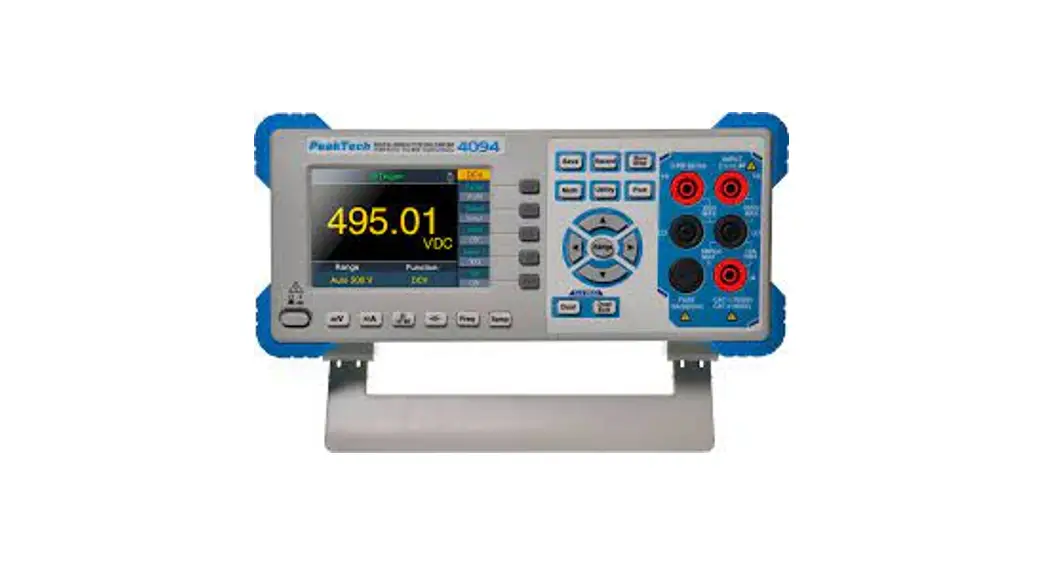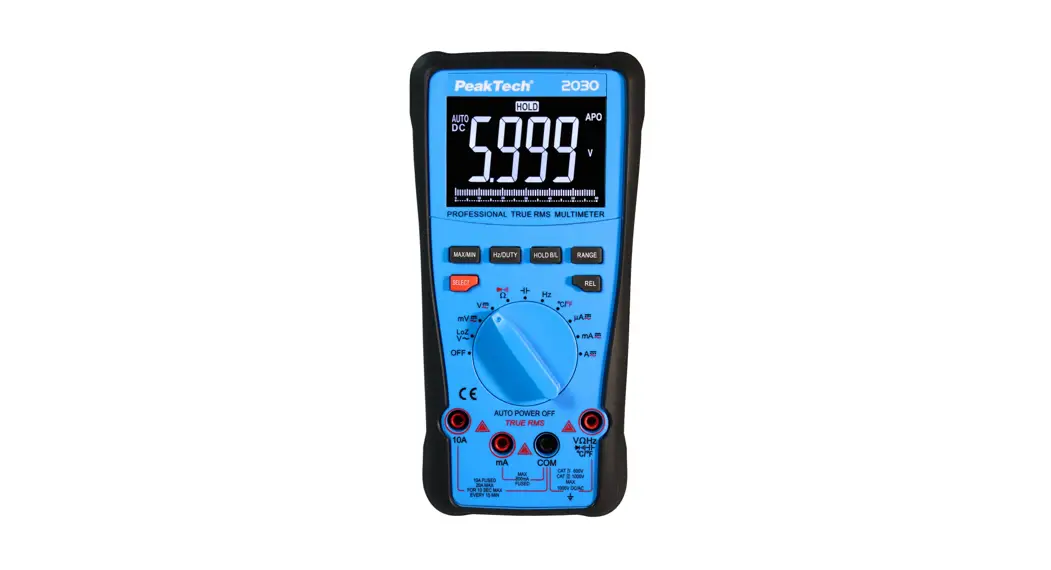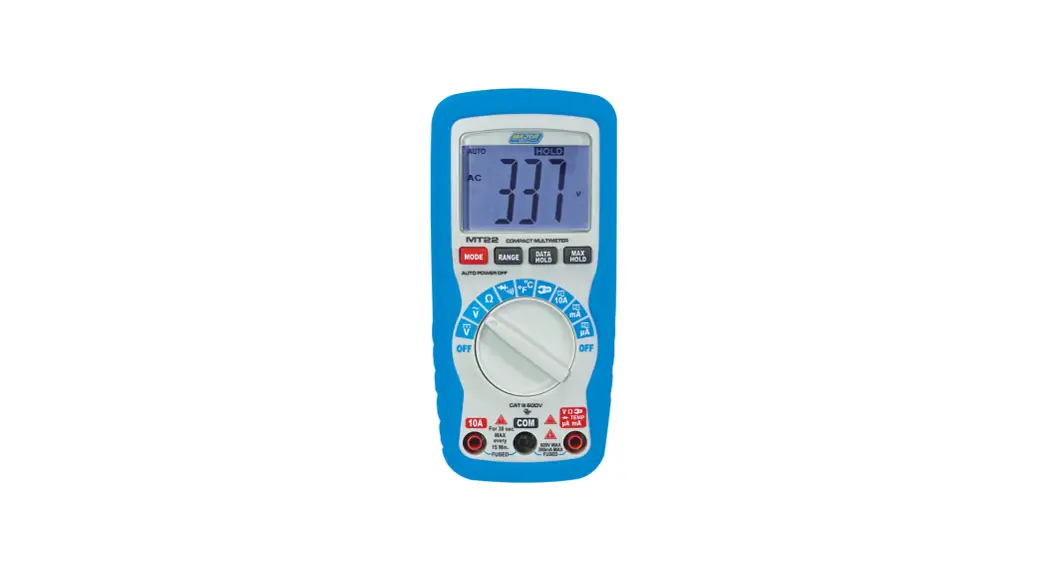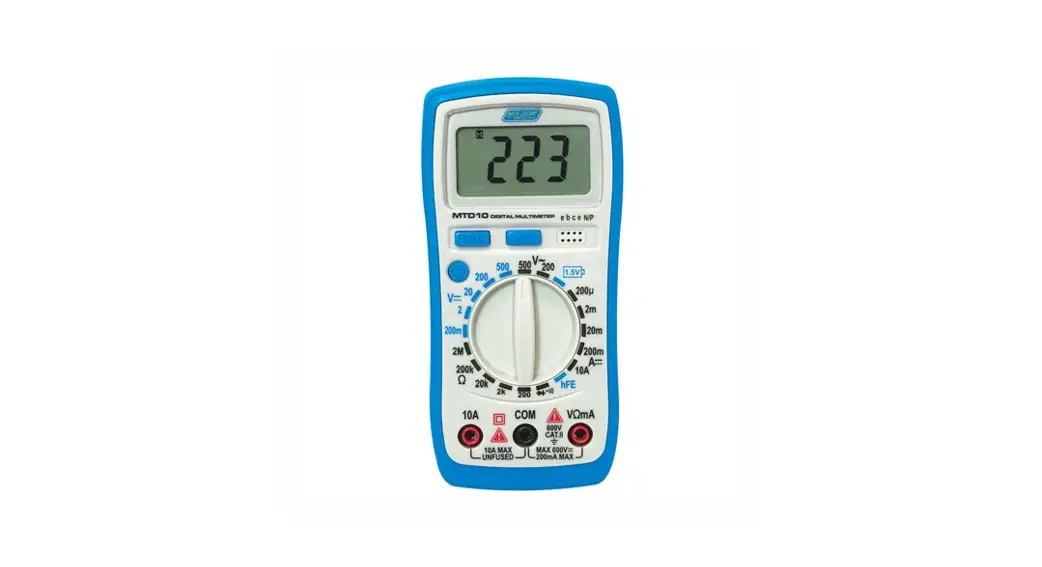

MTD10 Tech Digital Multimeter MTD10 Temp
User Manual
MTD10 MAJOR MTD10 Tech Digital Multimeter MTD10 Temp
SAFETY INSTRUCTIONS
This multimeter has been designed according to IEC1010 concerning electronic measuring instruments with an overvoltage category (CAT 11) and pollution 2. Follow all safety and operating instructions to ensure that the meter is used safely and is kept in good operating condition. Full compliance with safety standards can be guaranteed only with test leads supplied. If necessary, they must be replaced with the type specified in this manual.
SAFETY SYMBOLS
 Important safety information, refer to the operating manual.
 Dangerous voltage may be present.
 Earth ground.
 Double insulation (Protection class II).
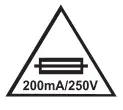 A Fuse must be replaced with rating specified in the manual.
MAINTENANCE
- Before opening the case, always disconnect test leads from all energized circuits.
- For continue protection against fire; replace fuse only with the specified voltage and current ratings: F 200mA/250V(Quick Acting)
- Never use the meter unless the back cover is in place and fastened completely.
- Do not use abrasives or solvents on the meter. To clean is use a damp cloth and mild detergent only.
DURING USE
- Never exceed the protection limit values indicated in specifications for each range of measurement.
- When the meter is linked to measurement circuit, do not touch unused terminals.
- Never use the meter to measure voltages that might exceed 600V above earth ground in category II installations.
- When the value scale to be measured is unknown beforehand, set the range selector at the highest position.
- Before rotating the range selector to change functions, disconnect test leads from the circuit under test.
- When carrying out measurements on TV or switching power circuits always remember that there may be high amplitude voltages pulses at test points, which can damage the meter.
- Always is careful when working with voltages above 60V DC or 30V AC RMS. Keep fingers behind the probe barriers while measuring.
- Before attempting to insert transistors for testing, always be sure that test leads have been disconnected from any measurement circuits.
- Components should not be connected to the hFE socket when making voltage measurements with test leads.
- Never perform resistance measurements on live circuits.
GENERAL DESCRIPTION
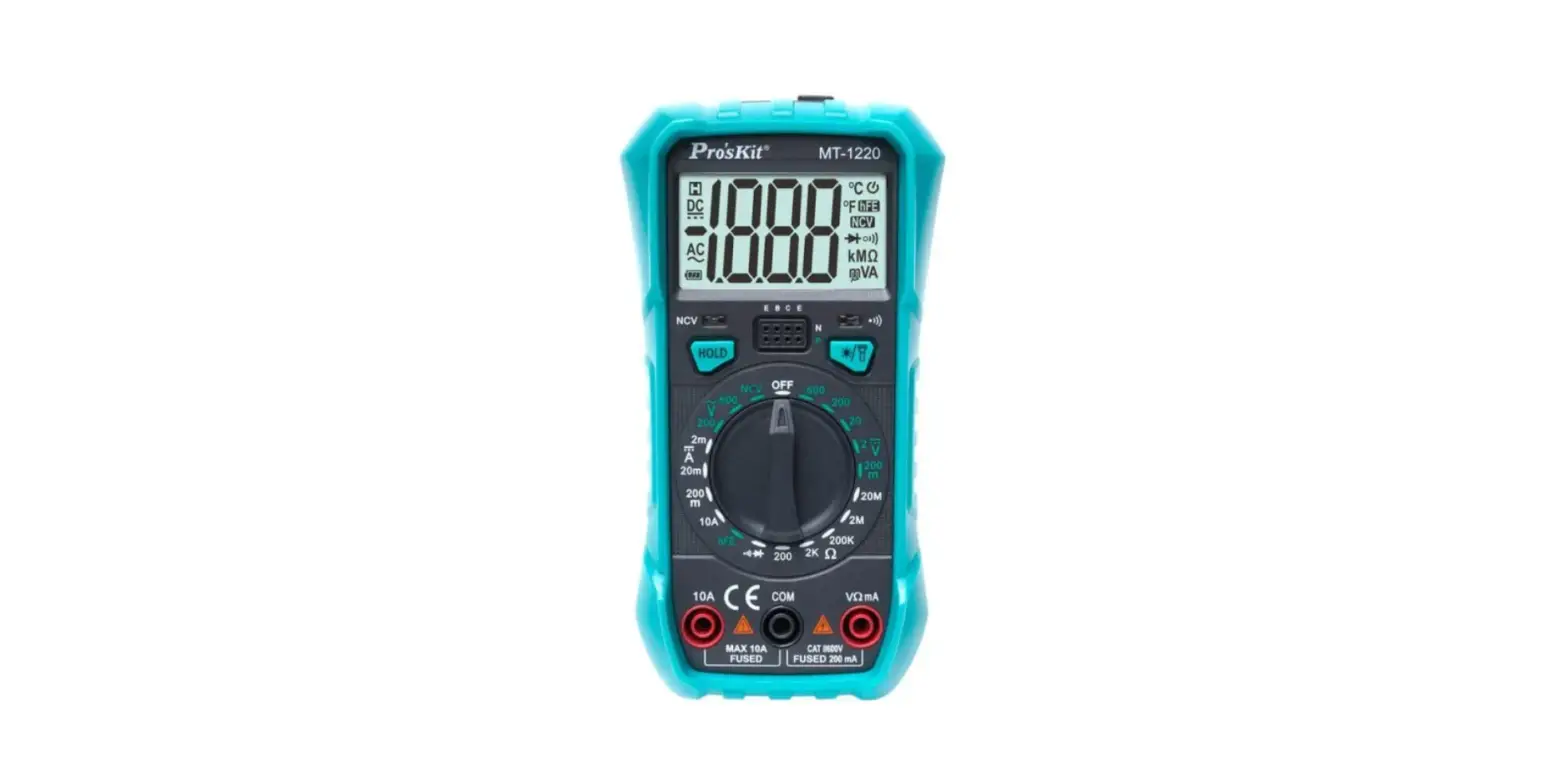
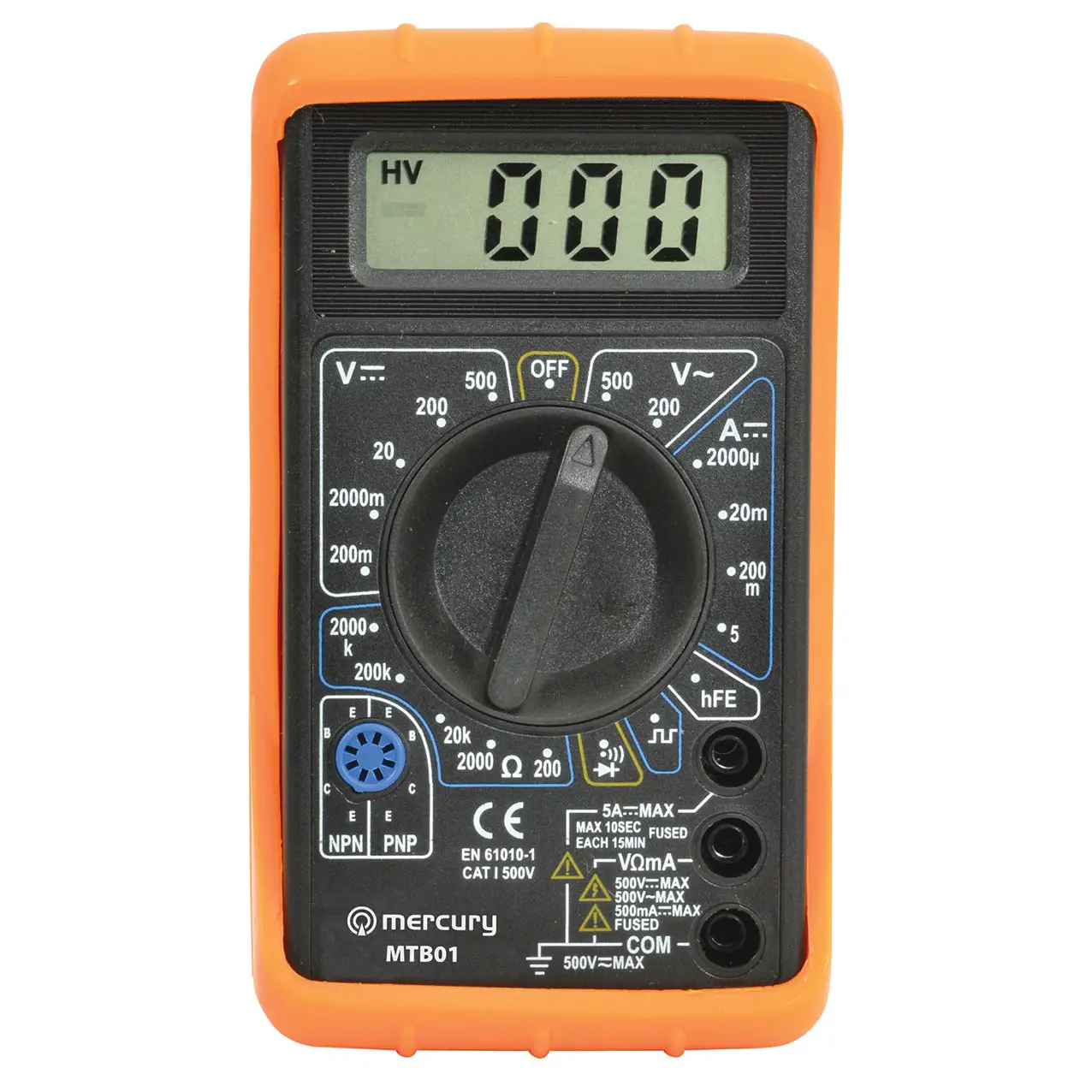
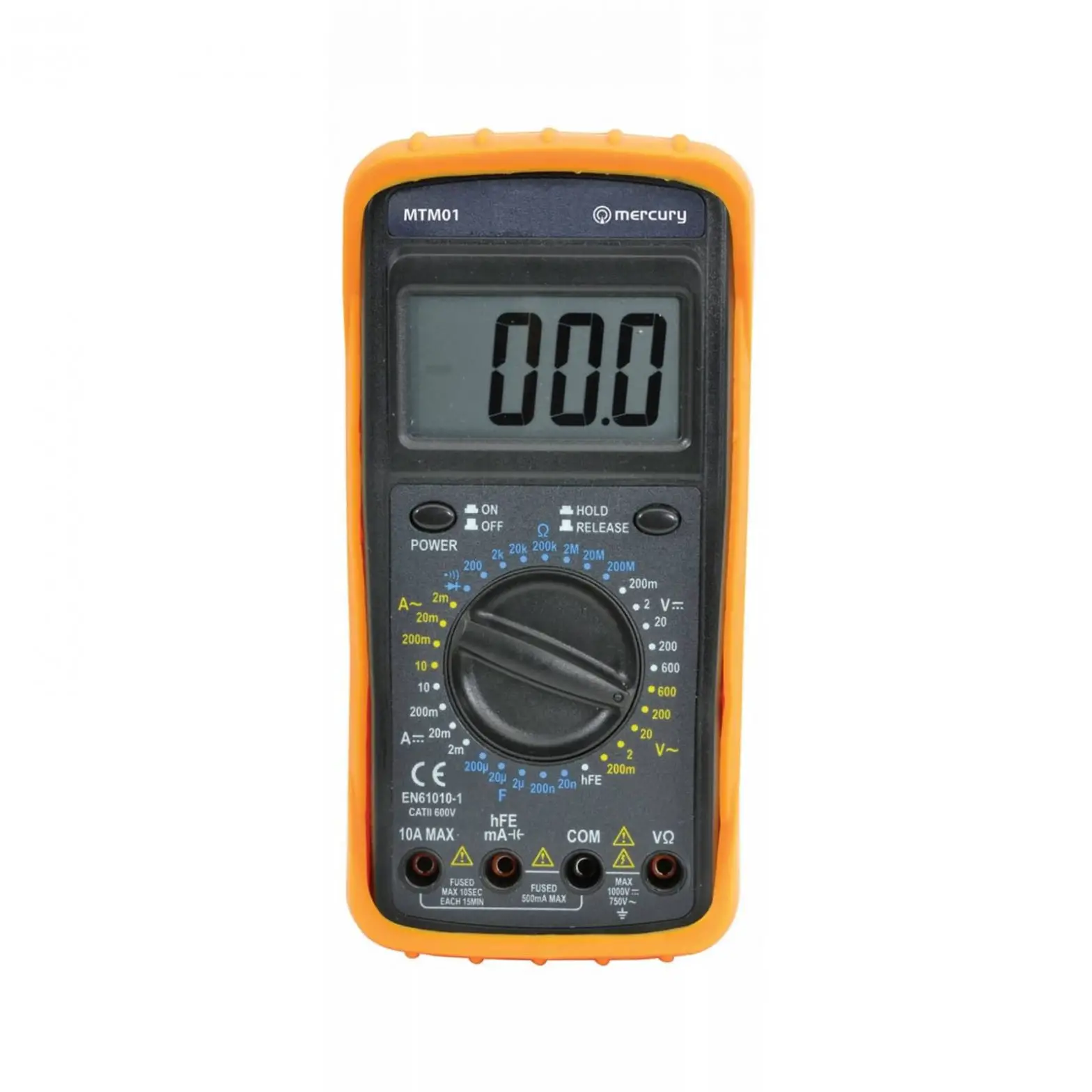
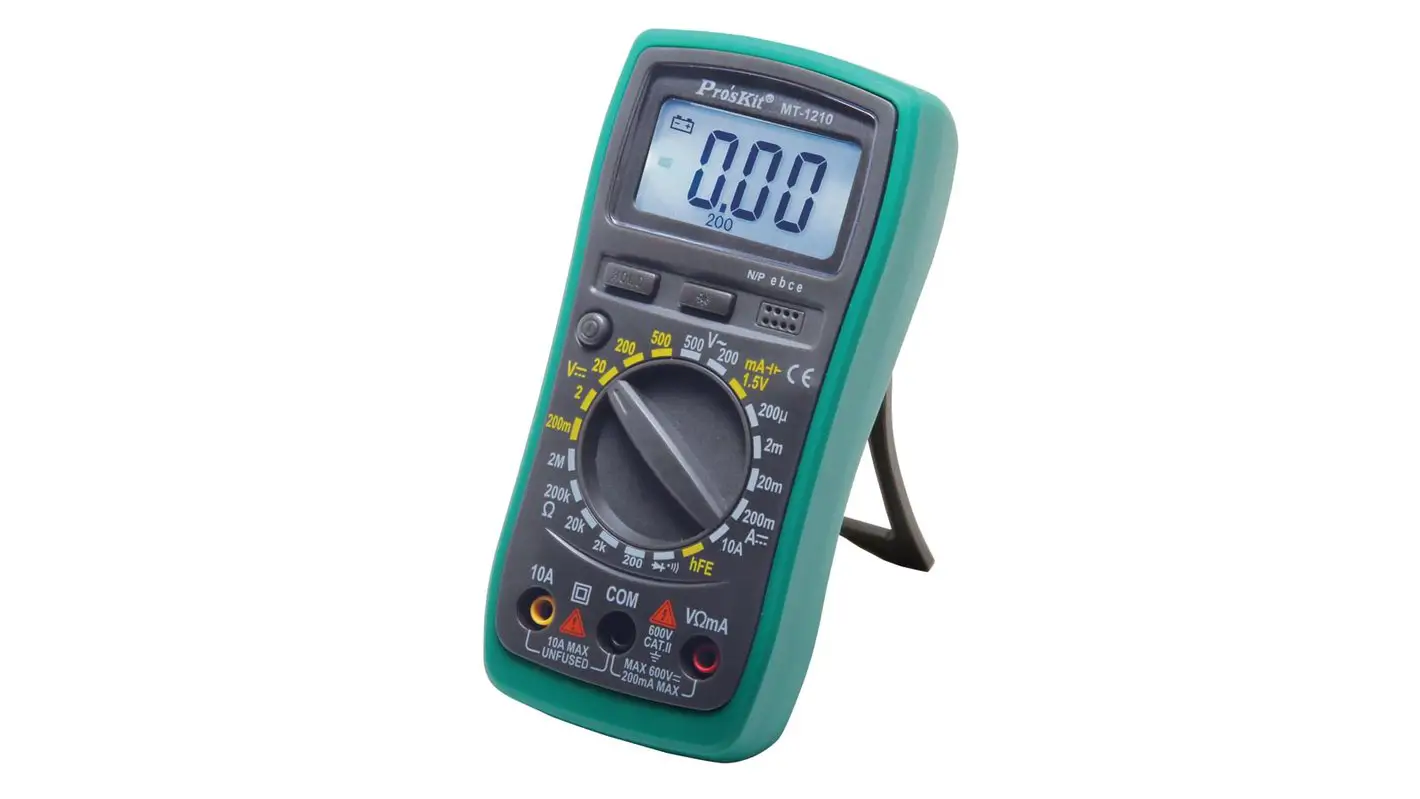
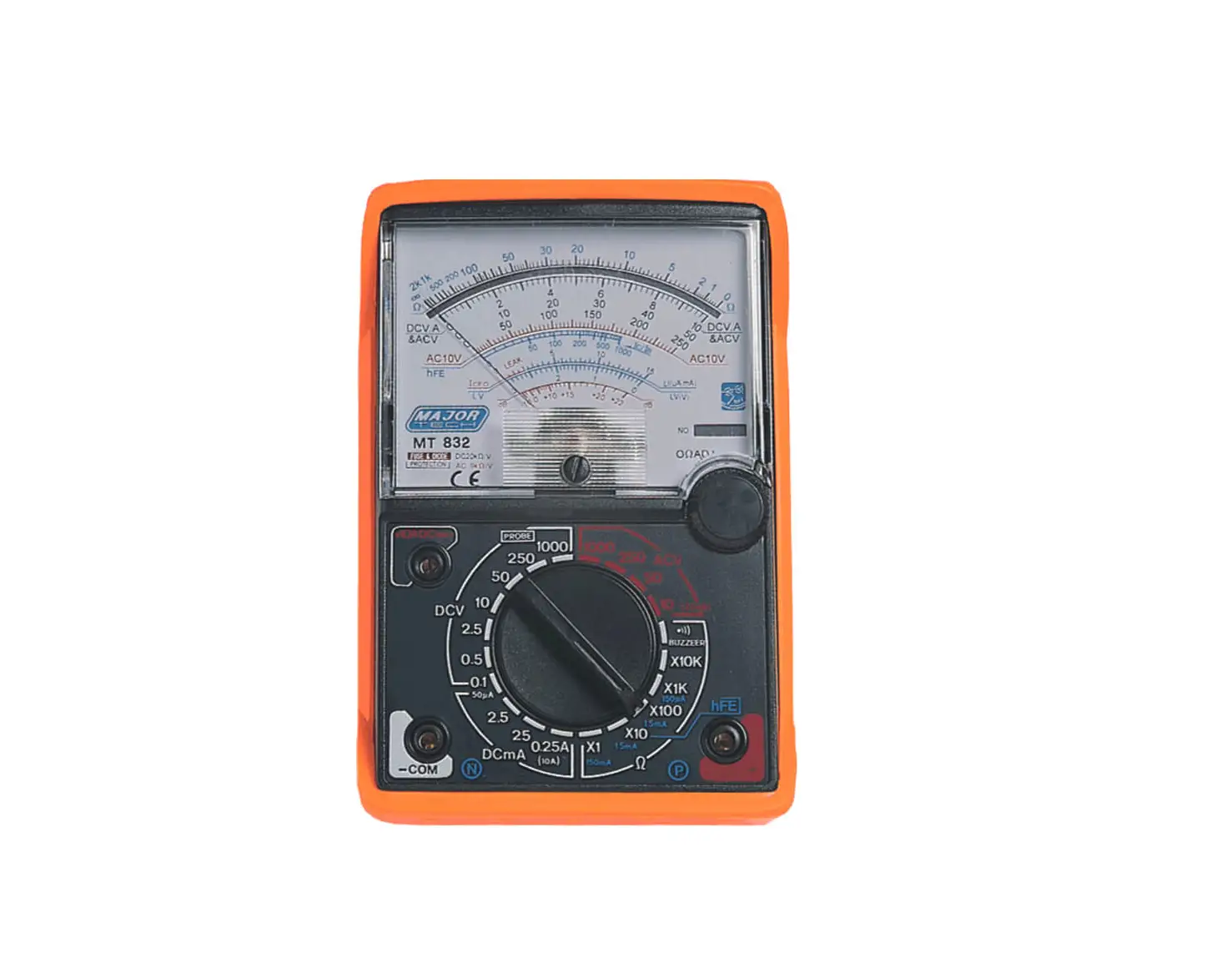
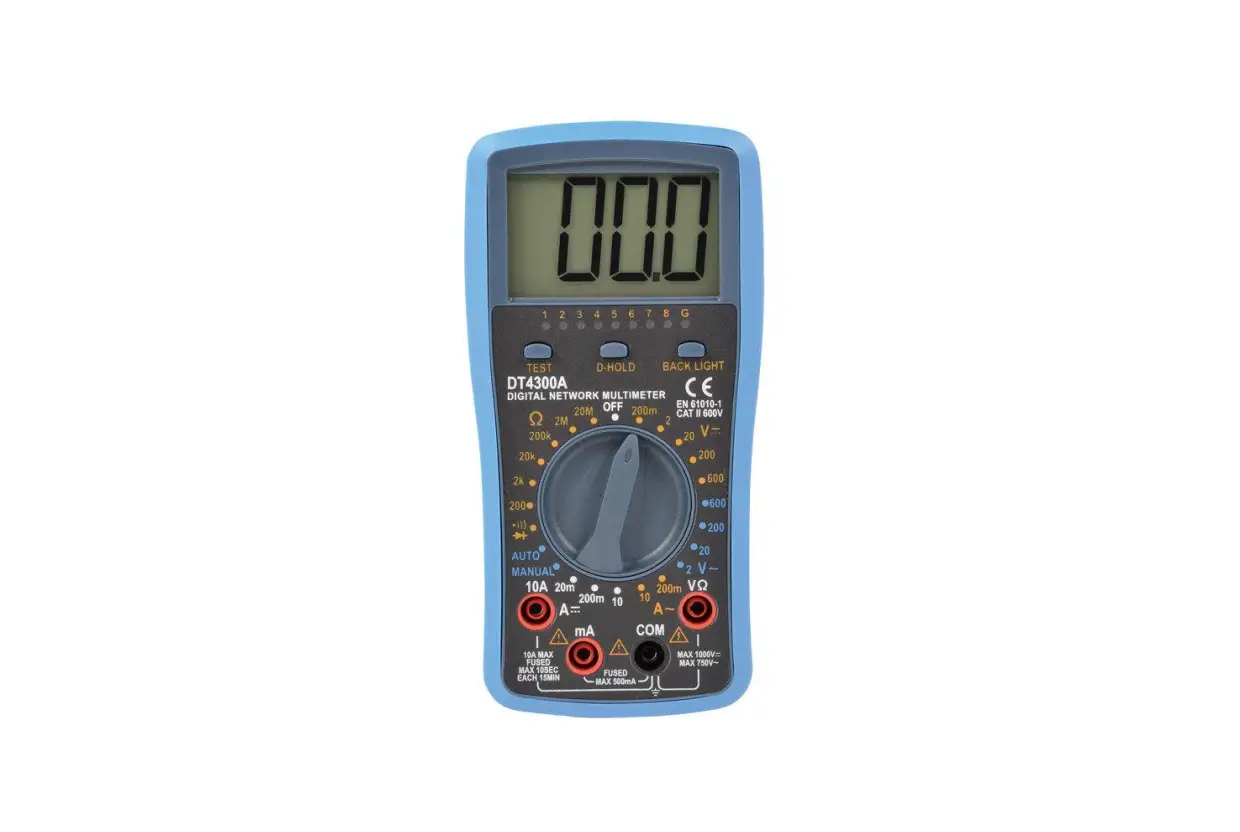
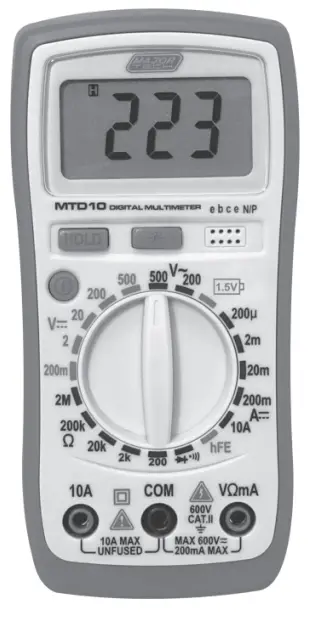
The meter is a handheld 3 1/2 digital multimeter for measuring DC and AC voltage, DC current, Resistance, Diode, Transistor and Continuity Test with battery operated.The Back light of display is optional.
FRONT PANEL DESCRIPTION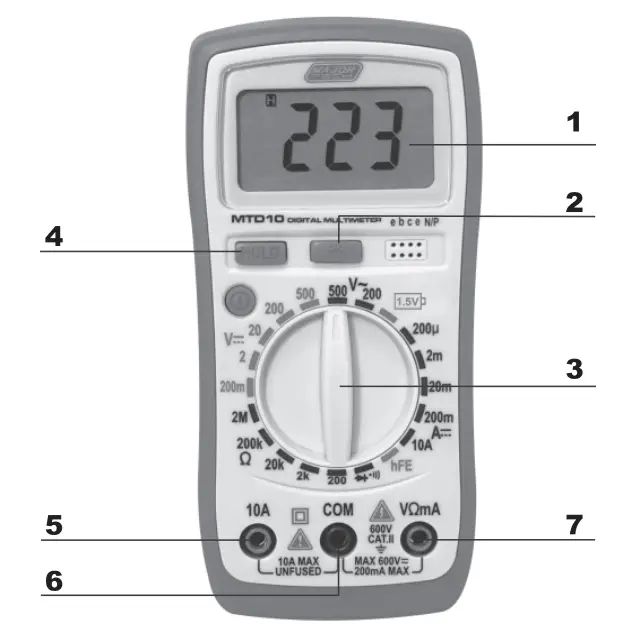
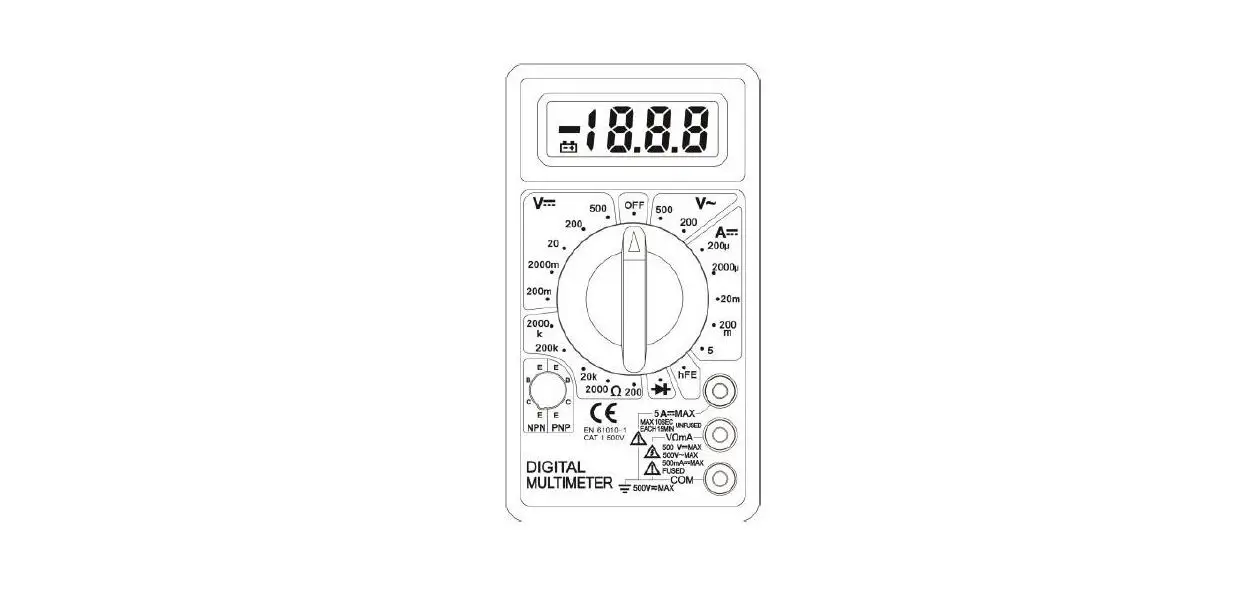
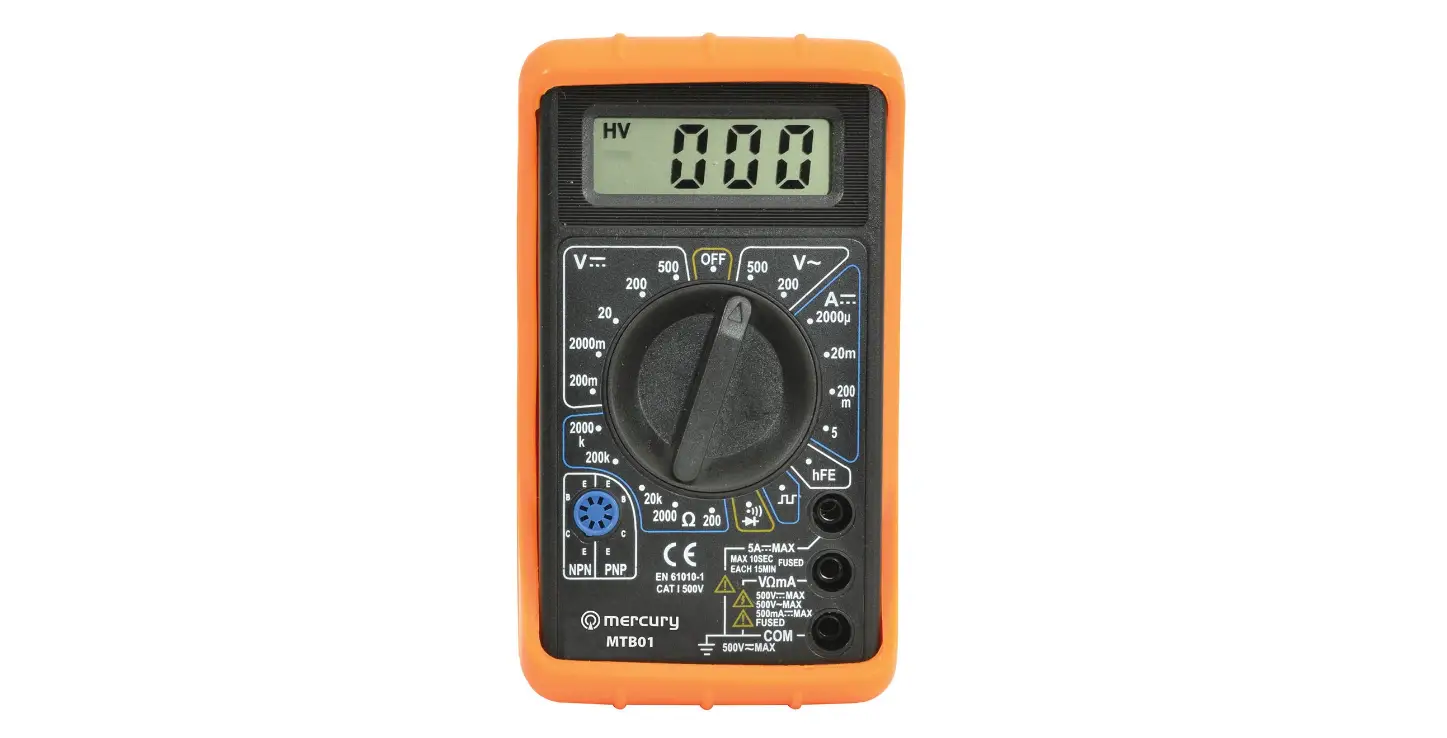
- 3 1/2 digit, 7 segment, 15mm high LCD.
- Back light
When this button is pushed, the Back light of display is on. After about 5 seconds, the Back light is self-off. The Back light is on again, just push this button once. - Rotary switch
This switch is used to select functions and desired ranges as well as to turn on/off the meter. - Hold button
When this button is pushed, the display will keep the last reading and ” ” symbol will appear on the LCD until pushing it again.
 - “10A” jack
Plug in connector for red test lead for 1 DA measurement. “COM” jack - Plug in connector for black (negative) test lead. “VmA” jack
- Plug in connector for red (positive) test lead for voltage, resistance and current (except 1 DA) measurements.
 ” symbol will appear on the LCD until pushing it again.
SPECIFICATIONS
| Function Range | |
| Maximum voltage between terminals and earth ground | CAT 11600V |
| Fuse protection | 200mA/250V |
| Power | 9V battery, NEDA 1604 or 6F22 |
| Display | LCD, 1999 counts, updates 2-3/sec |
| Measuring method | Dual-slope integration AID converter |
| Overrange Indication | Only figure “1” on the display |
| Polarity indication | “-” displayed for negative polarity |
| Operating Environment | 0 to 40°C |
| Storage temperature | -10°C to 50°C |
| Low battery indication |  ‘ , appears on the display ‘ , appears on the display |
| Size | 144 x 71 x 32mm |
| Weight | Approx. 195g |
Accuracy is specified for a period of one year after calibration and at 18°C to 28°C (64°F to 82°F) with relative humidity to 80%.
7.1. DC Voltage
| Range | Resolution | Accuracy |
| 200mV | 100μV | ±1% of rdg ± 2 digits |
| 2V | 1mV | ±1% of rdg ± 2 digits |
| 20V | 10mV | ±1% of rdg ± 2 digits |
| 200V | 100mV | ±1% of rdg ± 2 digits |
| 500V | 1V | ± 1.2% of rdg ± 5 digits |
Overload Protection: 250V RMS. For 200mV range and 600V DC or RMS. AC for other ranges.
7.2. DC Current
Overload Protection: F 200mA/250V fuse. (1 DA range unfused)
7.3. AC Voltage
| Range | Resolution | Accuracy |
| 200μA | 100mA | ±2% of rdg ± 5 digits |
| 2mA | 1μA | ±2% of rdg ± 5 digits |
| 20mA | 10uA | ±2% of rdg + 5 digits |
| 200mA | 100uA | ±2% of rdg ± 5 digits |
| 10A | 10mA | ±3% of rdg + 5 digits |
Overload Protection: 600V DC or RMS. AC for all ranges.
Frequency range: 40Hz to 400Hz. Response: Average responding, calibrated in RMS. of a sine wave.
7.4. Diode & Continuity
| Range | Description |
 | If continuity exists (about less than 1.5kΩ), built-in buzzer with sound. |
 | Show the approx. forward voltage drop of the diode. |
7.5. Transistor hFE Test (0-1000)
| Range | Test Range | Test Current | Test Voltage |
| NPN & PNP | 0-1000 | lb=10μA | Vce=2.8V |
Overload Protection: 250V DC or RMS. AC.
7.6. Resistance
| Range | Resolution | Accuracy |
| 200Ω | 0.1Ω | ±1% of rdg ± 5 digits |
| 2kΩ | 1Ω | ±1% of rdg ± 5 digits |
| 20kΩ | 10Ω | ±1% of rdg + 5 digits |
| 200kΩ | 100Ω | ±1% of rdg ± 5 digits |
| 2MΩ | 1kΩ | ±1.5% of rdg ± 5 digits |
Maximum Open Circuit Voltage: 2.8V Overload Protection: 250V DC or RMS. AC for all ranges.
7.7. Battery Testing
| Range | Accuracy |
| 1.5V | ±2.5% of rdg ± 2 digits |
OPERATING INSTRUCTIONS DC VOLTAGE MEASUREMENT
- Connect the red test lead to the “V.Ω.mA” jack and the black lead to the “COM” jack.
- Set rotary switch at desired DCV position. If the voltage to be measured is not known beforehand, set range switch at the highest range position and then reduce it until satisfactory resolution is obtained.
- Connect test leads across the source or load being measured.
- Read voltage value on the LCD display along with the polarity of the red lead connection.
DC CURRENT MEASUREMENT
- Connect the red test lead to the “V.Ω.mA” jack and the black test lead to “COM” jack. (For measurements between 200mA and 10A, remove red lead to “10A” jack.)
- Set the rotary switch at desired DCA position.
- Open the circuit in which the current is to be measured, and connect test leads in series with the circuit.
- Read current value on LCD display along with the polarity of red lead connection.
AC VOLTAGE MEASUREMENT
- Connect the red test lead to “V.Ω. mA” jack and the black test lead to the “COM” jack.
- Set the rotary switch at desired ACV position.
- Connect test leads across the source or load being measured.
- Read voltage value on the LCD display.
RESISTANCE MEASUREMENT
- Connect the red test lead to “V. Ω. mA” jack and black test lead to the “COM” jack. (The polarity of red lead is positive”+”.)
- Set the rotary switch at desired “Ω” range position.
- Connect test leads across the resistor to be measured and read LCD display.
- If the resistance being measured is connected to a circuit turn off power and discharge all capacitors before applying test probes.
DIODE TEST
- Connect the red test lead to “V.Ω.mA” jack and the black test lead to the “COM” jack (The polarity of red lead is positive”+”.).
- Set the rotary switch at ”
 ” position.
 - Connect the red test lead to the anode of the diode to be tested and the black test lead to the cathode of the diode. The approx. forward voltage drop of the diode will be displayed. If the connection is reversed, only figure “1” will be shown.
TRANSISTOR TEST
- Set the rotary switch at “hFE” position.
- Determine whether the transistor under testing is NPN or PNP and locate the emitter base and collector leads. Insert the leads into proper holes of the hFE socket on the front panel.
- Read the approximate hFE value at the test condition of base current 10μA and Vce 2.8V.
NOTE: To avoid electrical shock, remove test leads from measurement circuits before testing a transistor.
AUDIBLE CONTINUITY TEST
- Connect red test lead to “V.O.mA”, black test lead to “COM”.
- Set range switch to ”
 ” position.
 - Connect test leads to two points of circuit to be tested. If continuity exists, built-in buzzer will sound.
BATTERY TEST
- Connect the red test lead to “V.Ω.mA” jack and black test lead to the “COM” jack
- Set the rotary switch at desired “1.5V mA ” position
- Connect test leads across the source of load being measured
- Read Voltage Value on the LCD display
WARNING: To avoid electric shock, be sure the thermocouple has been removed before changing to another function measurement.
BATTERY & FUSE REPLACEMENT
If “” appears on display, it indicates that the battery should be replaced.
Fuse rarely need replacement and are blown almost always as a result of operator’s error.
To replace battery & fuse (200mA/250V) remove the 2 screws in the bottom of the case. Simply remove the old, and replace with a new one. Be careful to observe battery polarity. WARNING: Before attempting to open the case, always be sure that test leads have been disconnected from measurement circuits. Close case and tighten screws completely before using the meter to avoid electrical shock hazard.
ACCESSORIES
- Operator’s instruction manual
- Set of test leads
- Holster
MAJOR TECH (PTY) LTD
| South Africa | Australia |
 www.major-tech.com www.major-tech.com | www.majortech.com.au |
 [email protected] [email protected] | [email protected] |

 Major Tech - Innovation l Quality l Excellence
 Home - Major Tech Australia