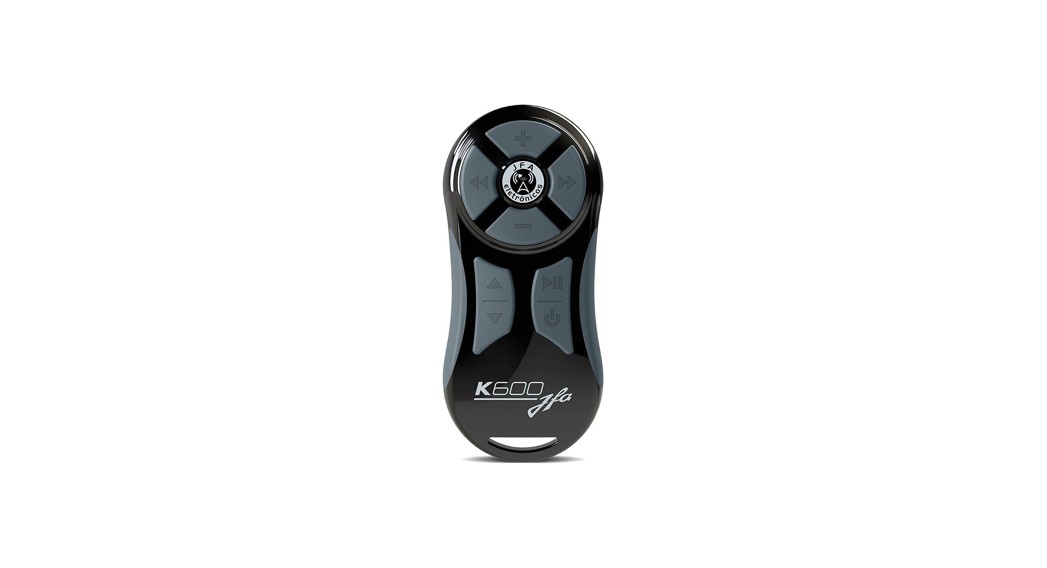
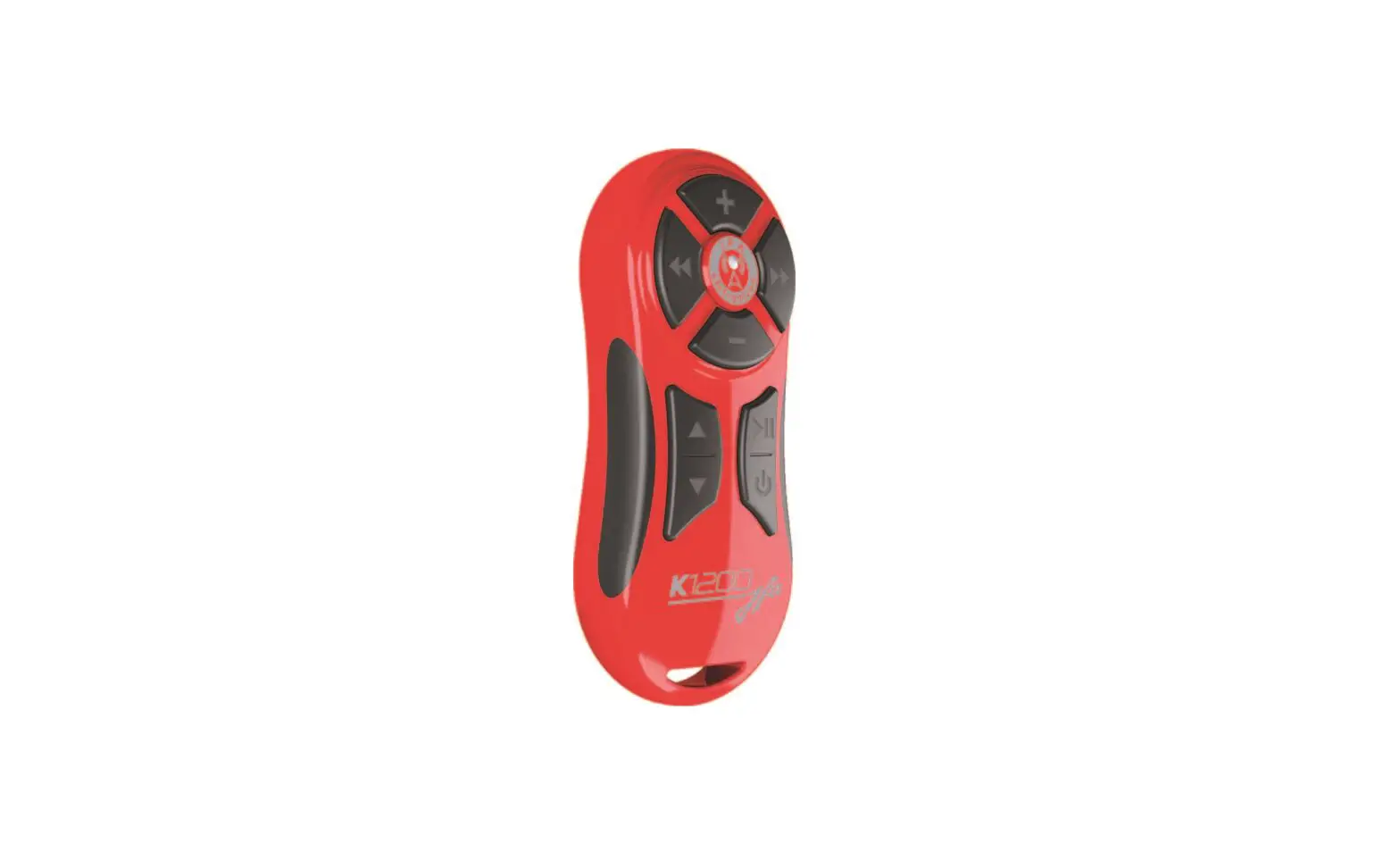
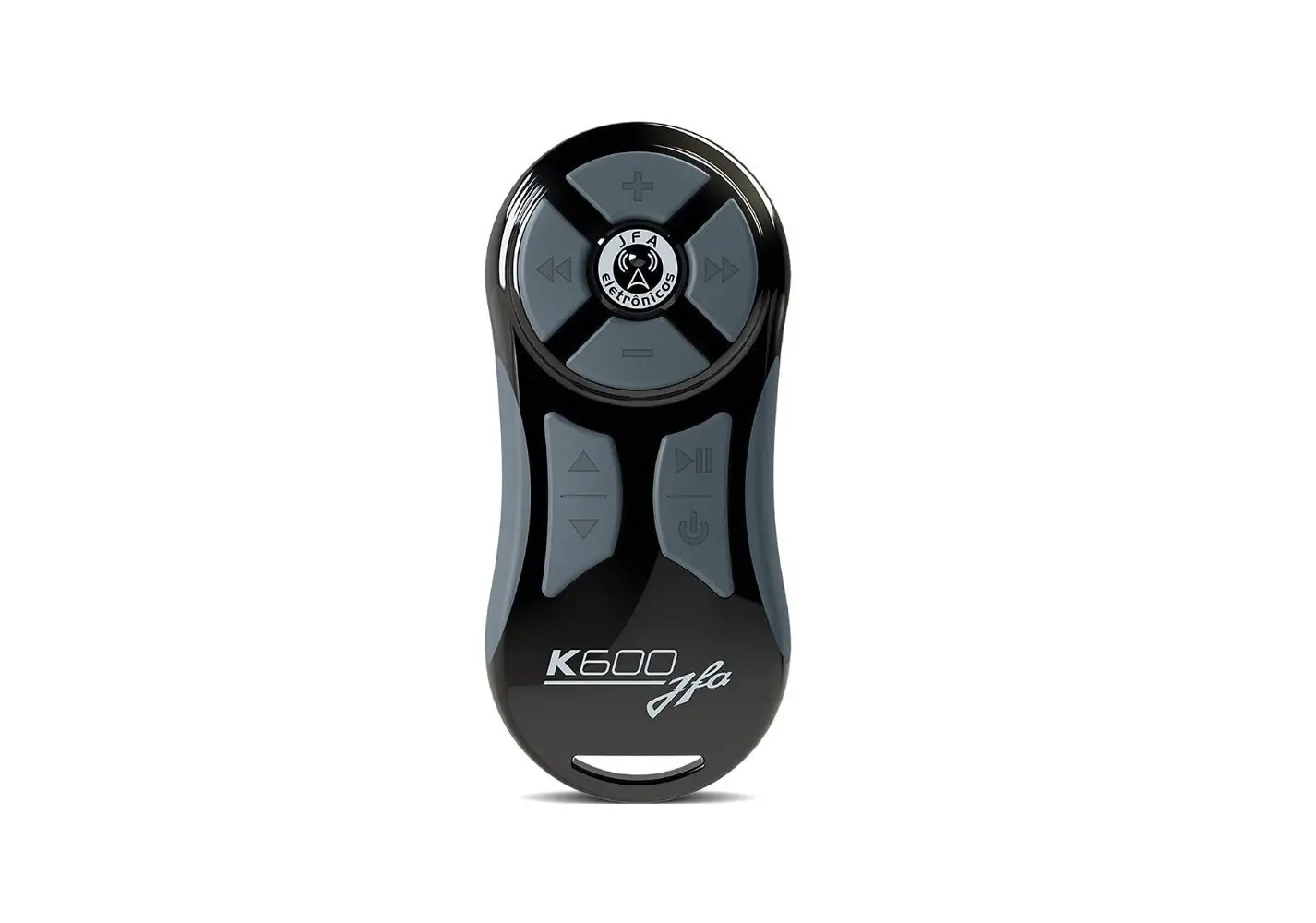
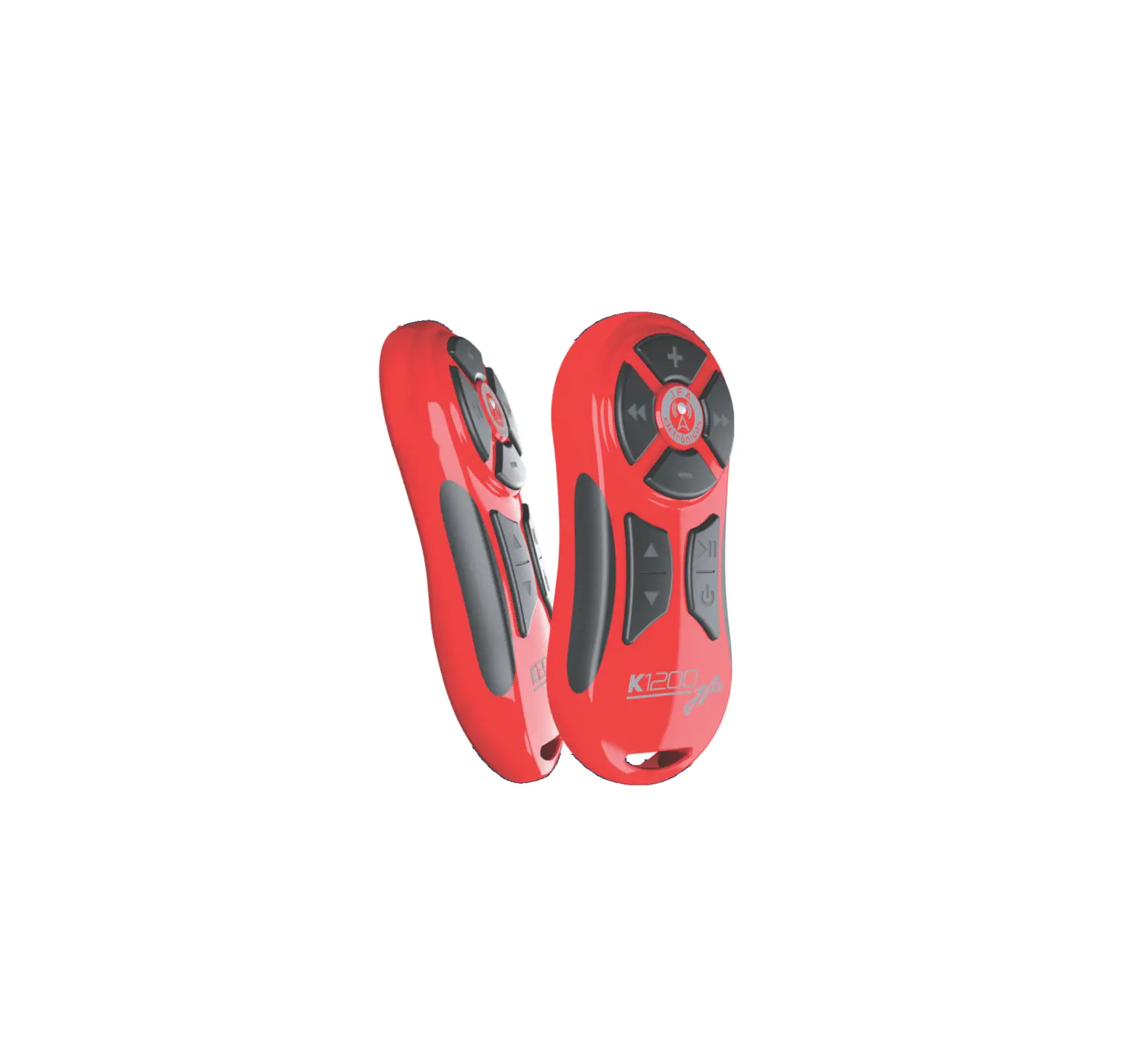
Redline Remote Control
Redline Remote Control
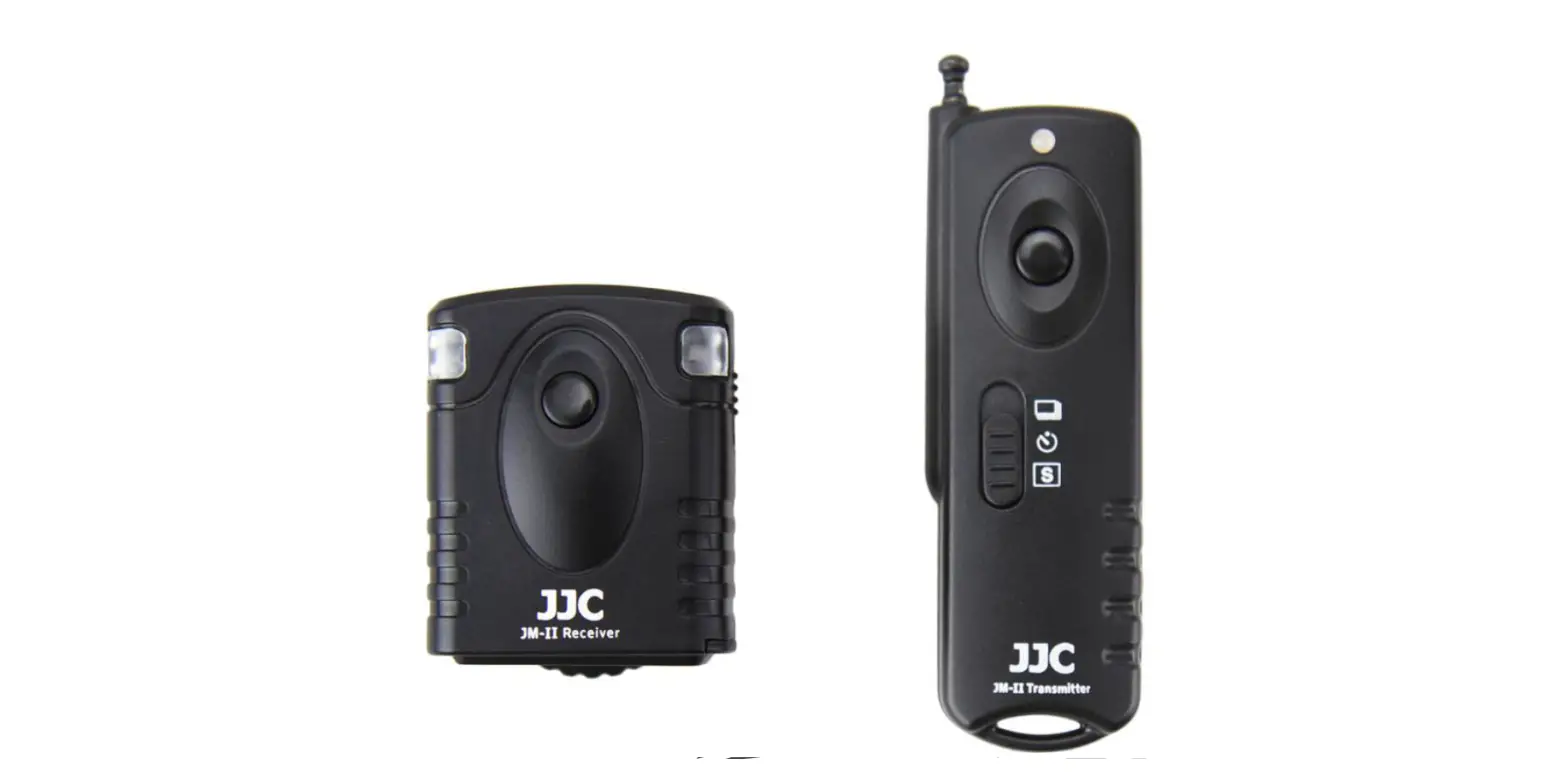
The Redline Remote Control is a device that allows users to
control their Pioneer brand models and players with resistive
interface through a wireless transmitter unit. The transmitter unit
sends a radio frequency signal to the receiver unit, which turns on
the LED action indicating the presence of a received signal. The
receiver unit controls the player through the P2 plug of the W/R
interface of Pioneer brand models that have this input and players
with resistive interface.
Functioning
The transmitter unit sends a radio frequency (RF) signal each
time a key is pressed. The basic commands of the transmitter unit
include volume control, rewind and advance music, go up and down
the folder, play/pause/ATT, and power/function (switches to aux,
CD, USB, radio, etc.). The receiver unit has an RF receiver
antenna, LED action reception indicator, memory mode button, 12v
power supply (black white stripe) and GND (black), connector for
W/R interface for Pioneer models, and resistive interface cable for
players with this technology.
Control Coding
To encode a control, follow these steps: 1) Press the M key on
the receiver (Indication 9). The LED ACTION (Indication 8) will
have permanent access; 2) Press the (+) key on the control
(Indication 1). Verify that the LED ACTION (indication 8) will
blink 1 time, indicating that the control has been encoded with the
Redline receiver; 3) After finishing this process, LED ACTION
(Indication 8) lights up will delete immediately. Note that the
panel will not work if the procedure control coding is not
performed.
Recommended Installation for the Receiver (W/R Mode)
Unit Receiver – Interface W/R (Cable P2) – Player
Technical Specifications
- Unity Receiver
- Unity Transmitter
- Approved Product 01260-14-04318
- This equipment operates on a secondary basis, have not the
right of protection against harmful interference, even of the same
type of station, and may not cause interference to systems
operating in primary basis. - Website: www.jfaeletronicos.com
Product Usage Instructions
- Perform the control coding procedure to ensure proper
functioning of the Redline Remote Control. - Install the receiver unit using the recommended installation
for the receiver (W/R mode). - Connect the player to the receiver unit using the interface W/R
(cable P2). - Use the transmitter unit to control the player using the basic
commands such as volume control, rewind and advance music, go up
and down the folder, play/pause/ATT, and power/function (switches
to aux, CD, USB, radio, etc.). - Note that the Redline Remote Control operates on a secondary
basis and may not have protection against harmful interference or
cause interference to systems operating in primary basis.
REDLINE REMOTE CONTROL
INSTRUCTION MANUAL
REDLINE REMOTE CONTROL – INSTRUCTION MANUAL
REDLINE REMOTE CONTROL
PRESENTATION
The REDLINE allows you to control by distance¹ the main functions of the “player” and change music, folder, volume, pause, play and power.
FUNCTIONING
Transmitter unit: Each time a key is pressed, a radio frequency (RF) signal is transmitted to the receiving unit. Receiving unit: it will turn on the “led action” indicating the presence of a received signal, and controls the player through the P2 plug of the W/R interface of the PIONNER brand models that have this input and PLAYERS with resistive interface.
IMPORTANT REMARKS
· To avoid interference, install the receiving unit at a distance of at least 1 meter from the alarm center or electronic injection module. · For a greater range, the antenna should be kept stretched and in a place that is visual and distant from the car store. · Check the intensity of the light on the led of the transmitter unit. If it is weak or does not turn on, replace the battery. ¹For a longer range, install the equipment in a location where the antenna is free and the most exposed as possible, the distance achieved is 1200 meters in open area.
REDLINE REMOTE CONTROL – INSTRUCTION MANUAL
BASIC COMMANDS TRANSMITTER UNIT
1
3
4
5
2
6
8
7
9
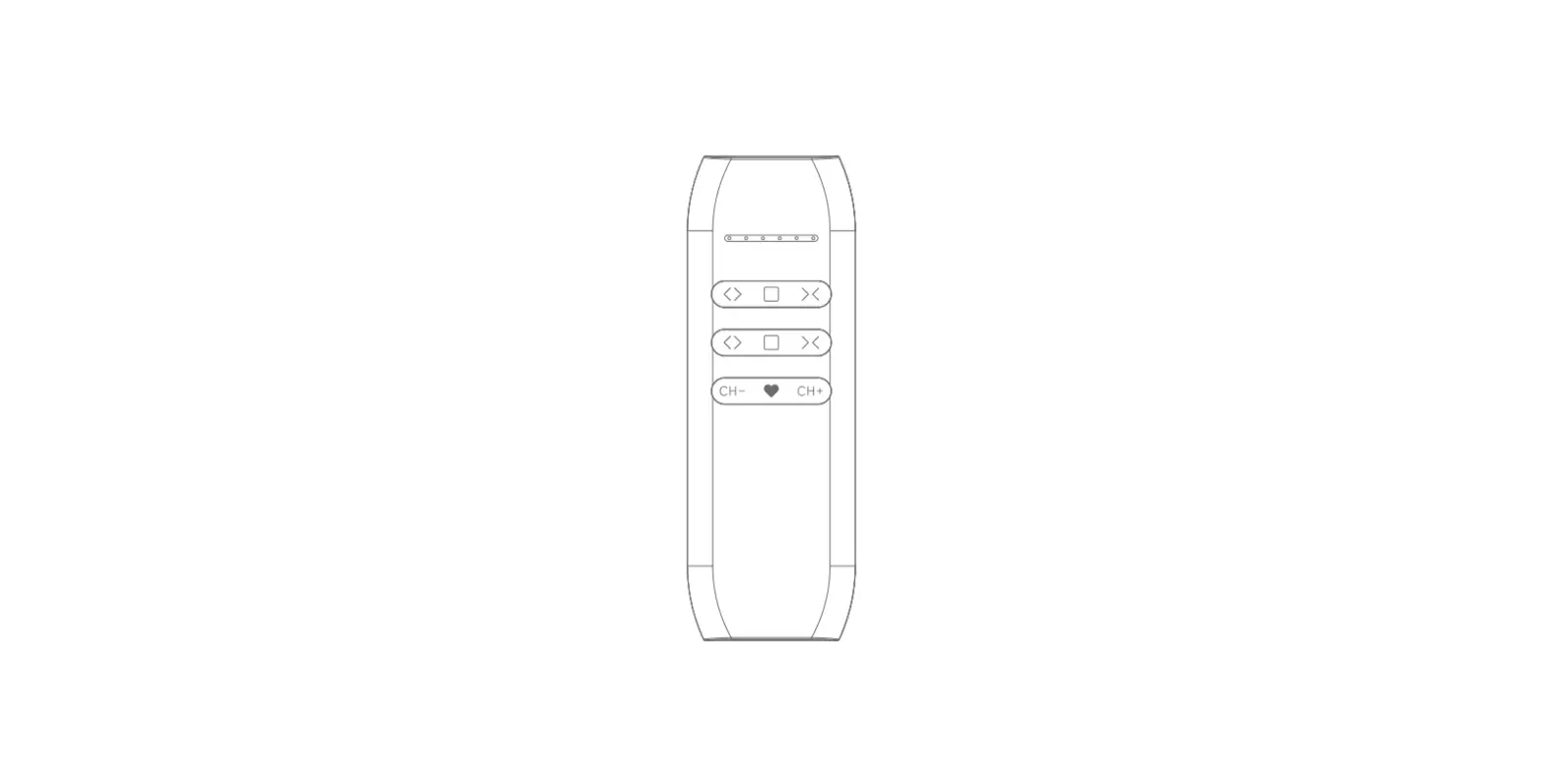
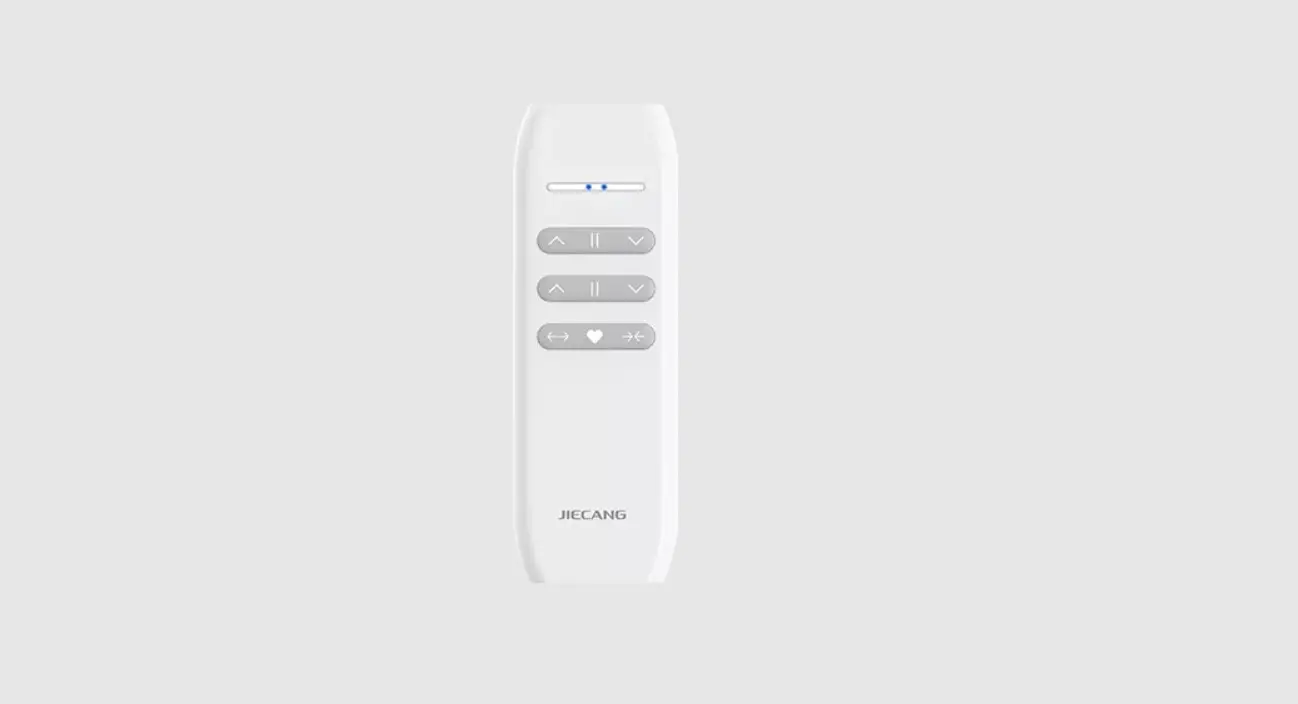
1. Volume control (+); 2. Volume control ( _ ); 3. Rewind the music; 4. Advance the music; 5. LED indicator; 6. Go up the folder; 7. Go down the folder; 8. Play / pause / ATT; 9. Power / function (switches to aux, CD, USB, radio, etc.).
REDLINE REMOTE CONTROL – INSTRUCTION MANUAL
BASIC COMMANDS OF THE RECEIVER UNIT 7
8
9
10
12
7- RF receiver antenna;
11
8- Led action, reception indicator;
9- Memory mode button;
10- 12v power supply (black white stripe) and GND (black);
11- Connector for W/R interface for Pioneer models;
12- Resistive interface cable for Players with this technology;
REDLINE REMOTE CONTROL – INSTRUCTION MANUAL
CONTROL CODING
To encode a control, follow these steps: 1- Press the “M” key on the receiver (Indication 9). The LED ACTION (Indication 8) will have permanent access; 2- Press the (+) key on the control (Indication 1). Verify that the led ACTION (indication 8) will blink 1 time, indicating that the control has been encoded with the REDLINE receiver. 3- After nishing this process, LED ACTION (Indication 8) lights up will delete immediately.
IMPORTANT REMARK
The panel will not work if the procedure control coding is not performed.
RECOMMENDED INSTALLATION FOR THE RECEIVER (W/R MODE)
UNIT RECEIVER
INTERFAZ W/R (CABLE P2)
PLAYER
REDLINE REMOTE CONTROL – INSTRUCTION MANUAL
TECHNICAL SPECIFICATIONS
UNITY RECEIVER UNITY TRANSMITTER
Operating voltage: 9 to 16 V Stand-by consumption: 13 mA Reverse polarity protection: YES Battery model: A 23 12 V Operating Frequency: 433.92 MHz Reverse polarity protection: NO Radiated power (3 meters): 0.808 mW Modulation: ASK
APPROVED PRODUCT 01260-14-04318
“This equipment operates on a secondary basis,have not the right of protection against armful interference, even of the same type of station, and notmay cause interference to systems operating in primary basis. ”
www.jfaeletronicos.com
 JFA Eletrônicos - Automotivo e Telecomunicações -