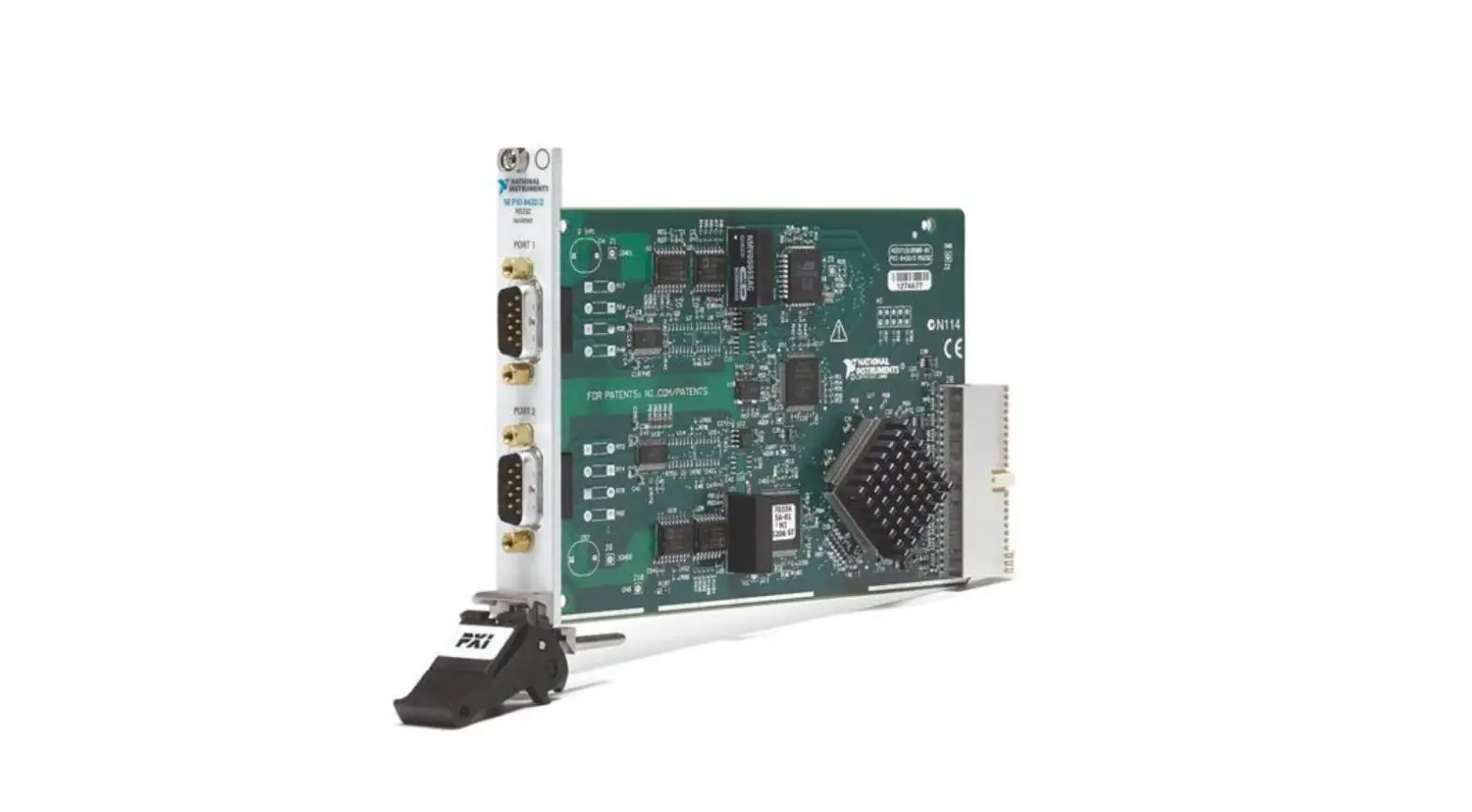
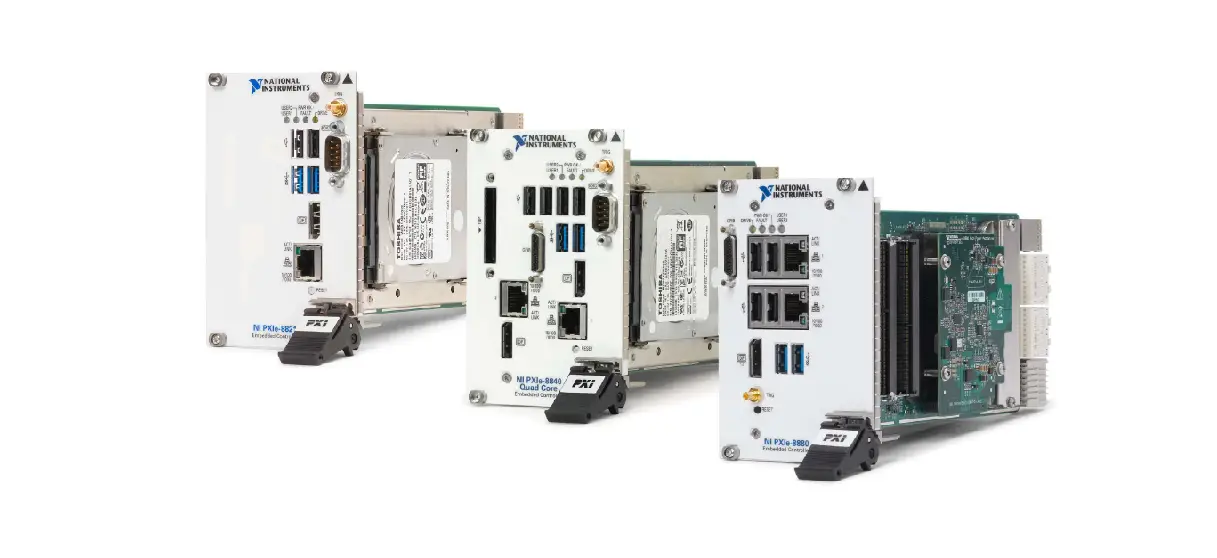
PXI-8431-2 Serial Interface Module
Product Information
Product Name: PXI-8431-2
Product Type: Serial Installation Guide
Product Usage Instructions
NI-Serial Software Installation
- Log on as Administrator or as a user with administrator
privileges. - Insert the NI-Serial media.
- Run the NI-Serial for Windows installer.
- For more information about installing your Serial interface,
refer to the appropriate following section.
PCI/PCI Express/PXI/PXI Express Serial Installation
Refer to the installed Serial Hardware and Software Help for
more information about troubleshooting problems, configuring the
hardware and software, programming requirements, and more.
- Power down the computer, install your serial PCI, PCI Express,
PXI, or PXI Express hardware, and power on the computer. - After Windows detects your hardware, open NI-Serial
Troubleshooter. - The NI-Serial Troubleshooter window appears. This application
verifies the software and hardware installation and sequentially
tests each NI serial port. - Connect the cables.
USB Serial Installation
Caution: The USB Serial device and the computer must
share the same ground potential.
Refer to the installed Serial Hardware and Software Help for
more information about troubleshooting problems, configuring the
hardware and software, programming requirements, and more.
- Restart the computer.
- If you are installing a USB-485/4, connect the external power
supply. - Connect the USB cable from the USB hardware to an available USB
port on your computer or USB hub. - Open NI-Serial Troubleshooter.
- The NI-Serial Troubleshooter window appears. This application
verifies the software and hardware installation and sequentially
tests each NI serial port. - Connect the cables.
ENET Serial Installation
Refer to the installed Serial Hardware and Software Help for
more information about troubleshooting problems, configuring the
hardware and software, programming requirements, and more.
- Restart the computer.
- Install your Serial ENET hardware.
- Open NI-Serial ENET Wizard.
- Follow the prompts to add your serial ENET interface(s). If you
see the Hardware Installation dialog box, click Continue Anyway.
You may see two Hardware Installation dialog boxes per port being
installed. - When finished adding your serial ENET interface(s), restart
your computer.
- Open NI-Serial Troubleshooter.
- The NI-Serial Troubleshooter window appears. This application
verifies the software and hardware installation and sequentially
tests each NI serial port. - Connect the cables.
ExpressCard Serial Installation
Refer to the installed Serial Hardware and Software Help for
more information about troubleshooting problems, configuring the
hardware and software, programming requirements, and more.
- Restart the computer.
- Insert your serial ExpressCard hardware.
- Open NI-Serial Troubleshooter.
- The NI-Serial Troubleshooter window appears. This application
verifies the software and hardware installation and sequentially
tests each NI serial port. - Connect the cables.
PXI-8431-2
Serial Installation Guide
Contents
NI-Serial Software Installation ……………………………………………………………………………………. 1 PCI/PCI Express/PXI/PXI Express Serial Installation ……………………………………………………. 1 USB Serial Installation ………………………………………………………………………………………………. 2 ENET Serial Installation…………………………………………………………………………………………….. 2 ExpressCard Serial Installation …………………………………………………………………………………… 3
NI-Serial Software Installation
To install your NI-Serial software, follow these steps. 1. Log on as Administrator or as a user with administrator privileges. 2. Insert the NI-Serial media. 3. Run the NI-Serial for Windows installer. 4. For more information about installing your Serial interface, refer to the appropriate
following section.
PCI/PCI Express/PXI/PXI Express Serial Installation
Refer to the installed Serial Hardware and Software Help for more information about troubleshooting problems, configuring the hardware and software, programming requirements, and more. 1. Power down the computer, install your serial PCI, PCI Express, PXI, or PXI Express
hardware, and power on the computer. 2. After Windows detects your hardware, open NI-Serial Troubleshooter. 3. The NI-Serial Troubleshooter window appears. This application verifies the software and
hardware installation and sequentially tests each NI serial port. 4. Connect the cables.
USB Serial Installation
Caution The USB Serial device and the computer must share the same ground potential.
Refer to the installed Serial Hardware and Software Help for more information about troubleshooting problems, configuring the hardware and software, programming requirements, and more. 1. Restart the computer. 2. If you are installing a USB-485/4, connect the external power supply. 3. Connect the USB cable from the USB hardware to an available USB port on your computer
or USB hub. 4. Open NI-Serial Troubleshooter. 5. The NI-Serial Troubleshooter window appears. This application verifies the software and
hardware installation and sequentially tests each NI serial port. 6. Connect the cables.
ENET Serial Installation
Refer to the installed Serial Hardware and Software Help for more information about troubleshooting problems, configuring the hardware and software, programming requirements, and more. 1. Restart the computer. 2. Install your Serial ENET hardware.
a. Open NI-Serial ENET Wizard. b. Follow the prompts to add your serial ENET interface(s). If you see the Hardware
Installation dialog box, click Continue Anyway. You may see two Hardware Installation dialog boxes per port being installed. c. When finished adding your serial ENET interface(s), restart your computer. 3. Open NI-Serial Troubleshooter. 4. The NI-Serial Troubleshooter window appears. This application verifies the software and hardware installation and sequentially tests each NI serial port. 5. Connect the cables.
2 | ni.com | Serial Installation Guide
ExpressCard Serial Installation
Refer to the installed Serial Hardware and Software Help for more information about troubleshooting problems, configuring the hardware and software, programming requirements, and more. 1. Restart the computer. 2. Insert your serial ExpressCard hardware. 3. Open NI-Serial Troubleshooter. 4. The NI-Serial Troubleshooter window appears. This application verifies the software and
hardware installation and sequentially tests each NI serial port. 5. Connect the cables.
Serial Installation Guide | © National Instruments | 3
Refer to the NI Trademarks and Logo Guidelines at ni.com/trademarks for more information on National Instruments trademarks. Other product and company names mentioned herein are trademarks or trade names of their respective companies. For patents covering National Instruments products/technology, refer to the appropriate location: Help»Patents in your software, the patents.txt file on your media, or the National Instruments Patents Notice at ni.com/patents. You can find information about end-user license agreements (EULAs) and third-party legal notices in the readme file for your NI product. Refer to the Export Compliance Information at ni.com/legal/export-compliance for the National Instruments global trade compliance policy and how to obtain relevant HTS codes, ECCNs, and other import/export data.
© 20052013 National Instruments. All rights reserved.
371583P-01
Jul13
 Engineer Ambitiously - NI
 PXI-8431/2 National Instruments Serial Interface Module | Apex Waves