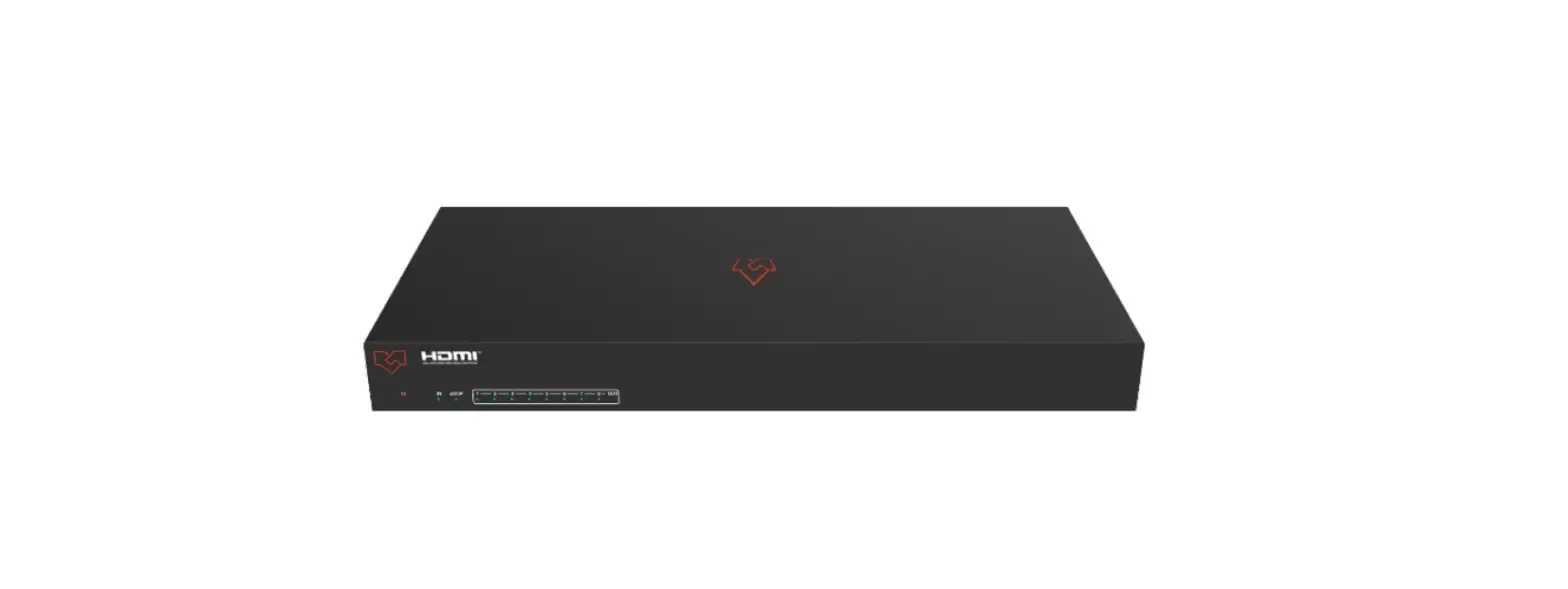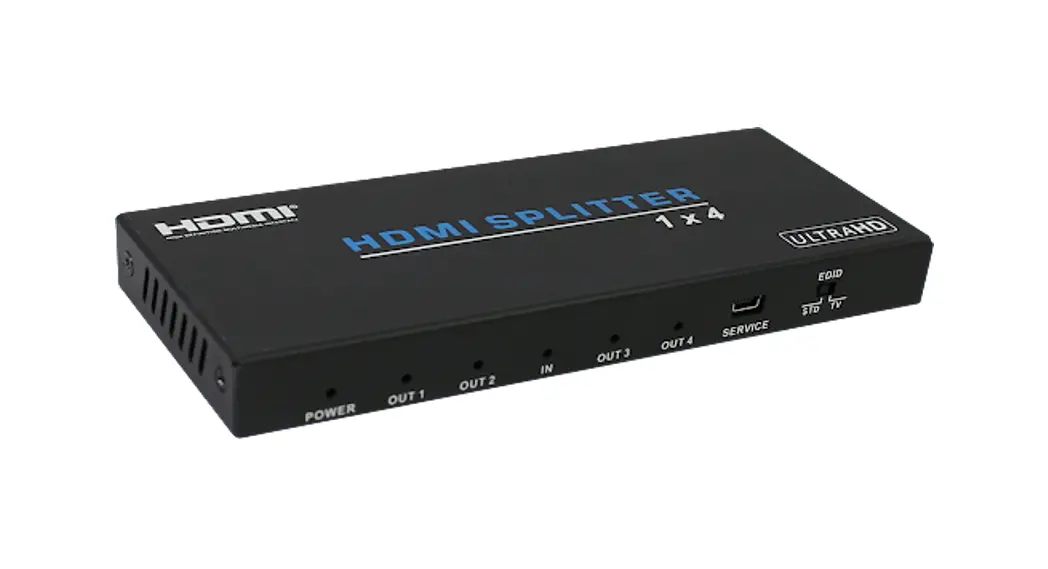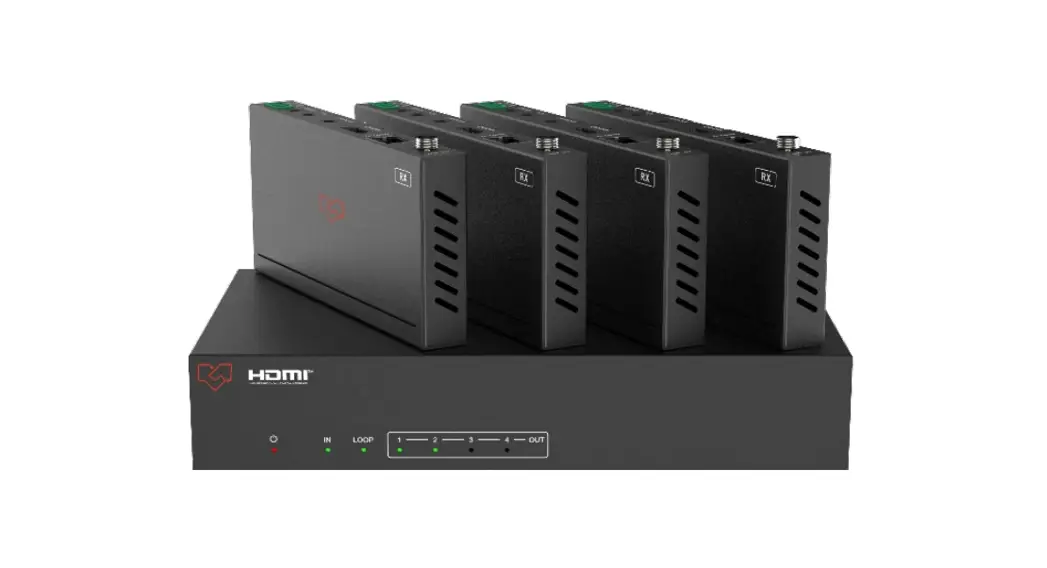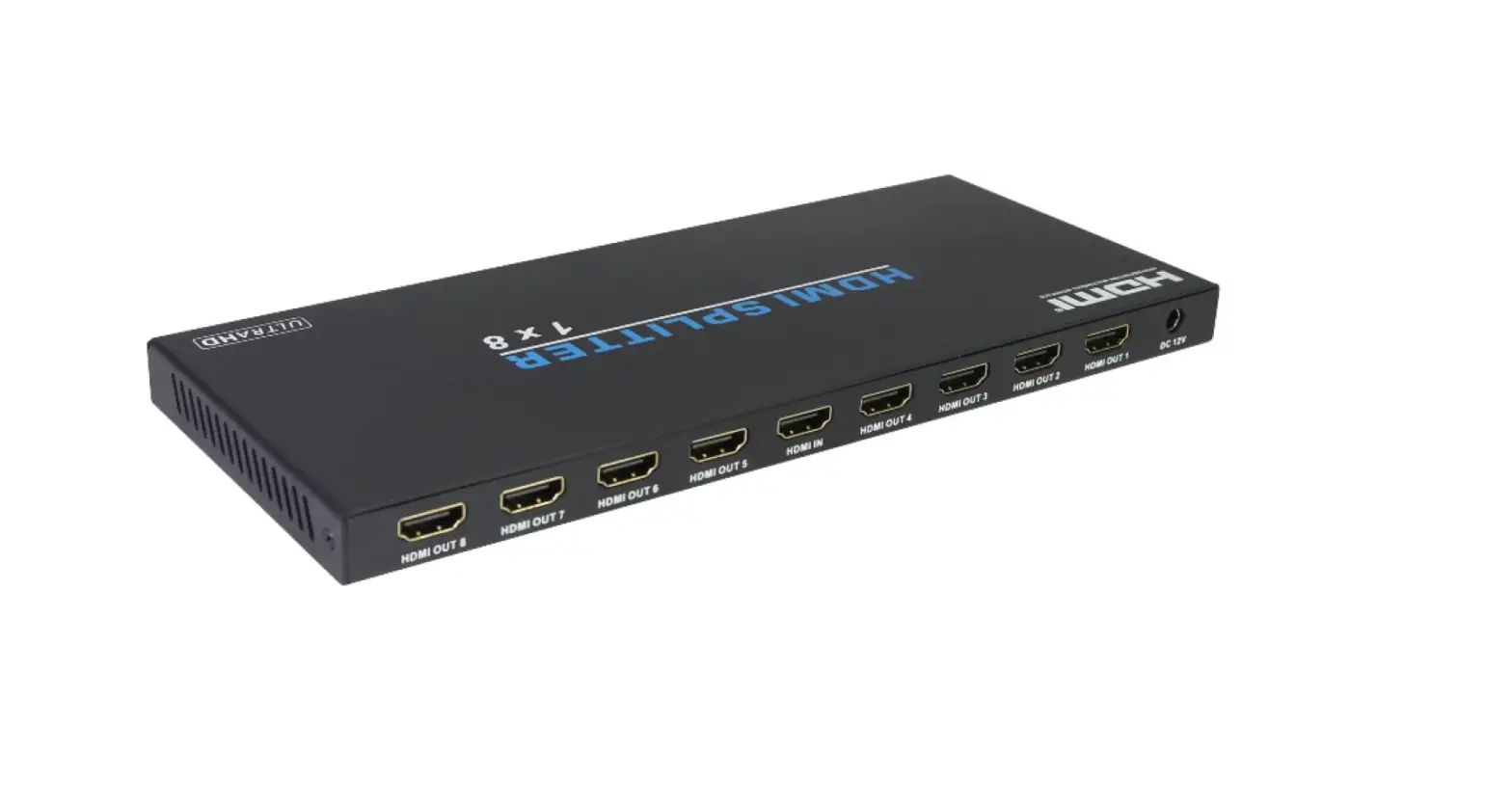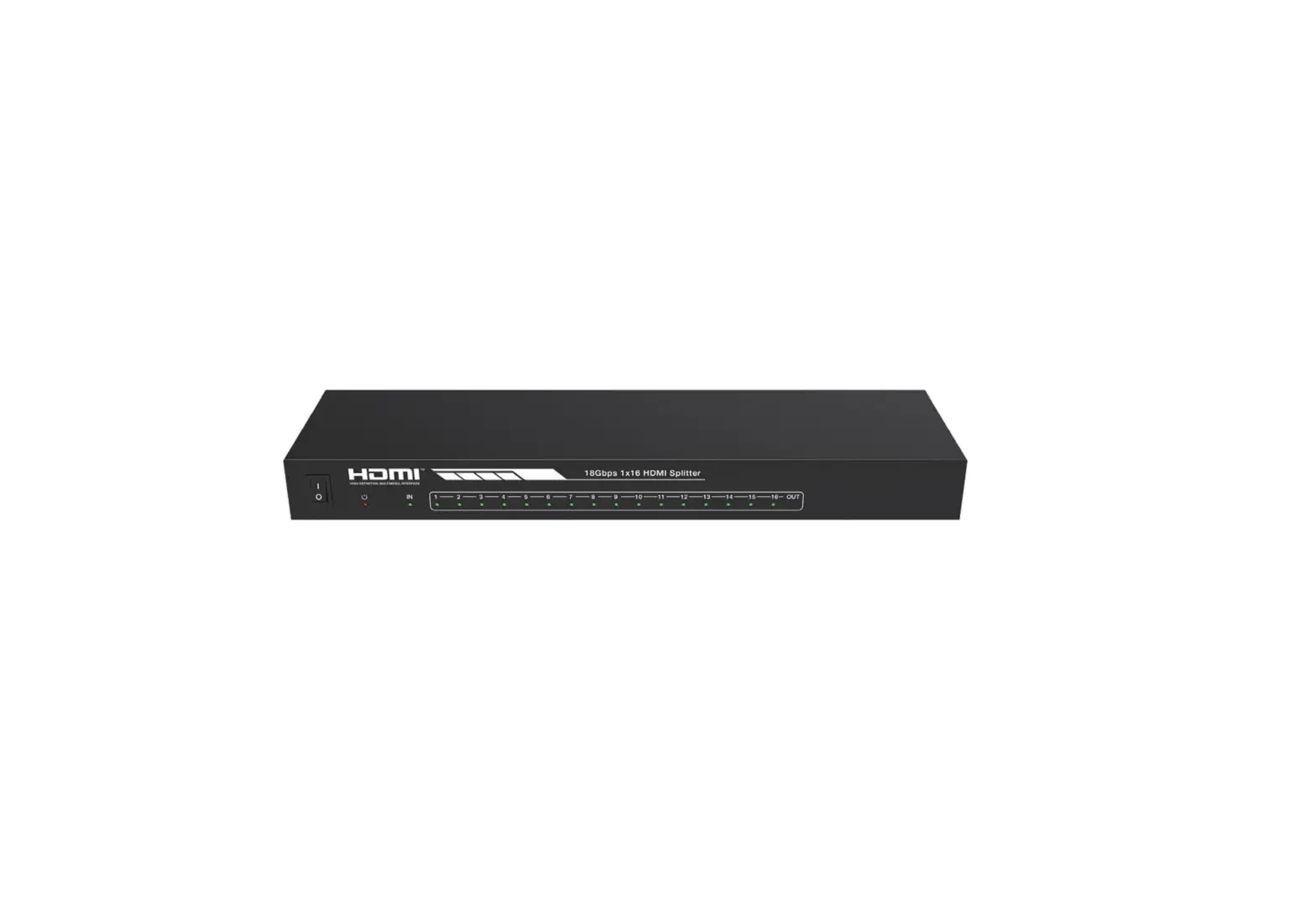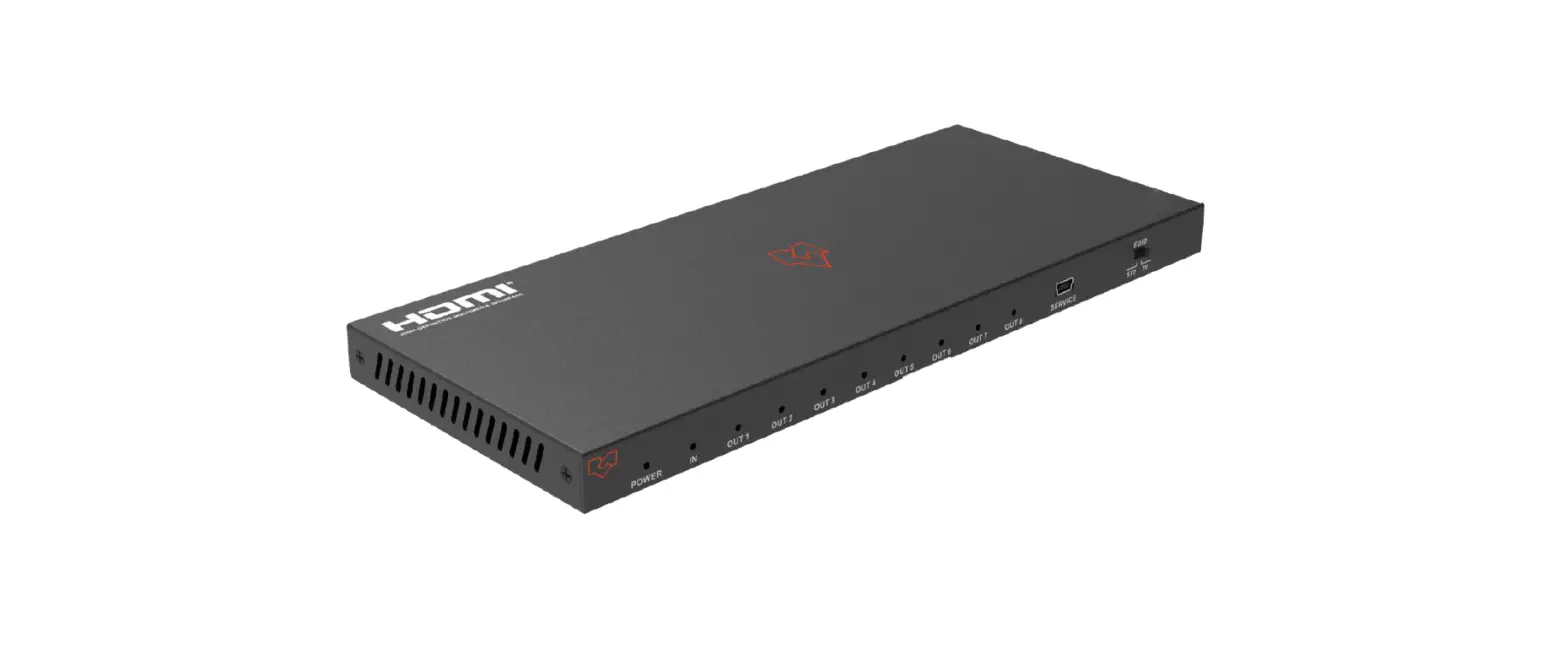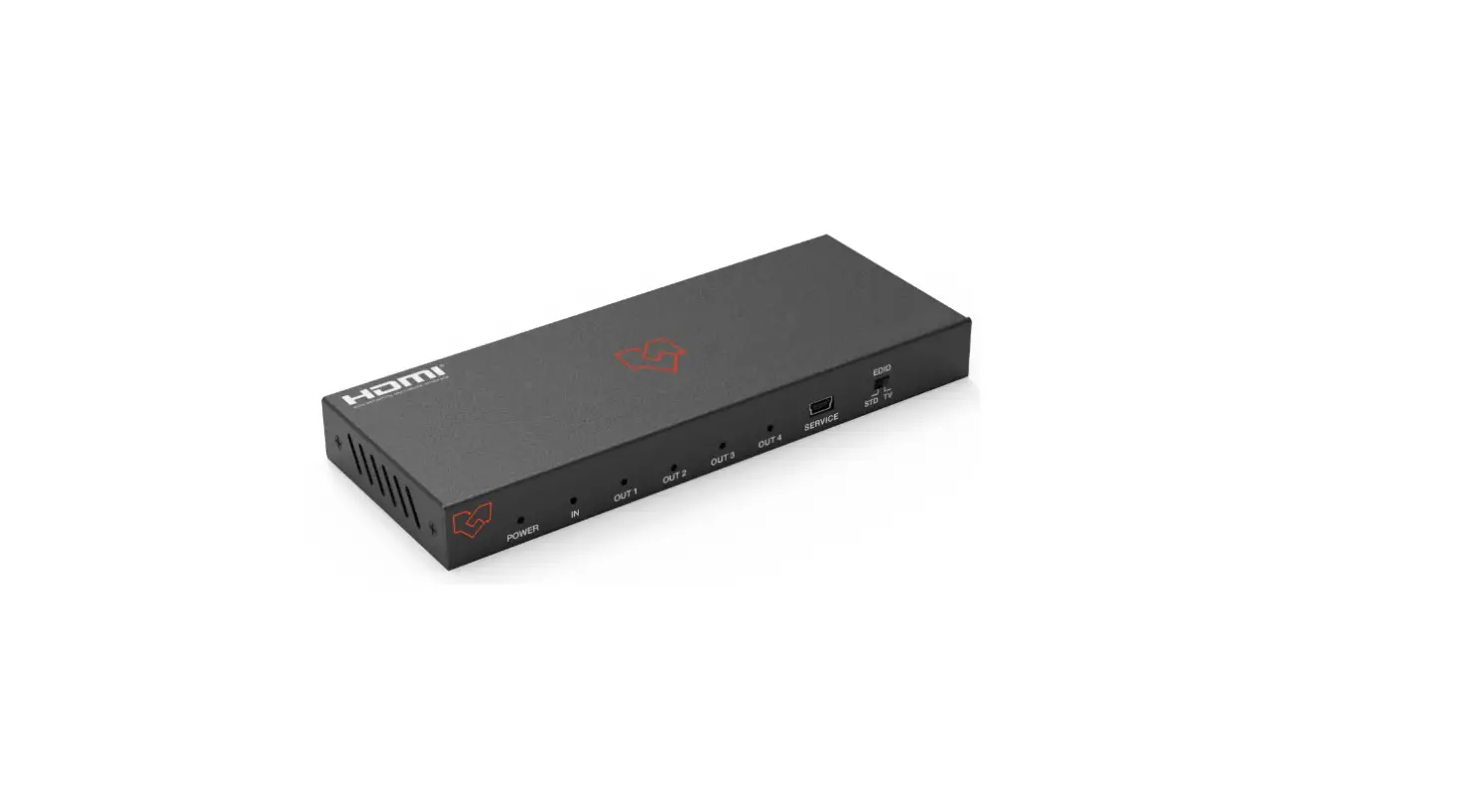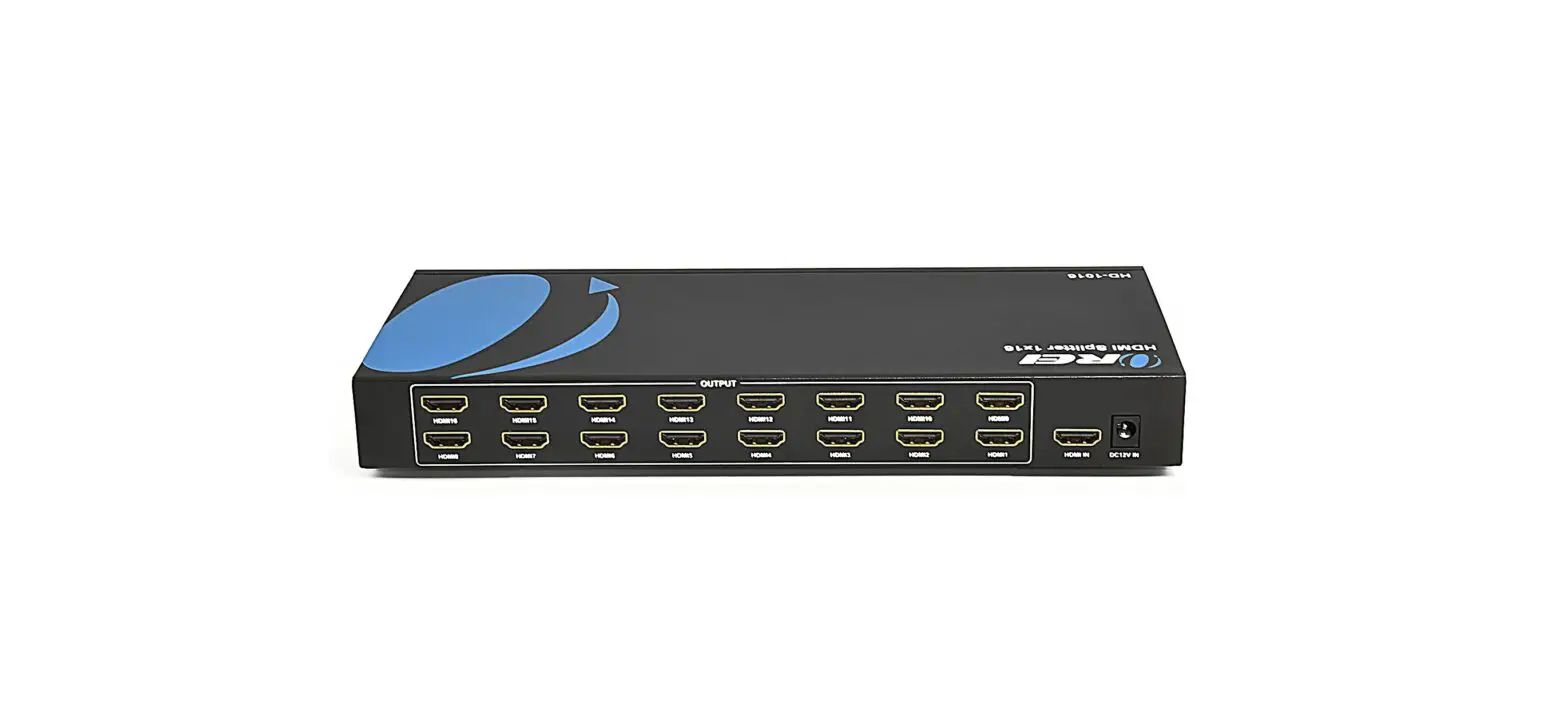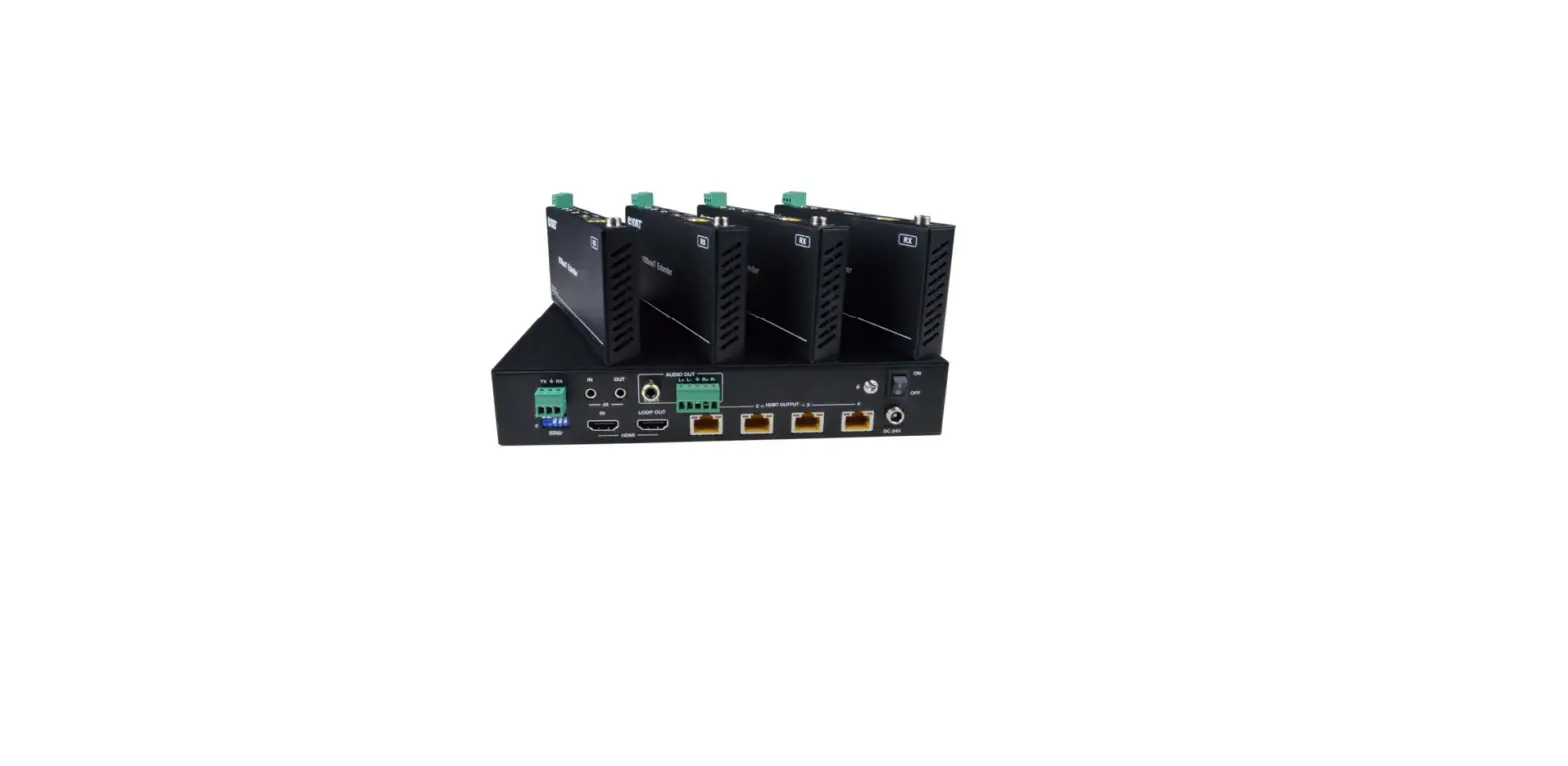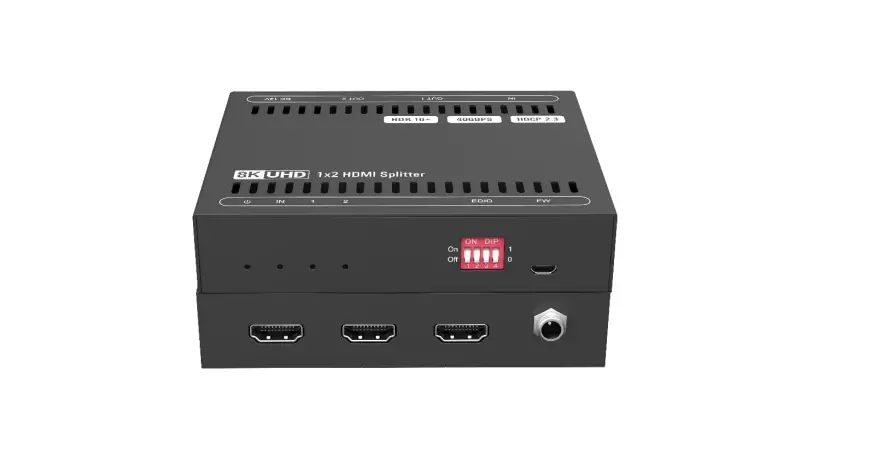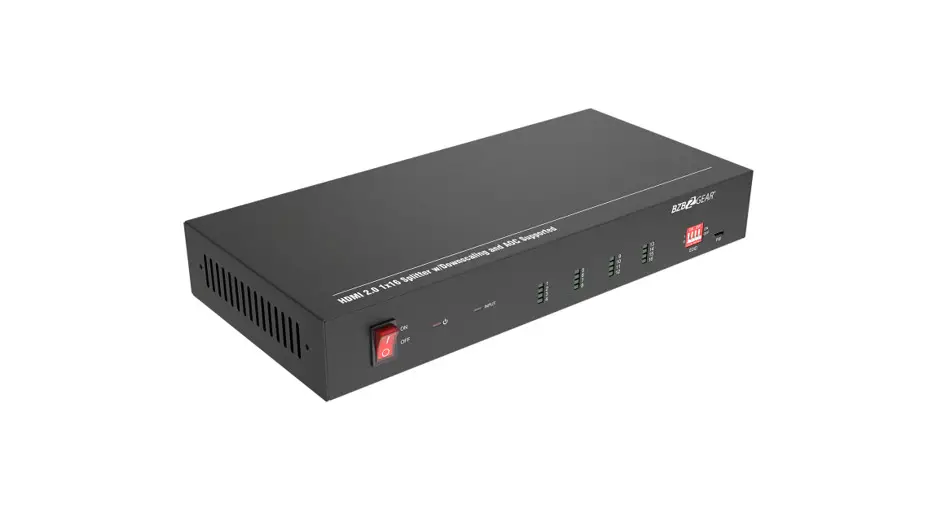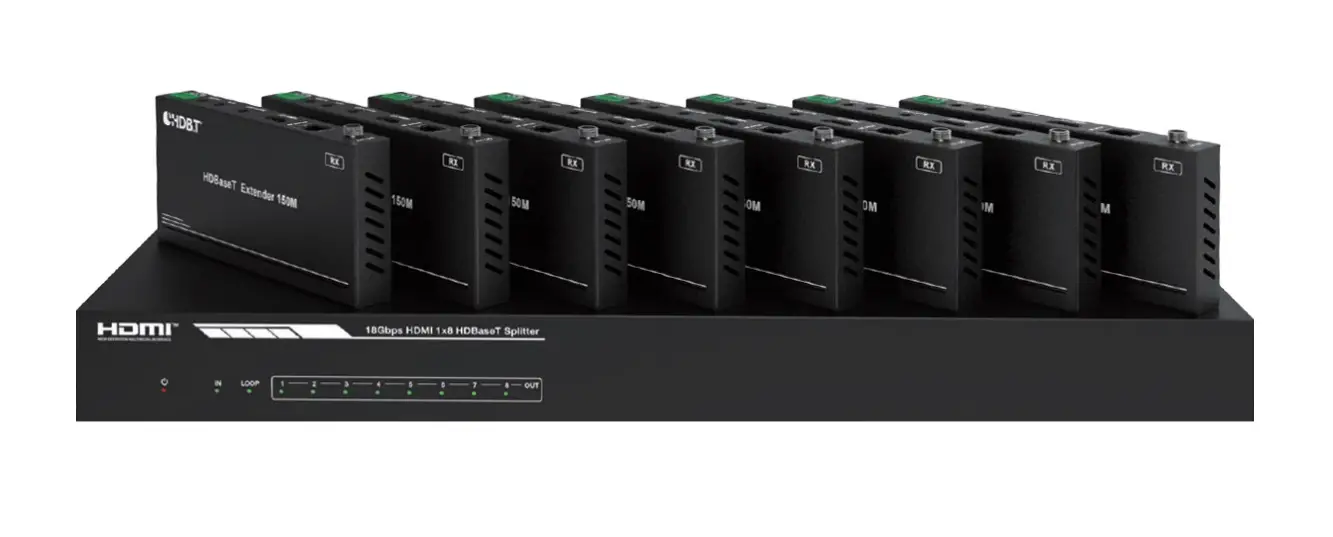
COVID D1H8B-200 18Gbps HDMI 1×8 HDBaseT Splitter User Manual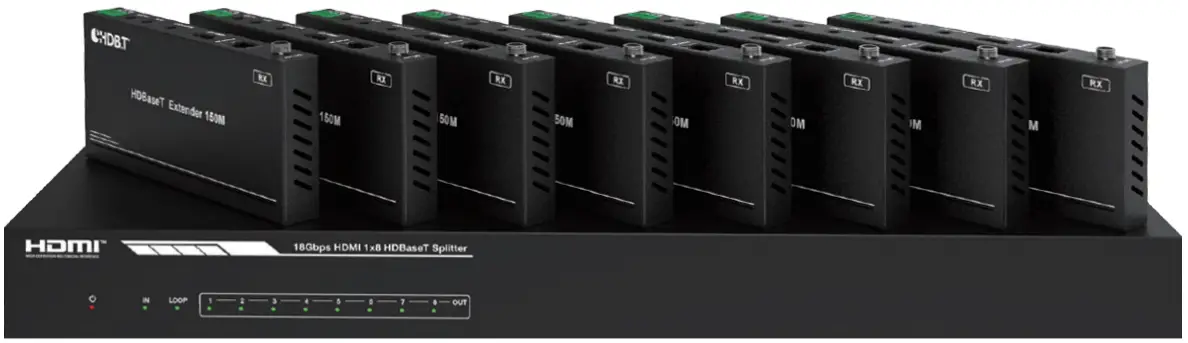
Thank you for purchasing this product
For optimum performance and safety, please read these instructions carefully before connecting, operating, or adjusting this product. Please keep this manual for future reference.
Surge protection device recommended
This product contains sensitive electrical components that may be damaged by electrical spikes, surges, electric shock, lighting strikes, etc. Use of surge protection systems is highly recommended in order to protect and extend the life of your equipment.
Introduction
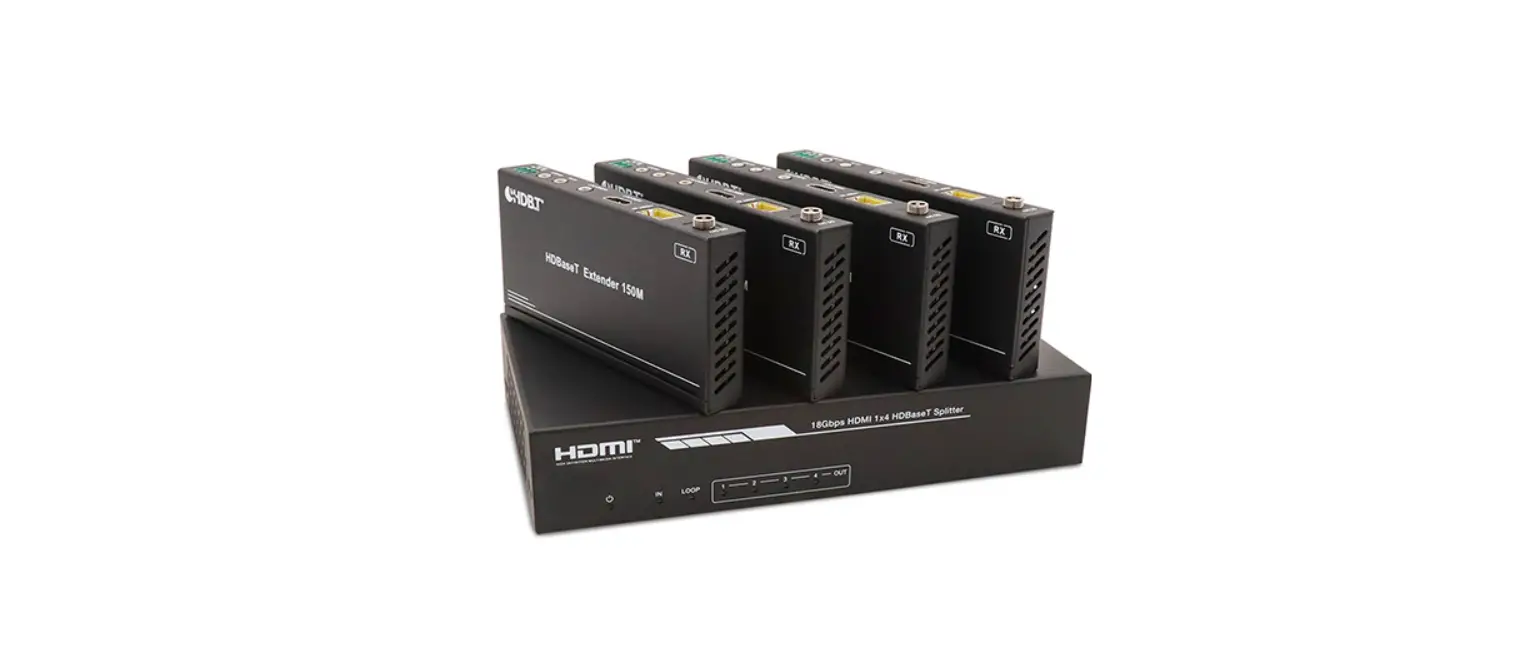
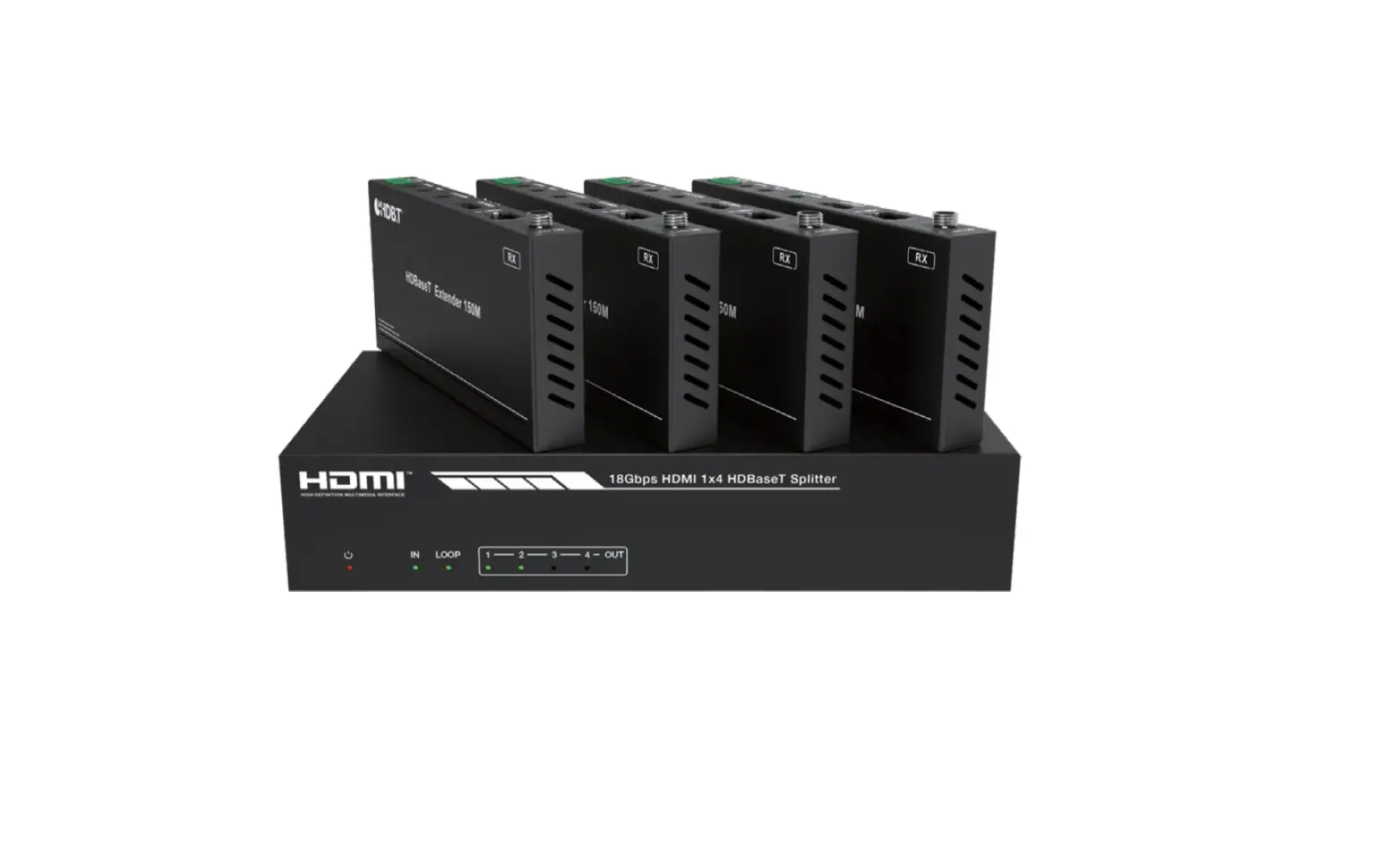
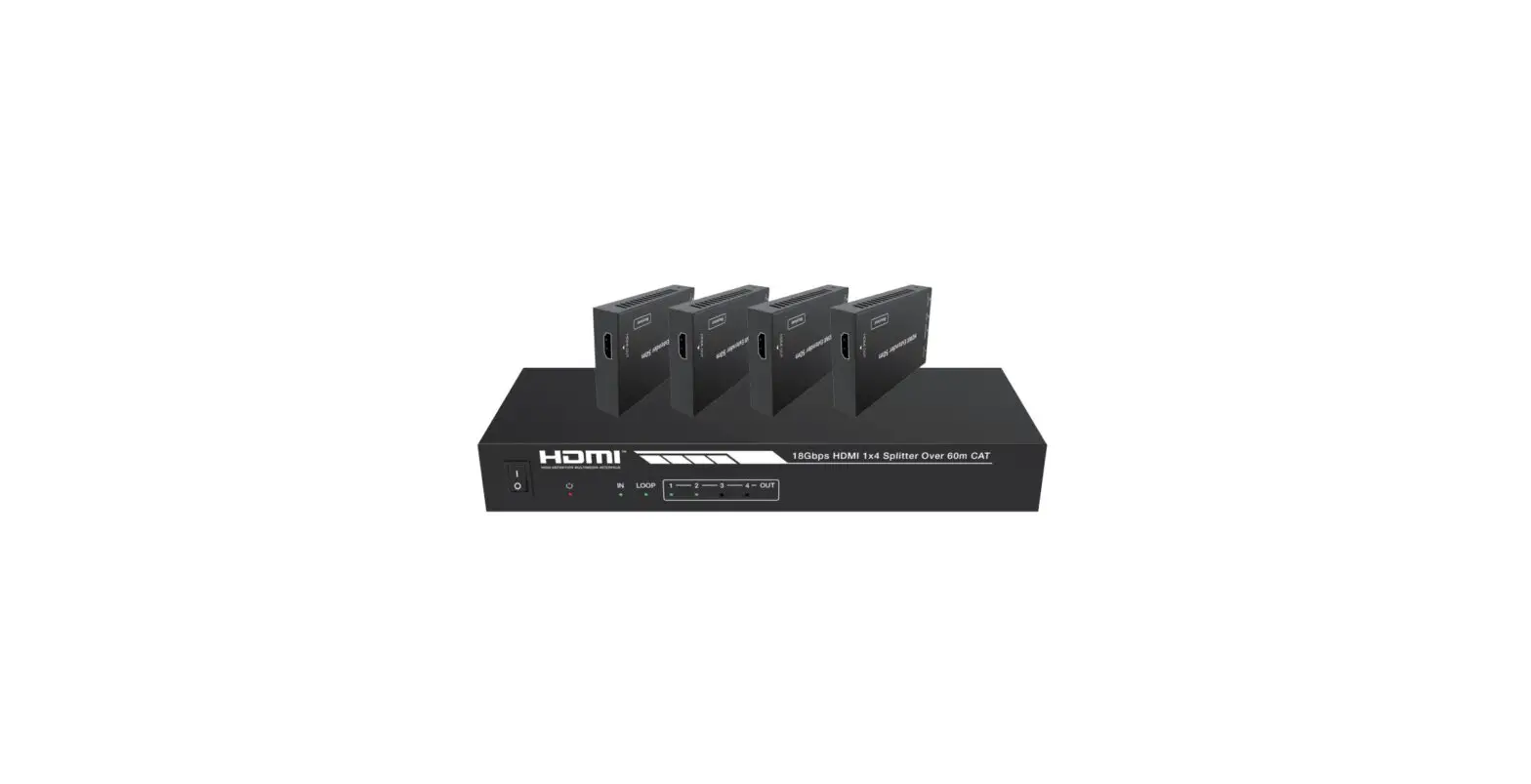
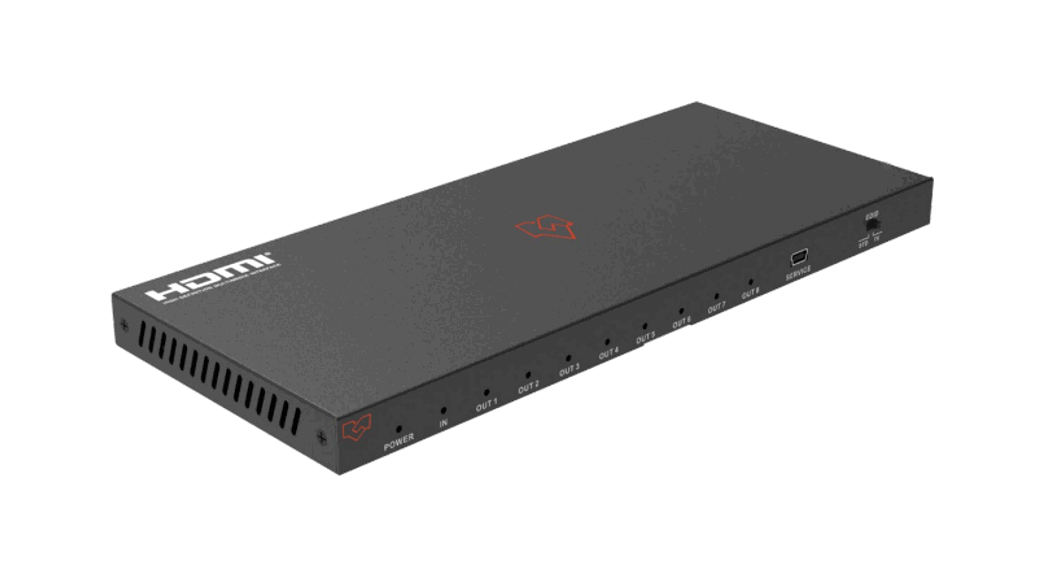
This 18Gbps HDMI 1×4 HDBaseT Splitter can distribute 1 source signal to any 4 display devices. Support video resolution up to 4K2K@60Hz 4:4:4. It is designed with 1 HDMI loop output and 4 HDBaseT outputs. The HDMI signal transmission distance can be extended up to 120 meters at the resolution of 4K2K@60Hz, or 150 meters at 1080P@60Hz via a single CAT6/ 6a/7 cable. The product supports IR and RS232 signal pass-through, audio extract function and advanced EDID management.
Features
- HDMI 2.0b, HDCP 2.2 and HDCP 1.x compliant
- Supports 18Gbps video bandwidth
- Supports video resolution up to 4K2K@60Hz 4:4:
- Supports HDR, HDR10+, HLG and Dolby vision
- Supports up to 7.1CH HD audio pass-through
- Supports digital and analog audio de-embedded output
- Extends the signal transmission distance up to 120 meters at the resolution
- of 4K2K@60Hz, 150 meters at 1080P@60Hz via a single CAT6/6a/7 cable
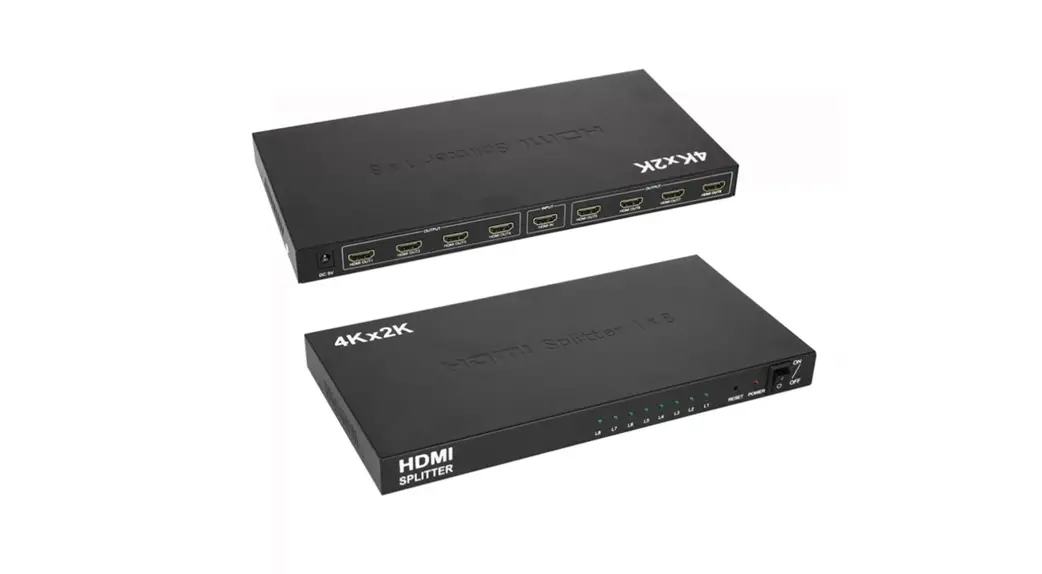
- Supports 1 HDMI input, 1 HDMI loop output and 8 HDBaseT outputs.
- IR, RS-232 routed to HDBaseT output
- Advanced EDID management
- Supports one-way POC function (only from transmitter to receiver)
- Compact design for easy and flexible installation
Package Contents
- 1 × 18Gbps HDMI 1×8 HDBaseT Splitter
- 8 × HDBaseT Receiver
- 9 × IR Blaster Cable (1.5 meters)
- 9 × 20K~60KHz IR Receiver Cable (1.5 meters)
- 9 × 3-pin Phoenix Connector
- 1 × 5-pin Phoenix Connector
- 18 × Mounting Ear
- 1 × 24V/2.7A DC Locking Power Adapter
- 1 × User Manual
Technical Specifications
| Technical | |
| HDMI Compliance | HDMI 2.0b |
| HDCP Compliance | HDCP 2.2/1.x |
| Video Bandwidth | 594MHz/18Gbps |
| Video Resolution | Up to 4k2k@60Hz 4:4:4 |
| Color Depth | 8-bit,10-bit,12-bit(1080p@60Hz) 8-bit (4K2K@60Hz YUV4:4:4) 8-bit,10-bit,12-bit(4K2K@60Hz YCbCr 4:2:2/4:2:0) |
| Color Space | RGB 4:4:4, YCbCr 4:4:4 / 4:2:2 / 4:2:0 |
| HDR | Support HDR, HDR10+, HLG, Dolby vision |
| HDMI Audio Formats | LPCM 2.0/2.1/5.1/6.1/7.1, Dolby Digital, Dolby TrueHD, Dolby Digital Plus(DD+), DTS-ES, DTS HD Master, DTS HD-HRA, DTS-X |
| Coaxial Audio Formats | PCM2.0, Dolby Digital / Plus, DTS 2.0/5.1 |
| Analog Audio Formats | PCM 2.0CH |
| ESD Protection | Human body model—±8kV (Air-gap discharge) & ±4kV (Contact discharge) |
| Connections | |
| Input | 1×HDMI Type A (19-pin female) |
| Output | 1×HDMI Type A (19-pin female) 8x HDBaseT OUT [RJ45] 1x Coaxial Audio OUT [RCA] 1x L/R Audio OUT [5-pin phoenix connector] |
| Control | 1×RS-232 (3-pin phoenix connector) 1x EDID DIP switch [5-pin] 1x IR IN [3.5mm Stereo Mini-jack] 1x IR OUT [3.5mm Stereo Mini-jack] |
| Mechanical | |
| Housing | Metal Enclosure |
| Color | Black |
| Dimensions | Transmitter: 220mm (W) × 130mm (D) × 40mm (H) Receiver: 140mm (W) × 65mm (D) × 18mm (H) |
| Weight | Transmitter: 853g Receiver: 246g |
| Power Supply | Input: AC100 – 240V 50/60Hz, Output: DC 24V/2.7A (US/EU standards, CE/FCC/UL certified) |
| Power Consumption | 72W |
| Operation Temperature | 0°C ~ 40°C / 32°F ~ 104°F |
| Storage Temperature | -20°C ~ 60°C / -4°F ~ 140°F |
| Relative Humidity | 20~90% RH (non-condensing) |
Operation Controls and Functions
Transmitter Panel Front

| Number | Name | Function Description |
| 1 | Power LED | When the device is powered on, the red power LED will be on. |
| 2 | In LED | When the HDMI IN port connects an active source device, the green LED will be on. |
| 3 | Loop LED | When the HDMI LOOP OUT port connects an active display device, the green LED will be on. |
| 4 | Out (1 ~ 4) LED | When the HDBT OUTPUT port connects an HDBaseT Receiver, the corresponding green OUT LED will be on. |
Transmitter Panel Rear
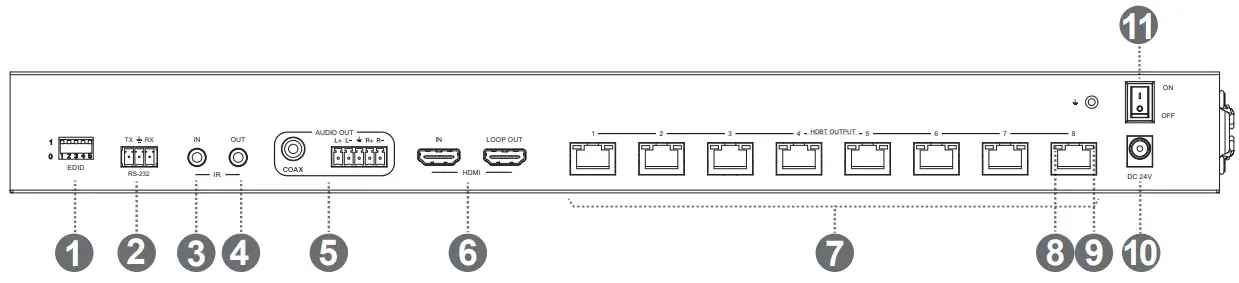
| Number | Name | Function Description |
| 1 | EDID DIP switch | Used to set EDID mode. Please refer to Section “6. EDID Mode” for details. |
| 2 | RS-232 | Connect to a PC or control system via a 3-pin phoenix connector cable for three functions:
|
| 3 | IR In | Connect to IR receiver cable, the IR receive signal will emit to “IR OUT” port of the HDBaseT Receiver. |
| 4 | IR Out | Plug 5V/1A DC power supply into the unit and connect the adapter to an AC outlet. |
| 5 | Audio Out (COAX, L/R) | The CAT port is the connection between the transmitter and receiver by a CAT5e/6 cable. |
| 6 | HDMI port | IN: HDMI input port, connect to HDMI source device such as DVD or set-top box with an HDMI cable. |
| LOOP OUT: HDMI loop output port, connect to the HDMI display device such as TV or Monitor with an HDMI cable. | ||
| 7 | HDBT Output port (1 ~ 8) | Connect to the HDBT IN port of the HDBaseT receiver with a CAT cable. |
| 8 | Connection Signal Indicator lamp (Green) |
|
| 9 | Data Signal Indicator lamp (Orange) |
|
| 10 | DC 24V | Plug the DC 24V power supply into the unit and connect the adaptor to an AC outlet. (Note: The transmitter can power the receiver via a CAT cable.) |
| 11 | Power switch | Press this switch to power on/off the device. |
HDBaseT Receiver
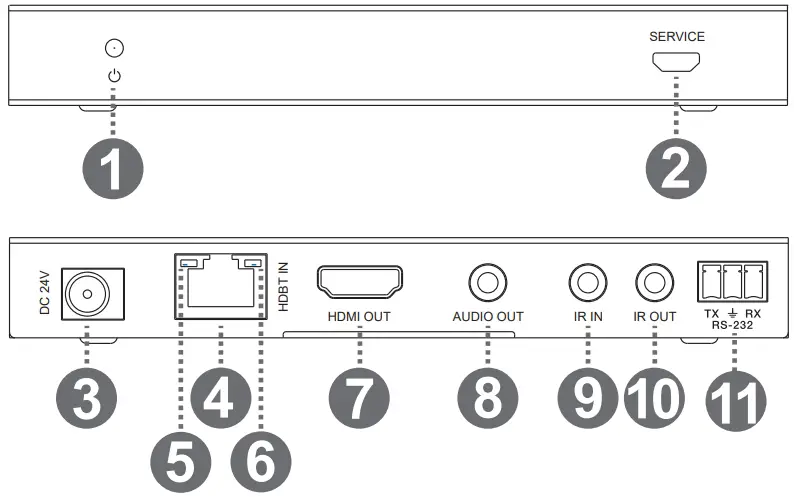
| Number | Name | Function Description |
| 1 | Power Indicator | When the receiver is powered on, the power indicator will be on. |
| 2 | Service port | Used for firmware update. power the receiver via a CAT cable.) |
| 3 | DC 24V | Plug DC 24V/1A power supply into the unit and connect the adapter to an AC outlet. (Note: The HDBaseT receiver also can be powered by the transmitter via a CAT cable.) |
| 4 | HDBT In | Connect to the HDBT OUTPUT port on the transmitter with a CAT cable. |
| 5 | Connection Signal Indicator lamp (Green) |
|
| 6 | Data Signal Indicator lamp (Orange) |
|
| 7 | HDMI Out | HDMI output port, connect to HDMI display device such as TV or Projector with an HDMI cable. |
| 8 | Audio Out | Audio output port, connect to amplifer or speaker. |
| 9 | IR In | Connect to the IR Receiver cable. The IR signal will send to the IR OUT port of the transmitter. |
| 10 | IR Out | Connect to the IR blaster cable, the IR signal is from IR IN port of the transmitter. |
| 11 | RS-232 | 3-pin Phoenix connector for RS-232 command transmission. The RS-232 command will pass-through from transmitter to receiver or from receiver to transmitter. |
IR Pin Definition
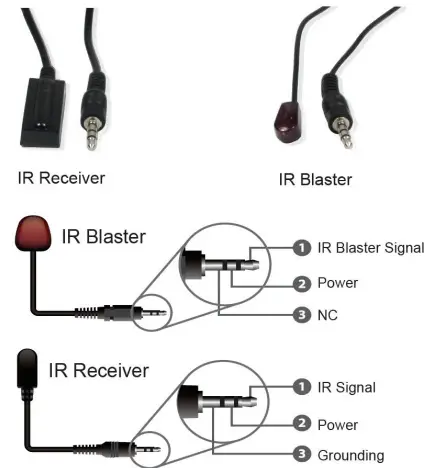
Note: When the angle between the IR receiver and the remote control is ± 45 °, the transmission distance is 0-5 meters; when the angle between the IR receiver and the remote control is ± 90 °, the transmission distance is 0-8 meters.
EDID Mode
The defined EDID setting list of the product is shown as below:
| EDID Mode | EDID Description |
| 11111 | 1080P, Stereo Audio 2.0 |
| 11110 | 1080P, Dolby/DTS 5.1 |
| 11101 | 1080P, HD Audio 7.1 |
| 11100 | 1080I, Stereo Audio 2.0 |
| 11011 | 1080I, Dolby/DTS 5.1 |
| 11010 | 1080I, HD Audio 7.1 |
| 11001 | 1080P 3D, Stereo Audio 2.0 |
| 11000 | 1080P 3D, Dolby/DTS 5.1 |
| 10111 | 1080P 3D, HD Audio 7.1 |
| 10110 | 4K2K30Hz_444, Stereo Audio 2.0 |
| 10101 | 4K2K30Hz_444, Dolby/DTS 5.1 |
| 10100 | 4K2K30Hz_444, HD Audio 7.1 |
| 10011 | 4K2K60Hz_420, Stereo Audio 2.0 |
| 10010 | 4K2K60Hz_420, Dolby/DTS 5.1 |
| 10001 | 4K2K60Hz_420, HD Audio 7.1 |
| 10000 | 4K2K60Hz_444, Stereo Audio 2.0 |
| 01111 | 4K2K60Hz_444, Dolby/DTS 5.1 |
| 01110 | 4K2K60Hz_444, HD Audio 7.1 |
| 01101 | 4K2K60Hz_444, Stereo Audio 2.0 HDR |
| 01100 | 4K2K60Hz_444, Dolby/DTS 5.1 HDR |
| 01011 | 4K2K60Hz_444, HD Audio 7.1HDR |
| 01010 | COPY_FROM_LOOP OUT |
| 01001 | COPY_FROM_HDBT OUT1 |
| 01000 | COPY_FROM_HDBT OUT2 |
| 00111 | COPY_FROM_HDBT OUT3 |
| 00110 | COPY_FROM_HDBT OUT4 |
| 00101 | 1080P, Stereo Audio 2.0 |
| 00100 | 1080P, Stereo Audio 2.0 |
| 00011 | 1080P, Stereo Audio 2.0 |
| 00010 | 1080P, Stereo Audio 2.0 |
| 00001 | 1080P, Stereo Audio 2.0 |
| 00000 | PC control mode |
ASCII Commands
This product also supports ASCII command control. Connect the RS-232 port of the product to a PC with a 3-pin phoenix connector cable. Then, open a Serial Command tool on PC to send ASCII commands to control the product. The ASCII command list about the product is shown as below.
| ASCII Commands | ||||
| Serial port protocol. Baud rate: 115200, Data bits: 8bit, Stop bits:1, Check bit: 0Power Indicator When the receiver is powered on, the power indicator will be on. | ||||
| x – Parameter 1 y – Parameter 2 ! – DelimiterService port | ||||
| Command Code | Function Description | Example | Feedback | Default Setting |
| Power | ||||
| s power z! | Power on/off the device,z=0~1 (z=0 power off, z=1 power on) | s power 1! | Power on System Initializing… Initialization Finished! FW version x.xx.xx | power on |
| r power! | Get current power state | r power! | power on/power off | |
| s reboot! | Reboot the device | s reboot! | Reboot… System Initializing… Initialization Finished! FW version x.xx.xx | |
| System Setup | ||||
| help! | List all commands | help! | ||
| r type! | Get device model | r type! | HDC-SPB14H150 | |
| r status! | Get device current status | r status! | Get the unit all status: power, in/out connection, edid mode | |
| r fw version! | Get Firmware version | r fw version! | MCU BOOT: Vx.xx.xx MCU APP: Vx.xx.xx | |
| r link in! | Get the connection status of the input port | r link in! | HDMI IN: connect | |
| r link out y! | Get the connection status of the y output port, y=0~5(0=all, 1~4=HDBT 1~4, 5 = loop out) | r link out 1! | hdmi loop out: connect hdbt output 1: connect | |
| s reset! | Reset to factory defaults | s reset! | Reset to factory defaults System Initializing… Initialization Finished! FW version x.xx.xx | |
| Command Code | Function Description | Example | Feedback | Default Setting |
| Output Setting | ||||
| s hdmi stream z! | Set hdmi loop output stream on/off z=0~1(0:disable,1:enable) | s hdmi stream 1 ! | Enable hdmi loop out stream Disable hdmi loop out stream | enable |
| s hdmi hdcp z! | Set hdmi loop output hdcp on/ off z=0~1(0:disable,1:enable) | s hdmi hdcp 1! | Enable hdmi loop out hdcp Disable hdmi loop out hdcp | enable |
| s hdbt y hdcp z! | Set hdbt output y hdcp on/off, y=0~4(0=all) z=0~1(0:disable, 1:enable) | s hdbt 1 hdcp 1 ! s hdbt 0 hdcp 1 ! | Enable hdbt output 1 hdcp Disable hdbt output 1 hdcp Enable hdbt all outputs hdcp Disable hdbt all outputs hdcp | enable |
| s hdbt y stream z! | Set hdbt output y stream on/ off, y=0~4(0=all) z=0~1 (0:disable,1:enable) | s hdbt 1 stream 1 ! s hdbt 0 stream 1 ! | Enable hdbt output 1 stream Disable hdbt output 1 stream Enable hdbt all outputs stream Disable hdbt all outputs stream | enable |
| r hdmi stream! | Get hdmi loop out stream status | r hdmi stream! | Enable hdmi output stream | |
| r hdmi hdcp! | Get hdmi loop out hdcp status | r hdmi hdcp! | Enable hdmi output hdcp | |
| r hdbt y hdcp! | Get hdbt output y hdcp status, y=0~4(0=all) | r hdbt y hdcp! | Enable hdbt output 1 hdcp | |
| r hdbt stream! | Get hdbt output y stream status, y=0~4(0=all) | r hdbt stream! | Enable hdbt output 1 stream | |
| Command Code | Function Description | Example | Feedback | Default Setting |
| EDID Setting | ||||
|
s edid in from z! | Set input EDID from default EDID z, z=1~27 1, 1080p,Stereo Audio 2.0 2, 1080p,Dolby/DTS 5.1 3, 1080p,HD Audio 7.1 4, 1080i,Stereo Audio 2.0 5, 1080i,Dolby/DTS 5.1 6, 1080i,HD Audio 7.1 7, 3D,Stereo Audio 2.0 8, 3D,Dolby/DTS 5.1 9, 3D,HD Audio 7.1 10, 4K2K30_444, Stereo Audio 2.0 11, 4K2K30_444,Dolby/DTS 5.1 12, 4K2K30_444,HD Audio 7.1 13, 4K2K60_420, Stereo Audio 2.0 14, 4K2K60_420, Dolby/DTS 5.1 15, 4K2K60_420,HD Audio 7.1 16, 4K2K60_444, Stereo Audio 2.0 17, 4K2K60_444, Dolby/DTS 5.1 18, 4K2K60_444,HD Audio 7.1 19, 4K2K60_444, Stereo Audio 2.0 HDR 20, 4K2K60_444, Dolby/DTS 5.1 HDR 21, 4K2K60_444, HD Audio 7.1 HDR 22, copy from hdmi loop out 23, copy from hdbt output 1 24, copy from hdbt output 2 25, copy from hdbt output 3 26, copy from hdbt output 4 27, use user1 EDID |
s edid in from 1! |
input EDID:1080p, Stereo Audio 2.0
Please toggle EDID dip switch to 00000! |
1080p,Stereo Audio 2.0 |
| s edid user1 00 FF FF FF FF …! | Set user1 EDID data | s edid user1 00 ff ff ff ff …. ! | user1 EDID data: 00 FF FF …. | |
| r edid user1! | Get user1 EDID data | r edid user1! | user1 EDID data : 00 FF FF FF FF FF FF 00 ……… | |
| r edid in! | Get EDID status of the input | r edid in! | input EDID: 4K2K60_ 444,Stereo Audio 2.0 | |
| r edid in data! | Get the EDID data of the hdmi input | r edid in data! | EDID data : 00 FF FF FF FF FF FF 00 …… | |
| Command Code | Function Description | Example | Feedback | Default Setting |
| RS-232 BYPASS Setting | ||||
| s rs232 bypass hdbt y! | Set RS-232 port connect to HDBT out1 Receiver RS-232 port, y=0~5( 0=all, 1~4= hdbt out 1~4 5=NC) | s rs232 bypass hdbt 1! | RS-232 connect to HDBT OUT1 RS-232 not connect to HDBT OUT | y=0 |
| r rs232 bypass! | Get RS-232 port connect to HDBT out receiver RS-232 port | r rs232 bypass! | RS-232 connect to HDBT OUT1 RS-232 connect to all HDBT OUT RS-232 not connect to HDBT OUT | |
| s device baud w size x stop y parity z | Set receiver control device COM port setting, w=2400, 4800,9600,19200,38400, 57600,115200, x=7,8 y=1,2, z=none, even,odd | s device baud 57600 size 8 stop 1 parity none! | receiver device COM port setting baudrate: 57600 data size :8, stop:1 parity: none | |
| s rs232 time x! | set send RS232 command wait time x=200~5000ms | s rs232 time 200! | send RS-232 command wait time 200ms | 200ms |
Application Example
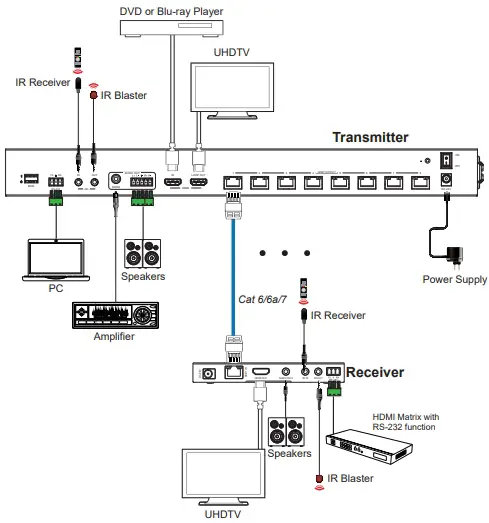
The terms HDMI and HDMI High-Definition Multimedia interface, and the HDMI Logo are trademarks or registered trademarks of HDMI Licensing LLC in the United States and other countries.
Warranty
Parts and labor warranty time is three year and from the date of original shipment. This warranty shall be void if a serial number has been removed from the product.
Upon determination of a legitimate defect covered by this warranty and at COVID’s sole discretion, user should bear the transport cost during the warranty
If product is out of warranty then repair charge is required. Out of warranty repairs will only be made after cost has been approved by Customers and proper financial arrangements are made. Customer must cover round trip shipment expenses.
Safety Information
 To reduce the risk of electric shock, do not expose this product to rain or moisture.
 Do not modify the wall plug. Doing so will void the warranty and safety features.
 If the wall plug does not fit into your local power socket, hire an electrician to replace your obsolete socket.
 This equipment should be installed near the socket outlet and the device should be easily accessible in the case it requires disconnection.
Support
1723 W. 4th Street Tempe Arizona 85281
P: 800.638.6104
F: 480.966.6728
E: [email protected]
Web: www.covid.com
 Covid - Audio Visual