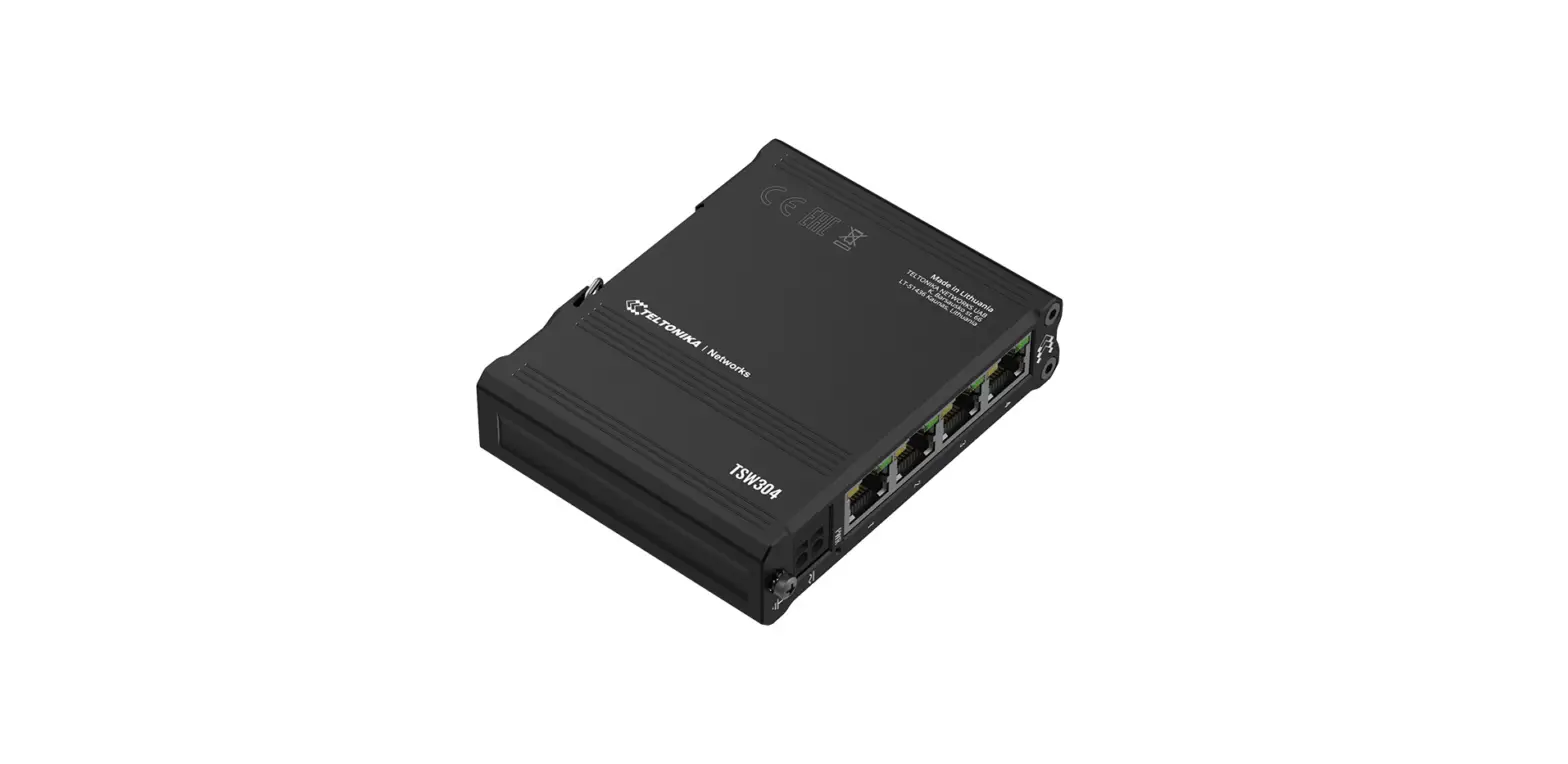

TELTONIKA TSW304 Ethernet Switch
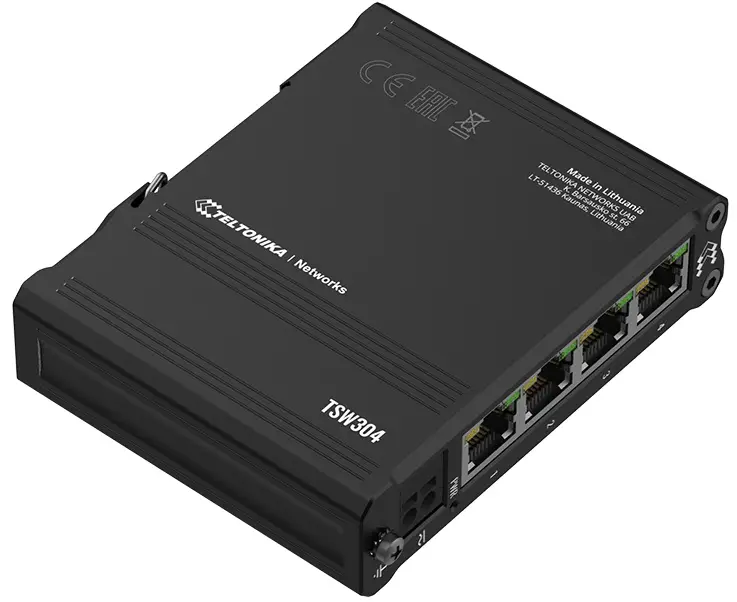
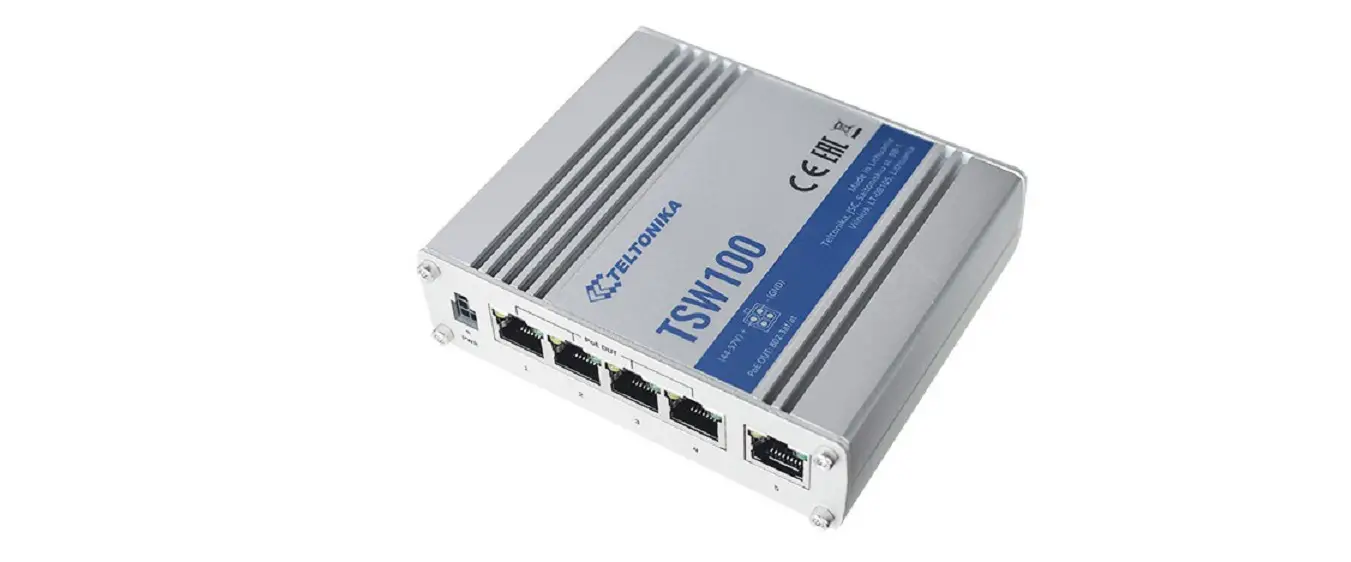
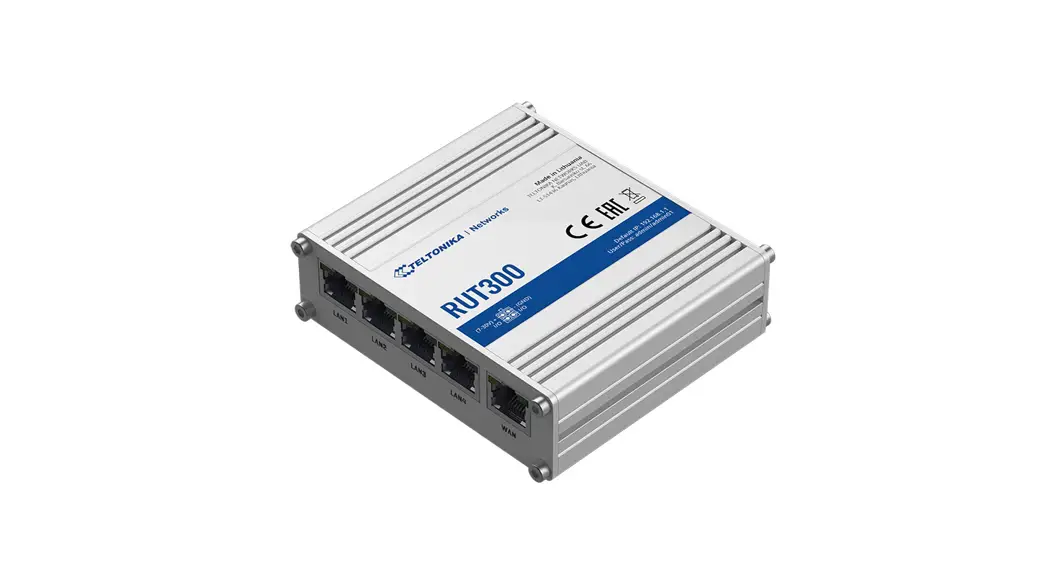
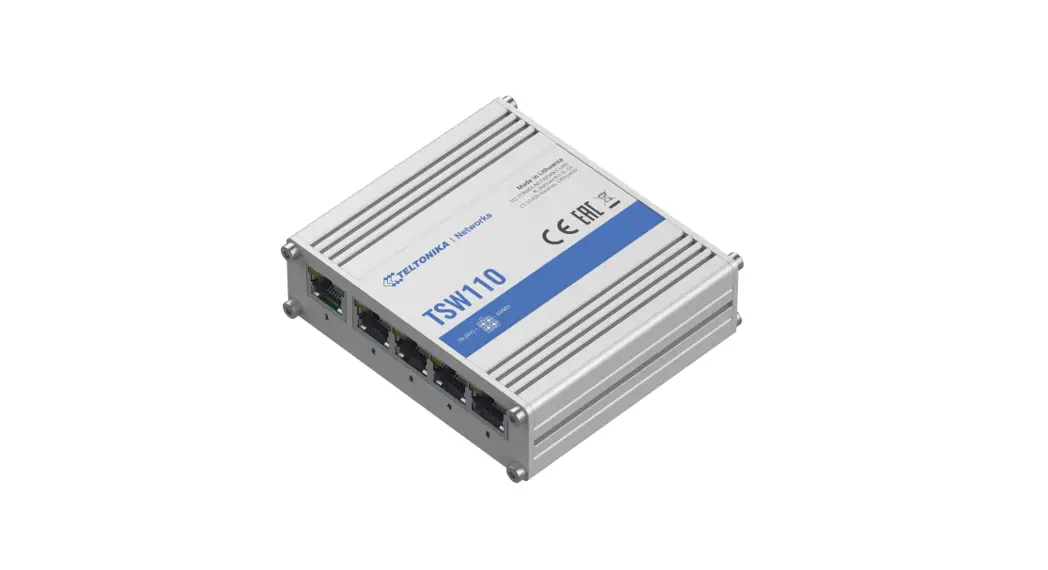
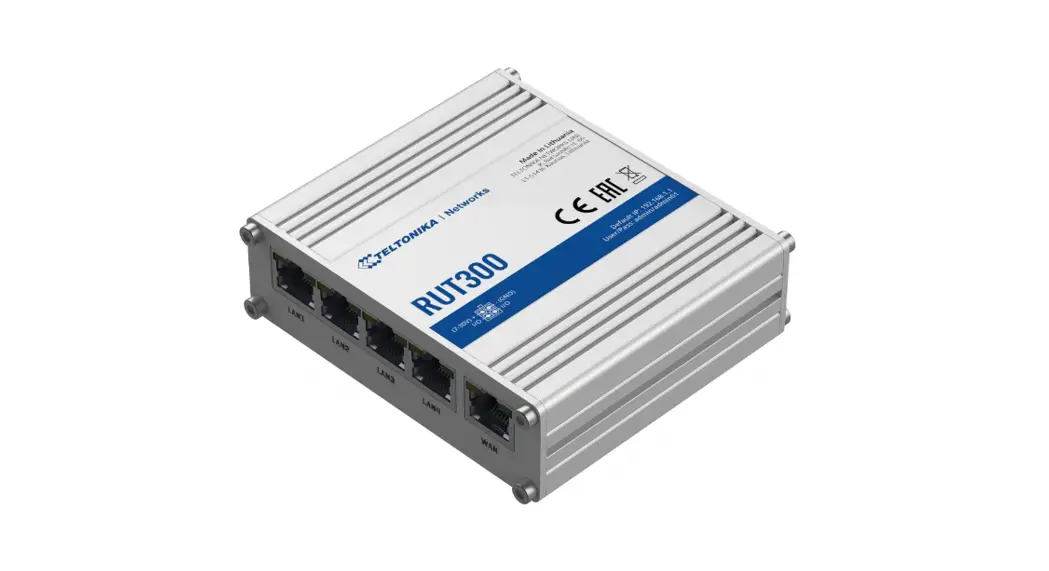
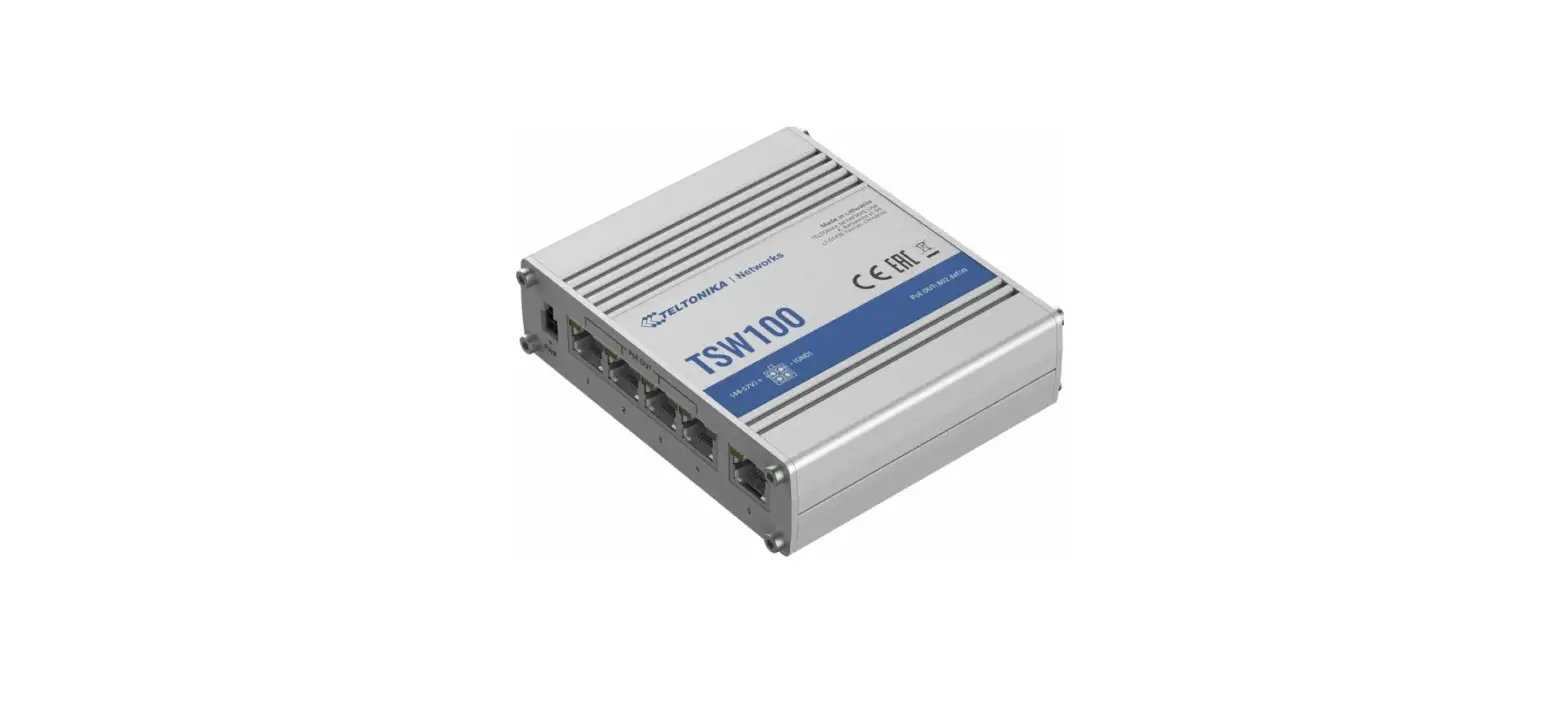
FRONT VIEW
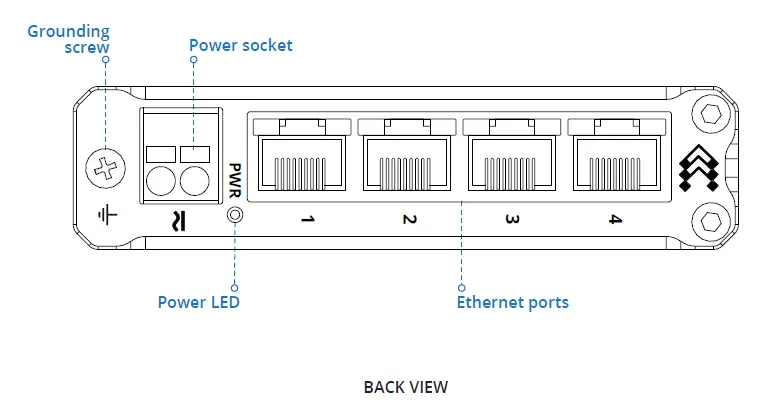
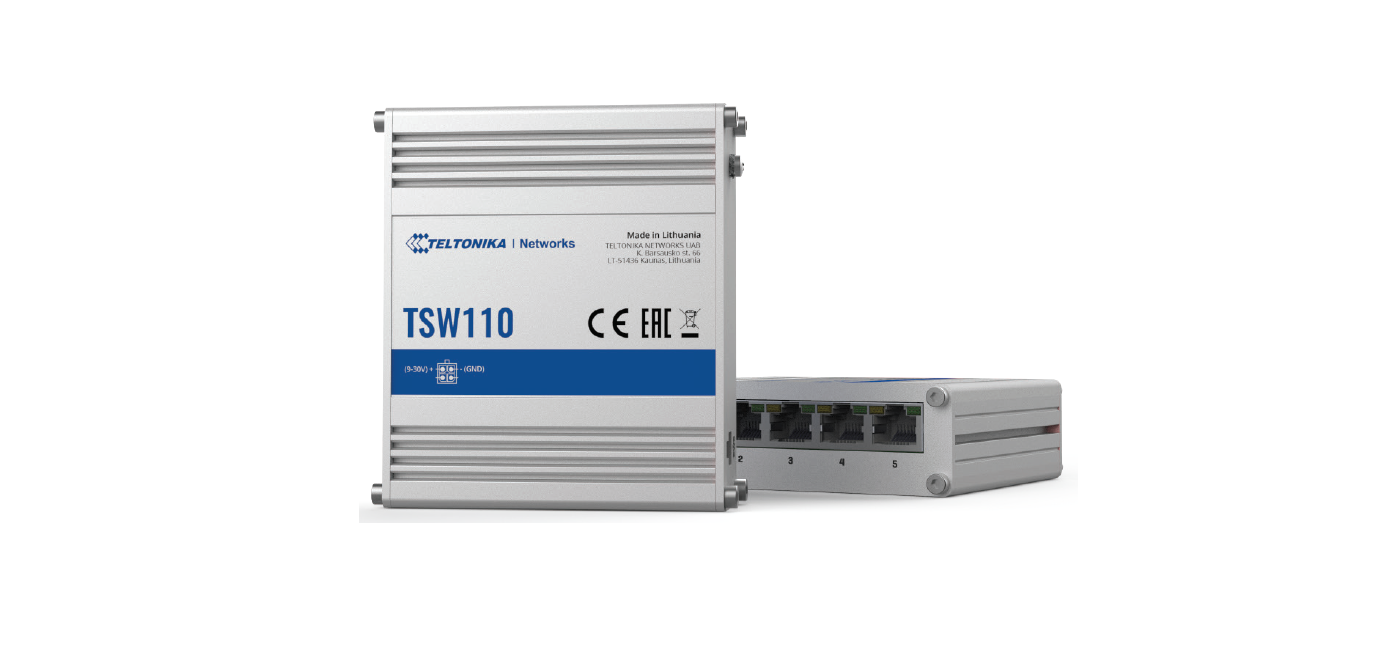
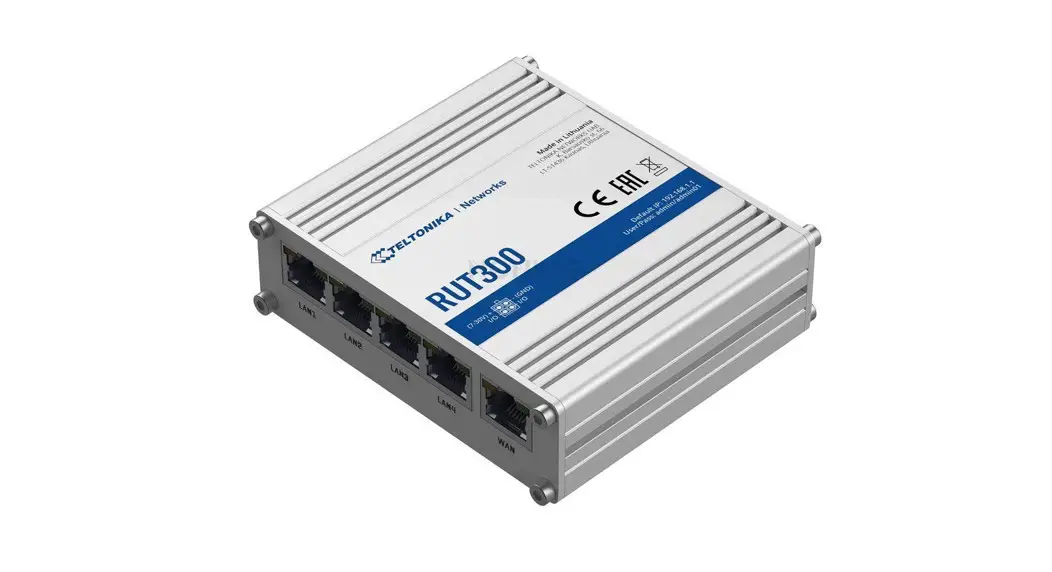
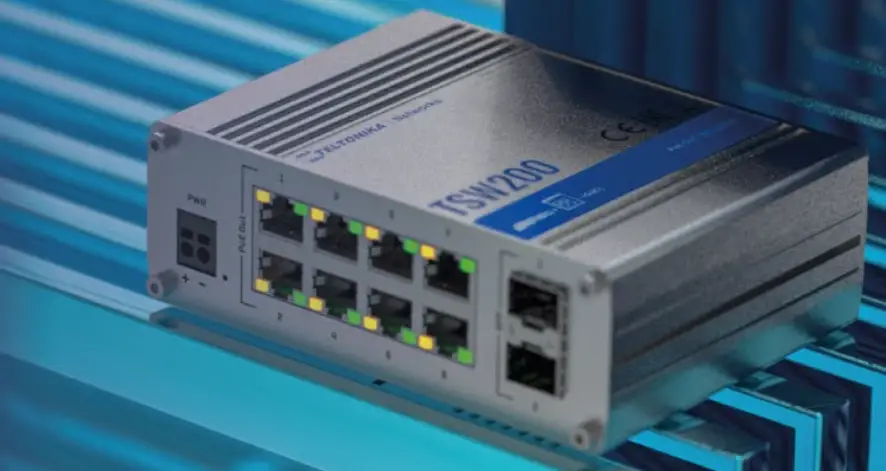
BACK VIEW
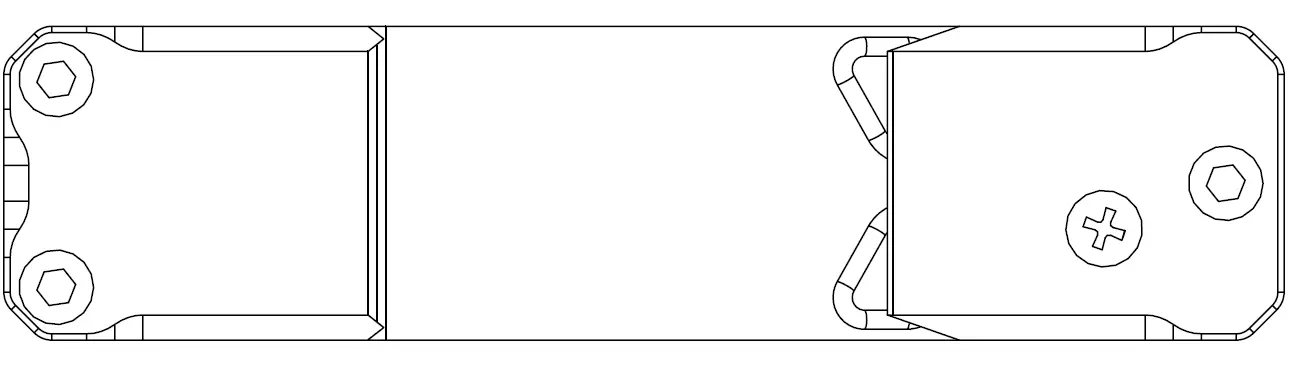
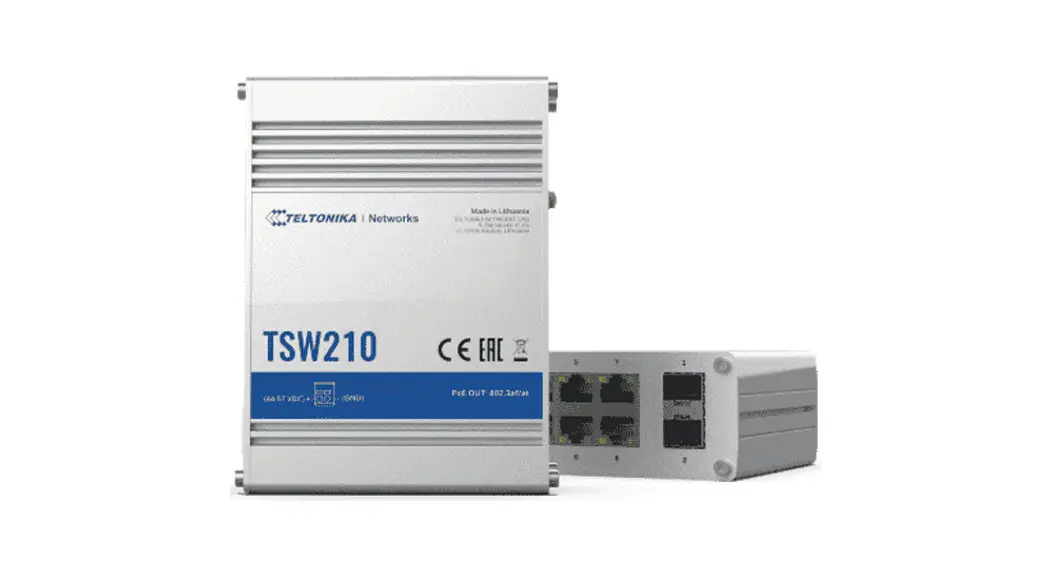
POWER SOCKET PINOUT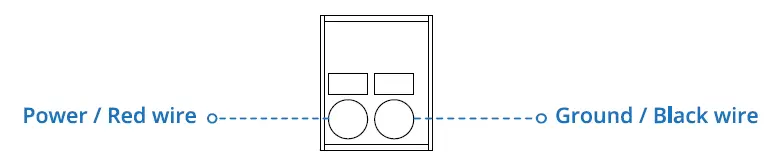
RJ45 LED MEANING
TECHNICAL INFORMATION
| Technical specifications | |
| Input voltage range | 7 – 57 VDC; 9-40 VAC |
| Max power consumption | 1.44 W |
| Max Ethernet cable length | 100 m |
| Bundled accessories specifications* | |
| No accessories | |
Order code dependent.
HARDWARE INSTALLATION
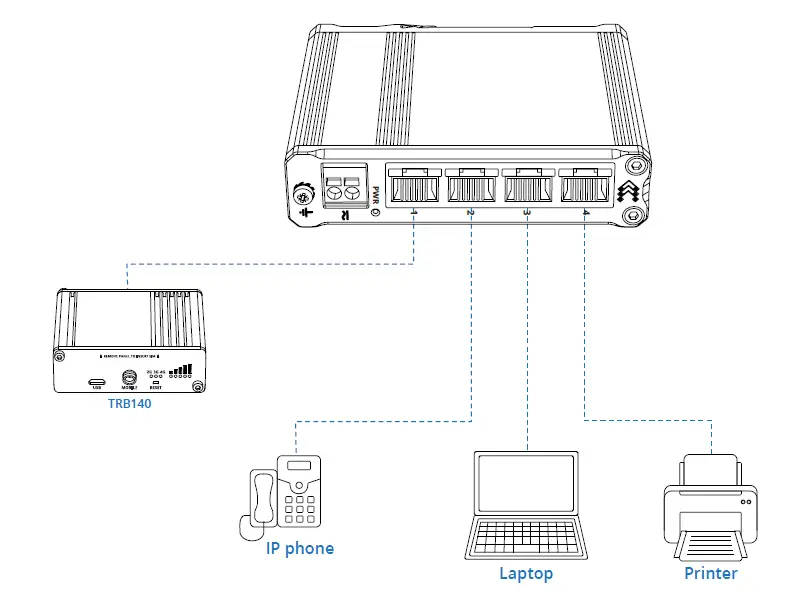
- Connect your main internet router/modem to TSW304.
- Connect end devices to TSW304 1 to 4 port.
- Connect 2 pin power plug to TSW304 to power up the switch.

SAFETY INFORMATION
- Hereby, TELTONIKA NETWORKS declares that this TSW304 is in compliance with the essential requirements and other relevant provisions of Directive 2014/30/EU and 2014/35/EU.
- The full text of the EU declaration of conformity is available at the following Internet address: https://wiki.teltonika-networks.com/view/TSW304CE
- Instruction Manual: Connect the power adapter to turn on the device. More information on https://wiki.teltonika-networks.com/
- This sign means that all used electronic and electric equipment should not be mixed with general household waste.
- This sign means that the product meets the requirements of the applicable EU directives.
- www.teltonika-networks.com
- 2022 Teltonika Networks
- https://wiki.teltonika-networks.com/


 Teltonika Networks - LTE Routers, Gateways & Modems for IoT
 wiki.teltonika-networks.com