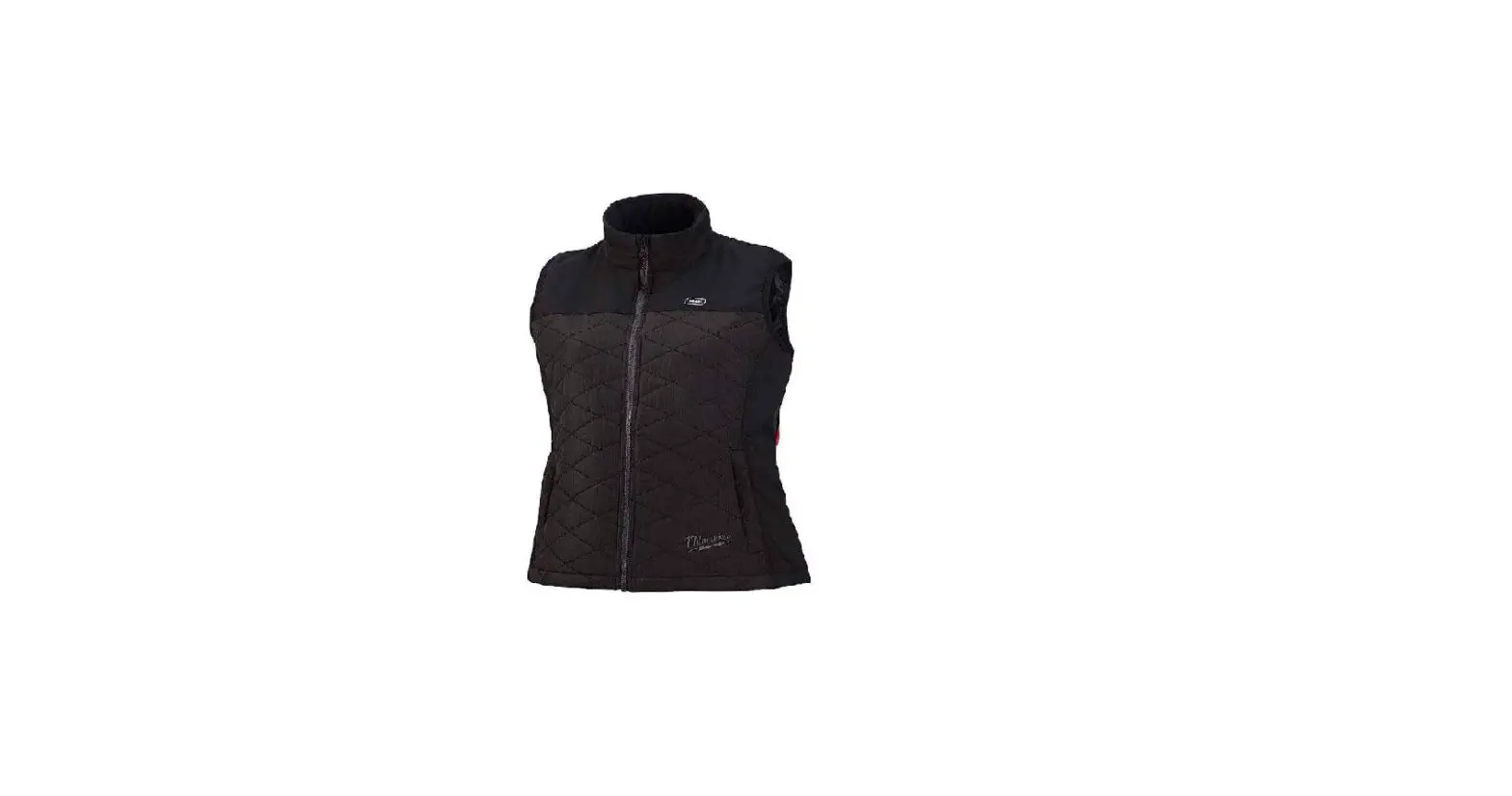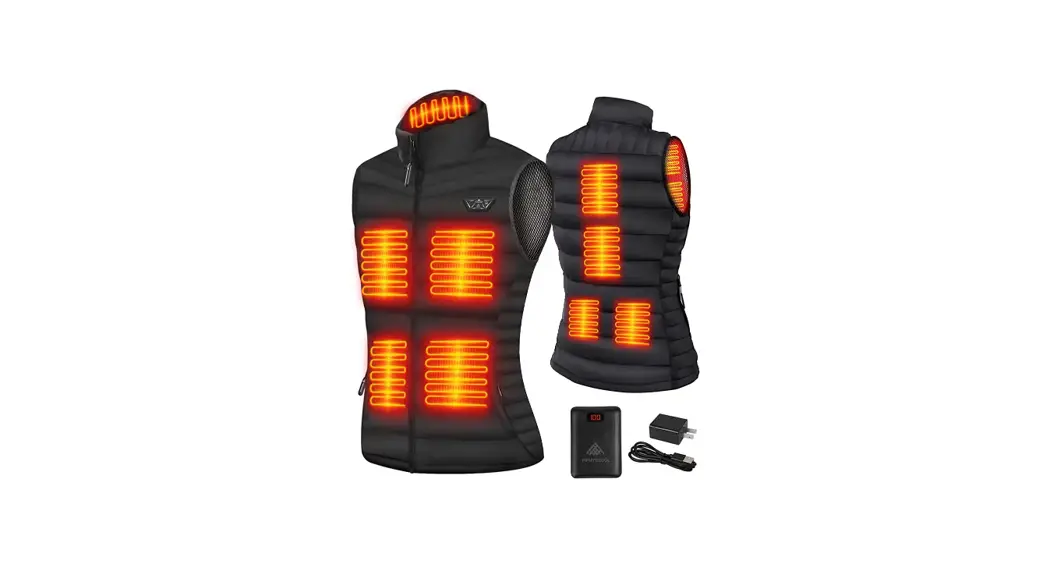
neberon Heated Vest Women with Battery Pack Rechargeable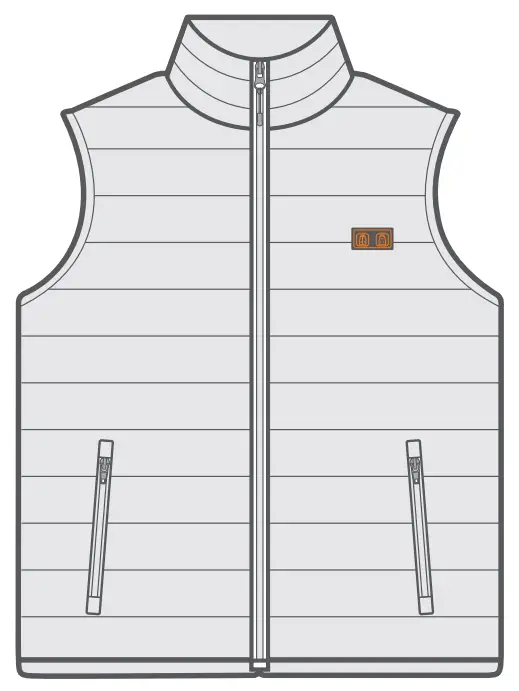
IMPORTANT SAFETY WARNINGS AND INSTRUCTIONS
Read all safety warnings and instructions before using the product. Failure to follow these may result in electric shock, fire, and/or serious injury. Save these warnings and instructions for future reference.
- This heated vest is designed for keeping a person warm in cold environments.
Do not use it in any other way. - Not recommended for infants, children, or people with health issues.
- The vest is not to be used by a person with poor blood circulation unless he/ she is carefully attended to.
- Do not use this vest on the skin that is insensitive to heat.
- Do not use the power cord as a handle.
- Never use the vest if the cord shows any sign of damage.
- Only use the original power bank provided by us.
- Do not attempt to disassemble or alter any part of the vest.
- Do not expose the vest to high temperatures.
- NEVER wear the vest if the inner liner is wet. Once the vest is wet by rain or splashes, shut off the power and stop using it immediately.
- Do not wear the vest over bare skin.
- Shut off the power and unplug the cable immediately if any discomfort occurs.
- Do not use pins or badges on the vest, as this may cause damage to the electric wiring inside the vest.
- Do not pinch the power co rds.
- Do not wring out the vest as this may cause damage to the heating elements or wire hardness.
WHAT’S INCLUDED
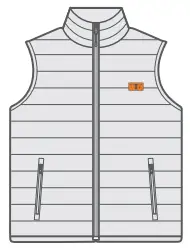
- Heated Vest

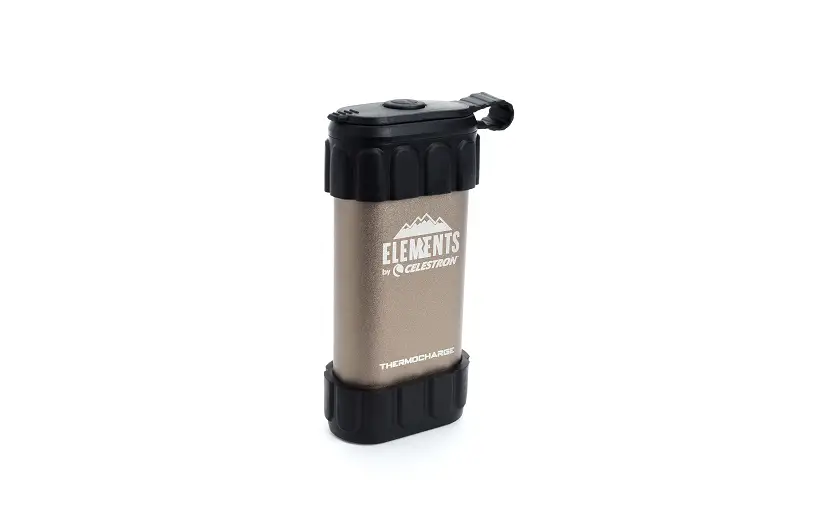
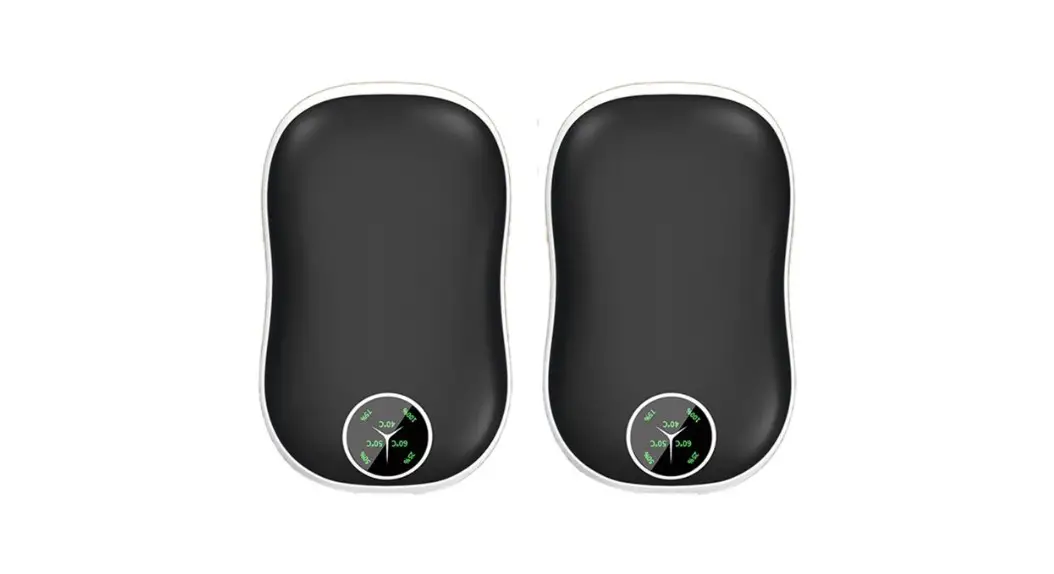
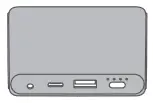
- Power Bank

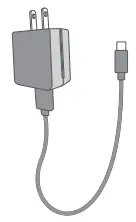
- Power Adapter

- Storage Bag

- User Manuals


PRODUCT OVERVIEW
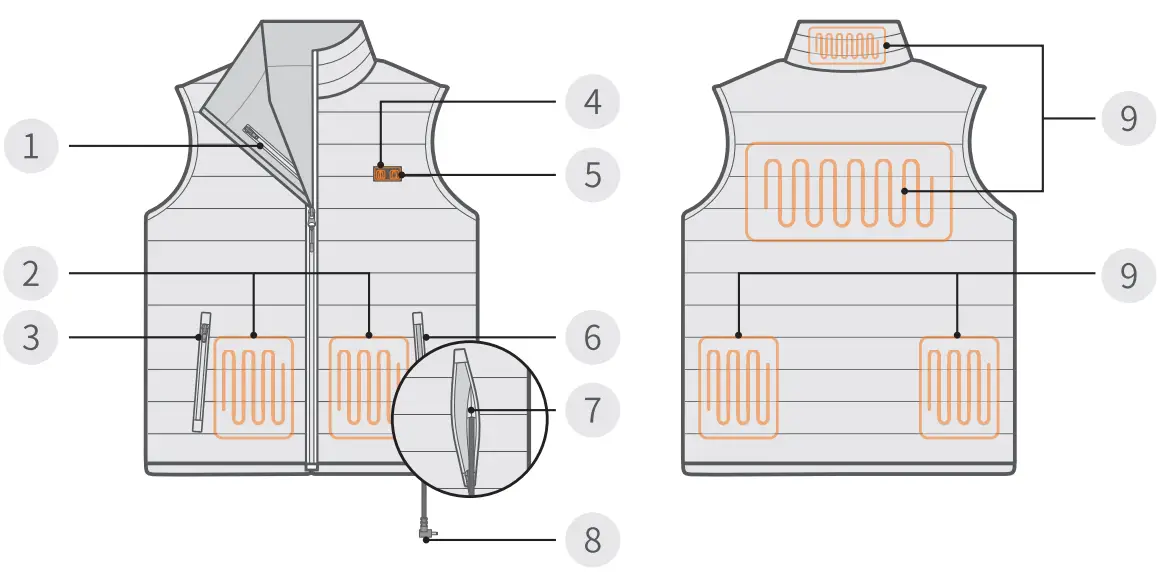
- Inner Pocket
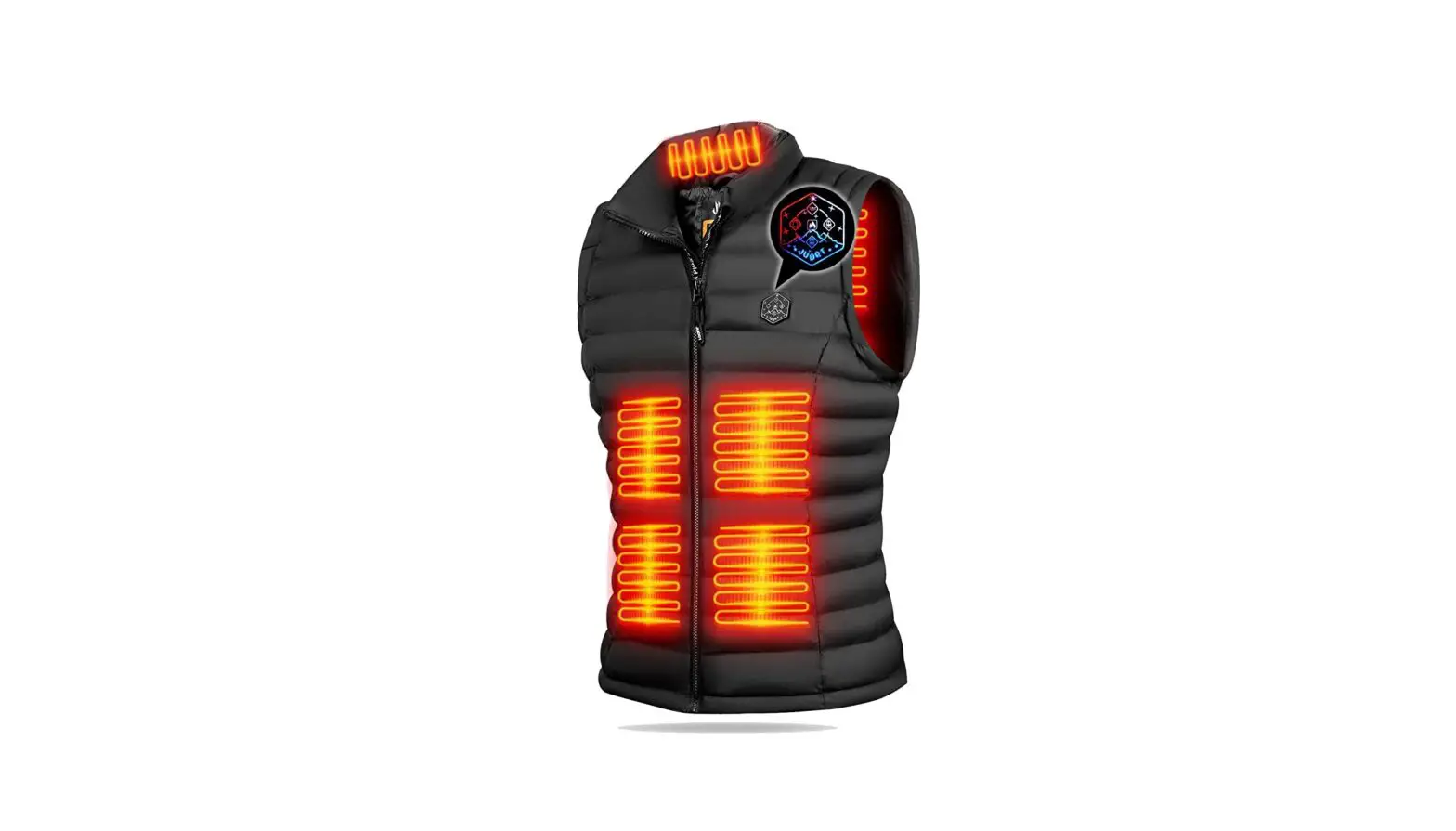
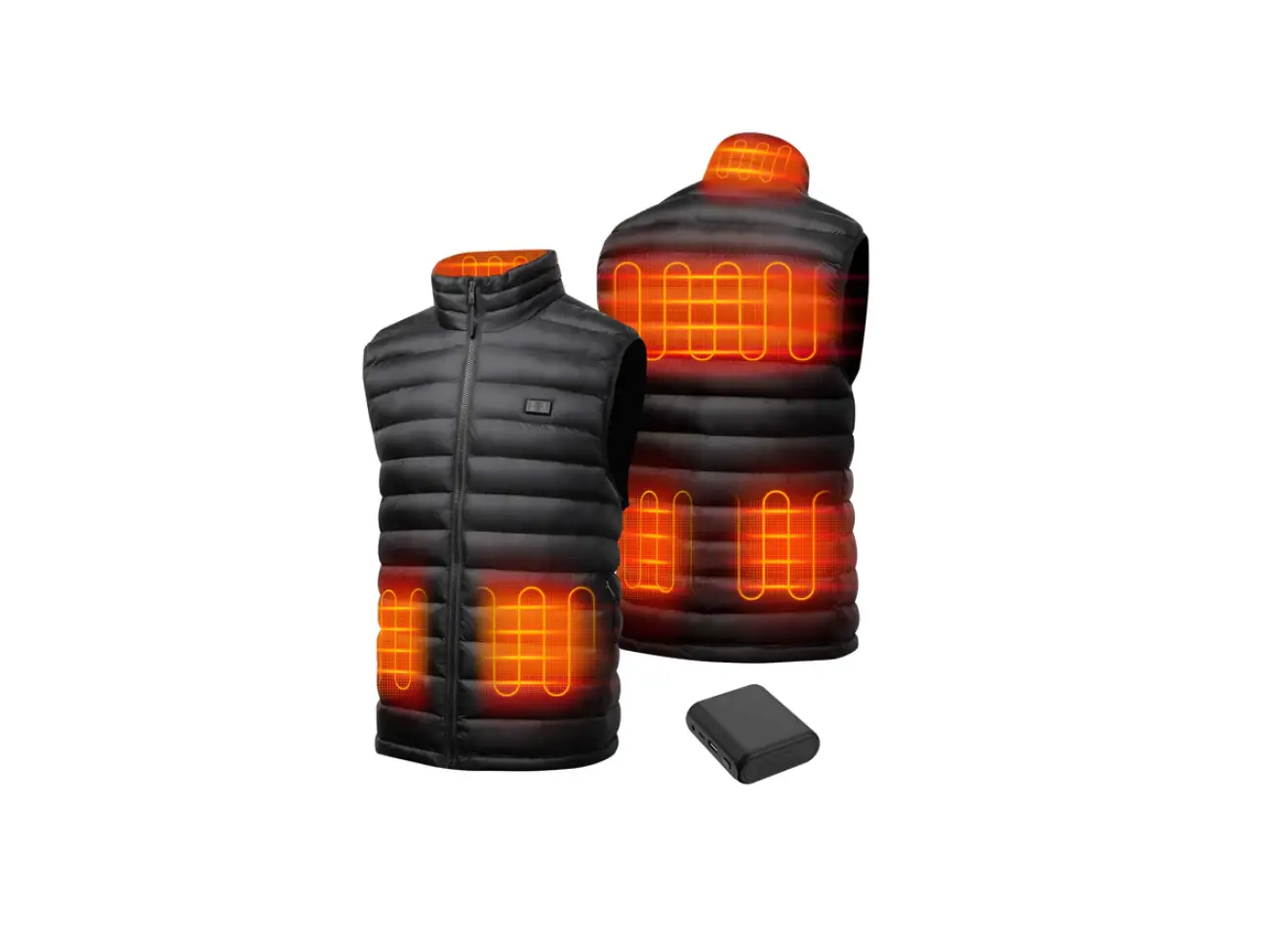
- Front Heating Zones
- Right Pocket
- Front Power Button
- Back Power Button
- Left Pocket
- Battery Holder Pocket
- Power Cable
- Back Heating Zones
OPERATION GUIDE
Charge
Before the first-time use, please fully charge the power bank with the power adapter we provided. It takes about 5 hours to reach a full charge.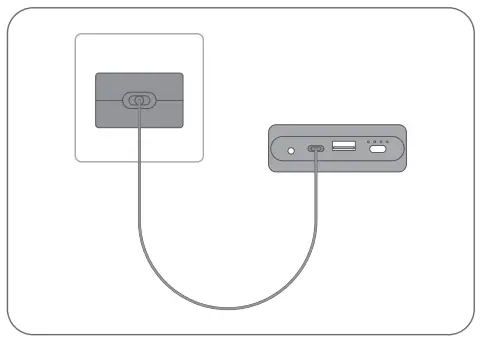
Battery Status Indicators
| Battery Power | Indicators |
| ‘S’.25% |  |
| 25%-50% |  |
| 50%-75% |  |
| 75%-100% |  |
| Full |  |
Tips:
 Solid On
 Flashing, indicating the power bank is getting charged.
- When the power bank is not getting charged, you can press the battery check button to check the remaining battery power.
 Solid On
 Flashing, indicating the power bank is getting charged.
Plug-in
Unzip the left pocket and find the battery holder pocket. Take out the power cable and plug it into the power bank. Then, put the power bank into the battery holder pocket.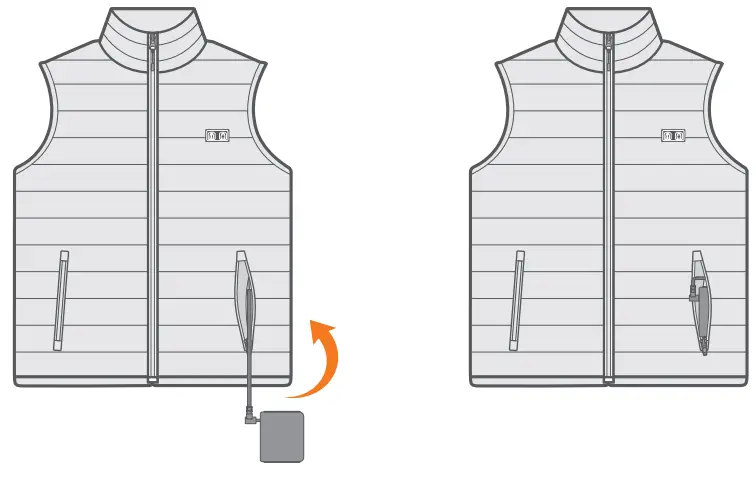
Turn On
To turn on the vest, press and hold the front power button and/or the back power button for 2 seconds until the LED indicator(s) turn(s) red.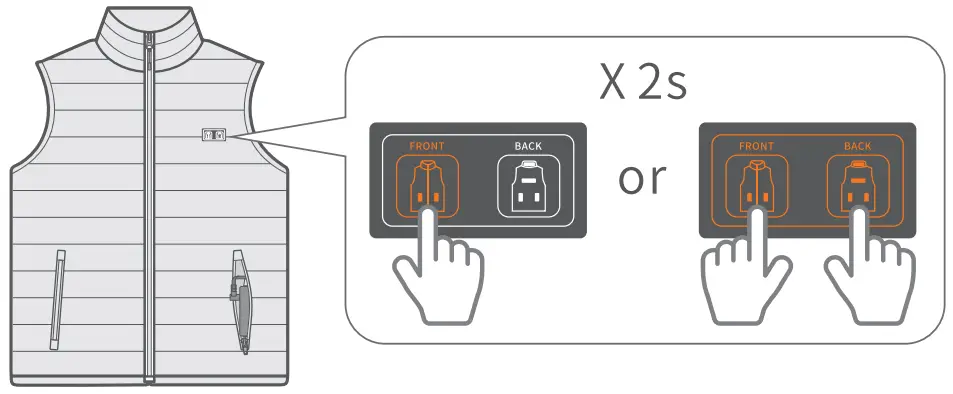
Adjust Heating Levels
Shortly press the power button to adjust the heating levels.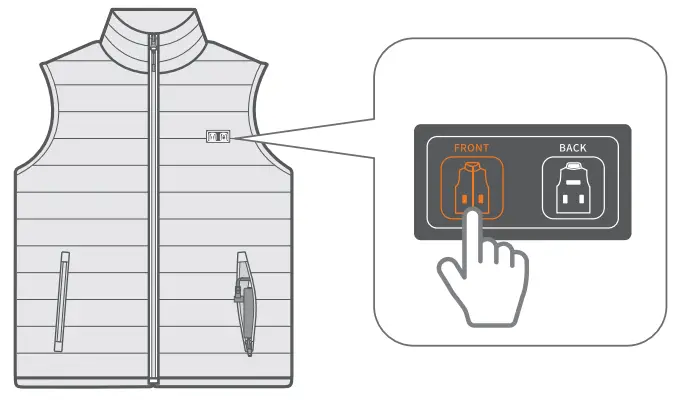
| Heating Level | Temperature | Heating Duration (Turn on Both the Front and Back Heating Zones) |
| High(Red, Defau lt Setting) | 131°F(55°C) | 3 Hours |
| Medium(White) | 122°F(S0°C) | About4 Hours |
| Low(Blue) | 100°F(38°C) | About 8 Hours |
| Heating Level | Temperature | Heating Duration (Turn on Both the Front and Back Heating Zones) |
| High(Red, Defau lt Setting) | 131°F(55°C) | About 4 Hours |
| Medium(White) | 122°F(S0°C) | About 6 Hours |
| Low(Blue) | 100°F(38°C) | About 10.5 Hours |
| Heating Level | Temperature | Heating Duration (Turn on Both the Front and Back Heating Zones) |
| High(Red, Defau lt Setting) | 131°F(55°C) | About 9 Hours |
| Medium(White) | 122°F(S0°C) | About 12.5 Hours |
| Low(Blue) | 100°F(38°C) | About 20.5 Hours |
The data is tested from the neberon lab.
Tip:
To minimize distraction, the power button lights are programmed to turn off after l min (several quick blinks before off) and enter “sleep mode”. In sleep mode, the heating mechanism is still working. The lights can be reactivated to show the current status by a single press of either “sleep” button, and you may continue pressing the button(s) to adjust heating power.
Turn Off
To turn off the vest, press and hold the power button(s) for 2 seconds again or directly unplug the cable.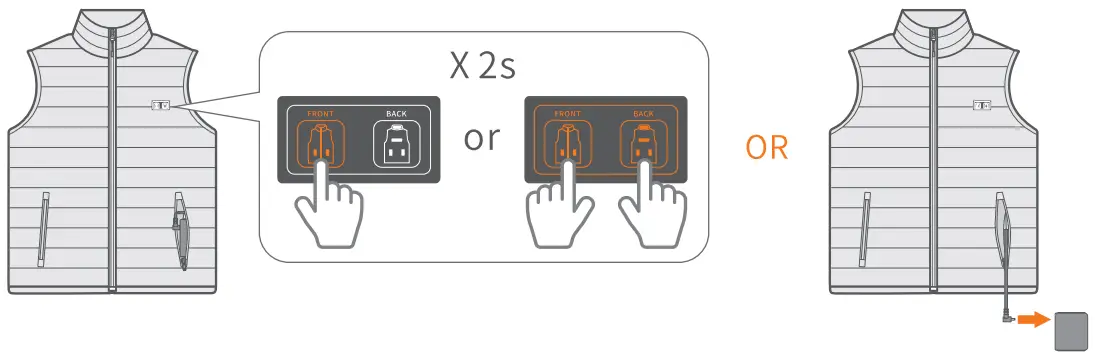
POWER BANK INSTRUCTIONS
Overview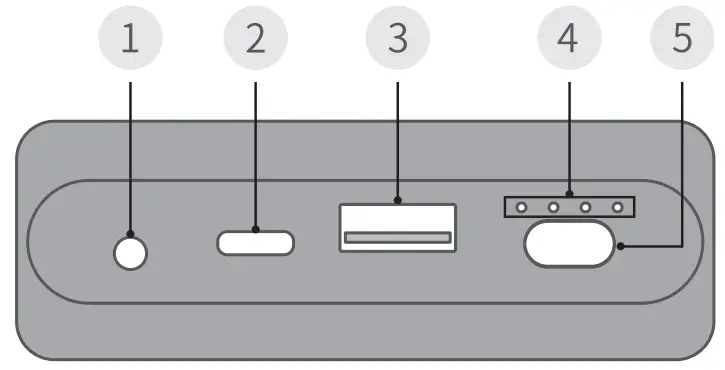
- DC Output Port
- Type-C Input Port
- USB Output Port
- Battery Status Indicators
- Battery Check Button
Specifications
| Model | V-1000 |
| Cell Capacity | 9600mAh |
| Type-C Input | SV = 2.4A Max |
| DC Output | 7.4V = 2.5A Max (4250mAh/31.45Wh) |
| USB Output | SV = 2.4A Max (6100 mAh/30 25Wh) |
Warnings
- Fully charge the power bank before your first-time use.
- Do not charge the power bank when it is hot. Let it cool down first.
- Do not charge the power bank next to flammable material or on electrically conductive surfaces.
- Do not attempt to disassemble or alter the structure of the power bank.
- Do not strike the power bank and protect it from impact.
- Do not dispose of the power bank in fire or any liquid.
- Do not expose the power bank to high-temperature or low-pressure environments.
- Only use the adapter provided by neberon to charge the power bank.
- When the power bank is not used frequently, please fully charge it every 6 months to extend its life span.
- Dispose of the power bank according to the local environmental regulations. Do not treat it as household waste.
WASHING INSTRUCTIONS
Before washing, please unplug the power cable and remove the power bank.
After removing, please put the power cable back into the battery holder pocket, then zip the left pocket.
- Machine Wash With Laundry Bag

- Gentle Cycle in Cold Water

- Hang Dry Recommended

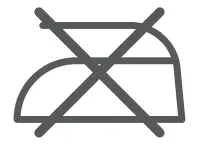
- Do Not Iron

- Do Not Bleach

- Do Not Dry Clean

- Do Not Wring or Twist







Tip:
After drying, please shake or pat the vest with your hands to make it fluffy.
Q&A
Yes, you can. Please follow the Amazon exchange & return policy or contact neberon customer service team for the exchange.
To minimize distraction, the power button lights are programmed to turn off after 1 min (several quick blinks before off) and enter “sleep mode”. In sleep mode, the heating mechanism is still working. The lights can be reactivated to show the cu rrent status by a single press of either “sleep” button, and you may continue pressing the button(s) to adjust heating power.
Yes, you can. The front power button controls the heating zones in the front of the vest, while the back power button controls the heating zone on the back of the vest. You can not only power on/off all the heating zones at the same time, but also power on/off the front heating zones and the back heating zone respectively as needed.
CONTACT US
If you have any questions or need any help, please contact us at [email protected].