SHARPER IMAGE 207904 Heat Therapy Wraps and Rechargeable Battery User Guide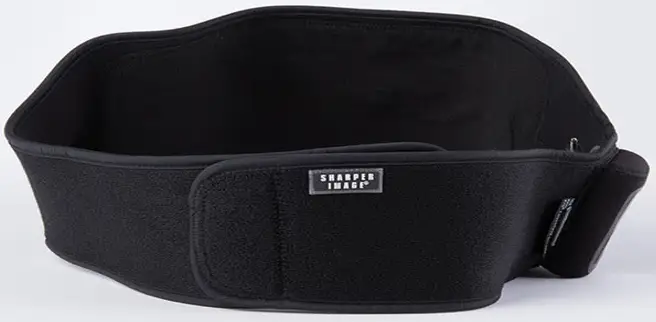
Thank you for purchasing a Sharper Image Heat Therapy Wrap. Please take a moment to read this guide and store it for future
reference.
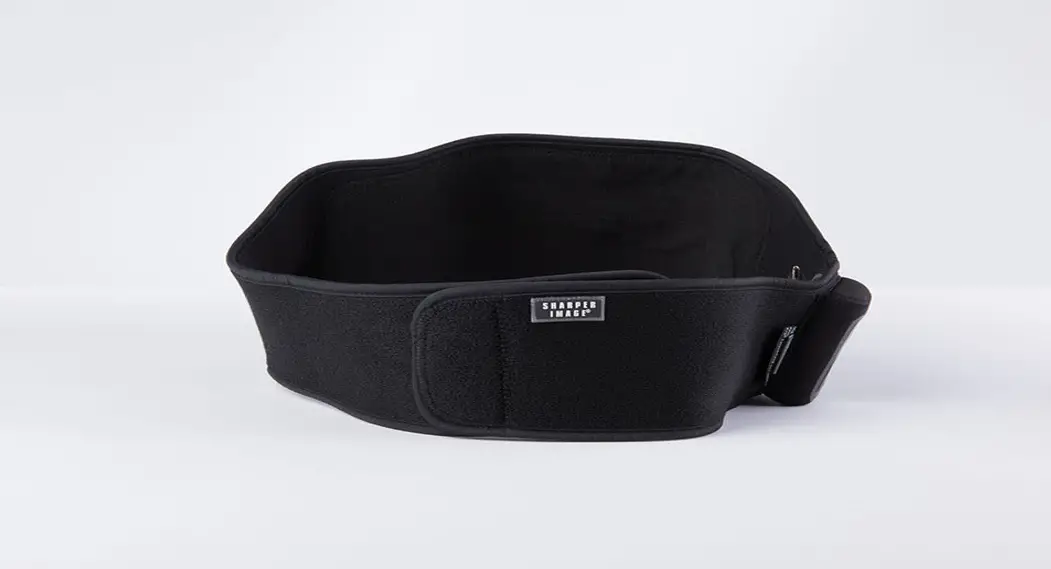
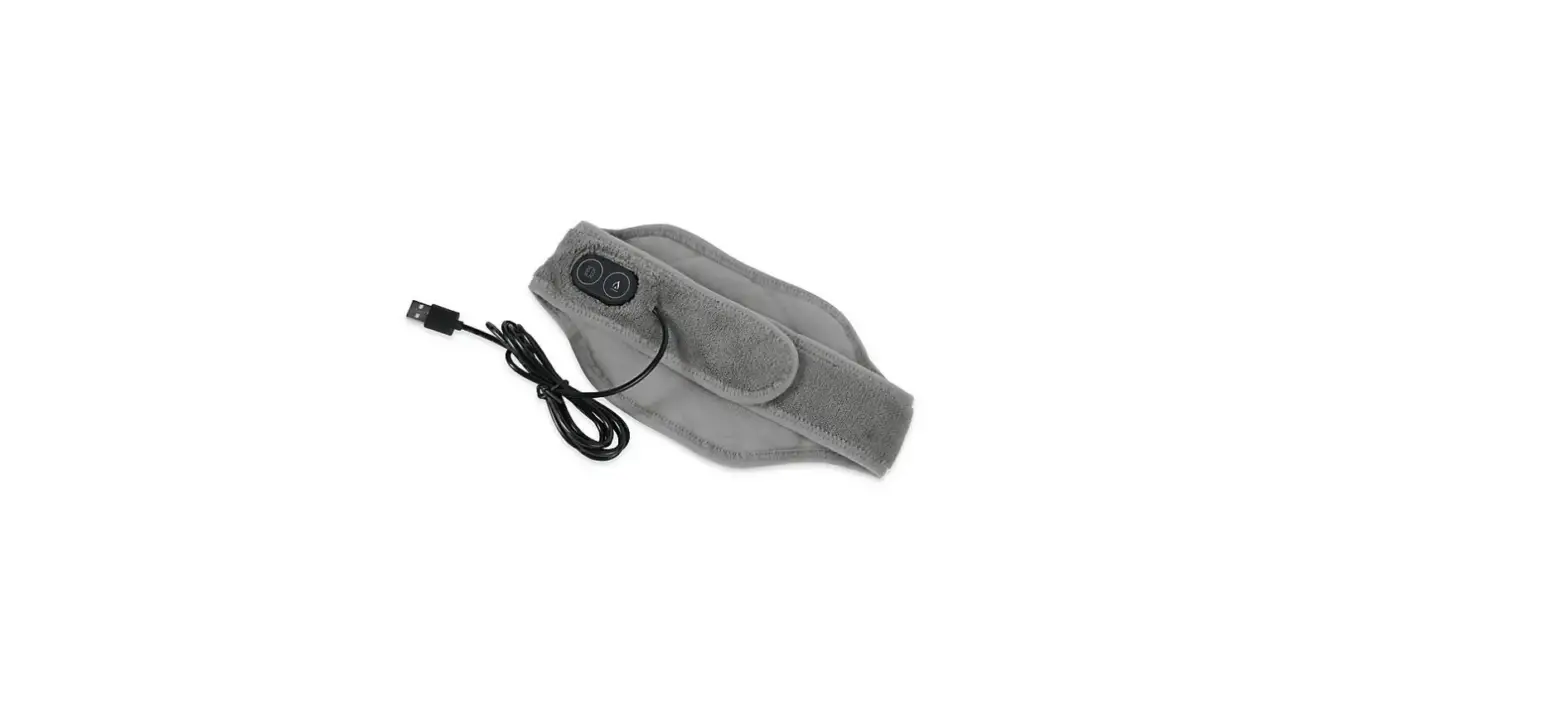
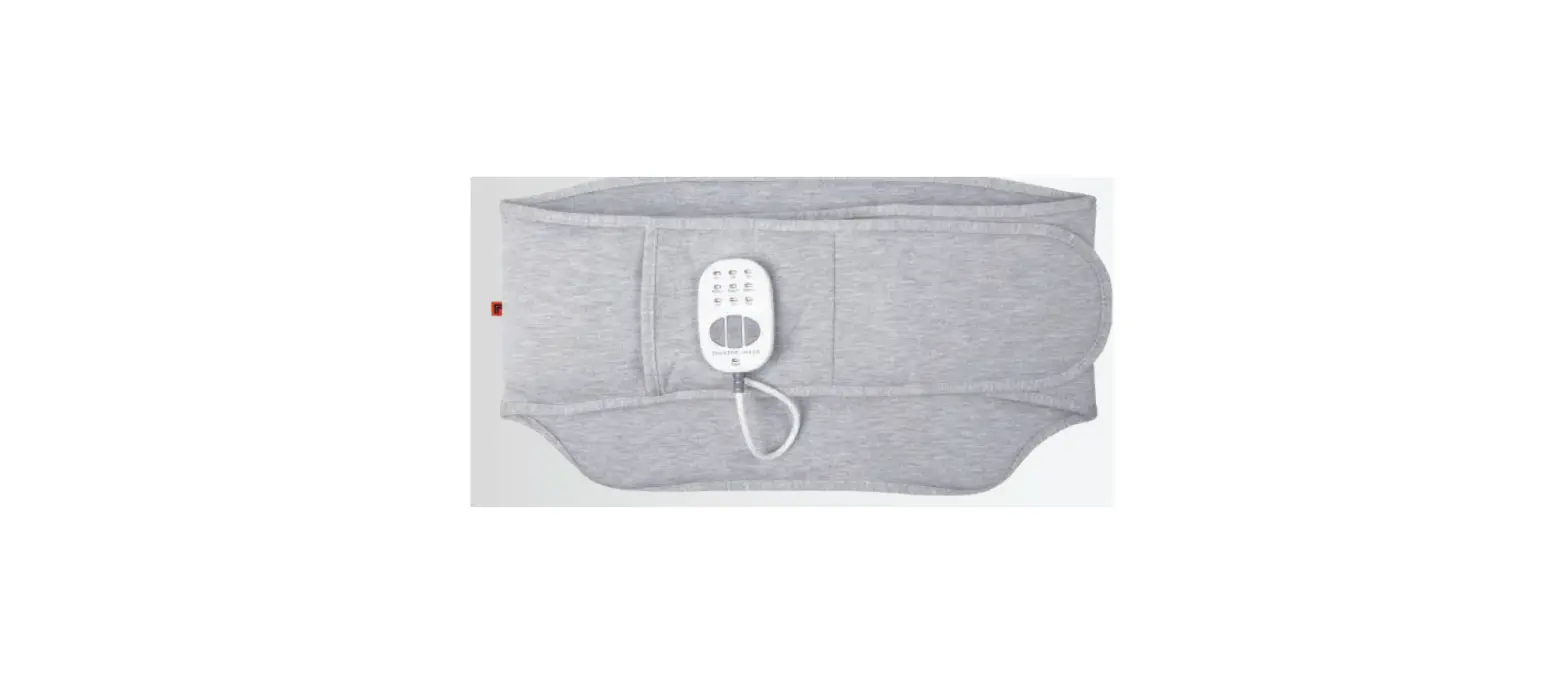
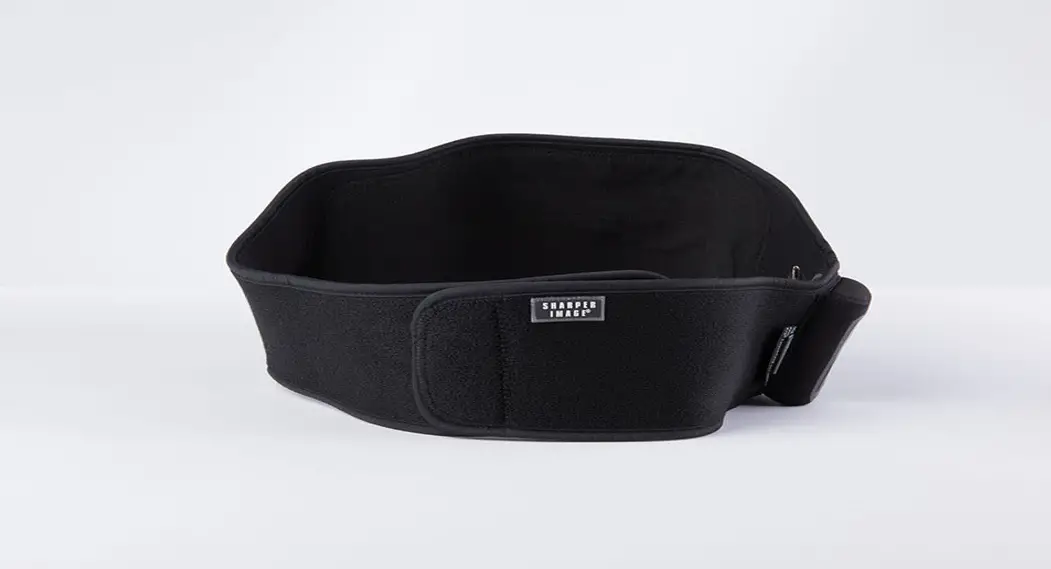
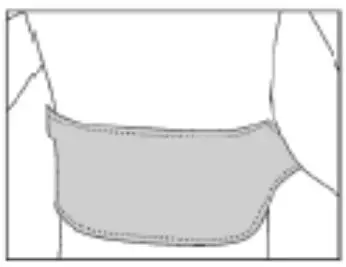
BACK WRAP
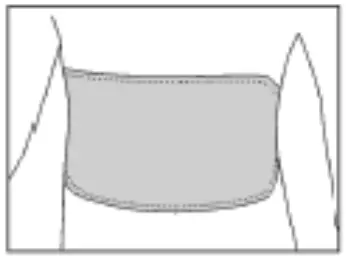
- Place heating area over your back with logo facing out.

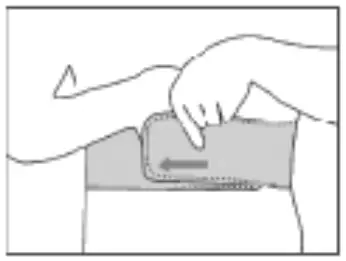
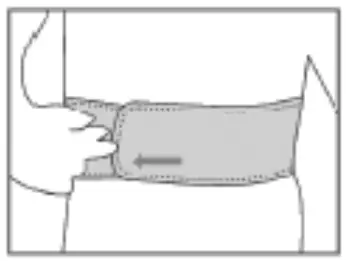
- Bring the straps around your sides.

- Lay the strap with the logo over the other end to close it with the velcro.
- Our Back Wrap may also be used in the front to relieve pain from menstrual cramps
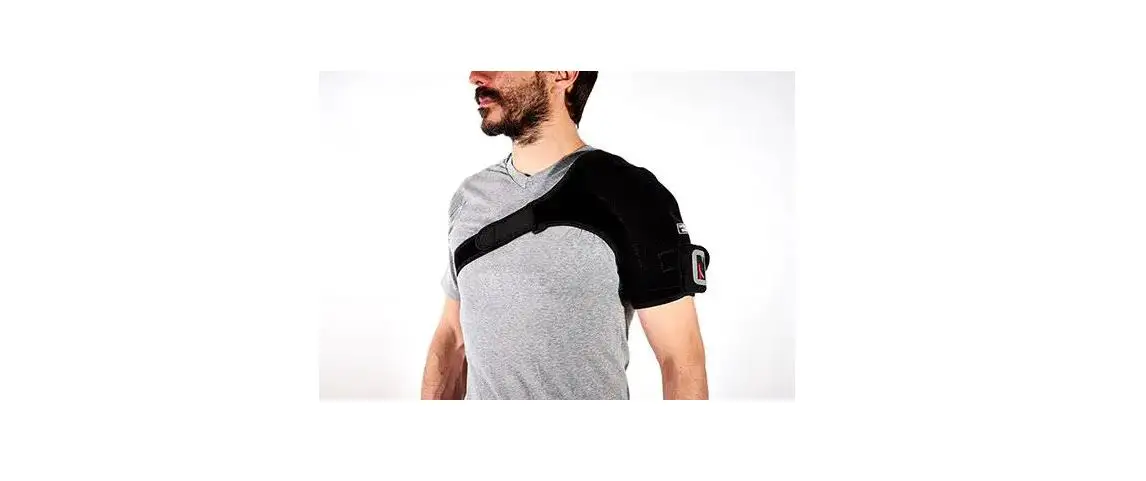
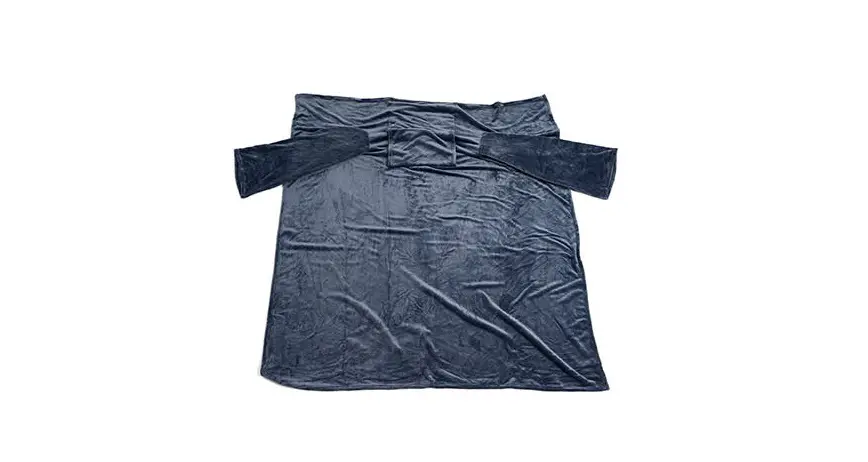
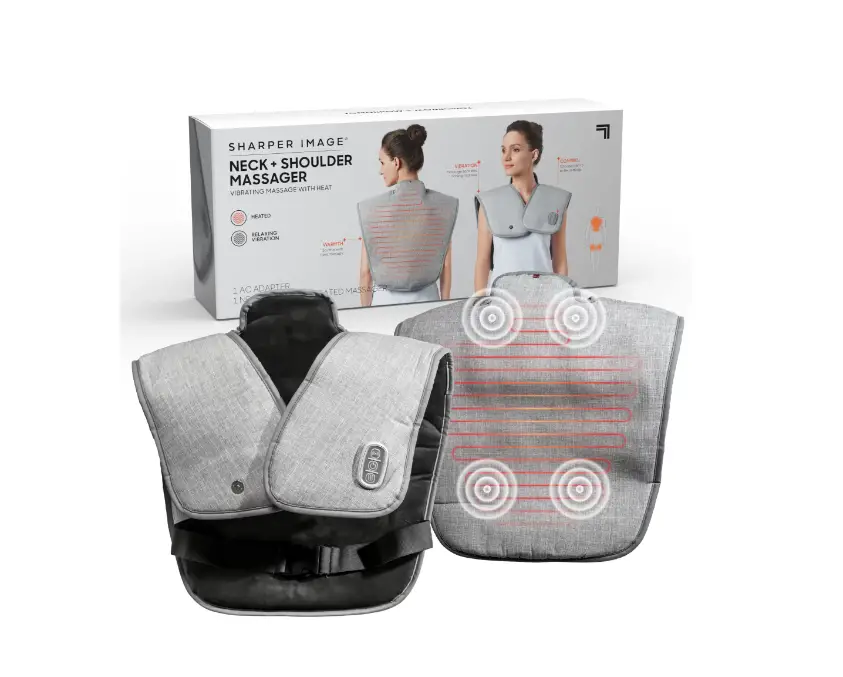
SHOULDER WRAP
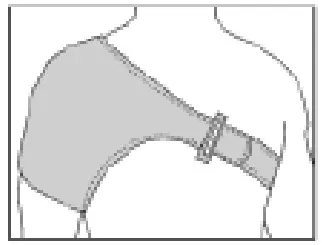
- Place the wrap, logo facing out, so that the cupping of the wrap fits over your shoulder.

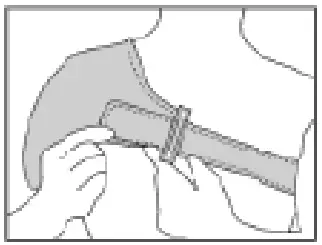
- Bring the longer strap around your back and under the opposite arm to the front of your chest. Put the longer strap through the loop.
- Tighten the strap and bring the velcro back over the strap so the logo is now facing out.
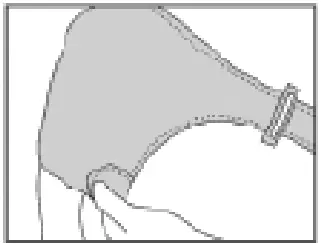
- Bring the smaller velcro strap beneath your arm and place it over the wrap as shown. It should fit securely over your bicep.

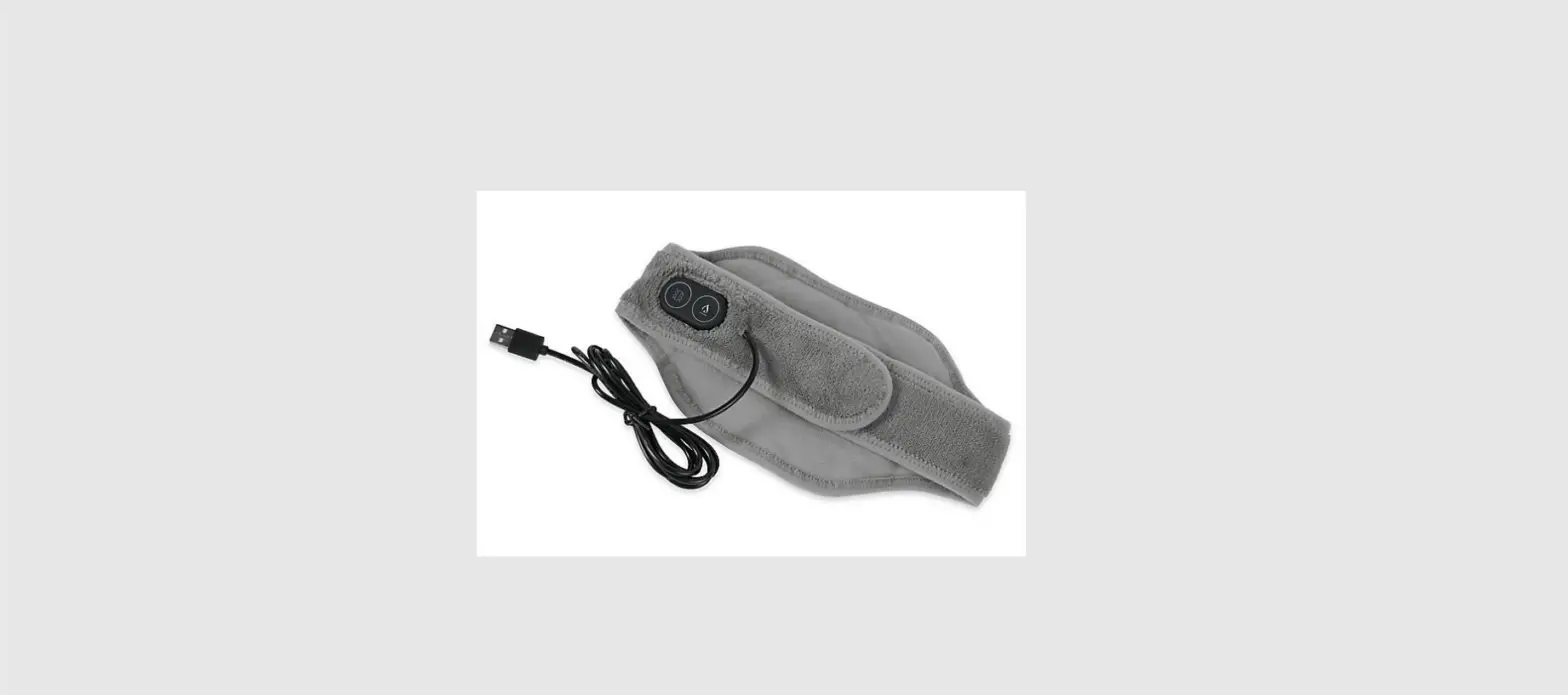
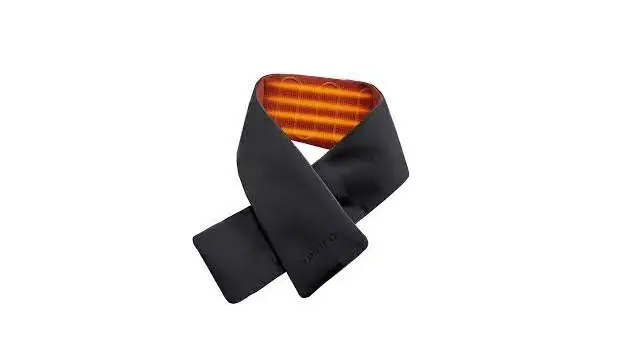
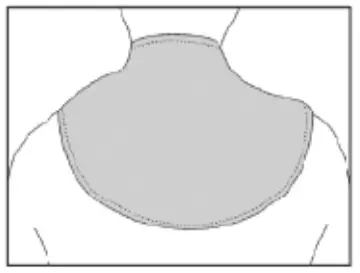
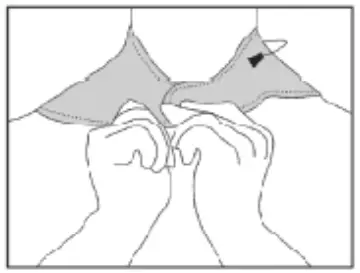
NECK WRAP
- Place wrap over back of neck.

- Place straps around the neck and over one another to secure the velcro.
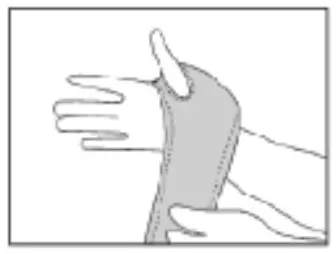
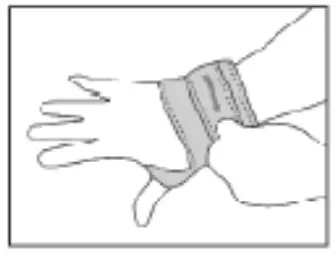
WRIST WRAP
- Place thumb through the slit, with the wrap’s logo side facing out.

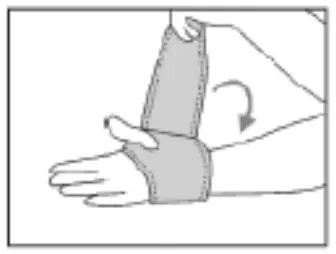
- Wrap the strap around your wrist, making sure to support any area with slight compression.
- Lock the strap in place with the velcro at the end of the strap by placing it over the wrap surface.
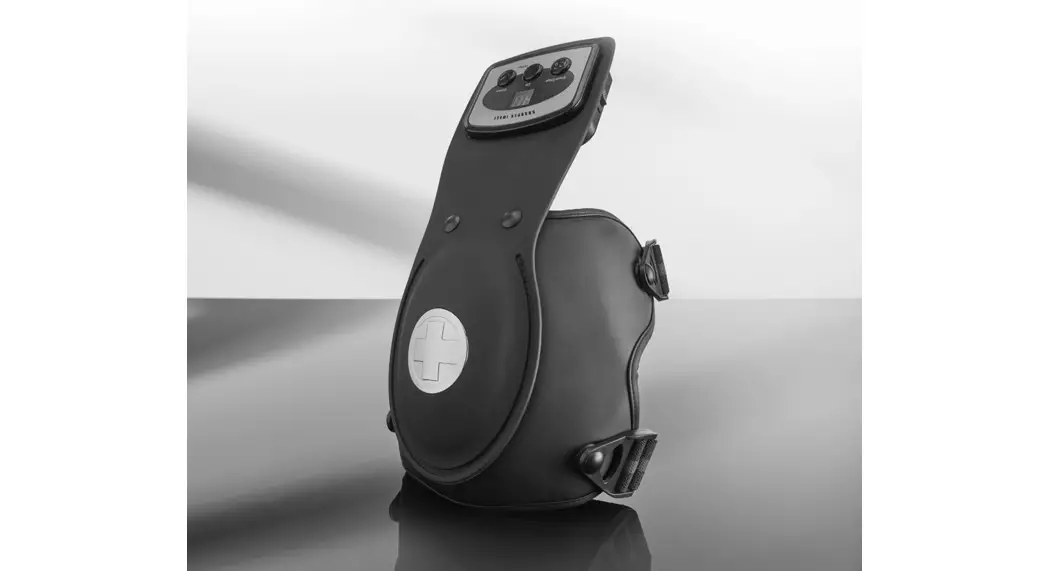
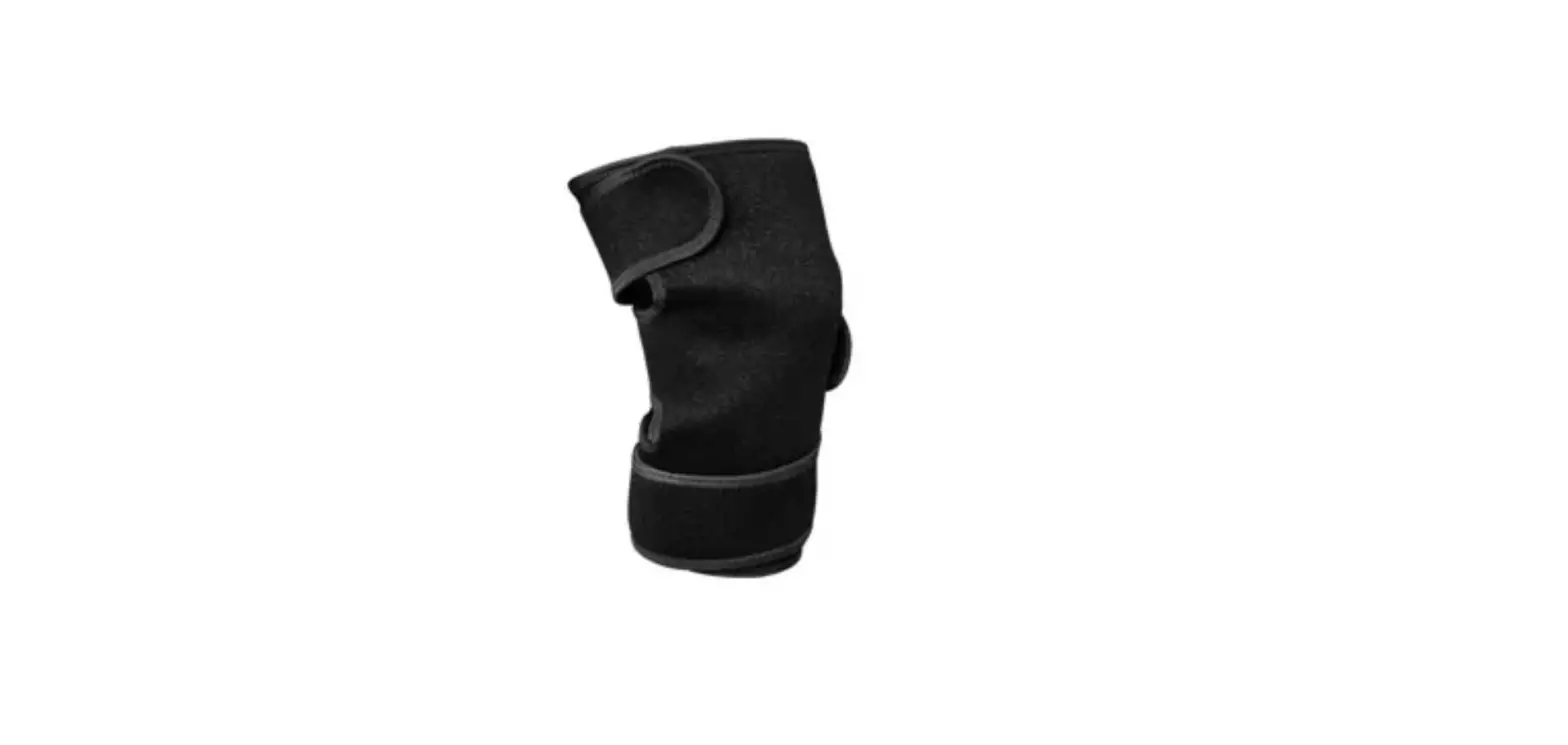
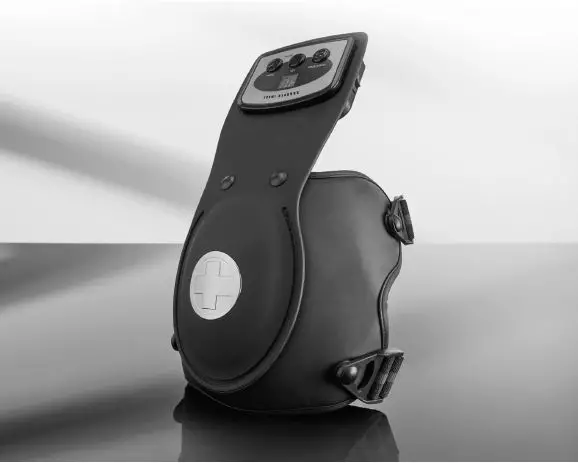
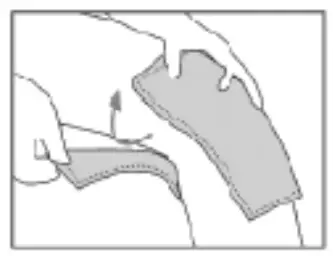
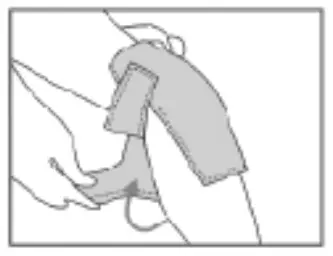
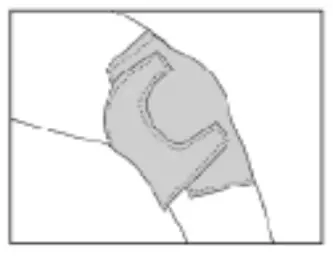
KNEE WRAP
- Place wrap over knee, making sure the cupping of the wrap goes over the knee cap. Wrap the upper strap around your thigh and close the velcro over the wrap.

- Wrap the lower strap around your upper calf and secure the velcro over the top of the wrap.
- You may use the wrap over either knee. To do so repeat the same directions on your other knee.
BATTERY GUIDE
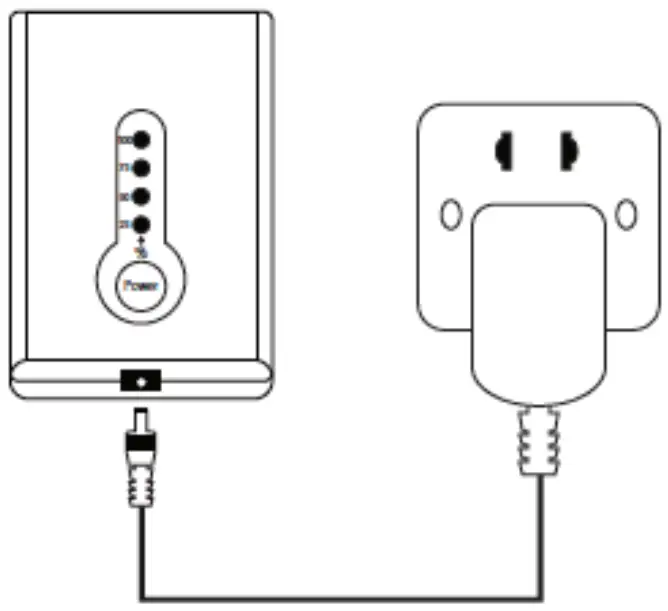
CONNECT THE CHARGER
Connect to Power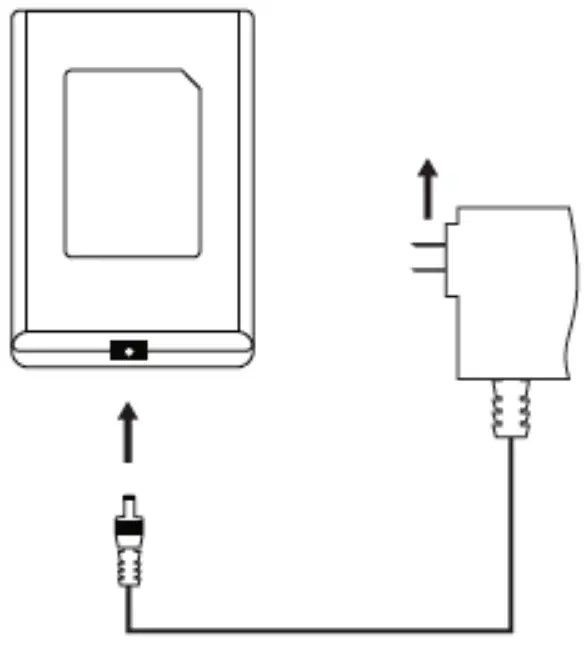
FULLY CHARGE THE BATTERY
Four Blue lights = Full Charge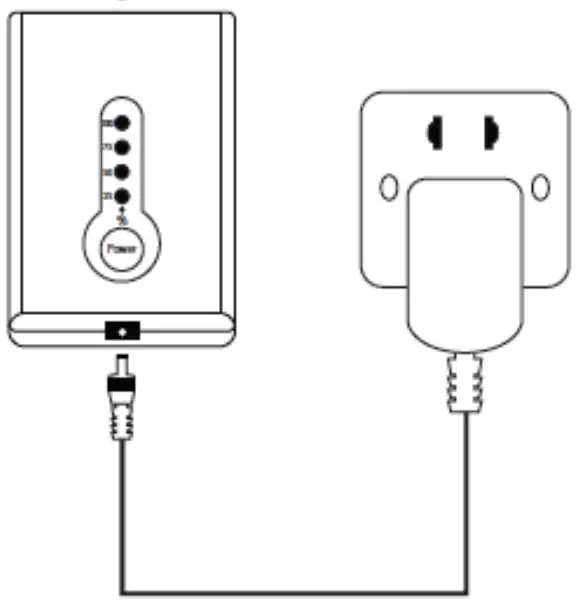
REMOVE BATTERY CHARGER PLUG/ CHECK THE BATTERY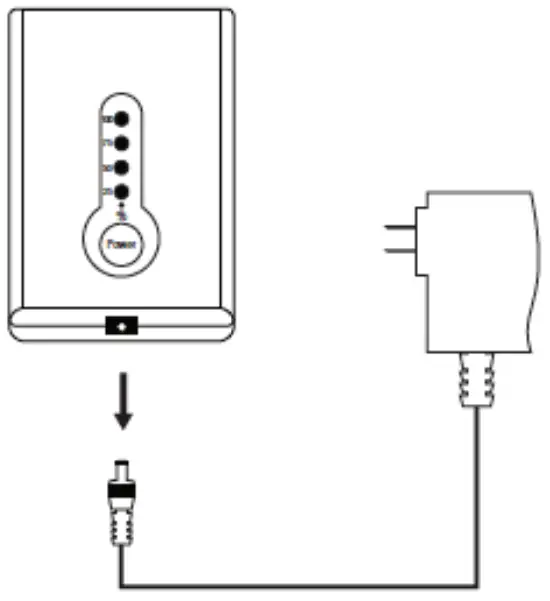
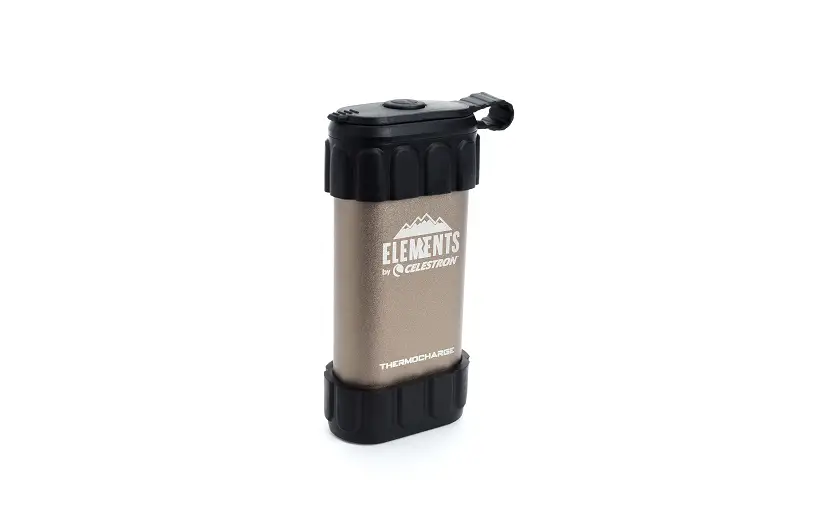
INSTALL POWER PACK
Locate the connector. Plug Power Pack into the connector. Put Power Pack into pocket.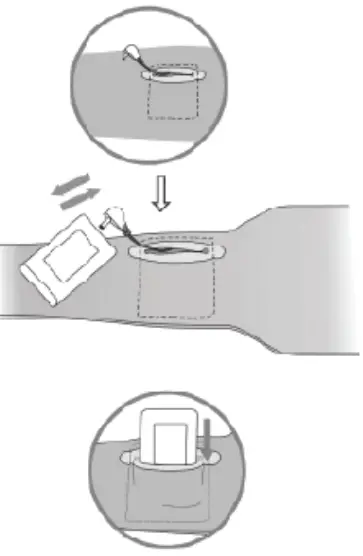
POWER ON & MAX TEMP SETTING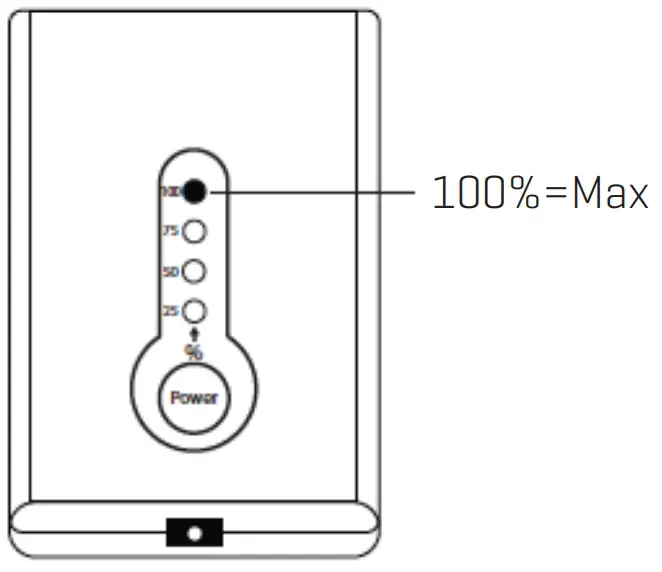
To Turn Power On:
Press and hold ‘’ Power ‘’ for 2 seconds until the controller light shows BLUE (100%).
ATTENTION
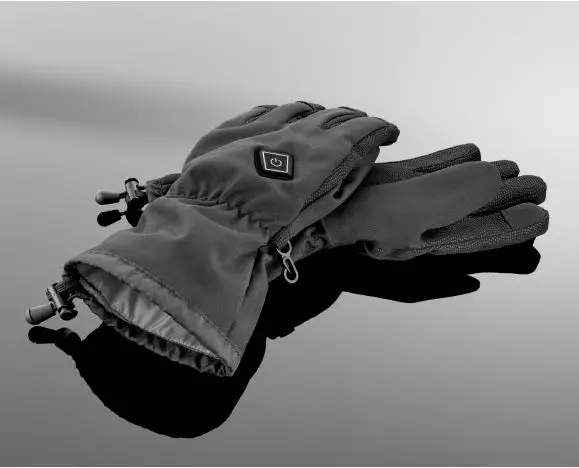
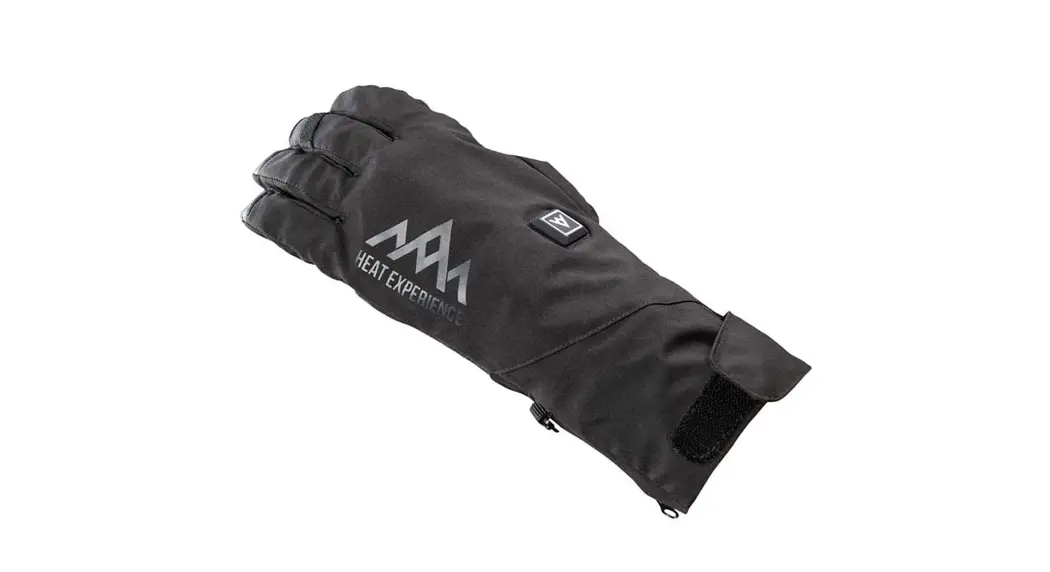
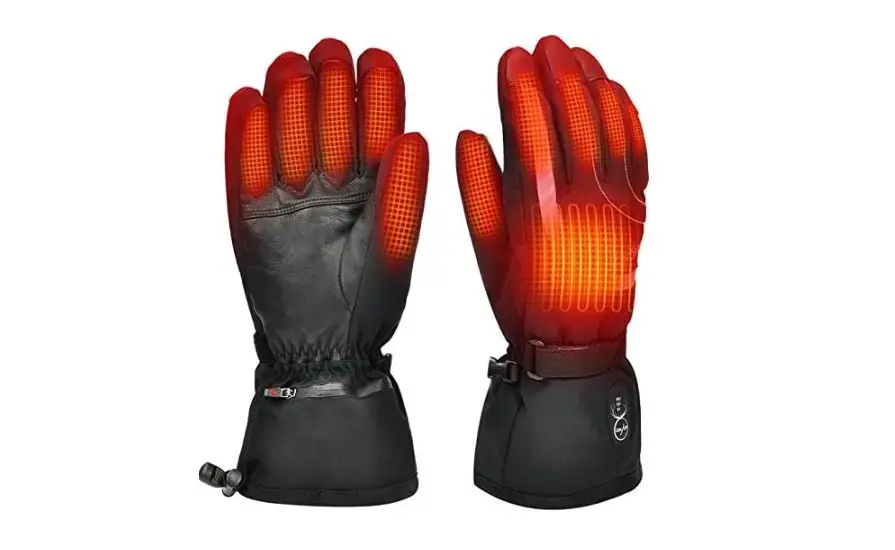
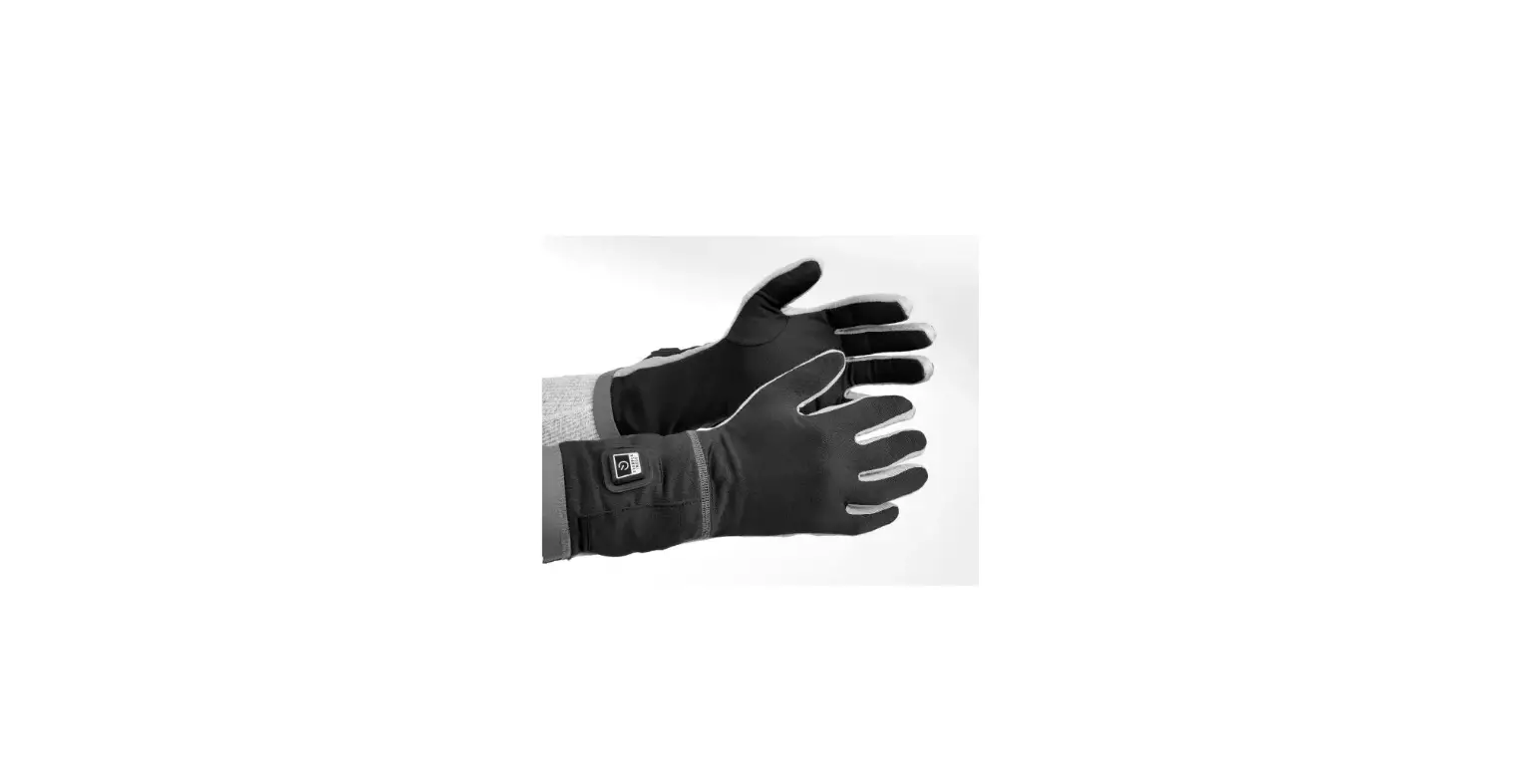
*Do not turn the power on when brace/glove is folded.
SELECT HIGH TEMP SETTING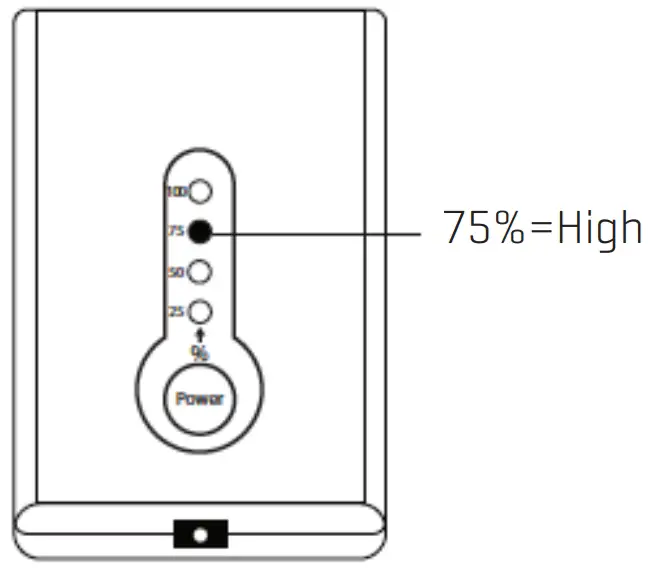
High Temperature Setting: Click ” Power ” until the light changes to 75%.
SELECT MED TEMPERATURE SETTING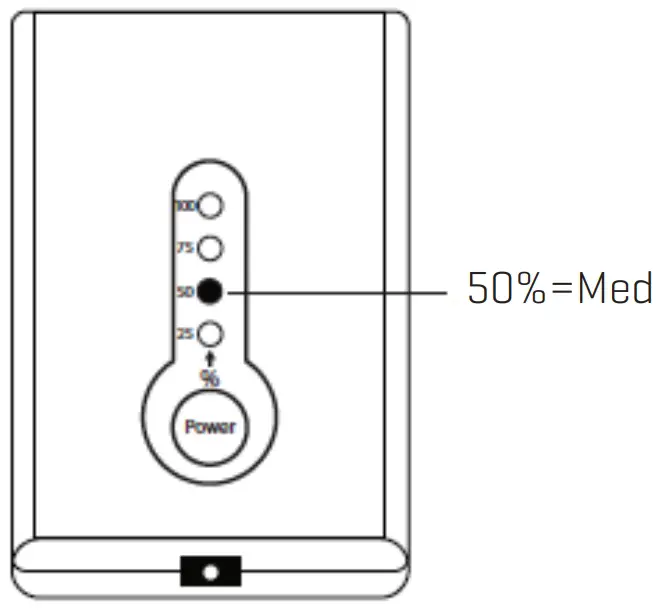
Med Temperature Setting: Click ” Power ” until the light changes to 50%.
SELECT LOW TEMPERATURE SETTING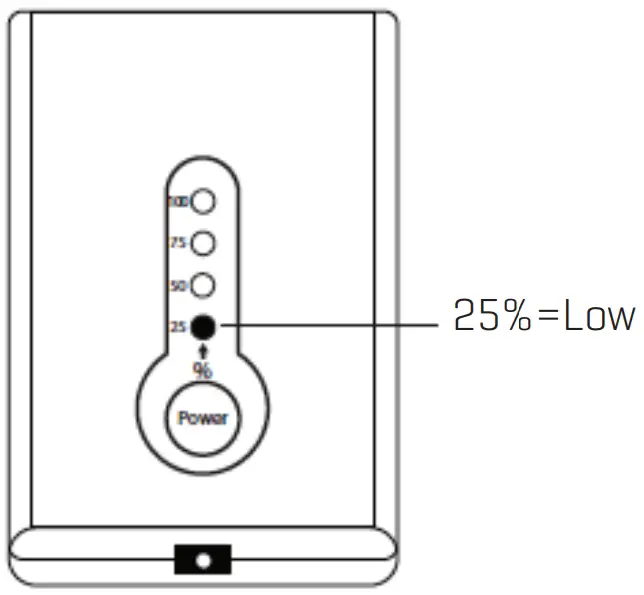
Low Temperature Setting: Click ” Power ” until the light changes to 25%.
POWER OFF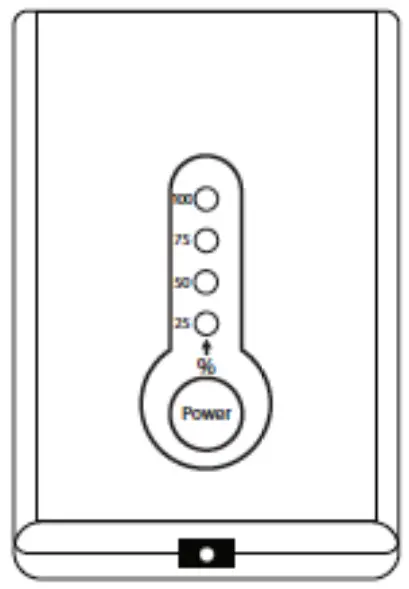
To Turn Power Off: Press and hold “ Power ” for 2 seconds until all lights are OFF.
FULLY CHARGE THE BATTERY BEFORE STORING
ATTENTION
*Battery must be fully charged before use.
*Battery must be fully charged before it’s stored, and at least once every 6 months of storage thereafter.
WASH & CARE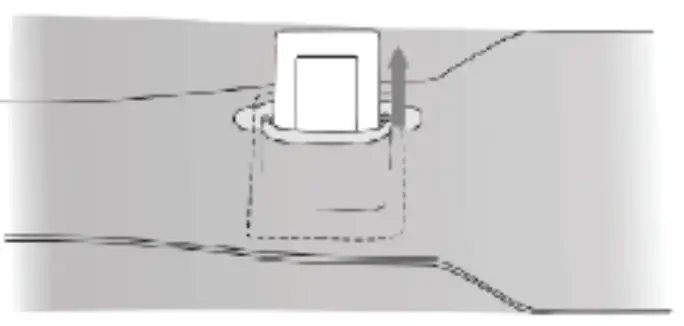
Warning: Power Pack must be removed from device prior to washing.
Spot Cleaning Recommended
- Hang dry
- Do not iron
- Do not use bleach or cleaning solvents
- Do not twist or wring
SPECIFICATIONS
- Charge time: 3.5 hours
- Output charger: 8.4V/1A
PLEASE NOTE: This is a personal care item and is returnable if in its original unopened packaging and unused condition.
WARRANTY/CUSTOMER SERVICE
Sharper Image branded items purchased from SharperImage.com include a 1-year limited replacement warranty. If you have any questions not covered in this guide, please call our Customer Service department at 1 (877) 210-3449. Customer Service agents are available Monday through Friday, 9:00 a.m. to 6:00 p.m. ET.
The SHARPER IMAGE® name and logo are registered trademarks.
©Sharper Image. All Rights Reserved.

 The Sharper Image - Official Site @ SharperImage.com