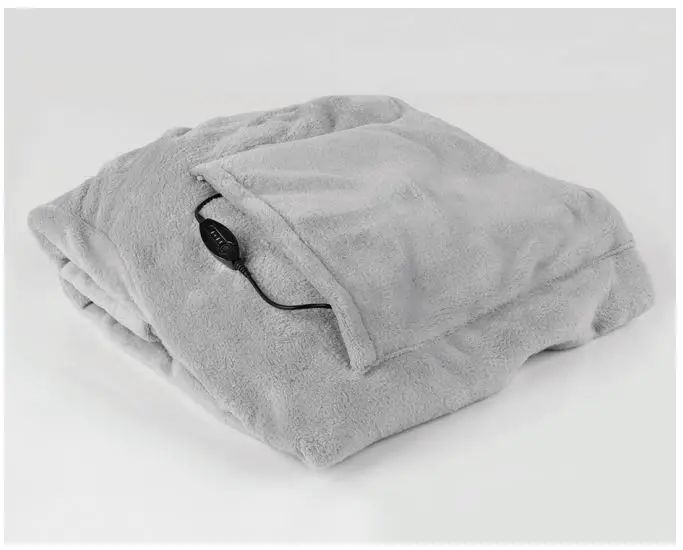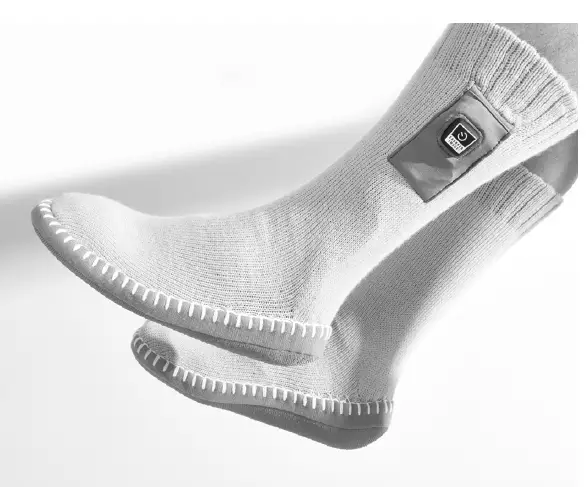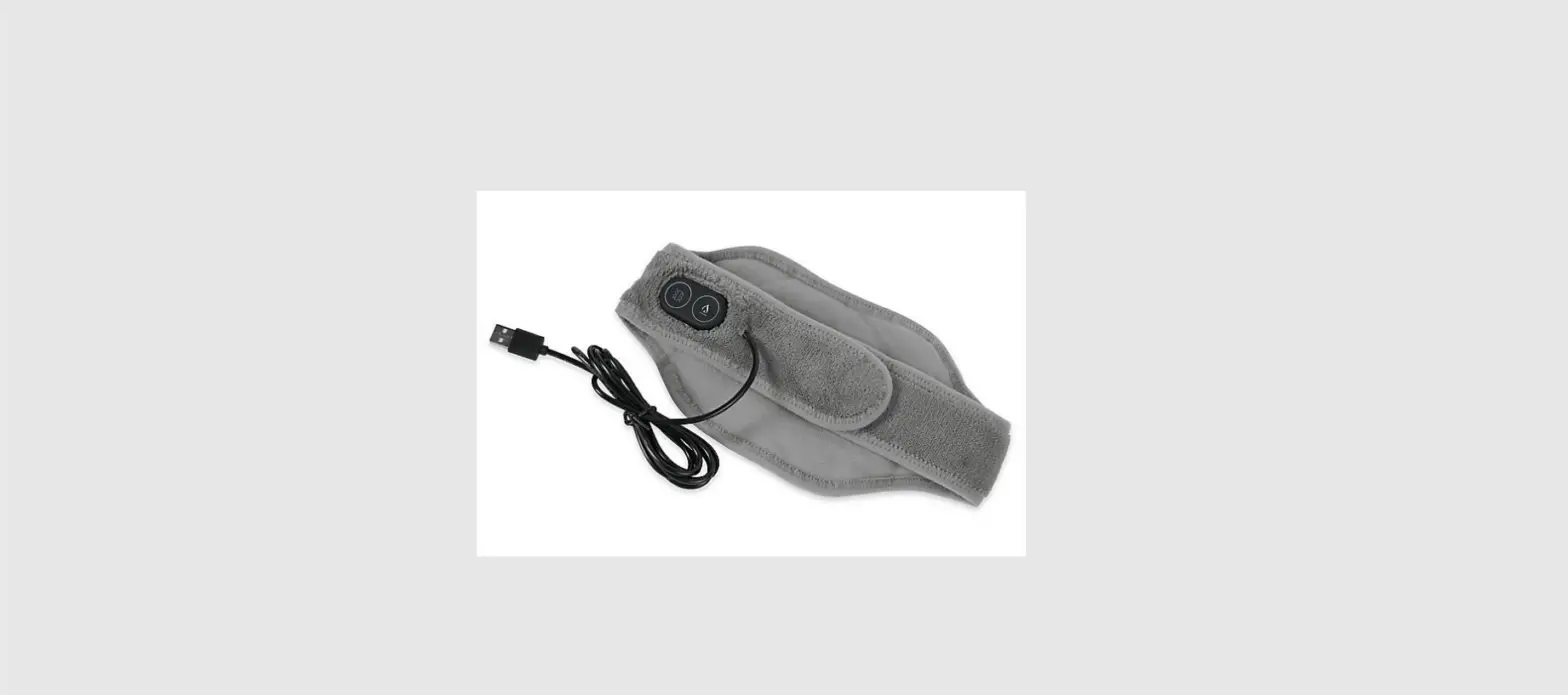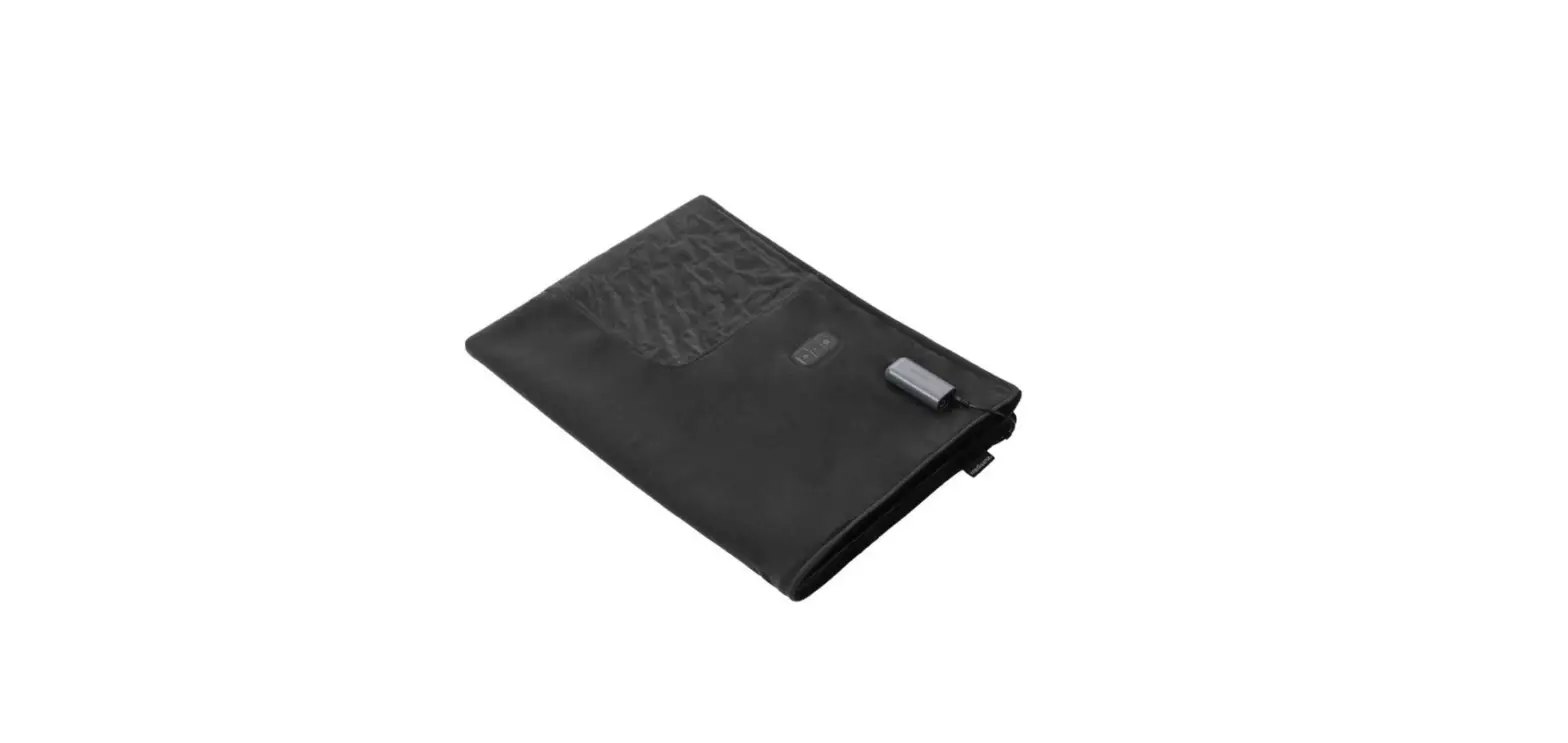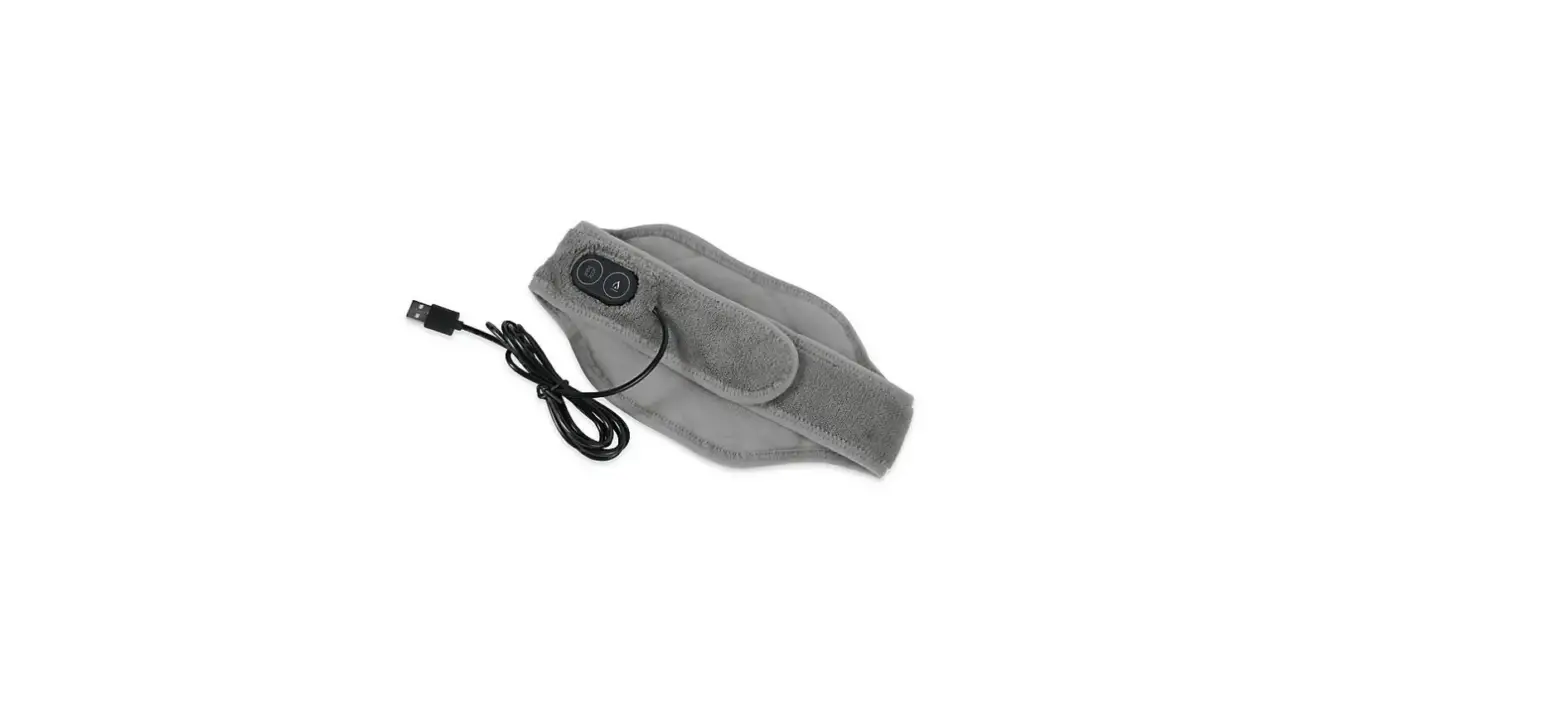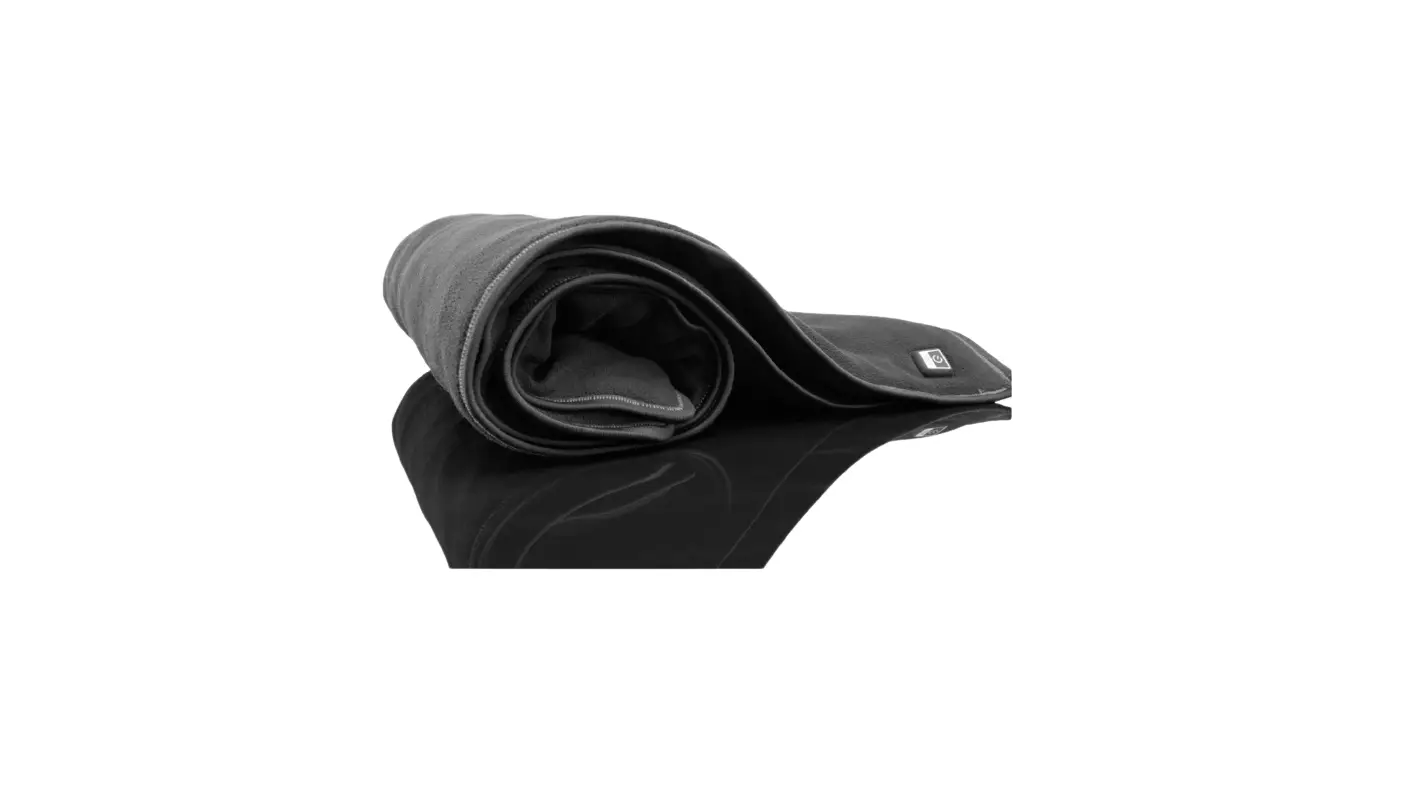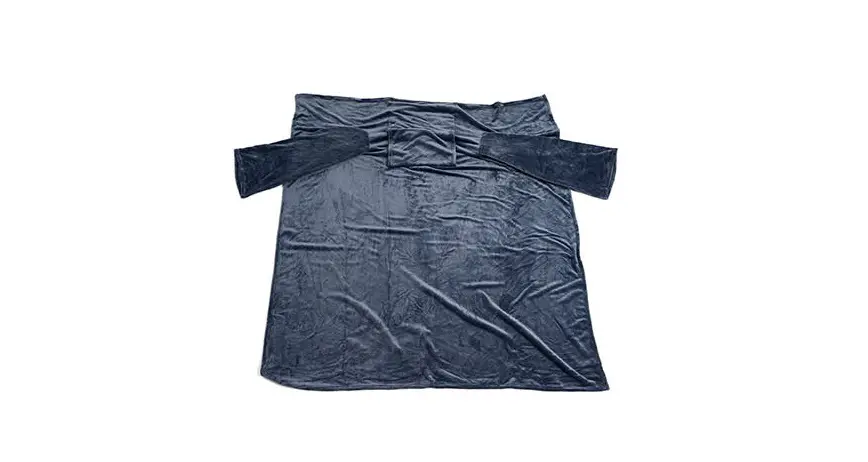
SHARPER IMAGE 207821 Heated Wearable Blanket User Guide
Thank you for purchasing the Sharper Image Heated Wearable Blanket. Please take a moment to read this guide and store it for future reference.
FEATURES
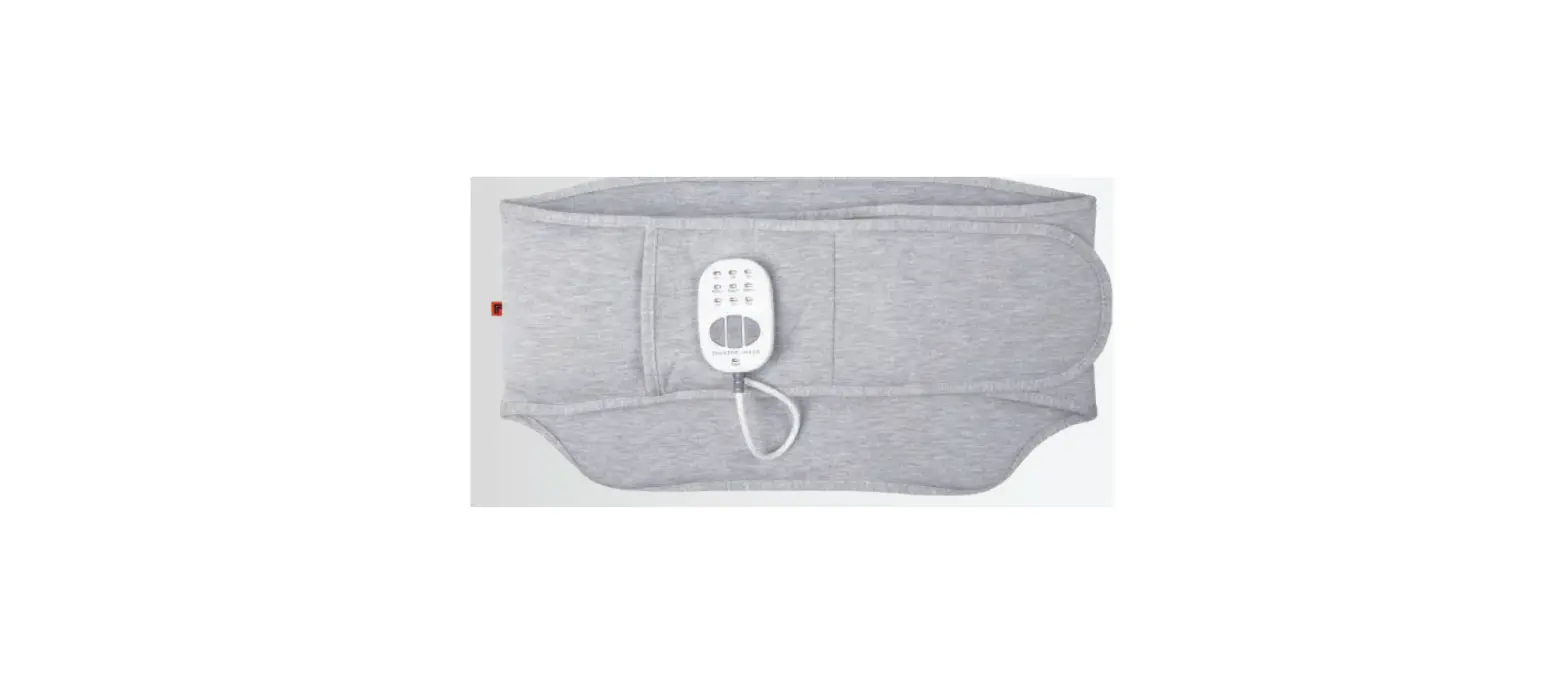
- Chest/abdomen level heating area
- Adjustable heat (Low/Medium/High)
- 30-minute auto shutoff timer
HOW TO USE
- Connect the male end of the power adapter to the female end of the Heated Wearable Blanket.
- Plug the power adapter into an AC outlet.
- Press and hold the power button on the Heated Wearable Blanket for three seconds. The default setting is High heat and will display a RED light.
- Press the power button once to change the heat setting.
- To turn OFF the Heated Wearable Blanket, press and hold the power button for three seconds or until the LED light turns OFF.
- For safety, the power will turn OFF automatically within 30 minutes in every setting. NOTE: Unplug the power adapter from the AC outlet when not in use.
CAUTION
- This device is not intended to be used by children.
- Excessive exposure to heat can lead to burns.
- Discontinue use if you see redness on the skin.
- Do not modify the unit or use it for any unintended purpose.
- Stop using the product immediately if you experience overheating or discomfort.
- Do not use the product when wet.
- Do not use this device if the cord appears frayed or damaged. Contact Sharper Image Customer Service immediately.
CARE AND MAINTENANCE
- Unplug the Heated Wearable Blanket from the AC outlet before cleaning.
- Machine wash cold with similar colors.
- Do not bleach.
- Do not iron.
- Line dry.
- Do not dry clean.
SPECIFICATIONS
Adapter Input: 100-240V~50/60Hz
Adapter Output: DC 12V 2.0A
WARRANTY / CUSTOMER SERVICE
Sharper Image branded items purchased from SharperImage.com include a 1-year limited replacement warranty. If you have any questions not covered in this guide, please call our Customer Service department at 1 (877) 210-3449. Customer Service agents are available Monday through Friday, 9:00 a.m. to 6:00 p.m. ET.
The SHARPER IMAGE® name and logo are registered trademarks.
©Sharper Image. All Rights Reserved.