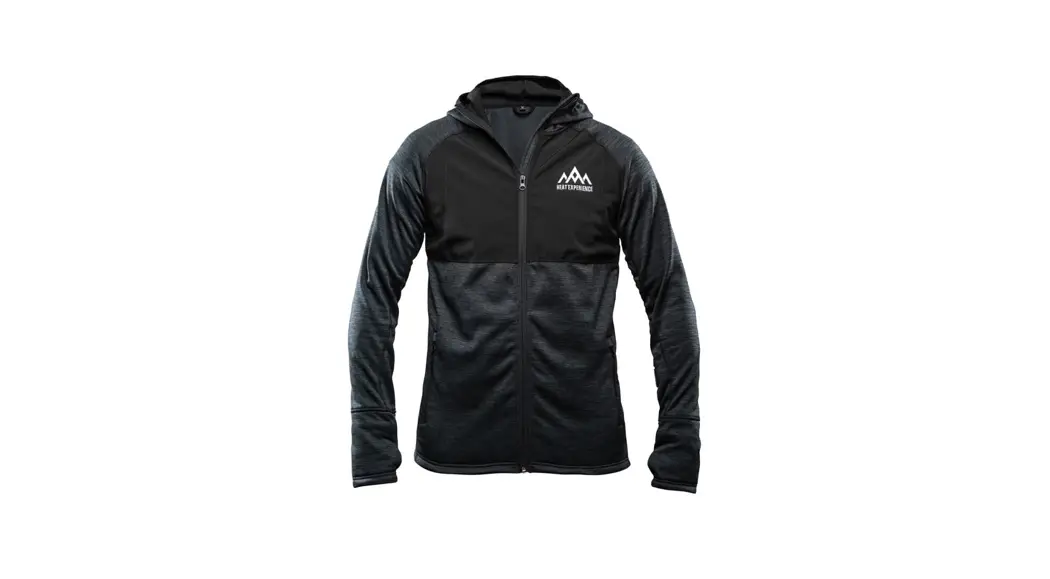
DCX200 Battery Heated Base Layer Shirt
Product Information:
The Battery Heated Base Layer Shirt is a high-quality shirt made
of 100% polyester material. It comes with temperature adjustment
steps that can be changed according to your preference. The shirt
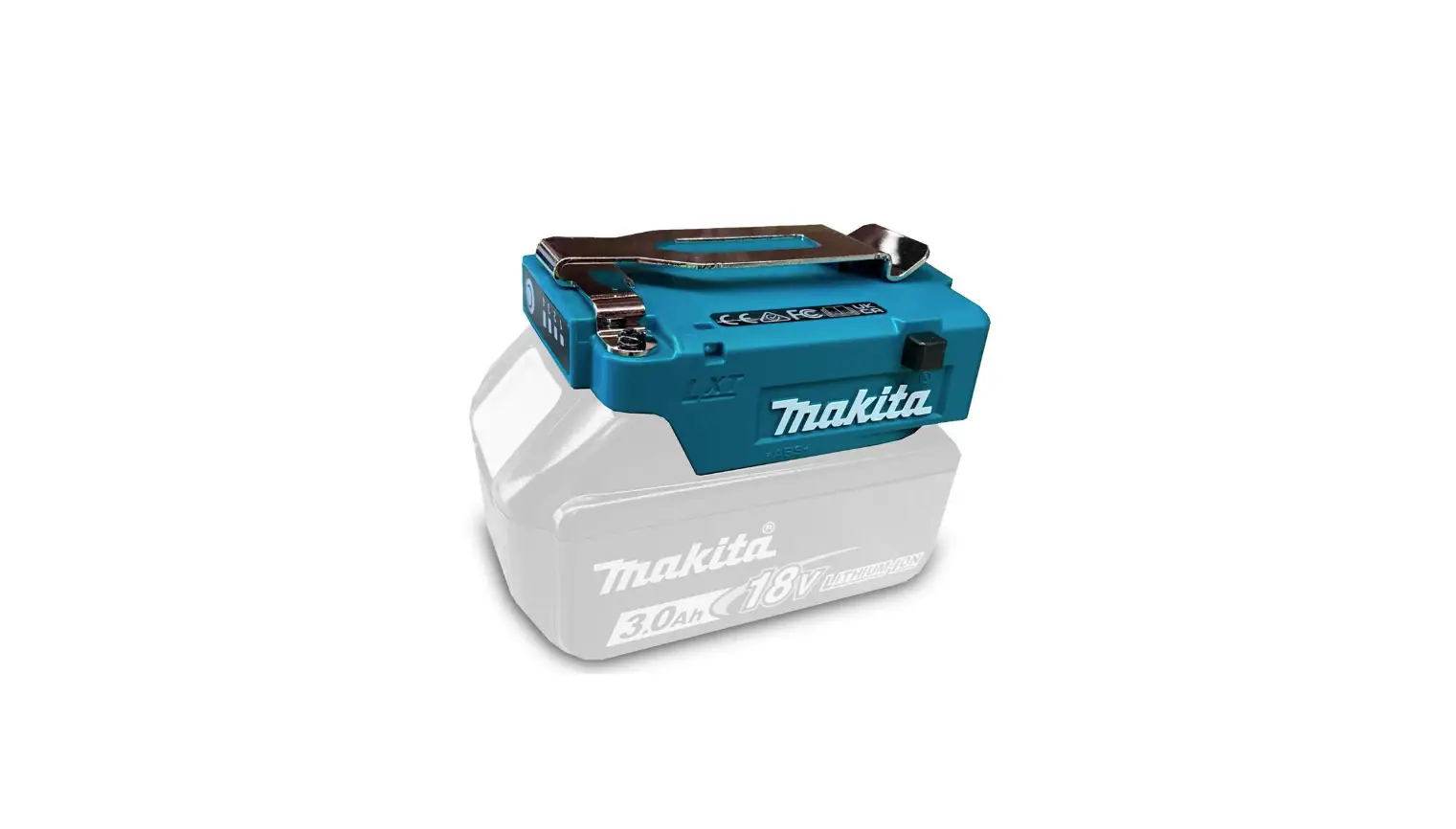
can be powered by a battery holder or a battery cartridge which can
be easily attached to the shirt. The USB power supply port (on the
battery holder) can be used to charge your phone or other devices
as well. The shirt is designed to keep you warm in cold
environments.
Specifications:
- Material: 100% Polyester
- Temperature adjustment steps: 3
- Output voltage: DCX200 – D.C. 10.8 V, DCX201 – 12 V max
- Output current: 1.5 A Type C
- Applicable battery cartridge: BL1041B, BL1460B, BL1860B
- Battery holder for CXT battery cartridge
- Battery holder for LXT battery cartridge
- USB power supply port (on the battery holder): D.C. 5 V, 2.4 A
Type A
Safety Warnings:
- Read the instruction manual carefully before use.
- Do not short-circuit the battery.
- The appliance is intended for warming up the body in cold
environments. - Failure to follow the warnings and instructions may cause
serious injury. - Do not use the shirt if there are any signs of damage, misuse
or if it does not work. - Any discomfort, excessive sweating, neck pain, nausea,
dizziness or drowsiness can be a sign of overheating, stop using
the shirt immediately. - If you experience any of the following symptoms, remove the
shirt immediately and seek medical attention: nausea and vomiting,
throbbing headache, dizziness and drowsiness, absence of
perspiration, red, hot and dry skin, muscle weakness or seizures,
rapid heartbeat, quick, shallow breathing, behavior changes such as
confusion, disorientation or staggering, unconsciousness.
Product Usage:
- Insert the battery cartridge into the battery holder or attach
the battery holder to the shirt. - Connect the USB power supply port to your phone or other
devices if needed. - Wear the shirt as a base layer under your clothing.
- Press and hold the power button for a few seconds to turn on
the shirt. - Press the temperature adjustment button to adjust the
temperature according to your preference. There are three
temperature settings: high, medium and low. - The shirt will automatically turn off after a certain amount of
time (depending on the battery cartridge used). To turn it on
again, press and hold the power button for a few seconds. - Remove the battery cartridge or turn off the shirt when not in
use.
EN Battery Heated Base Layer Shirt INSTRUCTION MANUAL
5
FR
MANUEL D’INSTRUCTIONS
13
DE Akku-Thermoshirt
BETRIEBSANLEITUNG
22
IT Maglia baselayer riscaldata a batteria ISTRUZIONI PER L’USO
31
NL
GEBRUIKSAANWIJZING
40
ES Camiseta de Base Térmica a Batería MANUAL DE INSTRUCCIONES 48
PT
MANUAL DE INSTRUÇÕES
57
DA
BRUGSANVISNING
65
EL
73
TR
KULLANMA KILAVUZU
82
SV
BRUKSANVISNING
90
NO
BRUKSANVISNING
98
FI
KÄYTTÖOHJE
106
LV
LIETOSANAS INSTRUKCIJA 114
LT
NAUDOJIMO INSTRUKCIJA 122
ET
KASUTUSJUHEND
130
RU
138
KK
147
ZHTW
156
DCX200 DCX201
Fig.1 Fig.2 Fig.3
Fig.4 Fig.5 2
Fig.6 Fig.7 Fig.8
Fig.9 Fig.10 Fig.11 Fig.12 3
Fig.13 Fig.14
Fig.15 4
WARNING
·
·
· · ·
· · ·
·
—
—
·
If there are such signs, if the appliance has
been misused or does not work, return it to the supplier before switching it on again.
·
·
·
·
·
–
· Otherwise, there is a risk of heat exhaustion or heat stroke.
—
Any discomfort; excessive sweating; neck pain; nausea; dizziness or drowsiness.
—
Nausea and vomiting; throbbing headache; dizziness and drowsiness; absence of perspiration; red, hot and dry skin; muscle weakness or seizures; rapid heartbeat; quick, shallow breathing; behavior changes such as confusion, disorientation or staggering; unconsciousness.
5 ENGLISH
SPECIFICATIONS
Material Temperature adjustment steps
–
Applicable battery holder Rated Voltage USB power supply port (on the battery holder)
without notice.
WARNING:
Output voltage Output current Type
DCX200
100% Polyester 3
DCX201
BL1055B
No battery holder required
D.C. 10.8 V
1.5 A Type C
Applicable battery cartridge
BL1041B
BL1460B
BL1860B
Battery holder for CXT battery cartridge
Battery holder for LXT battery cartridge
D.C. 10.8 V 12 V max
D.C. 14.4 V
D.C. 18 V
D.C. 5 V
2.4 A
Type A
Use of any other battery cartridges may cause
Temperature setting
HIGH MEDIUM
LOW
BL1055B 5.5 hours 11 hours 20 hours
Battery cartridge
BL1041B
BL1460B
3.5 hours
5.5 hours
7 hours
10.5 hours
15 hours
23 hours
BL1860B 7.5 hours 16 hours 33 hours
Symbols
Some of the following symbols which may be used for the equipment. Be sure that you understand their meaning before use.
Read the instruction manual.
Machine wash at below 30°C on the gentle cycle. Do not bleach. Do not wring.
Do not iron.
Do not dry clean.
6 ENGLISH
Not to be used by very young children (0-3 years). Do not insert pins.
Tumble dry with low heat.
Line drying. Class III appliance.
Only for EU countries Due to the presence of hazardous components in the equipment, waste electrical and electronic equipment, accumulators and batteries may have a negative impact on the environment and human health. Do not dispose of electrical and electronic appliances or batteries with household waste! In accordance with the European Directive on waste electrical and electronic equipment and on accumulators and batteries and waste accumulators and batteries, as well as their adaptation to national law, waste electrical equipment, batteries and accumulators should be stored separately and delivered to a separate collection point for municipal waste, operating in accordance with the regulations on environmental protection. This is indicated by the symbol of the crossed-out wheeled bin placed on the equipment. Do not expose battery to water or rain.
Do not short-circuit the battery.
The appliance is intended for warming up the body in cold environments.
SAFETY WARNINGS
WARNING:
Failure to follow the warnings and
serious injury.
–
· –
·
· wet.
·
·
· Damaged cable may cause electric shock.
·
· ·
·
·
–
·
· If
the heating section touches the same part of the skin for a long time, there is a possibility of low temperature burns even at a relatively low temperature (40 to 60 °C). · ·
·
temperature.
·
–
·
·
–
· batteries.
·
·
–
·
–
·
–
·
Cluttered or
dark areas increase accident risk.
· Water entering the appliance may
increase the risk of electric shock.
·
·
intended for charging lower voltage device. ·
7 ENGLISH
·
4.
supply port. Otherwise a circuit short may cause
–
·
· is damaged.
· Makita.
· battery power is supplied. Young children may put the live plug in their mouth and cause injury.
· –
·
This will ensure that the safety of the product is maintained.
·
–
·
help. Liquid ejected from the battery may cause irritation or burns.
5.
–
may exhibit unpredictable behaviour resulting in
6. –
perature above 130 °C may cause explosion.
7. charge the battery pack or tool outside the Charging improperly or at temperatures
battery cartridge
1.
–
–
A moment of inattention while using the
appliance may result in serious personal injury.
2. cartridge. or explosion.
3.
·
Any appliance that cannot be
controlled with the switch is dangerous and must
4.
be repaired.
–
· eyesight.
5.
(1)
–
·
ductive material.
(2)
–
Use
intended could result in a hazardous situation.
(3)
·
–
repair.
·
6.
–
1.
A charger that is suitable for
7.
when used with another battery pack.
2.
–
Use of any other battery
3.
8.
battery cartridge. Such conduct may result in a
9. 10.
Shorting the battery termi-
For commercial transports e.g. by third parties, forwarding agents, special requirement on packaging and labeling must be observed.
8 ENGLISH
For preparation of the item being shipped, consulting an expert for hazardous material is required. Please also observe possibly more detailed national regulations.
battery in such a manner that it cannot move around in the packaging. 11.
12. Installing the batteries to –
sive heat, explosion, or leak of electrolyte.
13.
14. –
15.
–
PARTS DESCRIPTION
Fig.1
1 Power button 3 Plug
Optional accessory Fig.2
2 Battery pocket —
1 Battery holder for CXT battery cartridge
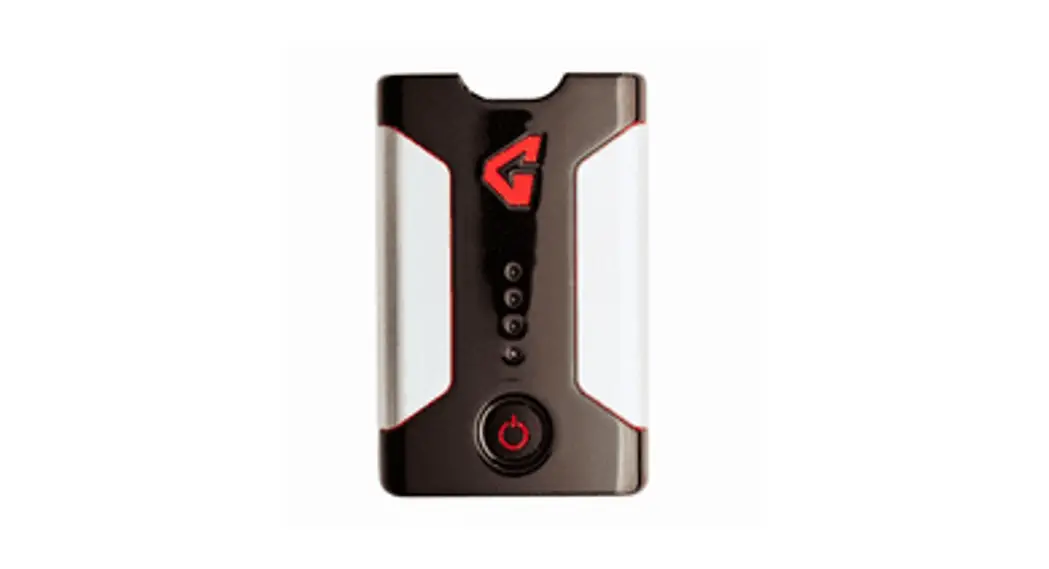
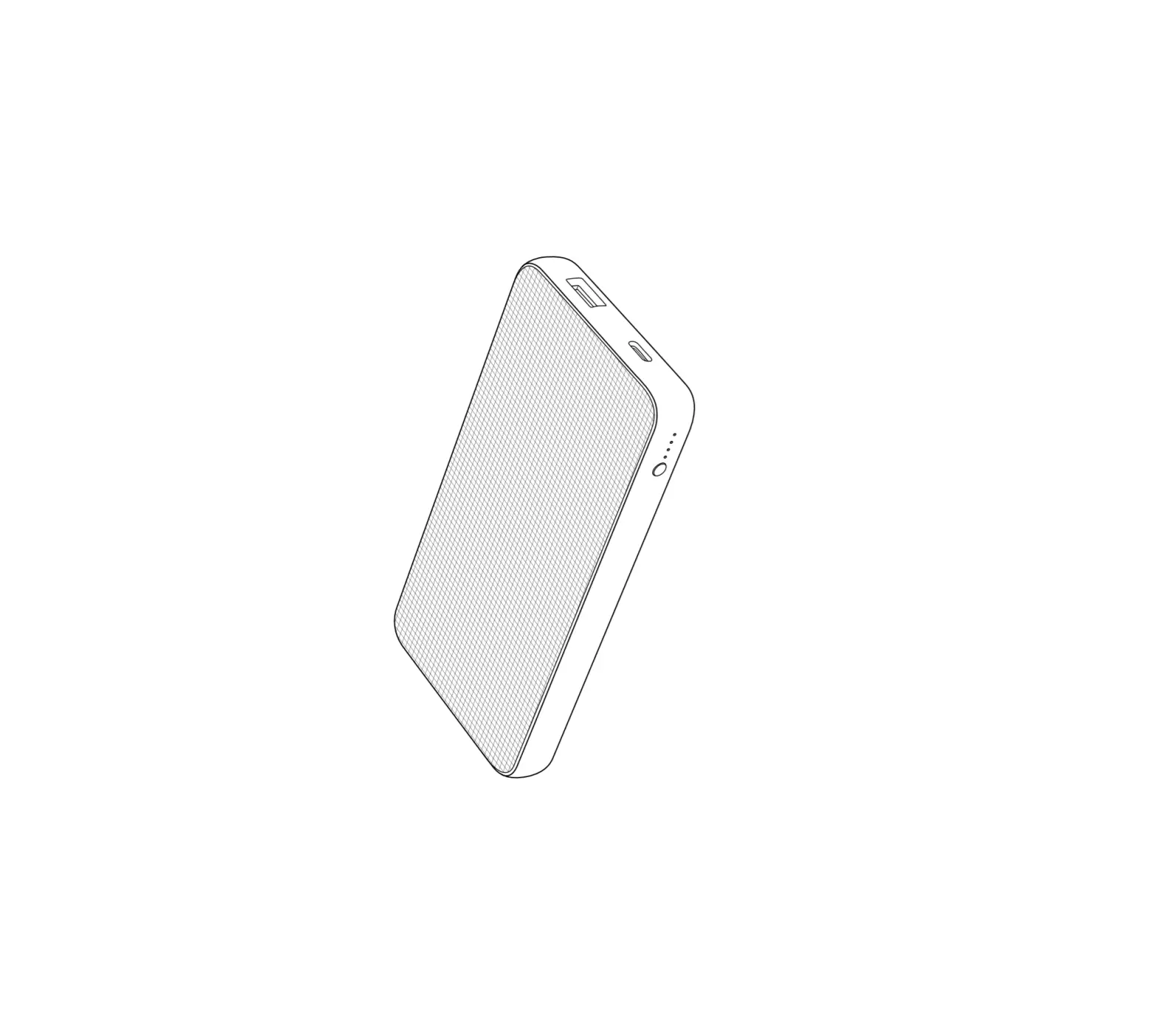
3 Battery BL1055B
5 LXT battery cartridge (14.4 V / 18 V)
2 Battery holder for LXT battery cartridge
4 CXT battery cartridge (10.8 V – 12 V max)
—
INSTALLATION
16.
cartridge. burst and malfunction of the tool or battery cartridge, resulting in burns or personal injury. 17.
It may result in a malfunction or breakdown of the tool or battery cartridge. 18.
SAVE THESE INSTRUCTIONS.
CAUTION:
Use of non-genuine Makita batteries, or batteries that have been altered, may result in the battery bursting
also void the Makita warranty for the Makita tool and charger.
1.
less tool power.
2.
–
3. Charge the battery cartridge with room tem-
4. 5.
Battery cartridges used with battery holder Refer to the instruction manual of the charger for how to charge the battery.
Battery BL1055B Open the cover on the USB port. Connect the battery and AC Power Adapter ADP07 (not included) or other general USB charger using the USB cable supplied with the battery. The recommended output spec for general USB charger is 5 V / 3 A or lower. After that, plug the AC Power Adapter ADP07 to the mains. When the charging
Power Adapter and disconnect the USB cable, and then close the cover.
1. AC Power Adapter ADP07 2. Battery BL1055B 3. Cover 4. USB cable
Lighted
capacity
100% (The charging
50% to 100%
25% to 50%
Less than 25%
9 ENGLISH
Only when using the battery cartridge used with battery holder
CAUTION:
CAUTION:
–
battery cartridge. Failure to hold the battery holder and
of your hands and result in damage to the battery holder and battery cartridge and/or a personal injury.
To install the battery cartridge, align the tongue on the battery cartridge with the groove in the housing and slip it into place. Insert it all the way until it locks in place with a little click. If you can see the red indicator as
To remove the battery cartridge, slide it from the battery holder while pressing the button on the front of the cartridge.
1. Red indicator 2. Button 3. Battery cartridge 4. Battery holder
CAUTION:
–
Otherwise the battery cartridge may accidentally fall out of the battery holder, causing injury to you or someone around you.
CAUTION:
cartridge. If the battery cartridge does not slide in easily, it is not being inserted correctly.
Battery pocket
The battery can be stored in the battery pocket. Connect the plug of power cable to the battery. Then put the battery into the battery pocket and fasten the fastener.
1. Power cable 2. Plug 3. Battery pocket
The battery holder (with battery cartridge) cannot be stored in the battery pocket.
FUNCTIONAL DESCRIPTION
To turn on the base layer shirt, connect all the cables, press and hold the power button on the battery or bat-
on the base layer shirt. The power level indicator on the battery
holder is not used with the base layer shirt. Only the power level indicator 4 will light up when using the base layer shirt.
1. Power button 2. Power level indicator The battery and the battery holder automat-
CAUTION:
If the base layer shirt is overheated, the base layer shirt may cause a malfunction and cause an injury. There are three temperature settings (high, medium, low). When you switch on the base layer shirt, the temperature is set to “low”. Each time you press the power button, the temperature setting changes as shown in
current setting. 1. Blue: “low” 2. Red: “high” 3. White: “medium”
capacity
Depending on the conditions of use and the
from the actual capacity.
You can hang the battery holder on your waist belt. To prevent the battery holder from dropping accidentally, attach a strap using the strap hole and secure it.
1. Feed the plug through the hole in the battery pocket and pull it through to the inside of the base layer shirt.
1. Power cable 2. Hole 3. Battery pocket 4. Plug
Press the check button. The indicator lamps light up for a few seconds.
1. Indicator lamp 2. Check button
2. Attach the belt hook of the battery holder to your waist belt. Connect the plug of the power cable to the
battery holder.
1. Belt hook 2. Battery holder 3. Waist belt 4. Power cable
The battery holder has an anti-drop function. When removing the battery holder from the belt, pull up the battery holder while pressing the unlock button.
1. Unlock button
10 ENGLISH
Lighted
capacity
75% to 100% 50% to 75%
If the remaining battery capacity is too low, the device will not operate. When you turn the device on, the power is supplied to the heating parts again, but stops soon. In this situation, remove and recharge the battery cartridge.
(For LXT batteries only) (For LXT batteries only)
25% to 50%
Less than 25%
Charge the battery.
The battery may have malfunctioned.
battery protection system works.
Battery BL1055B While the battery BL1055B is unplugged, press the power button. The battery capacity indicator lights up for a few seconds.
1. Power button 2. Battery capacity indicator
Lighted
capacity
50% to 100%
25% to 50%
10% to 25%
Less than 10%
Battery abnormality
CAUTION:
compatible with the USB power supply port. Not doing so may cause a malfunction.
NOTICE:
Not doing so may cause a loss of your data.
NOTICE:
devices.
NOTICE:
The actual output current varies depending on the USB device to be connected.
Battery power is consumed while the power
not in use. When charging multiple USB devices in suc-
cession, wait about 10 seconds after charging of the previous device has completed before beginning to charge the next device.
The battery holder (with the battery) and Battery BL1055B can work as an external power supply for USB devices. 1. Open the cover and connect a USB cable (not included) to the USB port. Then connect the other end of the cable to the device. 2. Start charging: — When using battery holder (with the battery), press
and hold the power button until the power level indicator lights up. The battery supplies DC 5 V, 2.4 A.
1. Power button 2. USB port
— When using Battery BL1055B, press the power button. The battery supplies DC 5 V, 1.5 A.
Battery BL1055B 1. Power button 2. USB port
11 ENGLISH
MAINTENANCE
CAUTION: Always be sure that the base layer
–
CAUTION:
ADDITIONAL INSTRUCTIONS FOR BL1055B
–
NOTICE:
cracks may result.
To maintain product SAFETY and RELIABILITY, repairs, any other maintenance or adjustment should be performed by Makita Authorized or Factory Service Centers, always using Makita replacement parts.
· Detach the battery and the battery holder from the base layer shirt before washing.
· Follow the instructions on the tag. · Do not wash the base layer shirt with other
clothes. Doing so may cause color fading or color transfer. · Use a laundry net when using a washing machine. · Do not use the fabric softener. · Use only neutral detergent. · After washing, take out the base layer shirt from washing machine at once. · Be sure to put the plug in the battery pocket and close the zip fastener before washing.
Rated voltage / Rated capacity (internal battery)
Charging time
D.C. 3.6 V / 16.75 Ah
5 V / 1.0 A : 14 hours 5 V / 1.5 A : 12 hours 5 V / 2.4 A : 10 hours
This battery can be used for following Makita fan jacket/ vest and heated jacket/vest/blanket/base layer shirt.
Fig.15
Group A
B
Model
DFV210, DFJ206, DFJ207, DFJ210, DFJ211, DFJ212, DFJ213, DFJ214, DFJ216, DFJ304, DFJ305, DFJ310, DFJ311, DFJ405, DFJ407, DFJ410, DFJ411, DFJ416
CV102D, DCV202, CJ105D, CJ106D, DCJ205, DCJ206, CB100D, DCB200
DFJ212A, DFJ213A, DFJ214A, DFJ216A, DFJ312A, DFJ416A, DFV210A, DFV214A, DFV215A
DCX200, DCX201
OPTIONAL ACCESSORIES
CAUTION:
The use of any other accessories or attachments might present a risk of injury to persons. Only use accessory or attachment for its stated purpose.
If you need any assistance for more details regarding these accessories, ask your local Makita Service Center. · Battery holder · Makita genuine battery and charger
Some items in the list may be included in the tool package as standard accessories. They may
12 ENGLISH
RoHS
QR Code
;
https://makita.com.tw/rohs/
02-8601-9898
02-8601-2266
24459
798
CX200D-10L-SE9RU3-HK(CE)-2212 EN, FR, DE, IT, NL, ES, PT, DA, EL, TR, SV, NO, FI, LV, LT, ET, RU, KK, ZHTW 20221014
 台灣RoHS專區 | Makita 台灣牧田股份有限公司