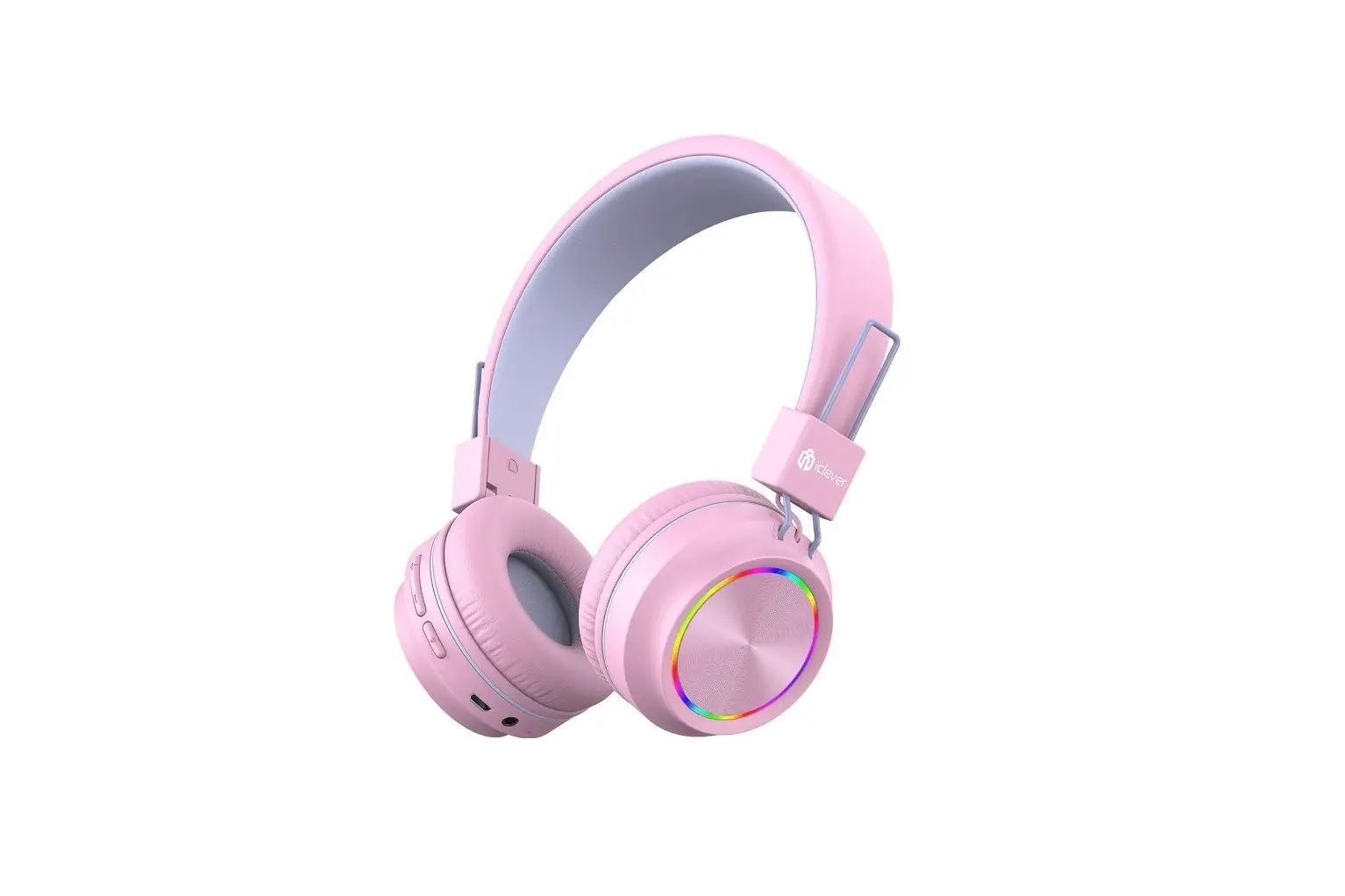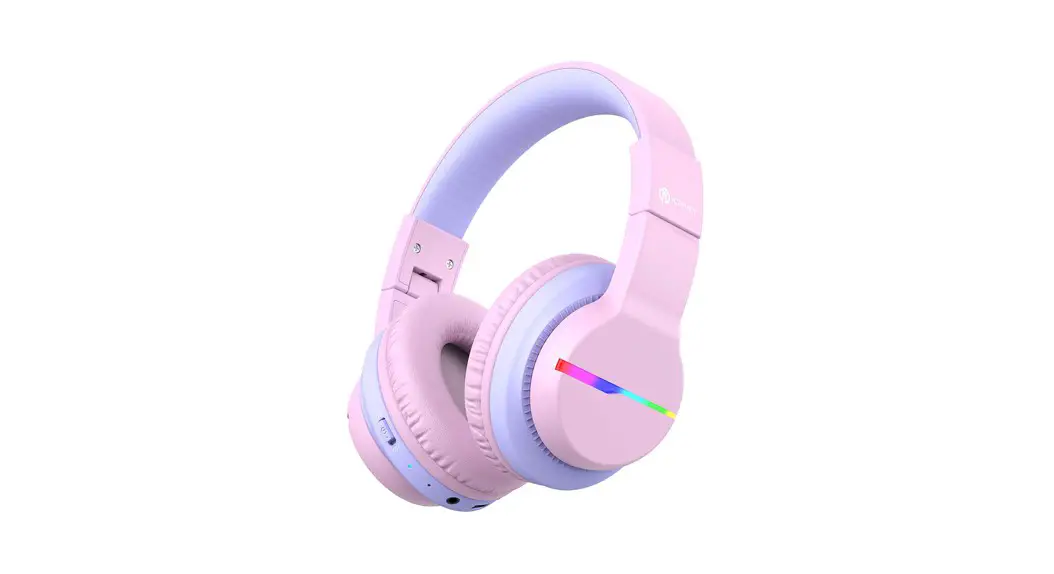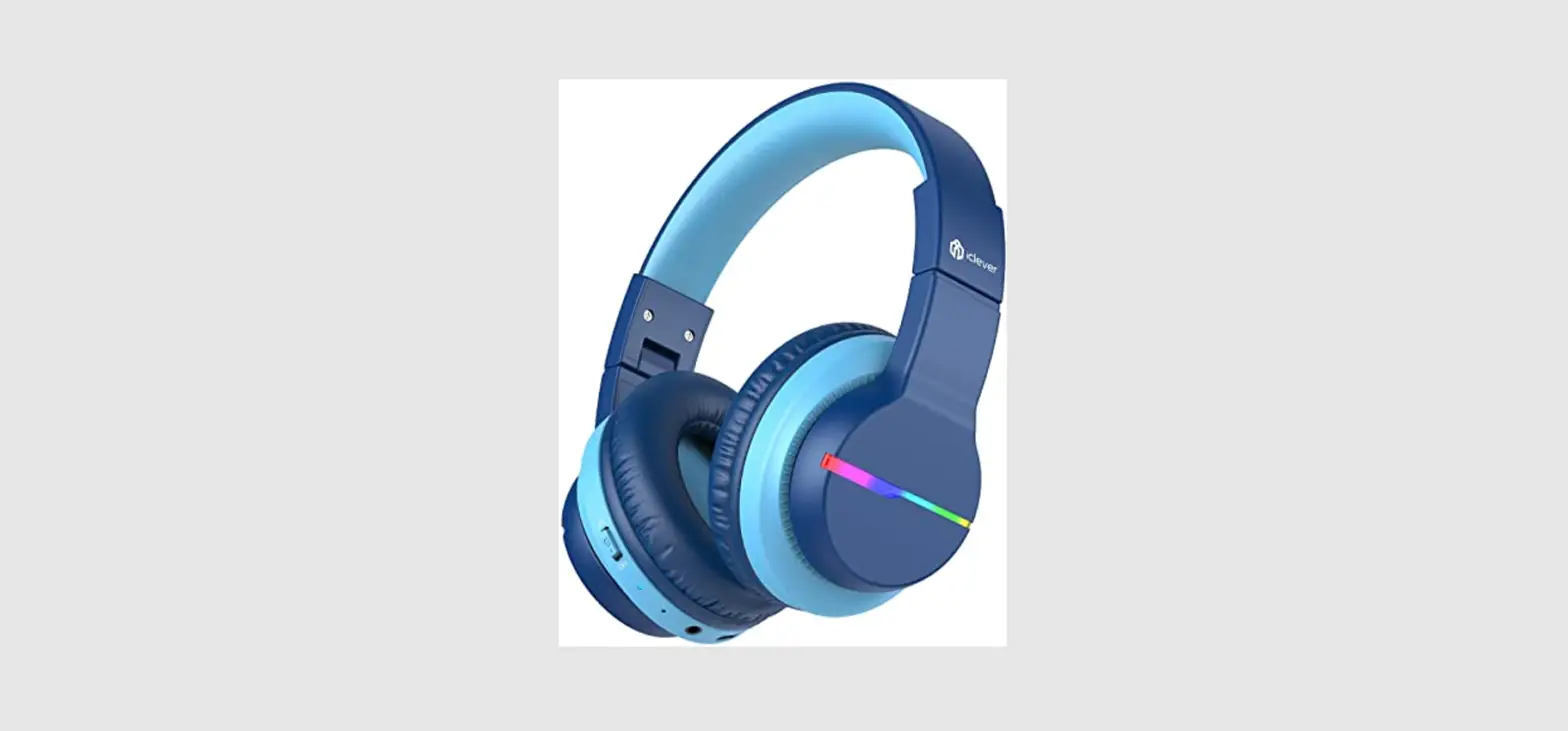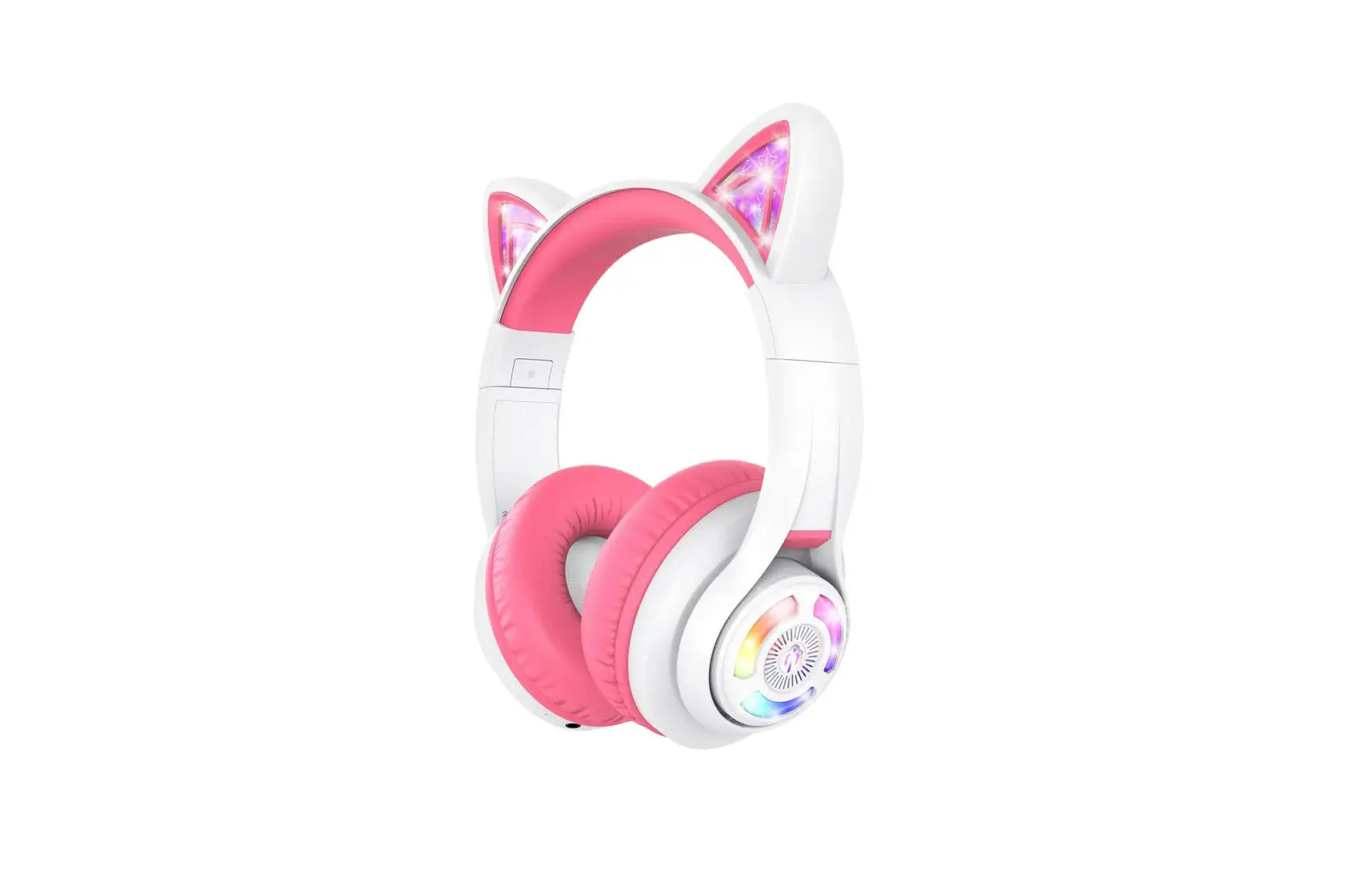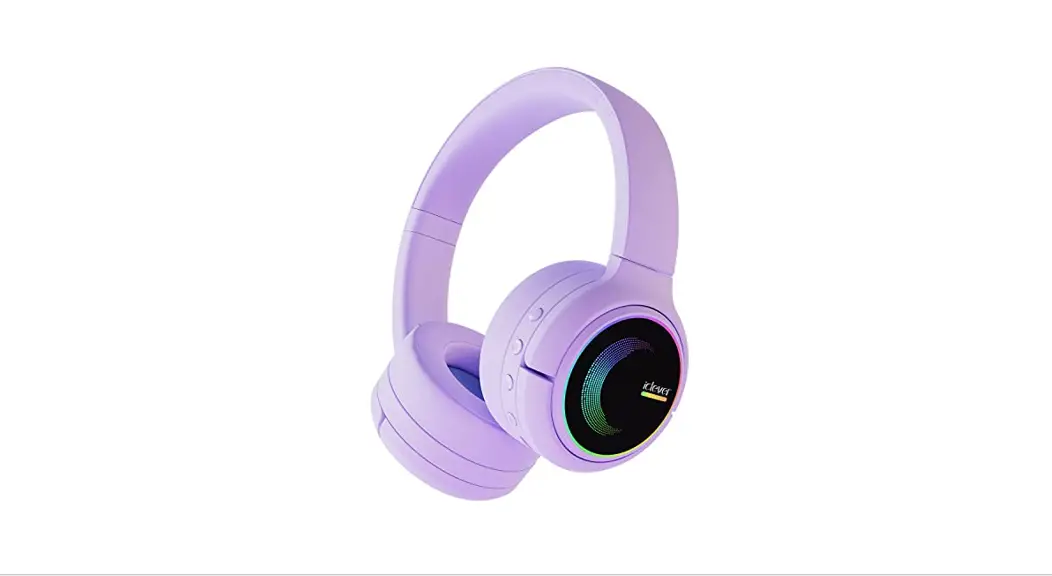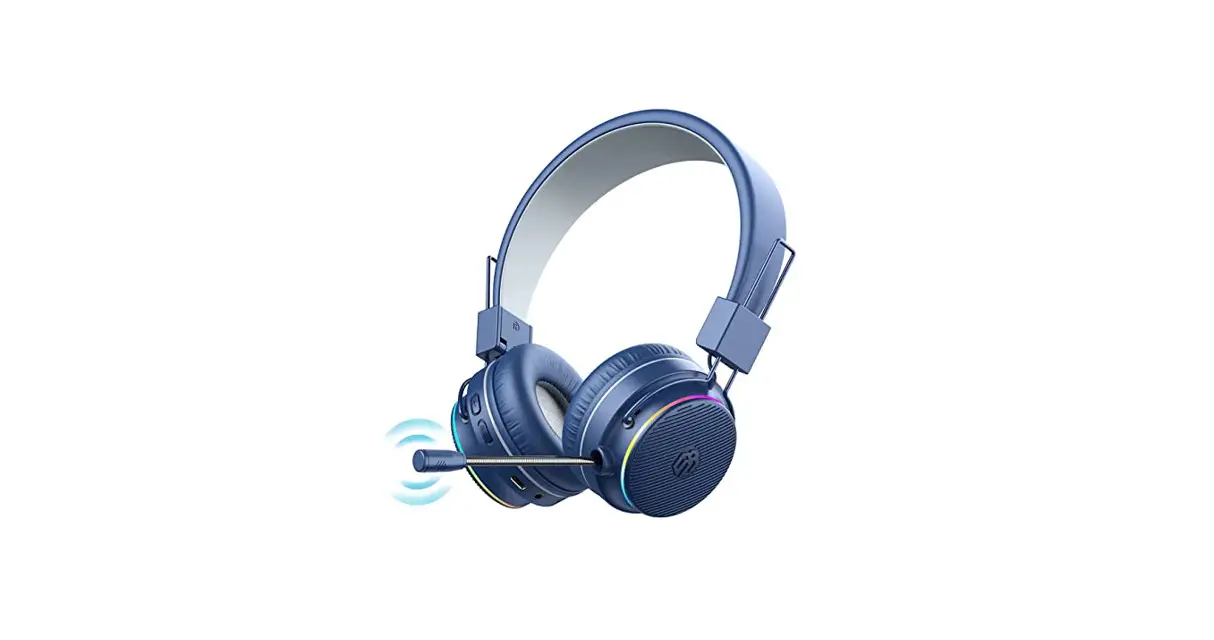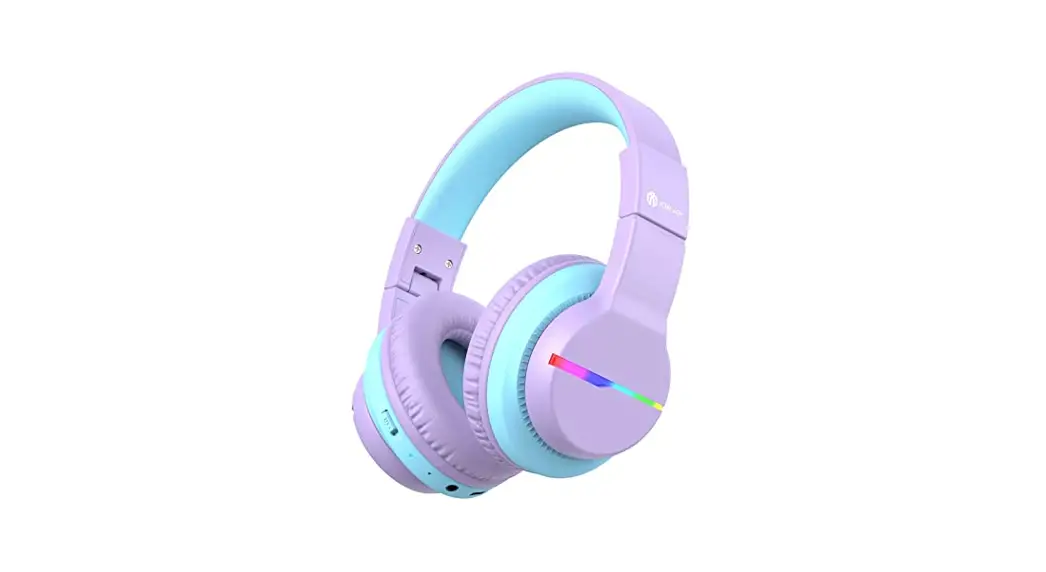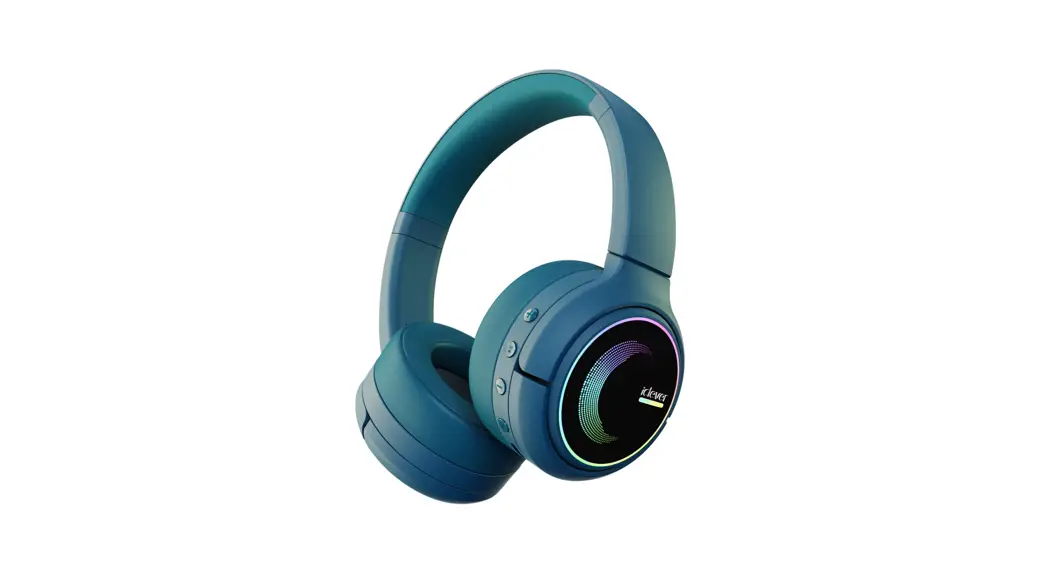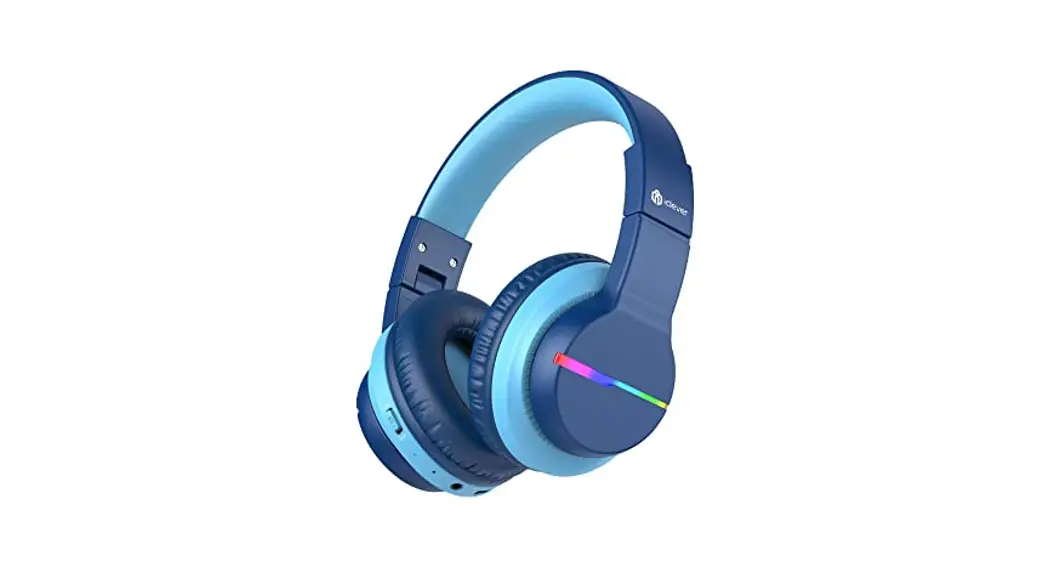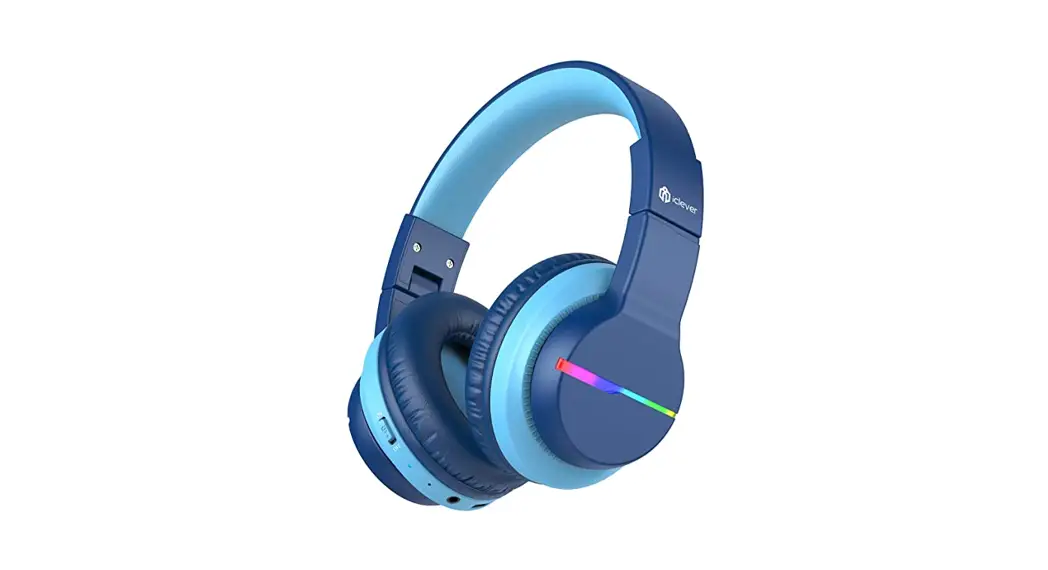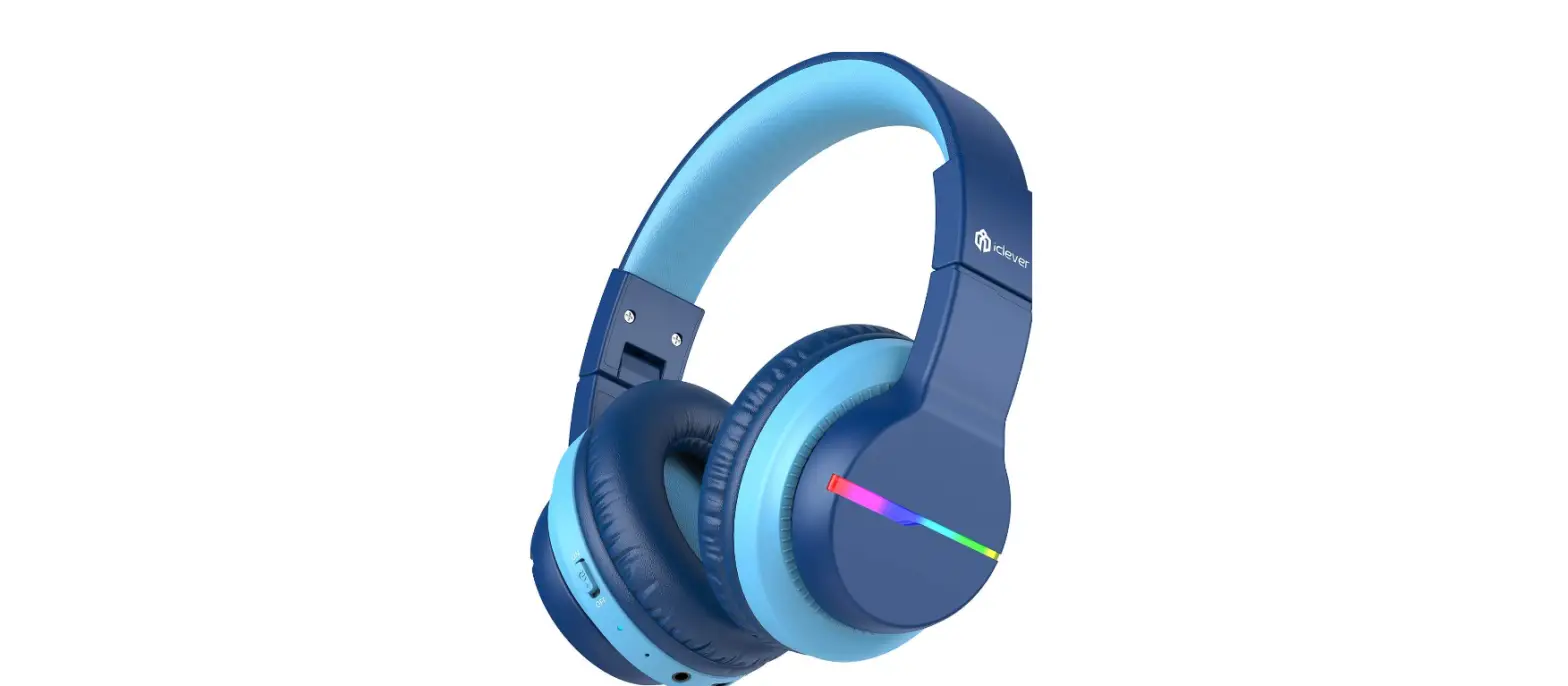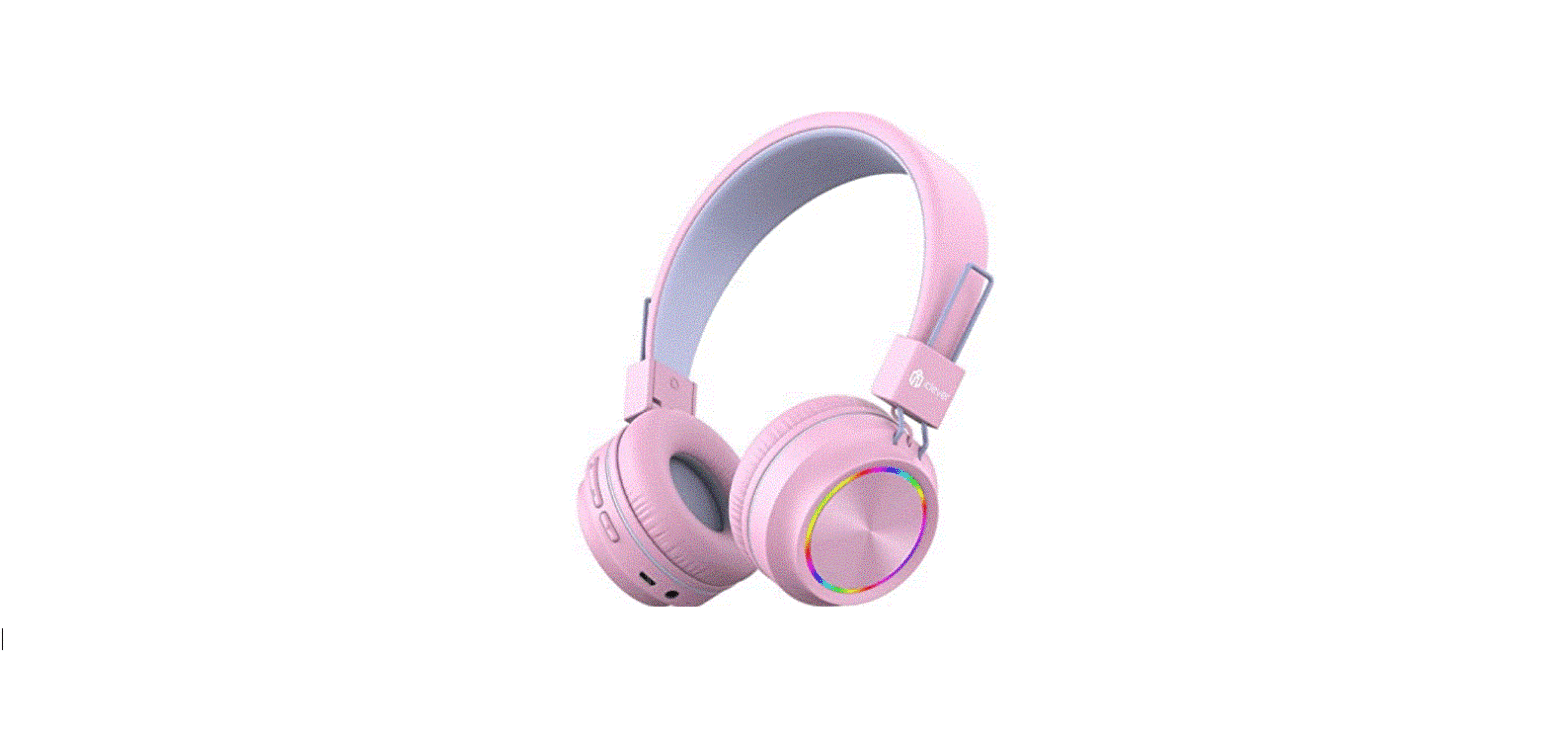

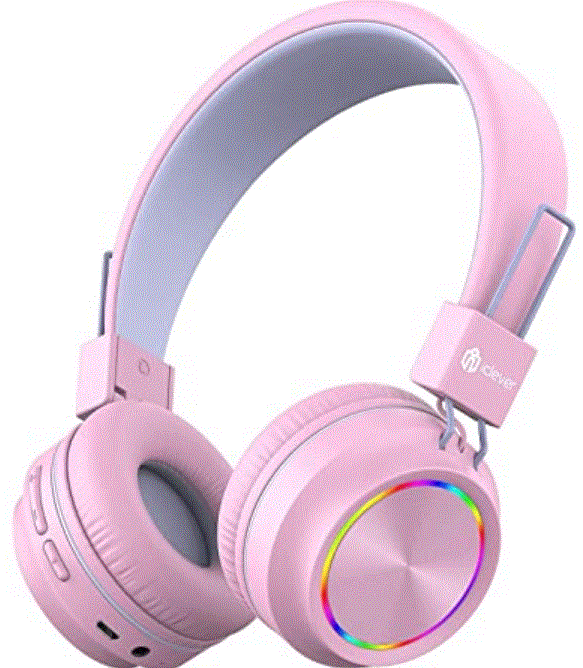
iclever BTH03 Wireless Headphones
What’s in the box
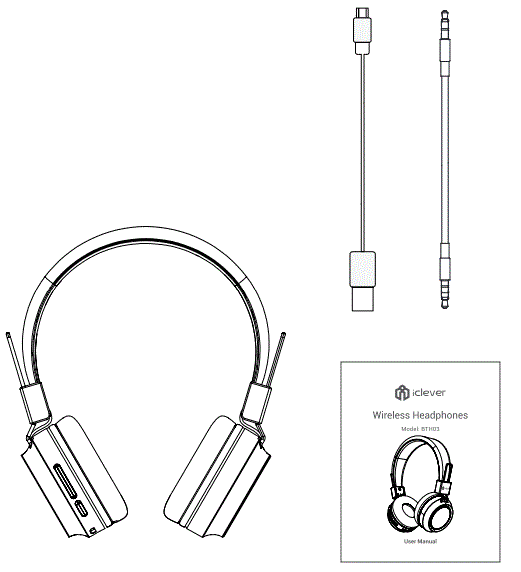
- 1 x iClever BTH03 Headphones
- 1 x Charging Cable
- 1 x 3.5mm Audio Cable
- 1 x User Manual
Overview
Illustration
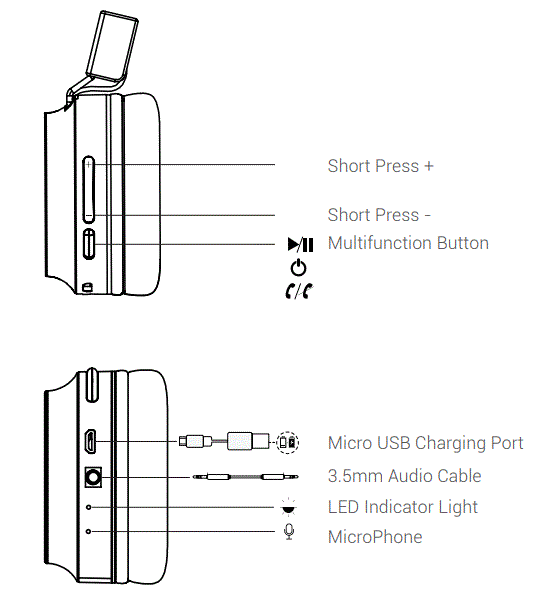
LED Indicator Instruction
| Headphones Status | LED Indicator |
| Power on | Blue indicator flashes 4 times |
| Power off | Red indicator glows for 1s and goes off |
| BT Pairing | The indicator flashes red and blue alternately |
| BT Connected | Blue indicator flashes once every 7 seconds |
| Low Battery | Red indicator flashes twice every 2 seconds |
| In charging process | Red indicator lights up sturdily |
| Fully Charged | The LED indicator light will turn blue |
Bluetooth Connection
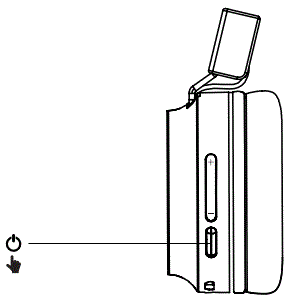
- Turn On The Headphones
Note: The headphones will automatically enter pairing mode when being switched on for the first time.
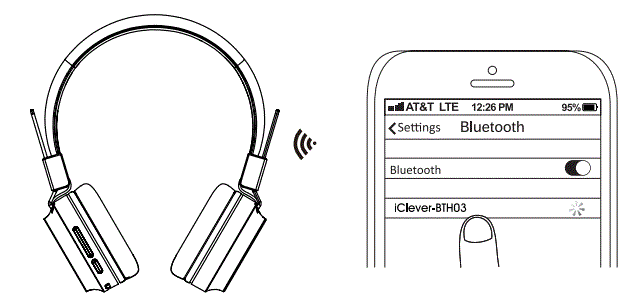
- Connect to Bluetooth Device

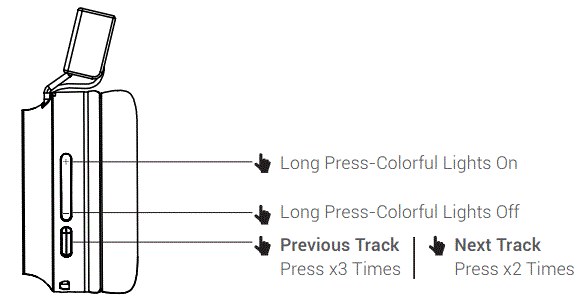
Music Control
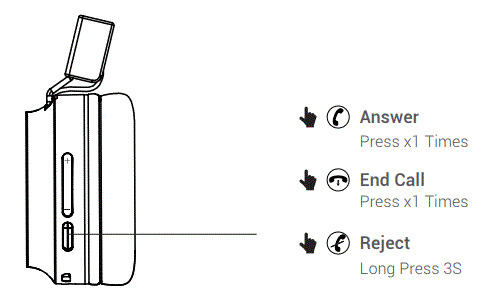
Phone Call
Specifications
- Premium 40mm Dynamic Driver
- Frequency Respense:20Hz – 20KHz
- Support:BT5.0 A2DP v1.2, AVRCP v1.5, HFPv1.5,HSPv1.2 Bluetooth transmitter frequency range:2.402-2.480GHz Bluetooth transmitter power<4dBm
- Bluetooth transmitter modulation:GFSKπ/4 DQPSK,8DPSK Battery type:Lithium-ion Polymer(3.7V,500 mAH)
- Battery charge time <2hrs
- Music play time 25hrs
- Weight: 0.16kg
- Frequency band:2 402GHz- 2.480GHz
- Maximum transmission power≤8dBm
FCC Statement
Changes or modifications not expressly approved by the party responsible for compliance could void the user’s authority to operate the equipment. This equipment has been tested and found to comply with the limits for a Class B digital device, pursuant to Part 1 5 of the FCC Rules. These limits are designed to provide reasonable protection against harmful interference in a residential installation. This equipment generates uses and can radiate radio frequency energy and, if not installed and used in accordance with the instructions, may cause harmful interference to radio communications. However, there is no guarantee that interference will not occur in a particular installation. If this equipment does cause harmful interference to radio or television
reception, which can be determined by turning the equipment off and on, the user is encouraged to try to correct the interference by one or more of the following measures:
- Reorient or relocate the receiving antenna.
- Increase the separation between the equipment and receiver.
- Connect the equipment into an outlet on a circuit different from that to which the receiver is connected.
- Consult the dealer or an experienced radio/TV technician for help.
This device complies with part 15 of the FCC rules. Operation is subject to the following two conditions:
- This device may not cause harmful interference.
- This device must accept any interference received, including interference that may cause undesired operation
IC Caution
This device complies with Industry Canada licence-exempt RSS standard(s). Operation is subject to the following two conditions:
- This device may not cause interference, and
- This device must accept any interference, including interference that may cause undesired operation of the device.