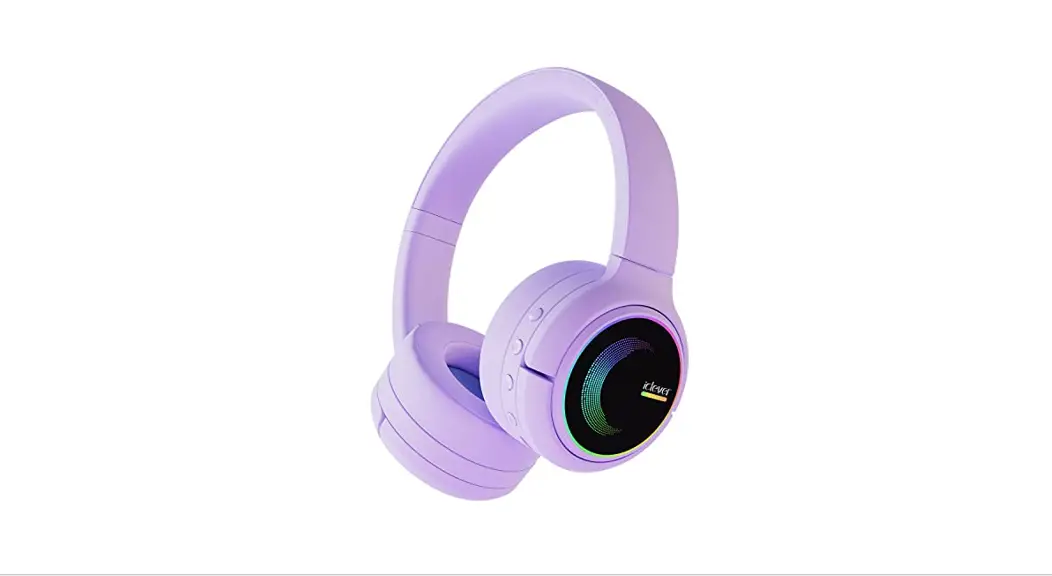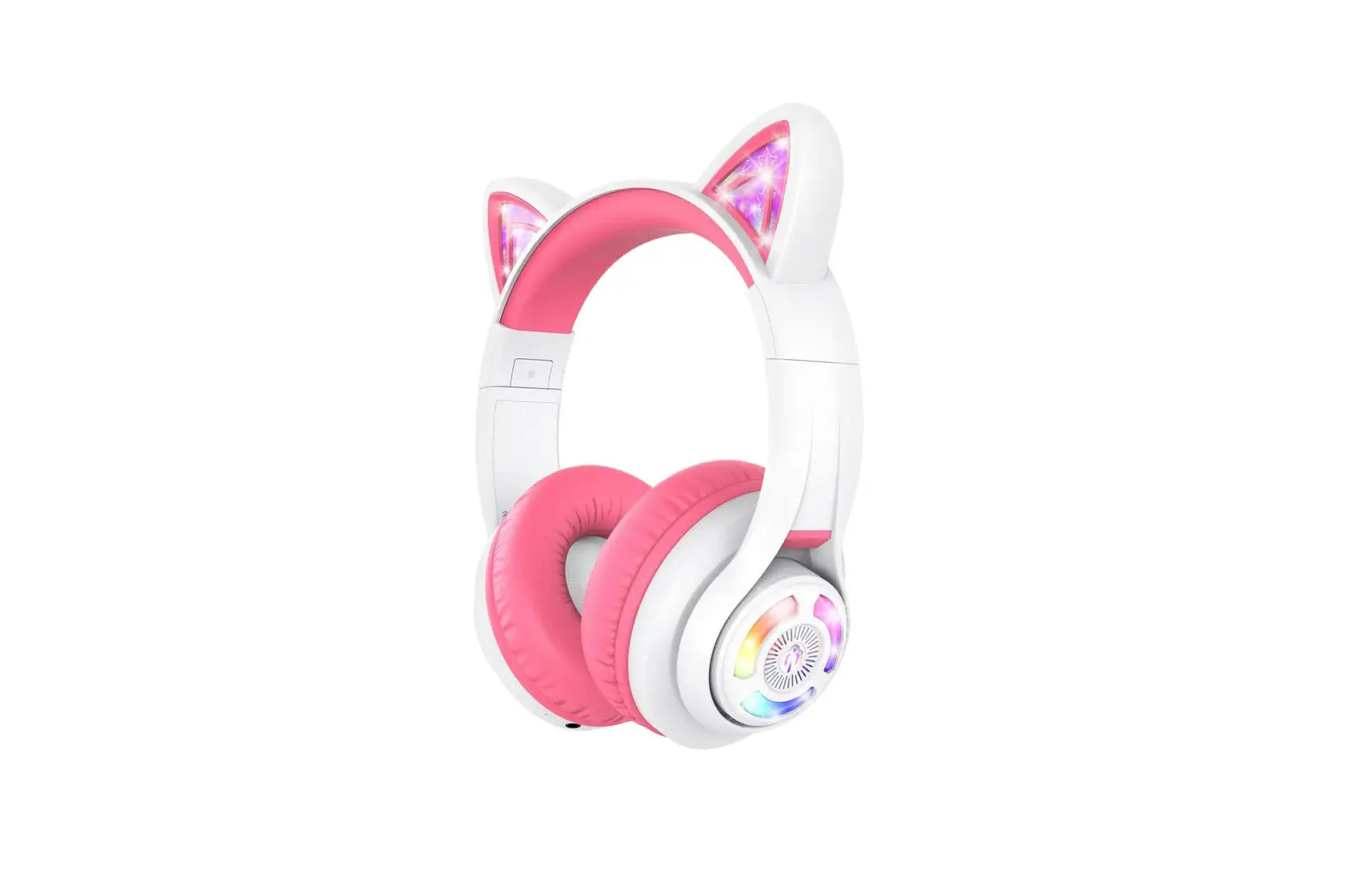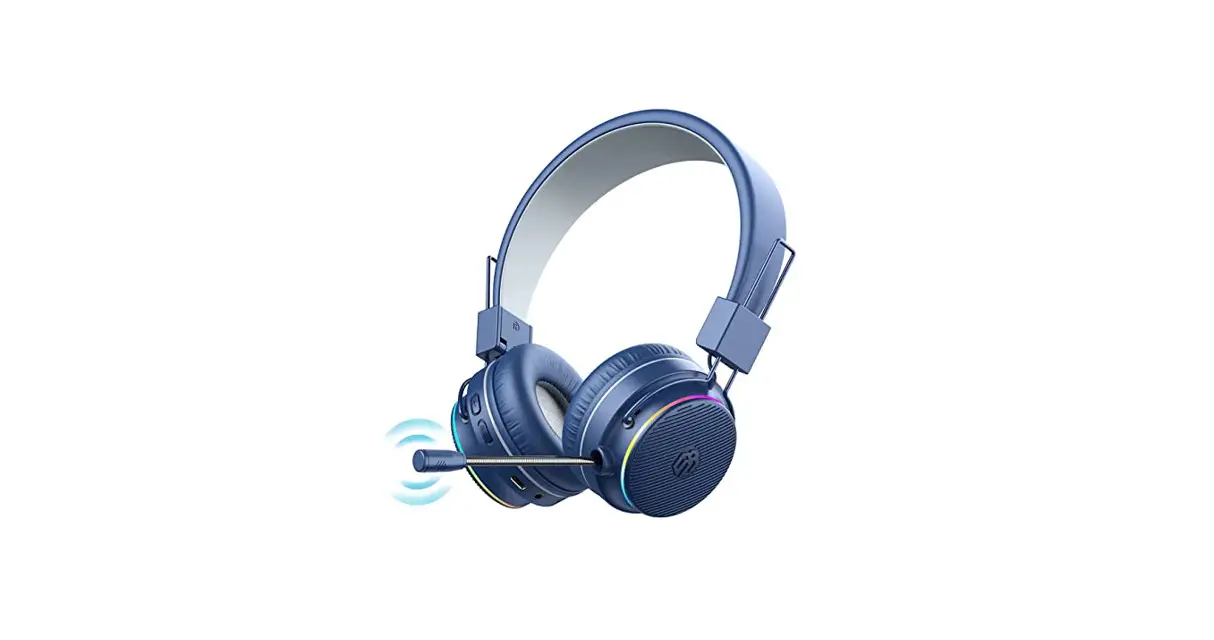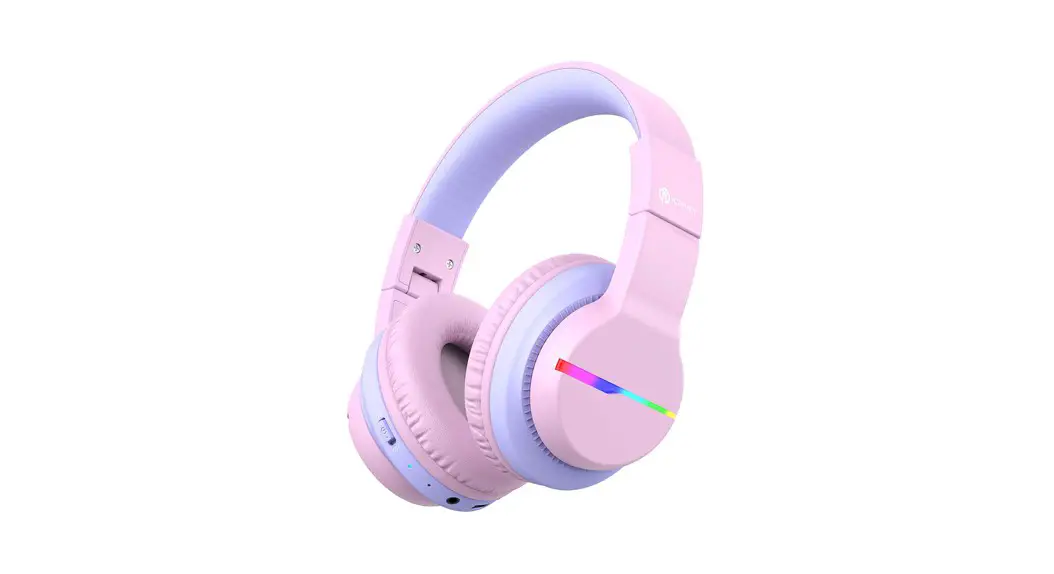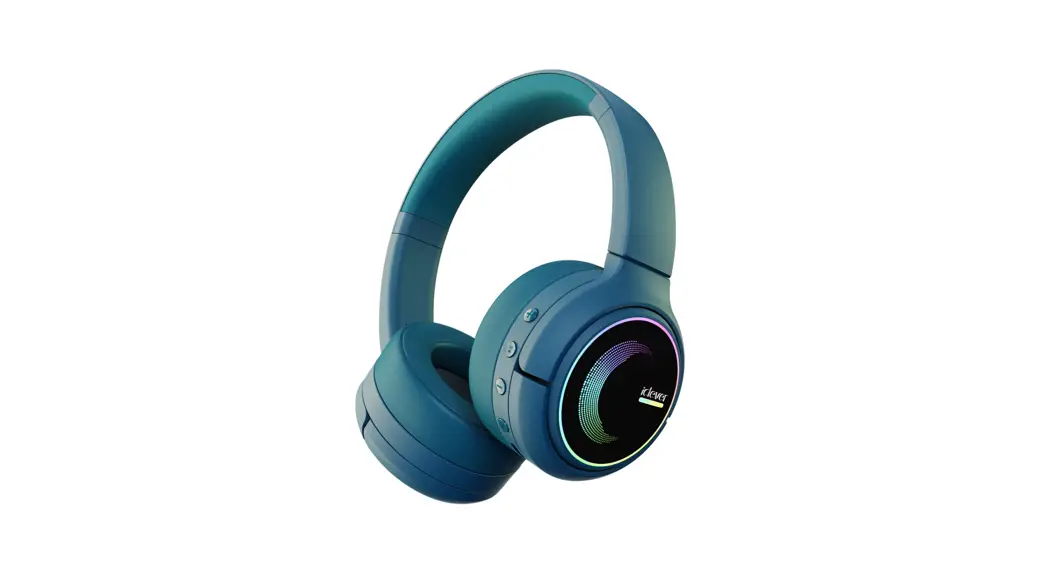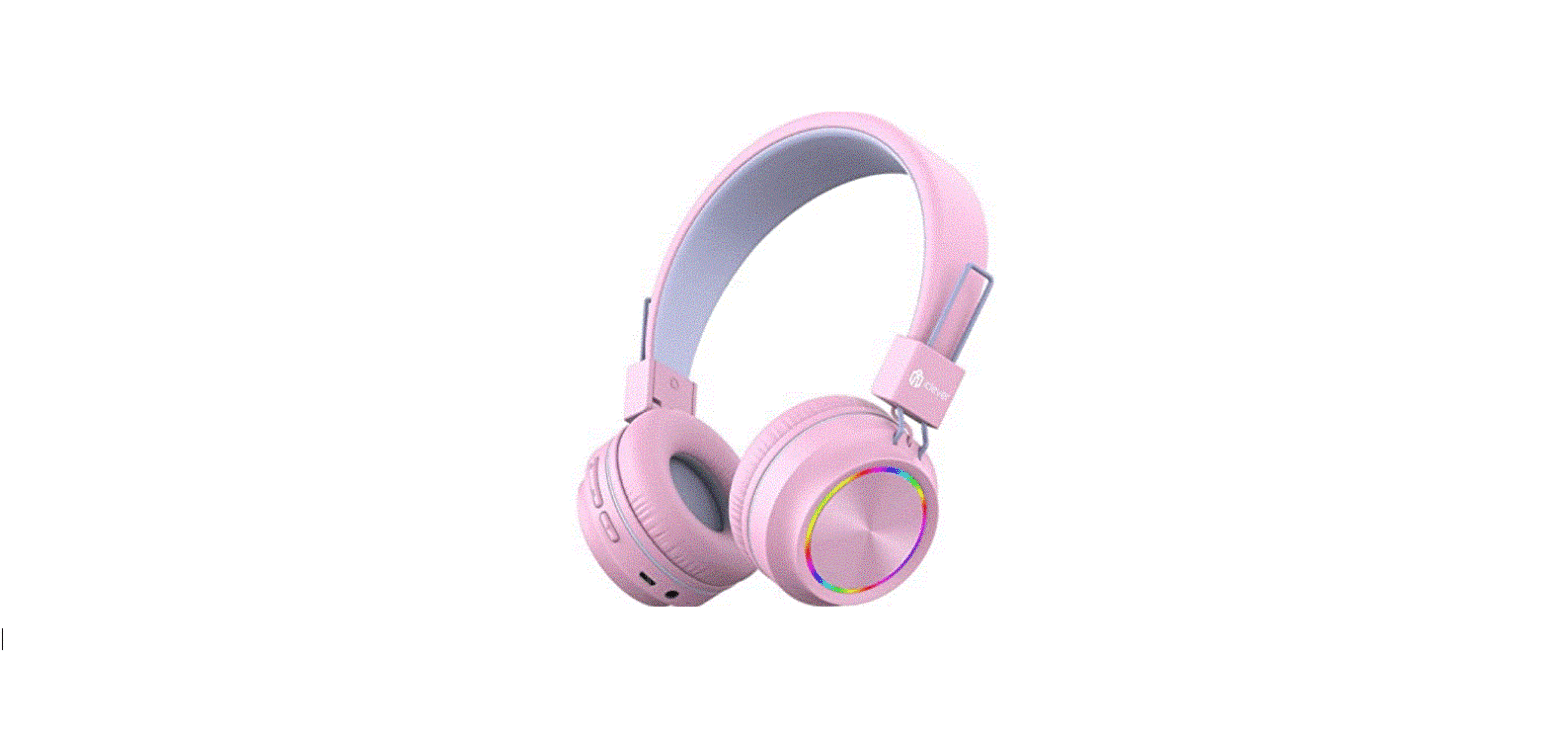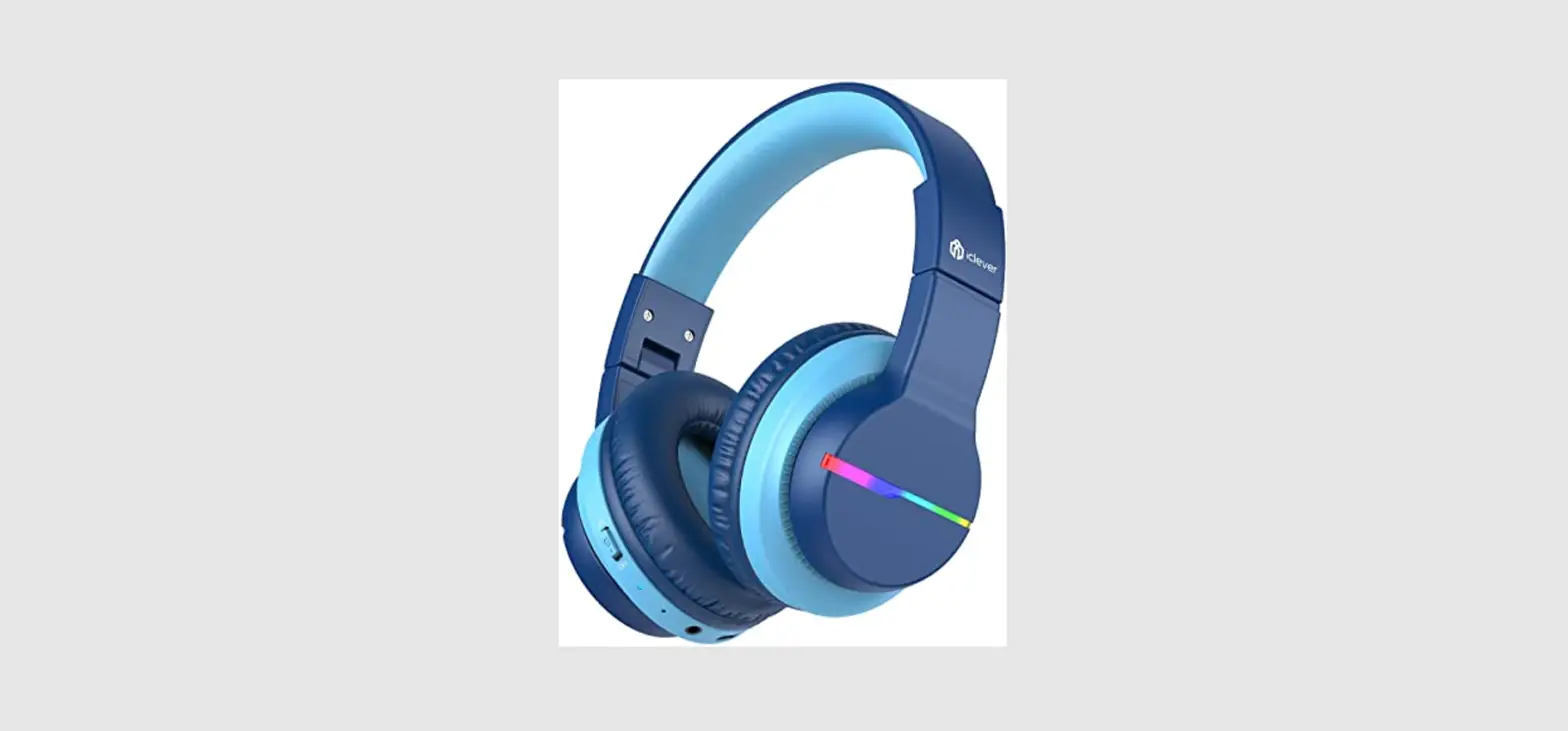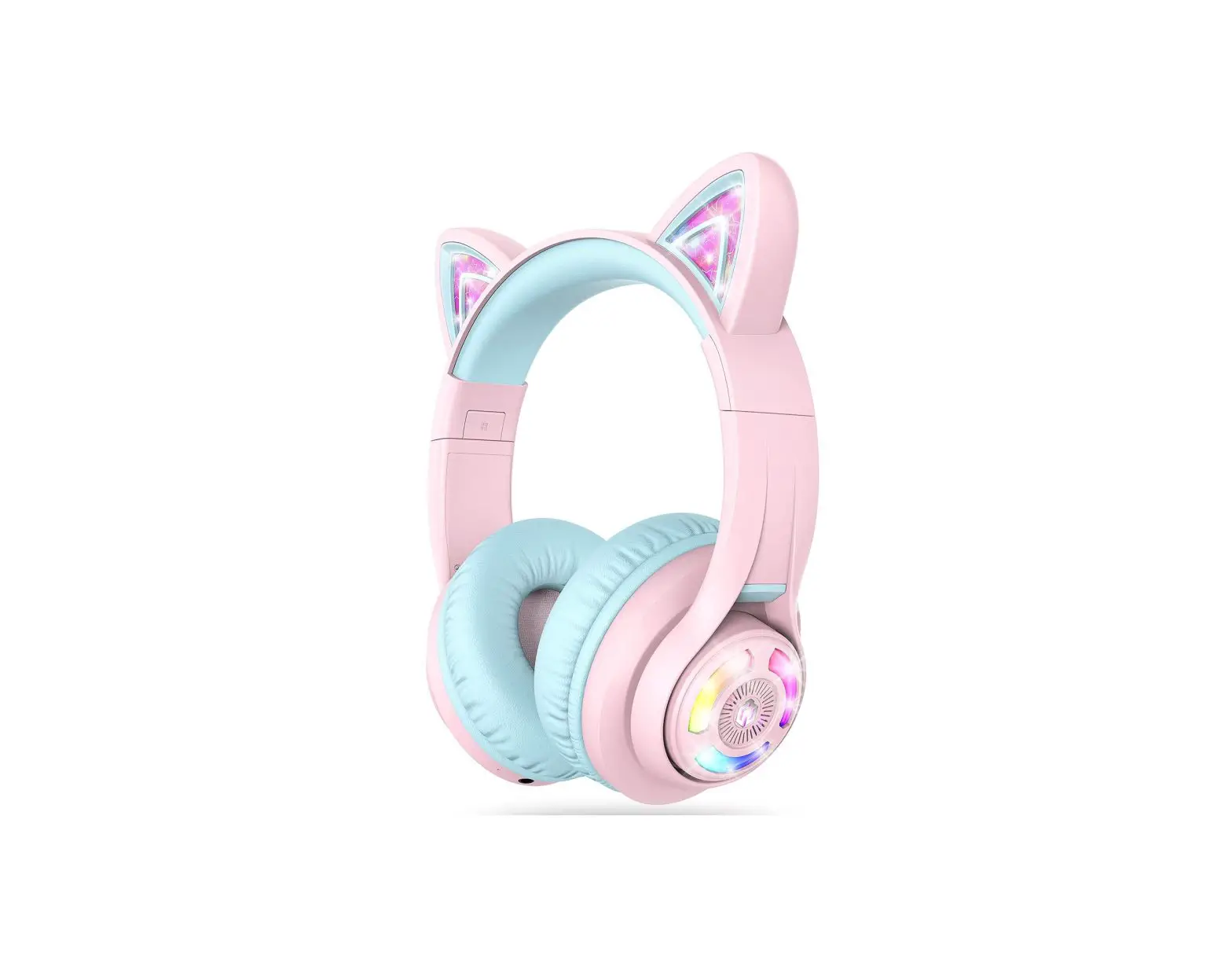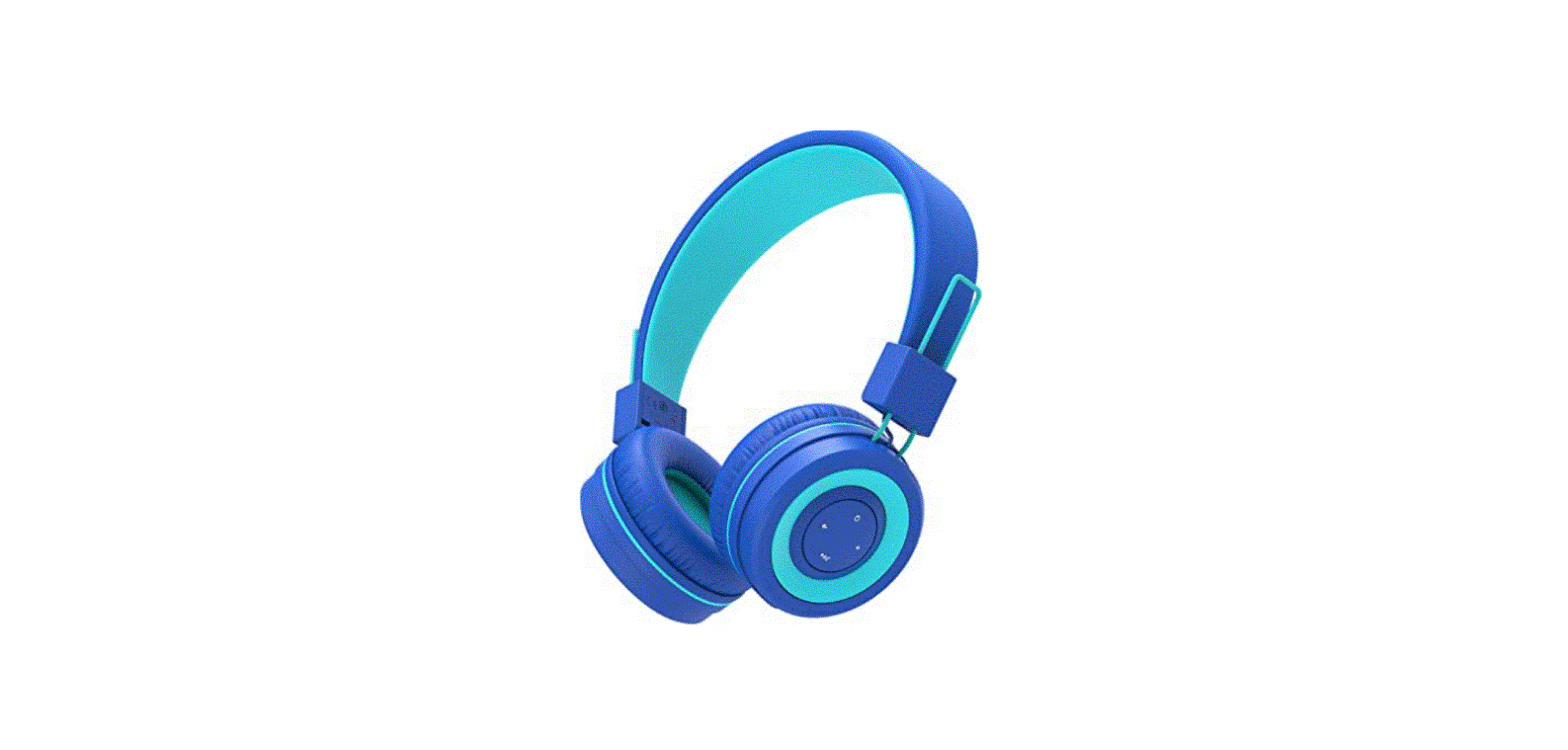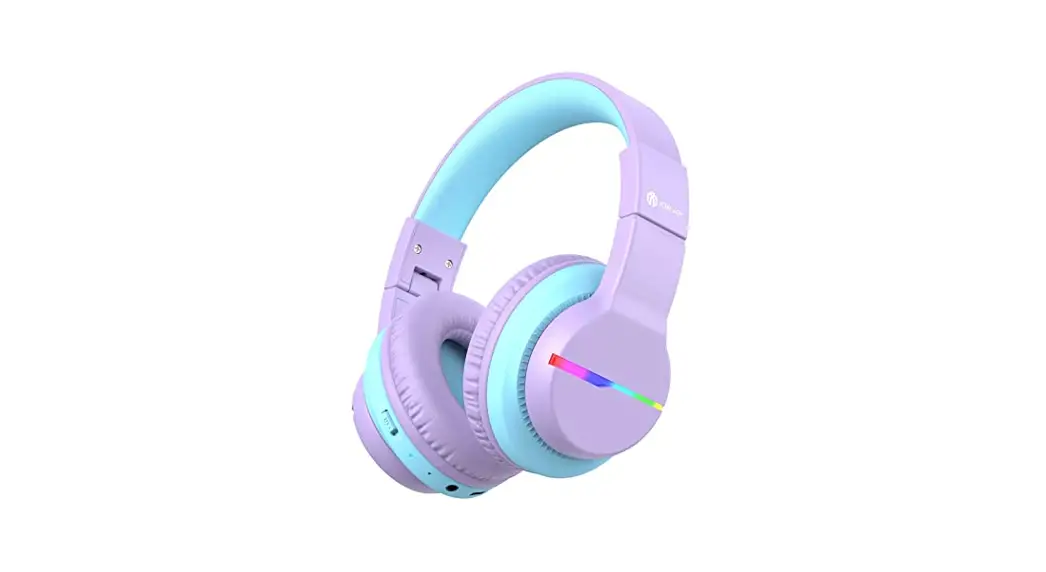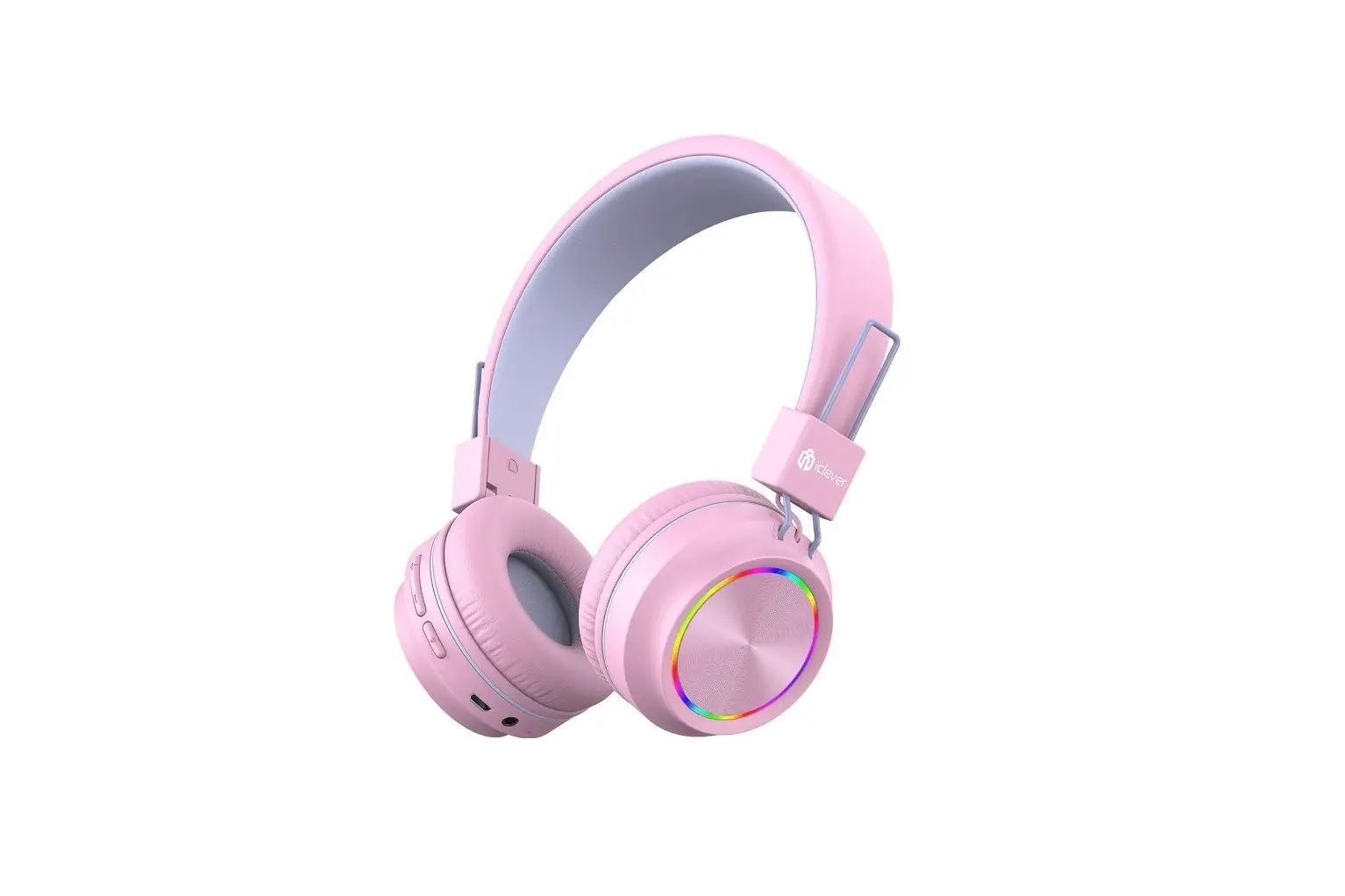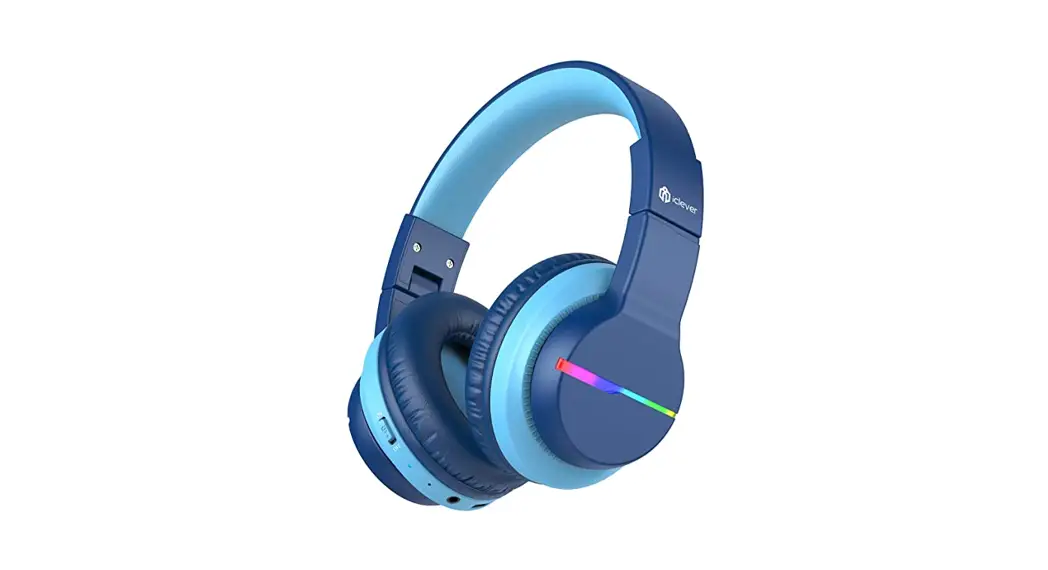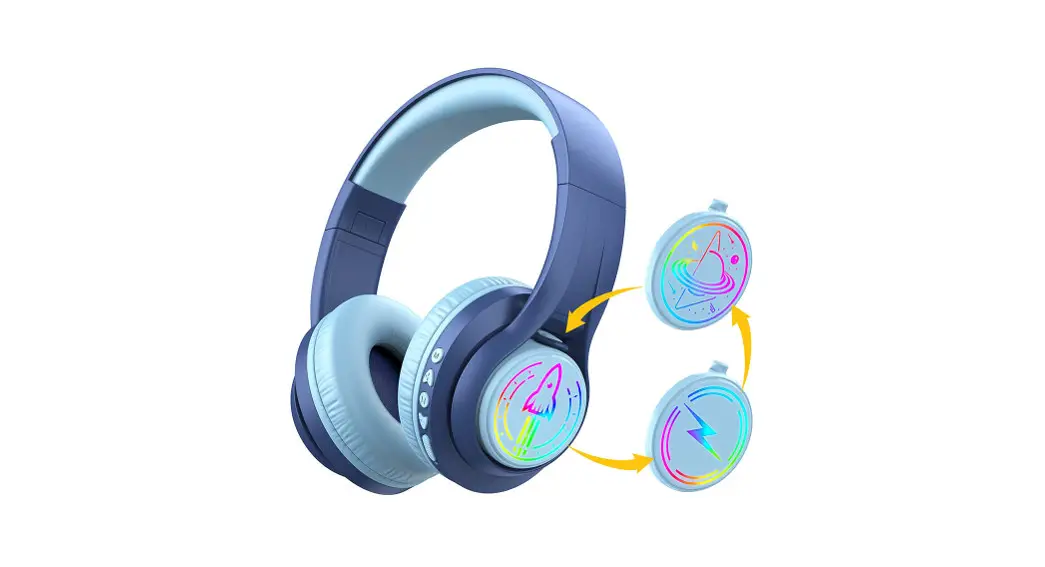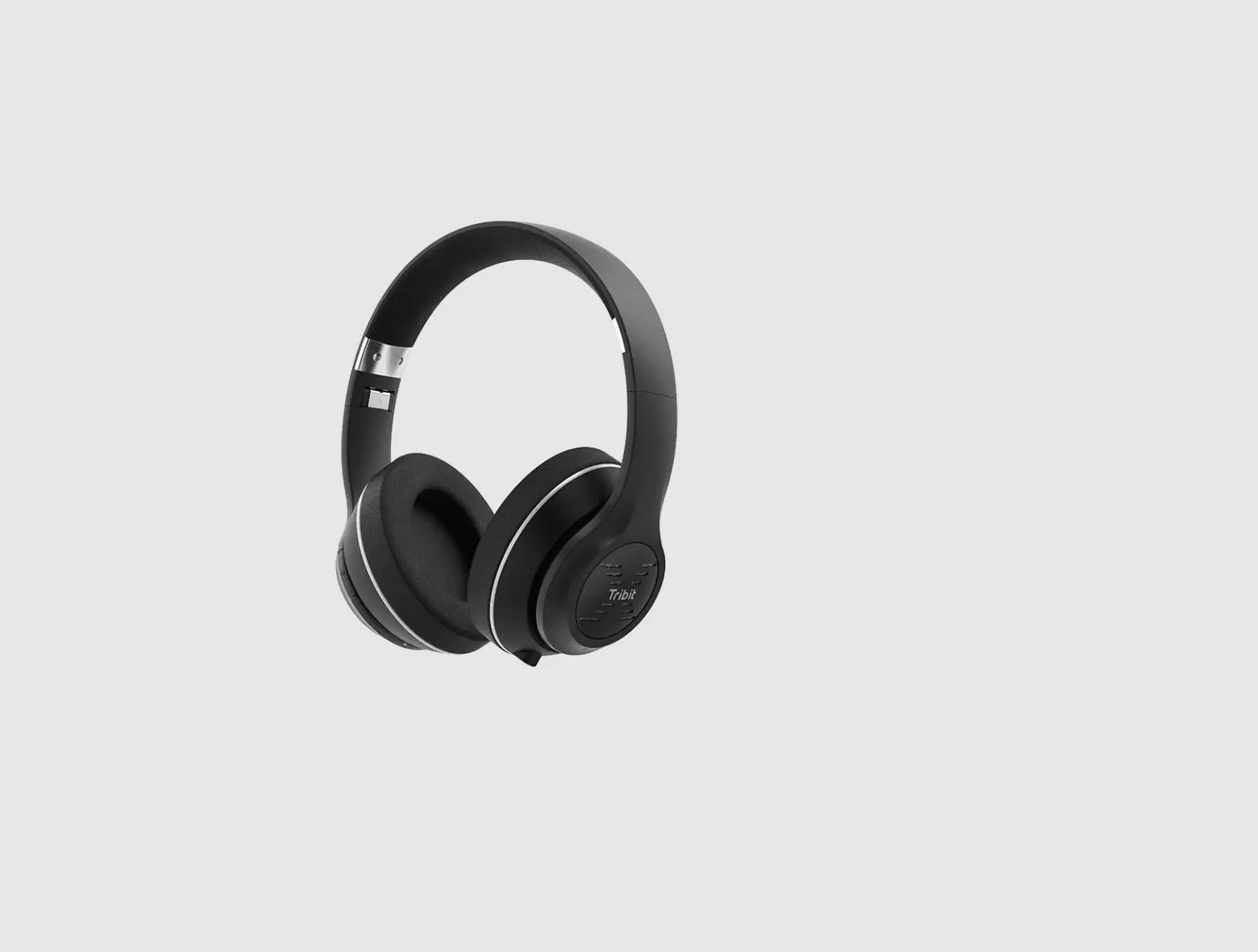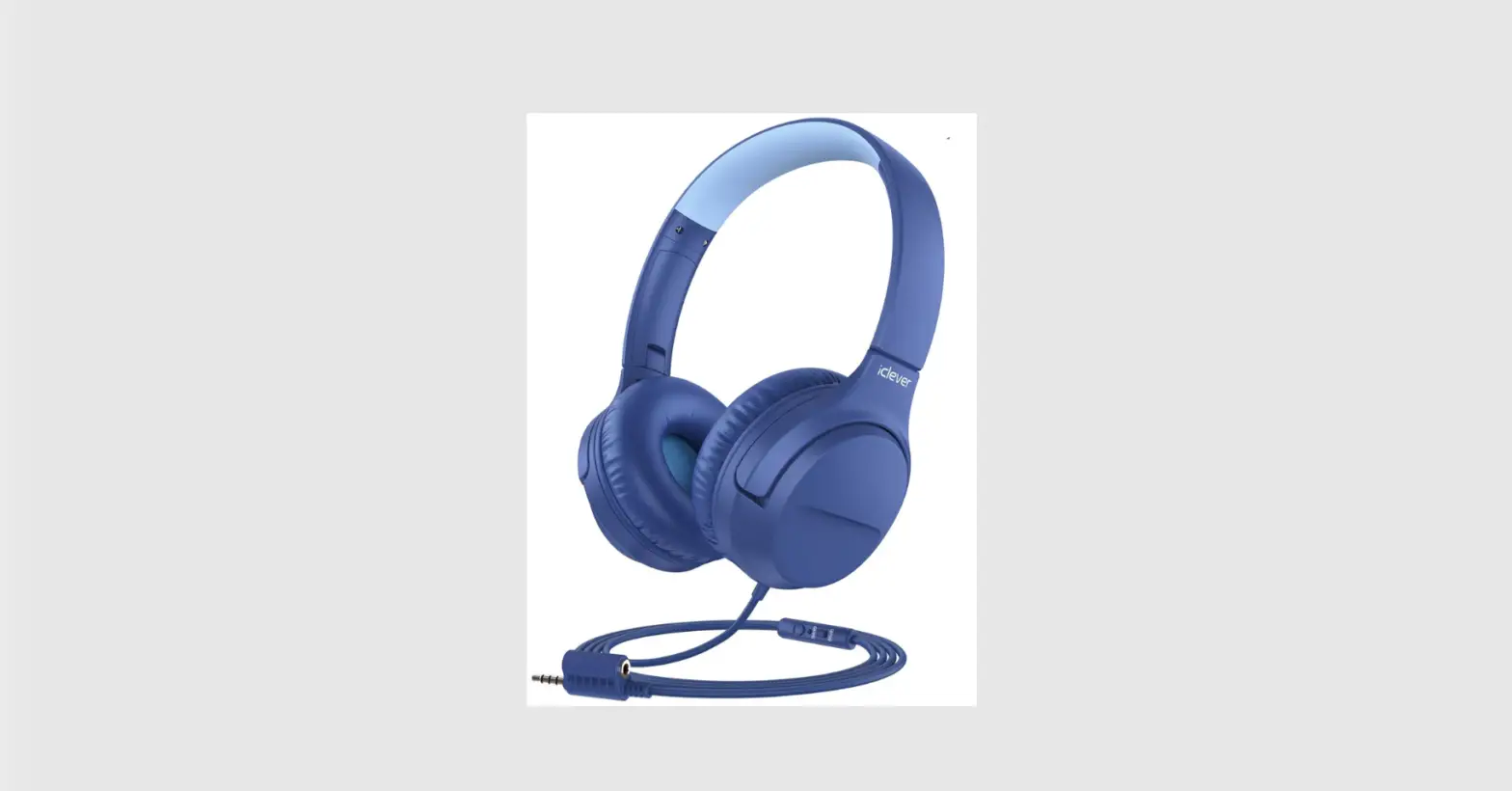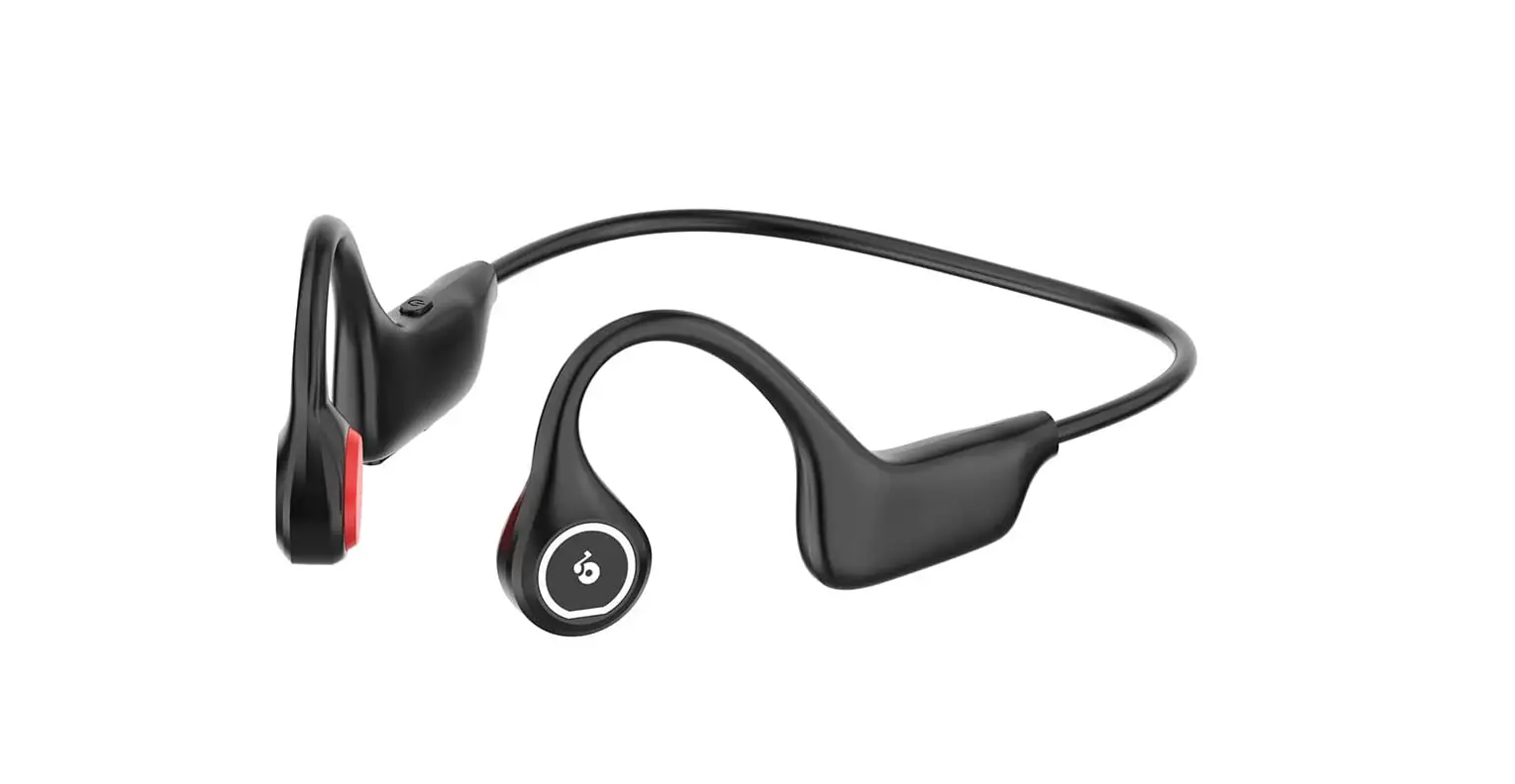
iclever BTH17 Wireless Headphones User Manual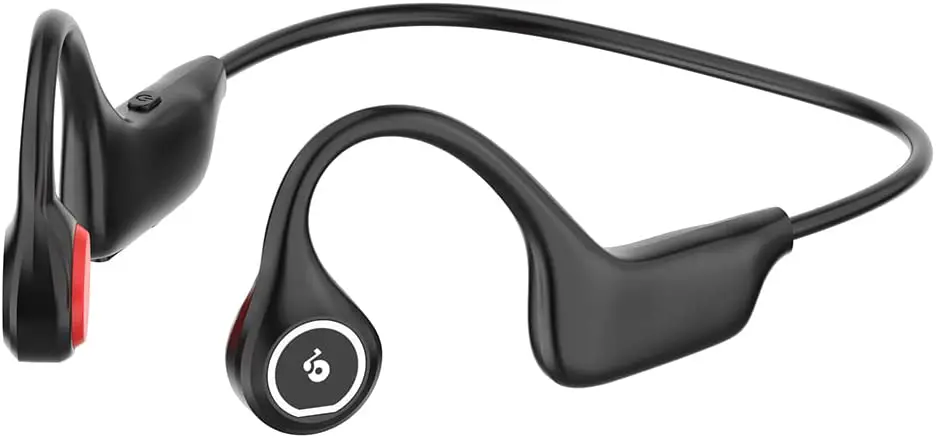
Package Contents
- 1 x iClever BTH17 Wireless Headphones

- 1 x Type-C Charging Cable

- 1 x User Manual

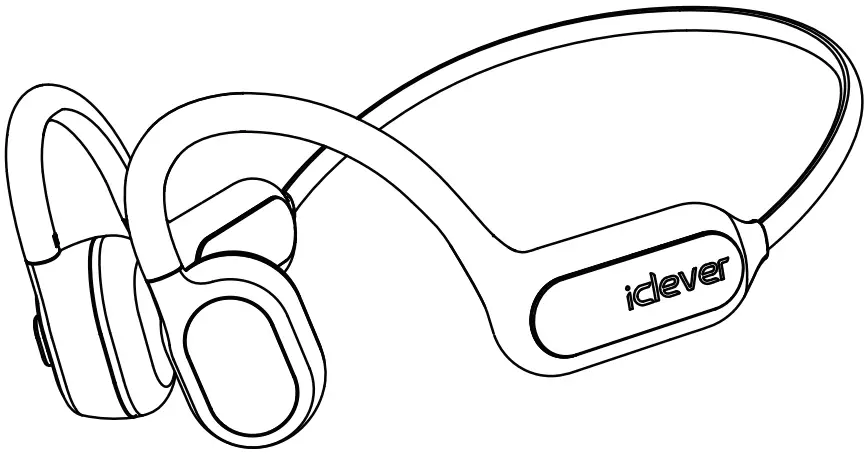

Product Diagram
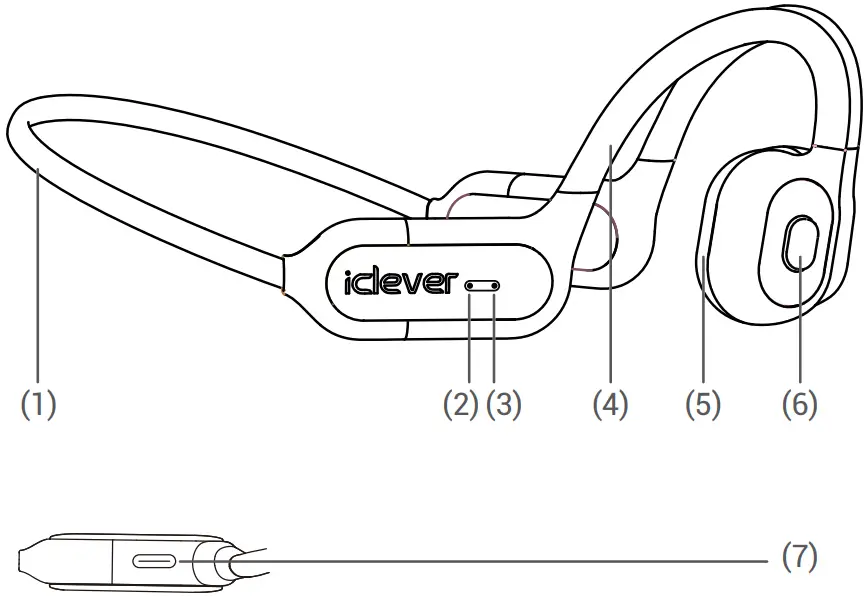
- Memory alloy rear suspension
- Omnidirectional Microphone
- Indicator light
- Ear hook
- Comfortable ear patch
- Multi function keys
- Type-C Charging Port
Power ON / OFF
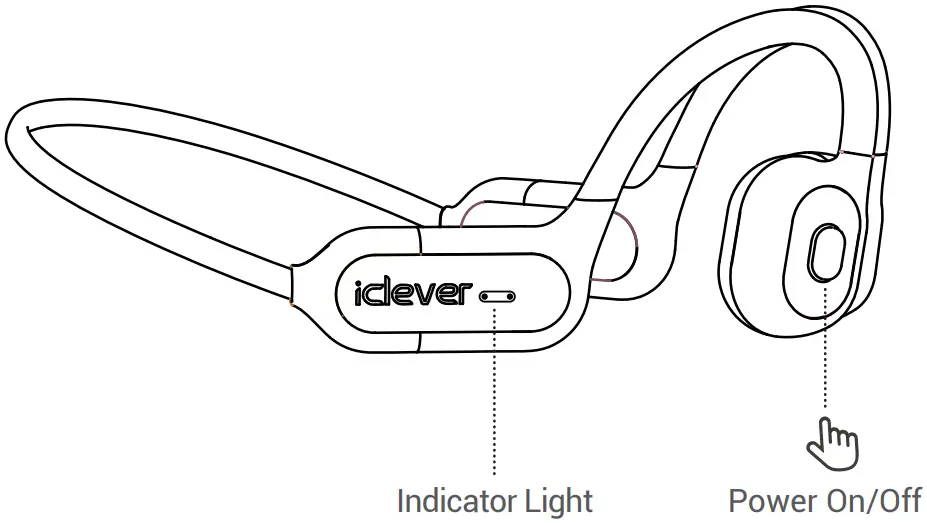
| Power On | Power Off | |
| Headphones Status | Power-off mode | Playing music / standby |
| How to Use the Headphone | Press and hold the MFB for about 3 seconds | Press and hold the MFB for about 5 seconds |
| Voice Prompt | power on | power off |
| Indicator LIGHT | Always on in blue | / |
Bluetooth Pairing
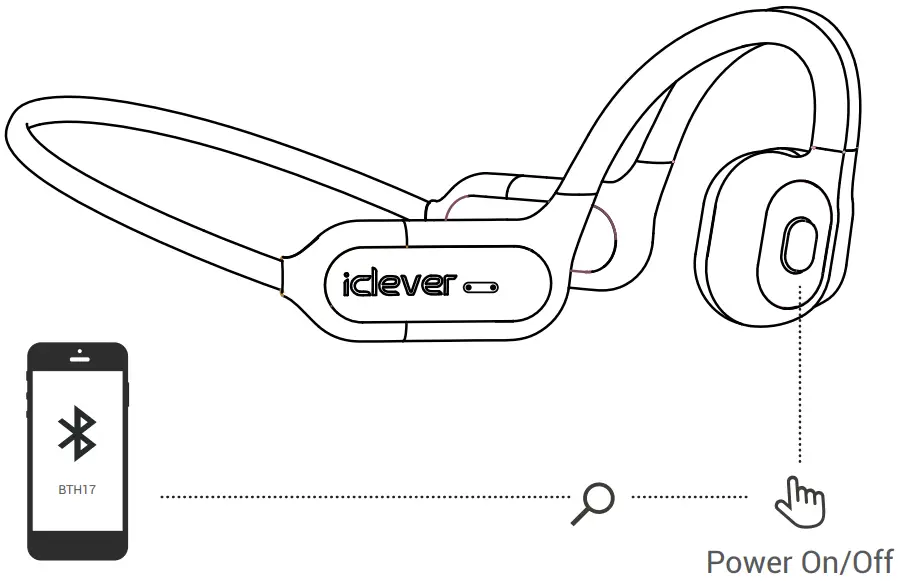
- When the headphone is powered on, it’ll enter the pairing mode automatically. The LED indicator will switch form solid blue to flash red and blue alternatively.
- Select “BTH17” from the list of Bluetooth devices.
- When the headphones have been connected successfully, you will hear a “Connected” voice prompt.
Basic Functions
Note:
- The headphones will automatically connect with the last paired device after you turn them on.
- If a password is needed, type ‘0000’
- If the headphone is not connected to a device within five minutes when entering the pairing mode, it’ll automatically shuts down.
Basic Functions
| Play / Pause | Single press the MFB |
| Next | Double press the MFB |
| Previous | triple press the MFB |
| Volume + / – | Operate on your Bluetooth-enabled device. |
| Answer/End a Call | Single press the MFB |
| Reject a Call | Press and hold the MFB for 2s. |
| Voice Control | Press and hold the MFB for 2s. (Your phone needs to have the voice control function.) |
| Headphone Status | LED Light Status |
| Power on | Solid blue, then switch to red and blue lights flash alternately |
| Power off | Solid red, then off. |
| Disconnected | Red and blue lights flash alternately |
| Connected | Blue light flashes every 5s |
| Playing music | Blue light flashes every 5s |
| Calling in progress | Flash blue |
| Low battery | Flash red with voice prompt |
| Charging | Solid red |
| Fully charged | Solid blue |
How to Factory Reset
When the headphone cannot pair up with your phone, you can reset the headphone as follows.Forget / delete the BTH17 from the Bluetooth list of your phone.When the headset is charged, long press the MFB key to enter the pairing state . Please refer to “Bluetooth pairing” to reconnect the headphone with your phone.
Specification
| Frequency Band | 2.4GHz -2.482GHz |
| Maximum Transmission Power | 4dBm |
| Battery Type | Lithium-ion Polymer (3.7V,140mAh) |
| Music play time | 6 hrs |
IC Caution
This device complies with Industry Canada licence-exempt RSS standard(s).
Operation is subject to the following two conditions:
- This device may not cause interference, and
- This device must accept any interference, including interference that may cause undesired operation of the device.
FCC Statement
Any Changes or modifications not expressly approved by the party responsible for compliance could void the user’s authority to operate the equipment.
This equipment has been tested and found to comply with the limits for a Class B digital device, pursuant to Part 15 of the FCC Rules. These limits are designed to provide reasonable protection against harmful interference in a residential installation. This equipment generates uses and can radiate radio frequency energy and, if not installed and used in accordance with the instructions, may cause harmful interference to radio communications. However, there is no guarantee that interference will not occur in a particular installation. If this equipment does cause harmful interference to radio or television reception, which can be determined by turning the equipment off and on, the user is encouraged to try to correct the interference by one or more of the following measures:
- Reorient or relocate the receiving antenna.
- Increase the separation between the equipment and receiver.
- Connect the equipment into an outlet on a circuit different from that to which the receiver is connected.
Any Changes or modifications not expressly approved by the party responsible for compliance could void the user’s authority to operate the equipment. - Consult the dealer or an experienced radio/TV technician for help.
This device complies with part 15 of the FCC rules. Operation is subject to the following two conditions:
- This device may not cause harmful interference.
- This device must accept any interference received, including interference that may cause undesired operation.
RF warning for Portable device:
The device has been evaluated to meet general RF exposure requirement. The device can be used importable exposure condition without restriction.
Declaration of Conformity
Hereby, Thousand shores Deutschland GmbH declares that the radio equipment type Wireless Headphones BTH17 is in compliance with Directive 2014/53/EU.
The full text of the EU declaration conformity is available at the following internet address: Http://files.iclever.com/BTH17-DOC-EN.pdf