Contents hide

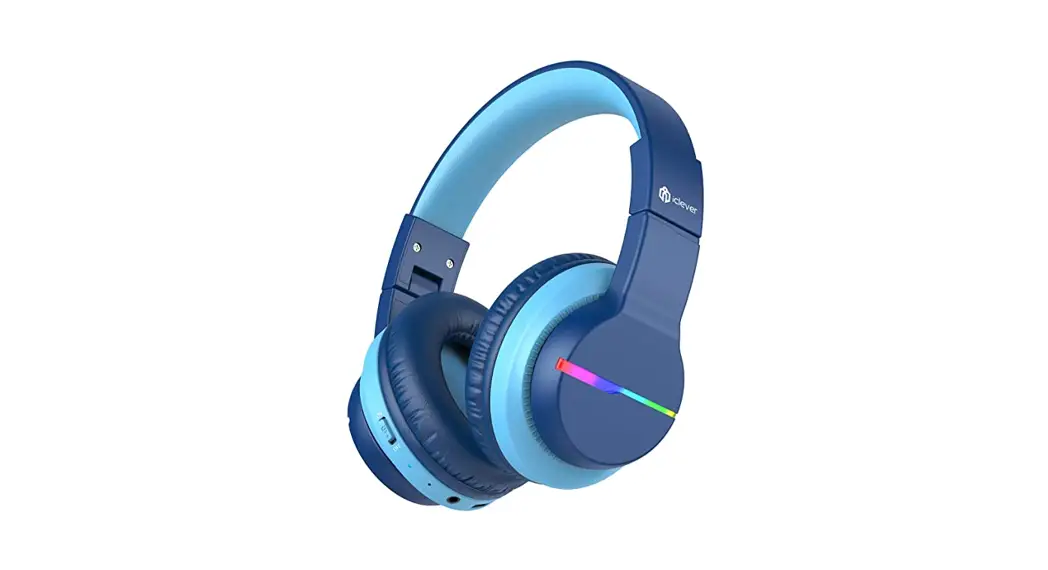
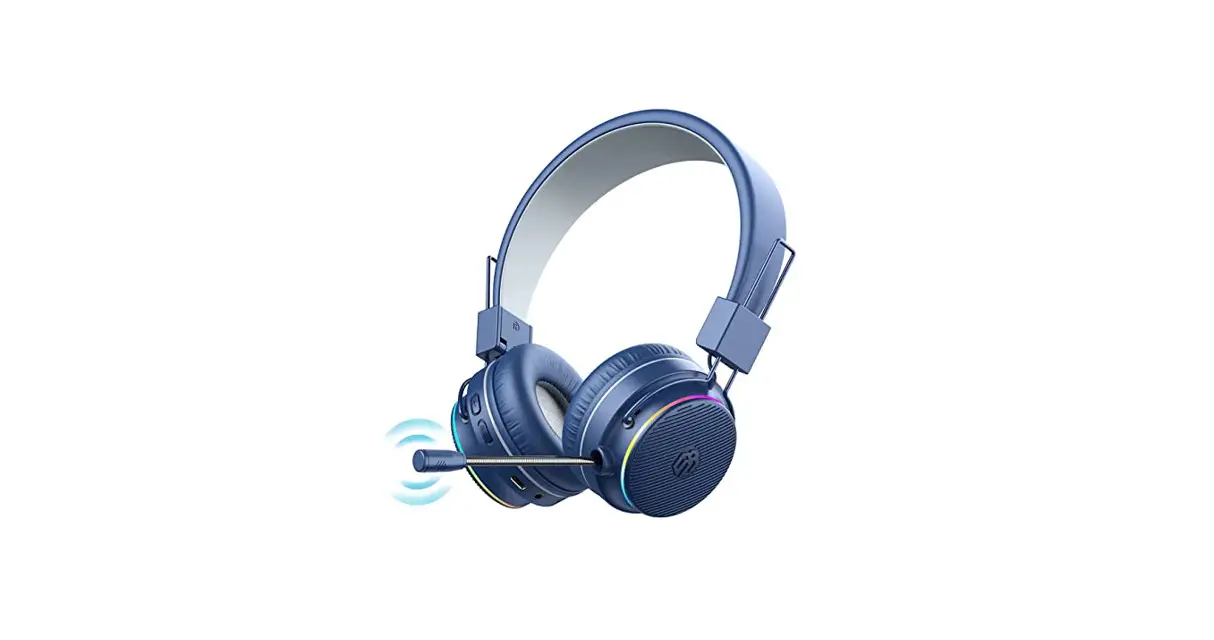
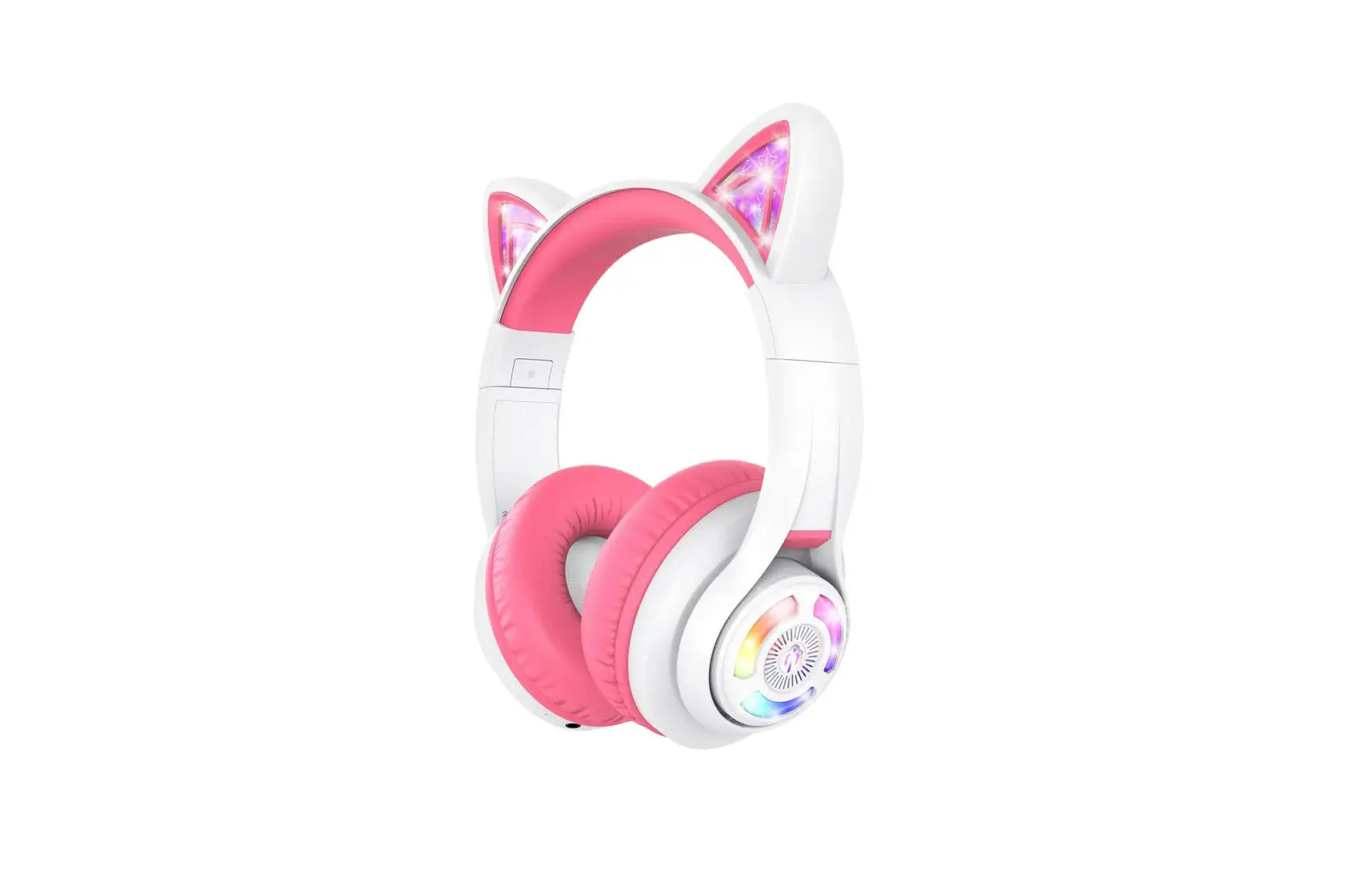
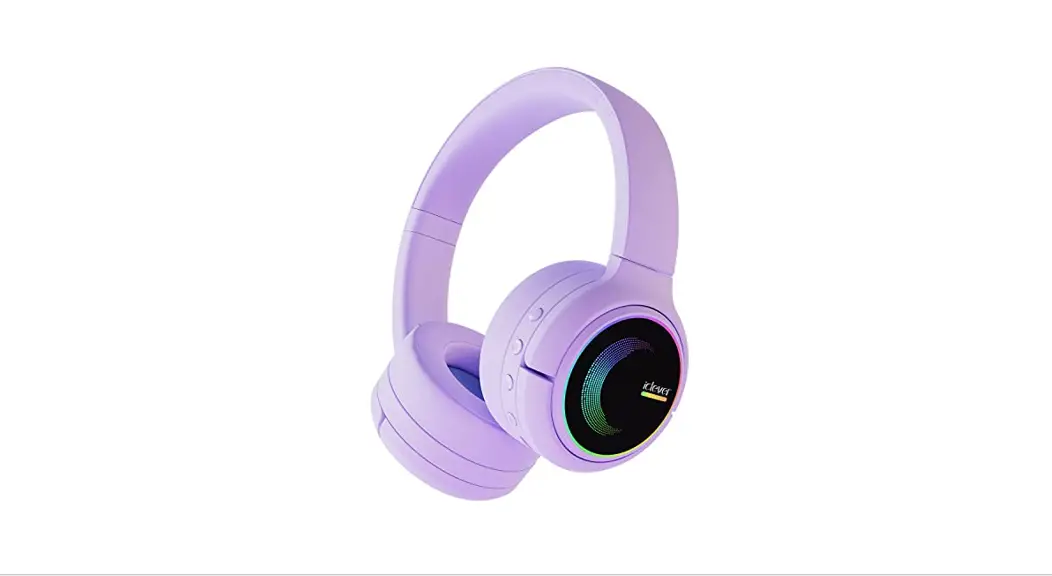
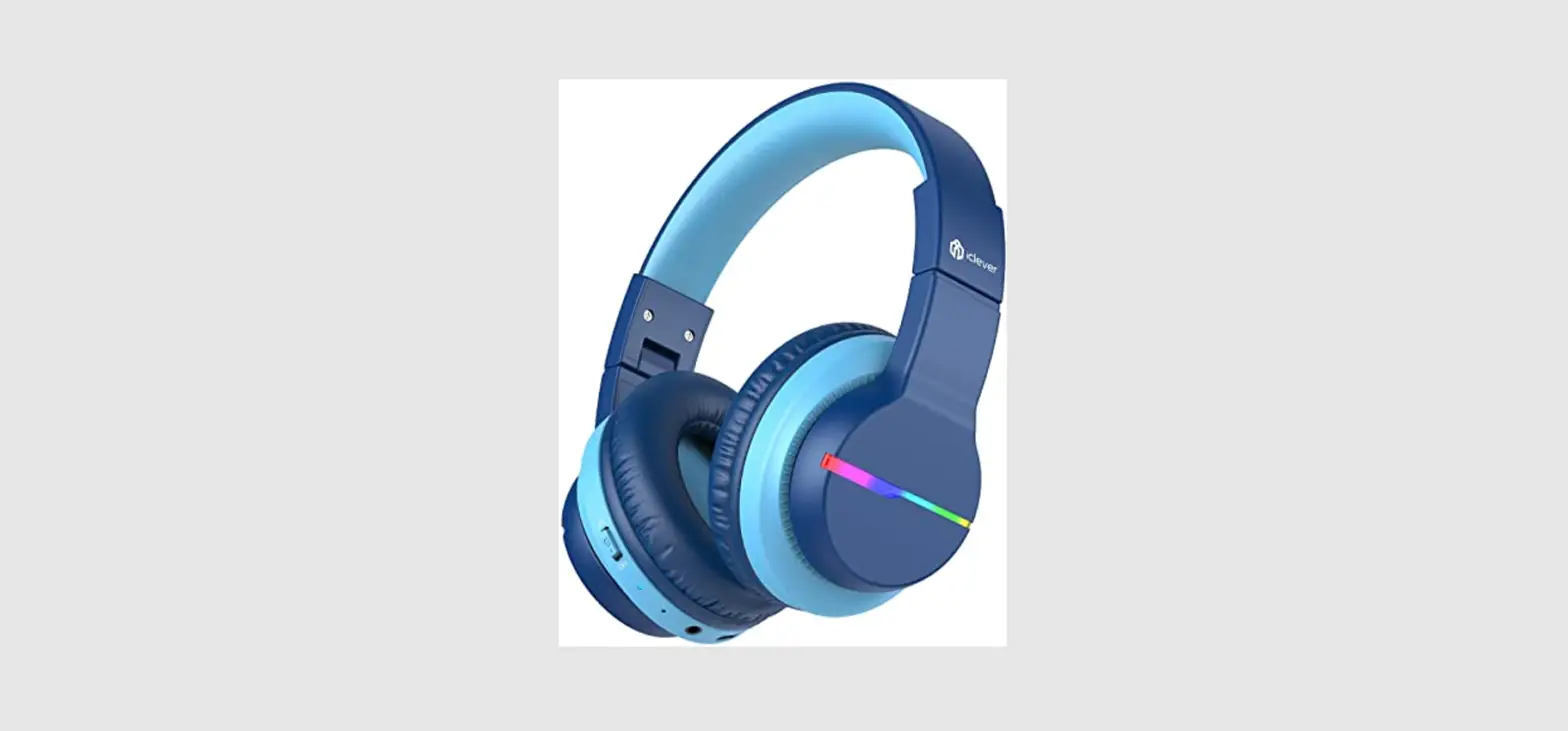
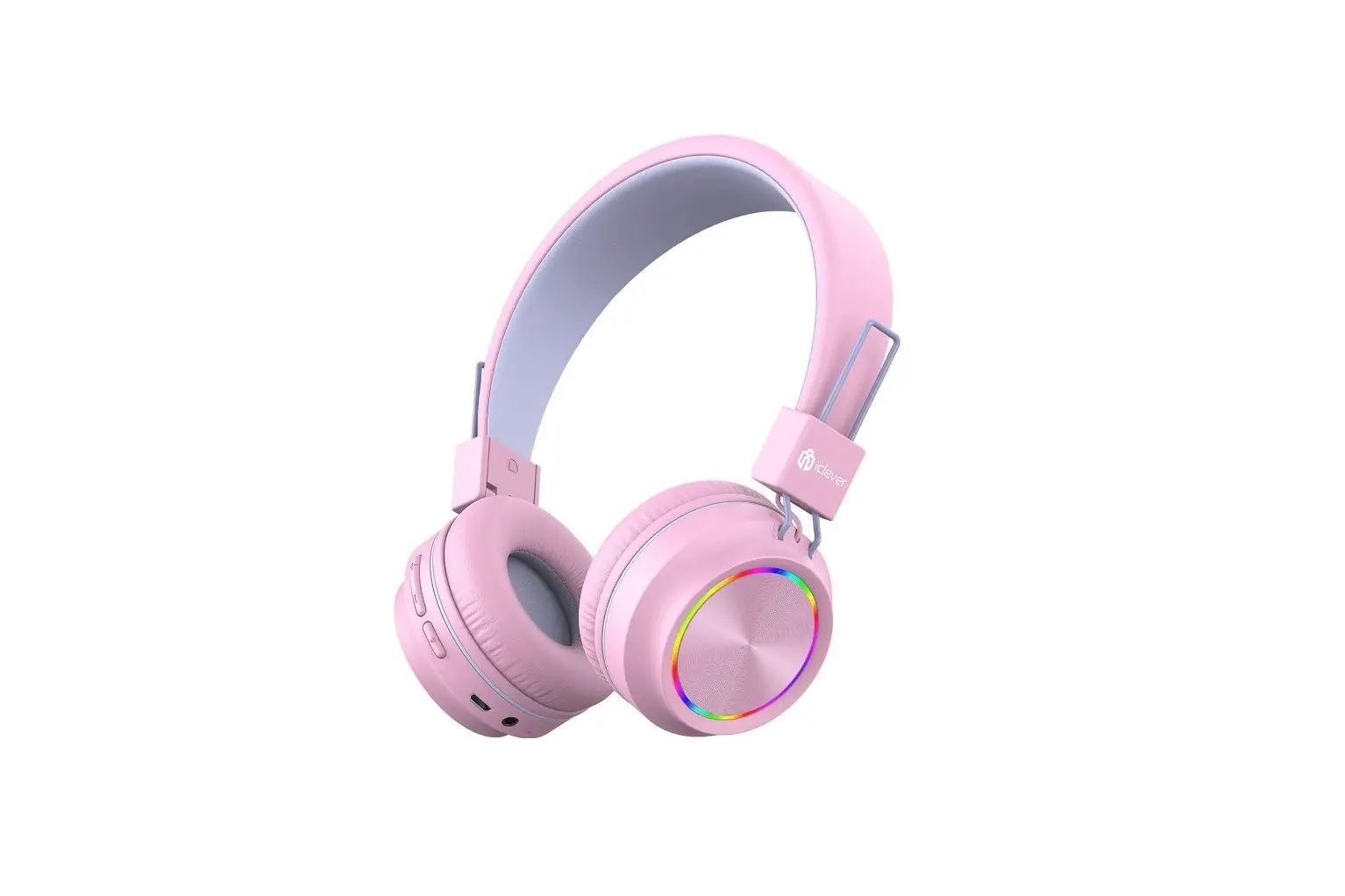
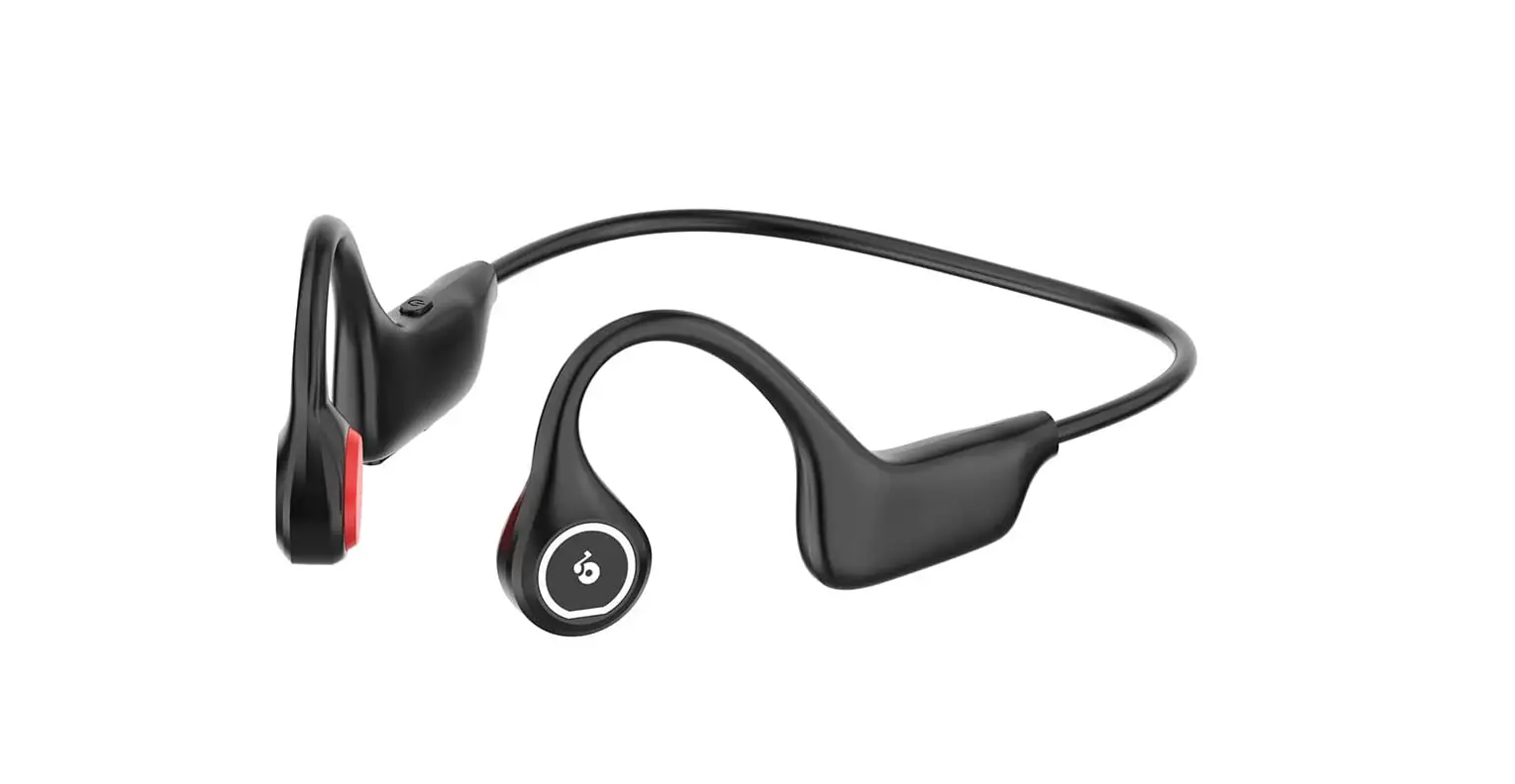
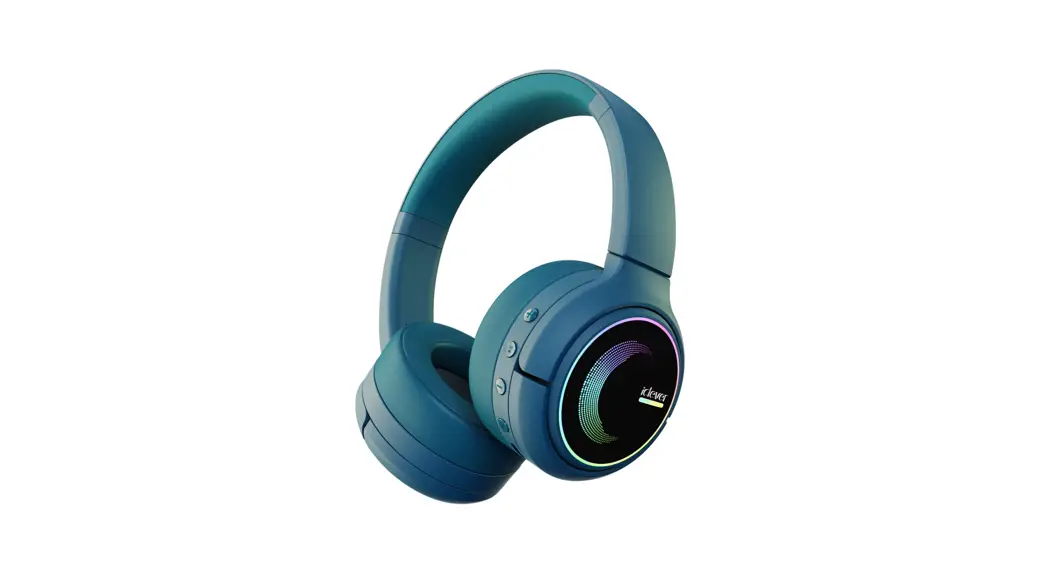
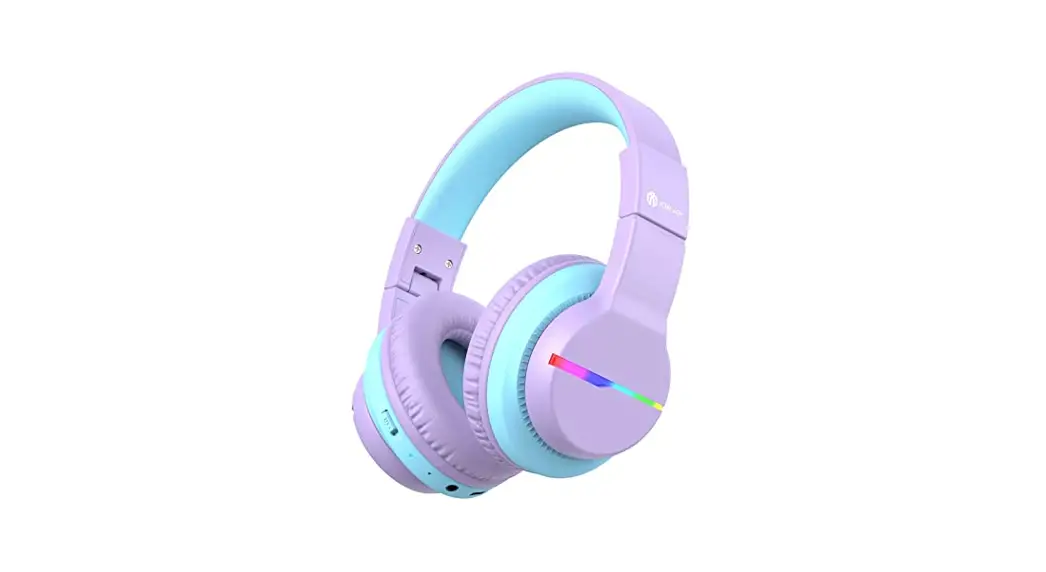
BTH02 Headphones
User Manual
Quick Start Guide
1 What’s in the box
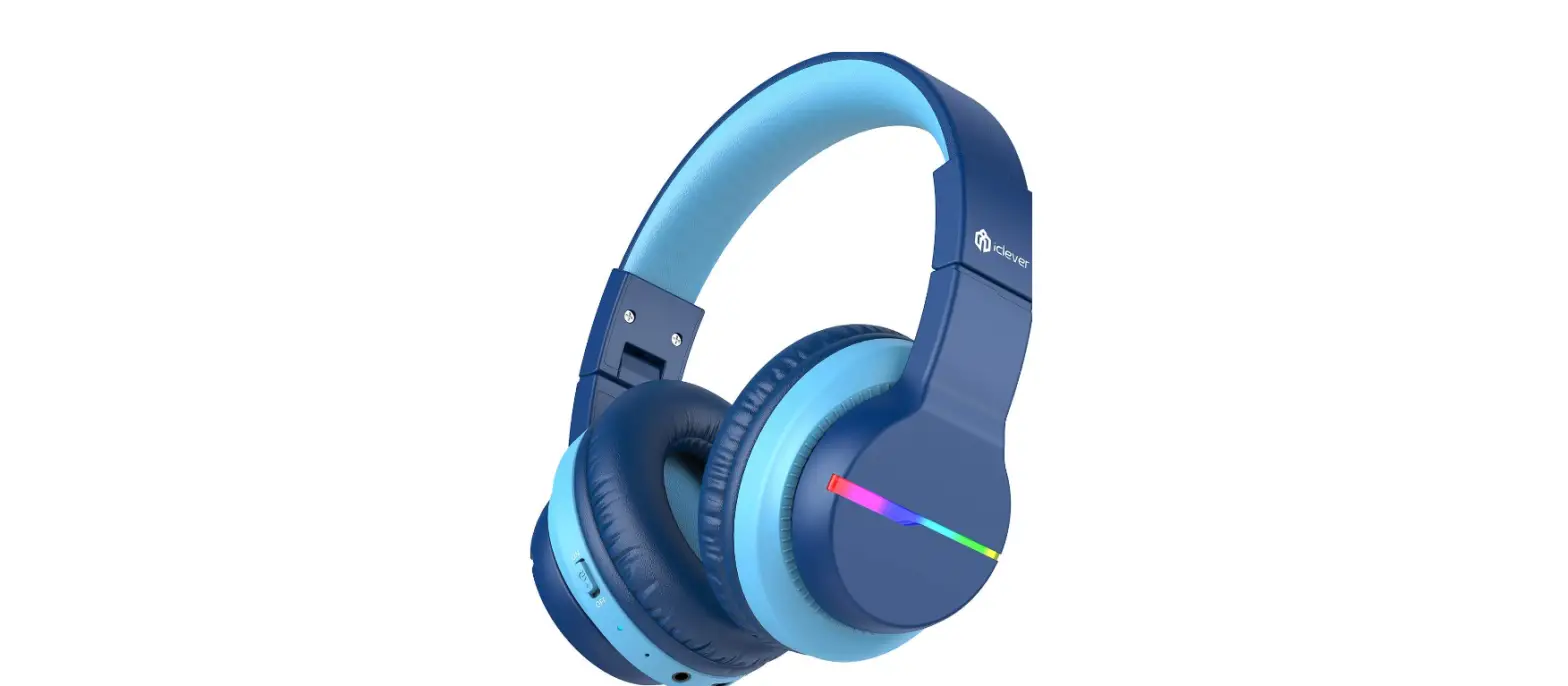
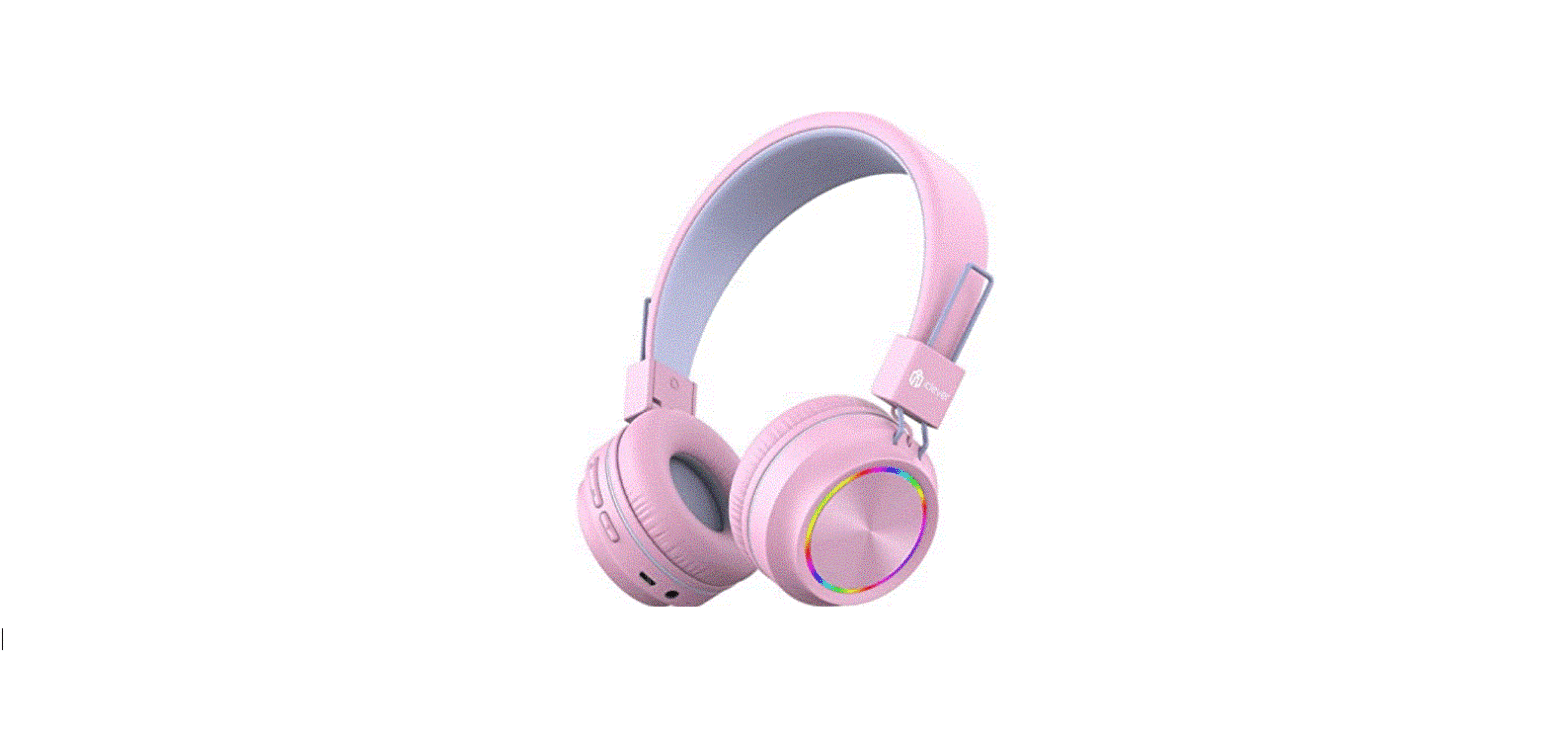
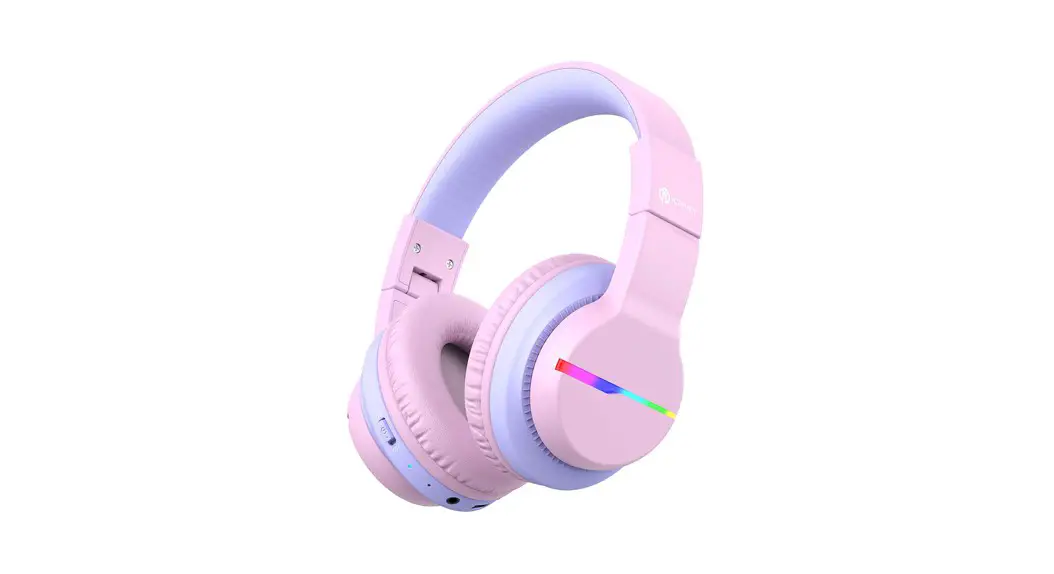
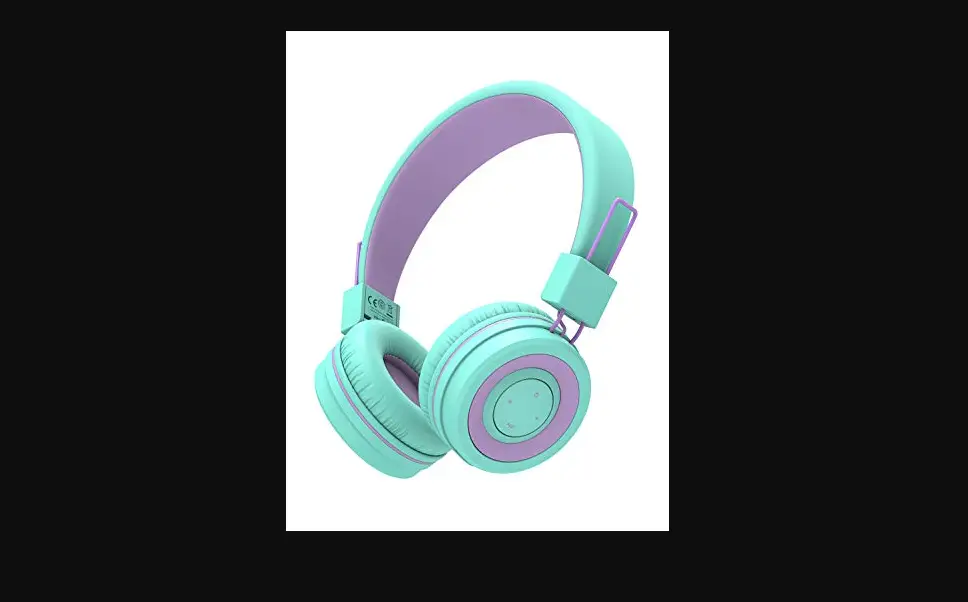
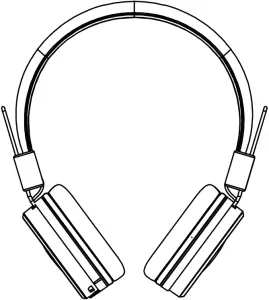
BTH02
Charging Cable

3.5mm audio cable, warranty card, user manual, thanks card

2 Overview
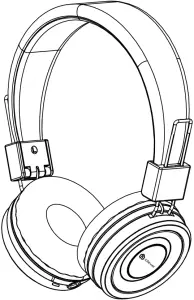
1 Illustration
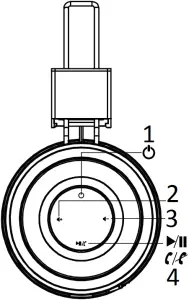
- Power On/Off
- Short Press + Volume Up
- Short Press – Volume Down
- Multifunction Button
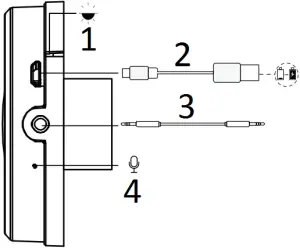
- LED Indicator Light
- MICRO USB Charging Port
- 3.5mm Audio Cable
- MicroPhone
2) LED Indicator Instruction
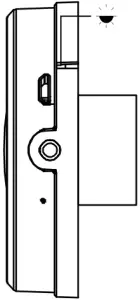
| Headphones Status | LED Indicator |
| Power on | Blue indicator flashes 4 times |
| Power off | Red indicator glows for 1s and goes off |
| BT Pairing | The indicator flashes red and blue alternately |
| BT Connected | Blue indicator flashes once every 7 seconds |
| Low Battery | Red indicator flashes twice every 2 seconds |
| In charging process | Red indicator lights up sturdily |
| Fully Charged | The LED indicator light will turn blue |
3 Bluetooth Connection
1) Turn On The Headphones
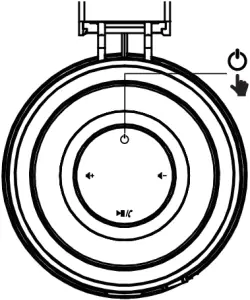
Note: The headphones will automatically enter pairing mode when being switched on for the first time.
2) Connect to Bluetooth Device
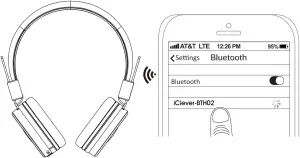
4 Music Control
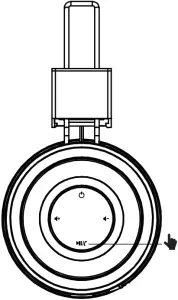
 Previous Track Press ×3 Times / Next Track Press ×2 Times
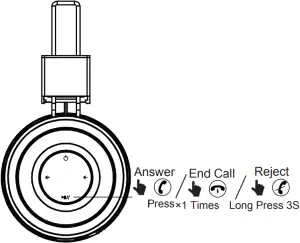
5 Phone Call
6 Specifications
- Premium 40mm Dynamic Driver
- Frequency Respense:20Hz – 20KHz
- Support:BT5.0 A2DP v1.2, AVRCP v1.5, HFPv1.5,HSPv1.2
- Bluetooth transmitter frequency range:2.402-2.480GHz
- Bluetooth transmitter power<4dBm
- Bluetooth transmitter modulation:GFSK π/4 DQPSK,8DPSK
- Battery type:Lithium-ion Polymer(3.7V,500 mAH)
- Battery charge time <2hrs
- Music play time 22hrs
- Weight: 0.15kg
FCC ID:2AUKD-BTH02


 Made in China