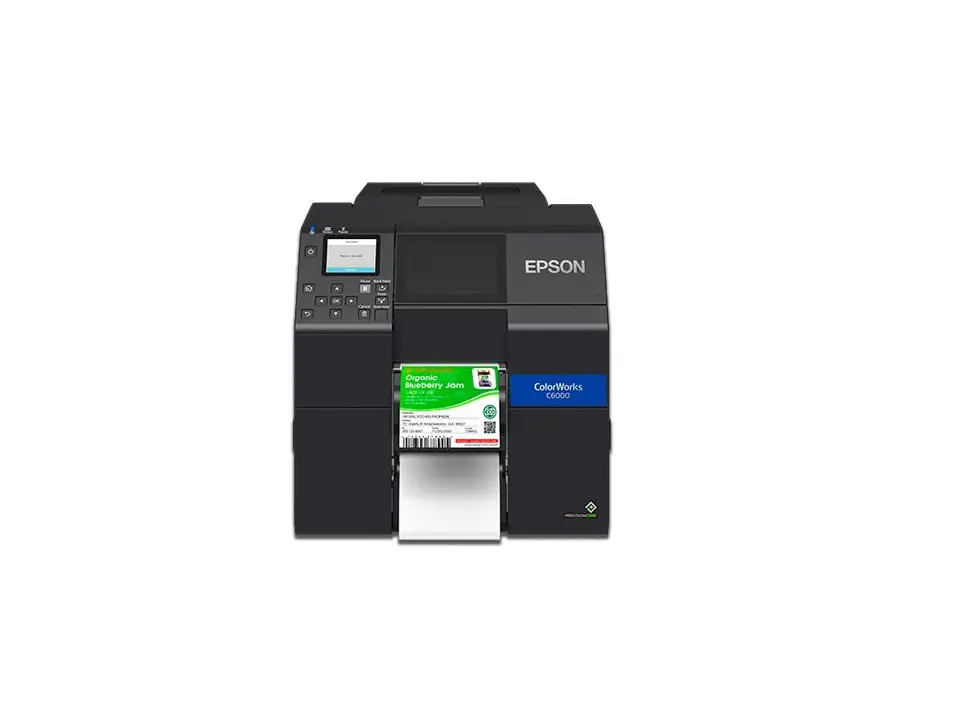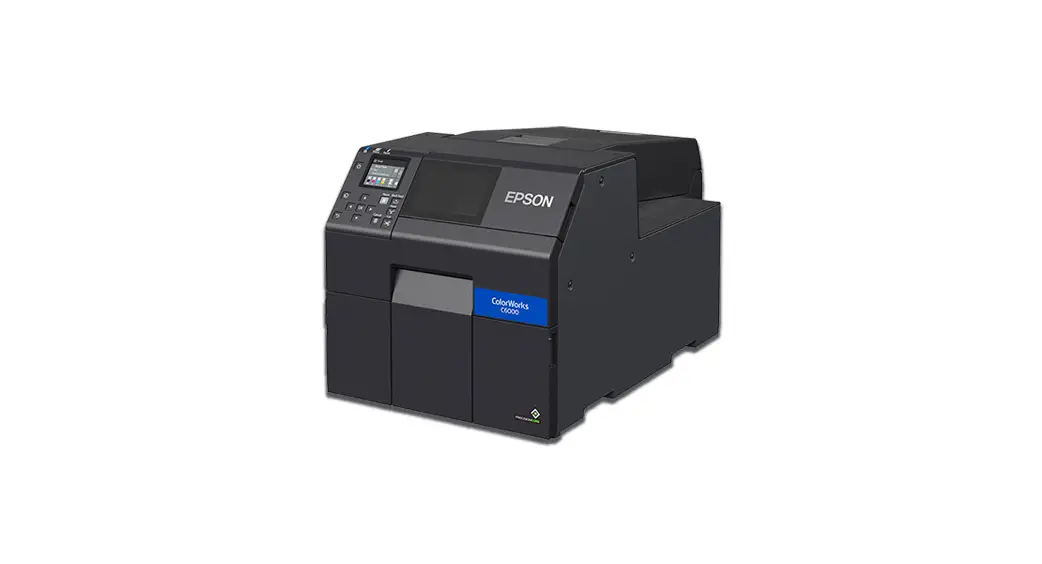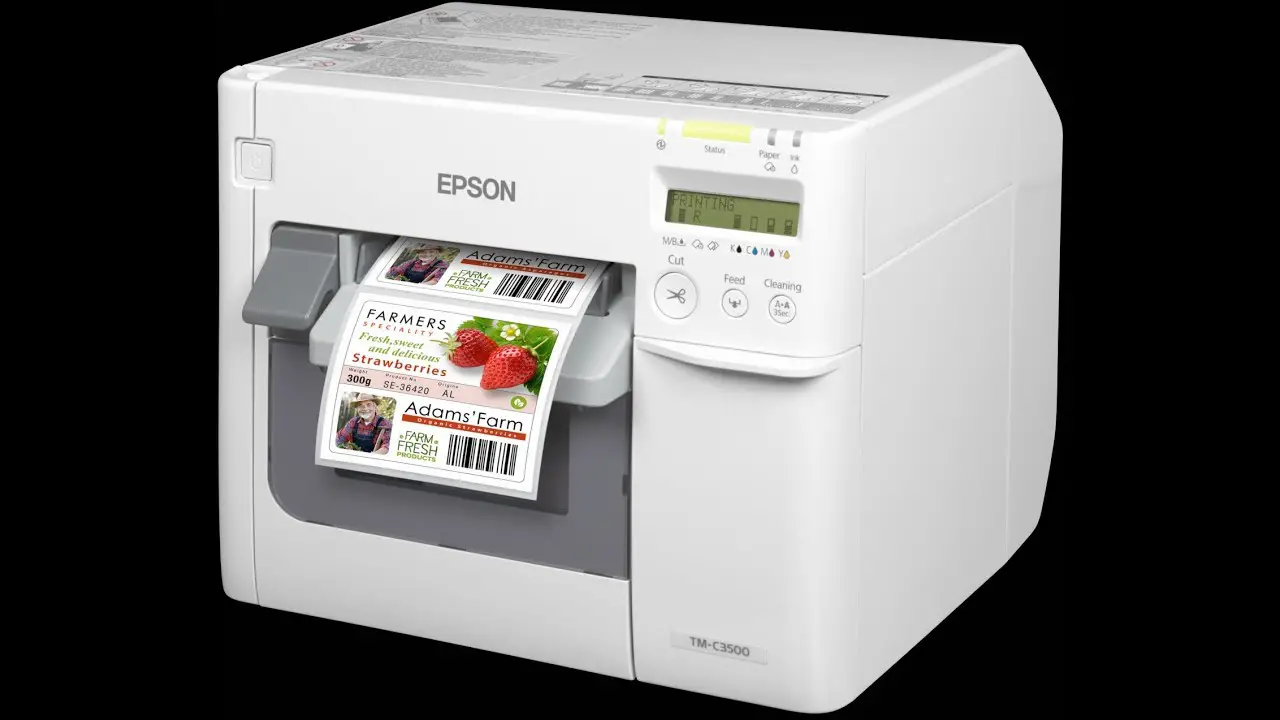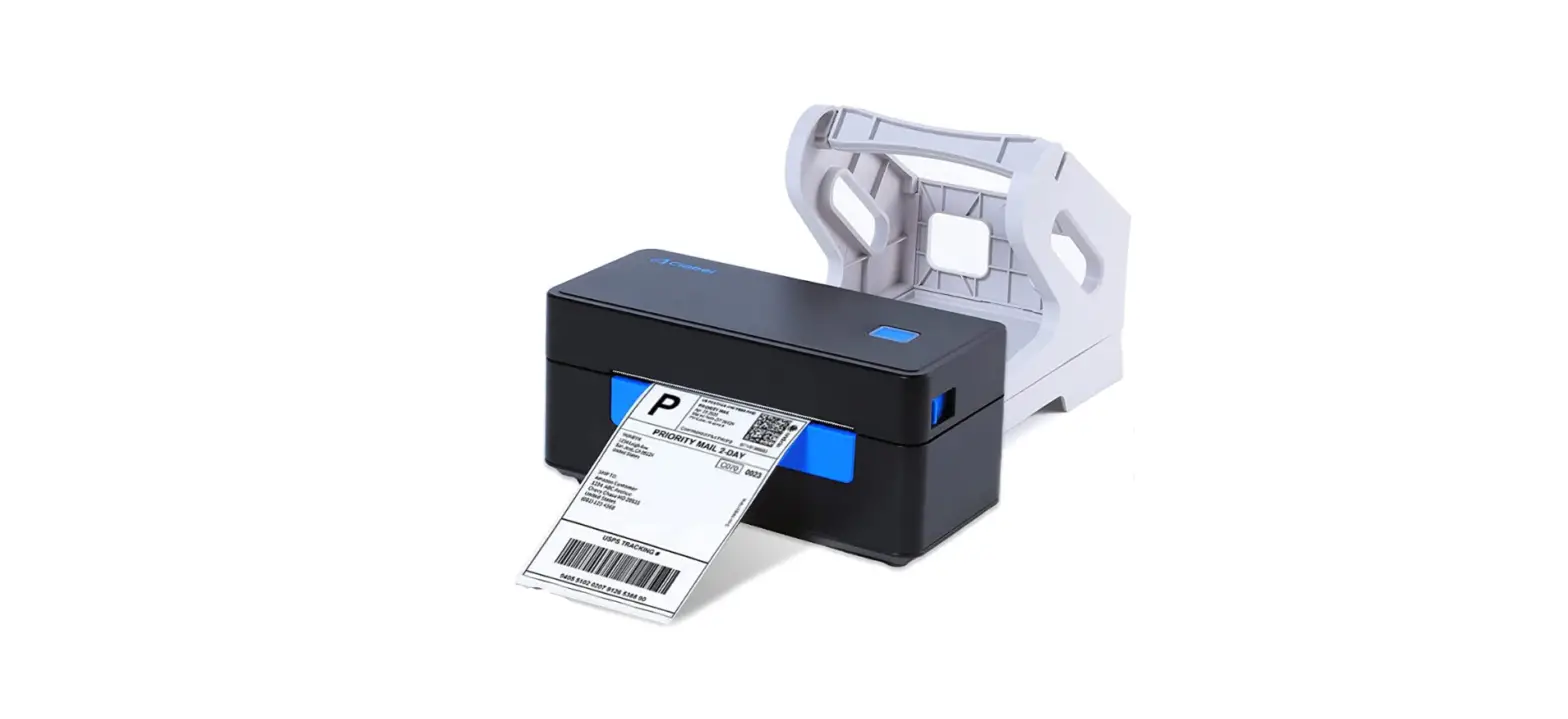

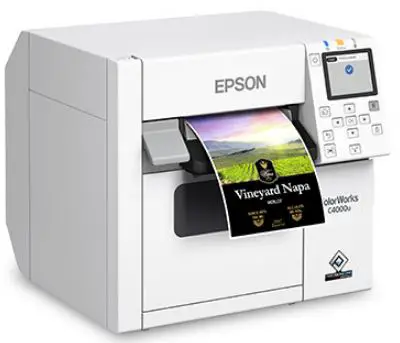
EPSON OT-CU40 Color Inkjet Label Printer

OVERVIEW
CAUTION
- Do not subject the auto-cutter unit to impact by dropping or bumping it. Doing so may cause the unit to stop operating normally.
- Do not touch the movable blade of the auto-cutter. Doing so may result in injury.
- Store the cutter in a place out of reach of children.
How to Replace the Unit
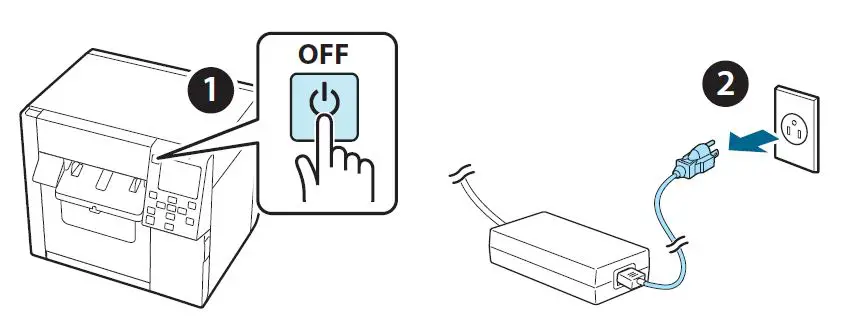
- Turn off the printer and unplug the power cable from the power outlet.

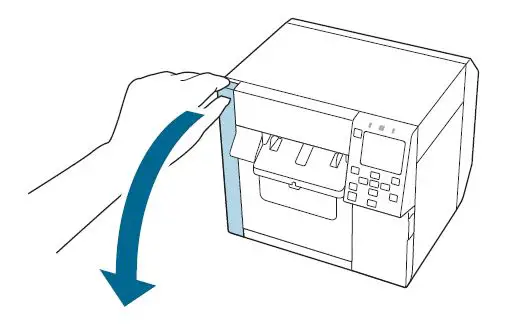
- Open the maintenance box cover.

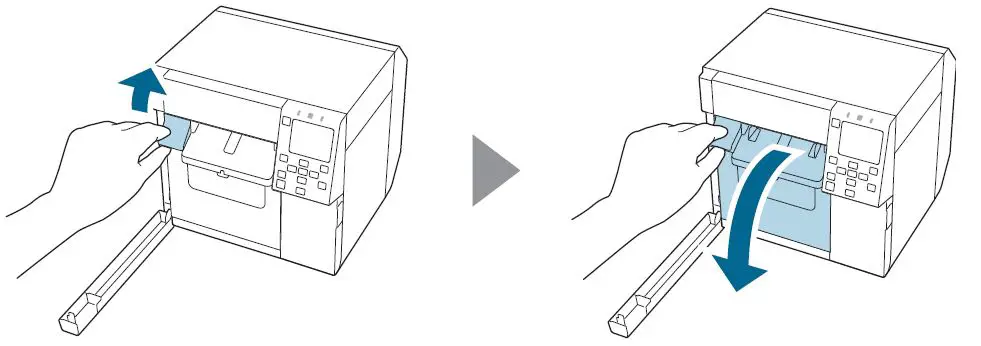
- Open the front cover.

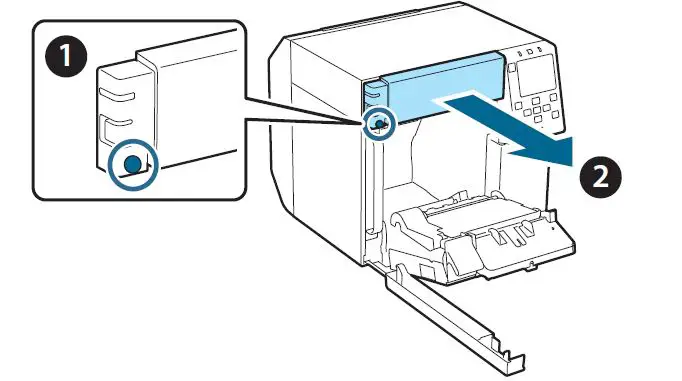
- Loosen one screw with a Phillips screwdriver and then remove the auto-cutter cover set.

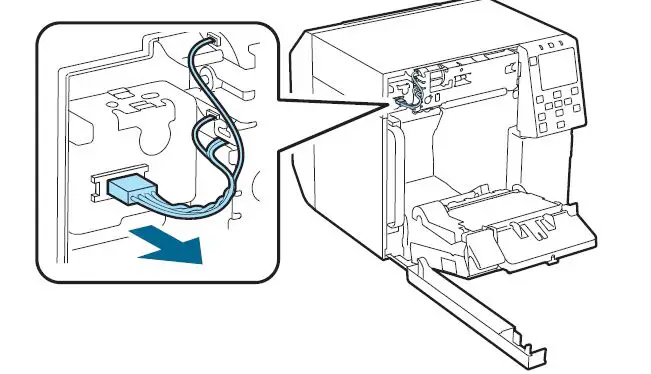
- Disconnect the connector of the auto-cutter unit from the printer.

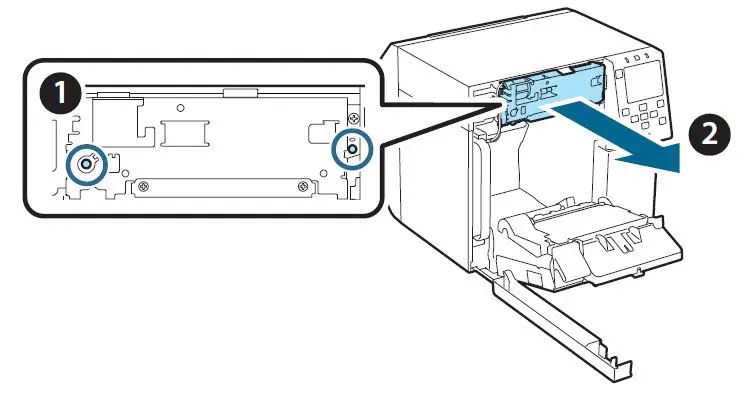
- Loosen two screws with a Phillips screwdriver and then remove the auto-cutter unit.

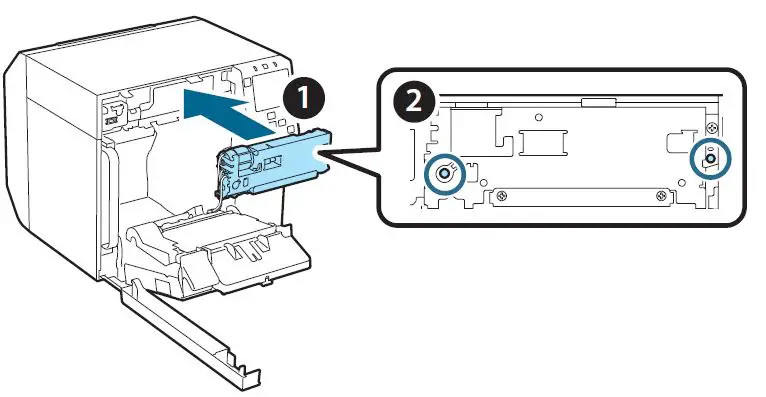
- Install the replacement auto-cutter unit and secure it with two screws.

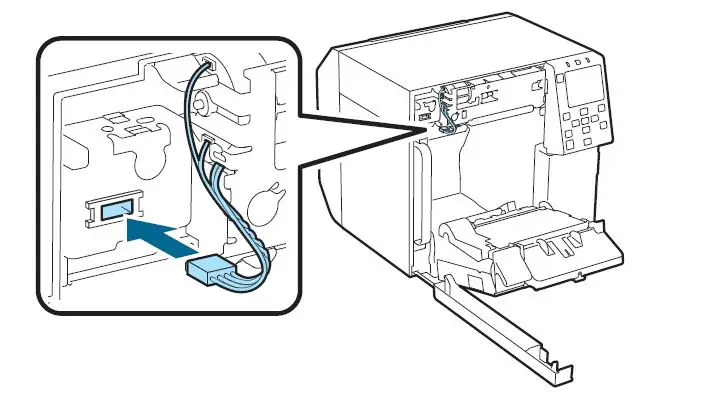
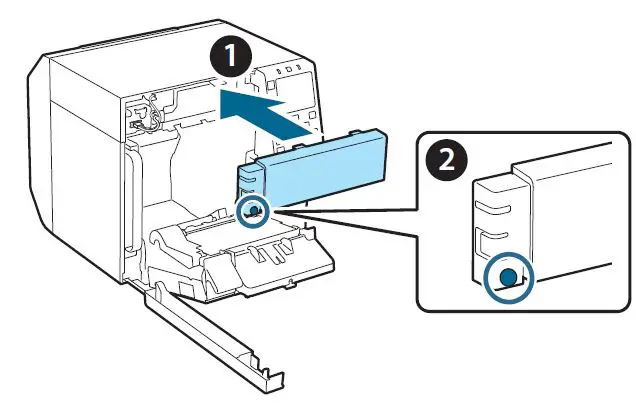
- Connect the connector of the auto-cutter unit to the printer.

- Attach the auto-cutter cover set and then secure it with one screw.

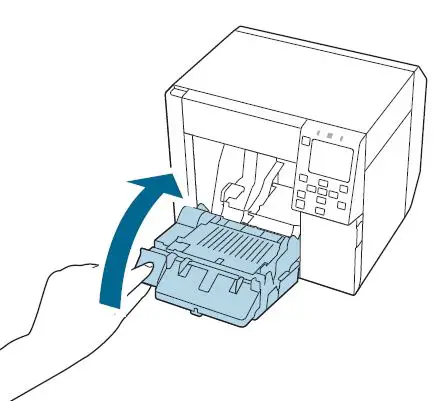
- Close the front cover.

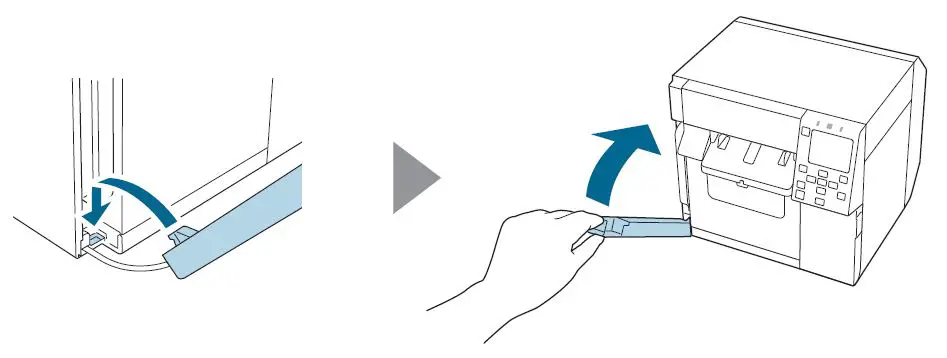
- Close the maintenance box cover.

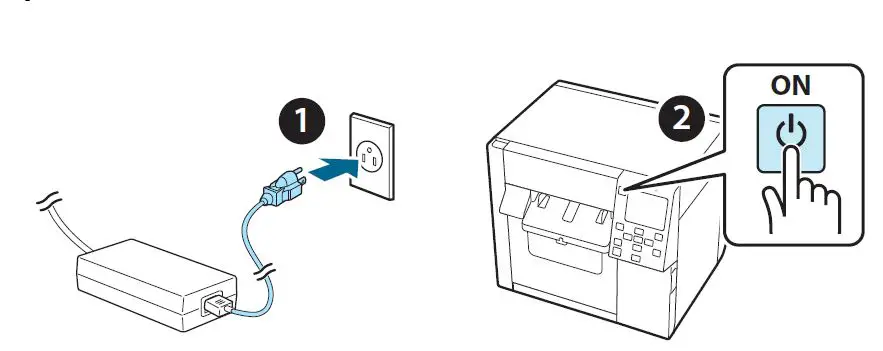
- Plug the power cable into a power outlet and then turn on the printer.

- Select the following menu on the operation panel to reset the counter of the auto-cutter. [Menu] – [Printer Status/Print] – [Auto Cut Counter] – [After Replacement]