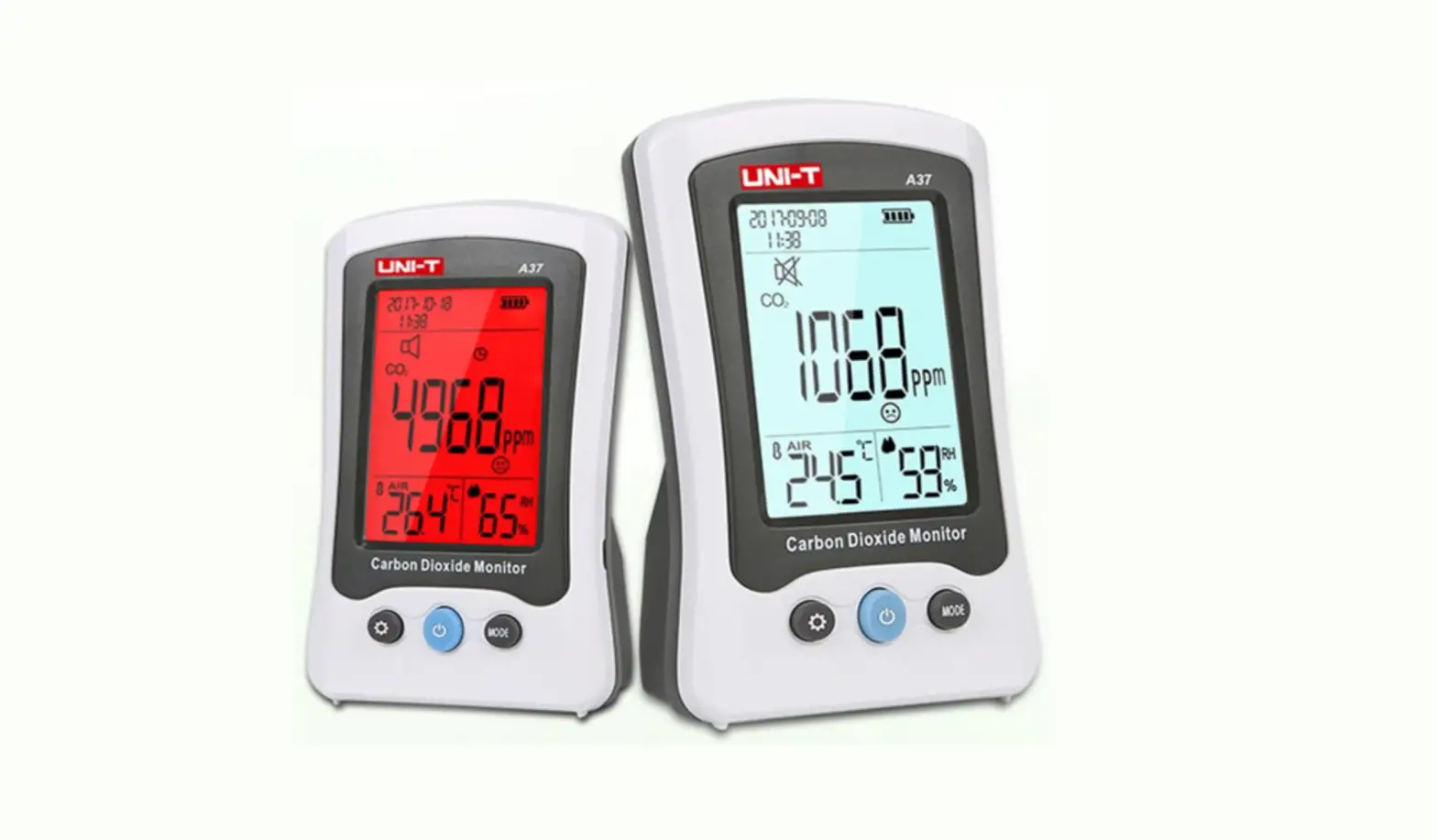

UNI-T A37 Carbon Dioxide Meter Monitor
 Introduction
 Introduction
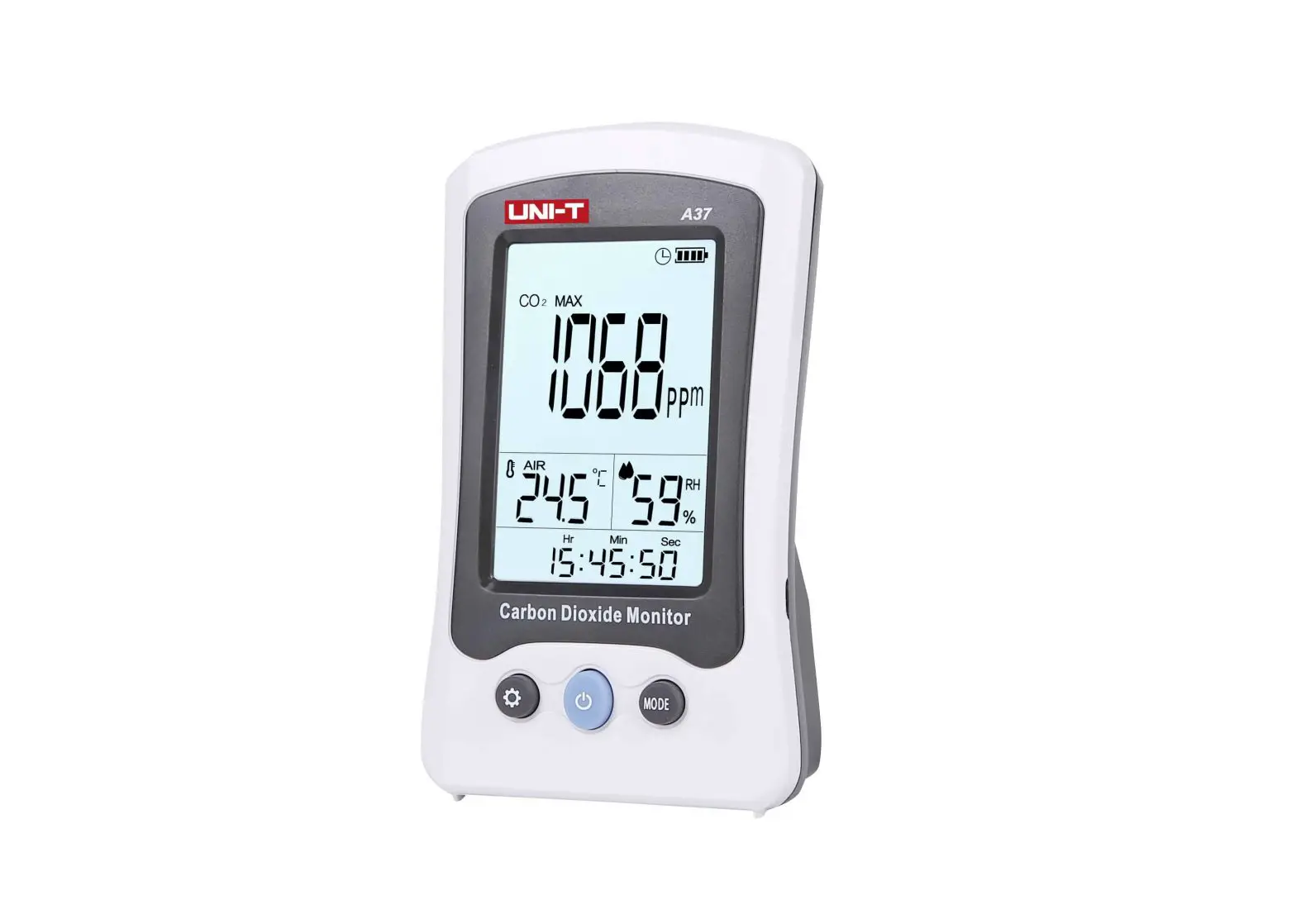
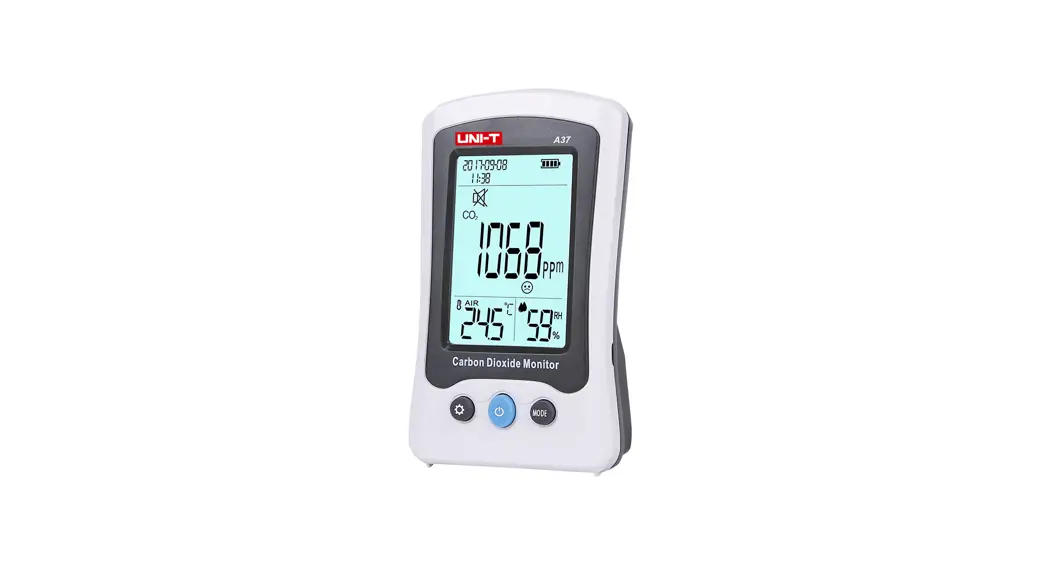
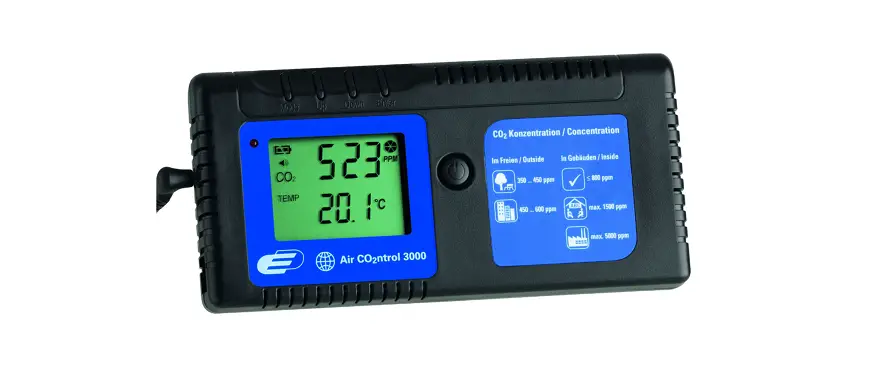
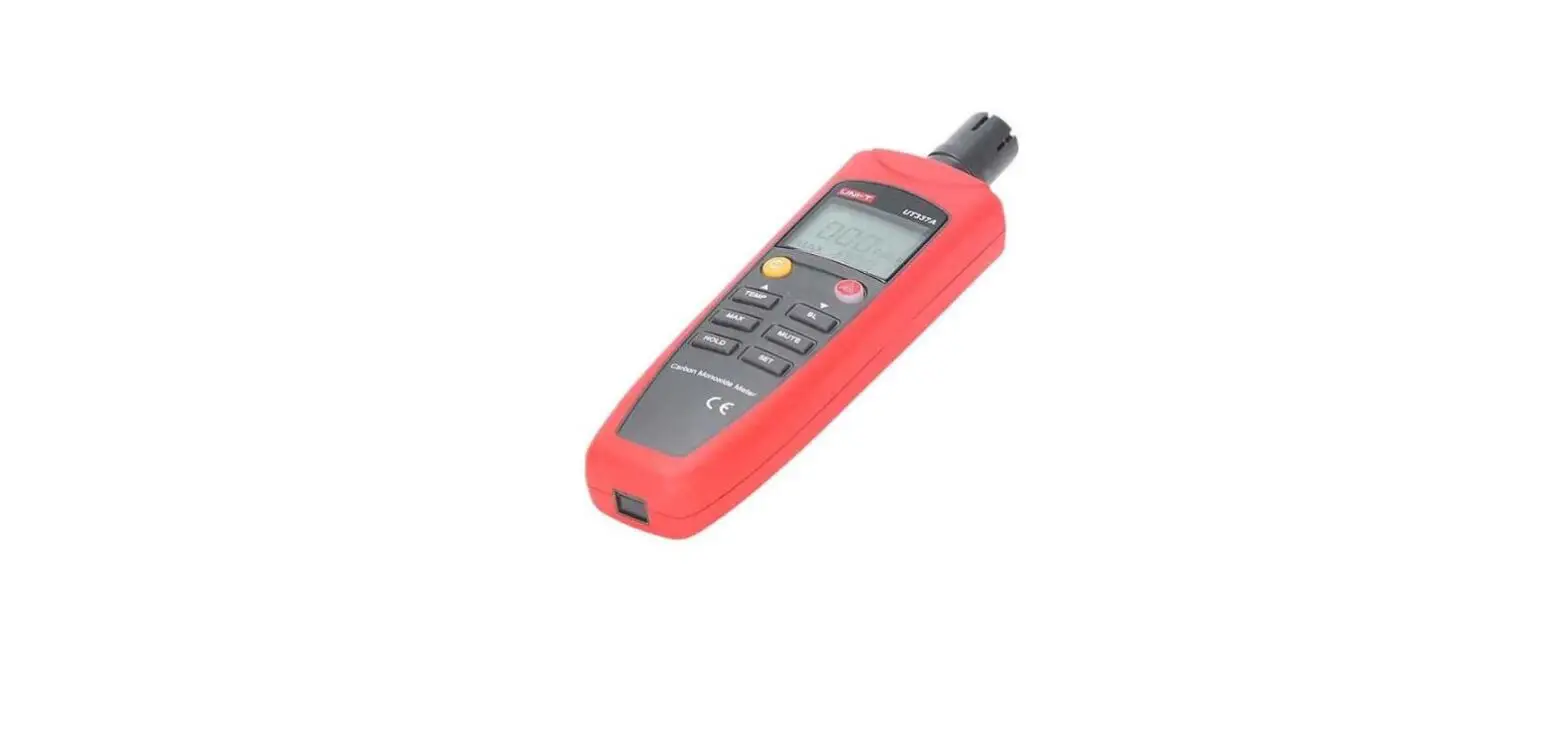
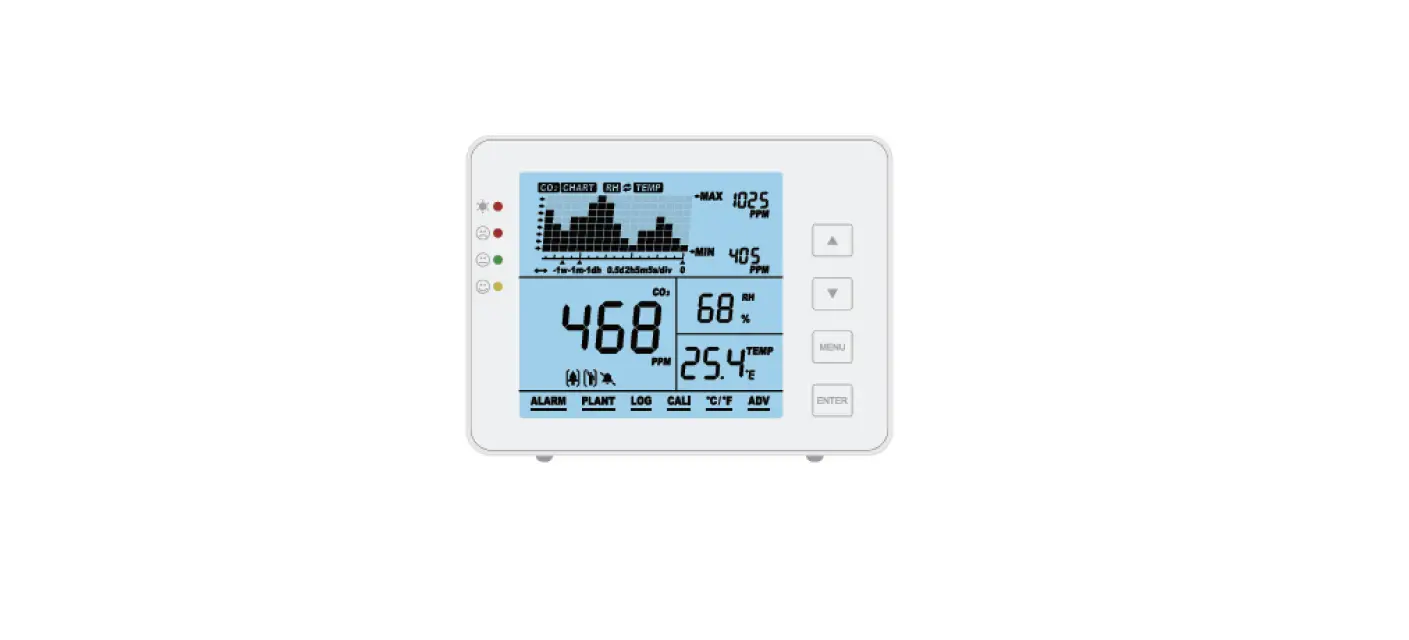
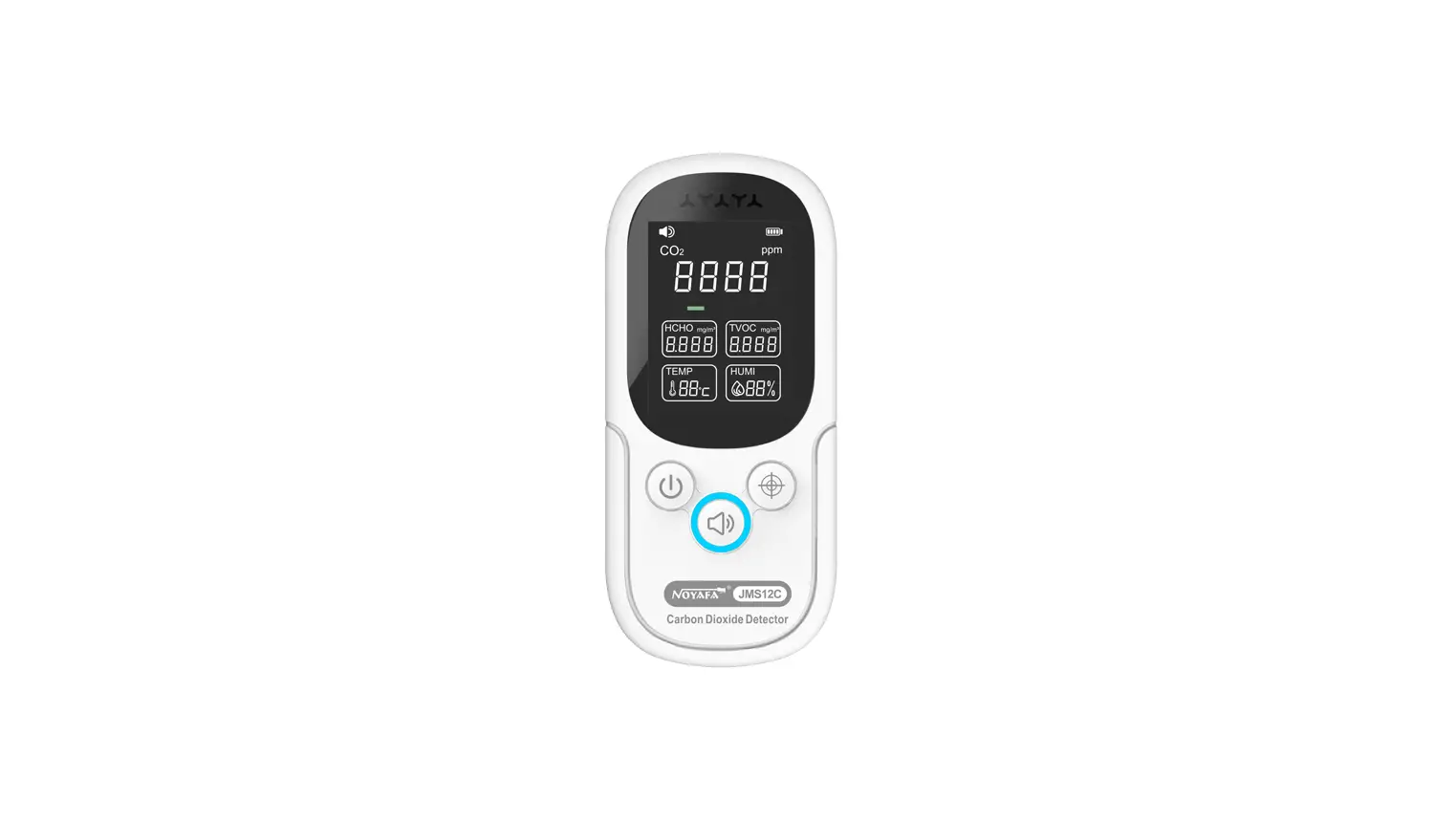
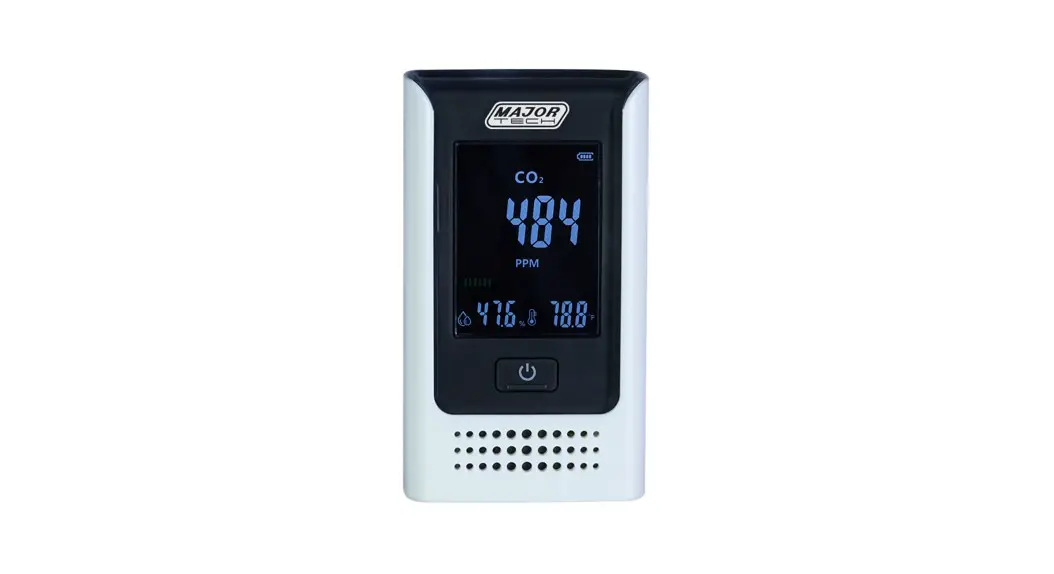
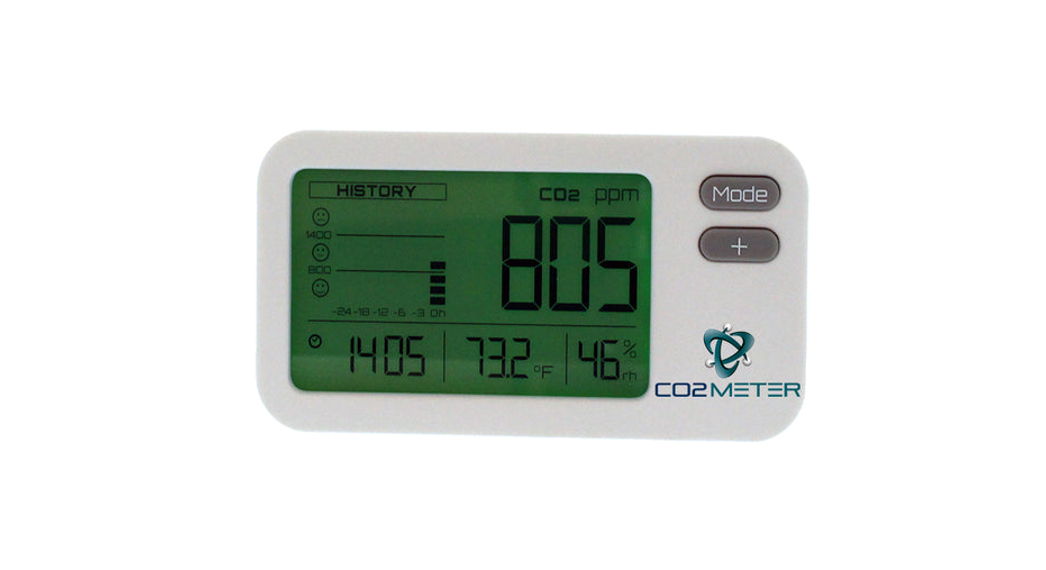
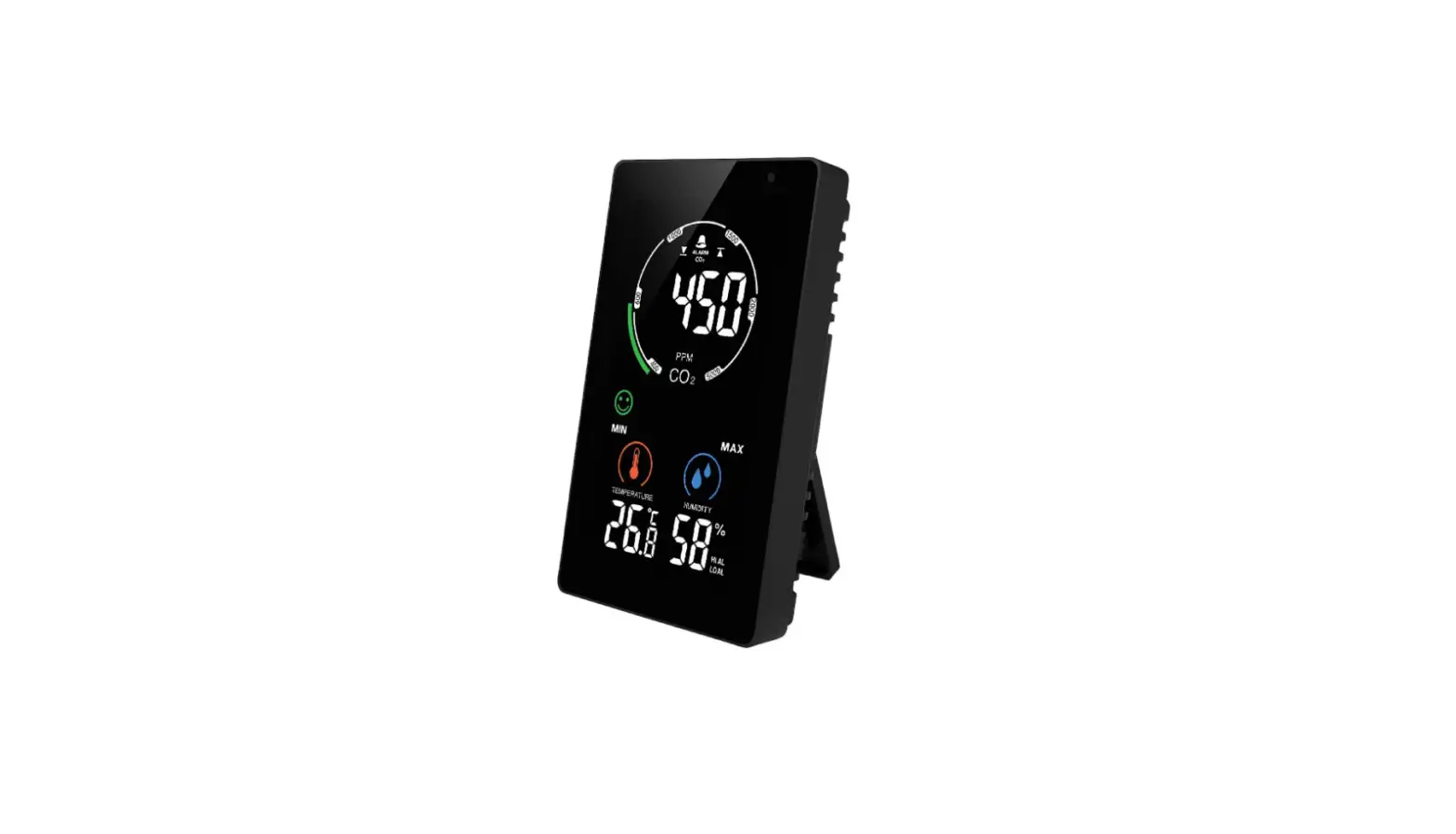
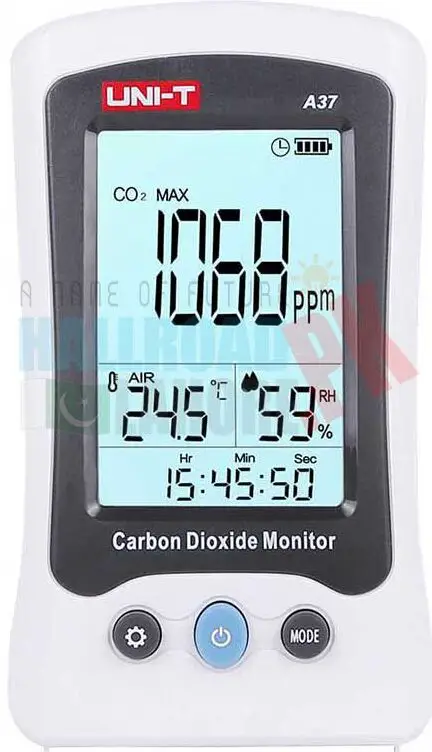
CO2 is a naturally occurring gas that emitted at great levels by human activity and it is one of several greenhouse gases in our atmosphere. CO2 only accounts for 0.03% of the fresh air. If you breathe high concentration CO2, you may be at risk of carbon dioxide intoxication. Symptoms of carbon dioxide toxicity include headache, irregular heartbeat, nausea, unconsciousness, or even death. A37 is a CO2 Monitor that measures CO2 concentration, temperature and humidity. This monitor is widely used in homes, shopping malls, offices, vehicles, stations etc. Please read carefully and follow all warnings and precautions before using the device.
Open box inspection
Open the box and take out the device. Please check whether the following items are deficient or damaged and contact your supplier immediately if they are.
- A37 CO2 monitor—-1
- Protective case ———————– 1
- User manual——- 1 USB cable ——- 1
Safety information
- Check the device and its accessories for any damage or anomaly before use. Do not use the device if the cover is damaged, or has any other malfunctions.
- Please follow the operation instructions.
- Please do not open the device case and modify the internal circuit.
- Do not store or use this device in high temperature, high humidity, flammable, explosive and strong electromagnetic environments.
- Charge the monitor when = symbol is displayed.
- Regularly use soft cloth and mild detergent to clean the case. Do not use abradant or solvent.
- A37 complies with CE standards.
- This monitor has ABC (Automatic Baseline Correction) function. Do not use this monitor in closed environment where CO2 concentration remains relatively high.
- Use specified adapter to charge the device. The adapter should comply with UL/FCC safety standards.
Structure
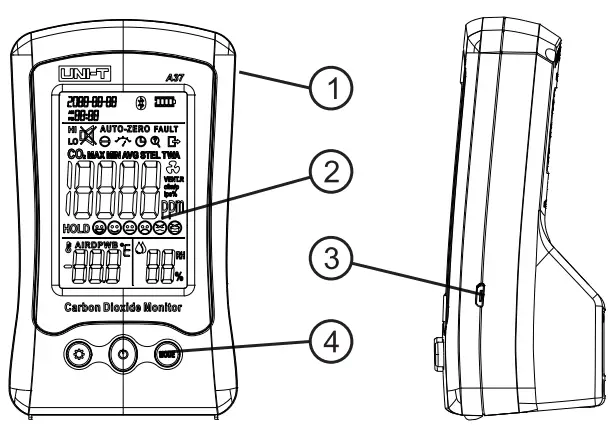
- Case
- LCD screen
- USB port
- Functional buttons
Symbols


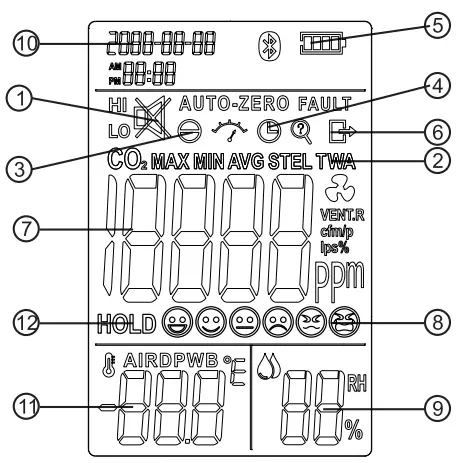
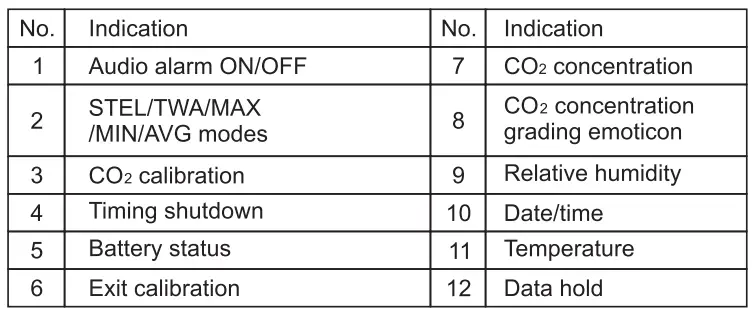
Operation instructions
Functional buttons
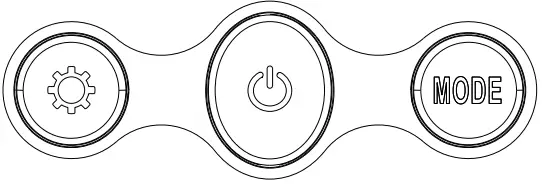
The following table shows the buttons functions in different modes.
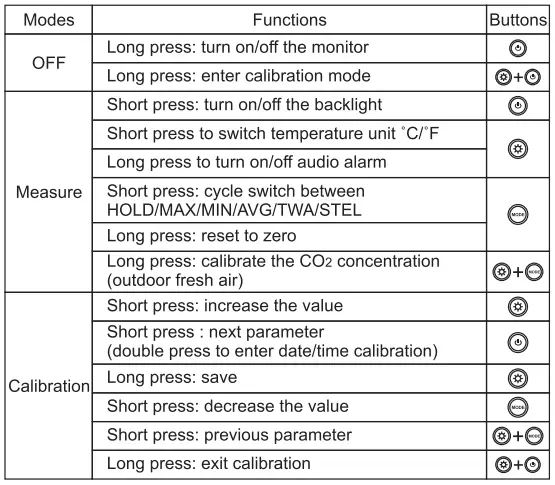
Operations
CO2 measurement
- Long press
 to turn on the monitor. It takes 120s to stabilize CO2 concentration. CO2 concentration, ambient temperature, relative humidity will be displayed on the screen. CO2 concentration value is refreshed every 3 seconds.
Note: if CO2>1 000ppm, buzzer goes off with red backlight flashing. The audio alarm’s default setting is OFF, long press to turn on the audio alarm.
 to turn on the monitor. It takes 120s to stabilize CO2 concentration. CO2 concentration, ambient temperature, relative humidity will be displayed on the screen. CO2 concentration value is refreshed every 3 seconds.
 to turn on the audio alarm.
Concentration grading emoticons
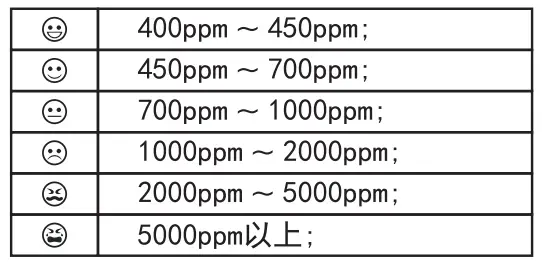
Data
Short press MODE to cycle switch between HOLD/MAX/MIN/AVG /TWA/STEL values.
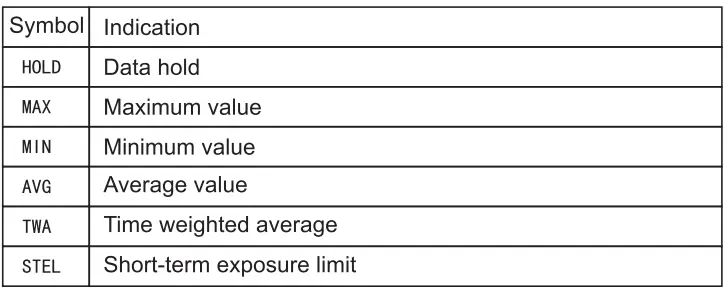
- TWA: The average exposure within the workplace to any hazardous contaminant or agent using the baseline of an 8 hour day or 40 hours week work schedule.
STEL: The acceptable exposure limit to a toxic or irritant substance over a short period of time (time-weighted average}, usually 15 minutes. - Auto shutdown
The monitor will automatically shut down if there is no operation for 2 hours. - Backlight
Please refer to Operation Instructions-Functional Buttons - Audio alarm
Please refer to Operation Instructions-Functional Buttons - Temperature unit
Please refer to Operation Instructions-Functional Buttons - Battery
Charge the battery when c::1 is displayed on the screen. It takes 2~3 hours to fully charge the battery. - 3.Calibration Date/time
Please refer to Operation Instructions-Functional Buttons to calibrate date/time. - CO2
Note: CO2 function has been calibrated before delivery. If the value is greatly deviated from the standard, you can calibrate it by either methods below:
Automatic calibration
A37 has the built-in self-correcting ABC (Automatic Baseline Correction} algorithm to automatically adjust the base value.
- Tum on the monitor and leave A37 at a place where there is flowing fresh air for 3 days (powered by the adaptor}
- ABC function will automatically adjust and correct the CO2 standard value. Warnings: ABC function is always on, do not use this monitor in closed environment where CO2 concentration remains relatively high.
Manual calibration
- Tum on the monitor, leave it outdoor for 20 minutes
- Long press
 until e appears on the screen. Calibration takes 10 minutes.
  symbol disappears when calibration is done.
Note: It is suggested to calibrate the monitor in outdoor environments where there is air flow. Keep device away from animals, plants and human.
 until e appears on the screen. Calibration takes 10 minutes.
  symbol disappears when calibration is done.
Specifications
Technical specifications
| Function | Range | Resolution | Accuracy |
| CO2 | 400-5000 ppm | 1ppm | ±(5% of rdg+50ppm) from 400-2000ppm *1 |
| Temperature | -10.o·c – 50.o·c | o.1·c | ±1·c · 2 |
| Humidity | 0-99%RH | 1%RH | (10%RH~ 90%RH) ±5%RH @25″C |
- Measure environment: 1 atm, ambient temperature and humidity
- It may be influenced by heat emitted by the adaptor
General specifications
| Specifications | Descriptions |
| Sensor | NDIR principle |
| ABC | Automatic baseline correction |
| Audio alarm | Buzzer |
| Visual alarm | Red backlight |
| Display | LCD screen |
| Low battery indication | v |
| Auto power off | v |
| Backlight | v |
| Operating environment | 0″C- 50″C, 0%RH-85%RH |
| Storage environment | -2o·c – 50·c , 0%RH-95%RH |
| Power supply | Built-in 3.7V DC rechargeable battery |
| Weight | 195g |
| Dimension | 75mm x 55mm x 130mm |
IX. CO2 concentration and effects (only for reference)
| Concentration | Effect |
| 350-450ppm | Fresh air |
| 350-1000ppm | Normal |
| 1000-2000ppm | Turbid air, sleepy |
| 2000-5000ppm | Headache, irregular heartbeat, nausea |
| >5000ppm | Unconsciousness or even death |
Maintenance
- The maintenance and service of the device must be implemented by qualified professionals or the designated departments.
- Regularly use dry cloth to clean the cover. Do not use the detergent containing solvent composition
- To conserve battery, please turn off the device if do not being used for a long time.
UNl–T: UNI-TREND TECHNDLDGV (CHINA) CD.1 LTD.
No6, Gong Ye Bei 1st Road, Songshan Lake National High-Tech Industrial Development Zone, Dongguan City, Guangdong Province, China
Tel: (86-769) 8572 3888
http://www.uni-trend.com