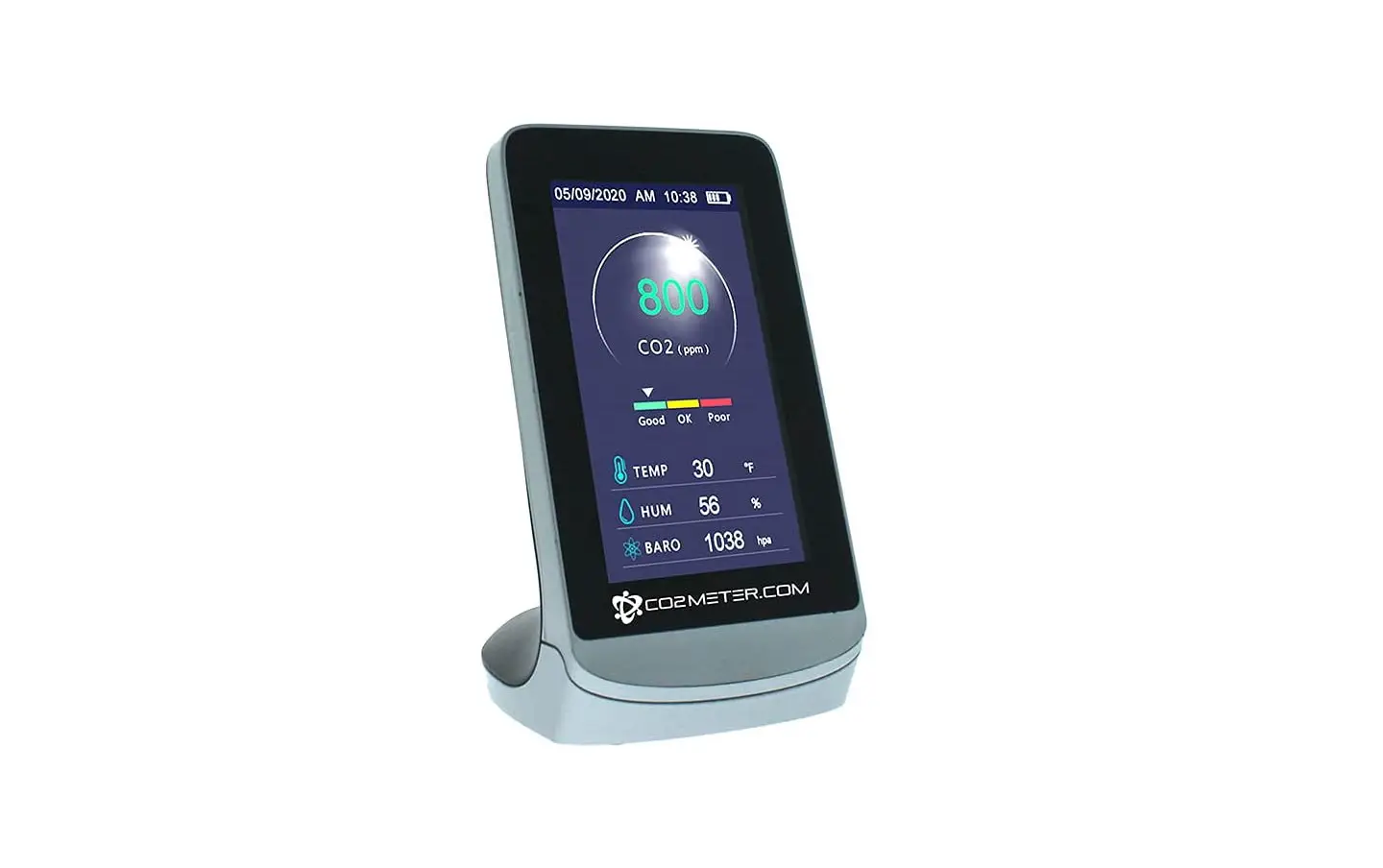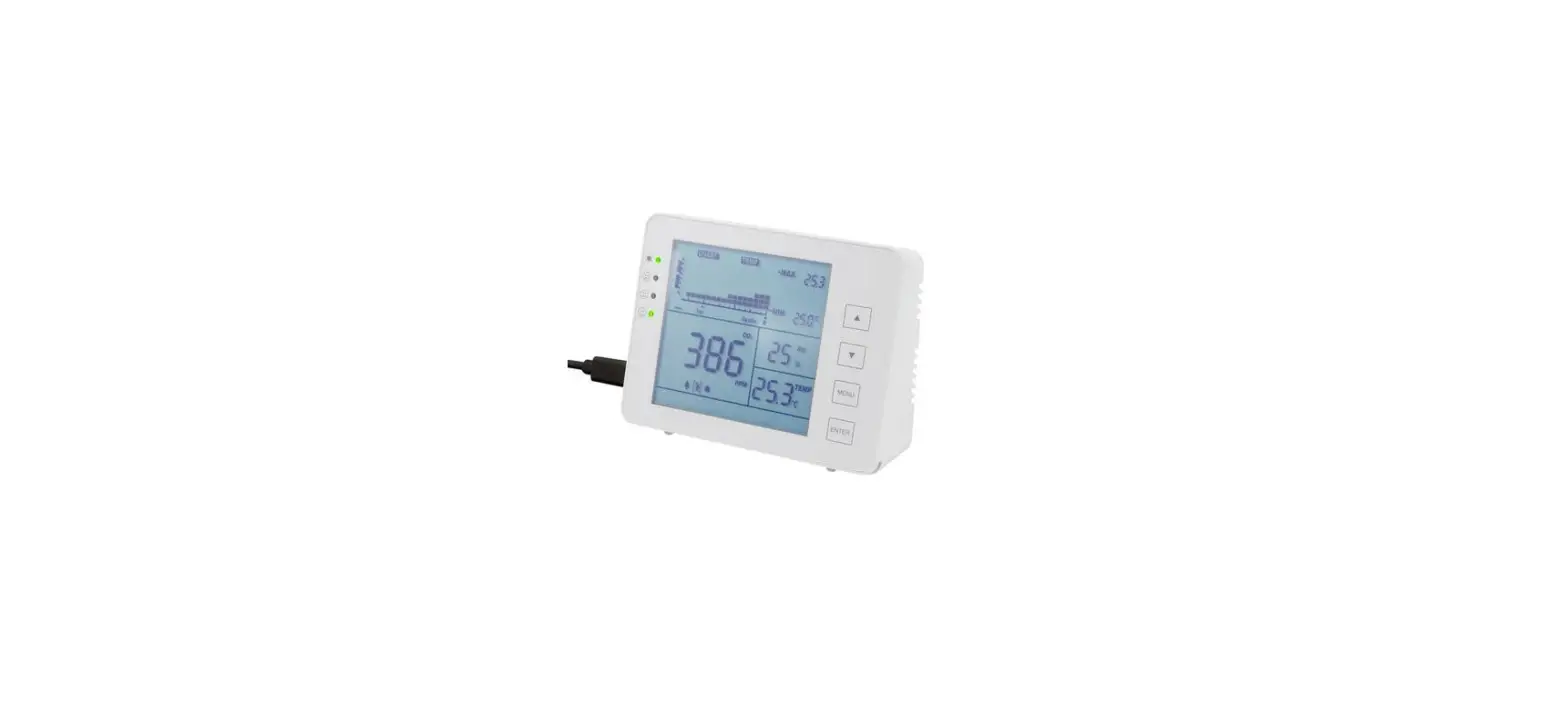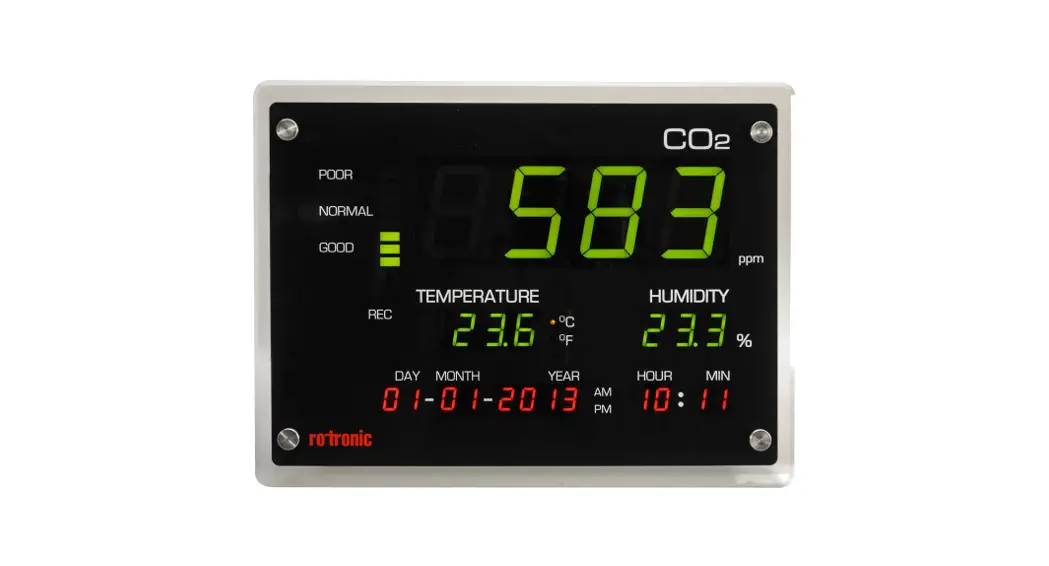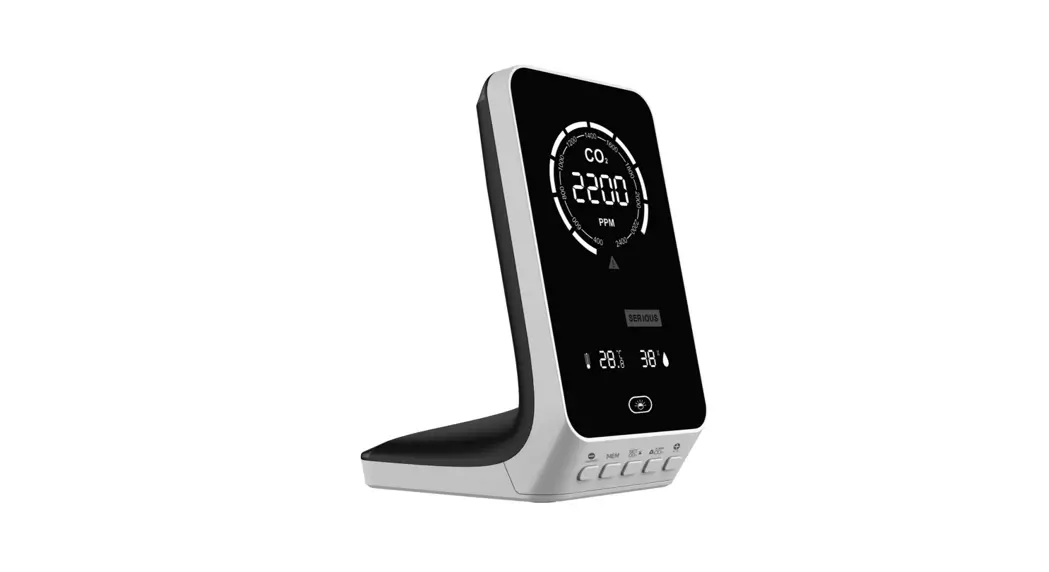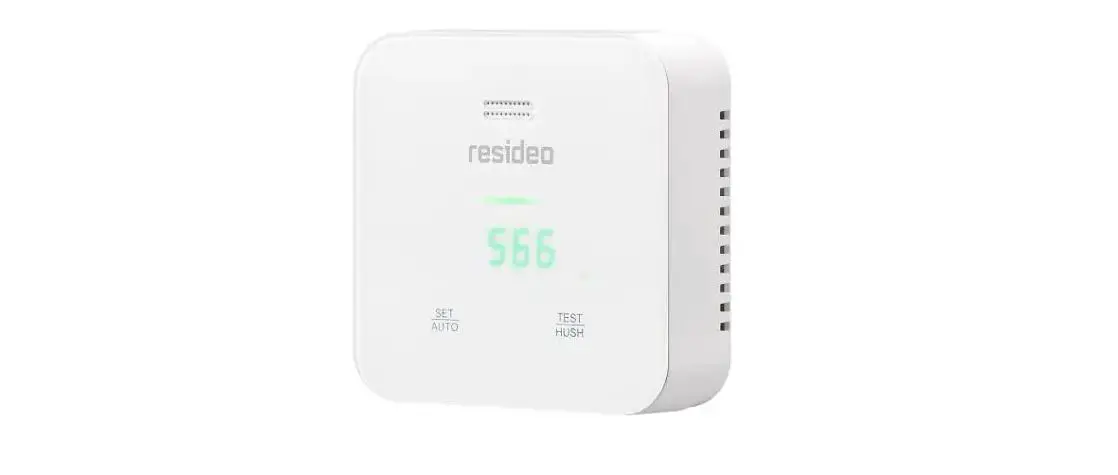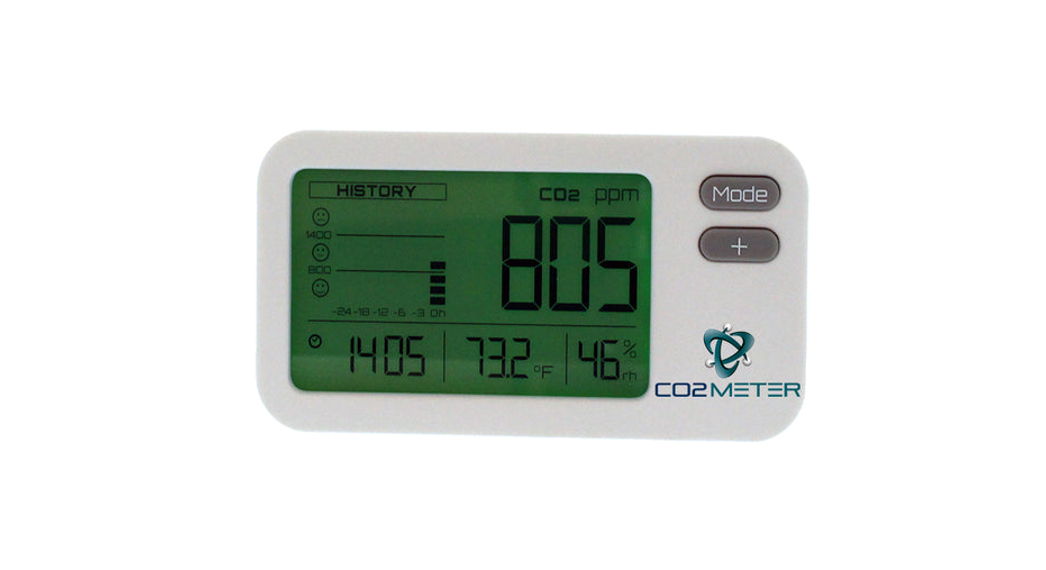
 RAD-0302 IAQ Mini CO2 Monitor
Instruction Manual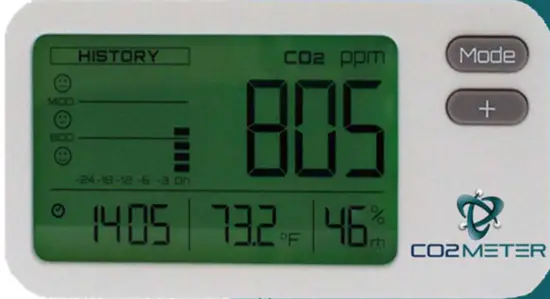
Product Overview
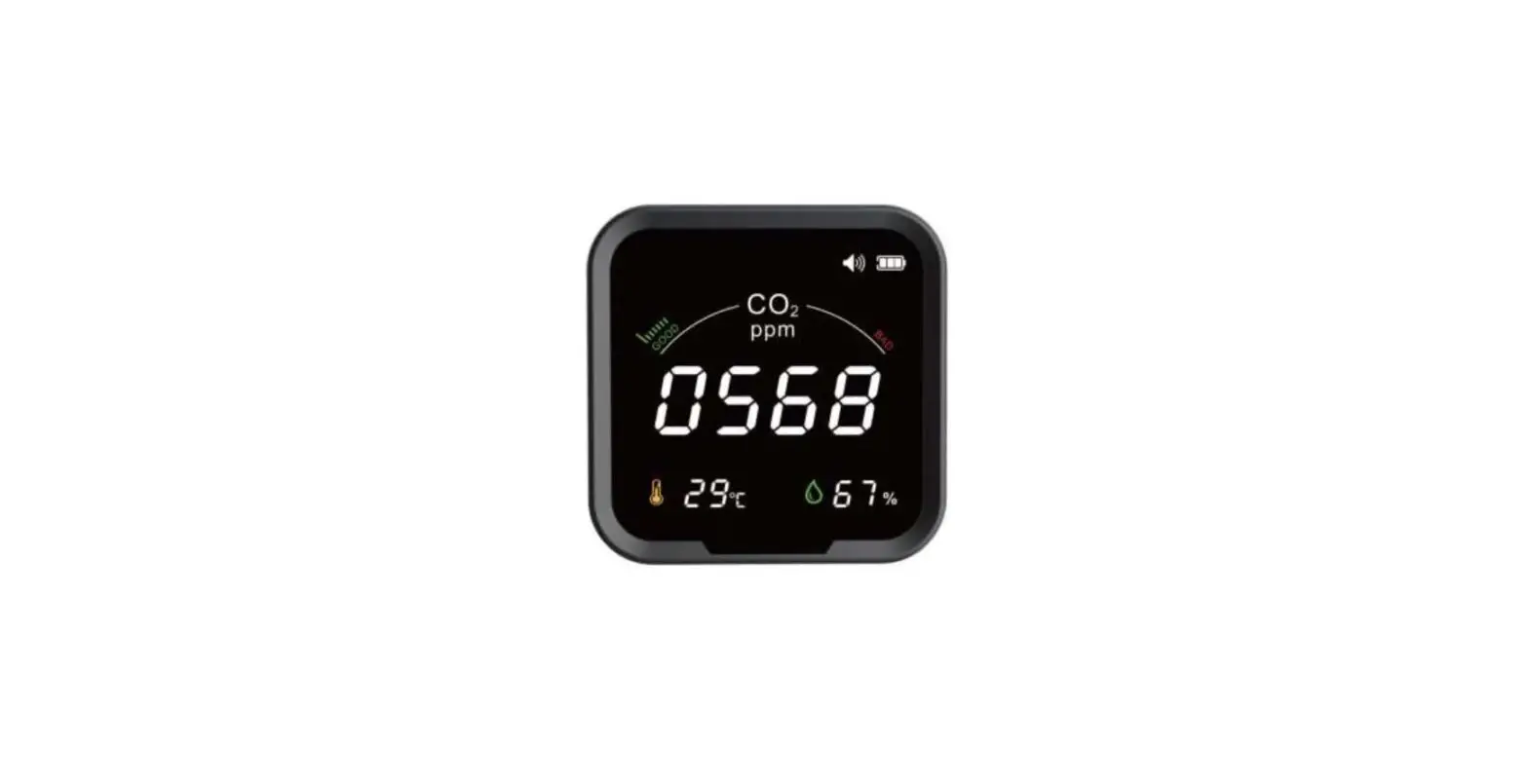
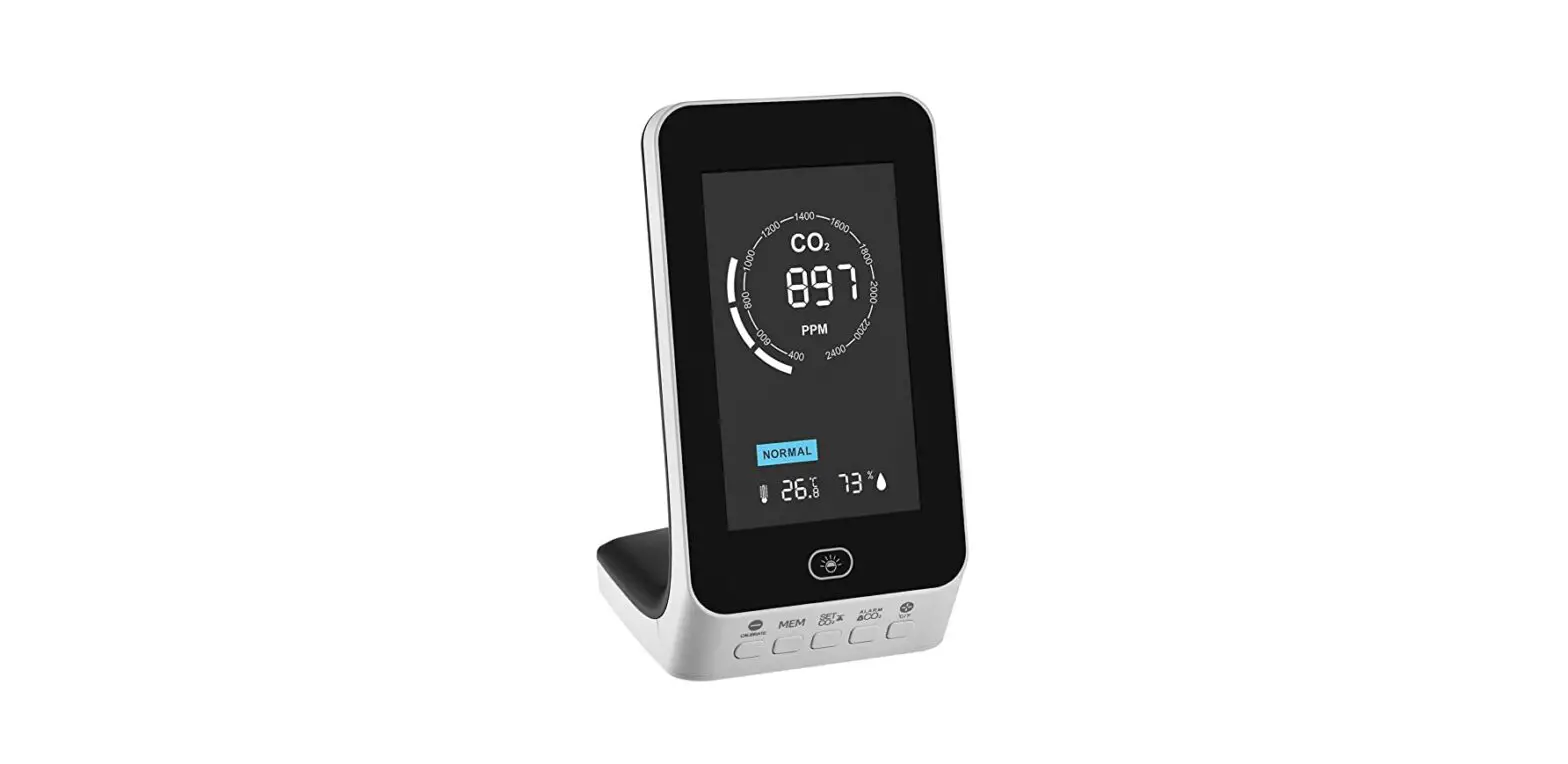
Thank you for selecting the RAD-0302 IAQ Mini CO2 Monitor. This is a low-cost, compact, and easy-to-use indoor air quality monitor with the ability to measure Carbon Dioxide (CO2), Temperature, and Relative Humidity concentrations in indoor air environments. This can be used to monitor indoor air quality in the home, in the bedroom, offices, classrooms, fitness areas, or anywhere where personal comfort and overall well-being are vital.
Features
- Dual Beam NDIR technology is used to measure, monitor, and track CO2 concentrations to improve long-term stability.
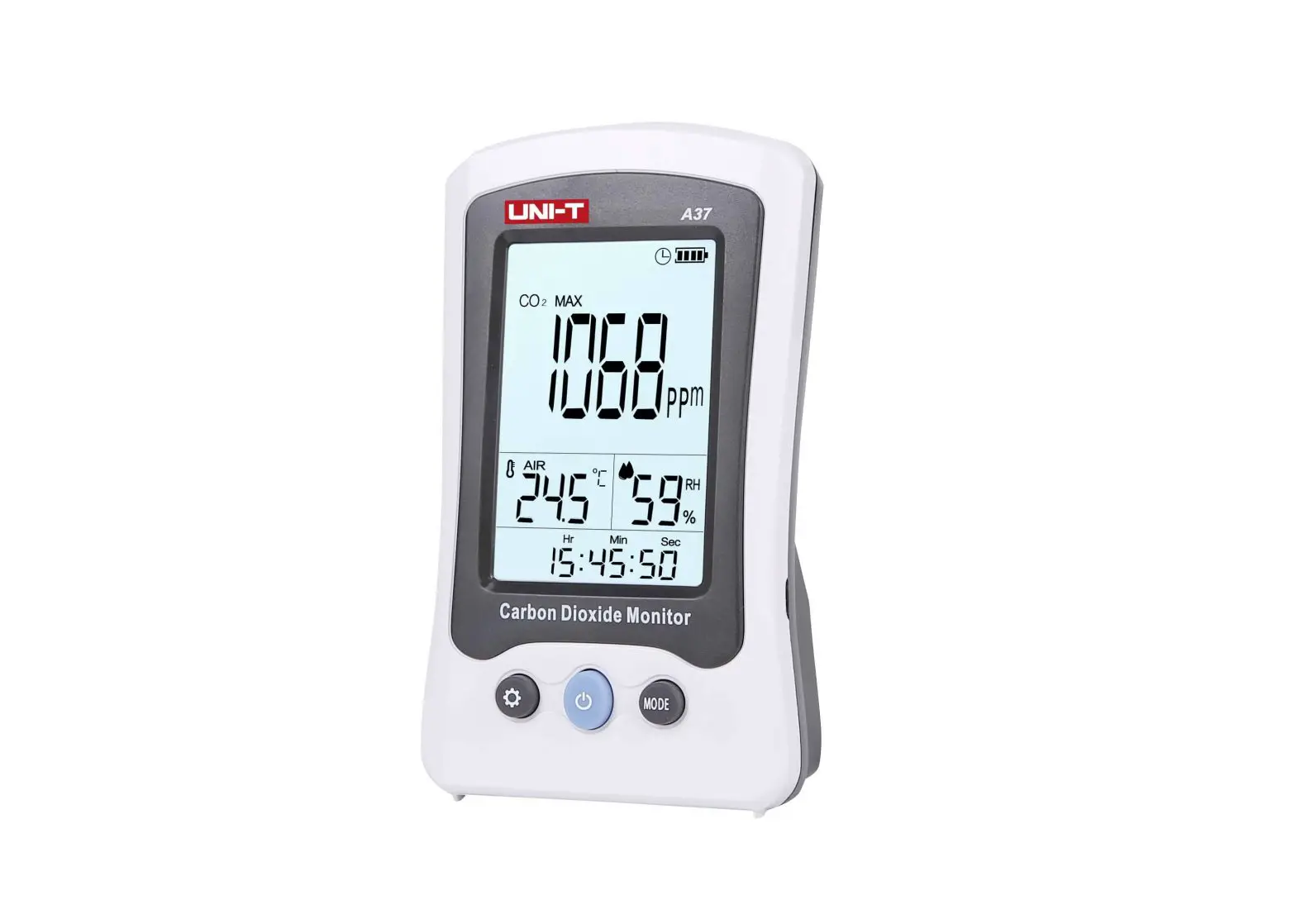
- The Large LCD clearly displays the CO2 concentration, temperature, relative humidity, and real-time clock.
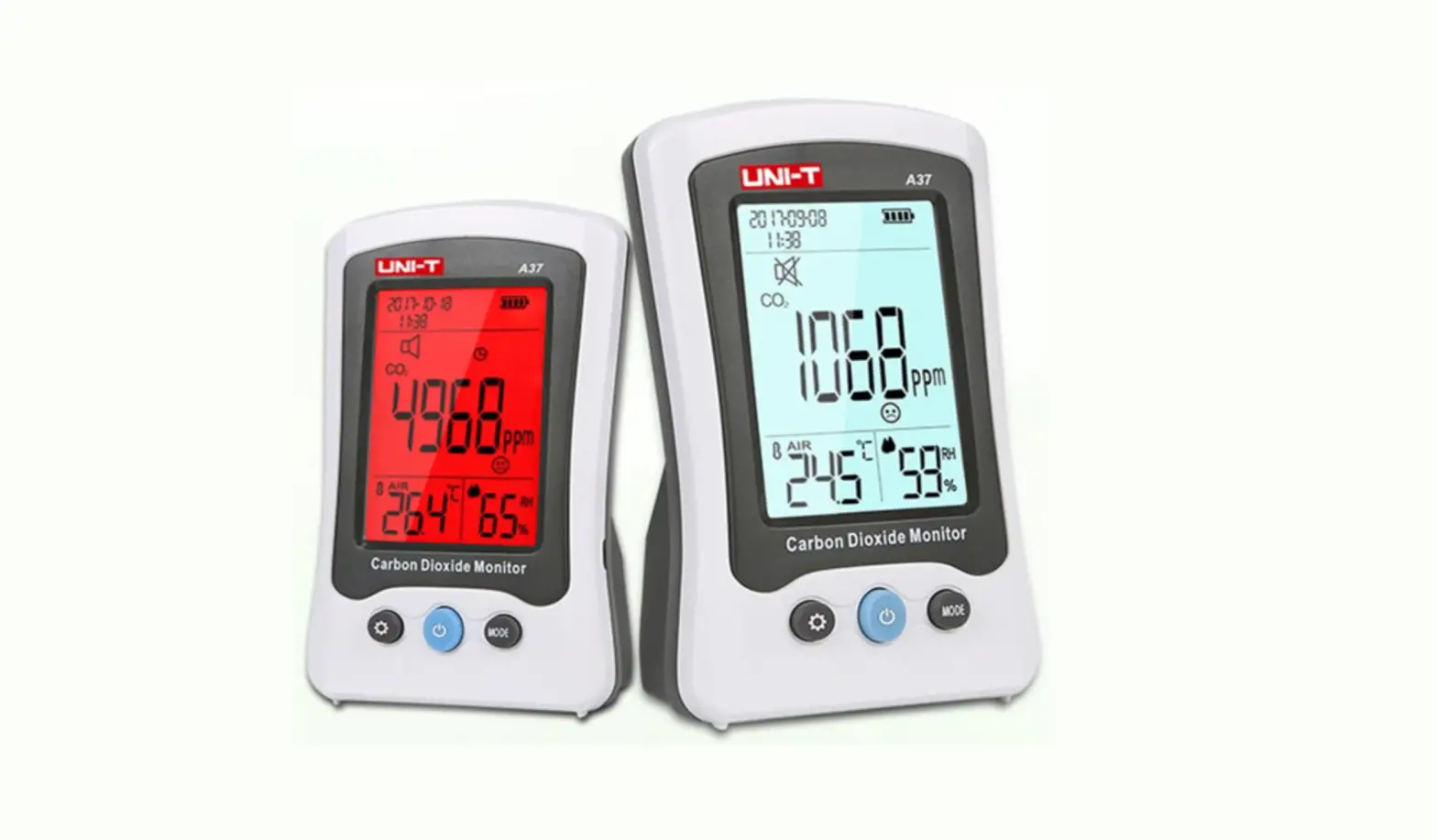
- 3-color backlight (green/yellow/red) gradually changes color with CO2 concentration.
- “HISTORY” with 3 emotions indicates the status of CO2 records up to 24 hours.
- “ECO” saving power function darkens the LCD backlight during the period from 10:00 pm to 6:00 am.
- 7-color backlight for options: white → turquoise → blue → purple → red → yellow → green.
Warning:
- This CO2 monitor is not suitable for safety applications. The RAD-0102-6 or similar devices are required for CO2 safety.
- Remove from power when storing for long periods of time.
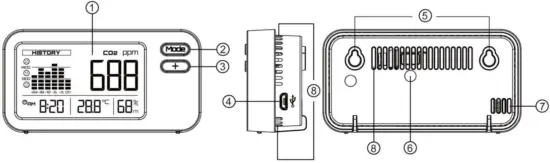
- LCD Display
- Mode Key
- Select Key 4. Power Inlet (Micro USB Socket)
- Screw Position 8. Ventilation Slots
- Calibration Gas Entry
- Humidity Sensor
Key description:
| Mood | Select backlight display mode or press and hold setting modes. (+) to cycle. |
| + | Adjust the parameters. |
LCD Display Symbol Description
Symbol | Meaning | Description |
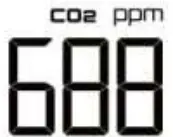 | CO2 concentration, parts per million (ppm) | ambient CO2 concentration |
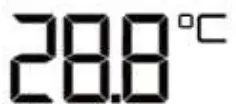 | Ambient temperature | Ambient temperature |
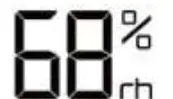 | Relative humidity | Relative humidity |
 | Real-time setting display | Real-time 24-hour clock (hour/minute) |
 | Three emoticons | The status of recorder CO2 concentration <800ppm 800ppm-1,400ppm >1400ppm <800ppm 800ppm-1,400ppm >1400ppm |
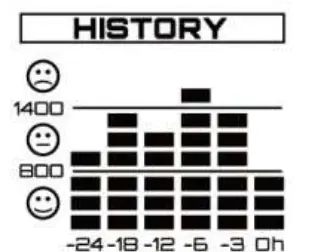 | HISTORY: 24-hour Historical Chart | Bar graph displays indicate the status of CO2 records up to 24 hour |
 | LCD backlight color | A total of 7 colors are optional. |
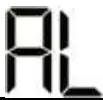 | CO2 concentration alarm | CO2 concentration alarm settings |
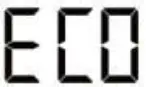 | Energy-saving | The LCD backlight will be dark during the specific period. |
 | Background calibration | Calibrate the sensor while the reading deviates from the actual gas concentration. |
 | Change calibration and ABC setting parameters. | |
 | Automatic background calibration |
Operation Instructions
- Power on and Measure:
Connect the USB cable to a PC or a USB to wall adapter to power on the device. After powered on, the bars on the LCD will decrease by degrees during warm-up. The device will start to measure CO2 concentration, ambient temperature, and relative humidity after warm-up. - Backlight Display mode:
“Auto” auto backlight is the default mode. Press Mode key (○2 ) to display the current back-light mode and then press Mode key (○2 ) to select setting modes in sequence: Auto → AL → on → OFF. After selecting the mode, it is the confirmation mode. You do not need to press any key to confirm it.
2.1 Auto: The backlight color varies with the CO2 concentration. <800ppm is green, good status; 950ppm~1,400ppm is yellow, okay status,
>1400ppm is red, poor status – requires ventilation.
2.2 AL: The alarm level is exceeded and the backlight is displayed in red. The default alarm level is 1,400ppm. Please follow the alarm level setting method to adjust the alarm level.
2.3 on The LCD backlight is always on. It is only an LCD backlight, without any prompt function. The backlight color depends on the color you select. (please see the setting of COL).
2.4 OFF: Turn off all backlight functions. - Setting:
Press and hold Mode key (○2 ) to enter the settings. And then press Mode key (○2 ) to select setting modes in sequence: COL (LCD backlight
color)
→ AL (alarm level setting) → Real-time → ECO (energy-saving mode). Press Select key (○3 ) to adjust the parameters.
3.1 COL: The default LCD backlight color is white. A total of 7 colors are optional. The color order is white → turquoise → blue → purple → red
yellow → green. (Figure 1)
3.2 AL: The default alarm setting is 1,400ppm. The alarm value can be adjusted from 400ppm to 3,000ppm (the interval is 100ppm). (Figure 2)
3.3 Real-time:
3.3.1 Set “12 Hour (AM/PM)/24 Hour” by pressing the Select key (○3 ).
3.3.2 The default real-time setting is 0:00(24 Hour Clock). The setting sequence is hour → and minute. After setting “hour”, press the Mode key (○2 ) to set “minute” (the interval is 1 hour / 1 minute) (Figure 3). Press Select key (○3 ) to adjust the parameters. Press and hold Select key (○3 ) to quickly set the parameters.
3.4 ECO: The default ECO setting is “OFF’. Press Select key (○3 ) to select “on’. After ECO mode is turned on, the LCD backlight will be
dark
during the period from 22:00 pm to 6:00 am for saving power. (Figure 4) Note: During the setting process, the device will return to the main screen after 20 sec of idle time.
 - °C/°F switch: Press and hold the Select key (+) to switch °C/°F.
- Calibration:
1. Plug in and power your device outside.
***Note: Do not breathe directly on your device during the calibration process.
***Note: Do not place the device in direct sunlight.
2. Allow your device to sit outside for 3 – 5 minutes to allow CO2 levels to adjust appropriately.
3. Press and hold the Mode key (MODE) and then press the Select key (+) together. When the CO2 calibration value flashes on the LCD, it means that the calibration mode has been entered. Press Select key (+) to adjust the CO2 calibration range 350ppm ~ 600 ppm, the interval is 10ppm. Set the calibration value to 400ppm.
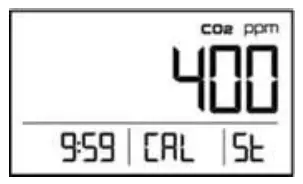
4. Press the Mode Key (MODE) to confirm the value, then the “CAL” icon will begin to blink on the LCD. 5. Press the Mode Key (MODE) to begin calibration. “CAL” will stop blinking. “St” will show up in the lower-left section of the display and the 10-minute countdown will begin.
  6. Once the calibration is complete, the display will show a “dn” in the place of the “St”. This will indicate that the calibration is complete.
***Note: The device will return to the main screen after 20 sec of idle time.
- HISTORY:
Bar graph displays indicate the status of CO2 records up to 24 hours (Figure 13) 6.1 “0h” bar graph displays the current CO2 concentration and it is updated every 10 seconds.
6.2 “-3~-24” bar graphs display the average CO2 concentration and it is updated every 10 minutes.
“-3” is the average CO2 concentration of the latest 3 hours.
“-6” In the past 6 hours, the average CO2 concentration of the first 3-hours.
“-12” In the past 12 hours, the average CO2 concentration of the first 6-hours.
“-18” In the past 18 hours, the average CO2 concentration of the first 6-hour.
“-24” In the past 24 hours, the average CO2 concentration of the first 6-hour.
E.g. It is now 12:00 noon on 12/01. “-3” = 09:00~12:00 (12/01); “-6” = 06:00~09:00 (12/01); “-12” = 00:00~06:00 (12 /01) ; “-18” = 18:00 ~24:00 (11/30) ; “-24” = 12:00~18:00 (11/30)
 Note: During the setting process, the device will return to the main screen after 20 sec of idle time.
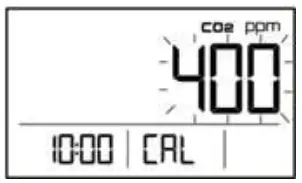 Press Select key (+) to adjust the CO2 calibration range 350ppm ~ 600 ppm, the interval is 10ppm. Set the calibration value to 400ppm.
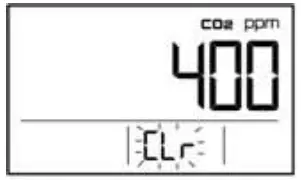 5. Press the Mode Key (MODE) to begin calibration. “CAL” will stop blinking. “St” will show up in the lower-left section of the display and the 10-minute countdown will begin.
  6. Once the calibration is complete, the display will show a “dn” in the place of the “St”. This will indicate that the calibration is complete.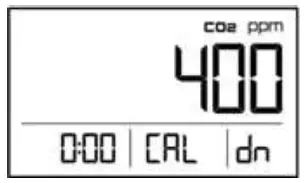
Safety Instructions
Warning: Your safety is very important to us. To ensure to use the device correctly and safely, we would like to draw your attention to reading the warning and the entire User Manual before using the device. These are important safety information and should always be observed.
- Please handle the device lightly, do not subject the device to impact or shock.
- Do not immerse the device in water. Water can cause electric shock, fire, or malfunction which may result in damage.
- Do not keep the device in a hot or moist environment. Keep the device away from the heat source or near water.
- Please use a standard USB power supply (such as a PC’s USB port, or a universal AC adapter with a USB port). The improper power supply can cause serious damage to the device or result in injury or death to the user.
Product Care
To ensure you receive the maximum benefit from using this device, please observe the following guidelines.
- Cleaning—Disconnect the power before cleaning. Use a damp cloth, do not use a liquid cleaning agent, such as benzene, thinner or aerosols.
- Repair—Do not attempt to repair the device or modify the circuitry by yourself. Please contact the local dealer or a qualified repairman if the device needs servicing.
- Air circulation—The vents allow the air circulation liquid for measurement of the CO2 concentration and the ventilation should not be blocked.
CO2 & Temperature Specifications
Method – Dual Beam NDIR (Non-Dispersive-Infrared)
LCD Display – the current CO2 concentration, temperature, relative humidity, real-time, and history of CO2 records.
Sample Method – Diffusion
| CO2 Specification: | |
| Measurement Range | 0-9,999ppm |
| Accuracy | 0~3,000ppm: ±100ppm or ±7% of reading, whichever is greater; over 3000ppm: ±10% |
| Display Resolution | 1ppm |
| Warm-Up Time | 10 sec |
| Response Time | About 1min |
| Temperature Range | 0°C~50°C (32°F~122°F) |
| Temperature Accuracy | ±1°C (±2°F) |
| Temperature Display Resolution | 0.1°C (0.1°F) |
| %RH Measurement Range | 0%~99% RH |
| %RH Accuracy | ±3%@25°C (20% RH~80% RH), other ±5% |
| %RH Display Resolution | 1%RH |
| Operating Conditions: | |
| Operating Temperature | 0°C~50°C (32°F~122°F) |
| Humidity Range | 0~95% RH non-condensing 0%~99% |
| Storage Temperature | -20°C~60°C (-4°F~140°F) |
Power Supply Requirements:
| Power Supply | USB or 5 VDC from an external AC/DC adapter that is not included in the package (Please use a standard USB power supply) |
| DC Output Voltage | 5VDC / ≥300mA |
 EMC/RFI
Readings may be affected if the unit is operated within a radio frequency electromagnetic field strength of approximately 3 volts per meter, but the performance of the instrument will not be permanently affected.
Note: Under the electromagnetic field of 3V/m, the reading will not meet the specification.
Weight & Dimensions
Weight: 86g
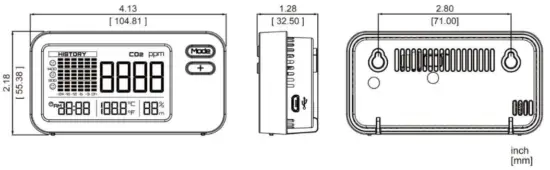
Dimensions: 4.13 x 2.18 x 1.28
Installation Instructions
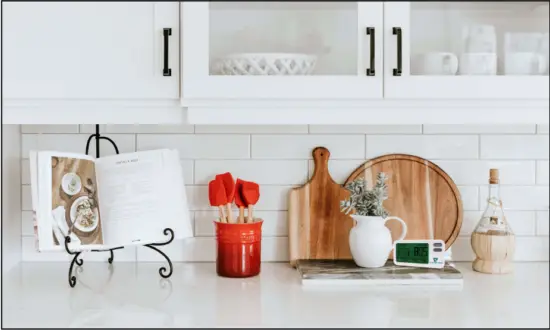
- You can put the RAD-0302 CO2Mini IAQ Monitor on the table or hang it on the wall.
- Please note the following when hanging it on the wall: Choose a suitable location to install the RAD-0302, and fix the screws to the wall. See the Dimensions section to check the distance between the screws.
Fault Codes & Troubleshooting Guide
This section includes a list of Frequently Asked Questions for problems you may encounter with the RAD-0302 CO2Mini IAQ monitor.
| Fault Icon | Description of The Fault | Suggested Actions |
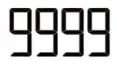 | This device of CO² measurement abnormality. The display is fixed at 9999 and cannot be recovered, the calibration data has been destroyed. | The device needs to be returned to the factory for repair. |
Package Contents
– Mini 3 IN 1 CO2 Monitor
– Manual
– USB cable
Support & Warranty
Contact Us: We are here to help!
For more information, please contact us using the information below.
[email protected]
(386) 256-4910 (M-F) 9:00am – 5:00pm
www.GasLab.com
See GasLab, Inc. Terms & Conditions: www.GasLab.com/pages/terms-conditions
Ref.No.: 112019
 IIS7
IIS7 Oxygen and Gas Sensors, Meters & Monitors | GasLab.com