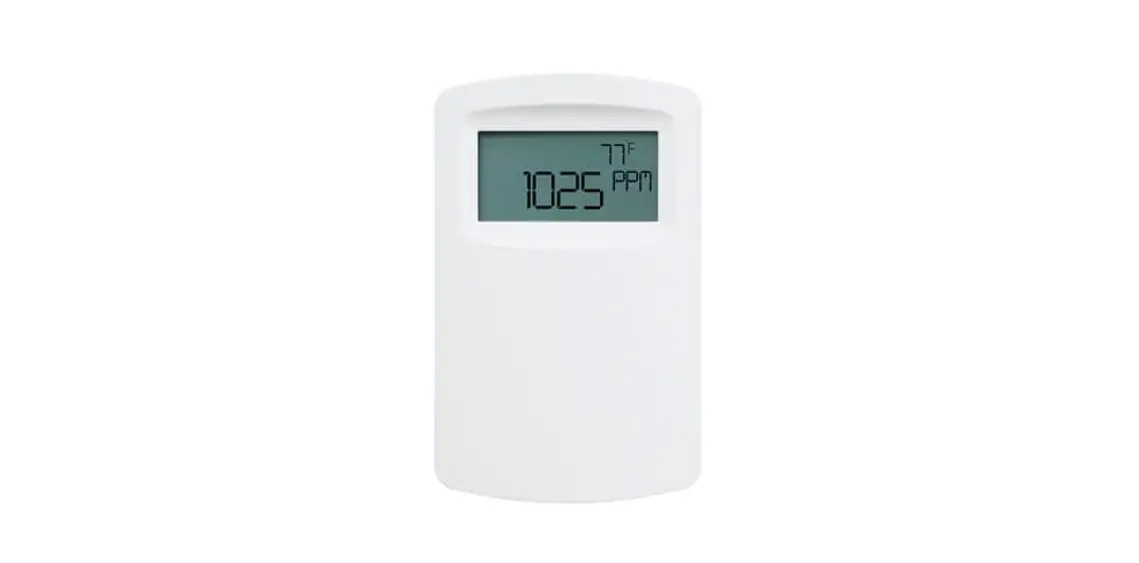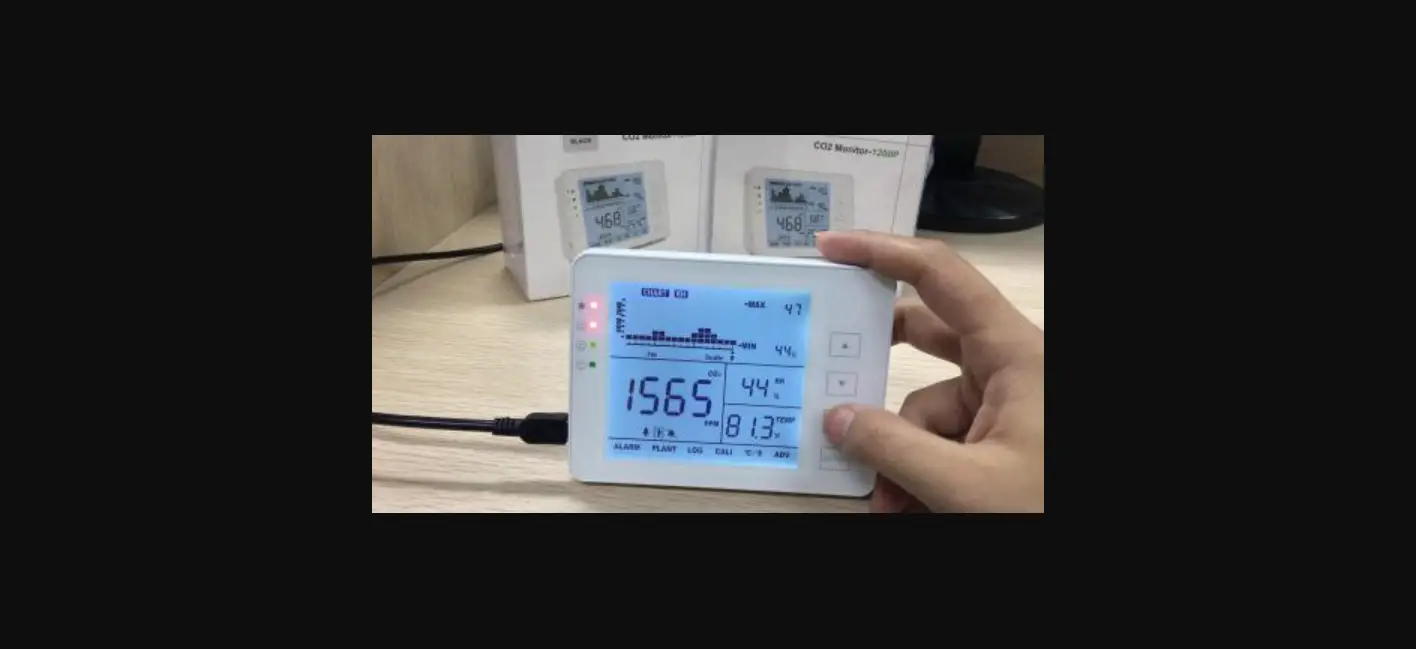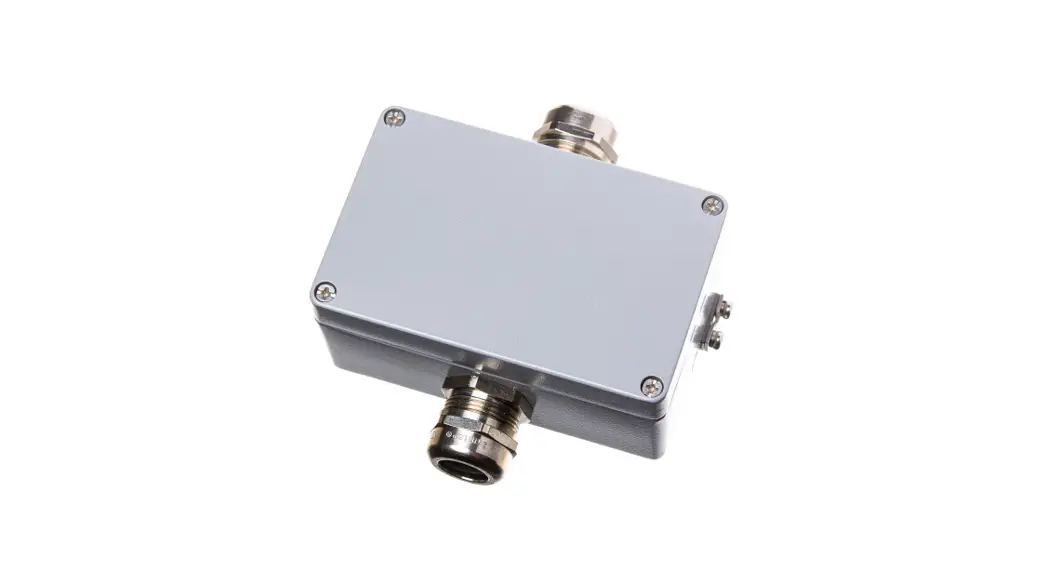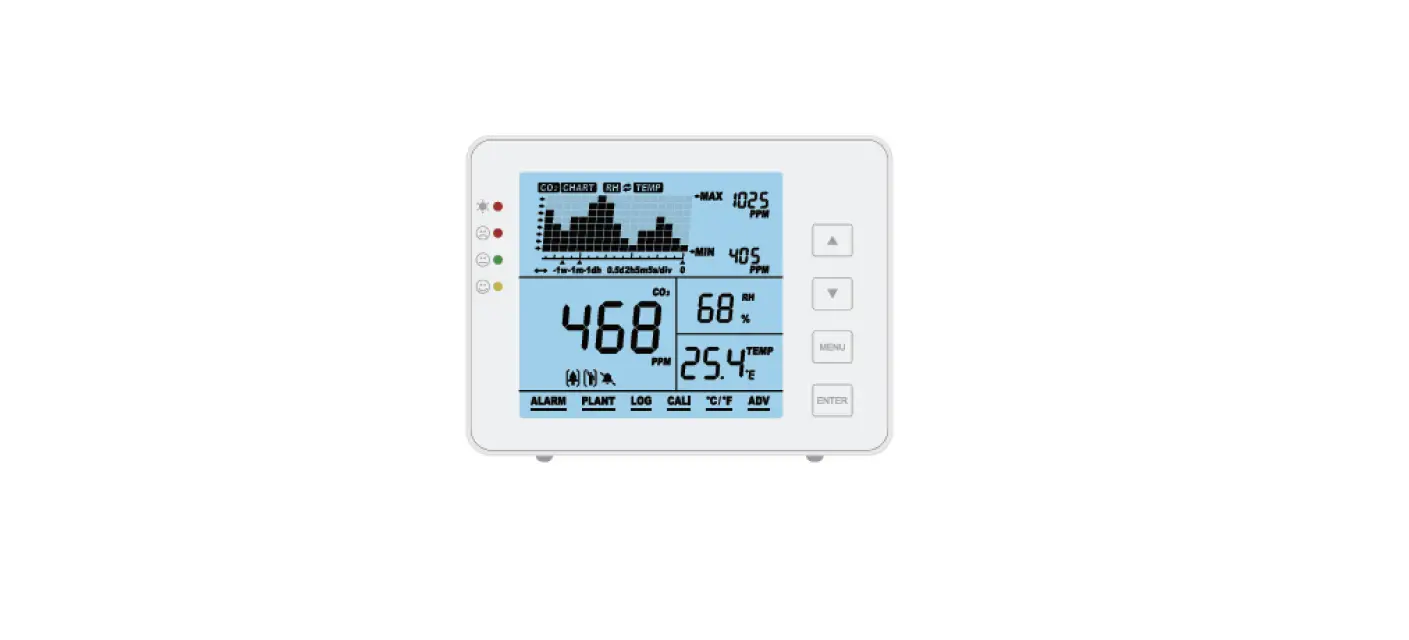

Seben 2301167 1200P Carbon Dioxide Detector
INSTALLATION
First steps
Thank you for your purchase!
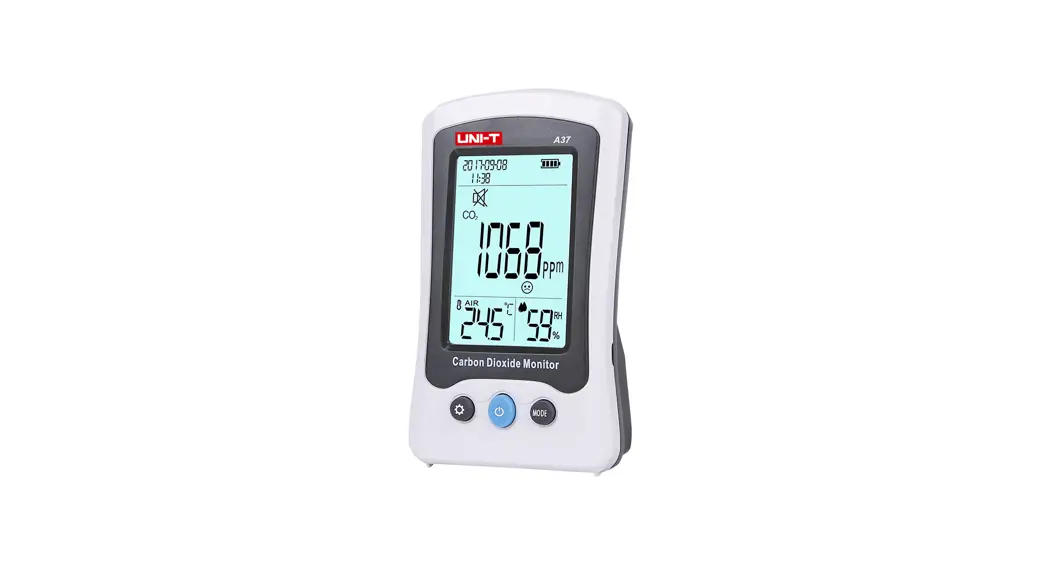
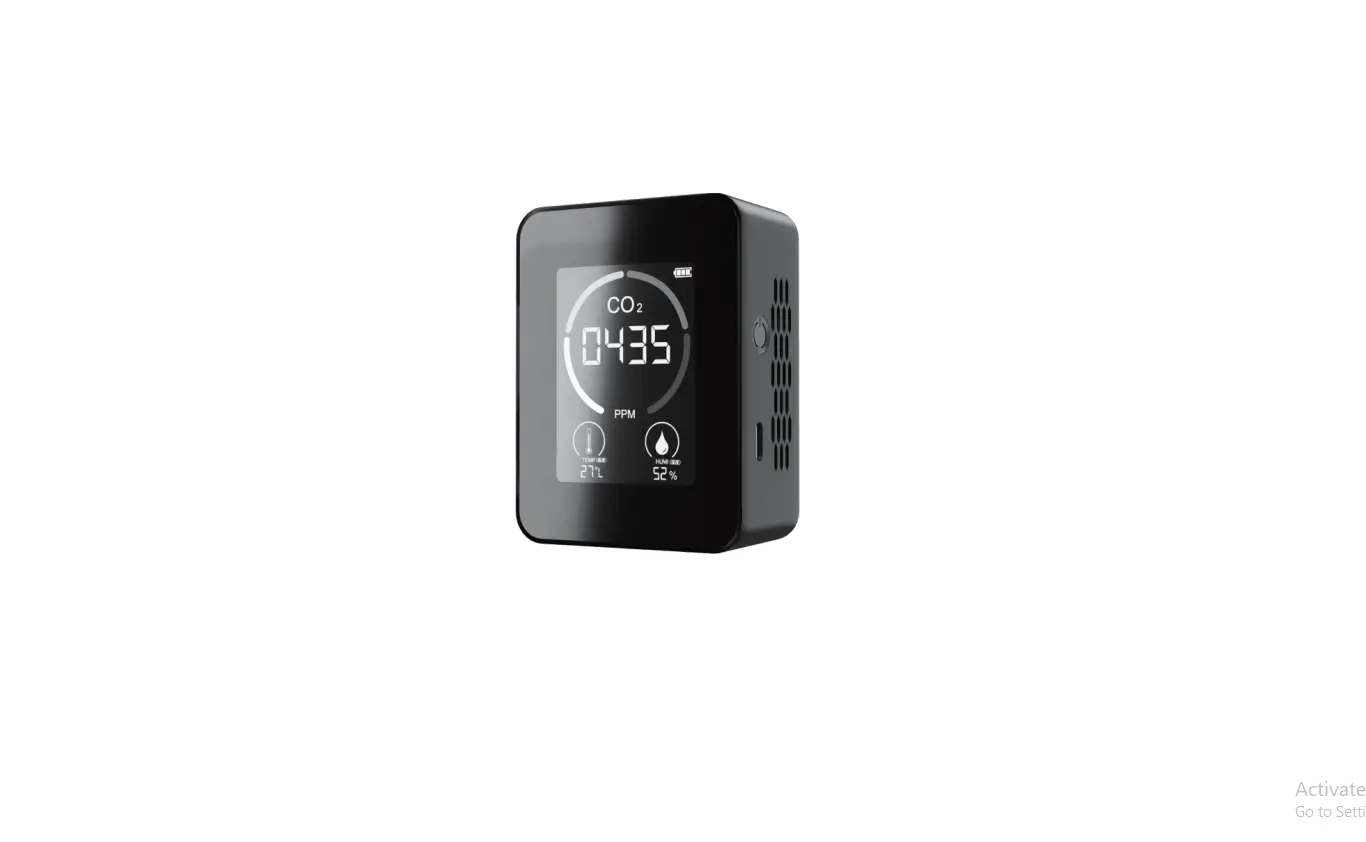
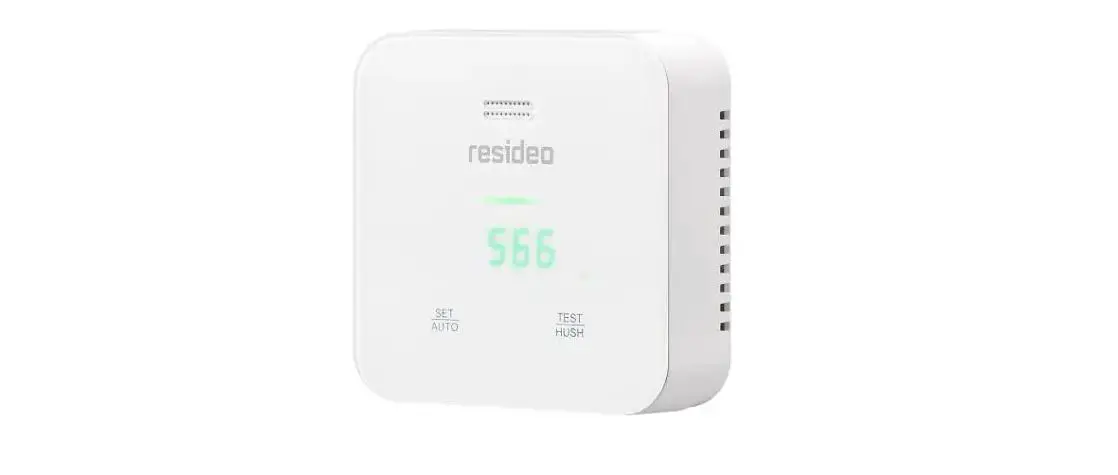
This product can be used to monitor the CO2 concentration, relative humidity, temperature and room air quality.
Packing list
- CO2 monitor unit
- USB cable for power supply
- User manual
- Mains adapter
Functions at a glance
- Large display
- Functions of the push-buttons
- 15° angled construction for easy reading
- Low-drift NDIR sensor with long service life
- Acoustic alarm
- Diagram with variable time zoom levels
- CO2/RH/temperature monitor tracer
- Auto calibration and manual calibration
- Max/Min value display over a set time
Overview
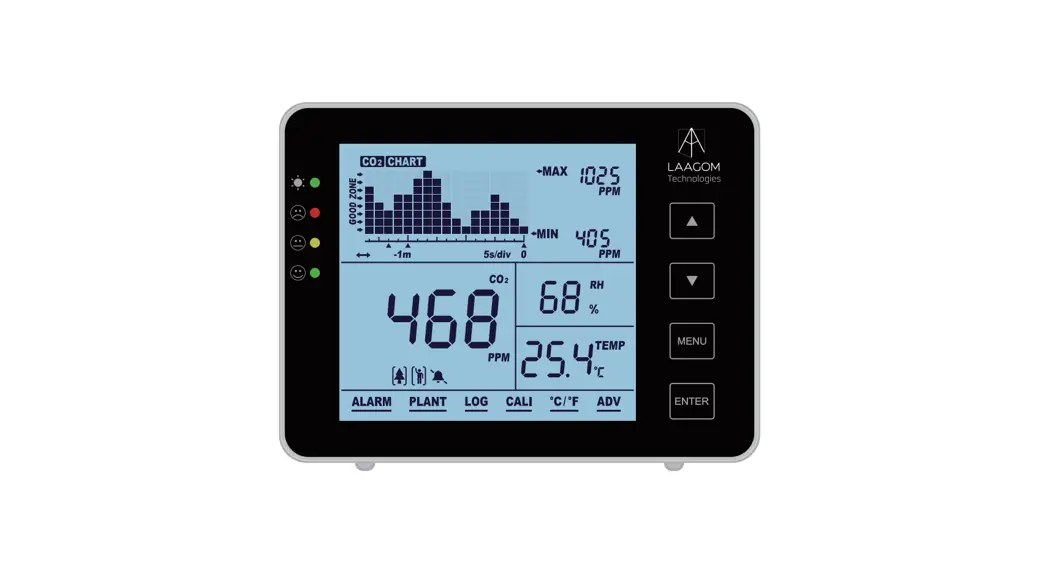
Monitor sketch and component list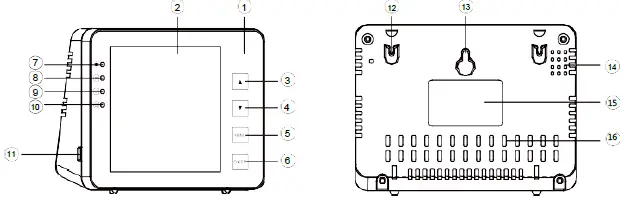
| Item | Description | Item | Description |
| 1 | Front side | 9 | Good value |
| 2 | LCD | 10 | Low value |
| 3 | button | 11 | USB port |
| 4 | button | 12 | Hole for wall mounting |
| 5 | button | 13 | Hole for screws |
| 6 | button | 14 | Buzzer grille |
| 7 | Operating display | 15 | Label |
| 8 | High value | 16 | Holes for sensors |
Operation and settings
- Use the USB cable supplied to connect up the device. The device is ready for operation as soon as the countdown reaches zero. See p. 3.
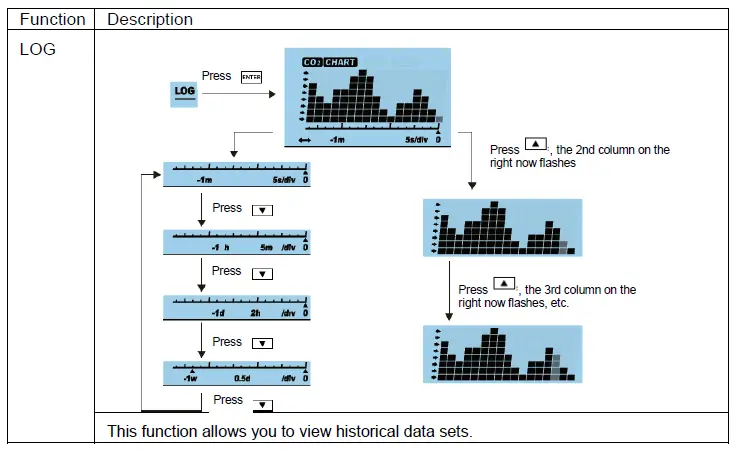
- Press to switch between time axis and CO2/RH/TEMP. The trend chart showsthe recorded values over time for each of the three parameters. See p. 5.
- Reset to factory settings: Hold pressed for 3 seconds until an acoustic signal sounds.
- Press once to display the main menu. Press to select the desired function. See p. 7.
- Press to switch between Persons and Plants mode . See p. 8.
- Press to change the high/low alarm limits for persons and plants . See p. 11.
- Press to switch from loud to mute . See p. 8.
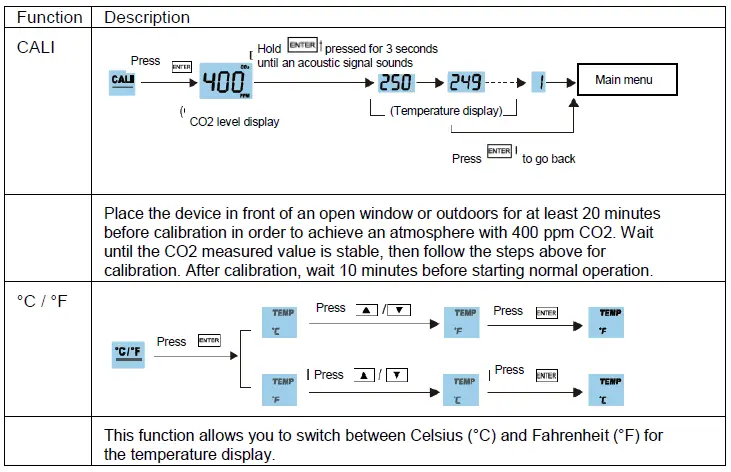
- Press to select °C or °F for the temperature display. See p. 11.
Instruction Manual
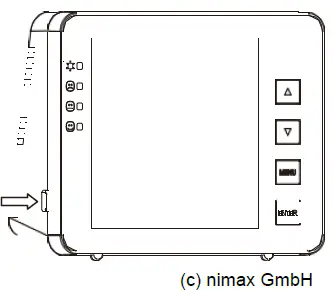
- Plug in the device using the USB cable supplied as shown on the right.
- After connection, the operating display and the 3 LEDs flash in turn.
- The main display shows a countdown. You can use the product as soon as the countdown has reached zero. NO CALIBRATION necessary

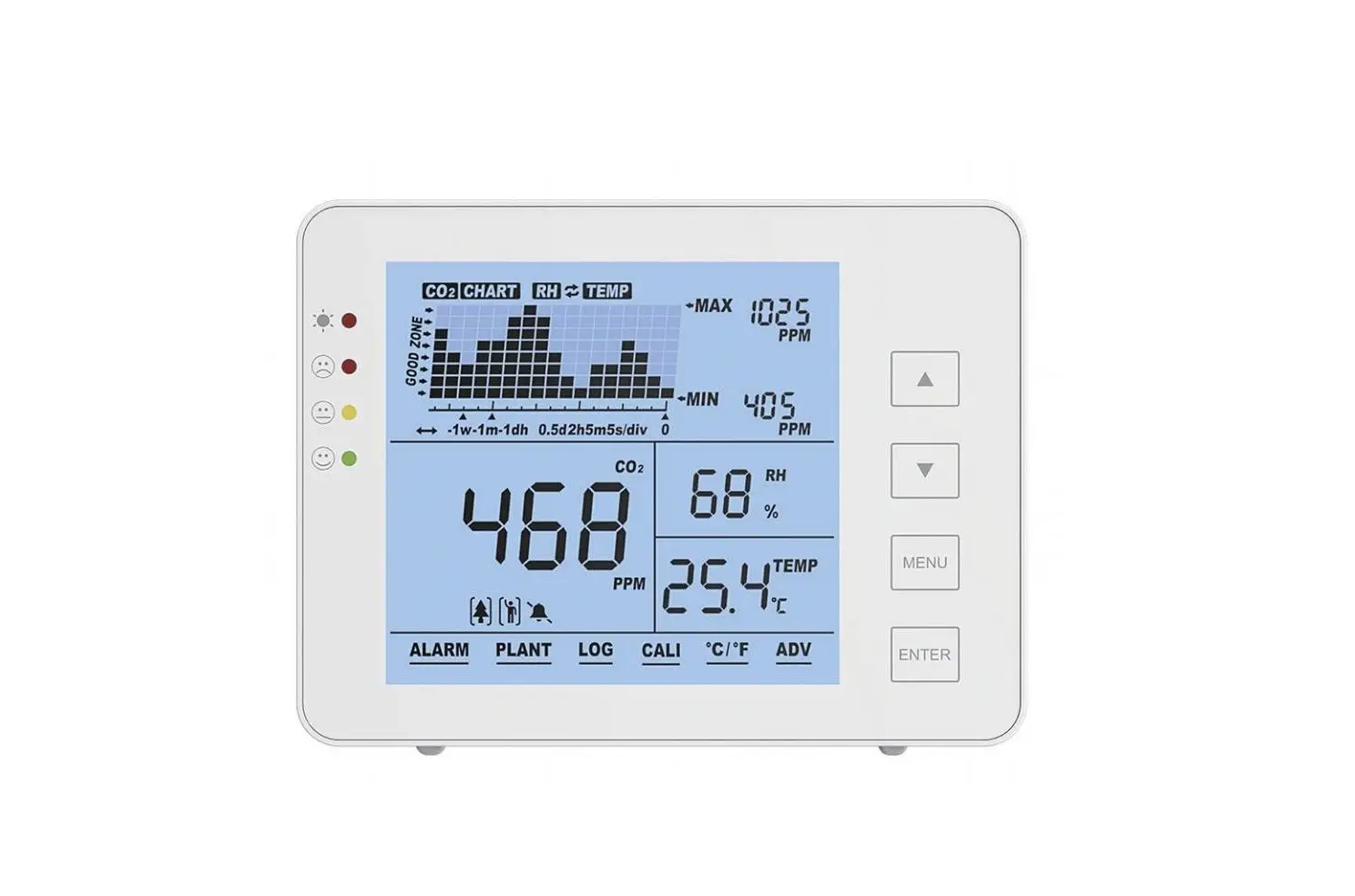
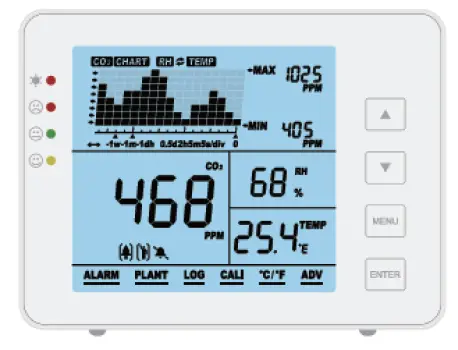
LCD monitor
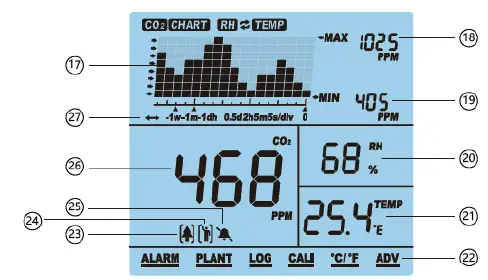
| Item | Name | Item | Name |
| 17 | CO2/RH/TEMP chart | 23 | Plants mode |
| 18 | Max. value of the chart | 24 | Persons mode |
| 19 | Min. value of the chart | 25 | Acoustic alarm ON/OFF |
| 20 | RH (relative humidity) | 26 | CO2 value in ppm |
| 21 | TEMP (Temperature in °C / °F) | 27 | Displays the timeline of the chart |
| 22 | Main menu |
Trend chart display
The trend chart displays the measured values to date for each of the three parameters (CO2/RH/Temp). There are 4 modes that can be selected with the button: CO2, TEMP, RH and “Cycle symbol” (-> alternates automatically between CO2/Temp/RH).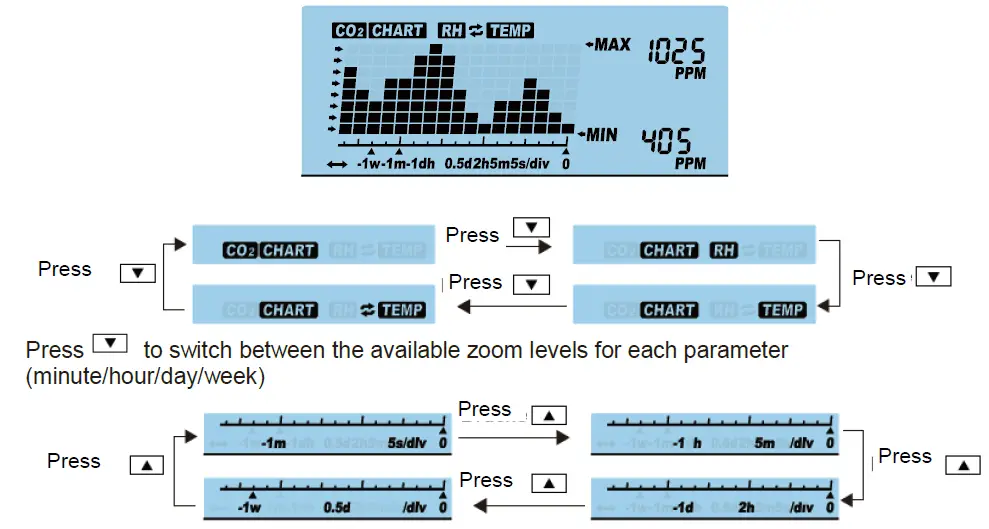
The available zoom levels for all the parameters CO2/RH/Temp and the increments in the different levels can be seen in the table below:
| Zoom level (time interval) | Time per increment |
| 1M (minute) | 5 sec/increment |
| 1H (hour) | 5 m/increment |
| 1D (day) | 2 h/increment |
| 1W (week) | 0.5 d/increment |
Max/Min
Two numerical indicators can be seen in the top right-hand corner of the display:
MAX and MIN. When the zoom level is changed, the MAX and MIN values reflect the highest and lowest values in the table for the selected parameter (CO2, RH and Temp).
Functions in the main menu 
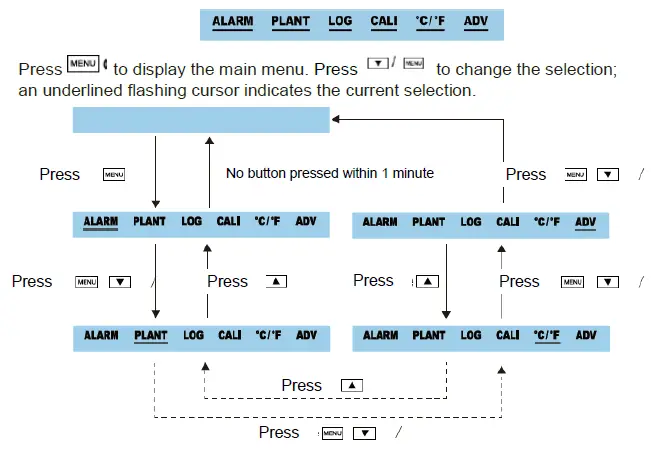
To select a function, press while it is underlined by the flashing cursor. Note that if no button is pressed within 1 minute, the main menu disappears and the device returns to normal mode. 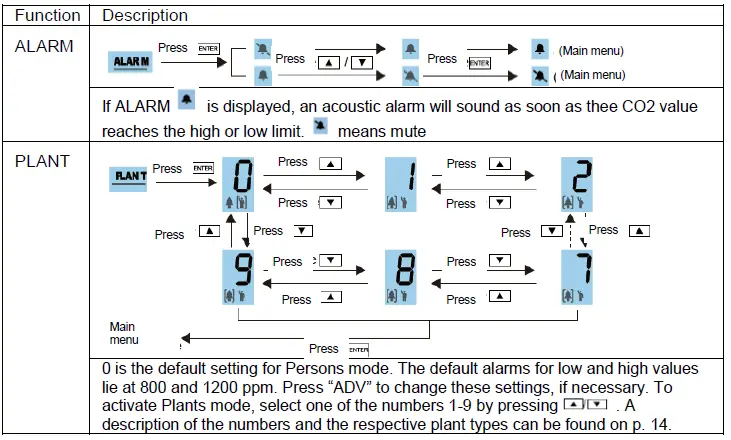
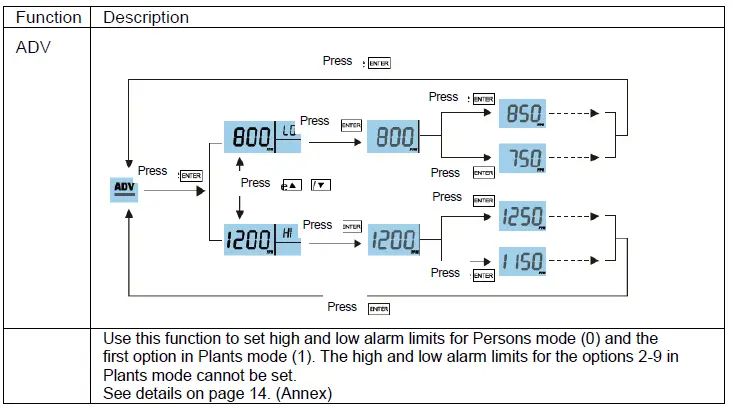
Specifications
Typical test conditions: ambient temperature: 23 +- 3°C, RH=50%~70%, altitude= 0~10 metres
| Measurement | Specifications |
| Operating temperature | 32°F ~ 122°F (0°C ~ 50°C) |
| Storage temperature | -4°F ~ 140°F (-20°C ~ 60°C) |
| Relative humidity | 0-95% (non-condensing) |
| CO2 measurement | |
| Measuring range | 0-5000 ppm |
| Display resolution | 1 ppm (0-1000); 5 ppm (1000-2000); 10 ppm (>2000) |
| Precision | 0~3000 ppm: ± 50 ppm ± 5% of the reading (take the max. value) |
| (>3000) ppm: ± 7% of the reading | |
| Repetition accuracy | 20 ppm at 400 ppm |
| Temperature compensation | ±0.1% of the reading per °C ±2 ppm per °C, referenced to 25°C |
| Reaction time | < 2 min for 63% of the level changes and < 4.6 min for 90% |
| Warm-up time | < 20 seconds |
| Temperature measurement | |
| Operating temperature | 32°F ~ 195°F (0°C ~ 90°C) |
| Display resolution | 0.1°F (0.1°C) |
| Reaction time | < 20 minutes (63%) |
| RH (relative humidity) measurement | |
| Measuring range | 5 ~ 95% |
| Precision | ±5% |
| Display resolution | 1% main menu display, 0.1% max/min display |
| Operating voltage | 5±0.25 V DC |
| Dimensions | 120*90*35 mm |
| Weight | 170 g (6.0 oz) (without AC adapter) |
Annex
| No. | Meaning | Value for high/low alarm | Variable |
| 0 | Persons mode | 800-1200 ppm | Yes |
| 1 | User-defined plants | 600-900 ppm | Yes |
| 2 | Beans | 600-900 ppm | No |
| 3 | Chillies | 800-1000 ppm | No |
| 4 | Cucumbers | 1000-1500 ppm | No |
| 5 | Grapes | 800-1400 ppm | No |
| 6 | Orchids | 800-1400 ppm | No |
| 7 | Potatoes | 1200-1800 ppm | No |
| 8 | Strawberries | 800-1200 ppm | No |
| 9 | Tomatoes | 800-1200 ppm | No |