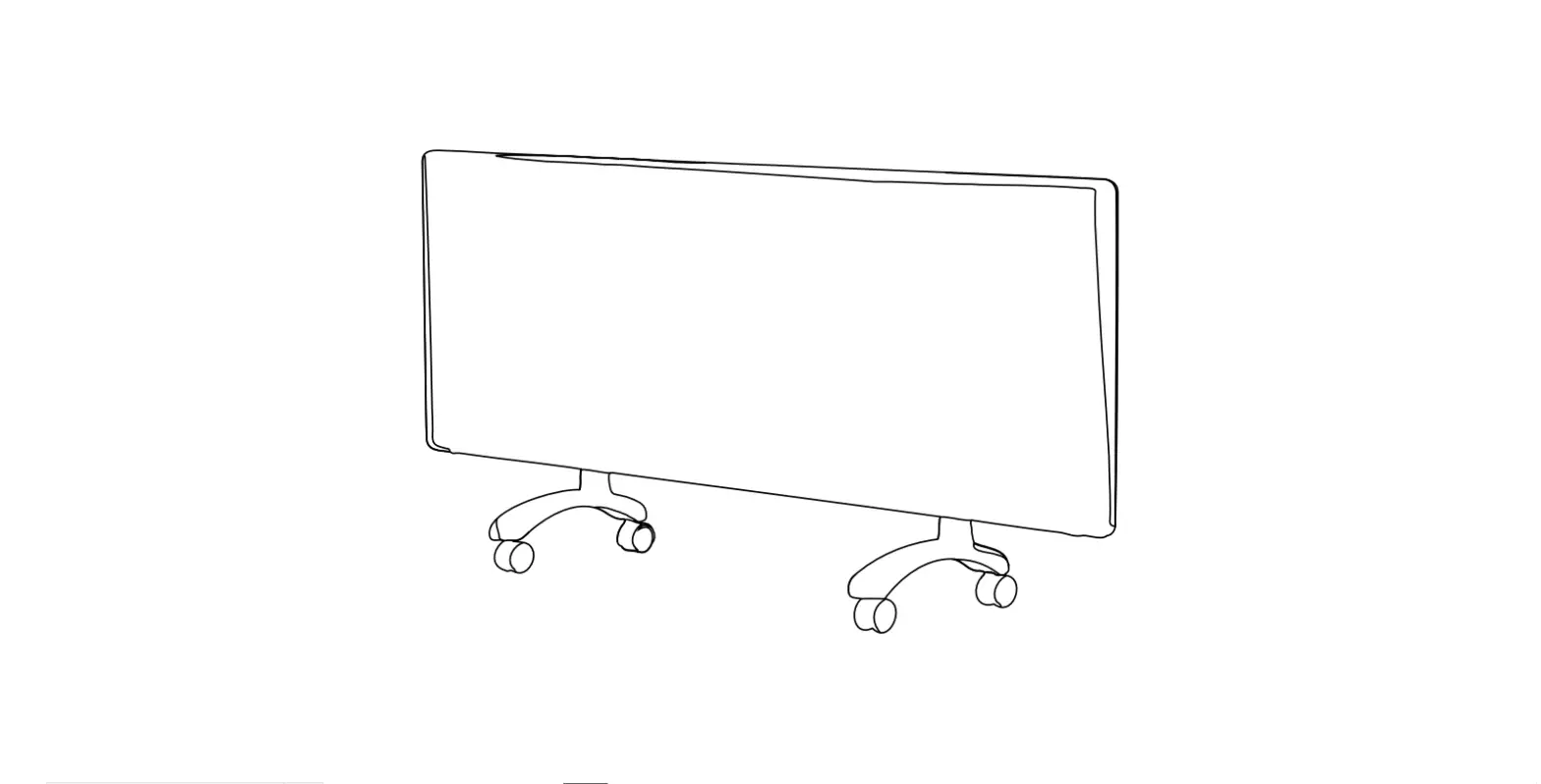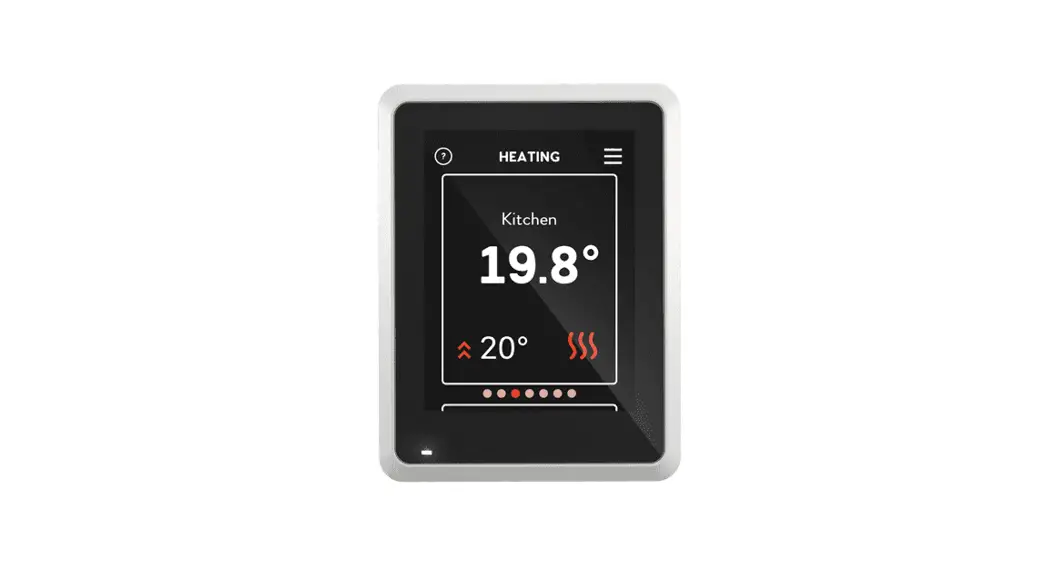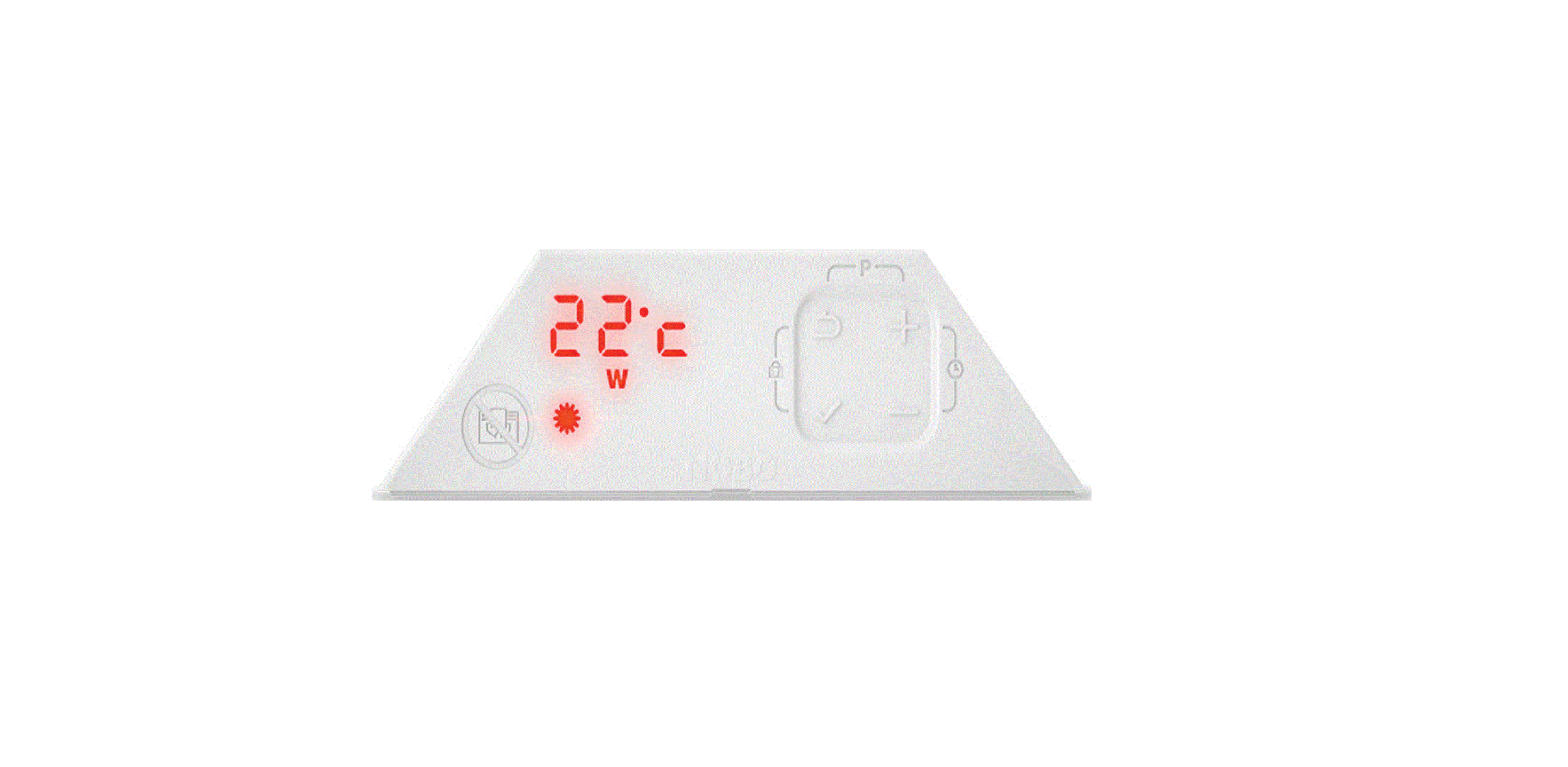

NOBO NCU-2Te High Precision Thermostat
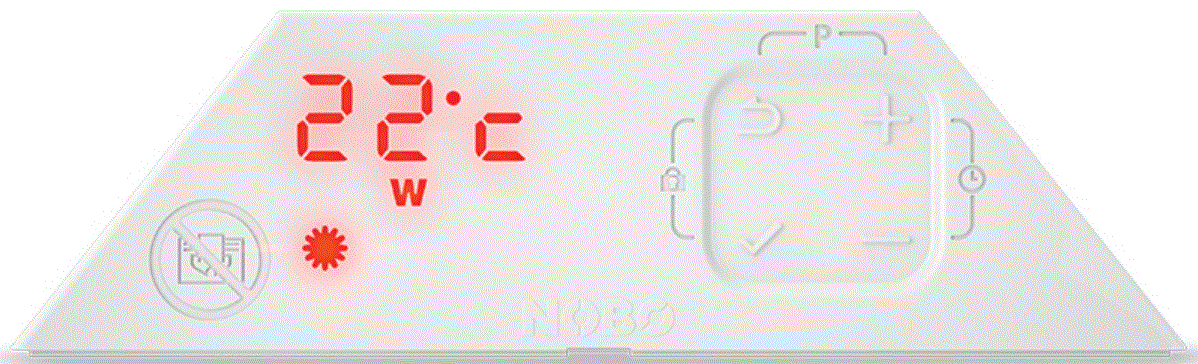
 Electronic room temperature control plus week timer with an adaptive startup.
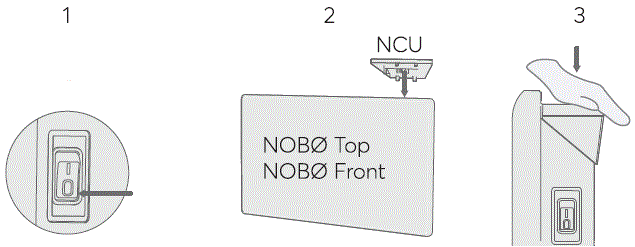
Assembly
- Forward
- Pea
- Off.
- Click
Set day and time
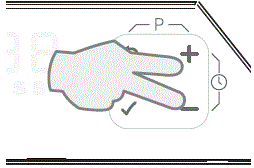
- Press + and – simultaneously.
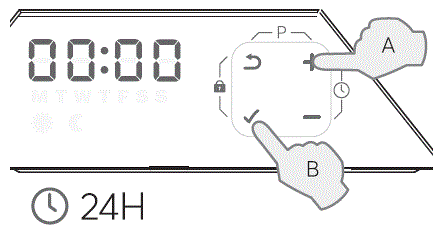
- Still in time
- Confirm

- Set the minutes
- Confirm
- Set the day
- Confirm
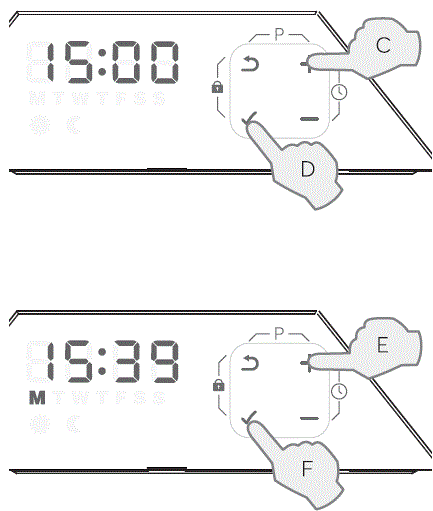
- Monday
- Tuesday
- Wednesday
- Thursday
- Friday
- Saturday
- Sunday
Disassembly
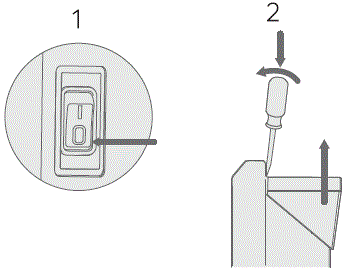
- Forward
- Pea
- Off
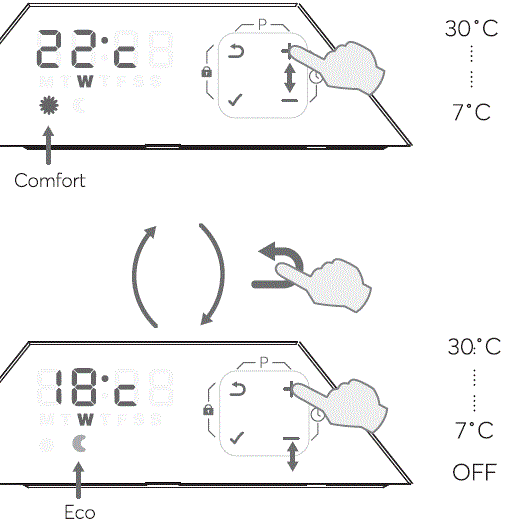
Temperature

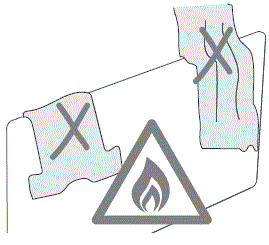
 Warning: Do not cover the heater.
Optional settings
Programm
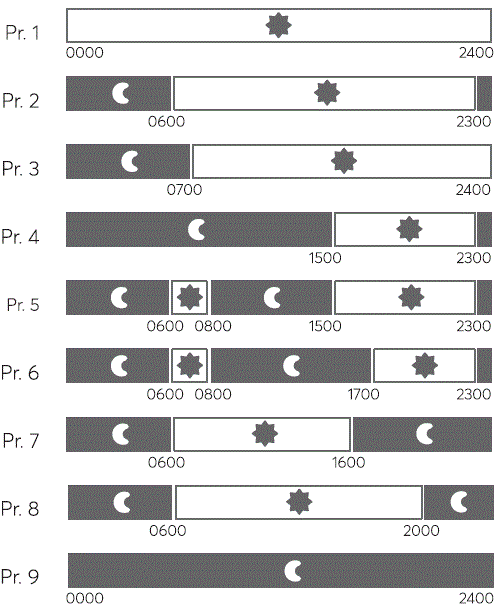
- NCU-2Te has nine 24-hour programs.
- Select one program for each day of the week.

- Press
 and + simultaneously
- A. Select program
- B. Confirm

- C. Select program
- D. Confirm
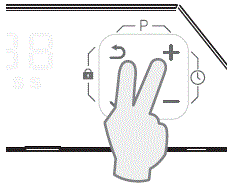
 and + simultaneously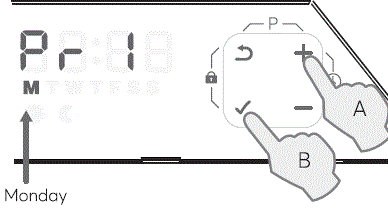
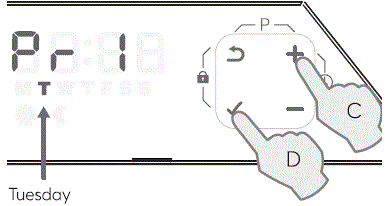
Repeat

Key lock

- Press and
 simultaneously.
 simultaneously.
Override

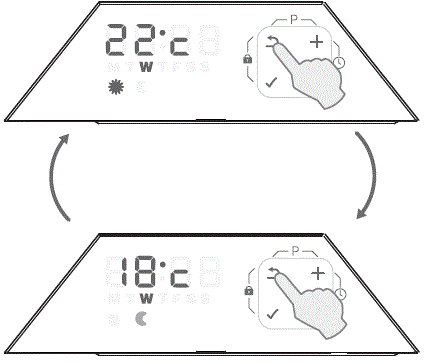
- Pressing overrides the status from Comfort to Eco or vice versa. The override is terminated automatically upon the next event in the program, or at 03.00.
More Information
- Box 16, 7501 Stjordal NORWAY
- www.glendimplex.no
- [email protected]