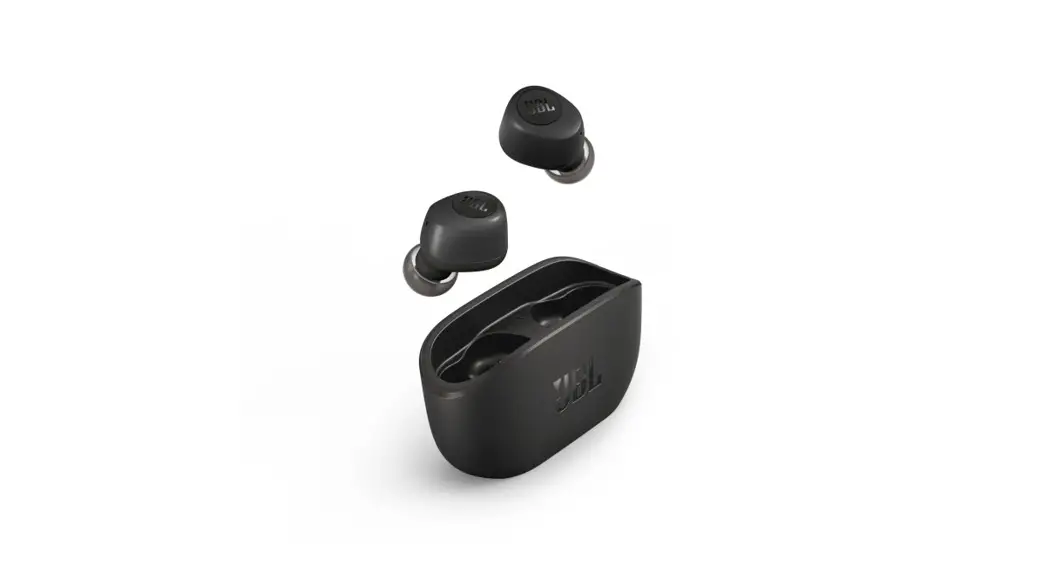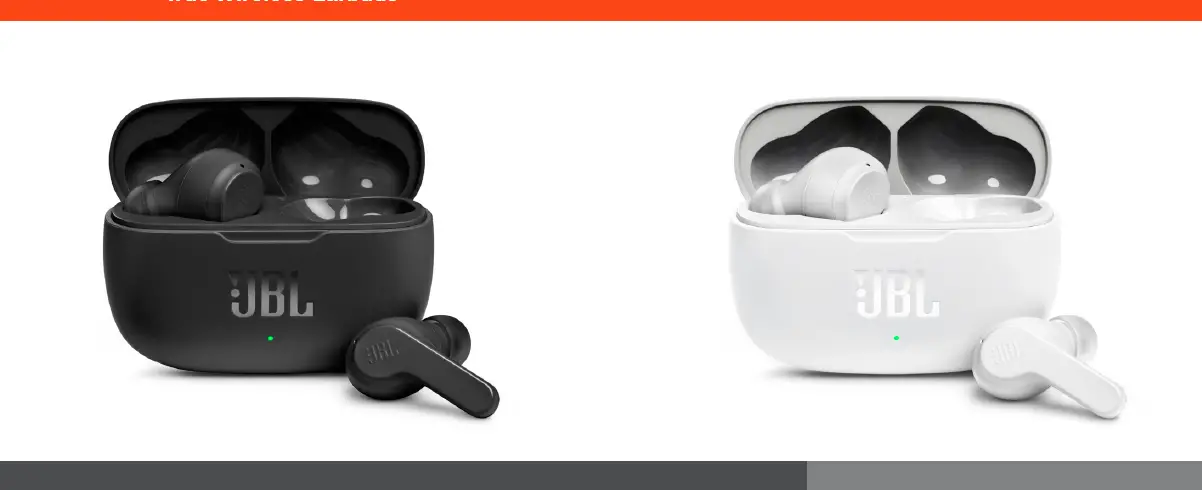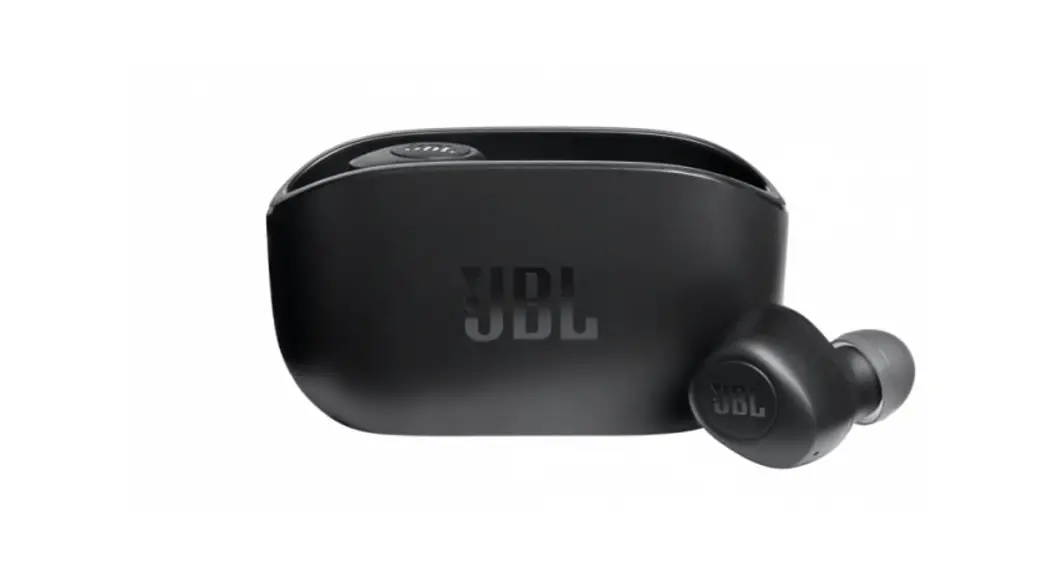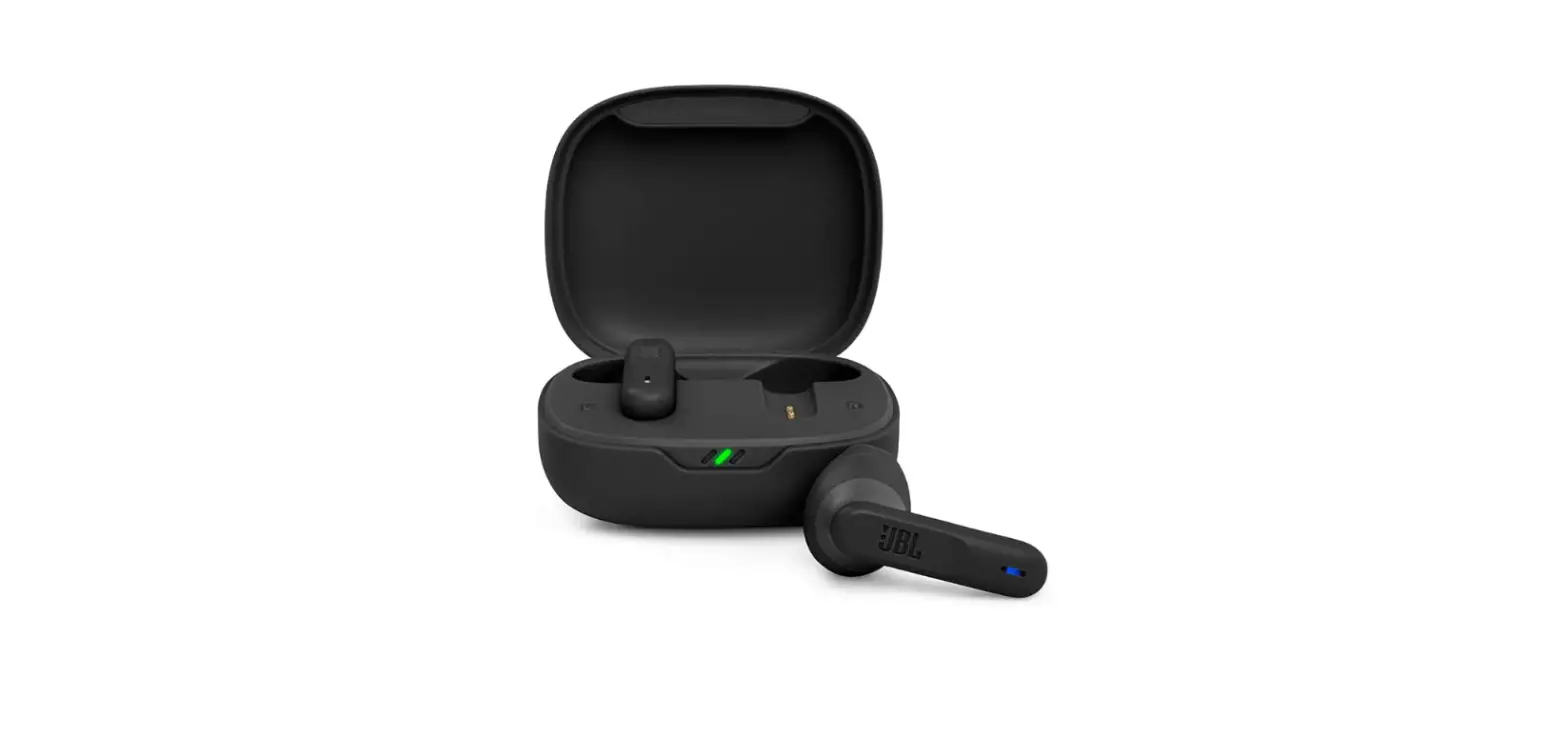
GENKI WAVEFORM HTGW Waveform True Wireless Earbuds User Guide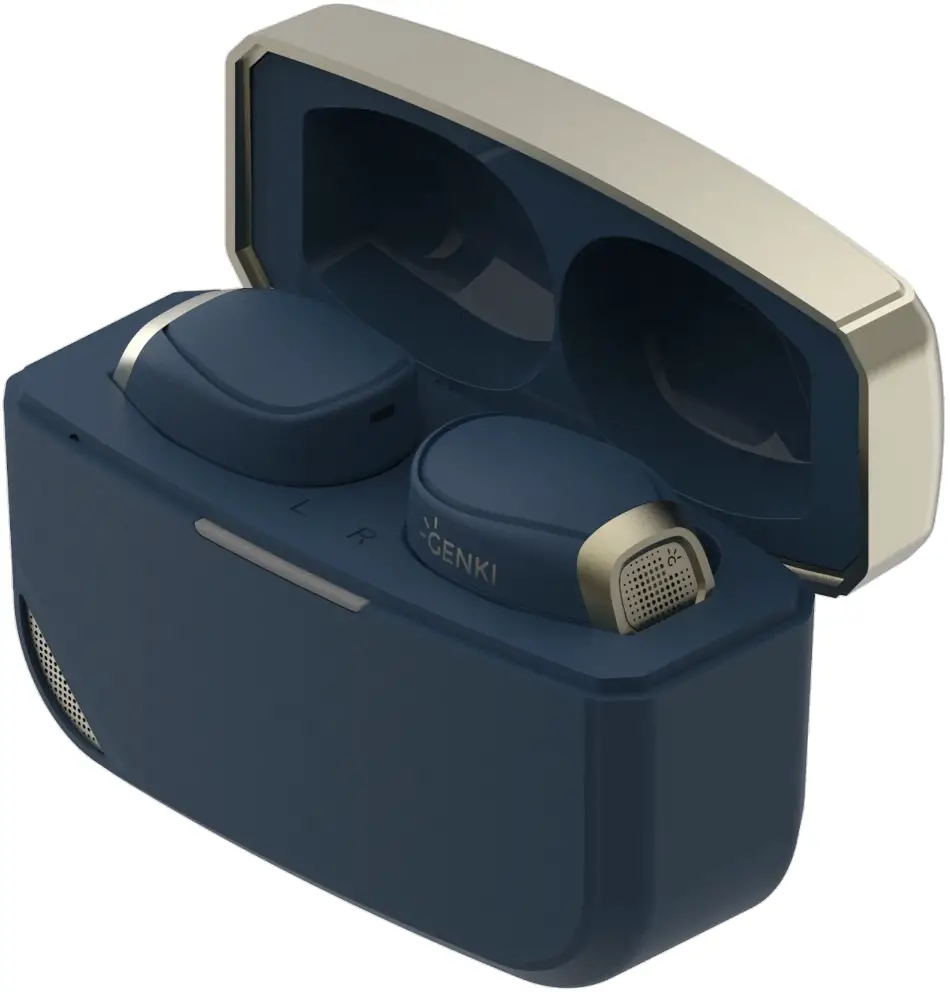
What’s inside
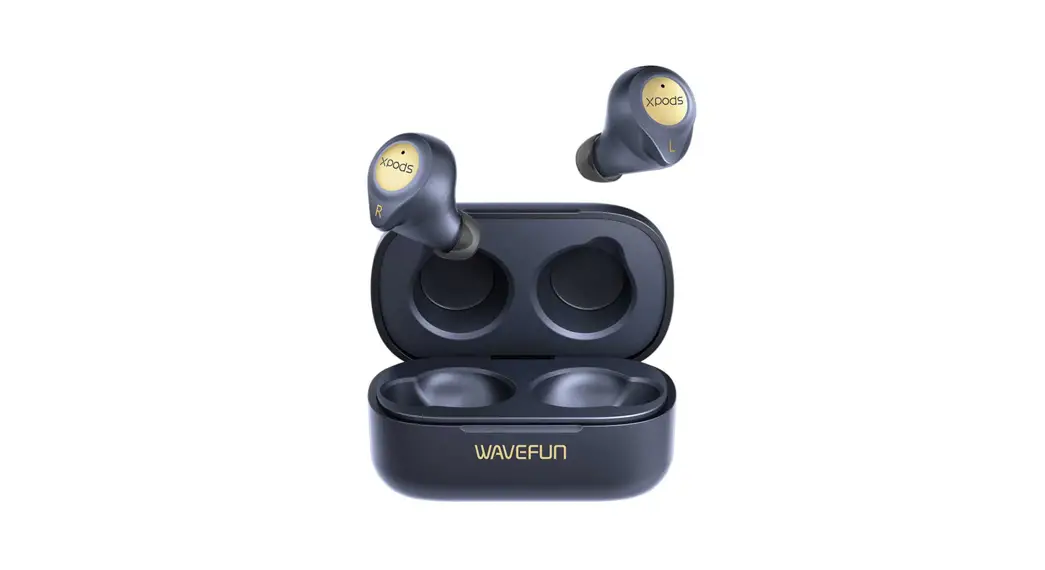
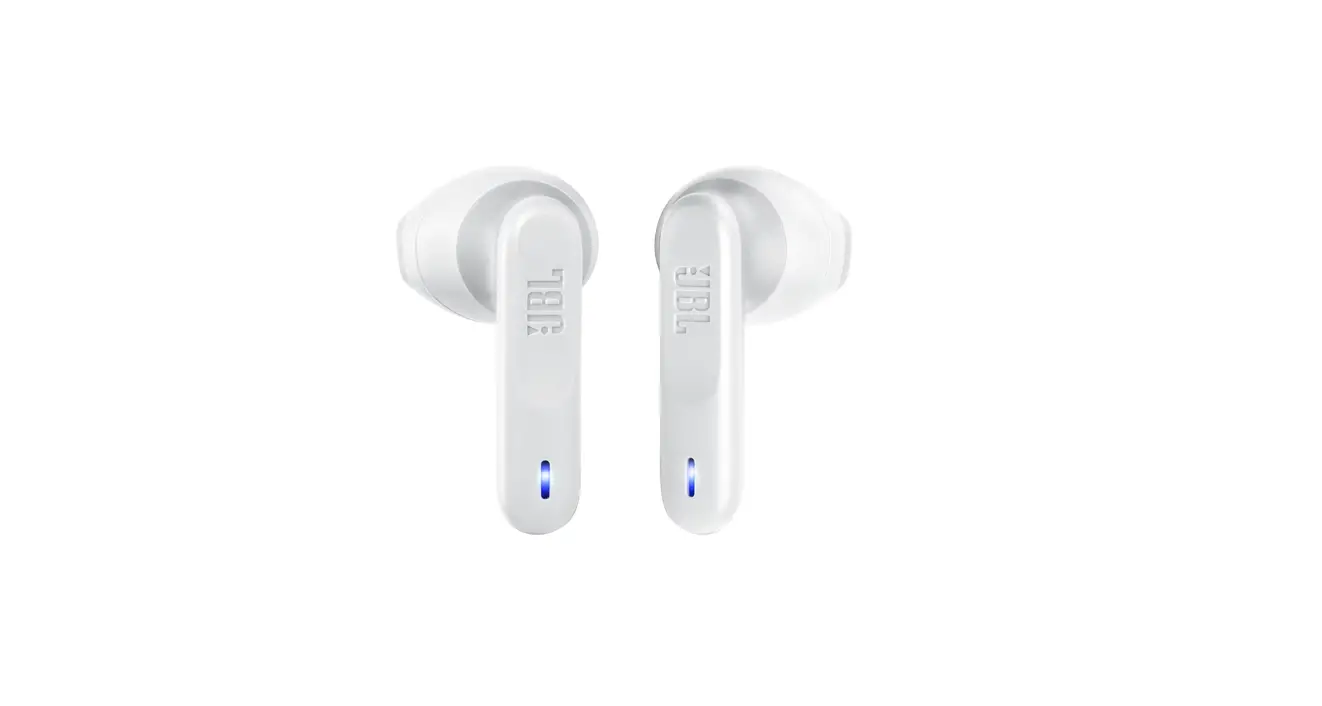
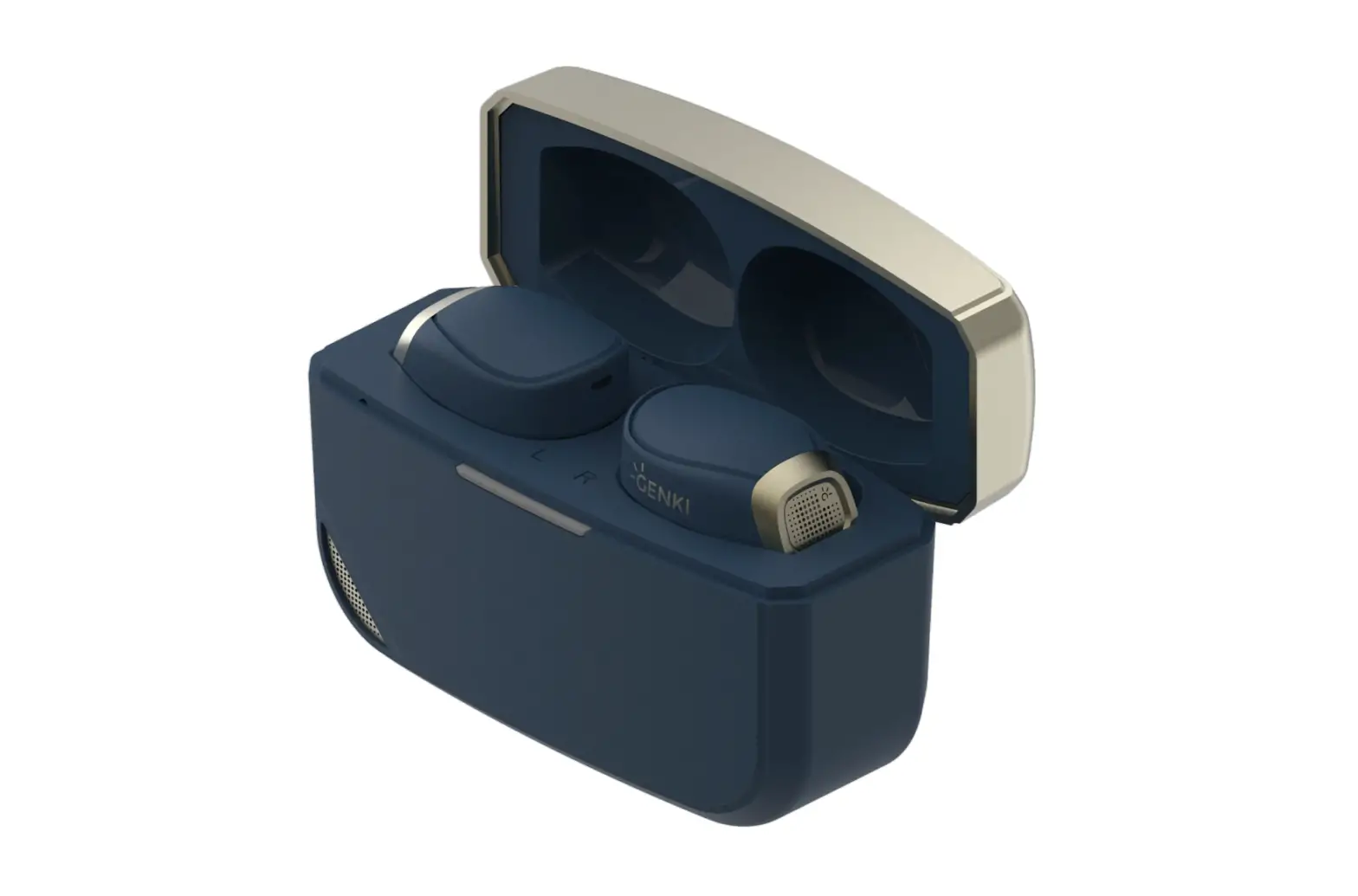
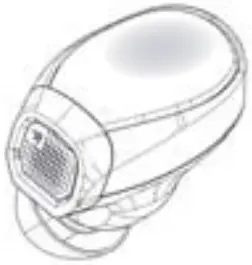
- 1 x Waveform Earbuds
- 1 x Waveform SmartCase
- 6 x Silicone Tips
- 6 x Memory Foam Tips
- 6 x Wing Tips
- 1 x USB Charging / Transmitter Cable (1.2m)
- 1 x 3.5mm Audio Jack Cable (0.8m)
Getting Started
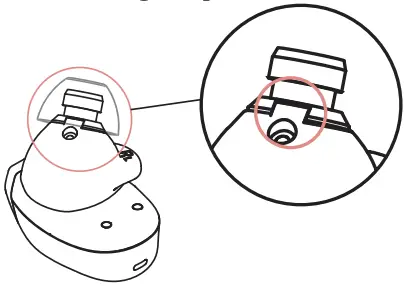
Peel off the insulation tape under the earbuds.
Wearing
Please find the right fit with the ear tips and wing tips the wing tips are to be used with the eartips together.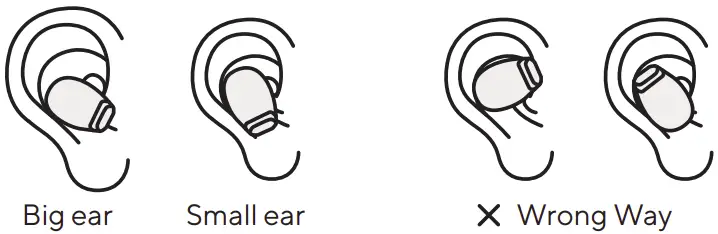
| Wing tips | Foam Tips | Silicone tips |
|
|
|
| Wingtips must align with the dent on the speaker. Use with Foam or Silicone tips | Passive noise isolation to enhance ANC performance | For easy listening and comfort |

Charge the Earbuds and case
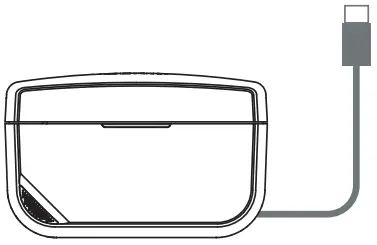
- USB Charging with power source

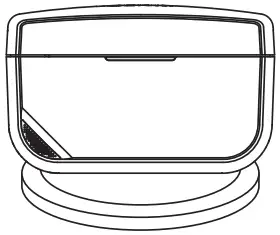
- Wireless Charging

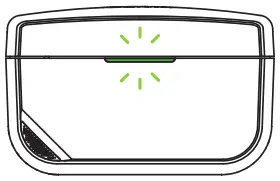
- Solid Green LED

Connect to your Devices
Direct Bluetooth 5.3 Connection
For a convenient wireless connection to your Bluetooth-compatible device:
- Open the Smart Case and remove the Waveform Earbuds; the lights on the earbuds turn on and blink, indicating pairing mode is active.
- Check your Bluetooth settings in the source device (smartphone, tablet, computer, game console) and pair to
“Waveform.”
Smart Case aptX Adaptive Connection
- Plug the SmartCase into the PS5.
- Open the case without taking the buds out; the case should blink in green and blue.
- Wait for the green light on the case to disappear.
- Take out the earbuds.
Dual Stream Connection (Bluetooth and Smart Case)
- Connect the Smart Case to the console.
- Open the case without taking the buds out Smart Case will blink in green and blue to look for the Waveform and the Dual Stream Connection.
- Wait for the green light on the case to disappear.
- Take out the earbuds.
- Look for “Waveform Dual Stream” Bluetooth connection on the secondary audio source and connect
- Hold the right ear to max out the volume if the volume is too low for PS5.
How to use the Waveform
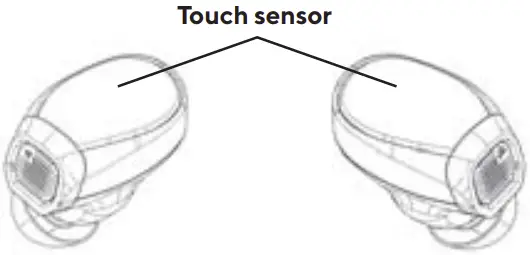
Left Ear
| Hold |
| Volume – |
| / |
| Play/ Pause Pickup/ End Call |
| 2 |
| Previous Song |
| 3 |
| Voice Assistant / Mic Change (see 5. |
Right Ear
| Hold |  | Volume – |
| Play/ Pause Pickup/ End Call | |
| 2 | | Next Song |
| 3 |
| ANC/ Transparent/ Regular |
Smart Case Control
The Smart Case controls are only available when it is connected via type C cable.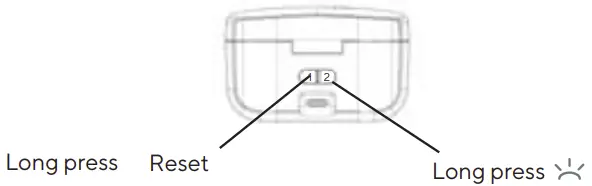
| Change Waveform/ Smart Case mic | Disconnect Waveform |
| Restart Waveform Dual Stream pairing |
Lights Indicator
Location of the lights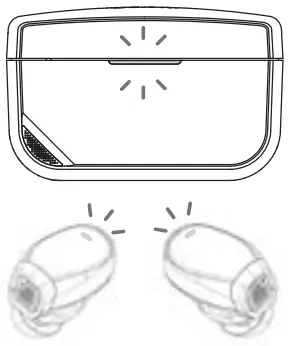
The lights are located on the Smart Case and Waveform.
When connect directly:
| Light on the Waveform | Status |
| On |
| Pairing |
| Left Right Syncing |
| Low Battery |




When Smart Case is connected via type C cable:
| Light on the Smart Case | Status |
| Connecting to Waveform Wave form Dual Stream |
| Connected to Waveform Searching for Waveform Dual Stream |
| Charging |
| Battery lower than 15% |



Smart case Microphone
By delegating the microphone function to the case, you no longer need to compensate audio quality for voice chat. After connecting to the smart case.
Left Ear
| 3 | | Change Waveform/ Smart Case mic |
Disconnect the device
To disconnect the Bluetooth connection on the Waveform from a device, there are 2 ways to do it:
- Hold the left and right ear for 5 seconds.
- Leave the earbuds in the case and long press the 2 button for 5 secs
Reset to factory setting
- Put the earbuds into the SmartCase.
- Connect the earbuds with the cable to a game console or computer.
- Hold the 1 button on the case for 15 sec.
- Wait for the earbuds to sync.
App Feature
Our app “Genki Waveform” can be download on Apple store and Google Play.
App Feature Version 0.4.5
- Active Noise Cancelling Control
- Equalizer Presets
- Customize Equalizer
- Show Battery Status
- Firmware Update
Specifications
Technical Features
- Bluetooth 5.3 with aptX Adaptive technology
- Dual Stream
- Wireless and USB-C charging
Bluetooth Codecs
- aptX – Adaptive
- aptX – Classic
- AAC
- SBC
Bluetooth Profiles
- A2DP v1.3.1
- AVRCP v1.6.1
- HFP v1.7.1
- HSP v1.2
- BLE GATT (Generic Attribute Profile)
Frequency Band
- Tx mode: 2402MHz to 2480MHz, ISM Band
- Rx mode: 2402MHz to 2480MHz, ISM Band
- RF output power < 0r =10.0 dBm
- Driver Units 10mm Dynamic Drive with Balanced Armature
- Frequency Range 10Hz to 20kHz
- Distortion (THD) <0.3% (1kHz/10mW)
Battery Life
- Up to 14 hours Bluetooth + 28 hours case
- Weight 6.5g each earbud, 47g for charging case