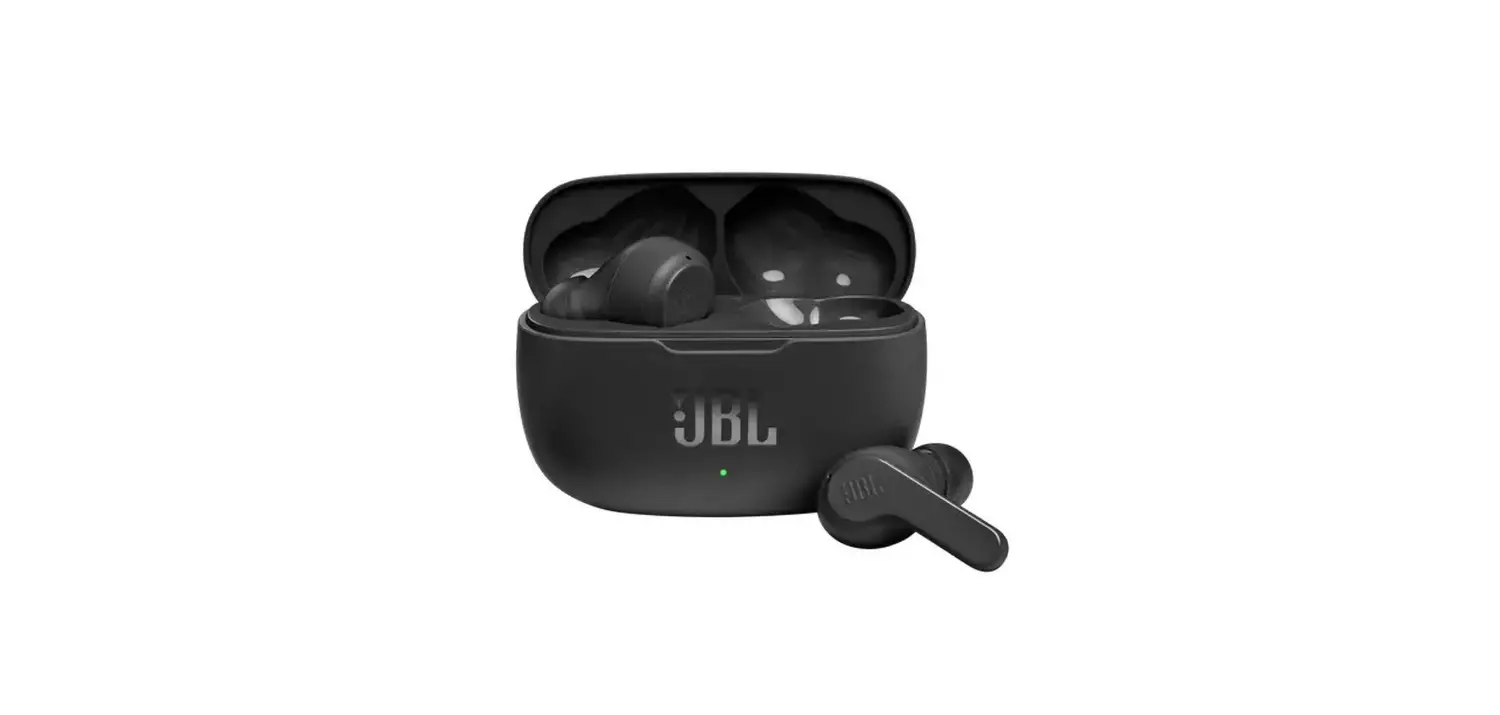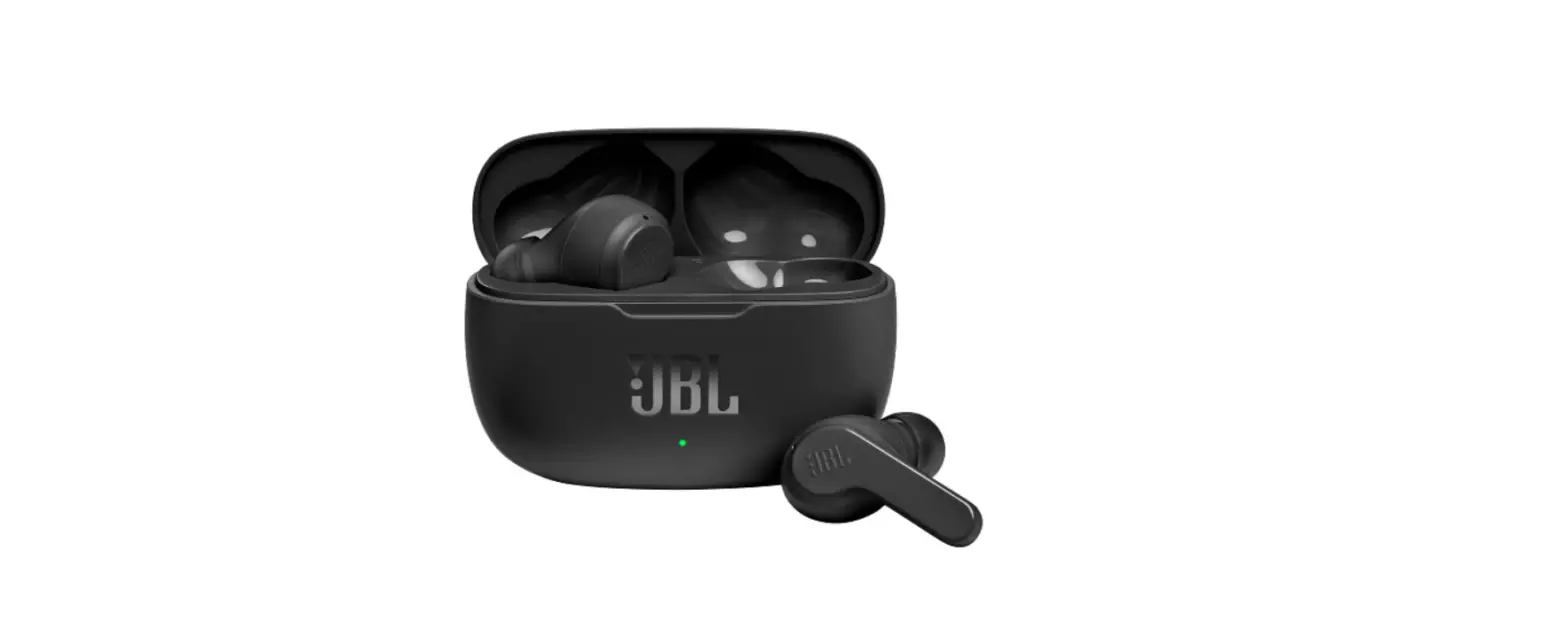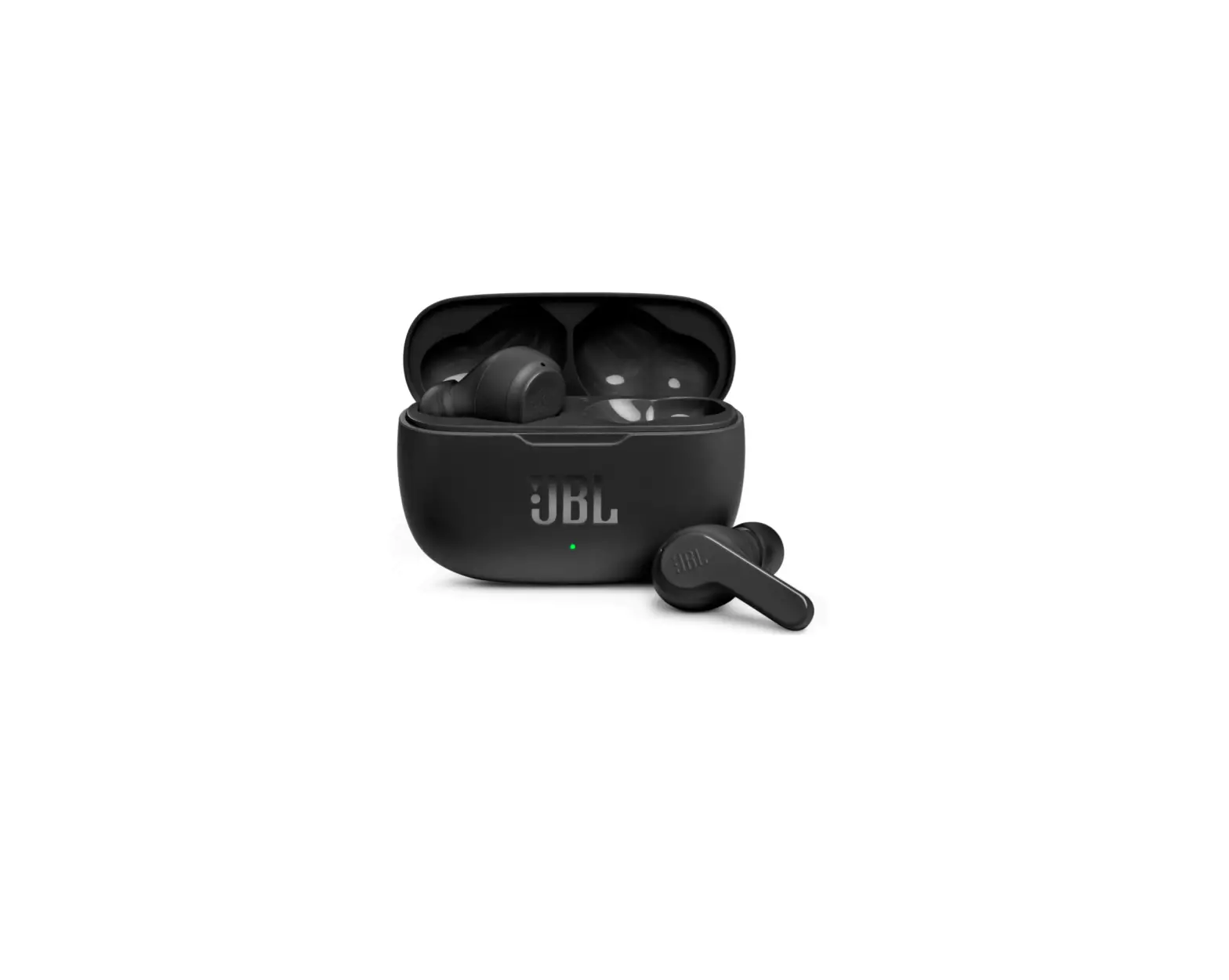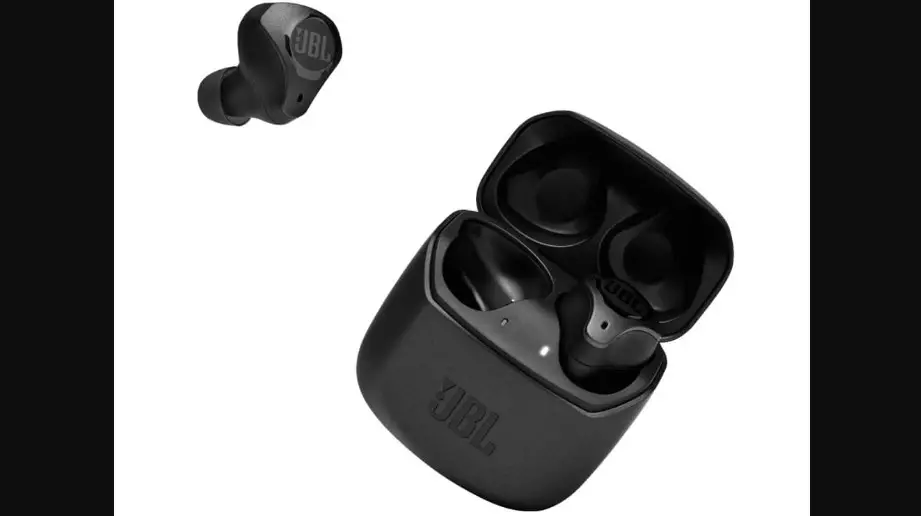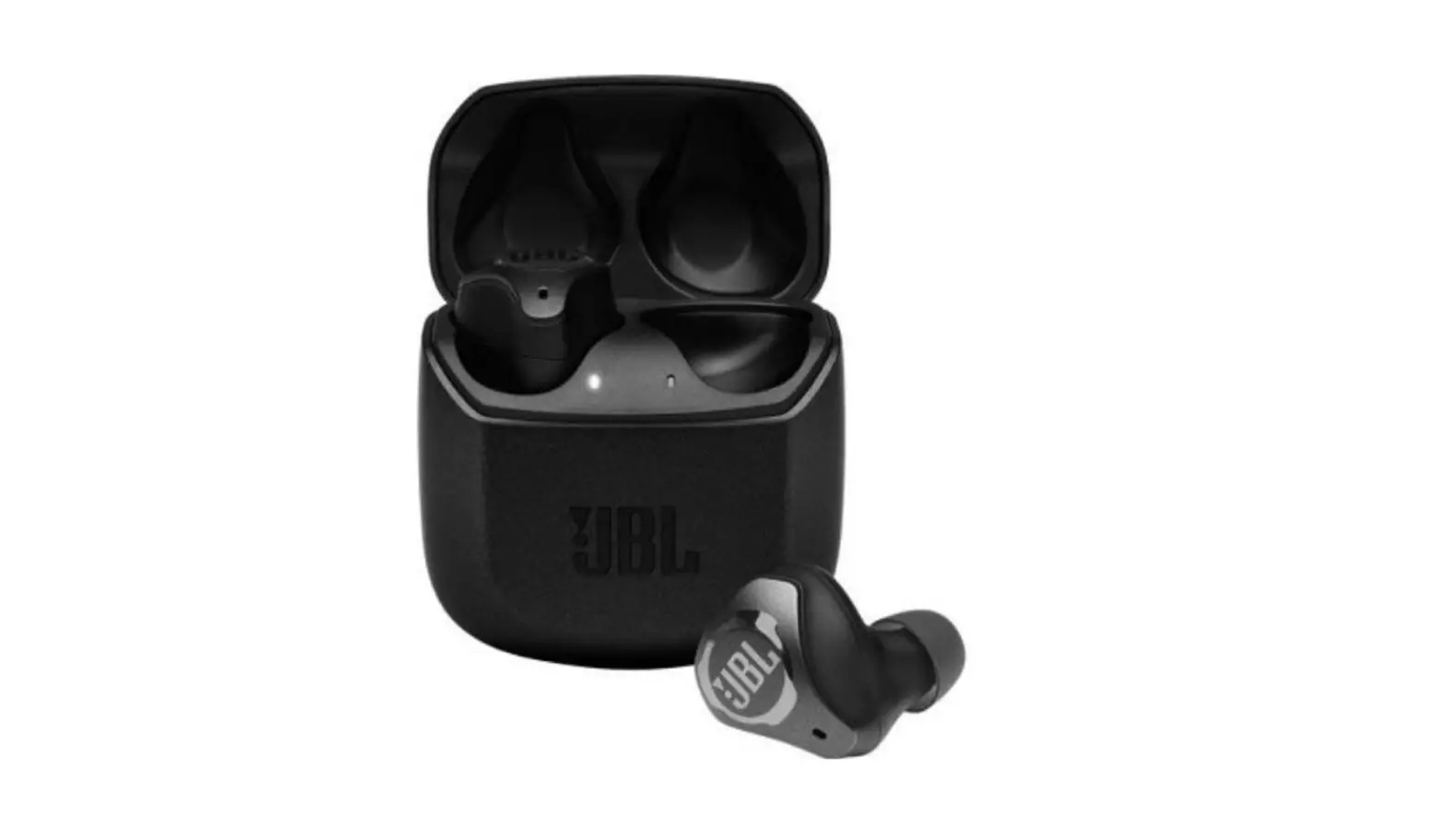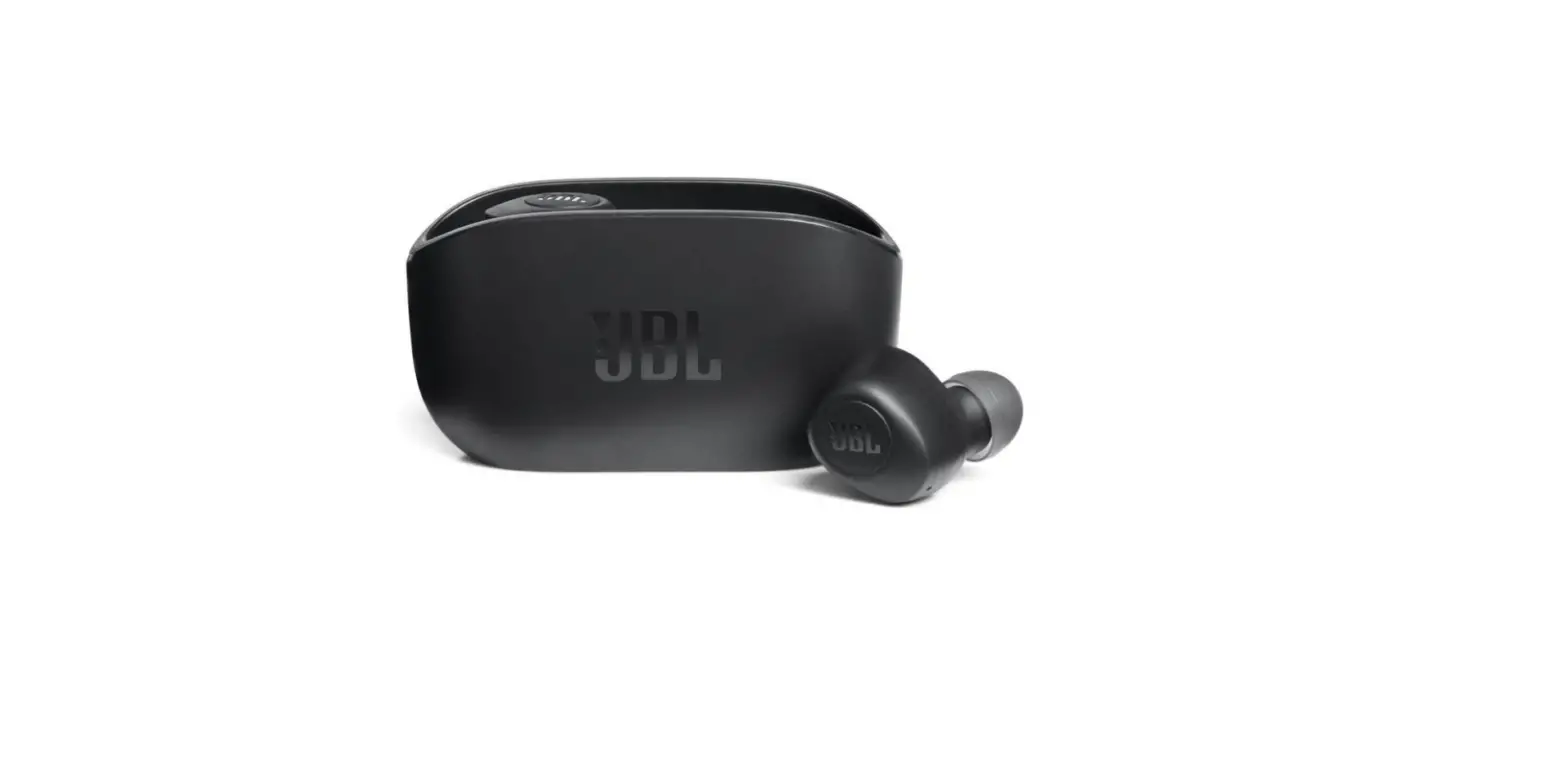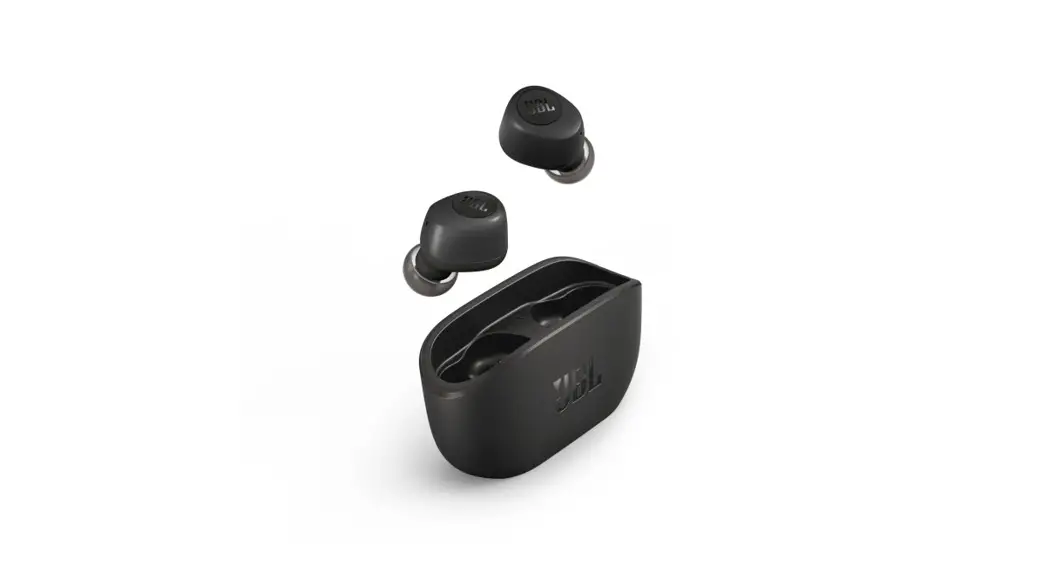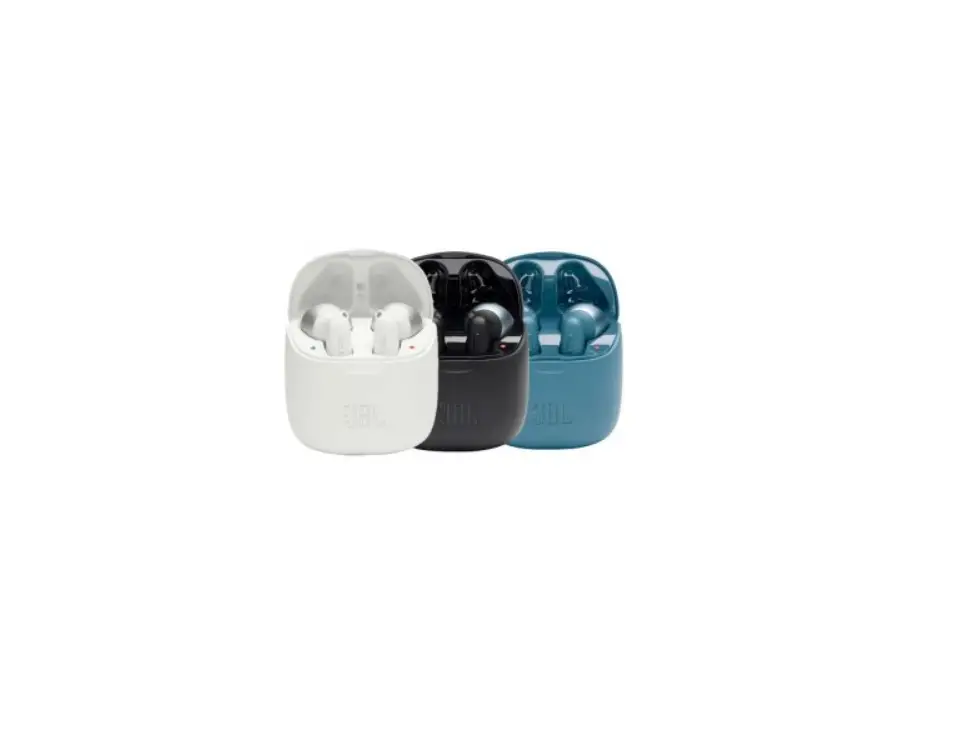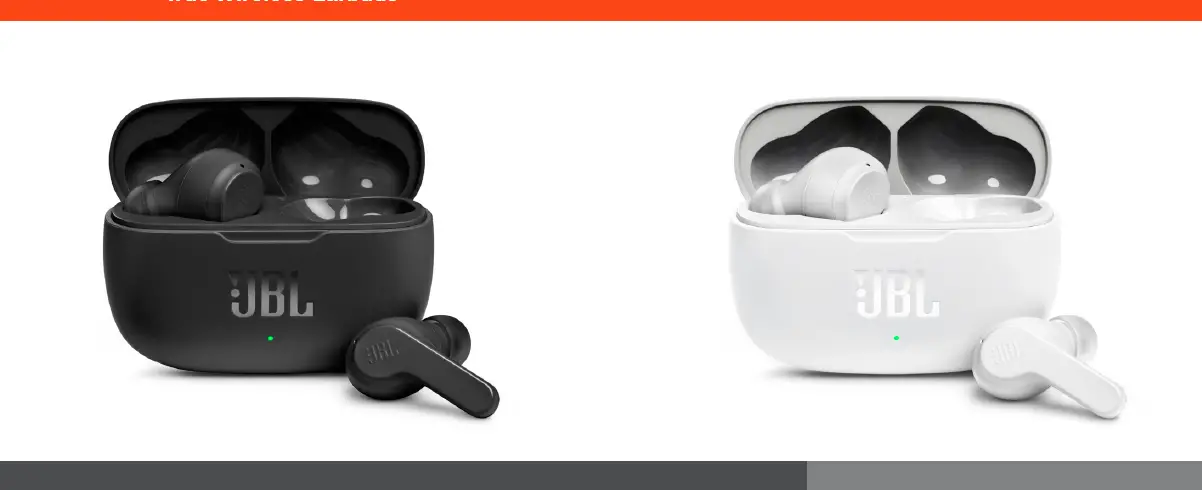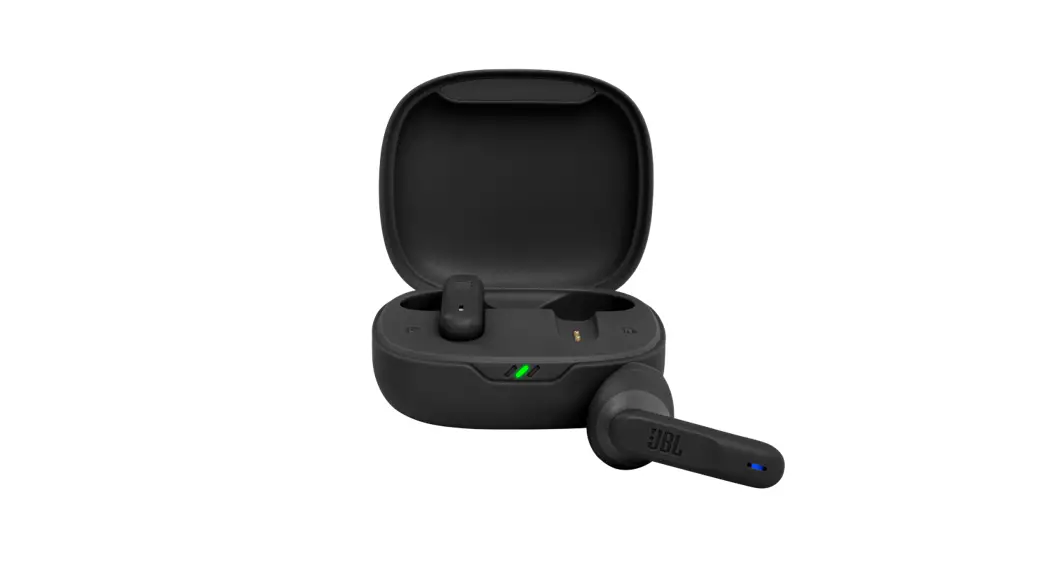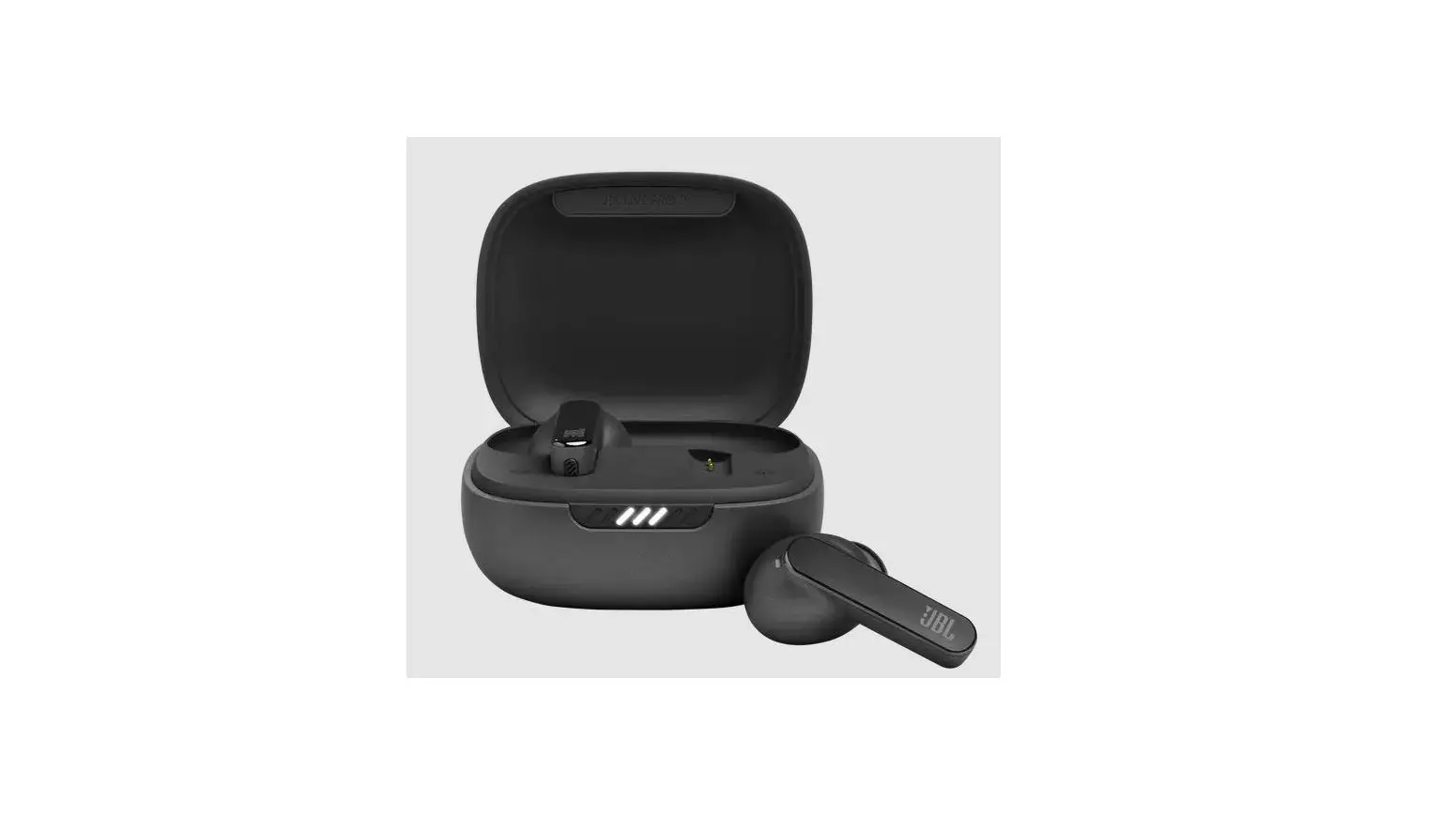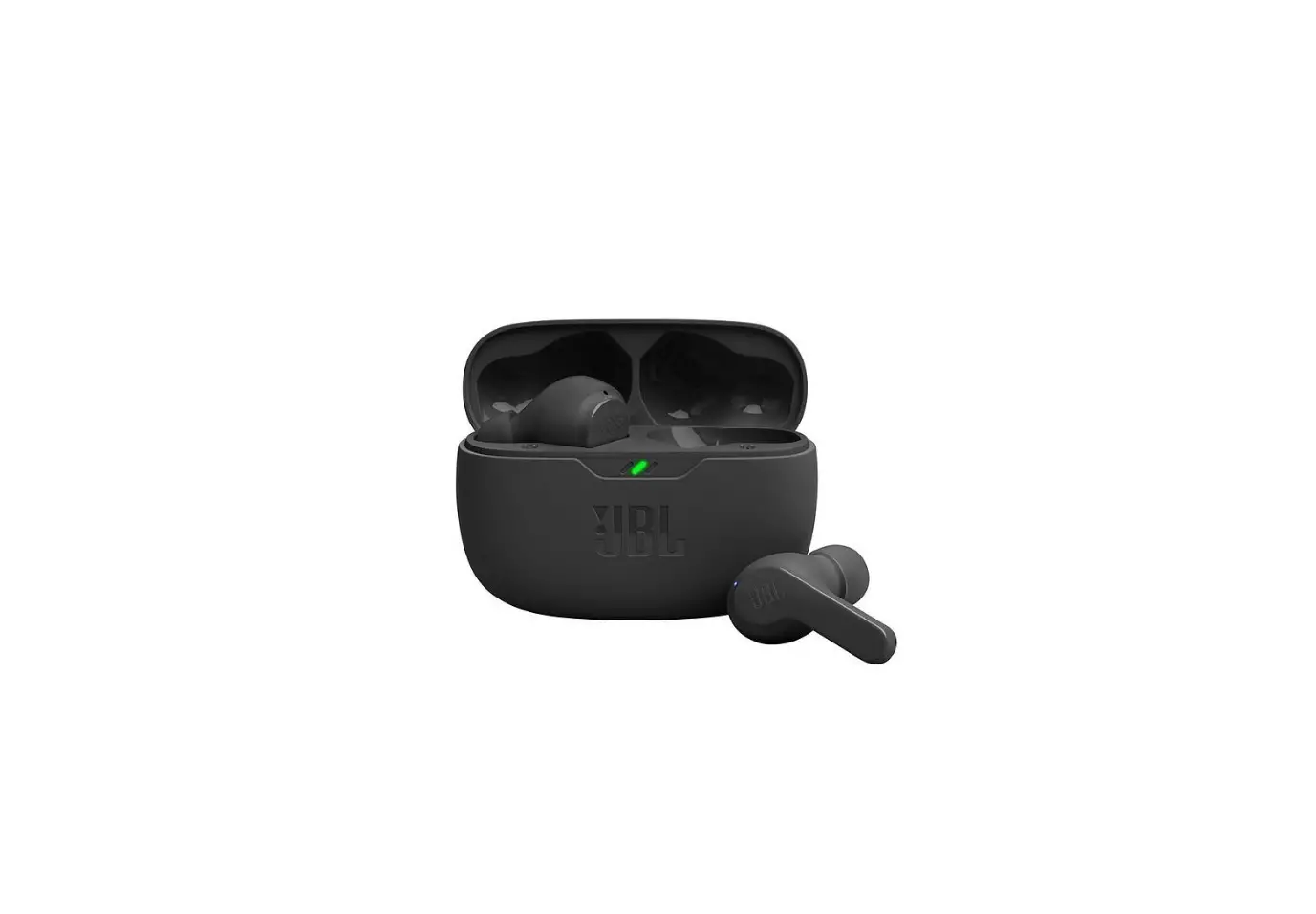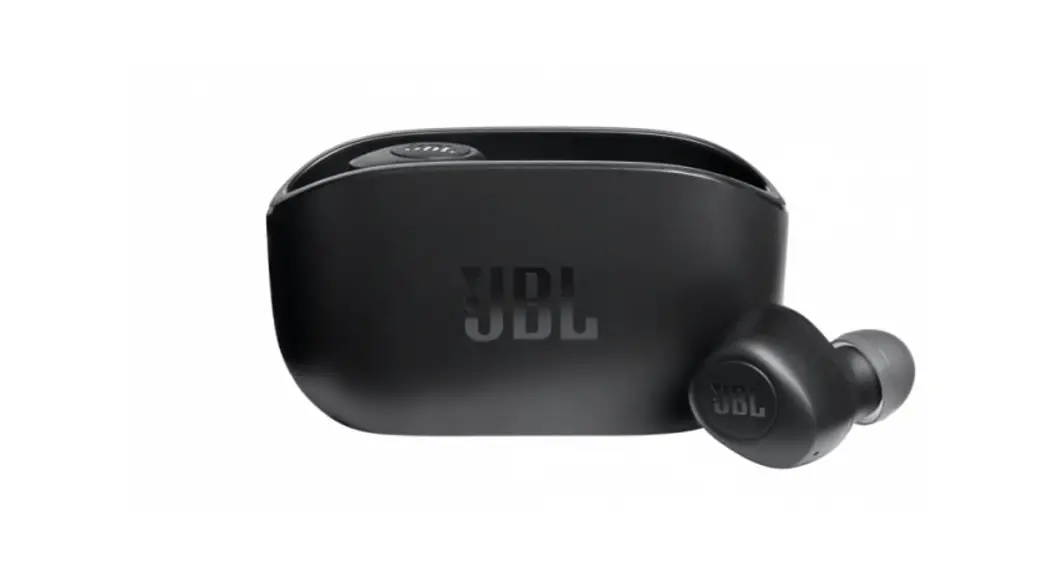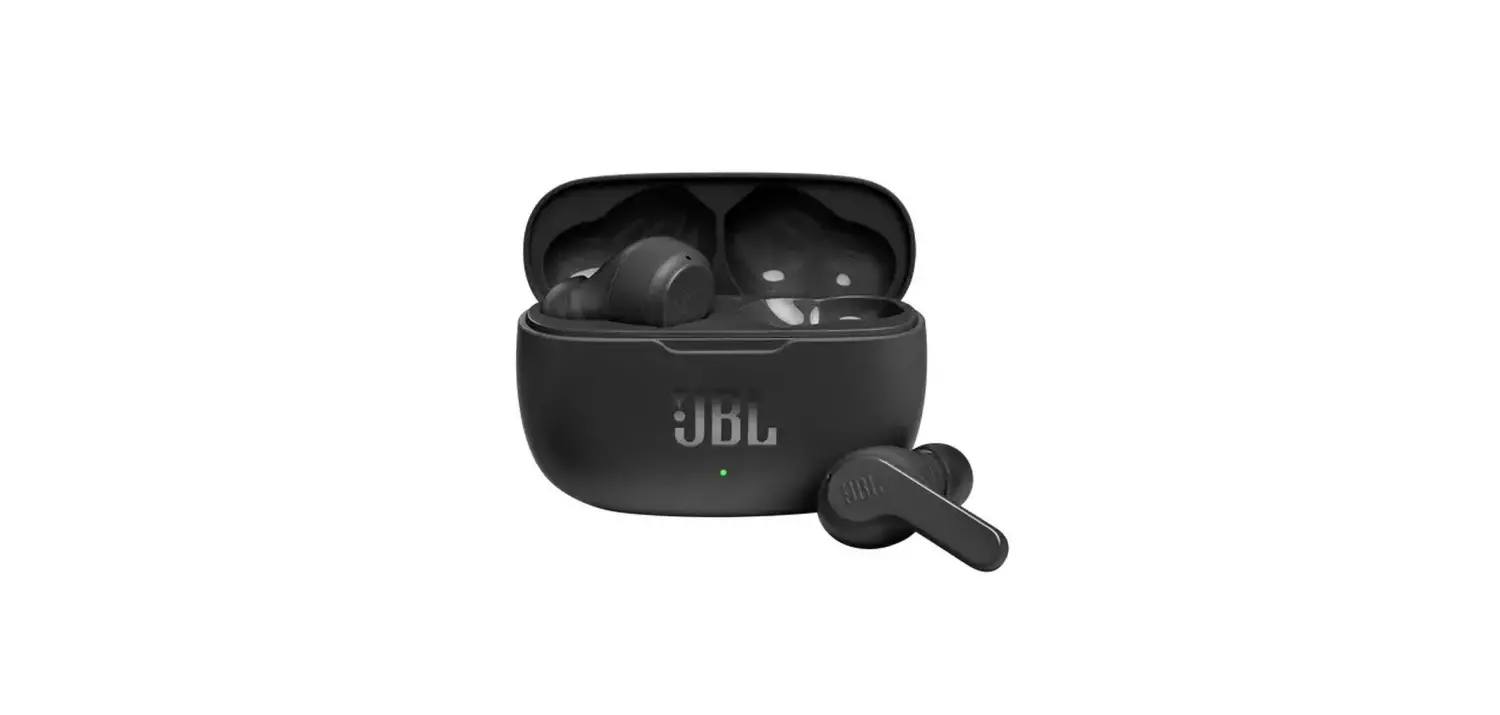

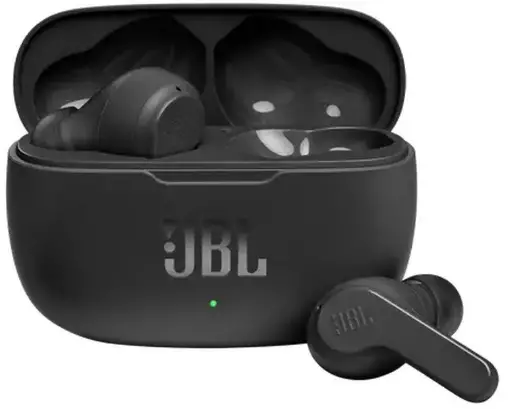
JBL WAVE 200 TWS Wireless Earbuds
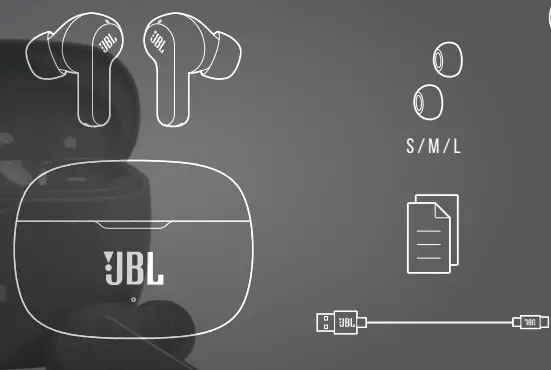
WHAT’S IN THE BOX
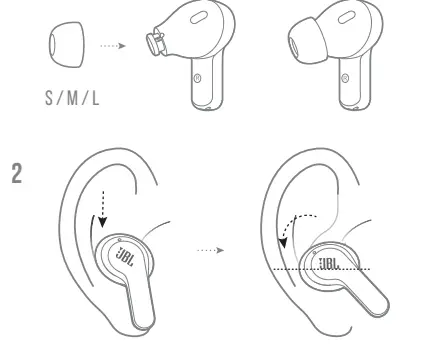
how to wear
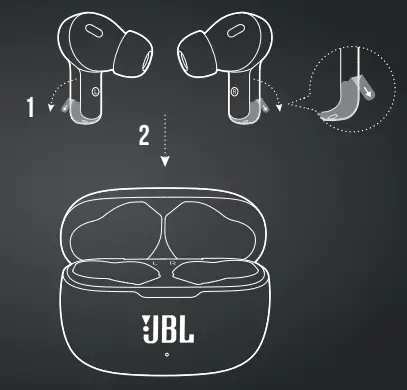
FIRST TIME USE
power on & CONNECT
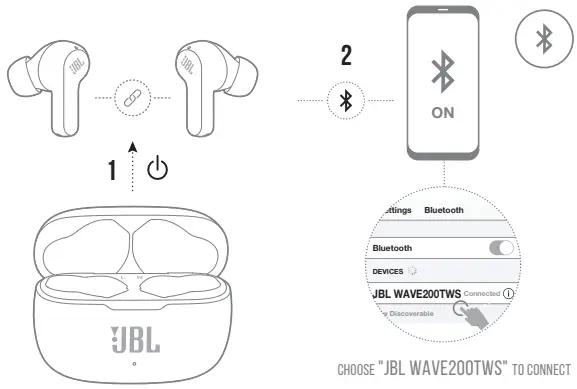
DUAL CONNECT
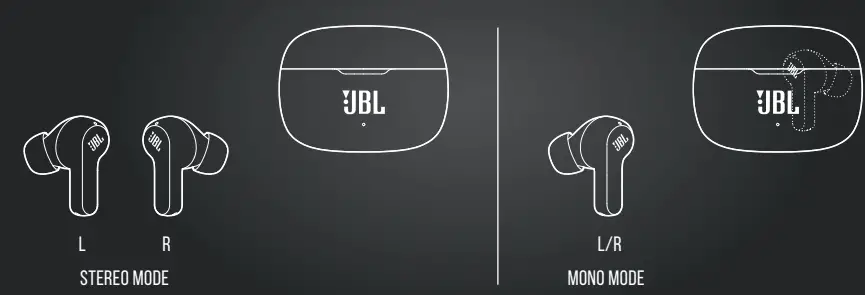
- Stereo Mode
- Mono Mode
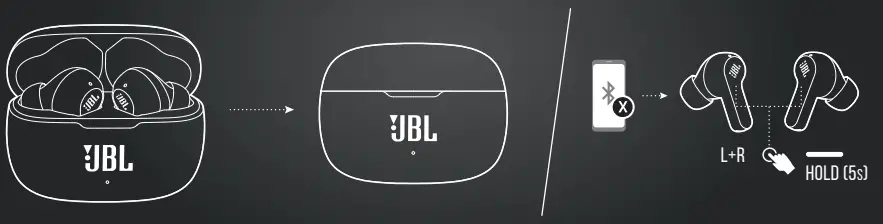
power off
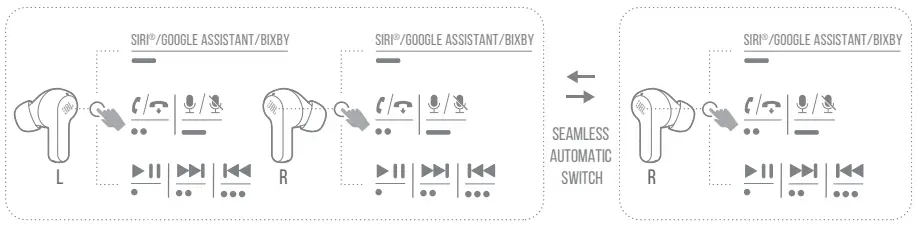
Manual Controls
- Connect to a new Bluetooth device

- RECONNECT LEFT & RIGHT

- Factory reset

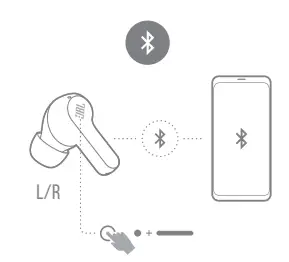
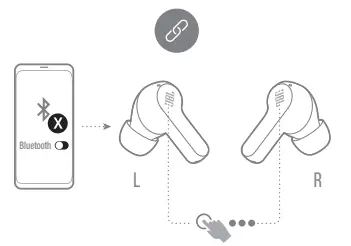
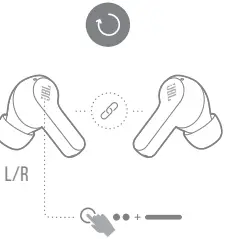
Charging
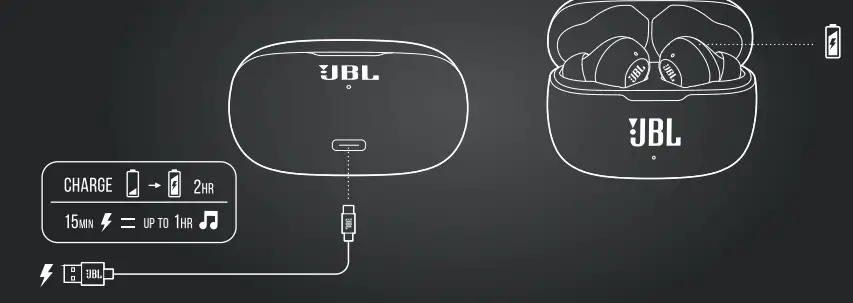
led behaviors

TECH SPEC
- Model: WAVE200TWS
- Driver size: 8 mm/ 0.315” Dynamic Driver
- Power supply: 5 V 1 A
- Weight: 47.5 g/ 0.105 lbs
- Headset battery type: Lithium-ion Battery (48 mAh/ 3.7 V)
- Charging case battery type: Lithium-ion Battery(500 mAh/ 3.7 V)
- Charging time: 2 hrs from empty
- Music playtime with BT on: up to 5 hrs
- Frequency response: 20 Hz – 20 kHz
- Impedance: 16 ohm
- Sensitivity: 108dB SPL@1 kHz
- Maximum SPL: 93 dB
- Microphone sensitivity: -38 dBV/Pa @1 kHz
- Bluetooth version: 5.0
- Bluetooth profile version: A2DP V1.3, AVRCP V1.6, HFP V1.7
- Bluetooth transmitter frequency range: 2.400 GHz – 2.4835 GHz
- Bluetooth transmitter power: 12 dBm
- Bluetooth transmitter modulation: GFSK, π/4 QPSK, 8DPSK
- Maximum operation temperature: 45°C
TO PROLONG BATTERY LIFESPAN, FULLY CHARGE AT LEAST ONCE EVERY 3 MONTHS. BATTERY LIFE VARIES BY USE AND SETTING.
The Bluetooth® word mark and logos are registered trademarks owned by Bluetooth SIG, Inc., and any use of such marks by HARMAN International Industries, Incorporated is under license. Other trademarks and trade names are those of their respective owners.
FAQS
Yes, the JBL TWS earbuds work with Apple products.
The JBL TWS is a wireless headset while the T450BT is a wireless headphone. The TWS has an in-line remote control and microphone, while the T450BT has a built-in remote control and microphone.
It takes approximately 2 hours to fully charge the TWS earbuds.
The TWS earbuds have up to 5 hours of music playback time on a single charge.
To turn on/off the TWS earbuds, press and hold down on either one of the volume buttons for 3 seconds. The power light will illuminate when turned on and will blink red when turned off.
First make sure that your device is within range of your headphones (10 meters). If you are still experiencing issues connecting your headphones, please try resetting your headphones by holding down both volume buttons for 5 seconds until you hear a tone indicating that your headphones have been reset. If you continue to experience problems connecting your headphones, please contact our customer care team at 1-800-898-9020 or email us at [email protected].
Start searching for new Bluetooth devices and select your JBL earbuds from the dropdown menu (For Android this will likely be in available devices). Your earbud should now be connected to your phone and once you remove your other earbud it will automatically connect to the other
Full charge: The LED indicator on the right earbuds turns off. Low battery: Only one LED indicator on the charging box blinking white. Charging: Two LED indicators on the charging box flashing white. Full charge: All of the LED indicators on the charging box turns off.
Press and hold the ‘Volume +’ and ‘Volume –’ buttons until the LED indicator light begins to blink. This should be about 15 seconds. Once the LED light begins to blink, the pairing settings have been reset. Now, turn the Bluetooth on your device on again.
When the two earpieces begin to pair, sometimes the left side is unable to automatically pair together, leaving you to suffer one-sided audio if you don’t remedy the issue. Take out the right earbud from the charging case. It will begin attempting to pair, you can discern this from a blinking blue light.
One side of your wireless earbuds may not be working because your first time setting the earbuds up might not have run properly. Other reasons include a bug (which requires a manual reset), needing to be reconnected to your other device using Bluetooth and actually having damage to the hardware.
Place both earbuds in the charging case.
Keep the case lid open and hold the earbuds near your Android or iOS device.
Scroll down to locate and select “About Earbuds.”
Choose the “Reset” option.
 Anatel — Agência Nacional de Telecomunicações