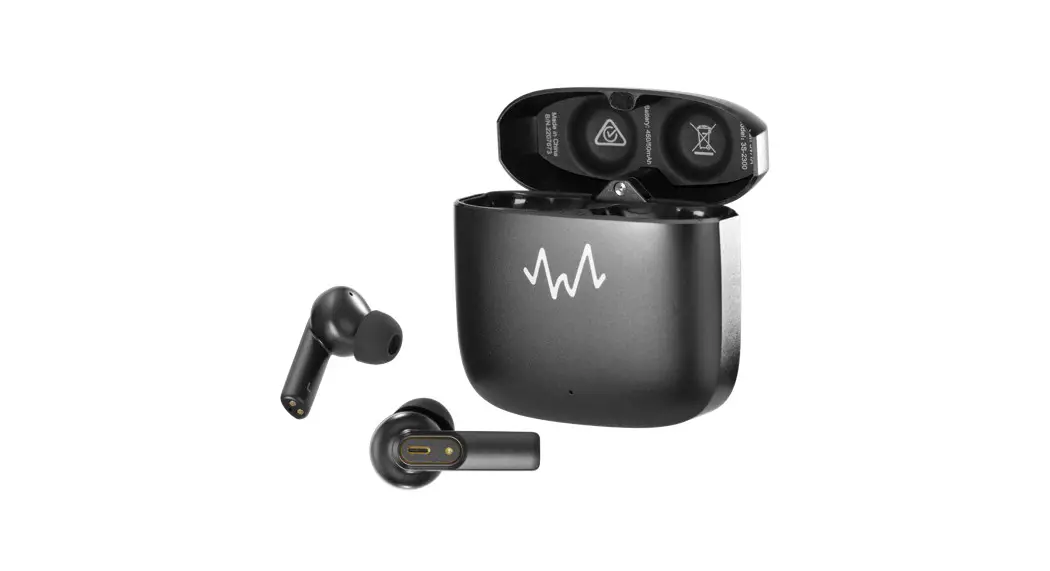
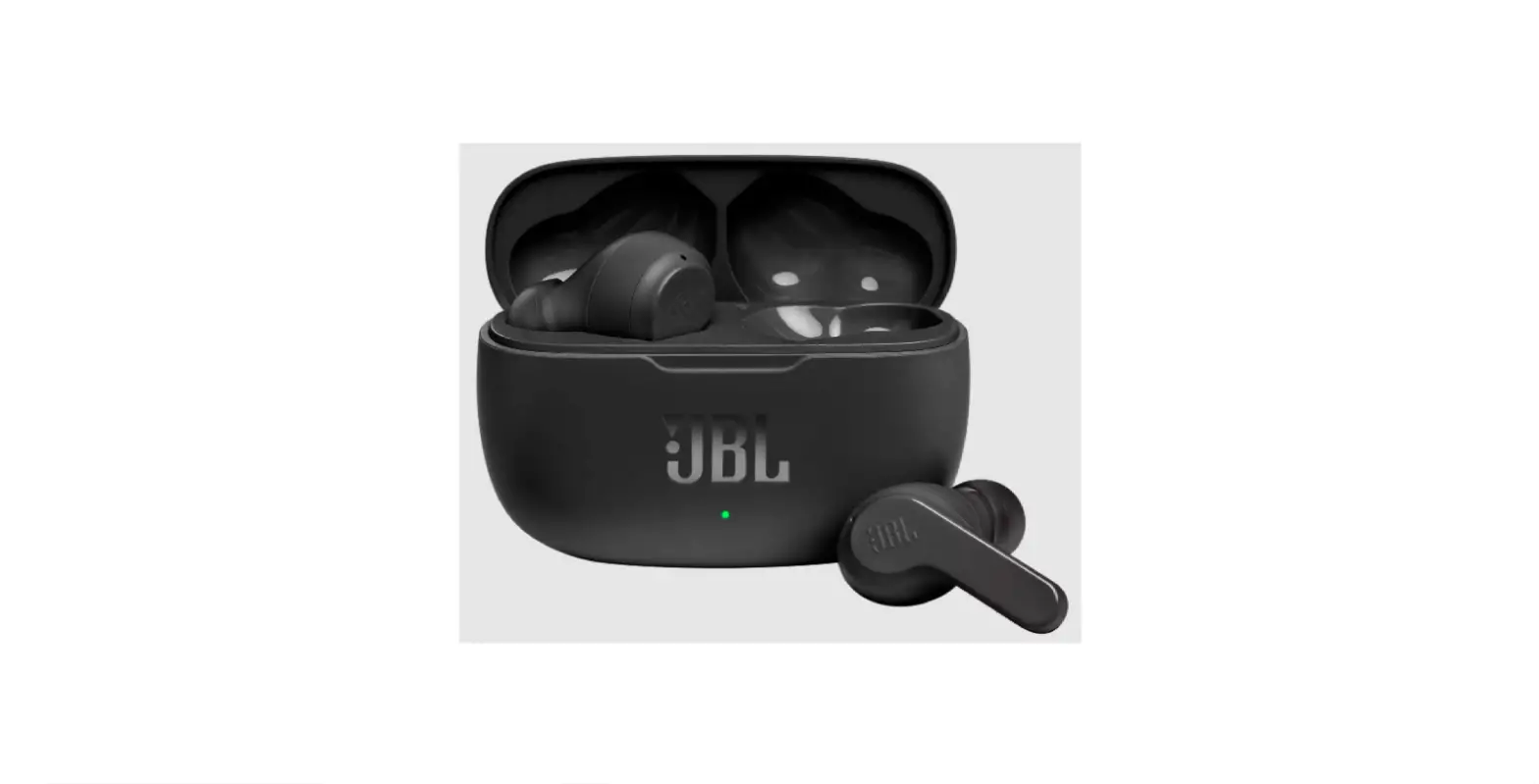
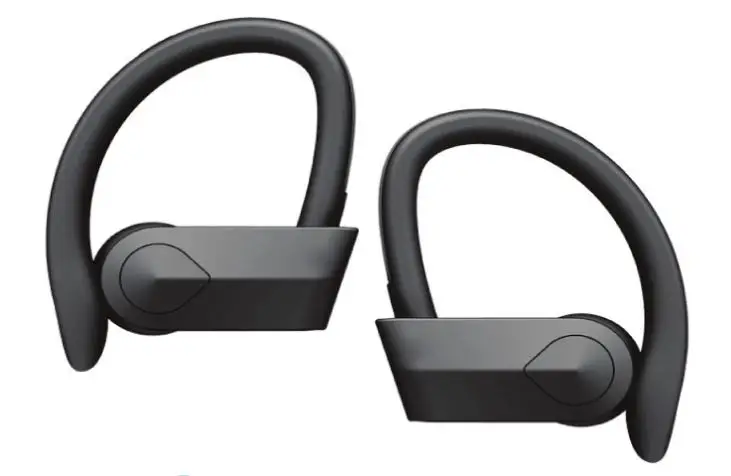
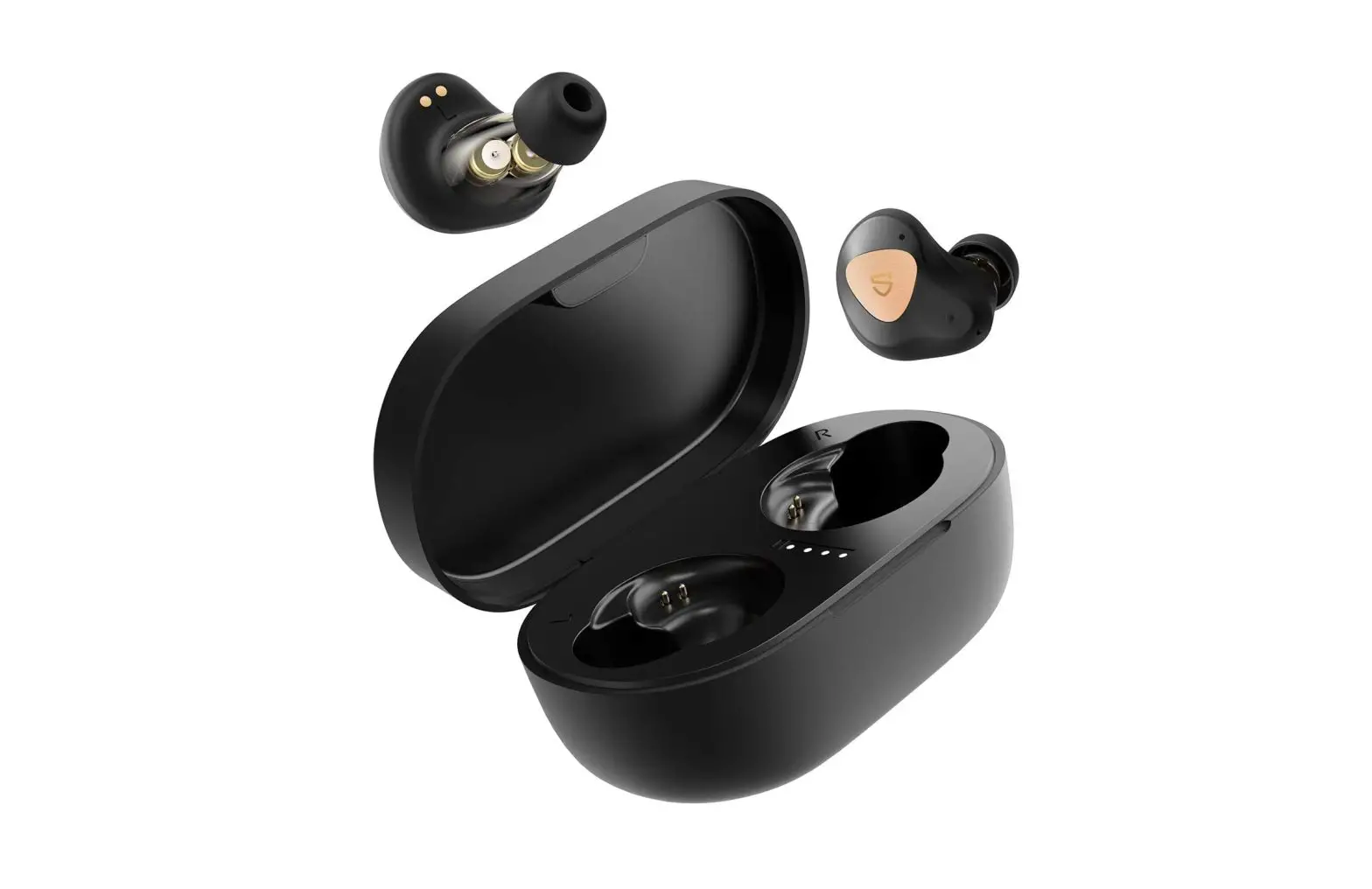
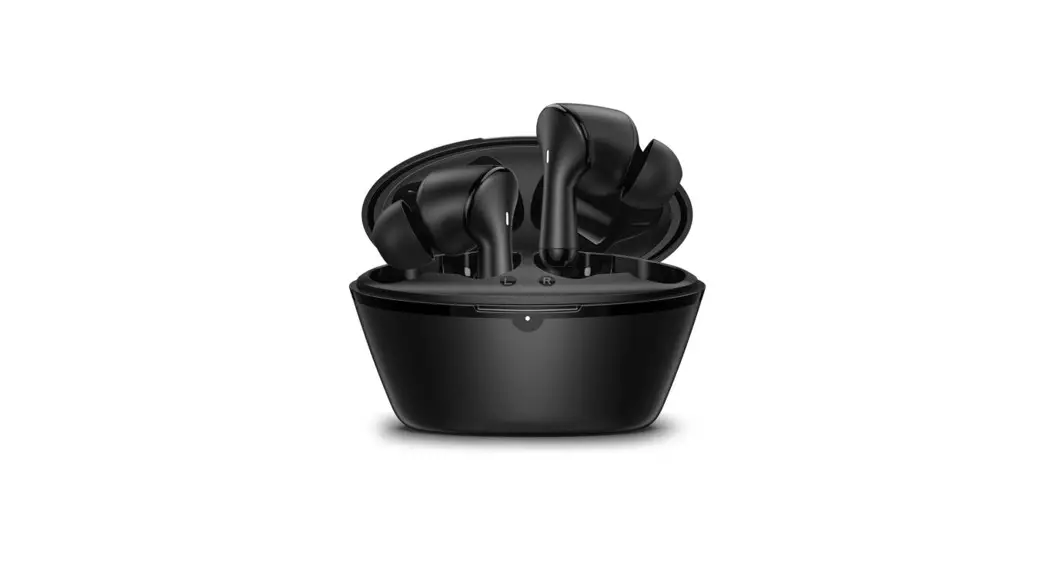
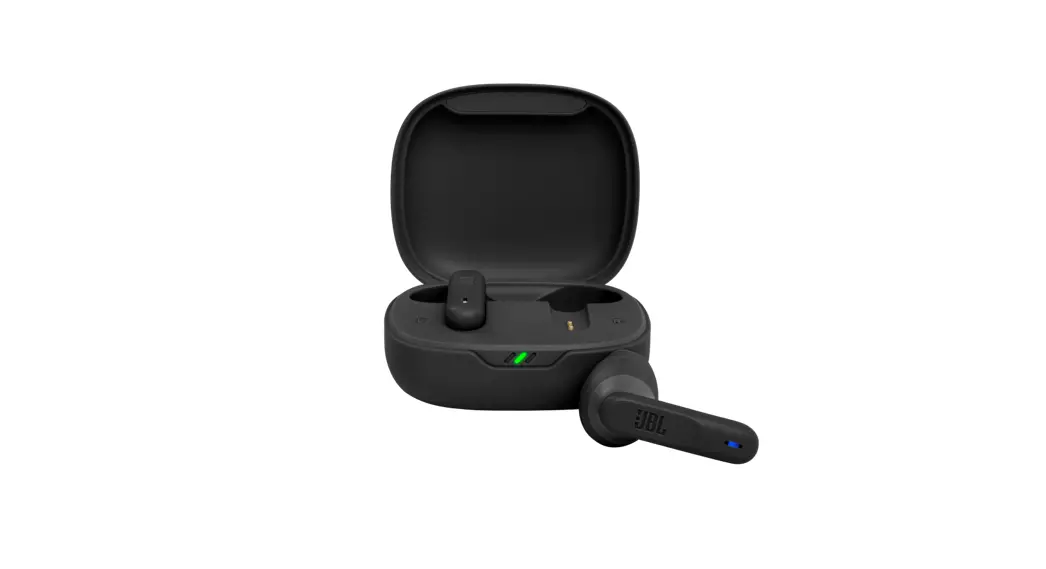
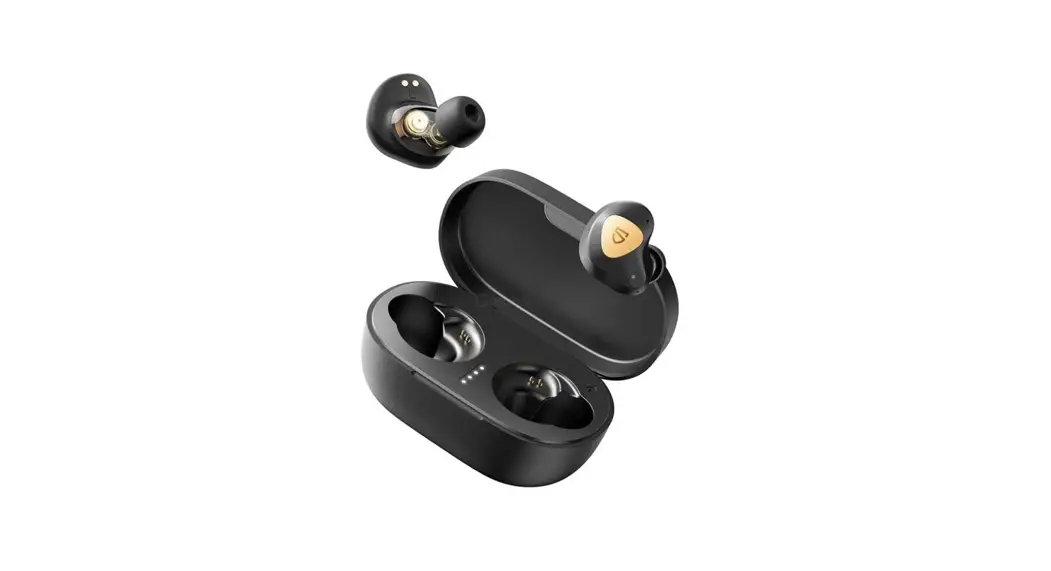
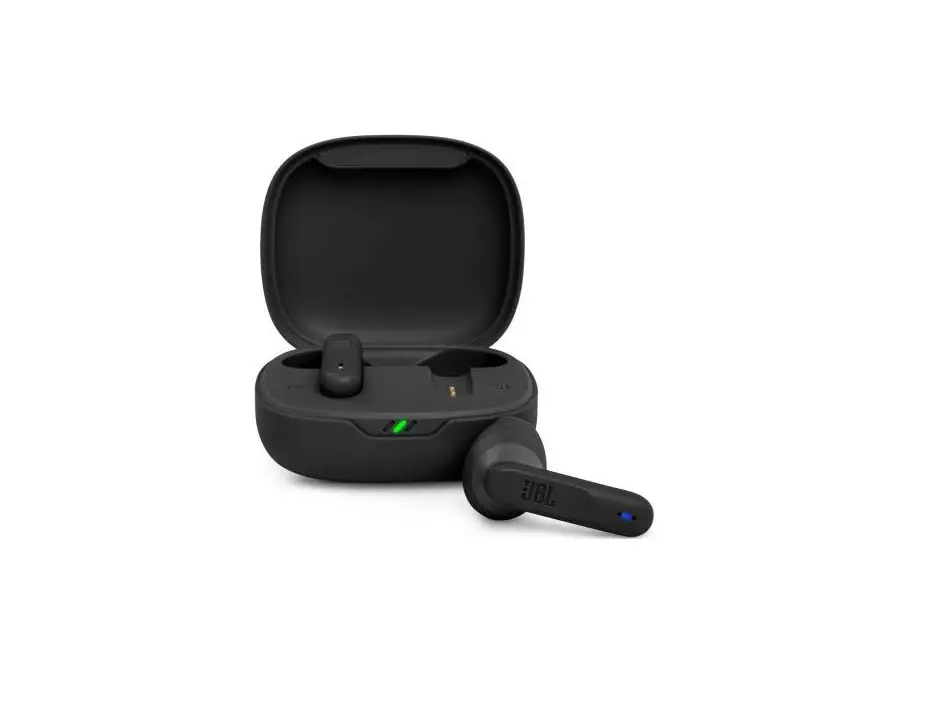
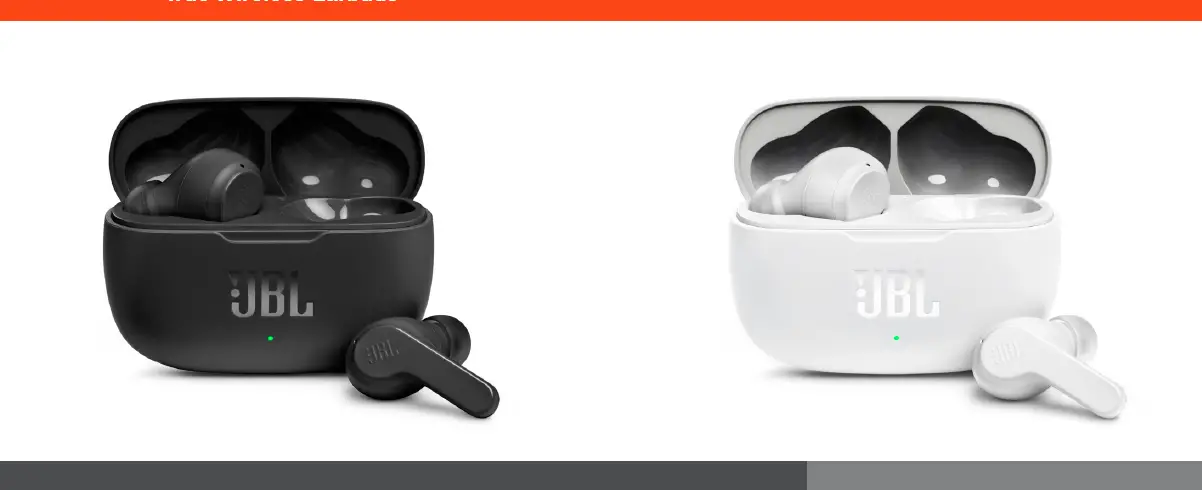
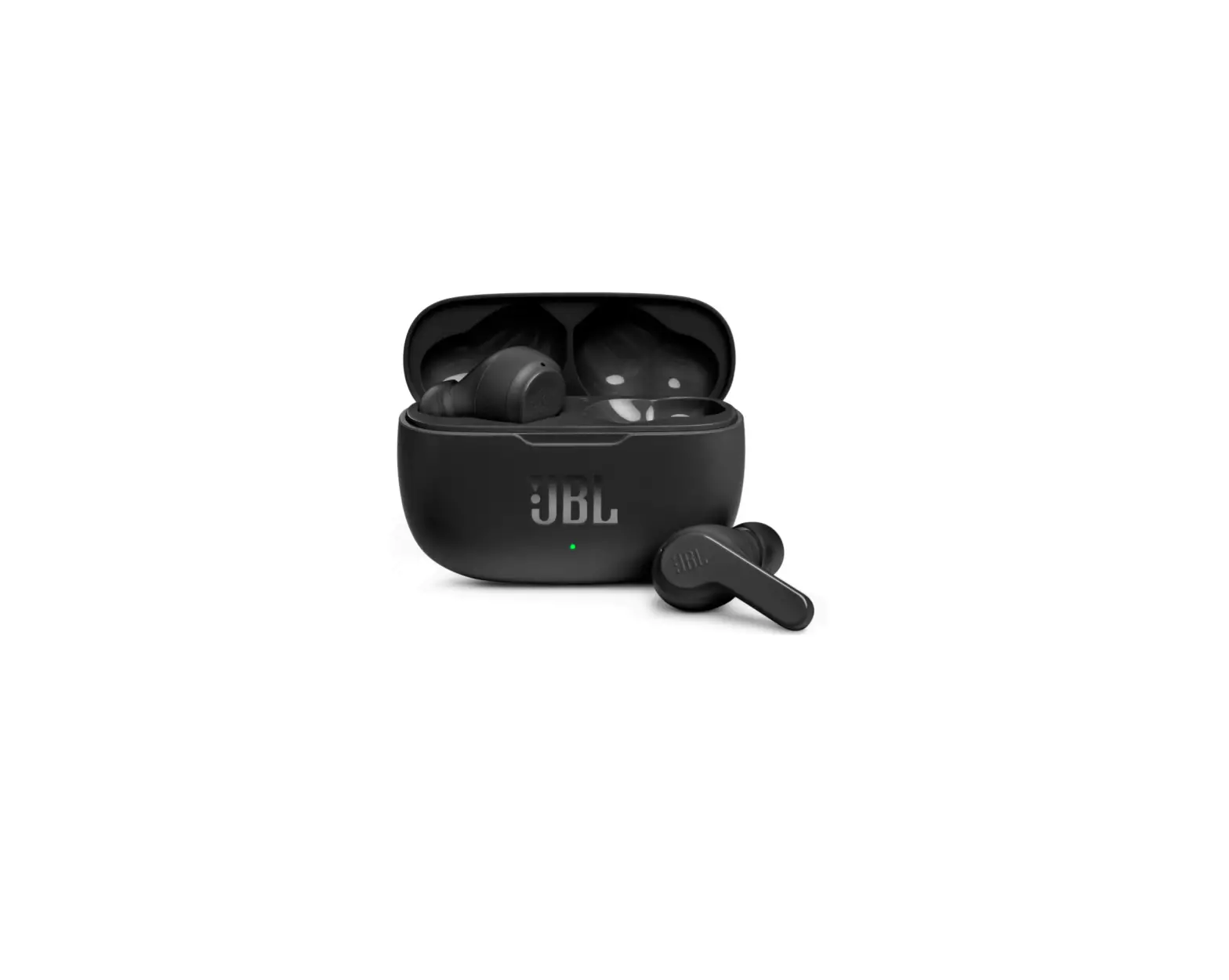
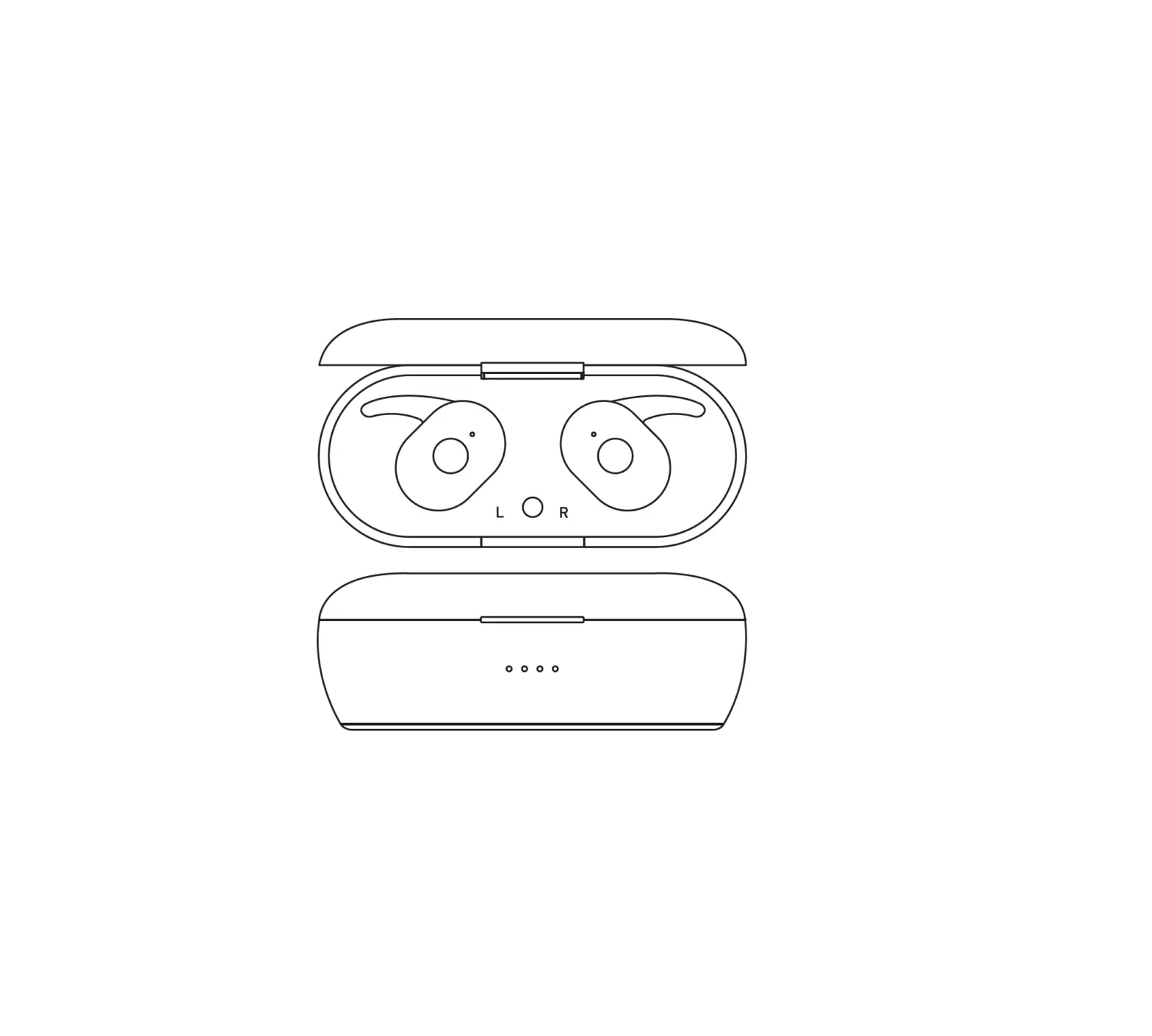
3S-2408 True Wireless Earbuds
Product Information
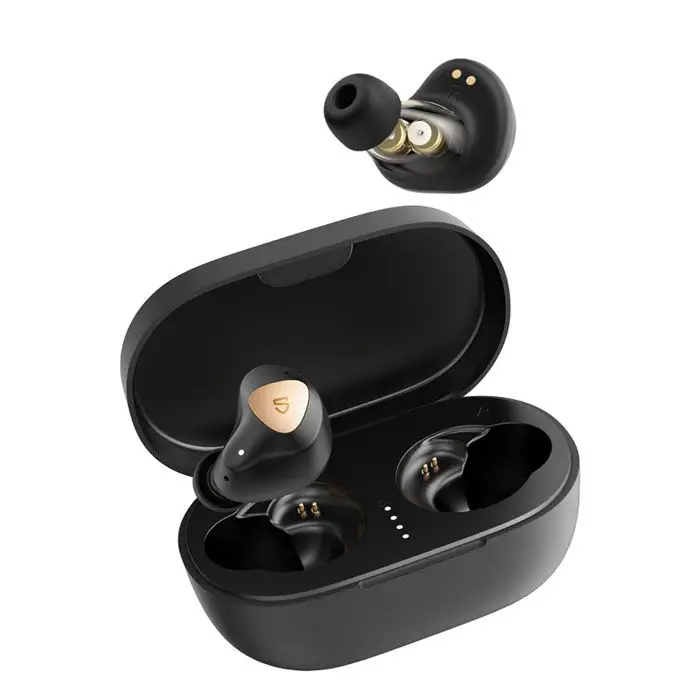
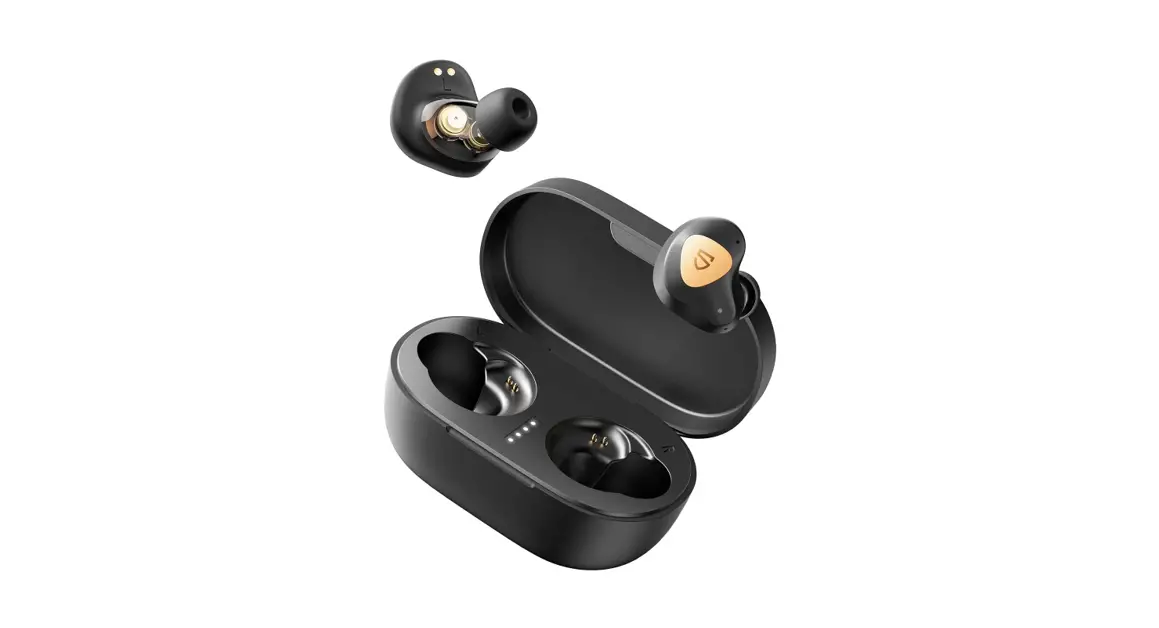
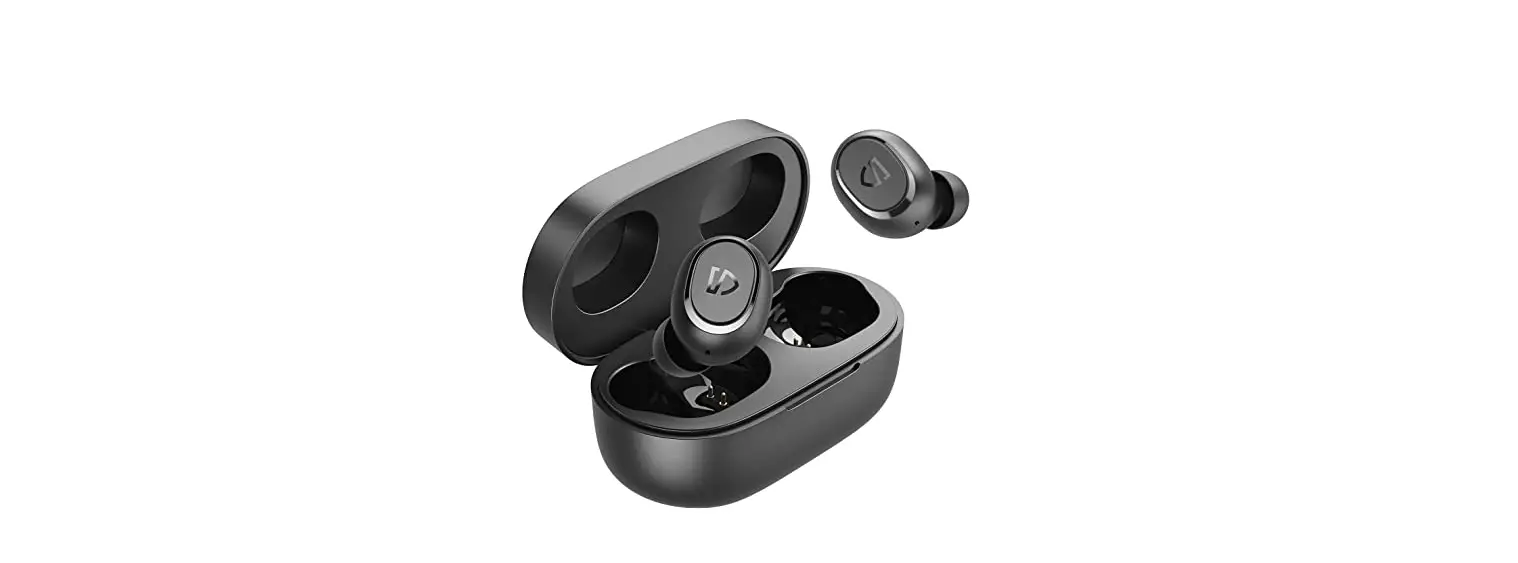
The Immersive Lite is a pair of wireless earbuds designed for a
seamless audio experience. With its compact and ergonomic design,
these earbuds provide comfort and convenience during extended use.
The earbuds come with a charging case that ensures your earbuds are
always powered up and ready to use. The battery case has a capacity
of 300mAh, while each earbud has a battery capacity of 30mAh. The
earbuds support a 5V/1A input for charging.
The earbuds feature intuitive touch controls for easy navigation
and control of your audio playback, calls, and voice control. The
LED light indicator provides visual cues for different states of
the earbuds, such as pairing, connection status, battery level, and
more.
Wave Audio is an Australian audio brand based in Melbourne,
committed to delivering high-quality audio products and ensuring
customer satisfaction. We value your feedback and would love to
hear about your experience with our product. Share your experience
by scanning the QR code provided and receive a 10% discount on your
next purchase.
Stay connected with us by following @waveaudioau on social
media.
Product Usage Instructions
To use the Immersive Lite earbuds, please follow the
instructions below:
Power On and Off
- To power on the earbuds, take them out from the charging case
or long press the touch area for 3 seconds. - To power off the earbuds, put them back into the charging case
or long press the touch area for 4 seconds after disconnecting
them. The earbuds will automatically power off after 3 minutes of
being disconnected.
Audio Playback Control
Left Earbud:
- To play or pause, touch the touch area twice.
- To go to the previous song, long press the touch area for 2
seconds. - To decrease the volume, touch the touch area once.
Right Earbud:
- To play or pause, touch the touch area twice.
- To go to the next song, long press the touch area for 2
seconds. - To increase the volume, touch the touch area once.
Call Control
Answering a call:
- To answer an incoming call, touch the touch area once.
Rejecting a call:
- To reject an incoming call, long press the touch area for 2
seconds.
Hanging up a call:
- To hang up an ongoing call, touch the touch area twice.
Cancelling a call:
- To cancel an outgoing call, touch the touch area twice.
Voice Control
To open voice control, touch the touch area three times. To
close voice control, touch the touch area three times.
Battery and Charging
The LED light indicator provides information about the battery
and charging status:
- Unpaired: Red and blue lights flashing fast.
- Waiting to pair: Blue light flashing on both sides.
- Connected: All lights off.
- Power on: Red and blue lights flash for 1 second.
- Power off: Red light flashes for 1 second.
- Incoming call: Blue light flashes twice for 3 seconds.
- Charging: Red light for 35% battery, yellow light for 35-70%
battery, green light for 70% battery. All lights off when charging
is complete. - Reset complete: Red light on for 2 seconds, then off.
Voice Sounds
To turn on the voice sounds, power on the earbuds. To turn off
the voice sounds, power off the earbuds. The voice sounds include
notifications for low battery, connection status, and volume
levels.
Immersive Lite user guide Pairing name: Wave 3S-2408 or Wave 3S-2409
Earbuds
Turn on – take out from the charging case. Or Long press for 3 seconds. Play – touch 2 times Pause – touch 2 times Answer call – touch 1 time Reject call – long press for 2 seconds Open voice control – touch 3 times
Turn off – put the earphones into the case or long press for 4 Seconds after disconnected. Auto power off starts after 3 minuets of being disconnected. To reset – touch 5 times Hang up – touch 2 times Cancel call – touch 2 times
Close voice control – touch 3 times
Left
Previous song – long press for 2 seconds Volume down – touch one time
Right
Next Song – long press for 2 seconds Volume up – touch one time
LED Light indicator
Unpaired – red blue light flashing fast Waiting to pair – blue light flashing on both sides Connected – all lights off Power on – red and blue light flash for 1 second Power off – red light flashes for 1 second Incoming call – blue light flashes 2 times for 3 seconds Charging – light on: 35% = red, 35 – 70% = Yellow, 70% = Green Charging complete – all lights off Reset complete – red light on for 2 second then off
Immersive Lite user guide Pairing name: Wave 3S-2408 or Wave 3S-2409
Voice sounds
Turn on – “Power on” Low battery – “Battery low” Connected – “Connected” Loudest volume – “Dudu”
Turn off – “Power off” Pairing – “Pairing” Disconnected – “Disconnected” Lowest volume – “Dudu”
Thank you for your support!
We are Australia’s newest audio brand, created in Melbourne and we’d love to hear about your experience with our product.
Scan the QR code and share your experience to receive 10% off your next purchase.
waveaudio.com.au
©2022 3sixT. All rights reserved. This product may be covered by one or more patents. Tenancy: E1/5 Grevillea Pl Brisbane Airport QLD 4008. EU Importer: Wentronic GmbH, Pillmannstraße 38112,12 Braunschweig Germany.
Input: 5V/1A Battery Case/Earbud: 300mAh/30mAh
Want to stay in touch? Follow us on @waveaudioau
 Wave Audio