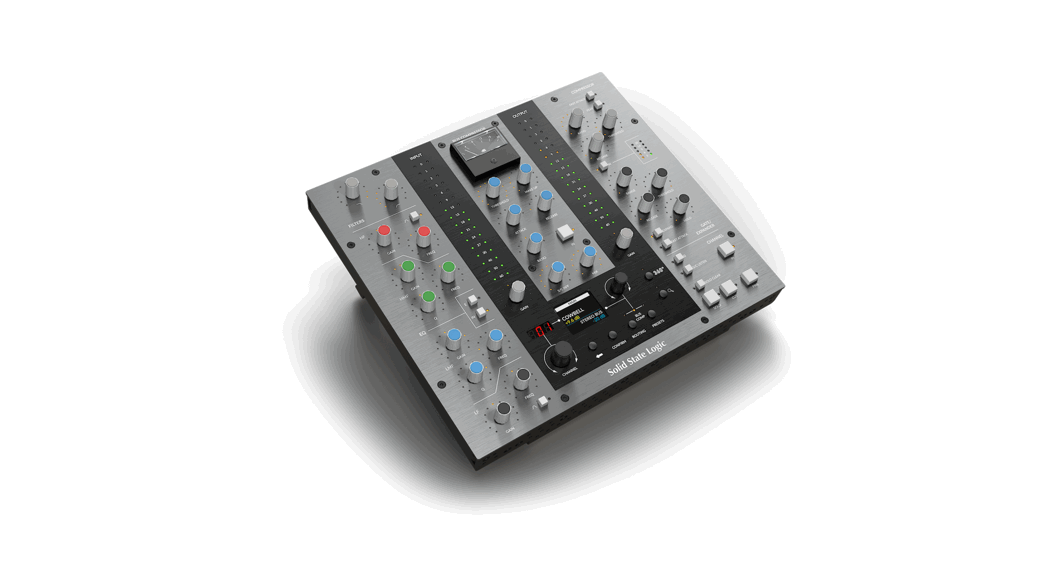
 UC1 Advanced Plugin Controller
Instruction Manual
 https://www.solidstatelogic.com/support/downloads
 Important Information Inside
Register Today
Register your SSL UC1 for the best possible experience and to gain access to any additional software that comes with it. Go to solidstatelogic.com/get-started and follow the on-screen instructions. During the registration process, you’ll need to input the serial number of your UC1. This can be found on the base of your unit.

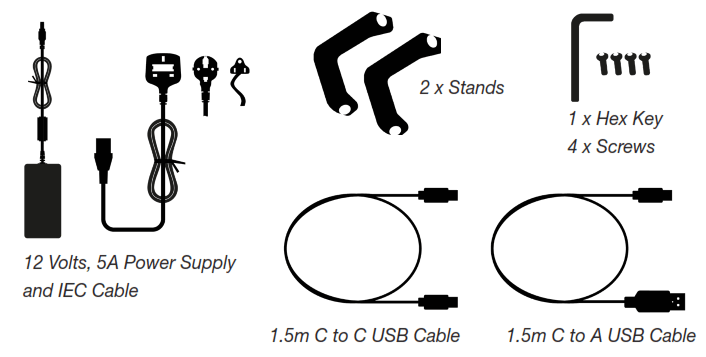
Unpacking
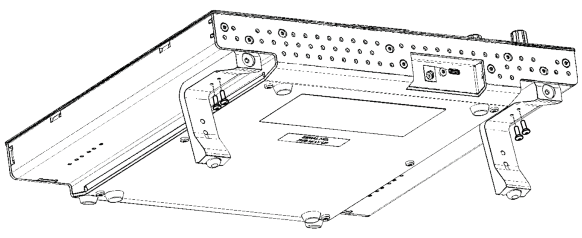
Fitting The Stands (Optional)
UC1 can be used with or without the included screw-in stands. Holes at the top of the base allow for different angles of elevation. You can also reverse the stands themselves for even more angle options.
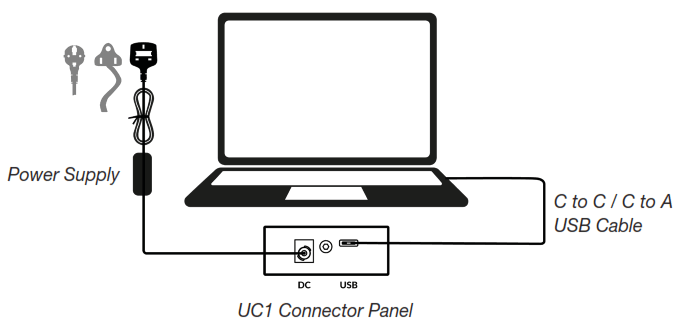
Connecting Your UC1 Hardware
- Connect the included power supply to the DC socket on the connector panel.
- Connect one of the included USB cables from your computer to the USB socket.
Install SSL 360° Software
UC1 requires SSL 360° software to be installed on your computer in order to function.
 https://www.solidstatelogic.com/support/downloads
The SSL 360° software allows you toview and control all of your SSL Native Channel Strip 2 and Bus Compressor 2 plug-ins in one place – just like working on a virtual SSL mixer!
Download and install the SSL Native Channel Strip 2 and Bus Compressor 2 plug-ins from the SSL website (available in AAX Native, AU and VST3 formats).
You must register your UC1 in your SSL account to obtain your plug-in licenses: account.solidstatelogic.com/login/signup
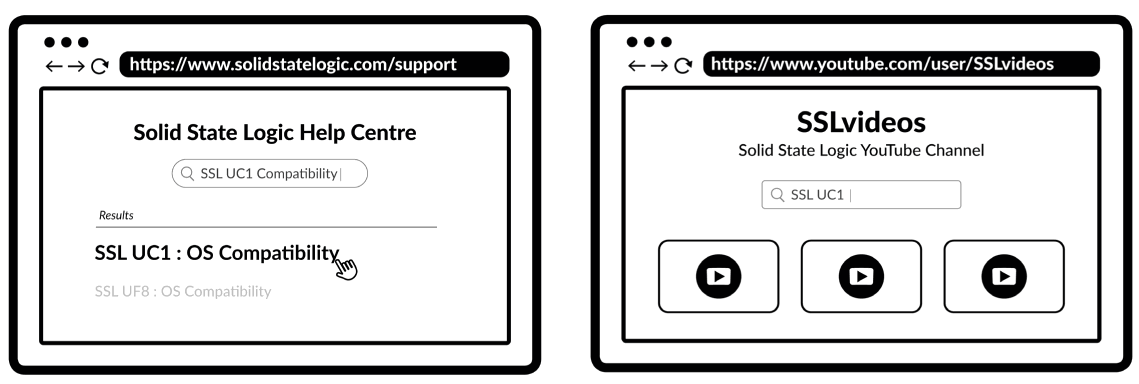 | |
| https://www.solidstatelogic.com/support | https://www.youtube.com/user/SSLvideos |
| Compatibility, Troubleshooting and FAQs Visit the Solid State Logic Help Centre to check compatibility with your system and find answers to your questions. solidstatelogic.com/support | YouTube Tutorials Check out the product tutorials on the SSL YouTube Channel to learn more about using your SSL equipment. youtube.com/user/SSLvideos |
Thank you
Don’t forget to register for the best possible experience.
solidstatelogic.com/get-started
82BYGH01
 Solid State Logic Customer Registration Portal
 Get Started | Solid State Logic