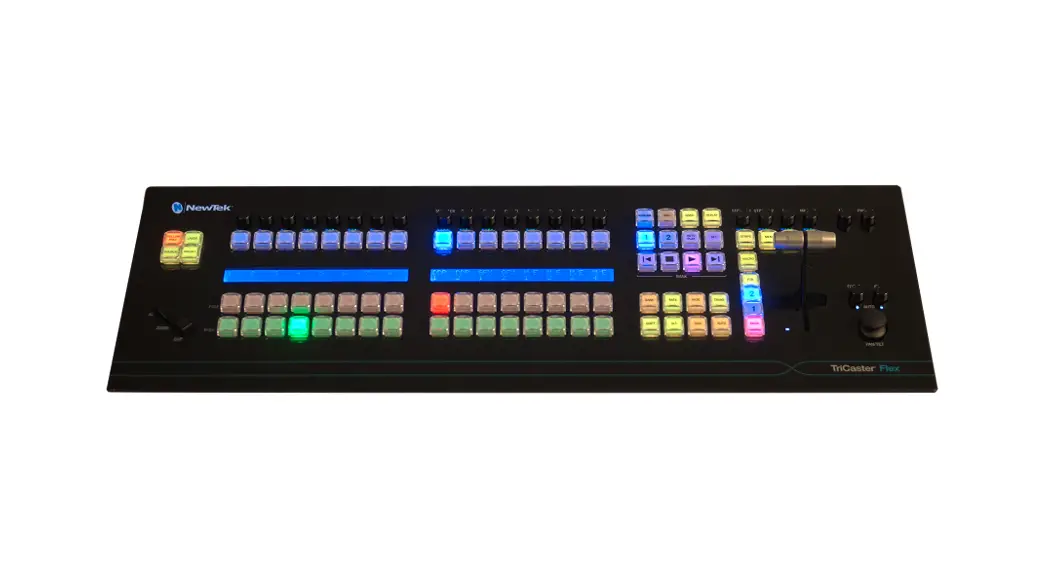
 Flex Control Panel
User Guide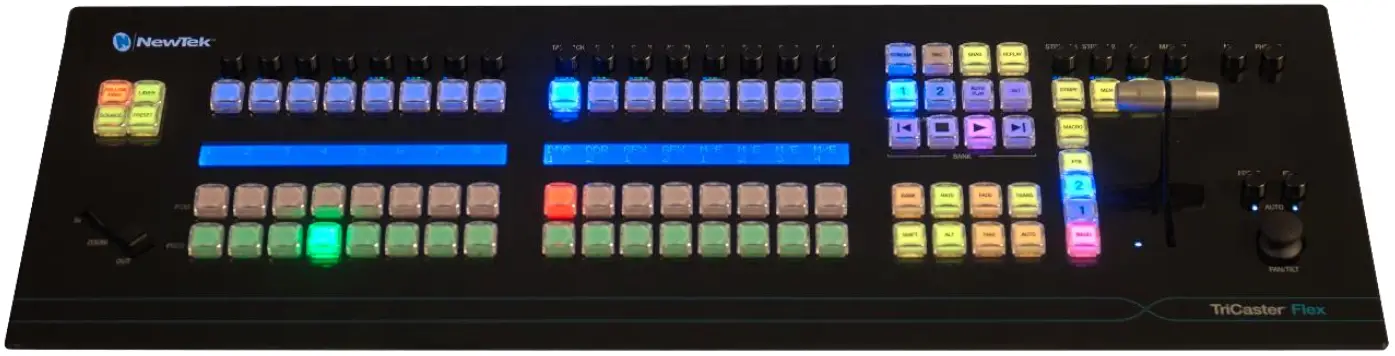
Let’s get started…what’s in the box?
| 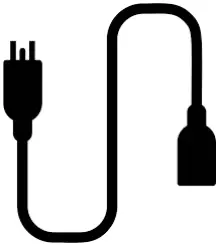 |  |
Flex Control Panel | Removable Power Cable | 6ft Ethernet Cable |
Flex Control Surface Connections Set-Up
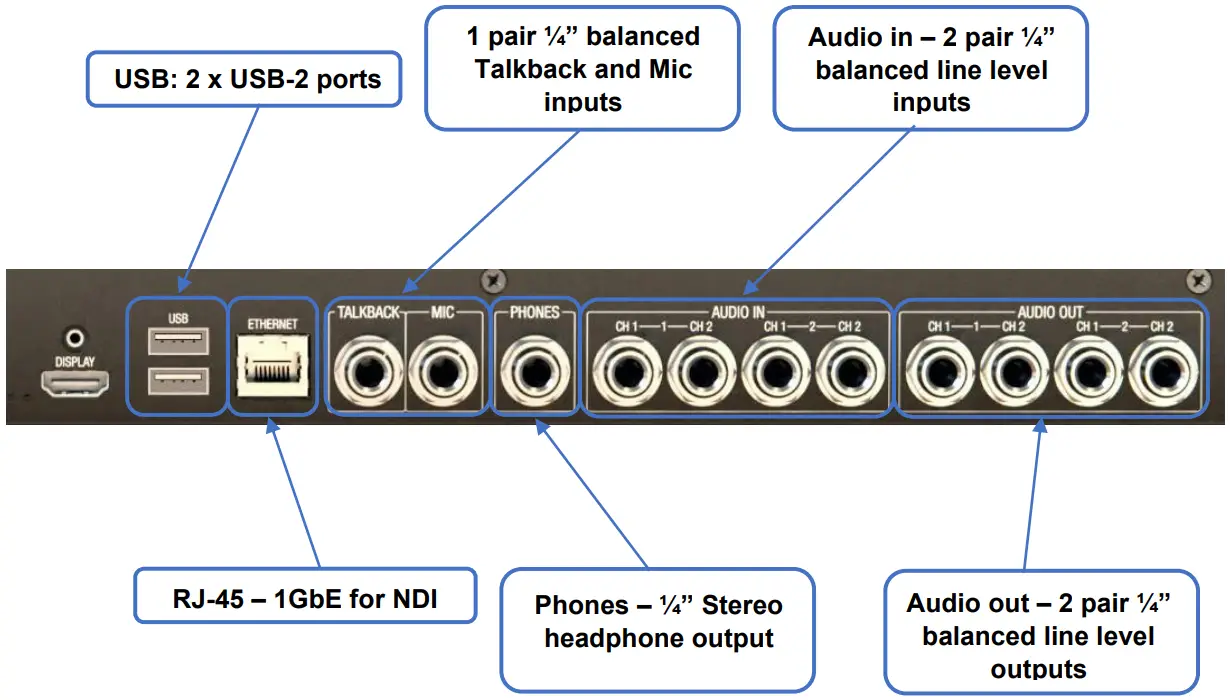
The Flex Control Panel is compatible with all current TriCaster® models. Please visit the dedicated web page for all NewTek Control Panels to see if your TriCaster model is supported.
Please ensure that your TriCaster® is running the latest software version by visiting NewTek Product Updates and Downloads. TriCaster software build 8-0 or later is required for functionality with Flex.
Complete user guides for Flex and all other NewTek products can be found at NewTek Product Updates and Downloads
 NewTek Product Updates and Downloads