
SilverStone FARA V1
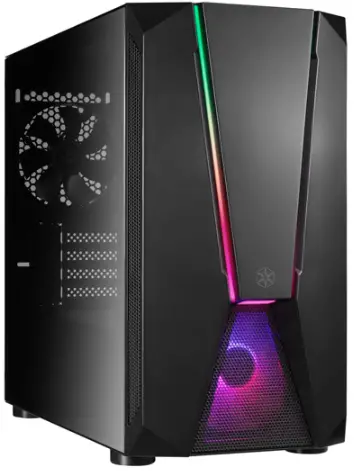
FARA V1
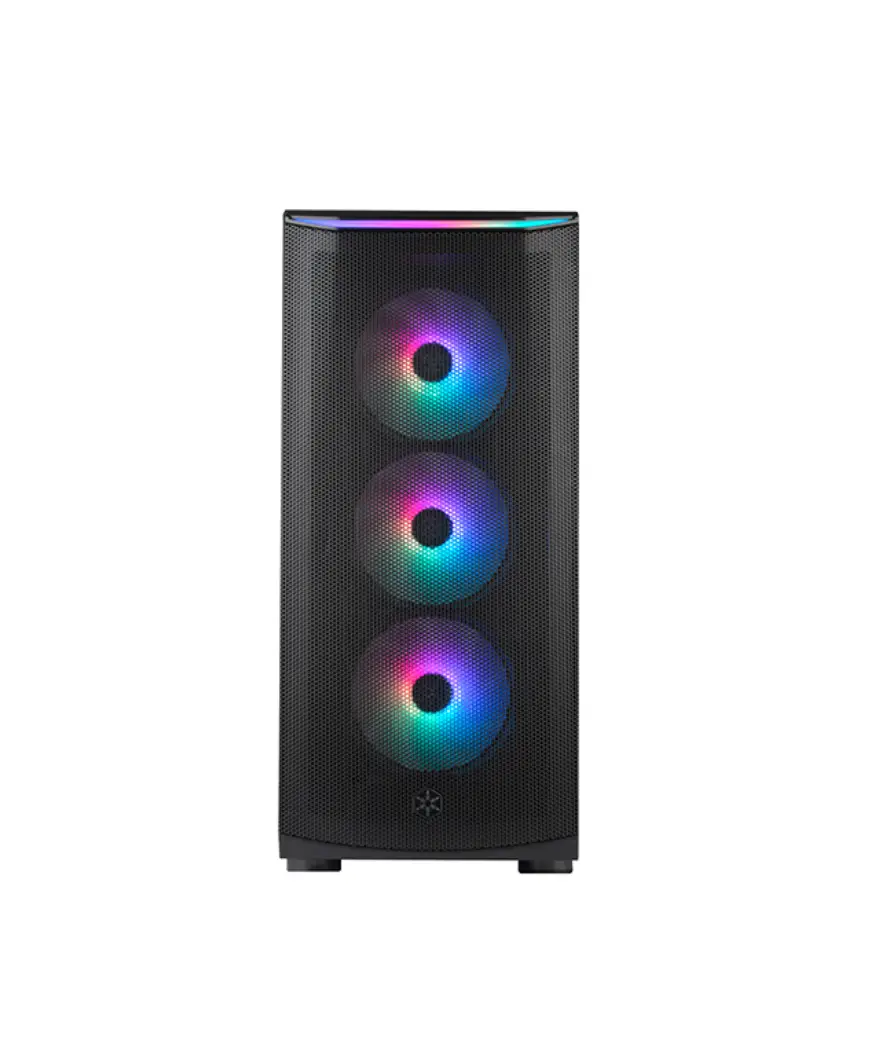
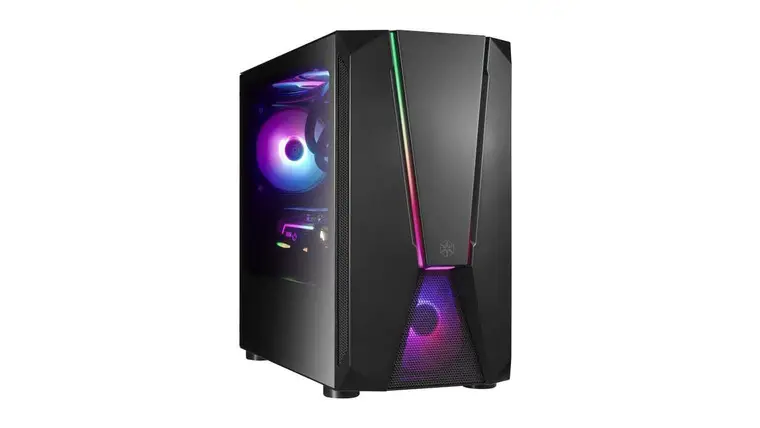
Premium case with substantial airflow, durability and compatibility
Installation instructions based on this model: SST-FAV1MB-PRO
Accessory Content
SSD RUBBER PAD Mounting for 2.5” SSD, motherboard

STANDOFF Motherboard support
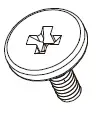
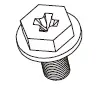
SCW-632-5-∮7-I-HEAD -CROSS-BK
HDD screws
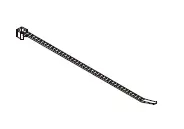
BUNCH WIRE TAPS Bunch wire taps for cable management
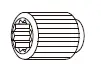
STANDOFF SOCKET WRENCH
Install standoff
SCW-632-5-∮7-I-HEAD -CROSS-BK
Mounting for 2.5” SSD, motherboard

STEP SCREWS Mounting for 2.5” SSD
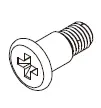
SCW-632*6-HEX-HEAD
- WASHER-TRILOBULAR
- BK
Mounting for PSU, Graphics card, 3.5″ HDD
WARRANTY CARD
Installation Guide
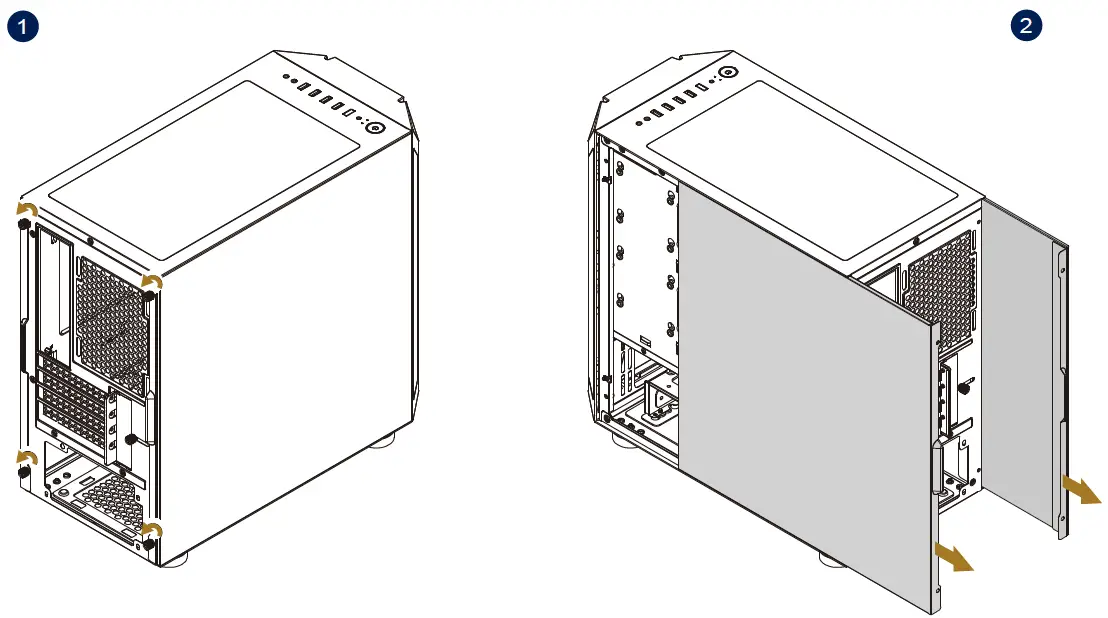
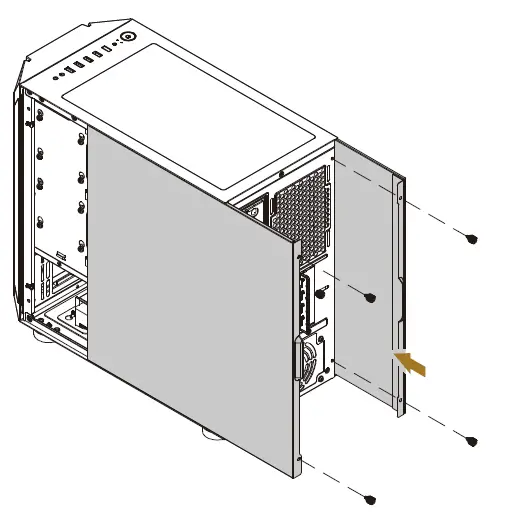
- Remove the screws
- Remove side panels
PSU Installation
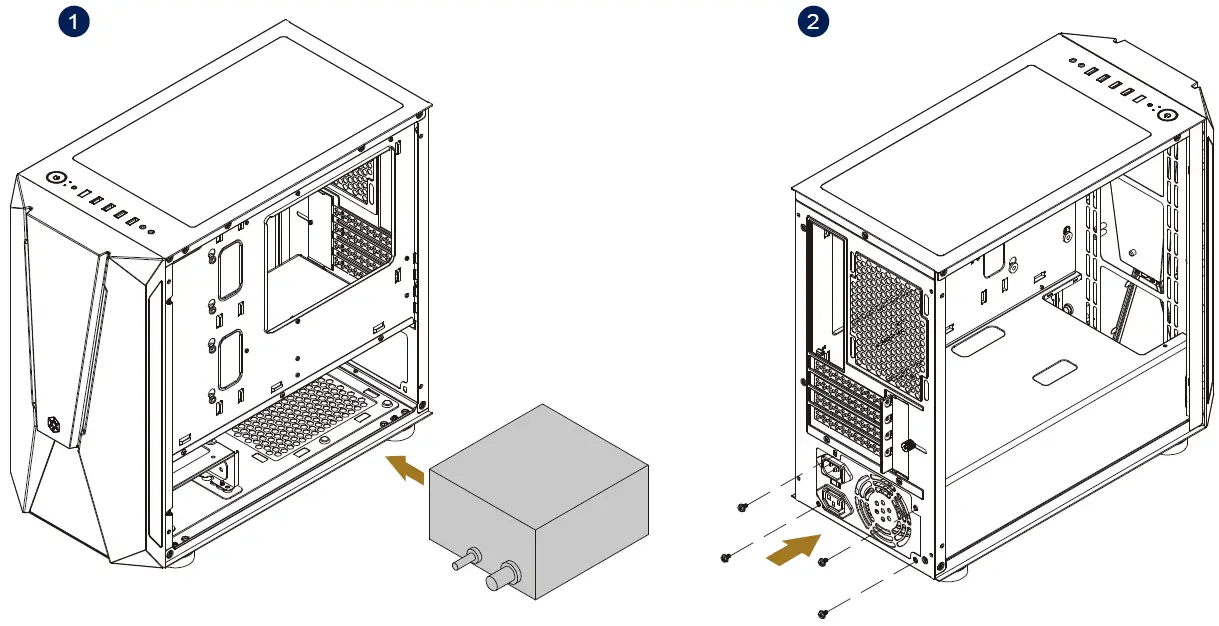
- Install PSU
- Secure PSU with screws
Motherboard Installation
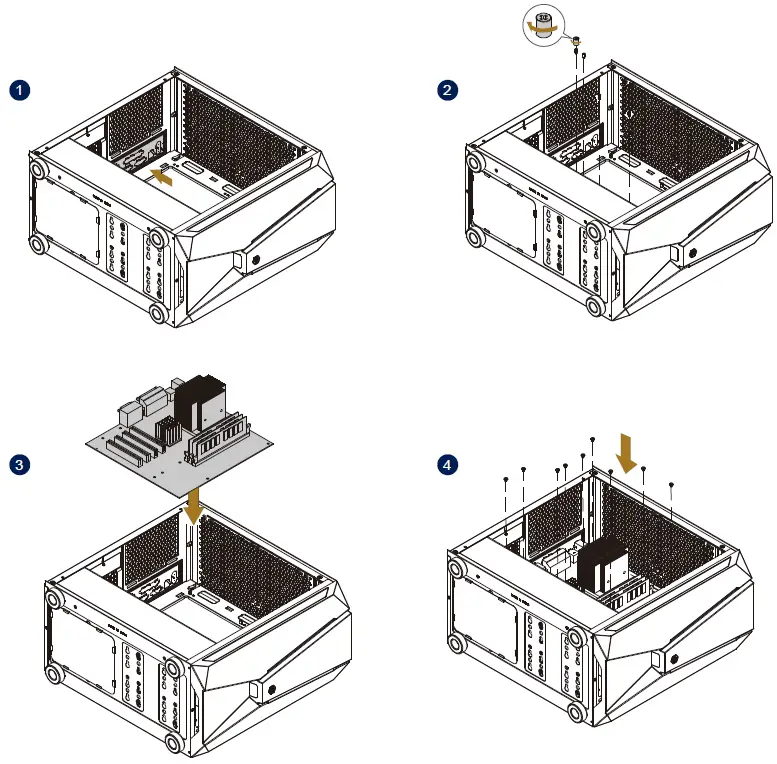
- Install rear I/O shield
- Use the standoff socket wrench to secure mother-board standoff
- Install motherboard
- Secure the screws
Graphics Card Installation
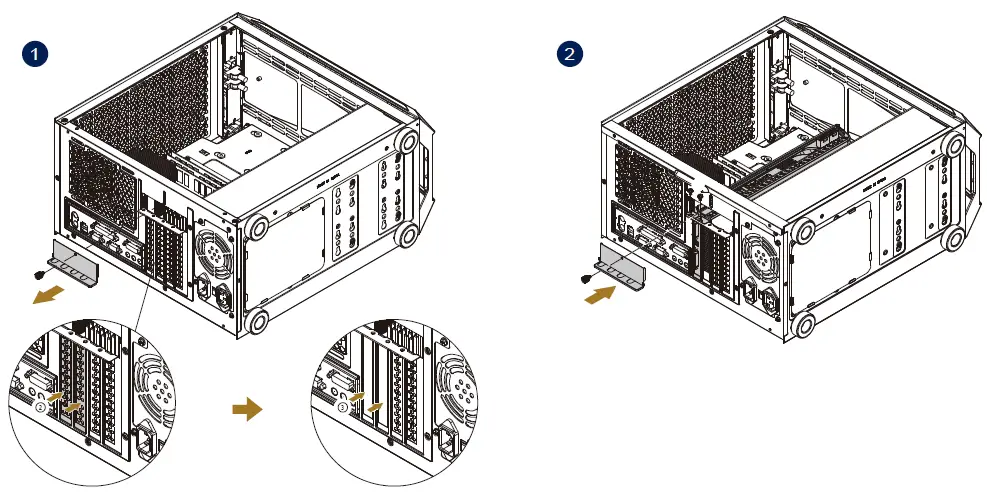
- Remove expansion slot holder and slot cover
- Secure graphics card and expansion slot holder
Storage Device Installation
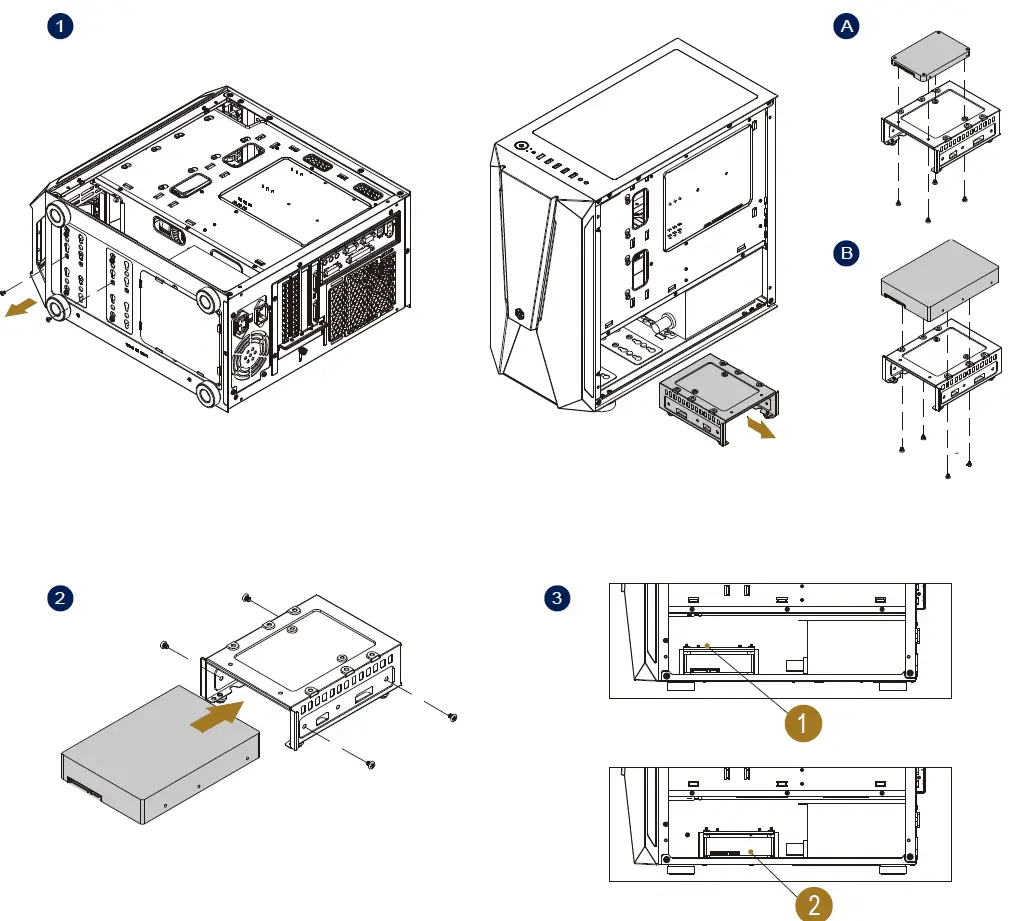
- Remove the bottom 2 HDD cage screws
A. Install 2.5” SSD on top of the cage
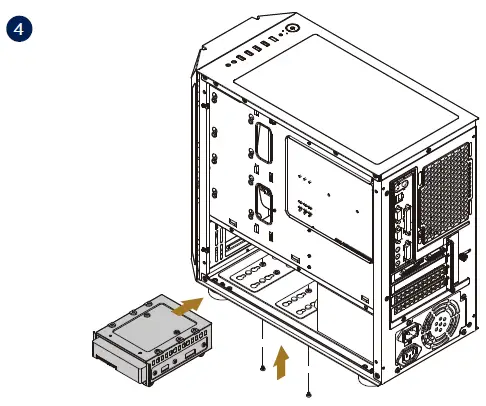
B. Or install 3.5” HDD on top of the cage - Install 3.5” HDD
- Please select the position (1 or 2) you wish to secure the HDD drive cage
- Secure HDD cage
2.5” SSD Installation (Motherboard Tray)
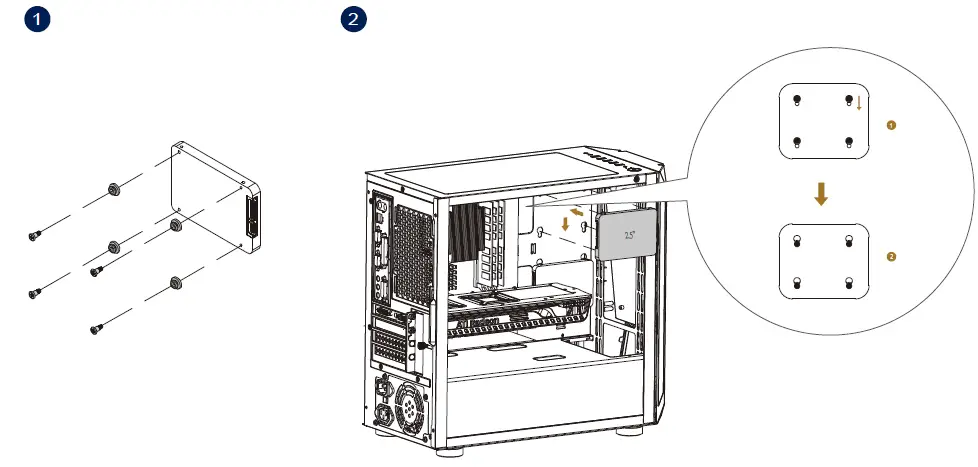
- Secure SSD rubber pads and screws
- Align SSD to the mounting hole, then secure by sliding into the smaller mounting hole side.
ARGB Lighting Connection
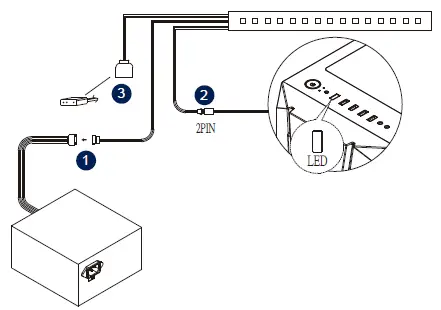
- Connect light strip to PSU
- Connect the light strip’s signal control cable to 2 or 3 *Please ignore step 3 if you do not wish to connect to motherboard for synchronization
Installation Complete
Reinstall side panel and secure screws
Component Restrictions
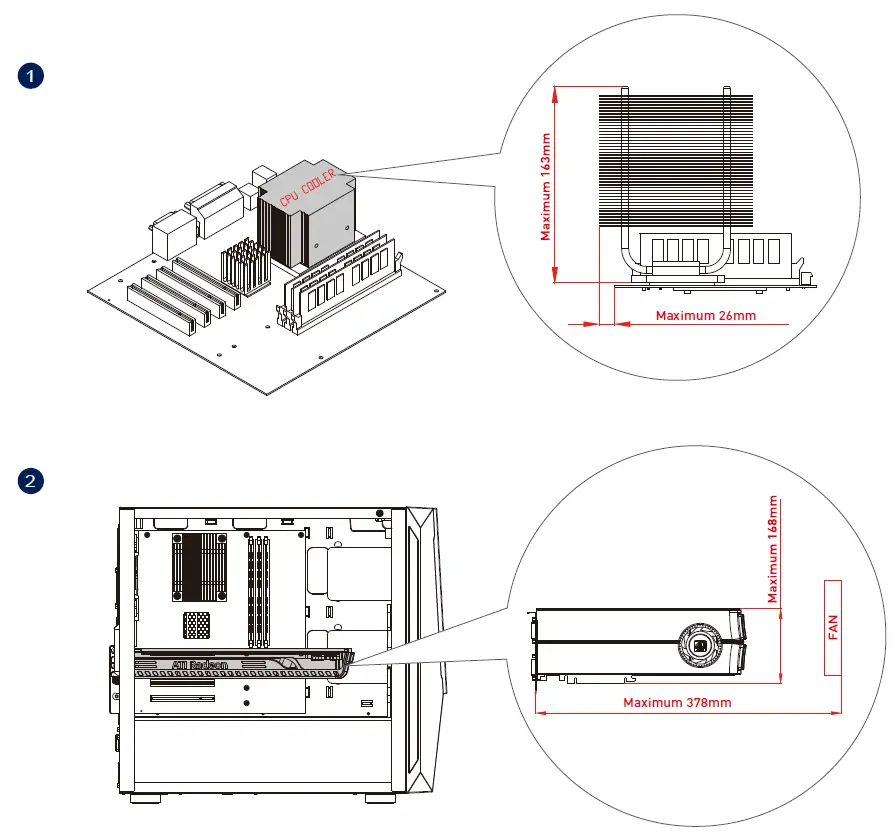
- Cooler height limit is 163mm, cooler is allowed to protrude the edge of motherboard by 26mm
- Graphics card length limit is 378mm (not including the thickness of the front fans), width limit is 168mm
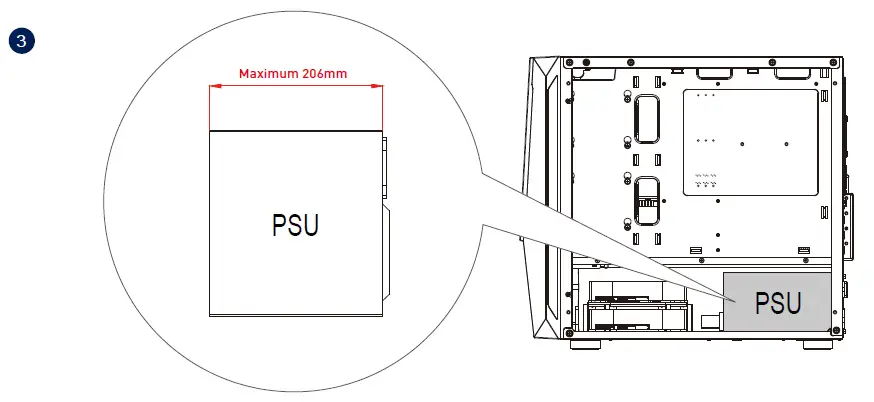
- PSU maximum depth limit is 206mm
- Installing radiator on the top panel
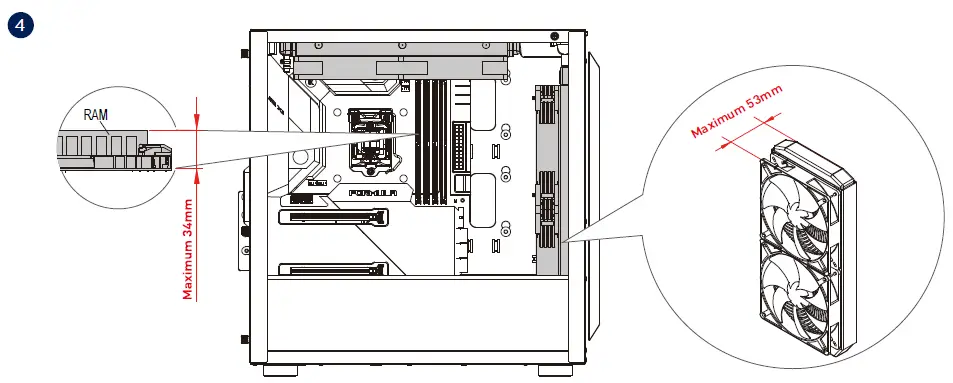
RAM maximum height limit is 34mm, maximum height for other motherboard component is 37mm Installing radiator at the front panel and fans’ maximum thickness limit is 53mm
SSD must be installed first if installing a 140/mm280mm radiator at the front with maximum thickness of 7mm
Optional Installation
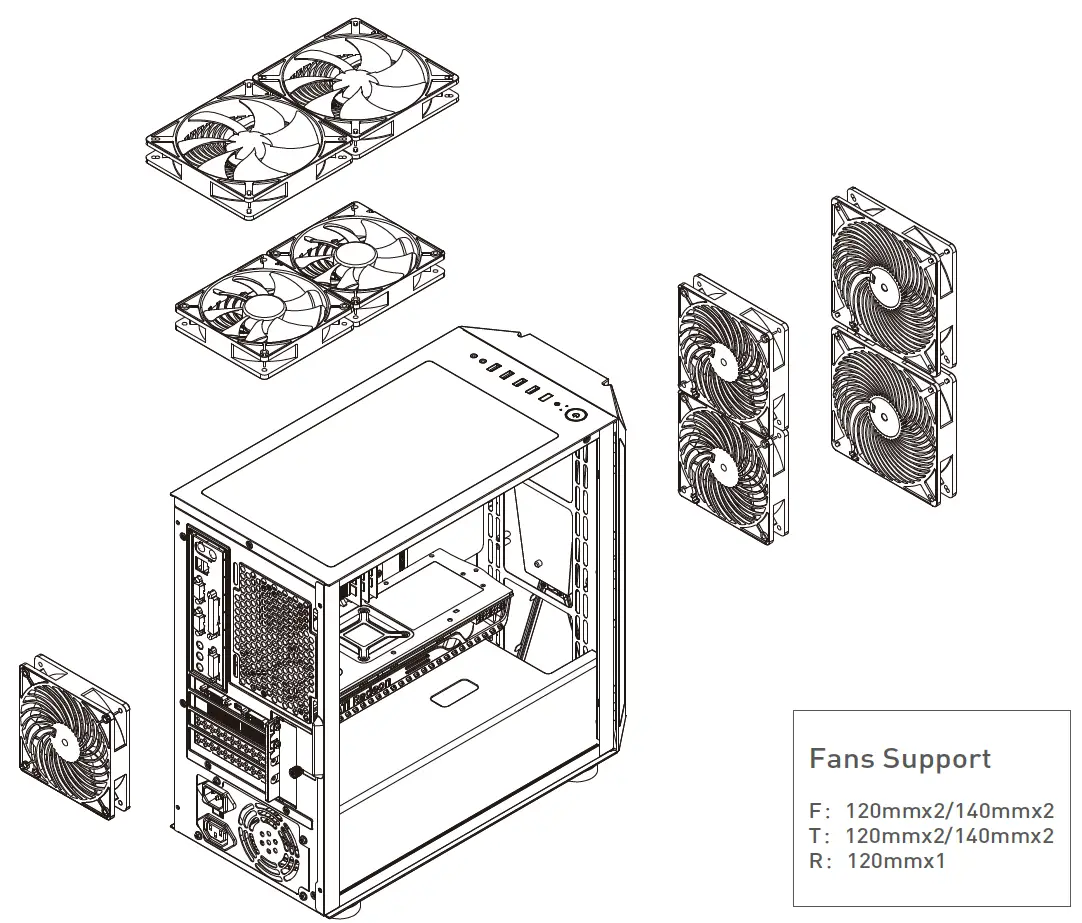
Fans Support
F:120mmx2/140mmx2
T:120mmx2/140mmx2
R:120mmx1
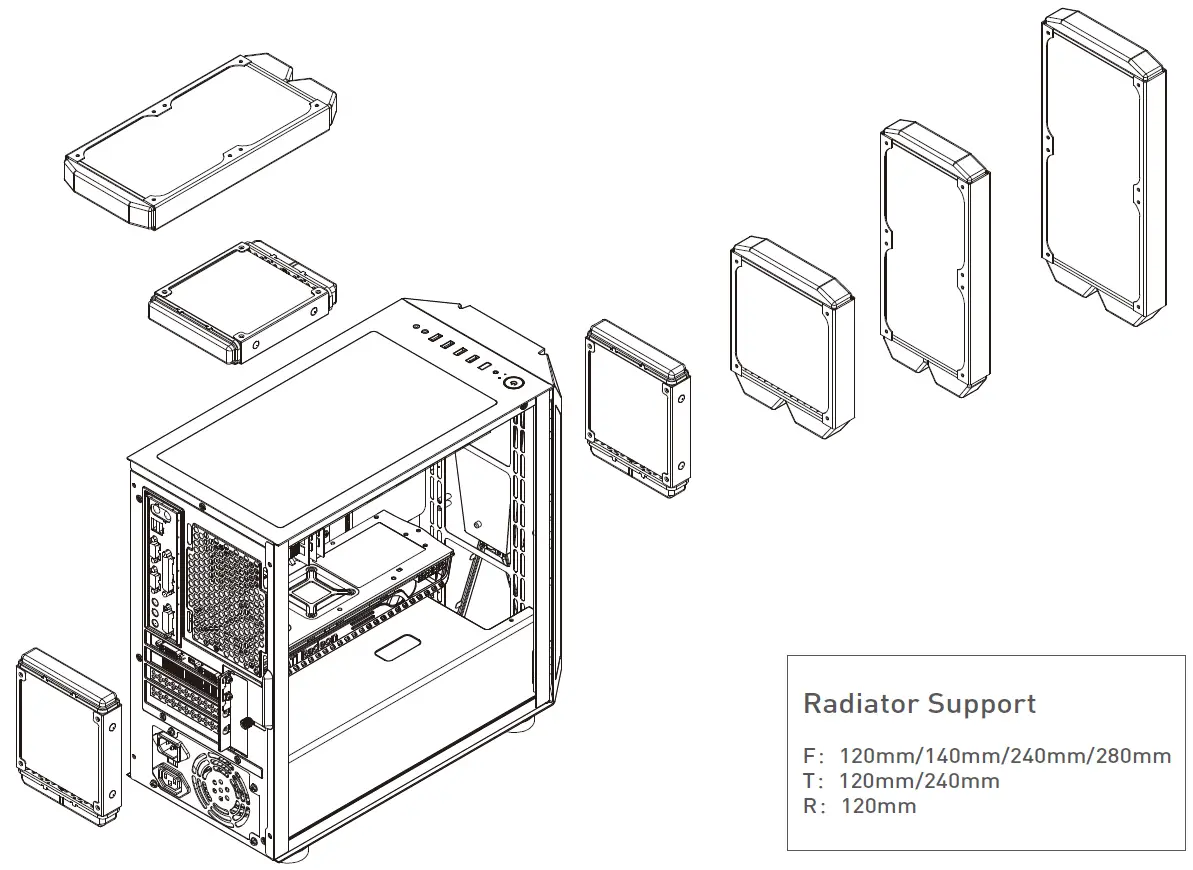
Radiator Support
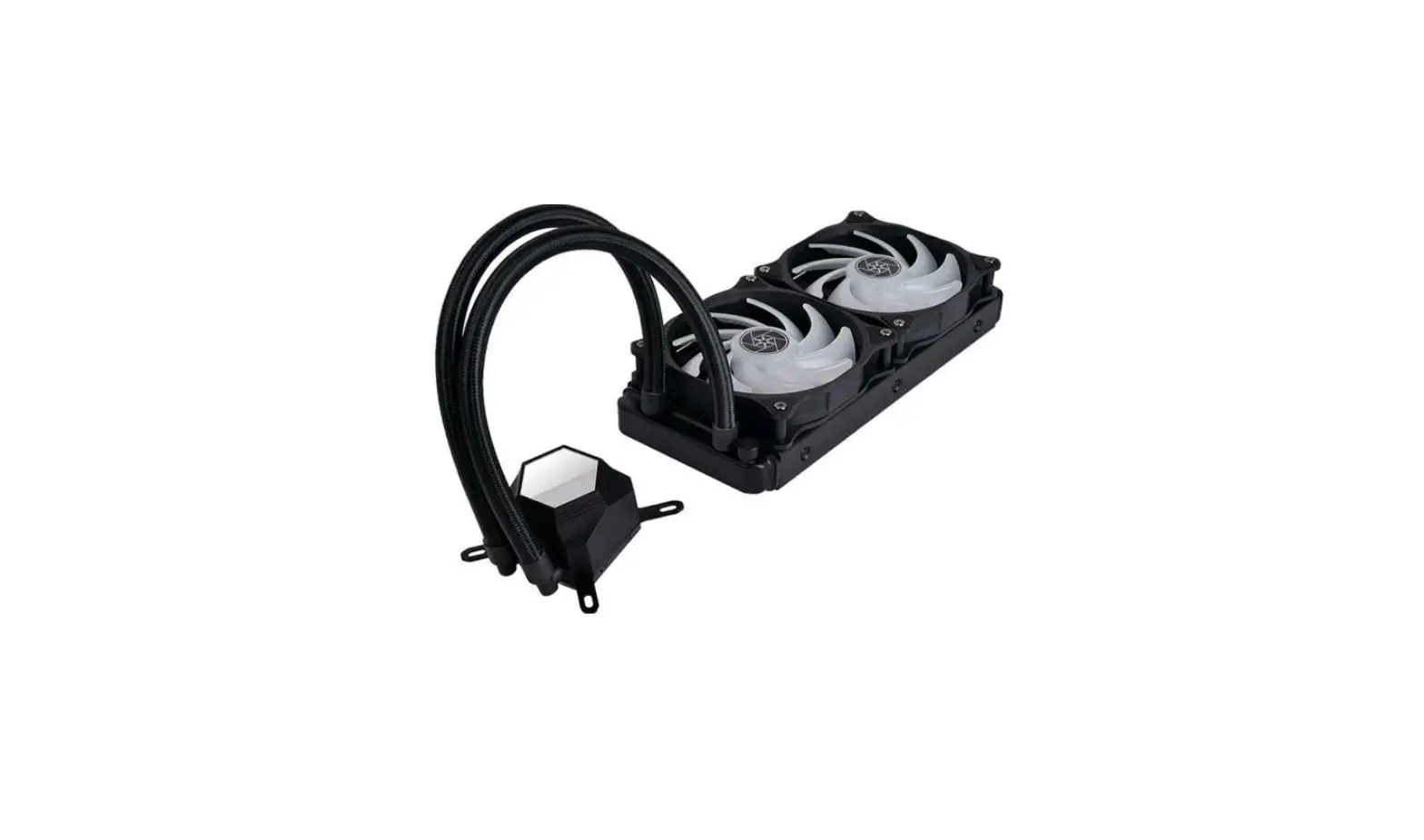
F:120mm/140mm/240mm/280mm T:120mm/240mm
R:120mm
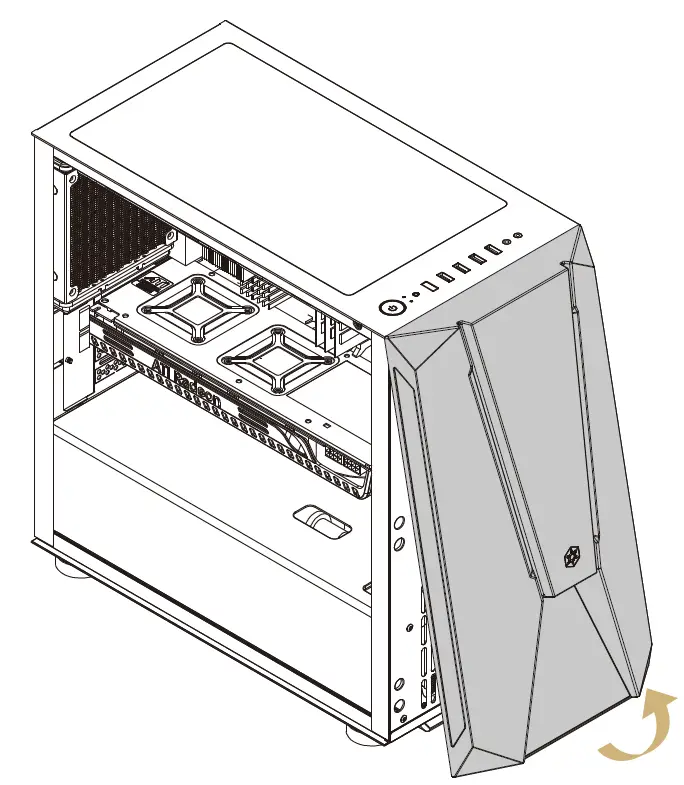
Please remove the front panel first when installing fans or radiator at the front.
SilverStone Technology Co. Ltd
www.silverstonetek.com
[email protected]